USB Mic For Chromebook
-
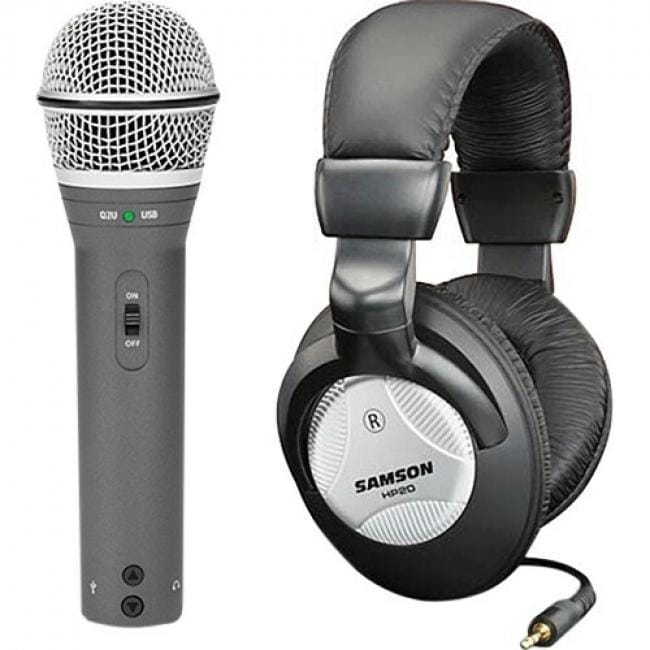
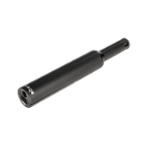
Samson - Q2U Rugged Wired Dynamic Microphone - Gray - 6.56 ft - Mono - 50 Hz to 15 kHz - 32 Ohm -54 dB - Cardioid
SKU: J3GRLY4QSQSee all Computer MicrophonesProduct Description
A rugged gray cardioid dynamic microphone with XLR, mini USB, and mini-phone connectivity for versatile recording.Your price for this item is $99.99 -
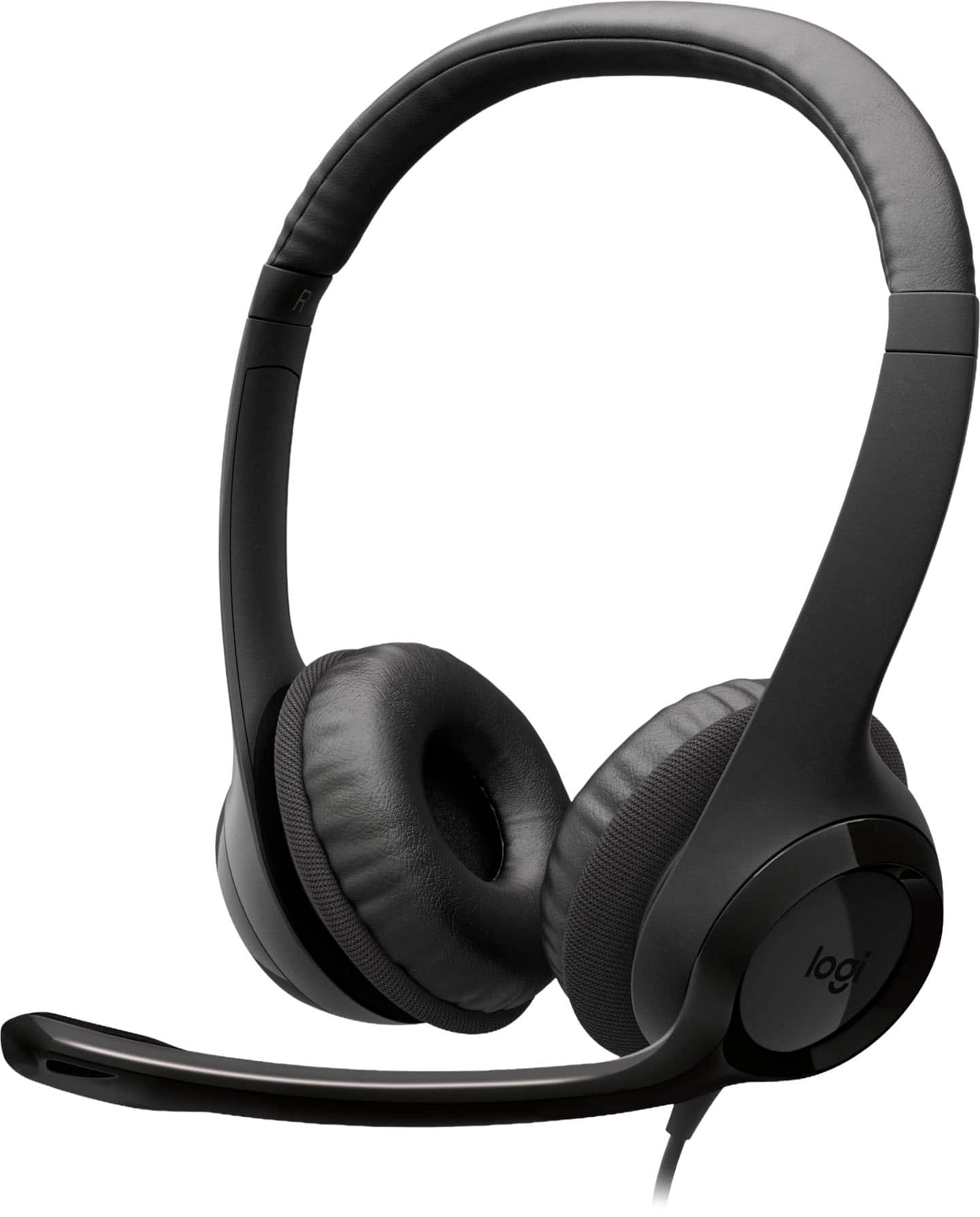
Logitech - H390 Wired USB-C On-Ear Stereo Headphones with Noise Canceling Microphone - Black
SKU: J7H7ZYLX3YThese are the best headphones on the market for my work from home job....I really love it and buy this product.
See all Headsets & MicrophonesProduct Description
A black wired on-ear headset with USB-C, noise-canceling microphone, and convenient inline controls.Your price for this item is $24.46Save $0The previous price was $24.99 -
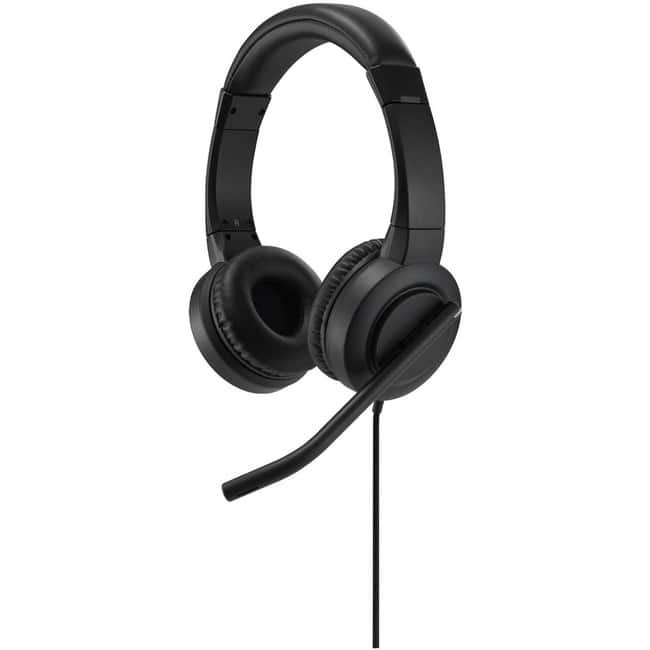
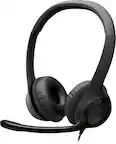
Aluratek - Wired USB Stereo Headset with Boom Mic - Black
SKU: J3L2HX9FHXSee all Headsets & MicrophonesProduct Description
A wired black headset with adjustable headband and noise-cancelling boom mic for clear, distraction-free calls.Your price for this item is $30.25 -
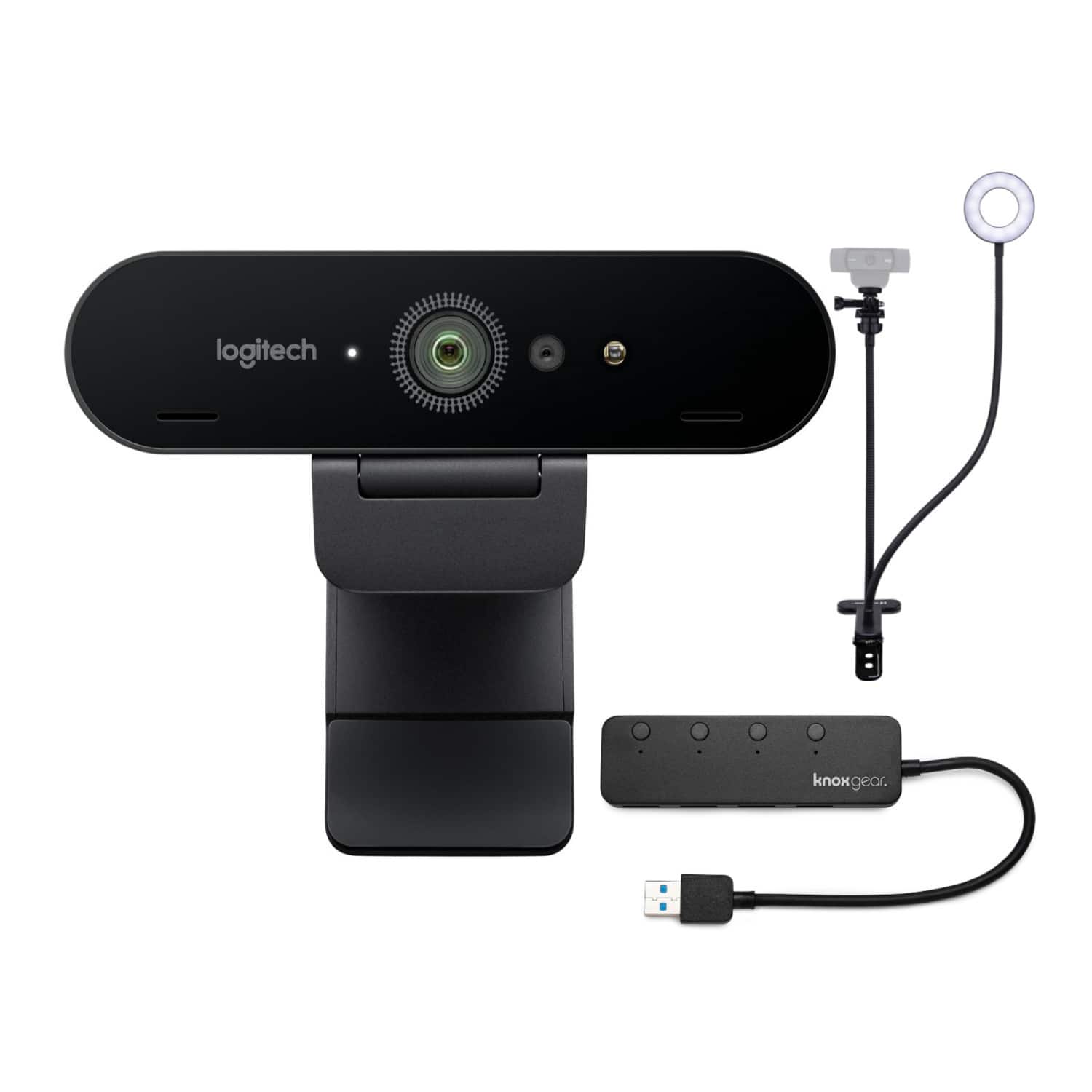
Logitech - Miro 4K Pro Webcam with Webcam Stand and 4-Port 3.0 USB Hub
SKU: JJG2FXLTCZSee all WebcamsProduct Description
A 4K UHD webcam with built-in microphone, plug-and-play setup, stand, and 4-port USB 3.0 hub.Your price for this item is $229.99 -
Kensington - H1000 USB-C On-Ear Headset - Stereo - USB Type C - Wired - 32 Ohm - 20 Hz to 20 kHz - On-ear, Over-the-head - Black
SKU: J7RJZZ5P3CSee all Headsets & MicrophonesProduct Description
A black wired USB-C on-ear headset with noise-canceling microphone, 40mm drivers, and in-line controls.Your price for this item is $83.80Save $4The previous price was $87.99

Best Sellers
Related Pages



FAQ
Most USB microphones are plug-and-play and work seamlessly with the majority of Chromebook models that have a USB port. However, it’s always a good idea to check your Chromebook’s specifications and the microphone’s compatibility details before purchasing.
No special drivers are typically required. Chromebooks automatically recognize most USB microphones, allowing you to use them right away with applications such as Google Meet, Zoom, or audio recording software.
Yes, USB microphones are ideal for both voice recording and video calls on Chromebooks. They offer improved audio quality compared to built-in microphones, making them perfect for podcasts, online meetings, and virtual classrooms.
After plugging in your USB microphone, go to your Chromebook’s settings, navigate to the 'Audio' section, and select your USB mic as the input device. This ensures your Chromebook uses the external microphone instead of the built-in one.
Yes, many USB microphones come with convenient features such as built-in mute buttons, volume controls, and adjustable stands. These features make it easier to control your audio experience and position the mic for optimal sound quality.