Wireless Mouse For Chromebook
-
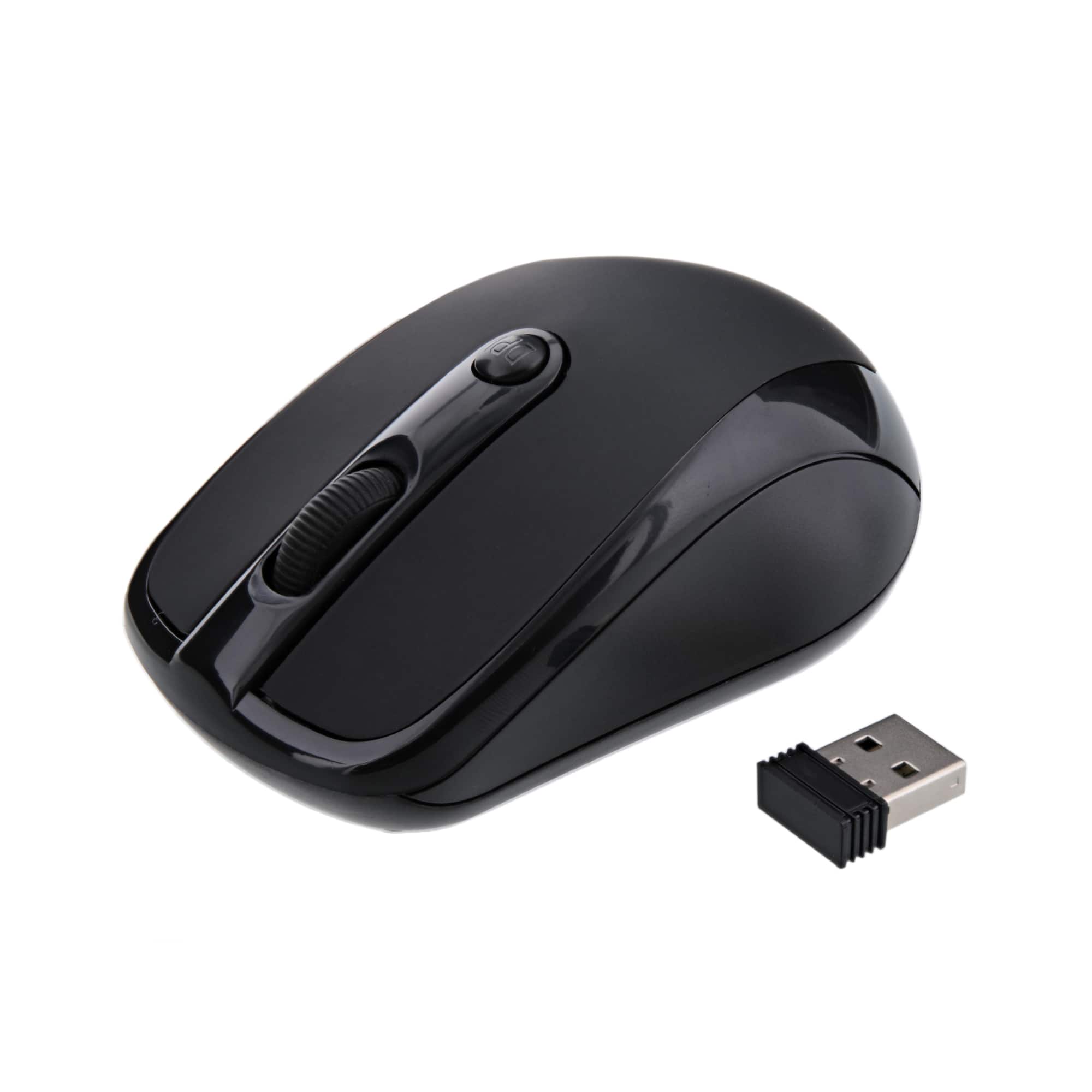
Xtreme - 3 Button 2.4GHz Opitcal Mouse Wireless w/ Nano Receiver - Wireless - Black
SKU: J385T45TZ5See all Wireless & Bluetooth MiceProduct Description
A compact black wireless mouse featuring 2.4GHz connectivity, three buttons, and a convenient nano receiver.Your price for this item is $14.99 -
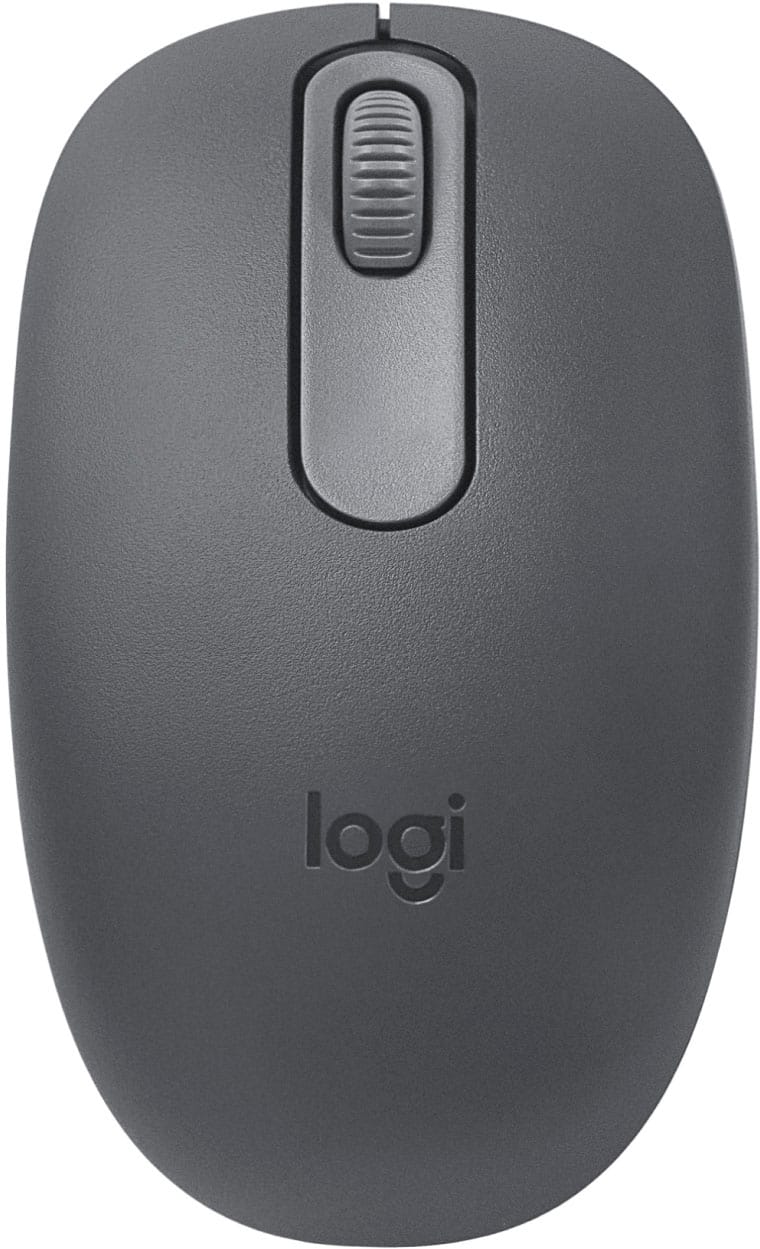
Logitech - M196 Lightweight Bluetooth Wireless Optical Mouse Compact 3-Button Ambidextrous Mouse with Smooth Tracking - Wireless - Graphite
SKU: J7H7ZYG47FI love logi for my pc...I also love shopping with best buy for the great deals! this mouse is inexpensive but is amazing!...Best mouse out there for the price...I needed a mouse that worked with Bluetooth,...
See all MiceProduct Description
A compact graphite wireless mouse featuring Bluetooth connectivity, ambidextrous design, and smooth optical tracking.Your price for this item is $12.99 -
Logitech - M196 Lightweight Bluetooth Wireless Optical Mouse Compact 3-Button Ambidextrous Mouse with Smooth Tracking - Wireless - Off-White
SKU: J7H7ZYG4J9Best mouse...I really like the fact that I don’t have to use a usb port for this mouse works great...THE BEST....Will always be the BEST for me and my family.I even bought for my brother and nephew. They...
See all MiceProduct Description
An off-white, ambidextrous Bluetooth wireless mouse with smooth tracking, three buttons, and eco-friendly recycled plastic.Your price for this item is $12.99 -
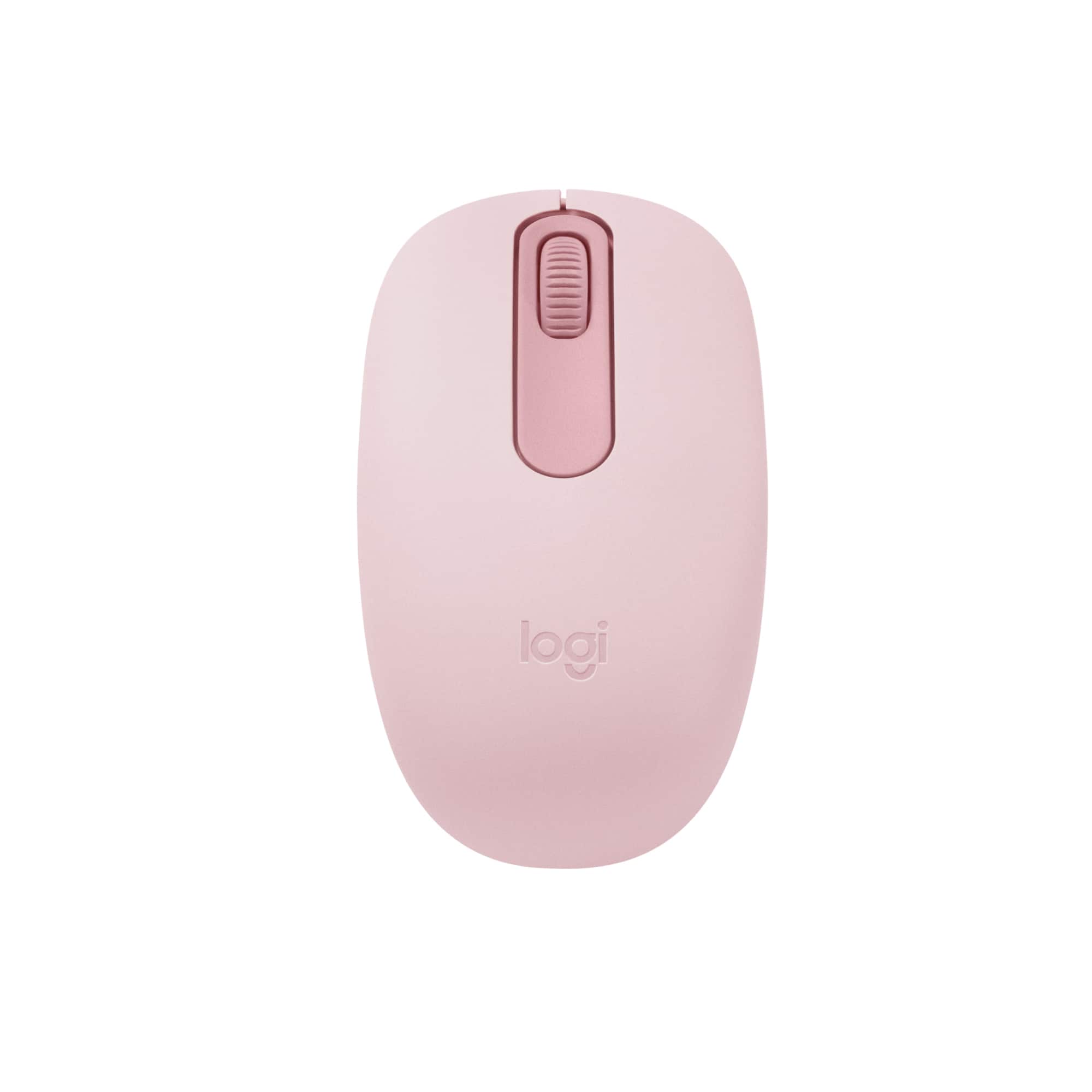
Logitech - M196 Lightweight Bluetooth Wireless Optical Mouse Compact 3-Button Ambidextrous Mouse with Smooth Tracking - Wireless - Rose
SKU: J7H7ZYG4J3I love this little Mouse, its the perfect colour, works really great for a good price....Love me some best buy, i can always get what i want there...Love it works great love the color easy to use thank...
See all MiceProduct Description
A compact rose wireless mouse with Bluetooth connectivity, ambidextrous design, and smooth optical tracking.Your price for this item is $12.99 -
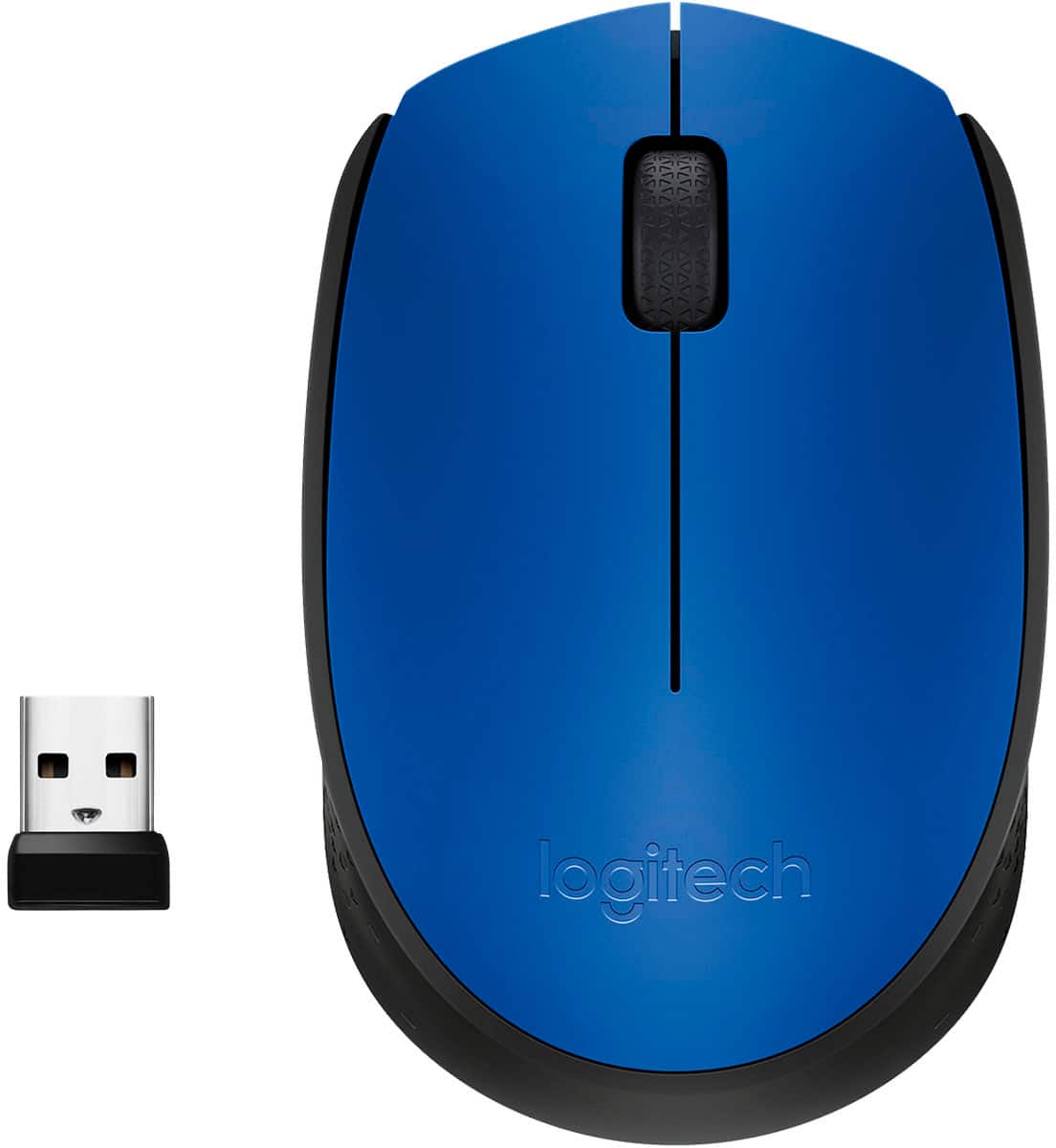
Logitech - M170 Wireless Compact Optical Ambidextrous Mouse - Wireless - Blue
SKU: J7H7ZYCZCSWorks great...The M170 Wireless mouse works great. I've had it about a month now and I like it a lot.
See all Wireless & Bluetooth MiceProduct Description
A compact blue wireless mouse with ambidextrous design, 1000 DPI sensitivity, and plug-and-play setup.Your price for this item is $28.19 -
Logitech - Design Collection Limited Edition Wireless 3-button Ambidextrous Mouse with Colorful Designs - Wireless - Forest Floral
SKU: J7H7ZY82G2See all Wireless & Bluetooth MiceProduct Description
A compact, ambidextrous wireless mouse featuring a vibrant Forest Floral design and smooth, precise control.Your price for this item is $35.08 -
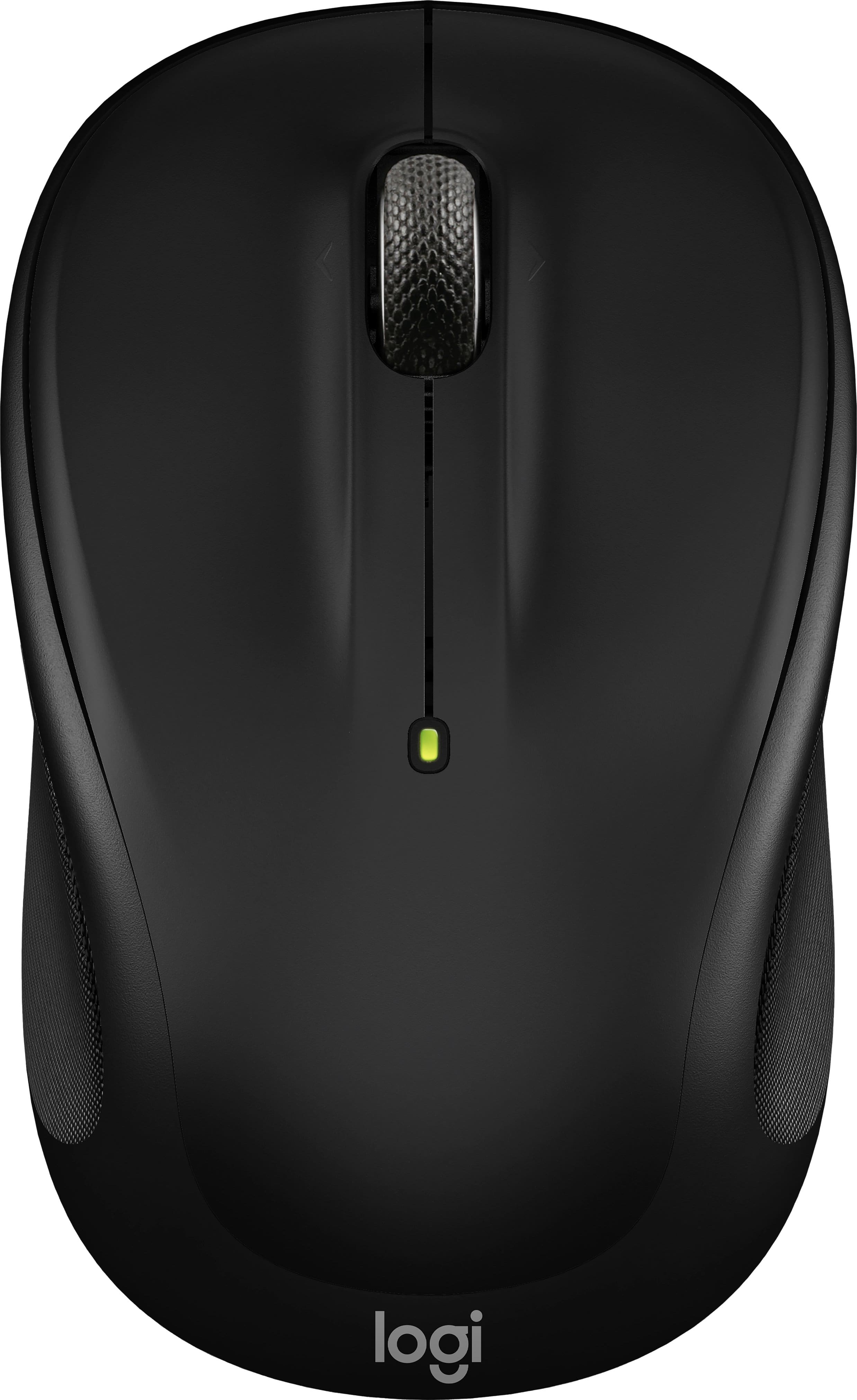
Logitech - M325s Wireless Optical Compact Ambidextrous Mouse - Wireless - Black
SKU: J7H7ZYGV6JLove Logitech Mouse, Great Price and always east to plug and go....Great mouse...I bought this mouse at Best Buy and it is great. I highly recommend it.
See all MiceProduct Description
A wireless black compact mouse featuring ambidextrous design, micro-precise scrolling, and up to 18 months' battery life.Your price for this item is $22.99 -
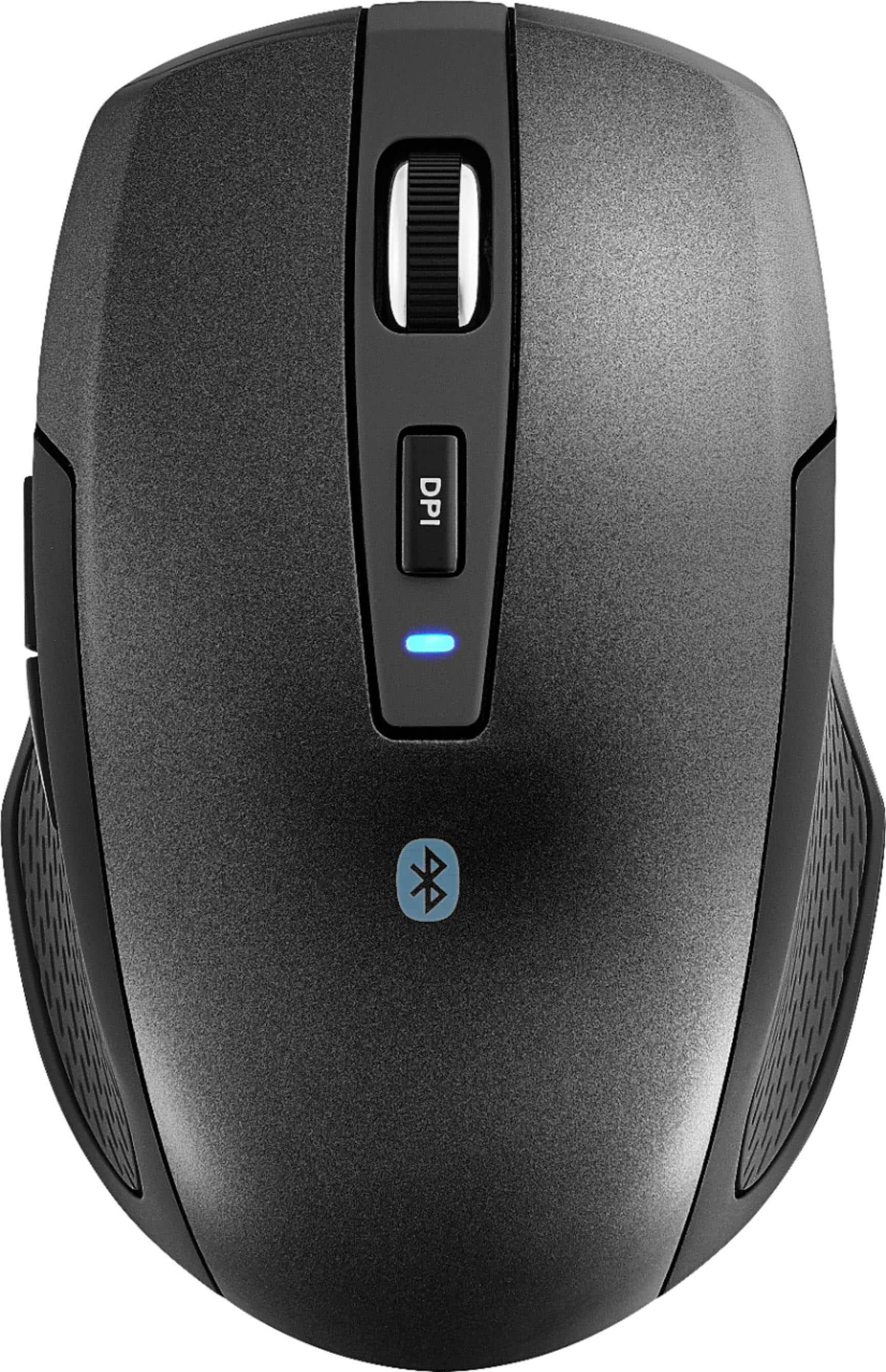
Best Buy essentials™ - Lightweight Bluetooth Optical Standard Ambidextrous Mouse with 6-Button - Wireless - Black
SKU: J2FPJKSK2JLove it. Lightweight and very responsive....Love it. Lightweight and very responsive. Best purchase of the year....Love it...Love it,It connects to two devices.The best purchase I made
See all All Best Buy EssentialsProduct Description
A wireless black Bluetooth mouse with six buttons, ambidextrous design, and precise 1600 DPI optical tracking.Your price for this item is $16.99 -
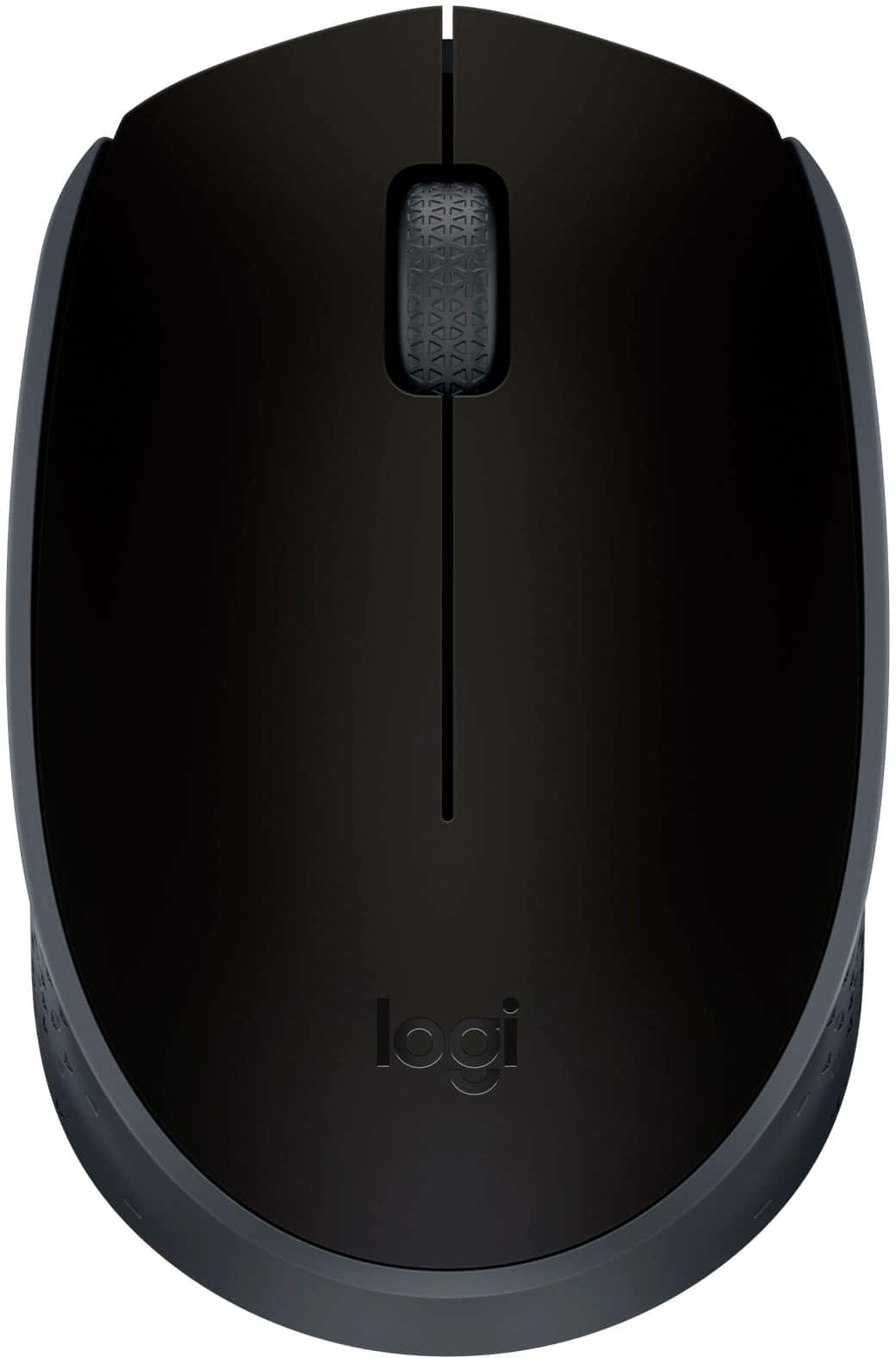
Logitech - M170 Wireless Compact Optical Ambidextrous Mouse - Wireless - Black
SKU: J7H7ZYCFT3I’m in love with this wireless mouse ! Great price and the quality is the best !...Great mouse for beginners!Thank for best shopping on best buy....Great price...Great
See all MiceProduct Description
A compact, ambidextrous black wireless mouse offering plug-and-play convenience and up to 12-month battery life.Your price for this item is $14.99


Best Sellers







Related Pages


FAQ
Most wireless mice that use USB receivers or Bluetooth are compatible with Chromebooks. However, it's always best to check the product specifications to ensure Chromebook compatibility.
No additional software is usually required. Chromebooks automatically recognize most wireless mice once they are connected via USB receiver or paired through Bluetooth.
To connect a Bluetooth mouse, go to your Chromebook's settings, select 'Bluetooth,' make sure it is turned on, and then select your mouse from the list of available devices.
You can pair multiple wireless mice with your Chromebook, but only one will control the cursor at a time. Switching between them is as simple as moving or clicking the desired mouse.
A wireless mouse provides greater flexibility and mobility, reduces cable clutter, and often offers improved ergonomics and precision compared to a Chromebook's built-in trackpad.