Wireless Mouse For MacBook Air
-
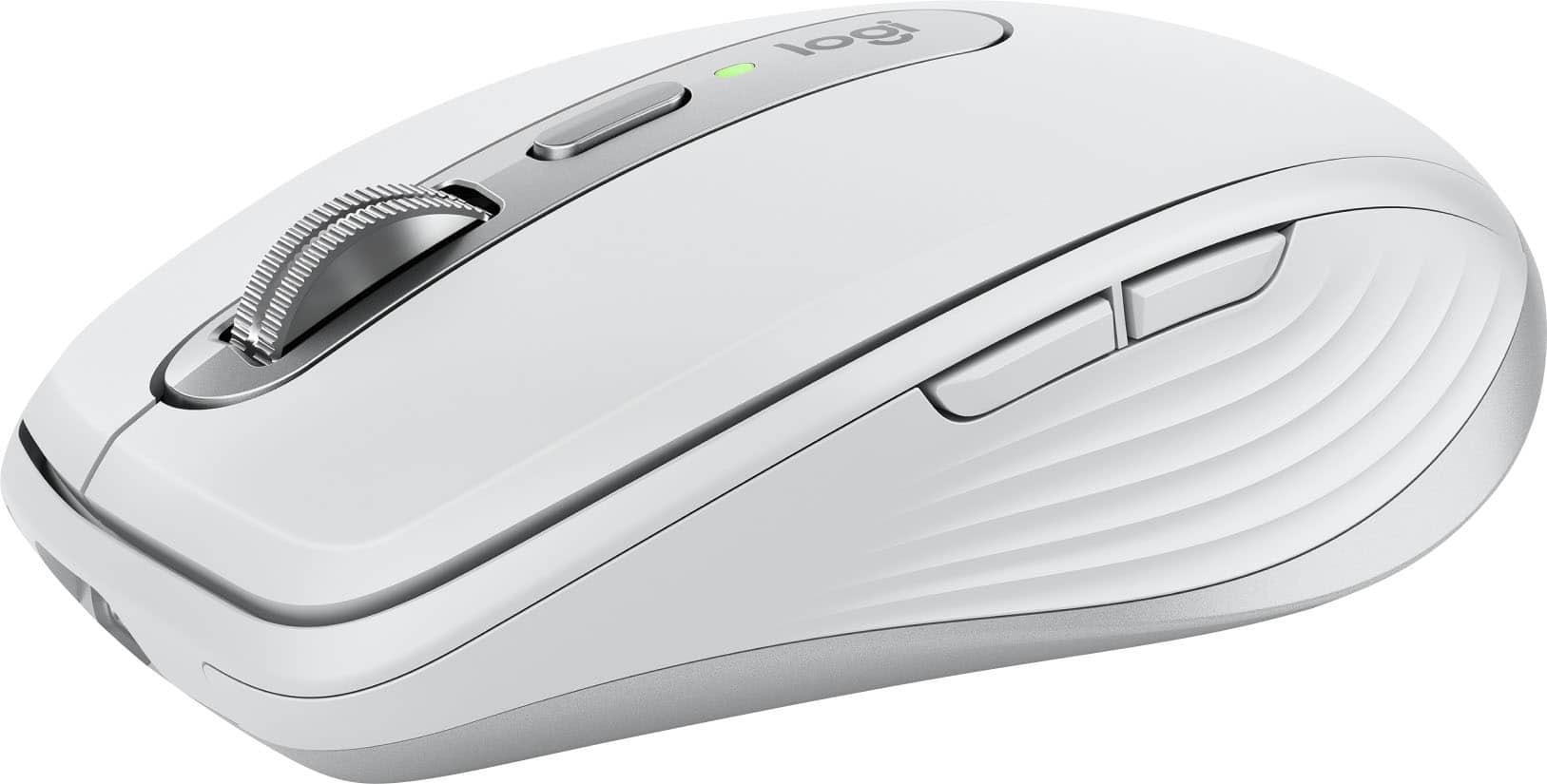
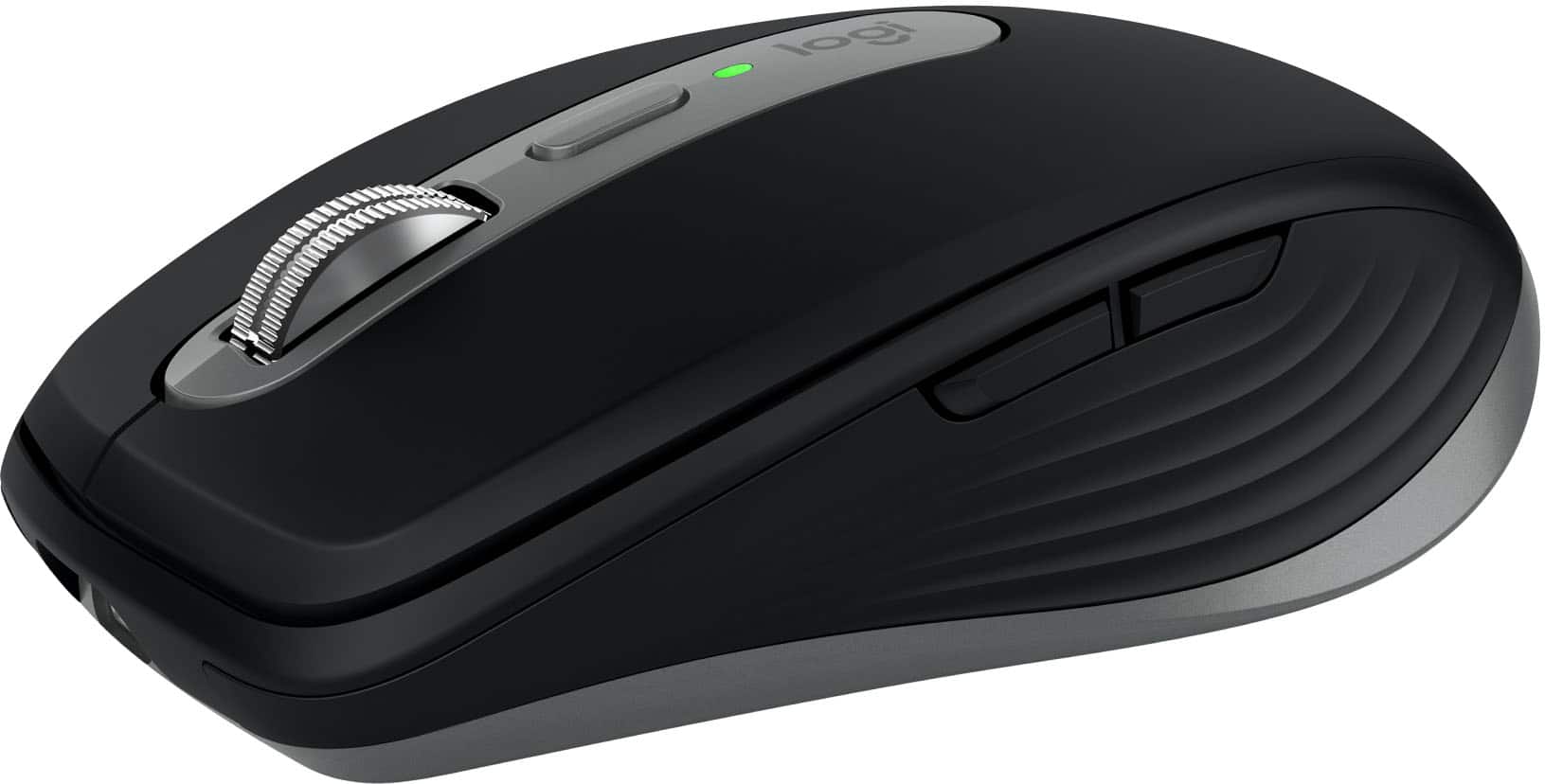
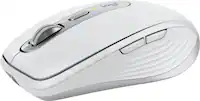
Logitech - MX Anywhere 3S for Mac Wireless Bluetooth Optical Fast Scrolling Mouse with Programmable Buttons - Wireless - Pale Gray
SKU: J7H7ZY8KRLGreat buy. The best thing I bought to go along with my Mac laptop...Love it...I love the smooth feeling and touch it has. It's my new favorite mouse.
See all MiceProduct Description
A compact pale gray wireless mouse with quiet clicks, 8K DPI tracking, and programmable buttons for Mac.Your price for this item is $89.99 -
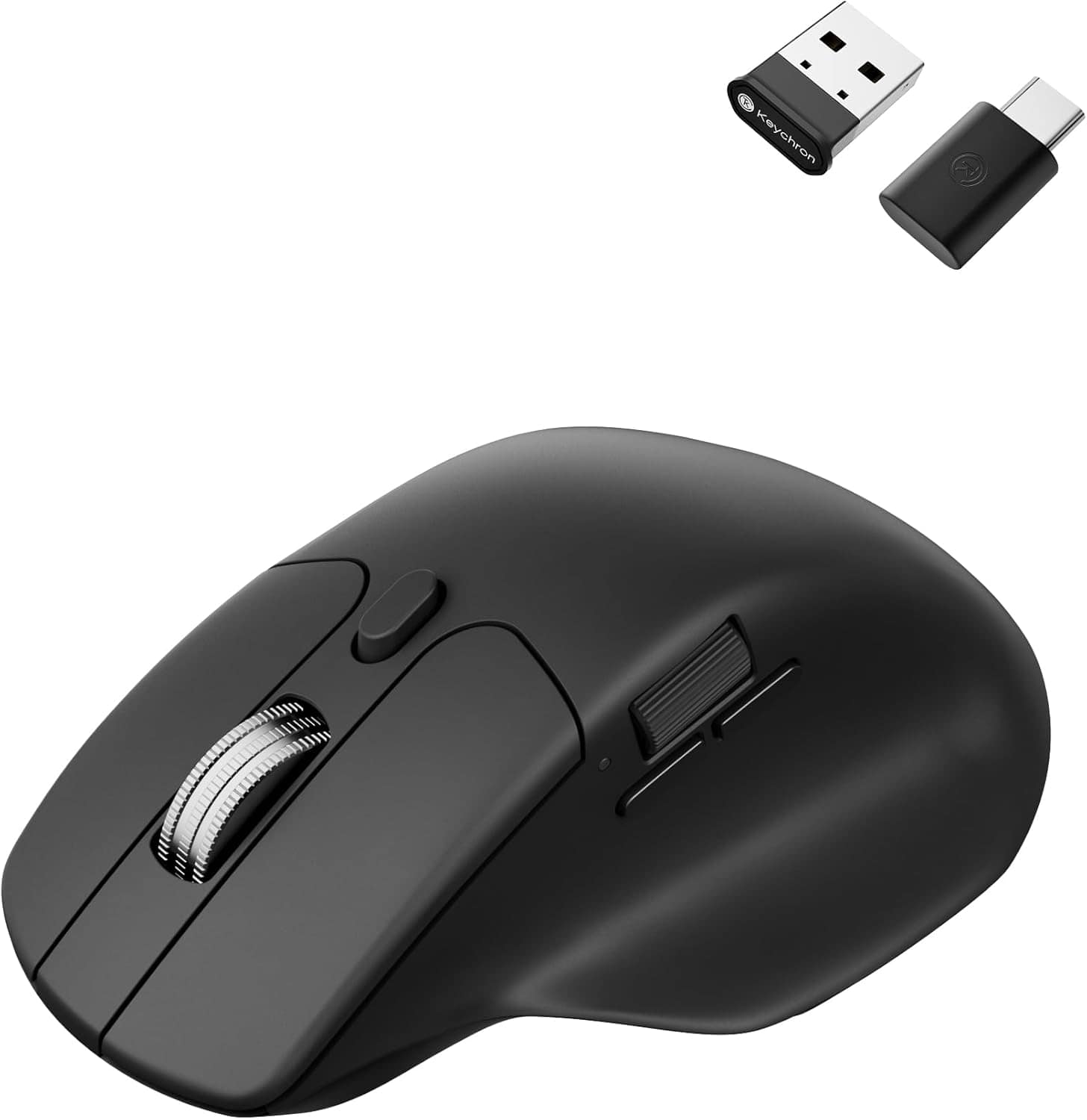
Keychron - M6 Ergonomic Wired & Wireless Laser Mouse w/ Macro Button & Fast-Scrolling Metal Wheel, For Windows PC & Mac - Wired - Black
SKU: CGJVZ4YC3GI’ve gotta say, after searching for the 100’s of mouses for my set up, this has got to be the best one...I’d buy it 100x over what a great product....The best...Love it!
See all Wireless & Bluetooth MiceProduct Description
An ergonomic black wireless mouse featuring Bluetooth, wired options, and over ten programmable macro buttons.Your price for this item is $49.99 -
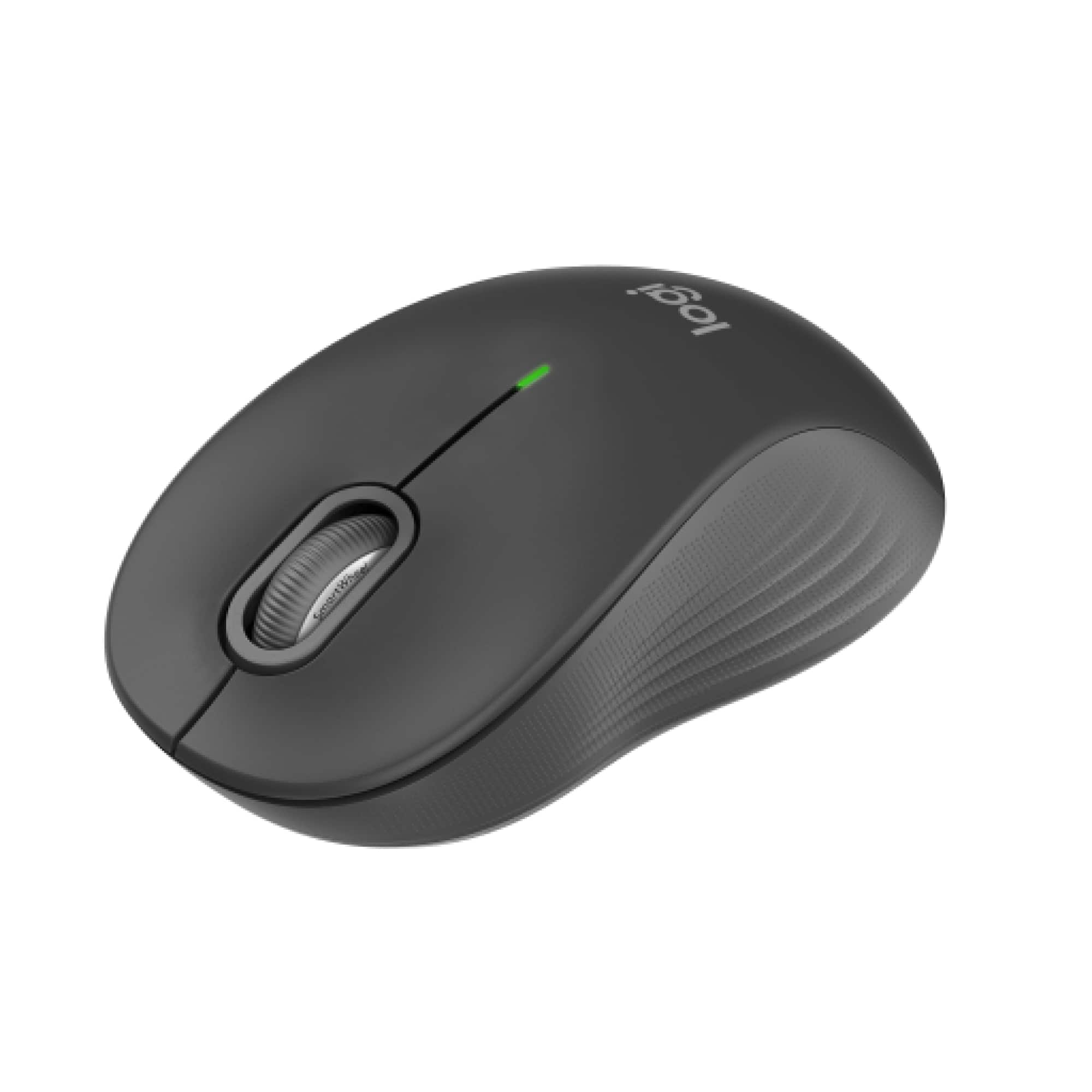
Logitech - Signature M550 Wireless Bluetooth Optical Ambidextrous Mouse with Silent Clicks - Wireless - Graphite
SKU: J7H7ZY8R64Works great...Love this Logitech mouse. Easy to setup and works great....Love this Logitech Bluetooth Mouse!...Love this mouse! It's very smooth and works great with the MacBook Air M4!
See all MiceProduct Description
A wireless ambidextrous mouse in graphite featuring silent clicks, Bluetooth connectivity, and a contoured comfort design.Your price for this item is $29.99 -
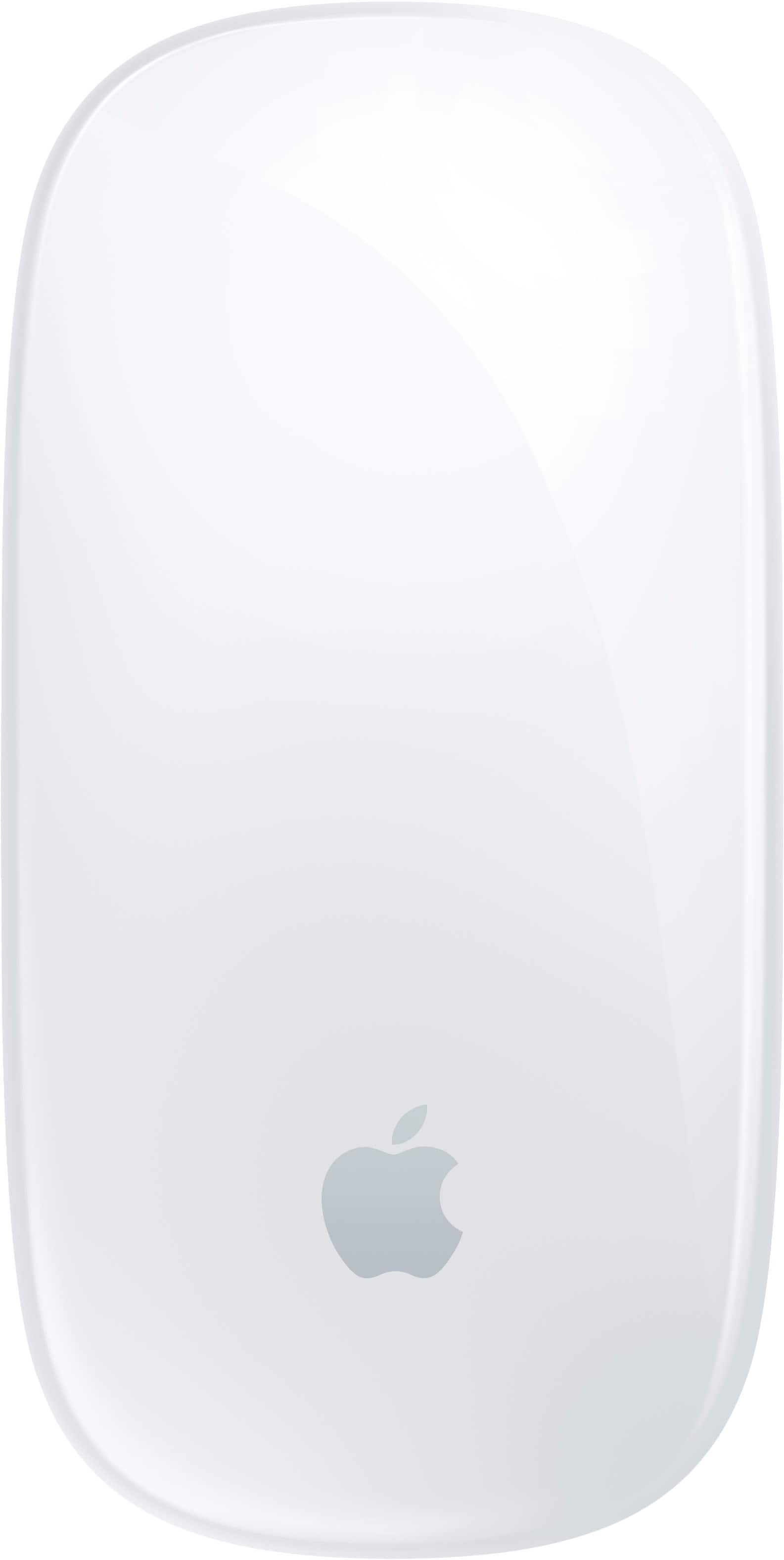
Apple - Magic Mouse - Multi-Touch Surface (USB-C) - Wireless - White Multi-Touch Surface
SKU: JJGCQ8CVPLBest mouse i use it everyday for photo editing and i love the touch system...Love this mouse...Best mouse for my MacBook Pro or any Apple MacBook or computer
See all MiceProduct Description
A wireless white mouse with a rechargeable battery and Multi-Touch surface for intuitive gesture controls.Your price for this item is $79.99 -
Logitech - MX Anywhere 3S for Mac Wireless Bluetooth Optical Fast Scrolling Mouse with Programmable Buttons - Wireless - Space Gray
SKU: J7H7ZY8KRQGreat mouse to Neo....This mouse works great! I have had many mice. This one is the best!...Best mouse i own so far...While I typically opt for standard mouses. this one stands out as the best purchase...
See all MiceProduct Description
A compact, space gray wireless mouse with quiet clicks, 8K DPI tracking, and programmable buttons for Mac.Your price for this item is $89.99 -
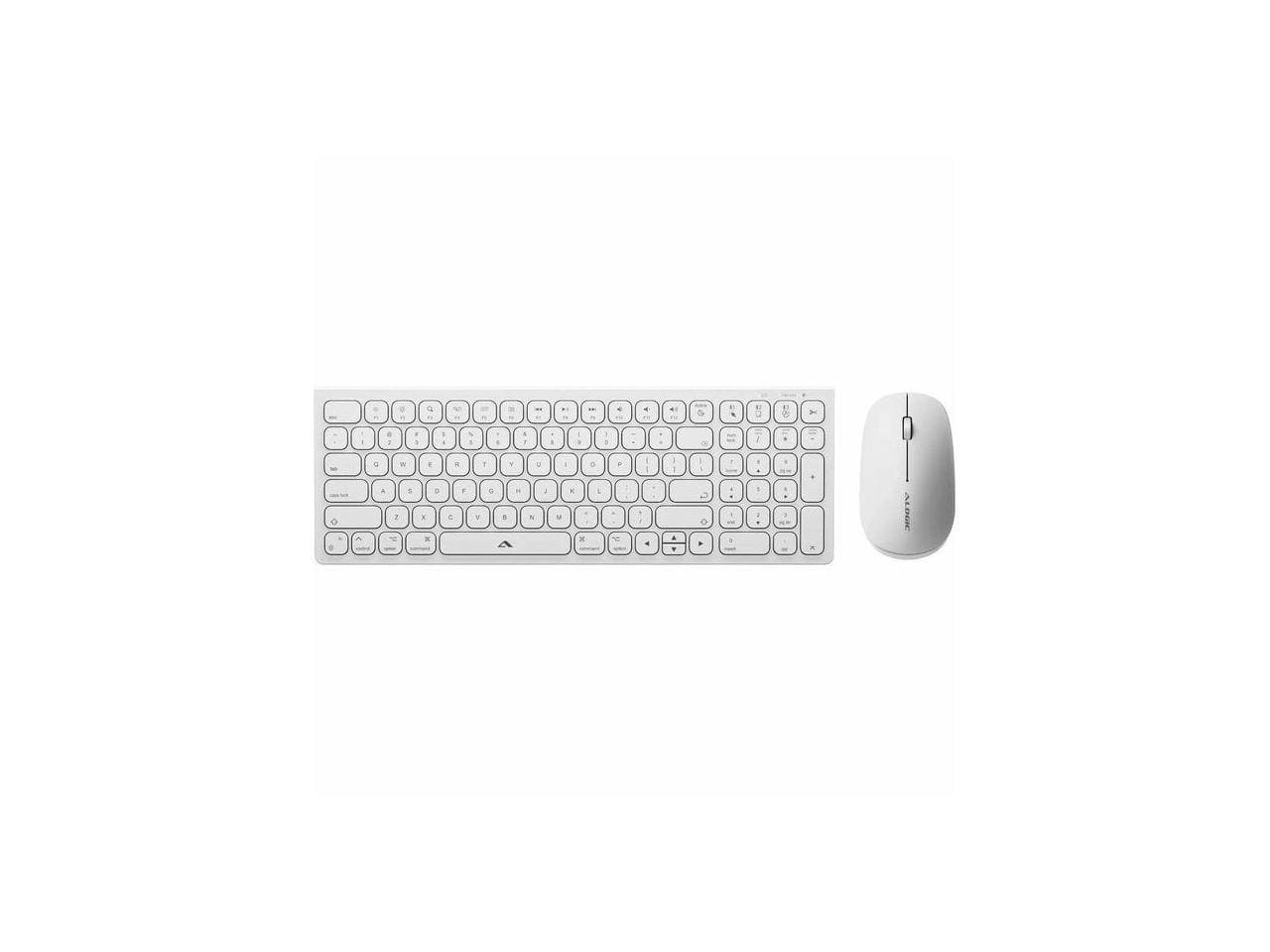
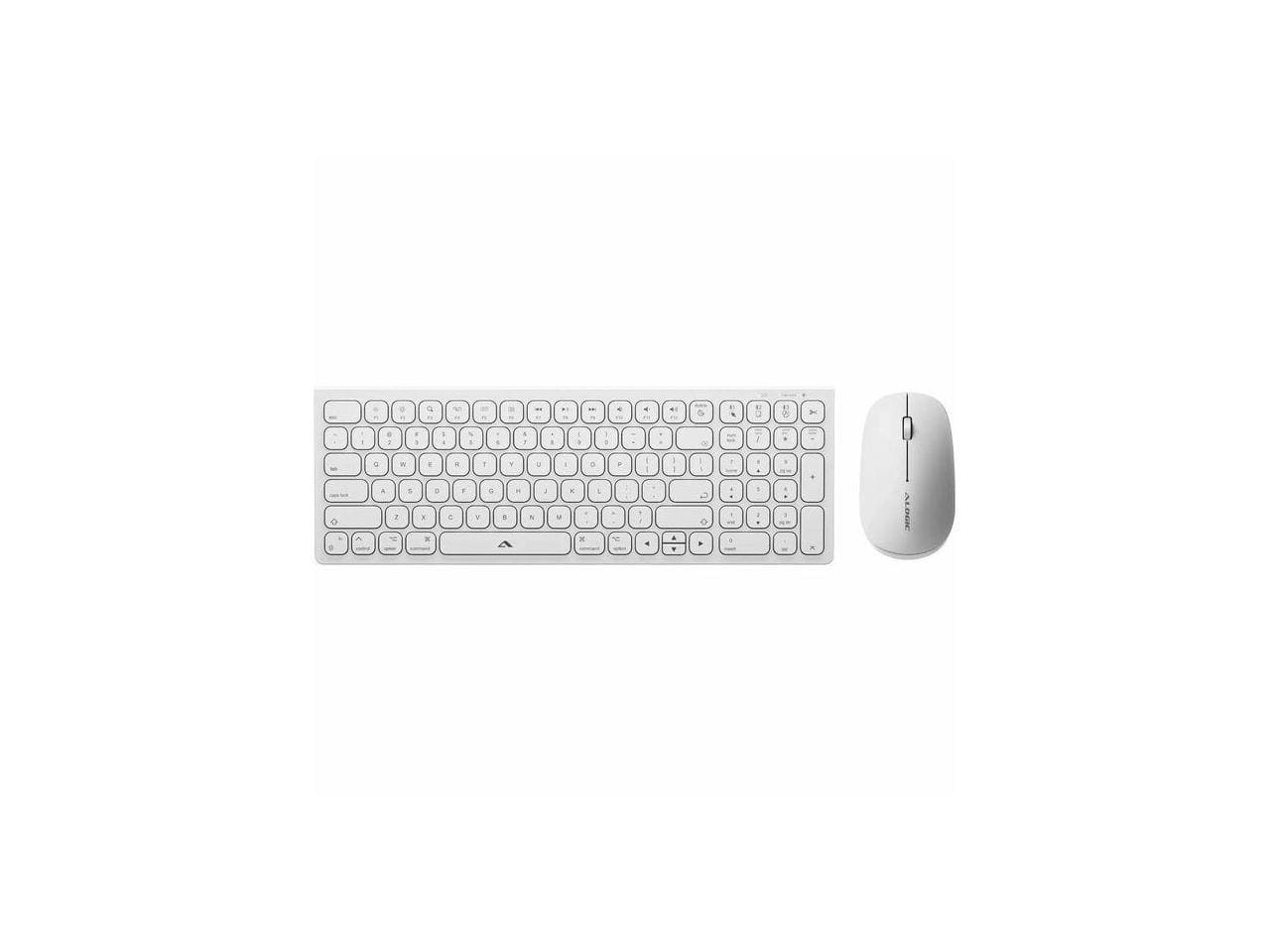
Alogic - Echelon USB-C Rechargeable Wireless Mouse & Compact Keyboard for Mac - Bluetooth/RF 5.0 - White
SKU: BSG7ZGG6WFSee all Wireless & Bluetooth KeyboardsProduct Description
A white compact wireless mouse and keyboard set for Mac featuring USB-C rechargeability and Bluetooth/RF 5.0 connectivity.Your price for this item is $79.99 -
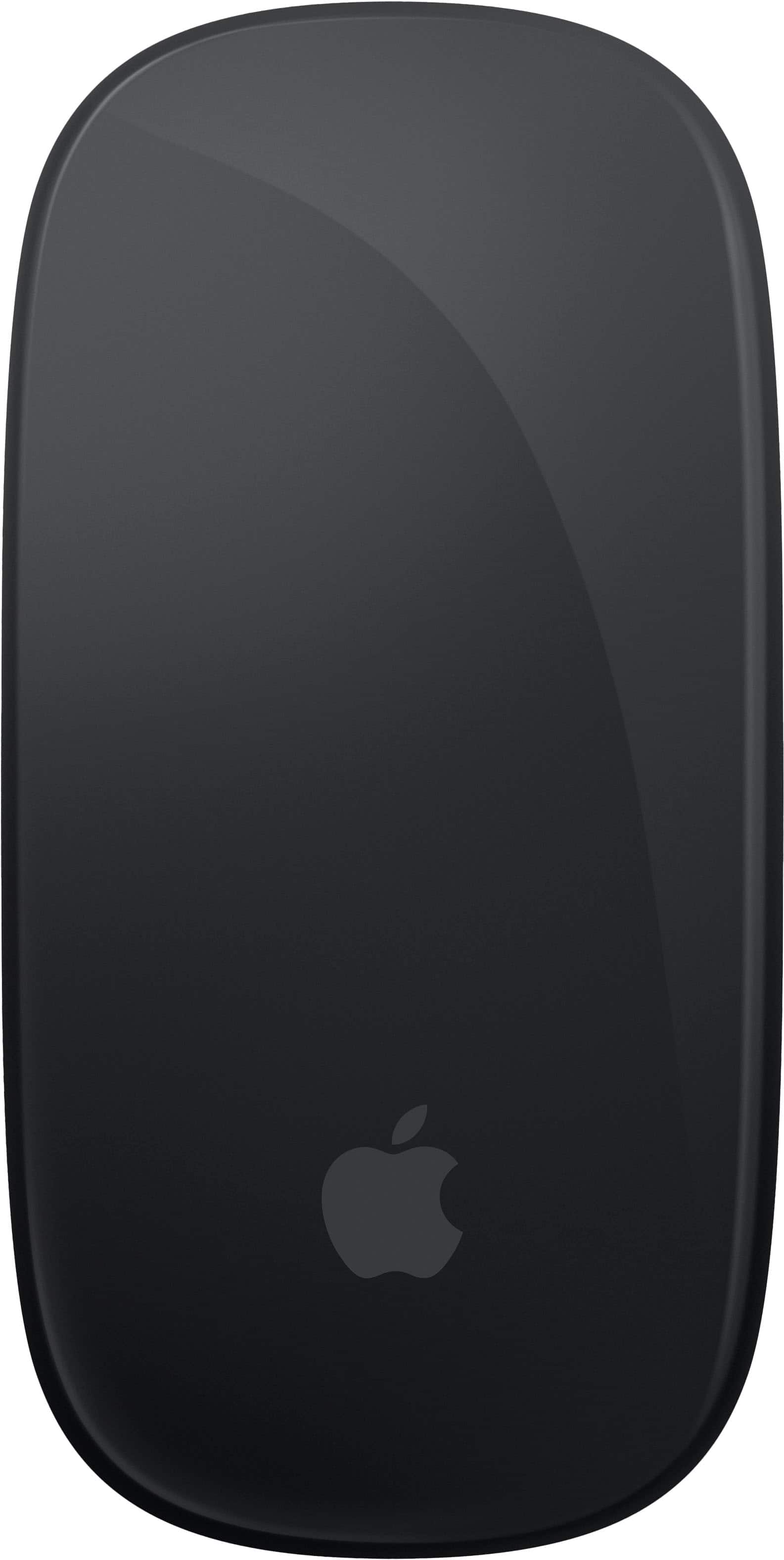
Apple - Magic Mouse - Multi-Touch Surface (USB-C) - Wireless - Black Multi-Touch Surface
SKU: JJGCQ8CVQCGreat product...This is one of my best buy at best buy..thank you for a great experience...Great...Great product. Best Buy made my shopping very easy
See all MiceProduct Description
A sleek black wireless mouse with a rechargeable battery and Multi-Touch surface for intuitive gesture controls.Your price for this item is $99.99 -
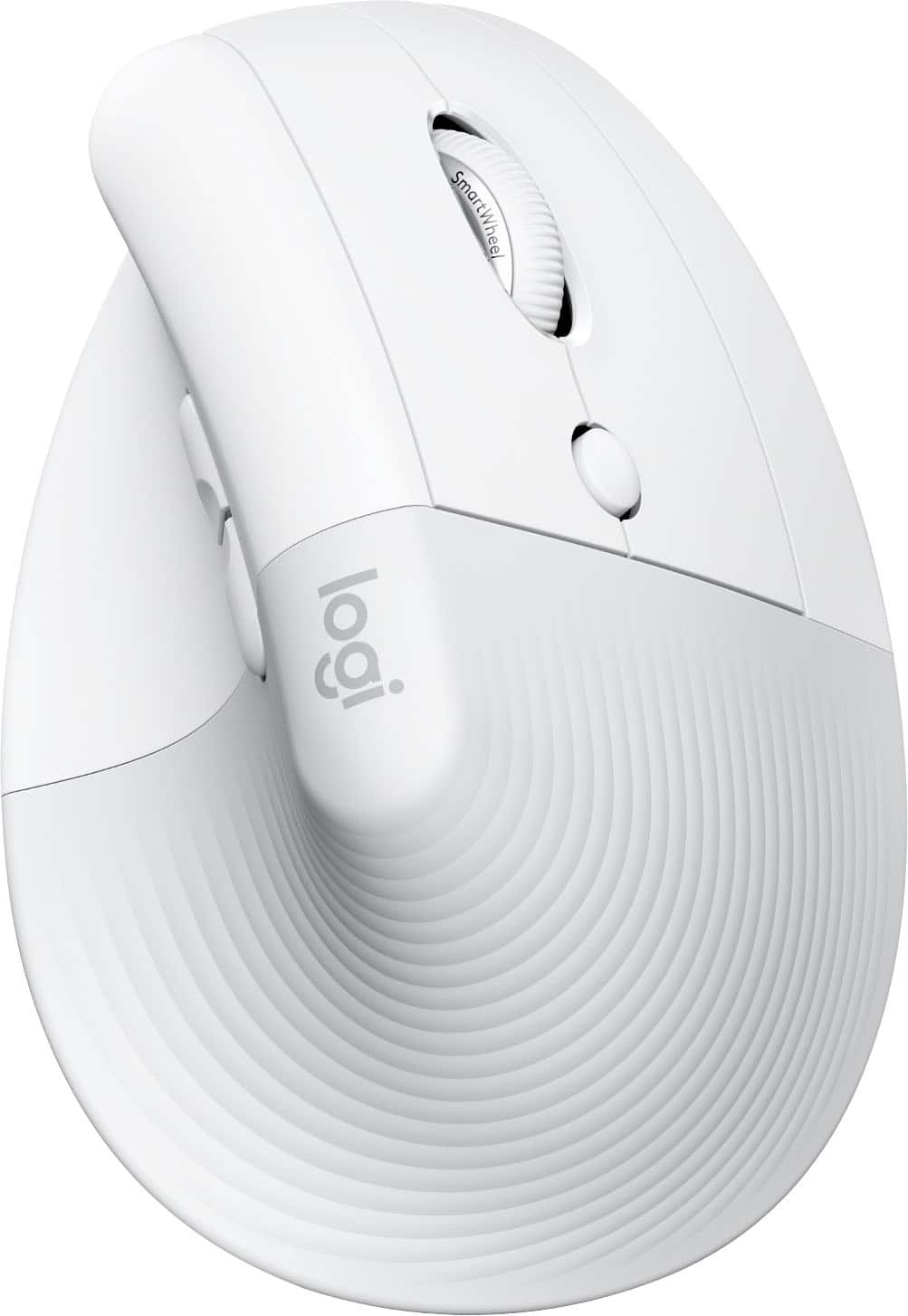
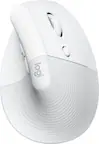
Logitech - Lift for Mac Wireless Bluetooth Optical Ergonomic Mouse with 4 Customizable Buttons - Wireless - Off-White
SKU: J7H7ZY3FQHEasy to use, great for my wrist
See all MiceProduct Description
An ergonomic off-white Bluetooth mouse with quiet clicks, four customizable buttons, and a vertical design for comfort.Your price for this item is $86.49Save $6The previous price was $92.89 -
Alogic - Echelon USB-C Rechargeable Wireless Mouse & Compact Keyboard for Mac - Bluetooth/RF 5.0 - White
SKU: BSG7ZGG6Q6See all Wireless & Bluetooth KeyboardsProduct Description
A white compact wireless keyboard and rechargeable mouse set for Mac, featuring Bluetooth/RF 5.0 connectivity.Your price for this item is $73.49 -
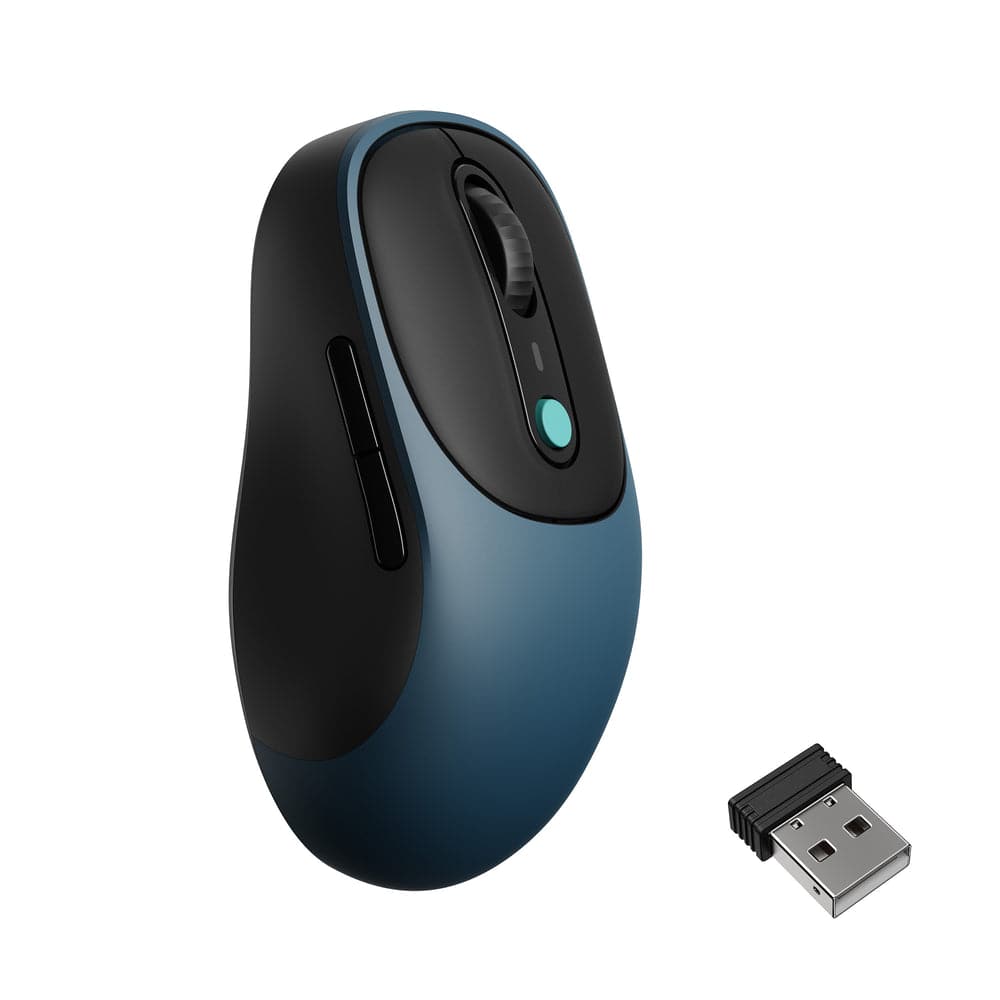
Keychron - BM24 Wireless Mouse with Silent Micro Switch - Wired - Space Gray
SKU: CGJVZ4LRQ8See all Wireless & Bluetooth MiceProduct Description
A lightweight, space gray wireless mouse featuring silent micro switches, Bluetooth 5.2, USB-C, and customizable buttons.Your price for this item is $19.99
Best Sellers




Related Pages



FAQ
Most wireless mice are compatible with all versions of MacBook Air, as long as your device supports Bluetooth or has a USB port for a wireless receiver. Always check the product specifications for Mac compatibility.
Many wireless mice work with plug-and-play functionality and do not require additional software. However, some advanced models may offer optional software for customizing buttons or settings.
Certain wireless mice support multi-device connectivity, allowing you to switch between your MacBook Air and other devices seamlessly. Look for models featuring multi-device pairing or easy-switch buttons.
To connect a Bluetooth wireless mouse, turn on Bluetooth on your MacBook Air, set the mouse to pairing mode, and select it from the Bluetooth menu. For mice with a USB receiver, plug the receiver into your MacBook Air’s USB port.
Yes, there are ambidextrous and left-handed wireless mice available. These models are designed for comfortable use by left-handed users and are compatible with MacBook Air.