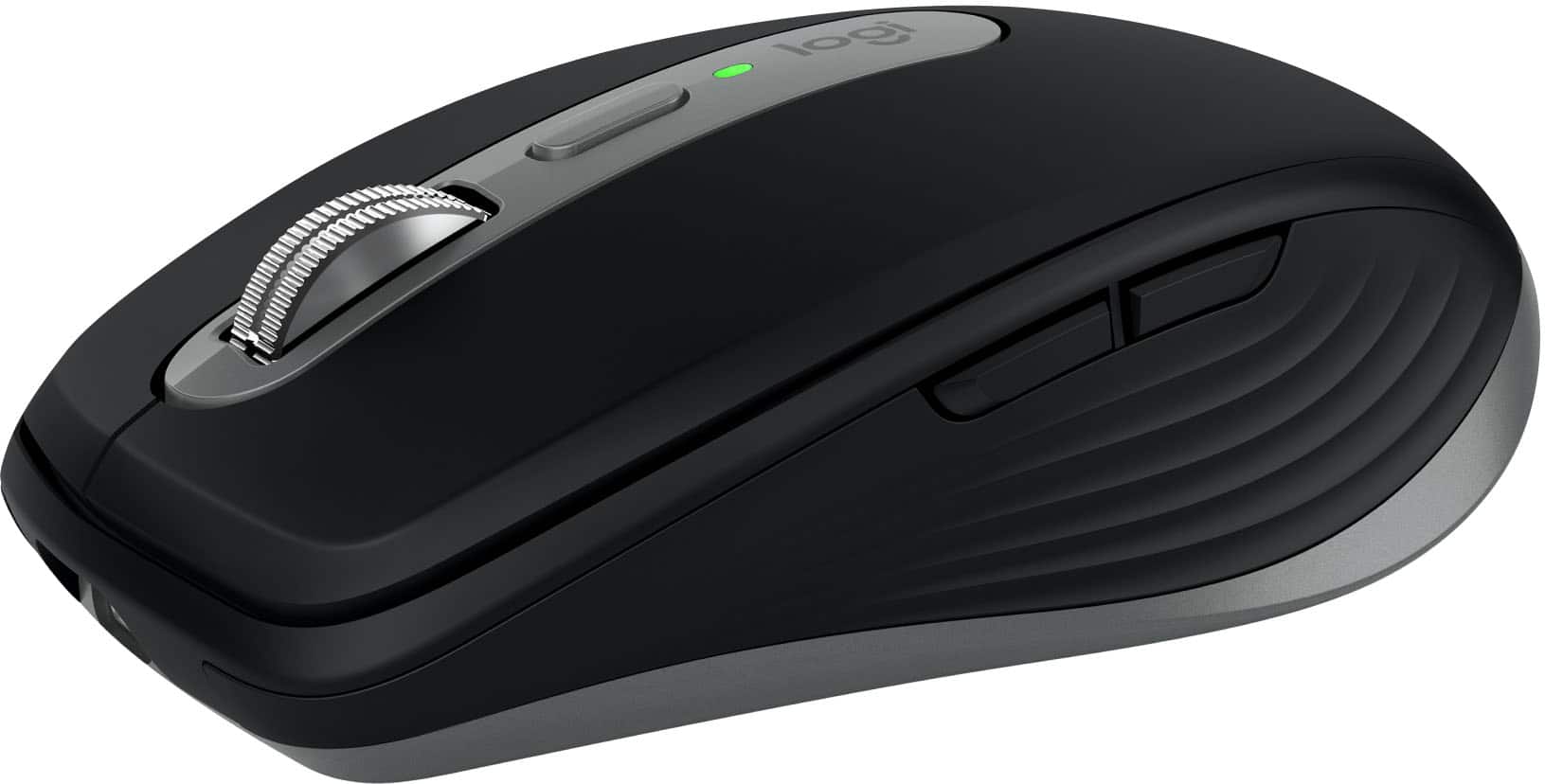
Logitech - MX Anywhere 3S for Mac Wireless Bluetooth Optical Fast Scrolling Mouse with Programmable Buttons - Wireless - Space Gray
Customers are saying
Customers are impressed with the device's ease of use, long-lasting battery life, and reliable overall performance. Users frequently highlight the seamless connectivity, comfortable ergonomic design, and the high-quality scroll wheel as standout features. While some note that the price point is on the higher side, the product remains a popular choice due to its portable size and precise tracking capabilities.
Color
Space GrayMastered for Mac
With matching Apple finishes, Logi Options+ functions for macOS, USB-C charging, MX Anywhere 3S for Mac makes for a perfect fit with your Apple setup.¹
Designed for Mac
This Logitech Bluetooth mouse is fully compatible with Apple MacBook Pro, MacBook Air, iMac, and iPad models.
Tracks anywhere, goes everywhere
Work on any surface, even glass, with MX Anywhere 3S wireless mouse; now with an 8K DPI sensor so you can cover more ground with subtle movement.²
Deeper flow with quiet clicks
MX Anywhere 3S Logitech wireless mouse introduces quiet clicks, the same satisfying feel but with less click noise for less distraction and more focus.
Scroll 1,000 lines per second
Logitech mouse with MagSpeed, Logitech’s fastest³ and most precise ⁴ scroll wheel; fast enough to scroll 1,000 lines a second, precise enough to stop on a pixel.
Connect to multiple Apple devices
Pair with up to 3 devices on macOS, iPadOS via Bluetooth Low Energy.
Optimize workflow with Bluetooth mouse for Mac
Work uninterrupted across Apple devices, set tracking speed, customize buttons, and use ready-made app-specific customizations with Logi Options+ .¹
Made with recycled plastic
Plastic parts in MX Anywhere 3S for Mac include certified post-consumer recycled plastic, 78% for Space Gray and 61% for Pale Grey.⁵
1-month of Adobe Creative Cloud on us (a value of $59.99)*
Pair two of the world’s top creative tools. Buy one MX Master 3S and claim your free 1-month Adobe Creative Cloud membership. *Value calculated based on Adobe Creative Cloud All Apps monthly value of $59.99 valid on Adobe.com on Sept 12, 2024. Terms & Conditions apply.¹ ² ³
¹ Terms and Conditions: Offer starts on October 2024, and expires on October 31st, 2026. Offer available worldwide to customers who purchase the Logitech MX Master 3S who are new or existing Adobe customers. When you purchase an MX Master 3S you receive a complimentary 1-month membership of Adobe Creative Cloud All apps when you go to logi.com/adobe-offer offer page and follow the redemption steps.
² Limit: 1 subscribing customer per product. At the end of the trial period, if you provided a payment method, your subscription would automatically renew, and you will be charged the then-current subscription rate unless you elect to change or cancel your subscription.For Creative Cloud All apps, the current subscription rate is US$89.99/mo or US$659.88/yr (annual, prepaid) (plus applicable taxes/VAT/GST).Cancellations can be made through Customer Support or https://account.adobe.com/plans
³ Valid only for eligible persons who are 18+. Residents or persons in embargoed countries or countries subject to U.S. or local export restrictions are not eligible. Offer and prices are subject to change. Offer may not be assigned, exchanged, sold, transferred, combined, or redeemed for cash or other goods and services not expressly stated here as included. Subject to availability where the recipient resides. Additional terms may apply. VOID WHERE PROHIBITED OR RESTRICTED BY LAW.
⁴ The purchase of an MX Master 3S includes 1 month of Adobe Creative Cloud All Apps membership. Terms and conditions apply.
⁵ Requires Logi Options+ app, available for recent versions of Windows and macOS
⁶ Battery life may vary based on user and computing conditions
- Lighting TypeNoneMaximum Sensitivity8000 dots per inchNumber of Buttons (Total)6Connection TypeWireless
Reviews
Rating 4.9 out of 5 stars with 347 reviews
- Ease of use (71)
- Battery Life (58)
- Overall Performance (55)
- Connectivity (37)
- Scroll Wheel (37)
- Price (3)
- Side Buttons (3)
Customer Images
The vast majority of our reviews come from verified purchases. Reviews from customers may include My Best Buy members, employees, and Tech Insider Network members (as tagged). Select reviewers may receive discounted products, promotional considerations or entries into drawings for honest, helpful reviews.

Compare similar products

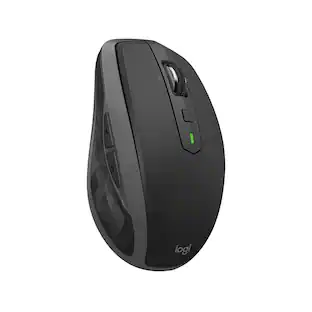
Introducing Logitech MX Anywhere 3S for Mac – a compact mouse optimized for macOS & iPadOS, with matching Apple finishes and a design that blends into your Apple setup. It’s upgraded for ultimate performance with quiet clicks and 8K DPI any-surface tracking. Logi Options+ enables flow to work simultaneously on multiple Apple computers.

Introducing Logitech MX Anywhere 3S Mouse, a beloved compact wireless mouse with next-level precision and control – now with 8K DPI Any-Surface Tracking and Quiet Clicks so you can master your work anywhere.

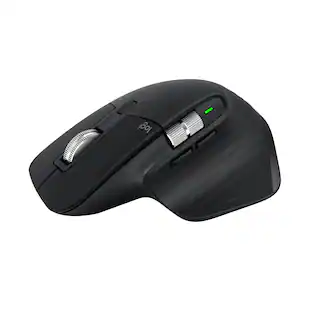
The advanced mobile mouse for power users. Harness the power of Logitech Flow and seamlessly move content between three devices. Scroll through documents and web pages faster and easier with the hyper-fast scroll wheel. Powers up for an entire day in just three minutes. A compact, sculpted shape crafted to fit your hand and provide the control you need anywhere.

Logitech MX Master 3S Bluetooth Edition – productivity and precision mouse. With Quiet Clicks and 8K DPI any-surface tracking for more feel and performance.
| Pros for Logitech - MX Anywhere 3S for Mac Wireless Bluetooth Optical Fast Scrolling Mouse with Programmable Buttons - Wireless - Space Gray | |||
|---|---|---|---|
| Ease of use, Battery Life, Overall Performance, Connectivity, Scroll Wheel | Ease of use, Battery Life, Overall Performance, Size, Scrolling | Overall Performance, Battery Life, Connectivity, Design, Portability | Overall Performance, Connectivity, Battery Life, Ergonomics, Button Functionality |
| Cons for Logitech - MX Anywhere 3S for Mac Wireless Bluetooth Optical Fast Scrolling Mouse with Programmable Buttons - Wireless - Space Gray | |||
| Price, Side Buttons | Price, Click Noise | Click Sound | There were no cons for this product— |
Specs
Customers often buy these together
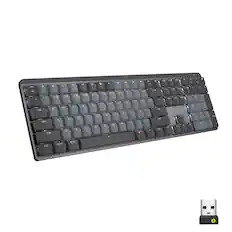
Computer Keyboards
![g) FS F4 F3 esc F2 F1 A $ % # 6 ! 4 5 ~ 3 1 2 R T W E Q tab F G S D lock A caps V C X Z shift H command option control F6 & 7 Y H B logi 44 F9 FB F7 * ( ) 9 0 8 I O U K L J < N M 1.0% r FI3 FQ2 Fl F10 fn + delete - = - 3 I { / P [ ] A return : I ; shift ? > I control option command 2 10 300 3 F PS F1 page clear home up page 7 end down Q P F F8 = I 8 9 4 5 1 2 0 F9 * 1 + 6 3 enter](https://pisces.bbystatic.com/image2/BestBuy_US/images/products/6578/6578481_sd.jpg;maxHeight=232;maxWidth=233?format=webp)
Logitech - MX Keys S for Mac Advanced Full-size Wireless Scissor Keyboard with Backlit keys for MacBook, iMac, iPad - Space Gray
Top Deal$119.99The price was $129.99


![esc ~ ! 1 tab caps lock shift ctrl F2 Fl # 2 3 Q W A S Z start opt L F3 $ 4 E D X alt cmd3 ) FS F4 A % 5 6 R T F G V C logi 44 HI & F9 FID FB F7 F6 * ) - - & 0 8 9 7 O P U I Y K L H J > < N M 1 B PM + = { [ : I ; ? I alt cmd D 2 4 300 3 1 F12 . * page I insert home up clear backspace 8 9 + 7 page A pg up end down home } I delete ] / 6 4 5 4 enter 2 3 enter 1 dn Pg end shift = 0 del ins etrl fn opt](https://pisces.bbystatic.com/image2/BestBuy_US/images/products/6539/6539505_sd.jpg;maxHeight=232;maxWidth=233?format=webp)

![logi esc 1 F1 ! ~ 1 tab caps lock shift 2 F2 2 A Do 3 F3 # 3 W S Z F4 $ 4 E D X F5 % 5 R F C 2) F6 A 6 T G V F7 & 7 Y H B F8 * 8 U J N F9 ( 9 I K M x HI F11 F10 ) - - 0 O P : L : > < - F alt cmd gr F12 + = { [ " I ? I ctrl opt } ] delete / / return shift A Y fn control option cmd](https://pisces.bbystatic.com/image2/BestBuy_US/images/products/6587/6587870_sd.jpg;maxHeight=232;maxWidth=233?format=webp)
![The text on the image is a list of keys on a keyboard. Here is the grouped and corrected text:
1. Function keys: F1, F2, F3, F4, F5, F6, F7, F8, F9, F10, F11, F12
2. Numeric keys: 1, 2, 3, 4, 5, 6, 7, 8, 9, 0, -, =, +, (, )
3. Modifier keys: shift, control, option, command, caps lock, and return
4. Navigation keys: arrow keys (up, down, left, and right), and home and end keys
5. Punctuation keys: [, ], |, /, and ;
6. Numeric keypad keys: 7, 8, 9, *, -, and =
7. Other keys: tab, Q, W, E, R, T, Y, U, I, O, P, J, K, L, and Z
This list includes all the keys on a standard keyboard, grouped by their functions and types.](https://pisces.bbystatic.com/image2/BestBuy_US/images/products/eba31cb9-2606-42ab-9643-ed4280533545.jpg;maxHeight=232;maxWidth=233?format=webp)
![The text on the image reads:
888 DD DI DD 4 DSC i F2 F3 4 FS T6 ET 1. 1N IN F.. 11 1.. 114 1n F1 F12 118 in9 - a ee 1 8F 2 3 $ 4 % 5 A 6 & 7 . 8 I 9 I 0 ee I + = delete fn home page up clear - / + tab Q W E R T Y U I 0 P { [ ] ] | I delete end page down 7 8 9 ee caps lock A S D F G H J K L : I - return 4 5 6 + shift Z X C V N M < F > ? / shift a 1 2 3 control option 2 command 3 command option control Y - 0 enter
After grouping and correcting the text, it reads:
888 DD DI DD 4 DSC i F2 F3 4 FS T6 ET 1. 1N IN F.. 11 1.. 114 1n F1 F12 118 in9 - a ee 1 8F 2 3 $ 4 % 5 A 6 & 7 . 8 I 9 I 0 ee I + = delete fn home page up clear - / + tab Q W E R T Y U I 0 P { [ ] ] | I delete end page down 7 8 9 ee caps lock A S D F G H J K L : I - return 4 5 6 + shift Z X C V N M < F > ? / shift a 1 2 3 control option 2 command 3 command option control Y - 0 enter](https://pisces.bbystatic.com/image2/BestBuy_US/images/products/f4059d3a-0c2a-46ef-bcfd-4e11b9b26d5d.jpg;maxHeight=232;maxWidth=233?format=webp)
Mouse Pads






More recommended items
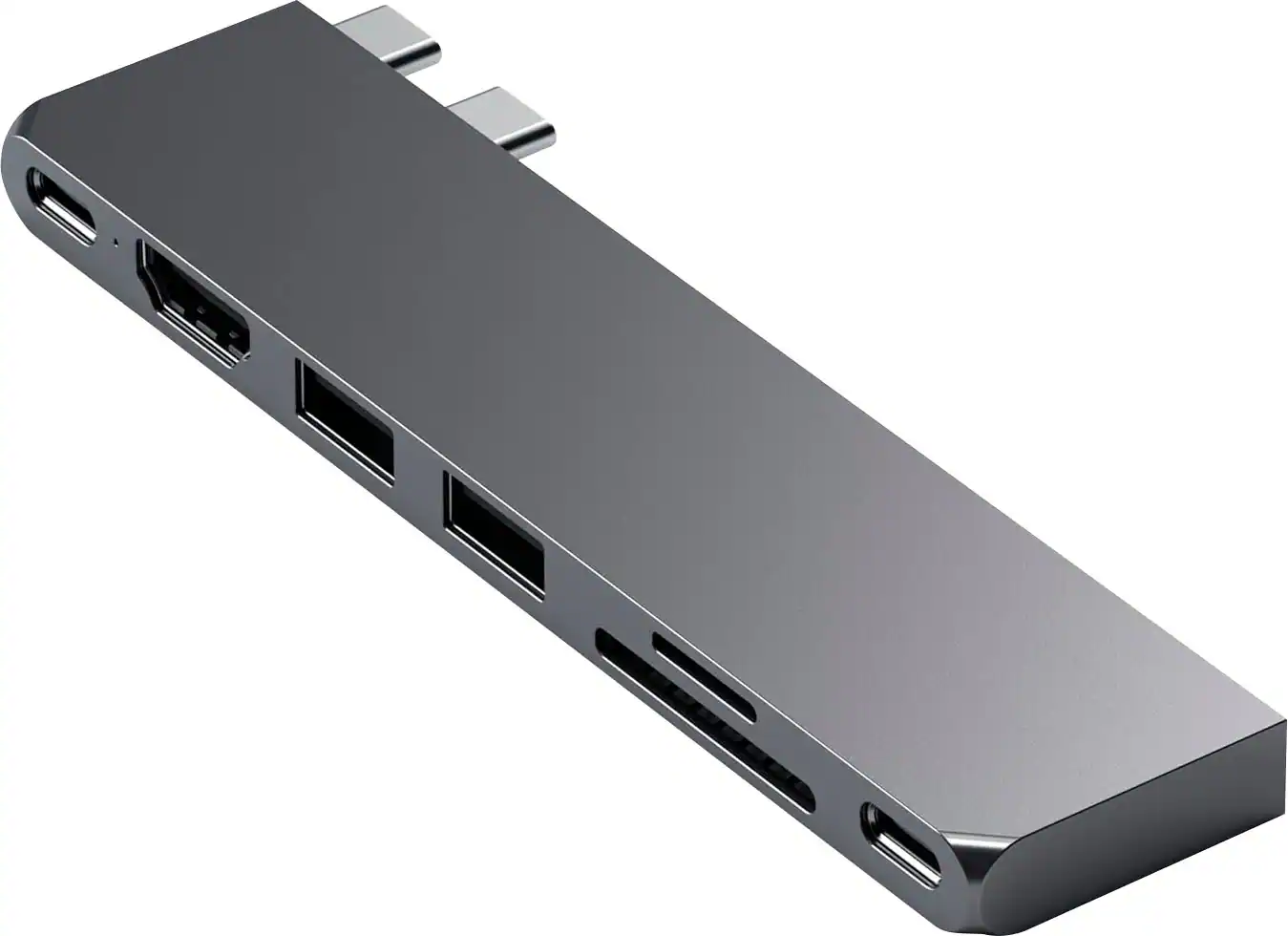 Laptop Docking Stations
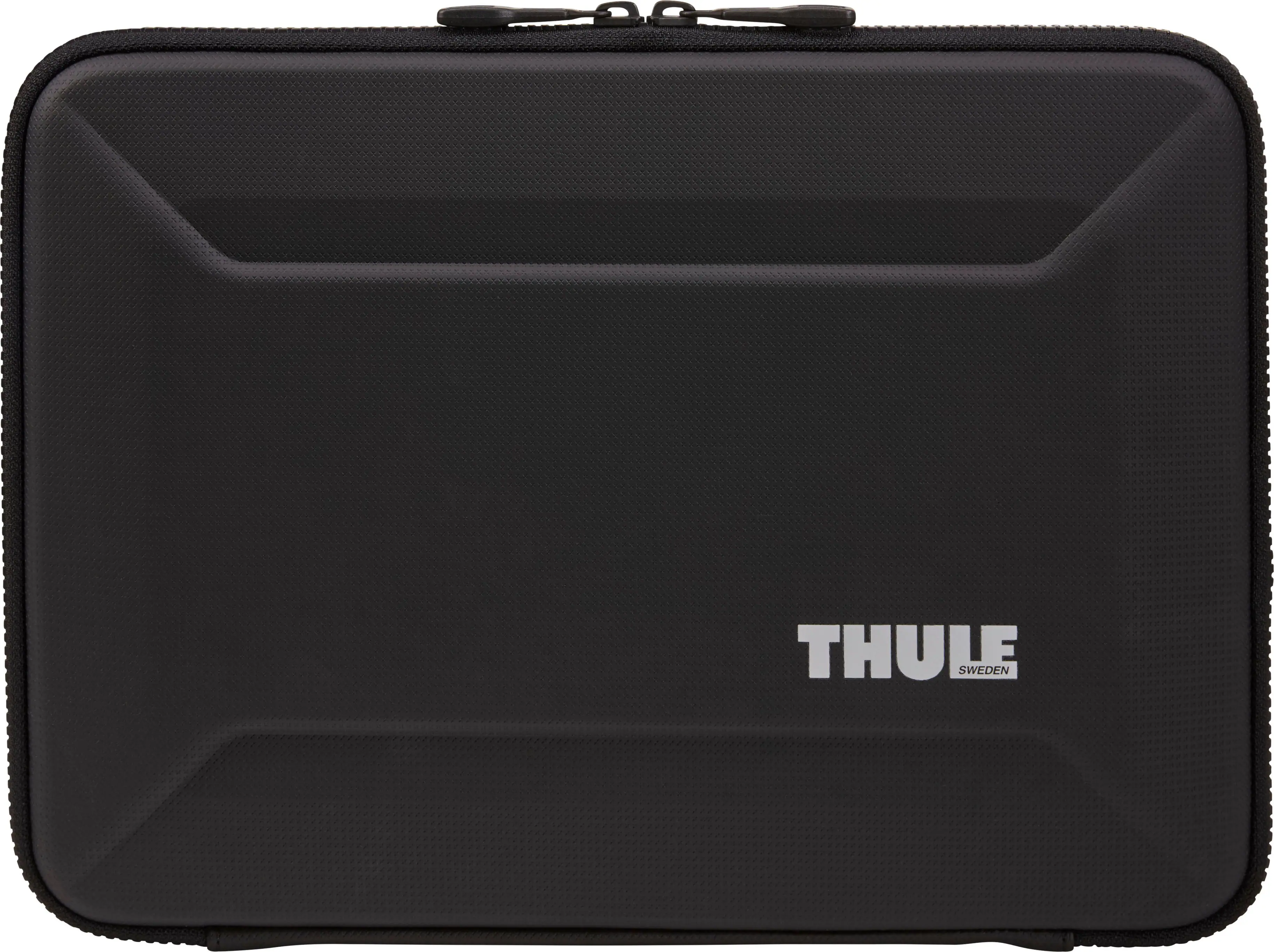 Laptop Bags and Cases
More to consider
 $49.99The price was $59.99
 Top Deal$89.99The price was $99.99
 $77.99The price was $119.99
 $33.99The price was $39.99
 $79.99The price was $92.89



Explore tech essentials Sponsored
 $129.99The price was $159.99
 $129.99The price was $159.99
 $59.99The price was $99.99
 $118.99The price was $159.99

Discover related products
 $12.99The price was $13.99










Keep exploring
 $79.95The price was $109.95