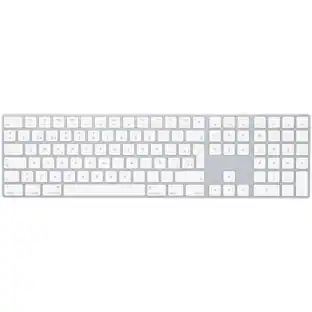
Magic Keyboard with Touch ID and Numeric Keypad for Mac models with Apple silicon (USB-C) - Black Keys
Customers are saying
Customers highly value the overall performance and the inclusion of Touch ID, which users find essential for their daily tasks. Many appreciate the impressive battery life and the clean, simple design that complements a modern workspace. Additionally, users frequently praise the device for its ease of use, reliable connectivity, and the convenient addition of a numeric keypad. The crisp key feel and compact size further contribute to a positive experience, making it a well-regarded choice for desktop setups.
Color
Black KeysFeatures
Compatibility
Mac Models
MacBook Air (2020 and later), MacBook Pro 14-inch (2021 and later), MacBook Pro 16-inch (2019 and later), MacBook Pro 13-inch (2020 and later), iMac 24-inch (2021 and later), iMac 27-inch (5K Retina, 2019-2020), iMac Pro (2017), Mac Studio (2022 and later), Mac mini (2018 and later), Mac Pro (2019 and later)
iPad Models
iPad Pro 13-inch (M4), iPad Pro 11-inch (M4), iPad Pro 12.9-inch (3rd to 6th generation), iPad Pro 11-inch (1st to 4th generation), iPad Pro 10.5-inch, iPad Pro 9.7-inch, iPad Air 13-inch (M3), iPad Air 13-inch (M2), iPad Air 11-inch (M3), iPad Air 11-inch (M2), iPad Air (3rd to 5th generation), iPad Air 2, iPad (A16), iPad (5th to 10th generation), iPad mini (A17 Pro), iPad mini (5th and 6th generation), iPad mini 4
iPhone Models
iPhone 16 Pro, iPhone 16 Pro Max, iPhone 16, iPhone 16 Plus, iPhone 16e, iPhone 15 Pro, iPhone 15 Pro Max, iPhone 15, iPhone 15 Plus, iPhone 14 Pro, iPhone 14 Pro Max, iPhone 14, iPhone 14 Plus, iPhone 13 Pro, iPhone 13 Pro Max, iPhone 13 mini, iPhone 13
Specifications
- Form FactorFull-sizeConnection TypeWireless
Reviews
Rating 4.7 out of 5 stars with 375 reviews
- Keyboard Quality (80)
- Touch ID (56)
- Battery Life (38)
- Design (31)
- Ease of Use (23)
- Adjustability (3)
Customer Images
The vast majority of our reviews come from verified purchases. Reviews from customers may include My Best Buy members, employees, and Tech Insider Network members (as tagged). Select reviewers may receive discounted products, promotional considerations or entries into drawings for honest, helpful reviews.





Compare similar products
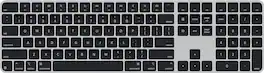
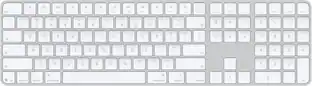
Magic Keyboard is available with Touch ID, providing fast, easy, and secure authentication for logins and purchases. Magic Keyboard with Touch ID and Numeric Keypad delivers a remarkably comfortable and precise typing experience. It features an extended layout, with document navigation controls for quick scrolling and full-size arrow keys, which are great for gaming. The numeric keypad is also ideal for spreadsheets and finance applications. It’s wireless and features a rechargeable battery that will power your keyboard for about a month or more between charges. It pairs automatically with your Mac, so you can get to work right away. It features a USB-C port and includes a woven USB-C Charge Cable that lets you pair and charge by connecting to a USB-C port on your Mac.

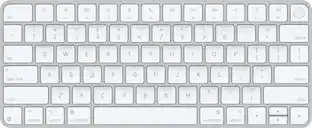
Magic Keyboard is now available with Touch ID, providing fast, easy, and secure authentication for logins and purchases. Magic Keyboard with Touch ID delivers a remarkably comfortable and precise typing experience. It’s also wireless and rechargeable, with an incredibly long-lasting internal battery that will power your keyboard for about a month or more between charges. It pairs automatically with your Mac, so you can get to work right away. It features a USB-C port and includes a woven USB-C Charge Cable that lets you pair and charge by connecting to a USB-C port on your Mac.

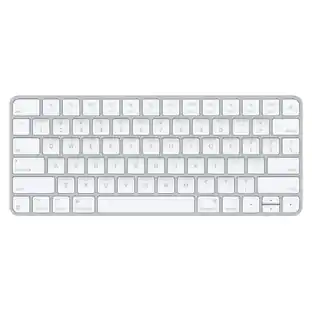
Magic Keyboard delivers a remarkably comfortable and precise typing experience for Mac and Apple Vision Pro. It’s also wireless and rechargeable, with an incredibly long-lasting internal battery that will power your keyboard for about a month or more between charges. It pairs automatically with your Mac, so you can get to work right away. It features a USB-C port and includes a woven USB-C Charge Cable that lets you pair and charge by connecting to a USB-C port on your Mac. If you would like to pair Magic Keyboard with your Apple Vision Pro, click to see supported languages.

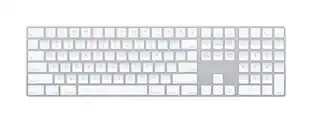
Magic Keyboard with Numeric Keypad features an extended layout, with document navigation controls for quick scrolling and full-size arrow keys for gaming. A scissor mechanism beneath each key allows for increased stability, while optimized key travel and a low profile provide a comfortable and precise typing experience. The numeric keypad is also great for spreadsheets and finance applications. And the built-in, rechargeable battery is incredibly long-lasting, powering your keyboard for about a month or more between charges.
| Pros for Magic Keyboard with Touch ID and Numeric Keypad for Mac models with Apple silicon (USB-C) - Black Keys | |||
|---|---|---|---|
| Touch ID, Battery Life, Design, Ease of Use, Keyboard Quality | Touch ID, Battery Life, Connectivity, Build Quality, Fingerprint Reader | Overall Performance, Connectivity, Battery Life, Ease of Use, Design | Battery Life, Overall Performance, Numeric Keypad, Ease of use, Wireless |
| Cons for Magic Keyboard with Touch ID and Numeric Keypad for Mac models with Apple silicon (USB-C) - Black Keys | |||
| Adjustability | Backlighting, Size | There were no cons for this product— | Price, Key Travel |
Specs
Customers often buy these together
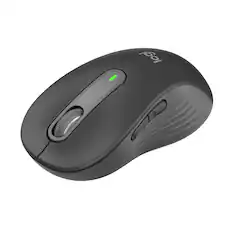
Mice

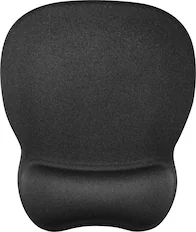
Mouse Pads



More recommended items
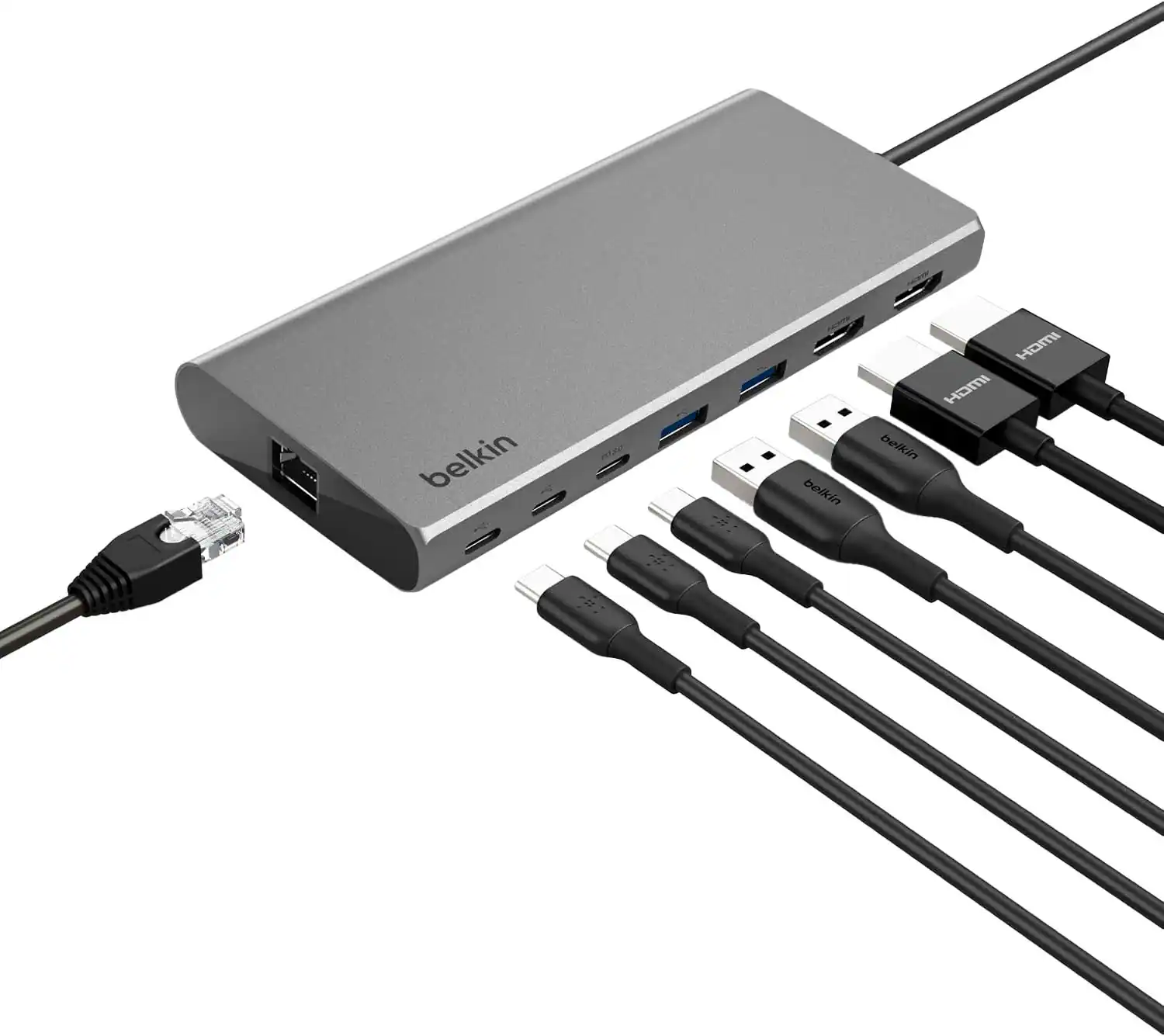 Laptop Docking Stations
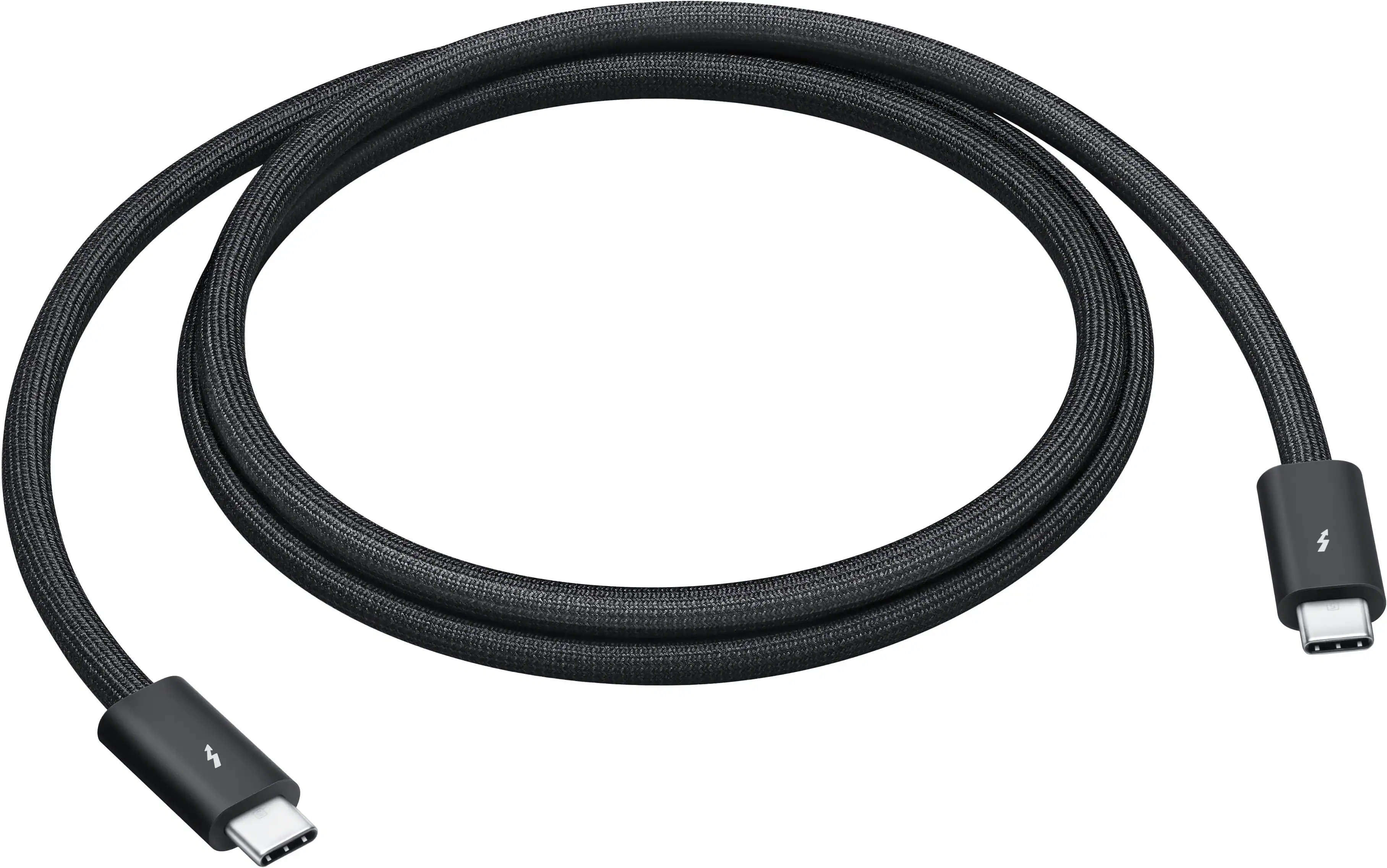 Cables and Adapters
More to consider
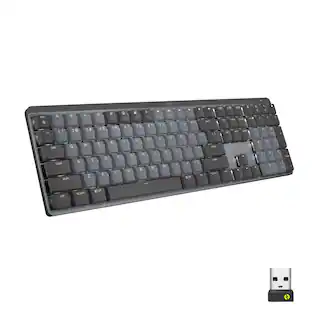
Logitech MX Mechanical Full size Wireless Mechanical Tactile Switch Keyboard for Windows/macOS with Backlit Keys
$149.99The price was $179.99Logitech ERGO K860 Ergonomic Full-size Wireless Scissor Keyboard for Windows and Mac with Palm Rest
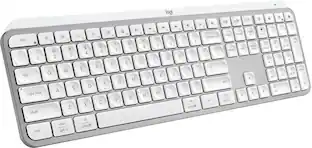
Top Deal$119.99The price was $149.99Logitech MX Keys S Universal Full-size Wireless Scissor Keyboard for PC and Mac with Backlit keys
$119.99The price was $129.99Logitech Alto Keys K98M Full-size Wireless Mechanical keyboard with Backlit keys for PC, Mac, Laptops
$107.99The price was $119.99Logitech MK955 Signature Slim Full-size Wireless Keyboard and Mouse Combo for Windows and Mac with Quiet Typing and Clicking
Top Deal$99.99The price was $119.99




Explore tech essentials Sponsored
Alienware Pro 75% Wireless Mechanical Gaming Keyboard with RGB Back Lighting
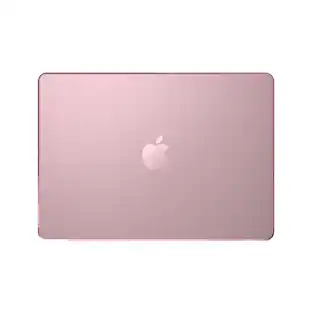
$179.99The price was $199.99Speck Smartshell Case for Macbook Pro 14" M5/M4/M3/M2/M1 (2021-2025)
Clearance$34.99The price was $49.99
Discover related products




Keep exploring
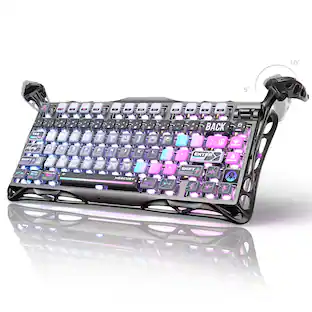
GravaStar Mercury K1 Pro Special Edition 75% Wireless Mechanical Gaming Keyboard with Hot-Swappable Switches
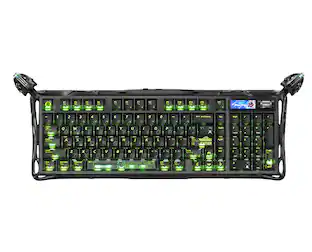
$199.95The price was $209.95GravaStar Mercury K98 Pro 98% Wireless Gaming Keyboard – Tri-Mode, Gasket Mount, Hot-Swap, RGB, Numpad
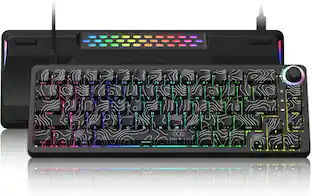
$259.95The price was $359.95GravaStar Mercury V60 60% Wired Hall Effect Gaming Keyboard with 8000Hz Polling Rate
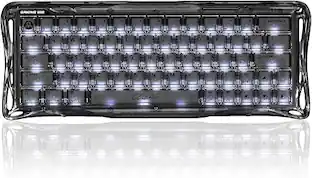
$129.95The price was $159.95GravaStar Mercury K1 Pro Wireless Mechanical Gaming Keyboard, 75% Layout, RGB Backlit, Hot-Swappable
$199.95The price was $259.95