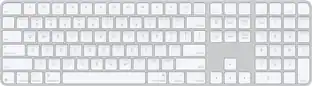
Apple - Magic Keyboard full size with Numeric Keypad (Lightning Port) - Silver/White
Customers are saying
Customers enjoy the convenience of the integrated numeric keypad and the impressive battery life of this device. Users frequently praise its sleek, lightweight design and seamless wireless compatibility, which contribute to an overall excellent performance. While some find the price point to be on the higher side, many appreciate the product's ease of use and larger form factor. A small number of users noted that the key travel depth feels somewhat short during operation.
Features
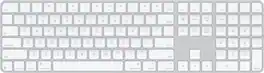
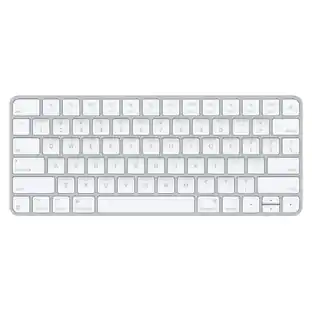
Magic Keyboard with Numeric Keypad features an extended layout, with document navigation controls for quick scrolling and full-size arrow keys for gaming
A scissor mechanism beneath each key allows for increased stability, while optimized key travel and a low profile provide a comfortable and precise typing experience
The numeric keypad is also great for spreadsheets and finance applications
And the built-in, rechargeable battery is incredibly long-lasting, powering your keyboard for about a month or more between charges*
*Testing conducted by Apple in April 2017 using preproduction Magic Keyboard devices, firmware, and software with shipping iMac systems
*Testing consisted of full battery discharge while engaging the device on a paired iMac using automated equipment. Battery life depends on device settings, usage, and other factors
Apple, the Apple logo and iTunes are trademarks of Apple Computer, Inc., registered in the U.S. and other countries. iPod is a trademark of Apple Computer, Inc.
Specifications
- Lighting TypeNoneForm FactorFull-sizeConnection TypeWireless
Reviews
Rating 4.8 out of 5 stars with 4561 reviews
- Numeric Keypad (1604)
- Battery Life (665)
- Ease of use (547)
- Overall Performance (420)
- Wireless (363)
- Price (174)
- Key Travel (41)
Customer Images
The vast majority of our reviews come from verified purchases. Reviews from customers may include My Best Buy members, employees, and Tech Insider Network members (as tagged). Select reviewers may receive discounted products, promotional considerations or entries into drawings for honest, helpful reviews.

Compare similar products

Magic Keyboard with Numeric Keypad features an extended layout, with document navigation controls for quick scrolling and full-size arrow keys for gaming. A scissor mechanism beneath each key allows for increased stability, while optimized key travel and a low profile provide a comfortable and precise typing experience. The numeric keypad is also great for spreadsheets and finance applications. And the built-in, rechargeable battery is incredibly long-lasting, powering your keyboard for about a month or more between charges.
Magic Keyboard is available with Touch ID, providing fast, easy, and secure authentication for logins and purchases. Magic Keyboard with Touch ID and Numeric Keypad delivers a remarkably comfortable and precise typing experience. It features an extended layout, with document navigation controls for quick scrolling and full-size arrow keys, which are great for gaming. The numeric keypad is also ideal for spreadsheets and finance applications. It’s wireless and features a rechargeable battery that will power your keyboard for about a month or more between charges. It pairs automatically with your Mac, so you can get to work right away. It features a USB-C port and includes a woven USB-C Charge Cable that lets you pair and charge by connecting to a USB-C port on your Mac.

Magic Keyboard delivers a remarkably comfortable and precise typing experience for Mac and Apple Vision Pro. It’s also wireless and rechargeable, with an incredibly long-lasting internal battery that will power your keyboard for about a month or more between charges. It pairs automatically with your Mac, so you can get to work right away. It features a USB-C port and includes a woven USB-C Charge Cable that lets you pair and charge by connecting to a USB-C port on your Mac. If you would like to pair Magic Keyboard with your Apple Vision Pro, click to see supported languages.

Magic Keyboard is now available with Touch ID, providing fast, easy, and secure authentication for logins and purchases. Magic Keyboard with Touch ID delivers a remarkably comfortable and precise typing experience. It’s also wireless and rechargeable, with an incredibly long-lasting internal battery that will power your keyboard for about a month or more between charges. It pairs automatically with your Mac, so you can get to work right away. It features a USB-C port and includes a woven USB-C Charge Cable that lets you pair and charge by connecting to a USB-C port on your Mac.
| Pros for Apple - Magic Keyboard full size with Numeric Keypad (Lightning Port) - Silver/White | |||
|---|---|---|---|
| Battery Life, Overall Performance, Numeric Keypad, Ease of use, Wireless | Touch ID, Battery Life, Design, Ease of Use, Keyboard Quality | Overall Performance, Connectivity, Battery Life, Ease of Use, Design | Touch ID, Battery Life, Connectivity, Build Quality, Fingerprint Reader |
| Cons for Apple - Magic Keyboard full size with Numeric Keypad (Lightning Port) - Silver/White | |||
| Price, Key Travel | Adjustability | There were no cons for this product— | Backlighting, Size |
Specs
Customers often buy these together
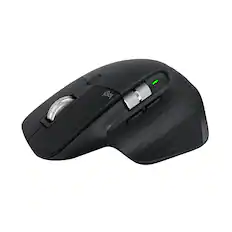
Mice

Mouse Pads

Insignia™ - Mouse Pad - Green
Techtober Deal$3.99The price was $7.99


More recommended items
 Laptop Docking Stations
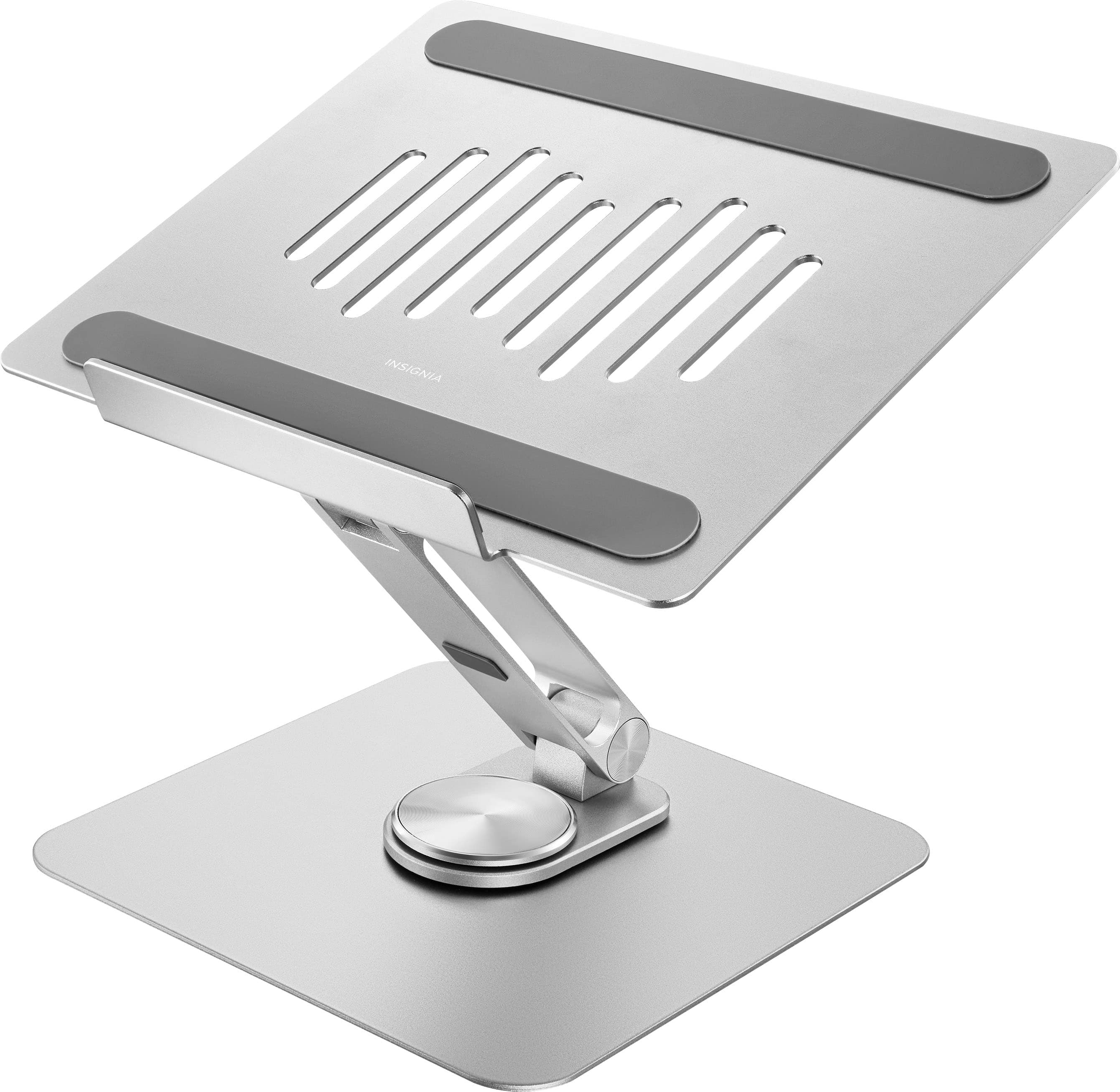 Monitor Stands
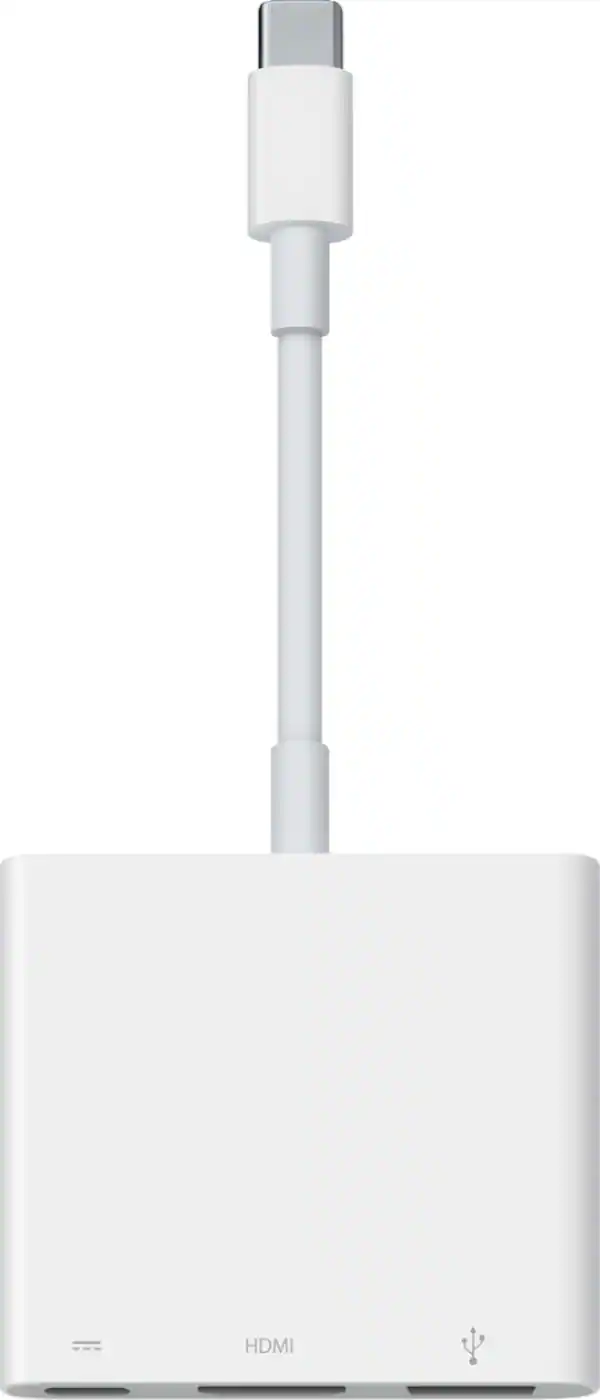 Cables and Adapters
Customers ultimately bought

Explore tech essentials Sponsored
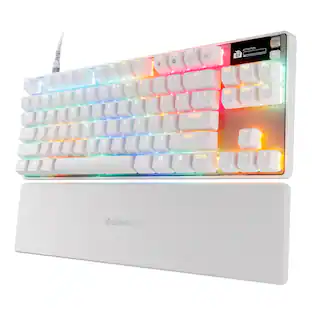 $191.99The price was $239.99
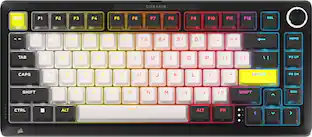 $179.99The price was $249.99
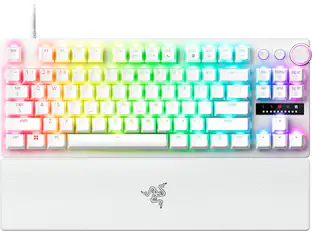 $159.99The price was $219.99
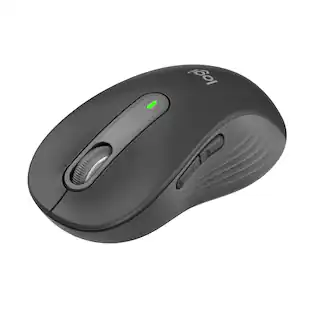

Discover related products
 $399.99The price was $479.99
 $49.99The price was $159.00






Keep exploring
 $23.99The price was $25.99