Logitech - Signature Slim Solar+ K980 for Mac Wireless Bluetooth Solar and Artificial Light Powered Keyboard with Customizable Keys - Off-White
Customers are saying
Customers are impressed with its connectivity, noting its ability to connect via Bluetooth to up to three devices. They also appreciate its streamlined ease of use and highly durable overall performance.
Color
Off-WhiteFeatures
Always powered
A full size wireless keyboard made for Mac with instant and and uninterrupted typing under any light source - solar or artificial - even on a dark or rainy day.¹
Powered by Logi LightCharge
A charging innovation that combines a light-absorbing strip and a durable energy-efficient battery built on our Signature Slim Solar+ K980 Keyboard for Mac.
No cables, Ever
Never worry about recharge cables or running low on battery power; works out of the box with zero hassle for instant productivity.
Better for longer
A wireless Bluetooth keyboard designed to last up to 10 million keystrokes and with a durable battery functional for up to a decade ² ³
Upgrade your space
A sleek and solidly built full-size keyboard made for Mac with familiar laptop-style typing, made with recycled plastic ⁴
Smart Actions for work & life
Time-saving and ready-to-use shortcuts to automate repetitive tasks with one keystroke using the Logi Options+ App ⁵ ⁶
Seamlessly switch typing between Mac, iPad, & iPhone with a tap
Pair it with a Logitech multi-device mouse for effortless typing and clicking across computers ⁵ ⁶ ⁷
Feel good about your choice
Plastic parts in Signature Slim Solar+ K980 for Mac Keyboard include certified post-consumer recycled plastic - minimum 52% ⁴
Specifications
- Lighting TypeNoneForm FactorFull-sizeConnection TypeWireless
Reviews
Rating 4.2 out of 5 stars with 13 reviews
- Connectivity (3)
- Ease of Use (3)
- Overall Performance (3)
Customer Images
The vast majority of our reviews come from verified purchases. Reviews from customers may include My Best Buy members, employees, and Tech Insider Network members (as tagged). Select reviewers may receive discounted products, promotional considerations or entries into drawings for honest, helpful reviews.

Compare similar products
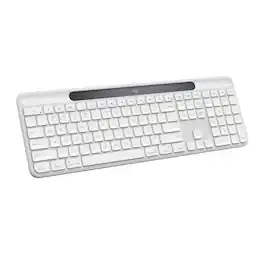
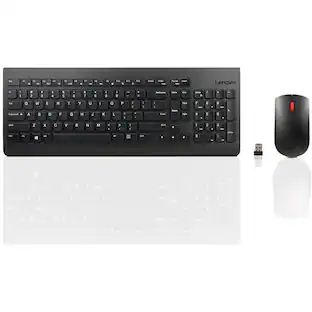
Signature Slim Solar+ K980 for Mac is always ready. This sleek, durable wireless keyboard draw§m solar and artificial light sources for cable-free, hassle free typing with a familiar, laptop-style feel. Using Logi LightCharge technology, the light-absorbing strip harvests energy from any light source and stores it efficiently for up to four months in a durable, replaceable battery with lifespan up to 10 years. Designed for your minimal, elegant Mac setup and built to last for up to 10 million keystrokes, featuring high quality construction materials including recycled plastic, it’s better for longer. Save time by automating repetitive tasks to one keystroke with the Action Key, customizable using the Logi Options+ App, and switch between up to three devices in a single tap. Pair it with a Logitech multi-device mouse for effortless typing and clicking across computers.

MX Keys S Logitech Wireless Keyboard — a low-profile full-size keyboard that offers a fluid, precise typing experience and customizable, time-saving Smart Actions that automate your most repetitive tasks with a single keystroke. The backlit keyboard features smart backlighting that lights up when your hands approach it and automatically adjusts to suit the time of day.

Introducing MX Keys S for Mac — a low-profile wireless keyboard with Mac-specific keys that offers a fast fluid precise typing experience, smart illumination, and customizable, time-saving Smart Actions and matching Space gray and Pale gray finishes that blend perfectly into your Apple setup.
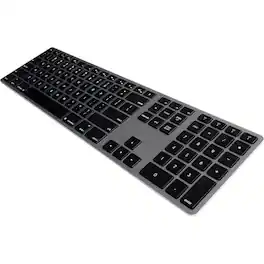
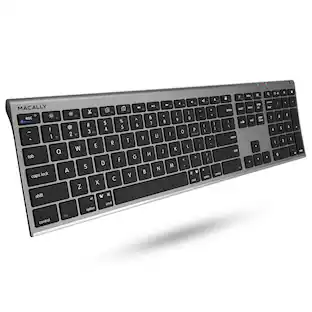
The Matias Wireless Aluminum Keyboard is a slim, aluminum, wireless (Bluetooth) keyboard with a similar layout to the familiar Apple Wireless Keyboard. It has three features that enhance your experience compared to the regular Apple Wireless Keyboard: 1. It has a numeric keypad, 2. It has a rechargeable battery with a typical battery life of 1 year before needing charging, 3. It has the ability to pair to four Bluetooth devices at the same time, and easily switch between the four devices with the press of a button. Now you can use the same beautiful, great-feeling keyboard for your Mac, iPad, iPhone, Android, or PC; the keyboard even pairs with the optimal layout for each type of device, so when you switch between devices, the keyboard layout is what you expect.
| Pros for Logitech - Signature Slim Solar+ K980 for Mac Wireless Bluetooth Solar and Artificial Light Powered Keyboard with Customizable Keys - Off-White | |||
|---|---|---|---|
| Connectivity, Ease of Use, Overall Performance | Keyboard Quality, Battery Life, Ease of use, Connectivity, Key Feel | Keyboard Quality, Battery Life, Ease of use, Connectivity, Size | There were no pros for this product— |
| Cons for Logitech - Signature Slim Solar+ K980 for Mac Wireless Bluetooth Solar and Artificial Light Powered Keyboard with Customizable Keys - Off-White | |||
| There were no cons for this product— | Price, Size | Price, Number Pad, Compatibility, Touch ID | There were no cons for this product— |
Specs
Customers often buy these together
Mice
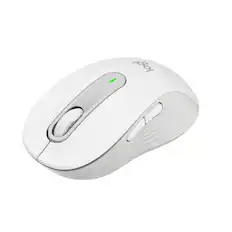
Logitech - Signature M650 Wireless Optical Mouse with Silent Clicks - Wireless - Off-White
Top Deal$33.99The price was $39.99


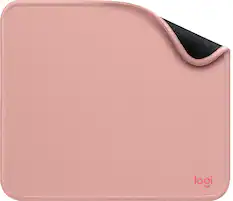
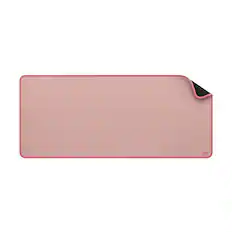
Mouse Pads



More recommended items
 Laptop Docking Stations
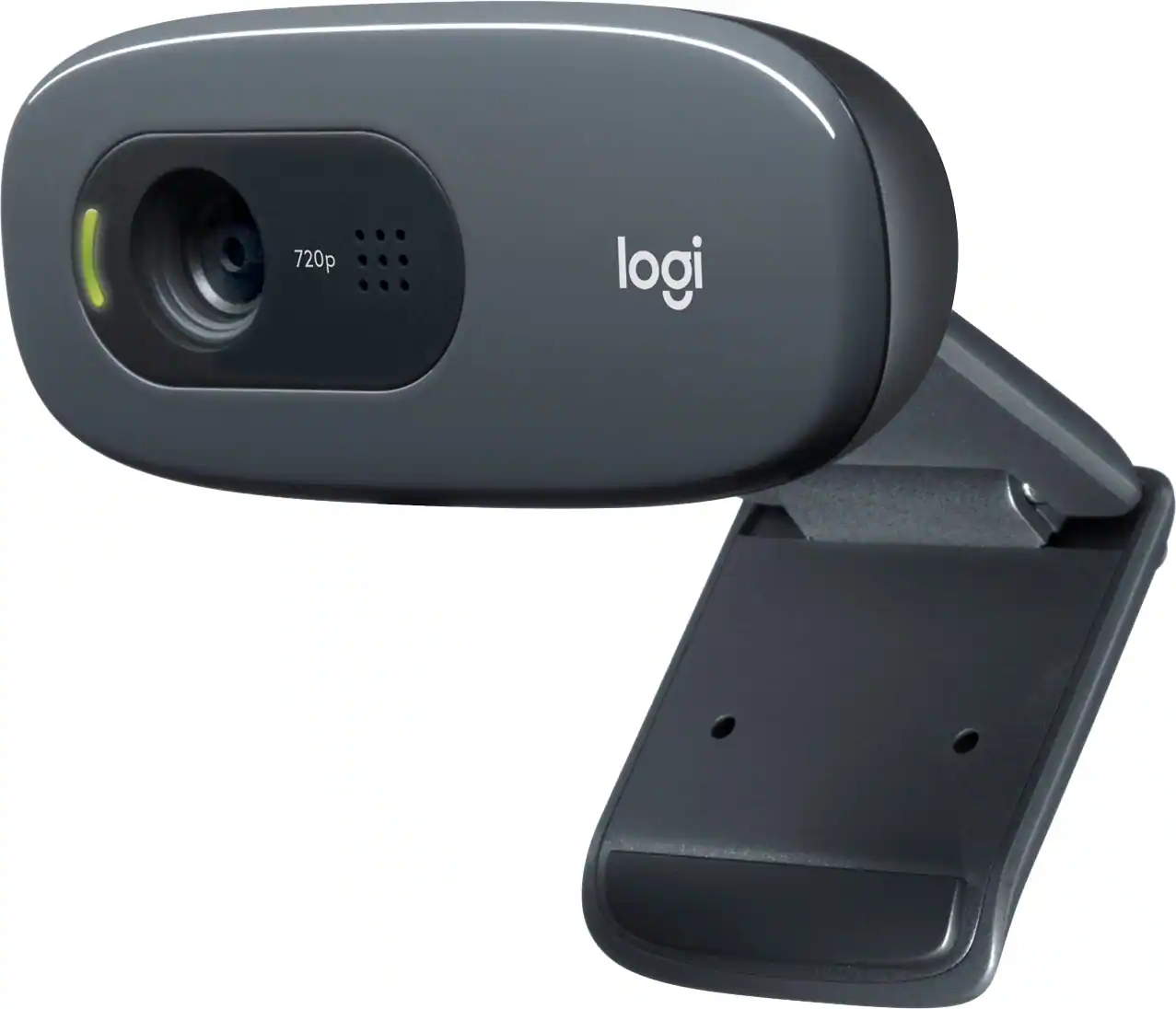 Web Cameras
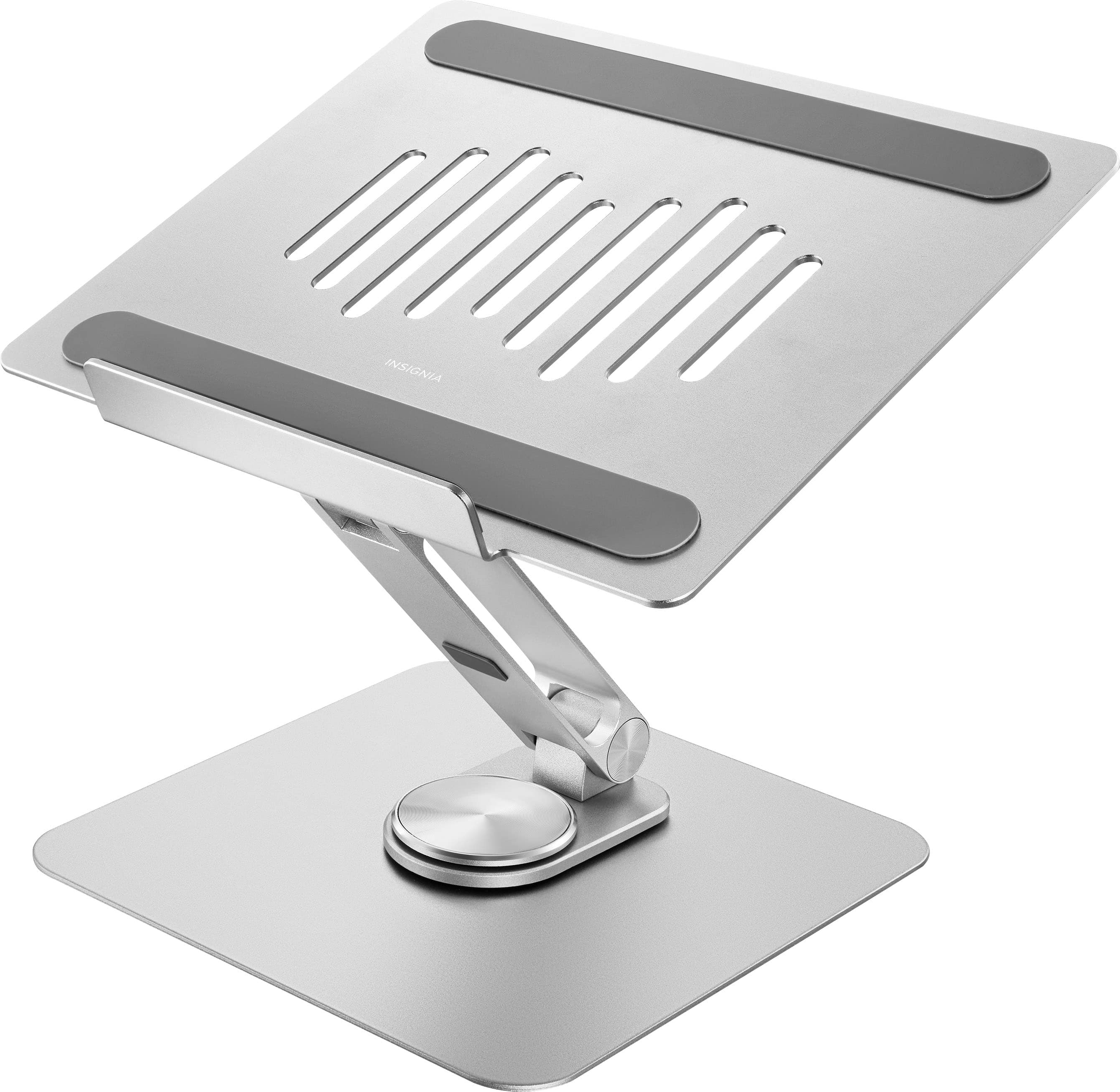 Monitor Stands
 Cables and Adapters
Customers ultimately bought
 Top Deal$119.99The price was $129.99
 $89.99The price was $97.49
 $49.99The price was $59.99

Explore tech essentials Sponsored
 $179.99The price was $249.99
 Top Deal$129.99The price was $159.99
 $169.99The price was $199.99


Discover related products
 $247.00The price was $275.00
 $12.99The price was $13.99
 $149.99The price was $169.99












Keep exploring
 $23.99The price was $25.99