Wired Mouse For MacBook Pro
-
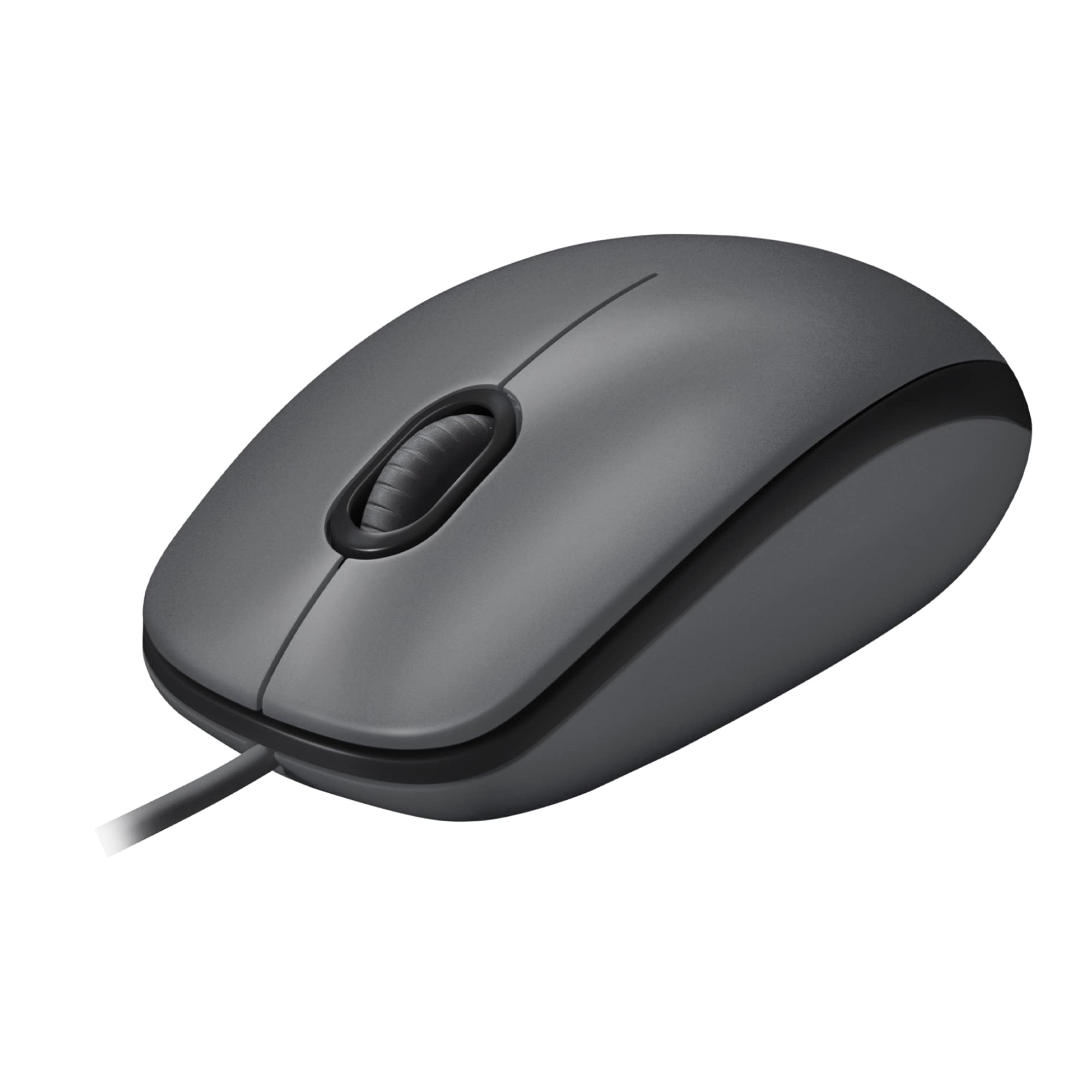
Logitech - M100 Wired Optical Ambidextrous PC Mouse with 1000 DPI Optical Tracking - Wired - Gray
SKU: J7H7ZLVCL2It works great , price was very good , I love best buy , I buy all my stuff from best buy , I use my...Love Best Buy!!!...best by credt card...Great Mouse
See all MiceProduct Description
A gray wired mouse featuring ambidextrous design and 1000 DPI optical tracking for smooth control.Your price for this item is $9.99 -
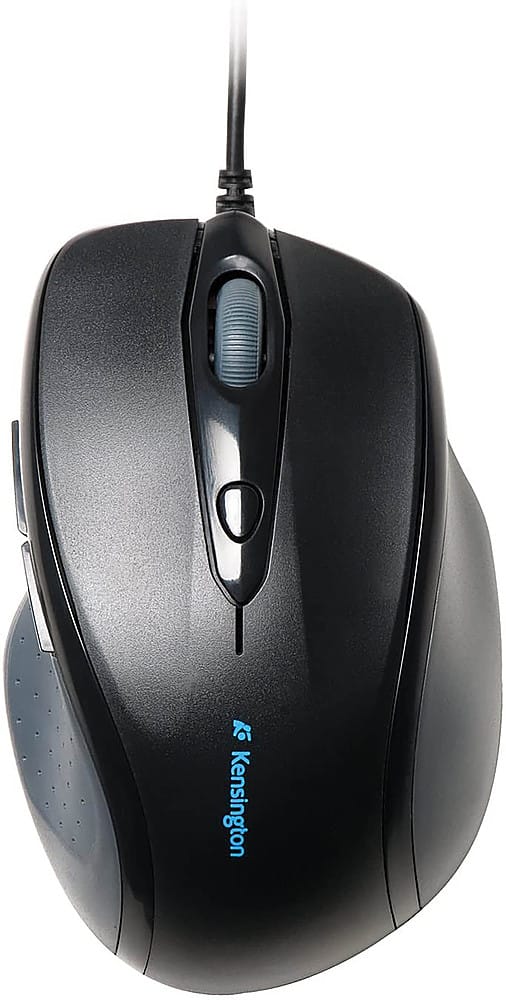
Kensington - Pro-Fit Wired Optical Mouse
SKU: J7RJZZQG5HSee all USB & USB C Wired MiceProduct Description
A black wired optical mouse with ergonomic right-handed design, soft rubber grip, and quick-select pointer speed.Your price for this item is $33.01Save $7The previous price was $40.57 -
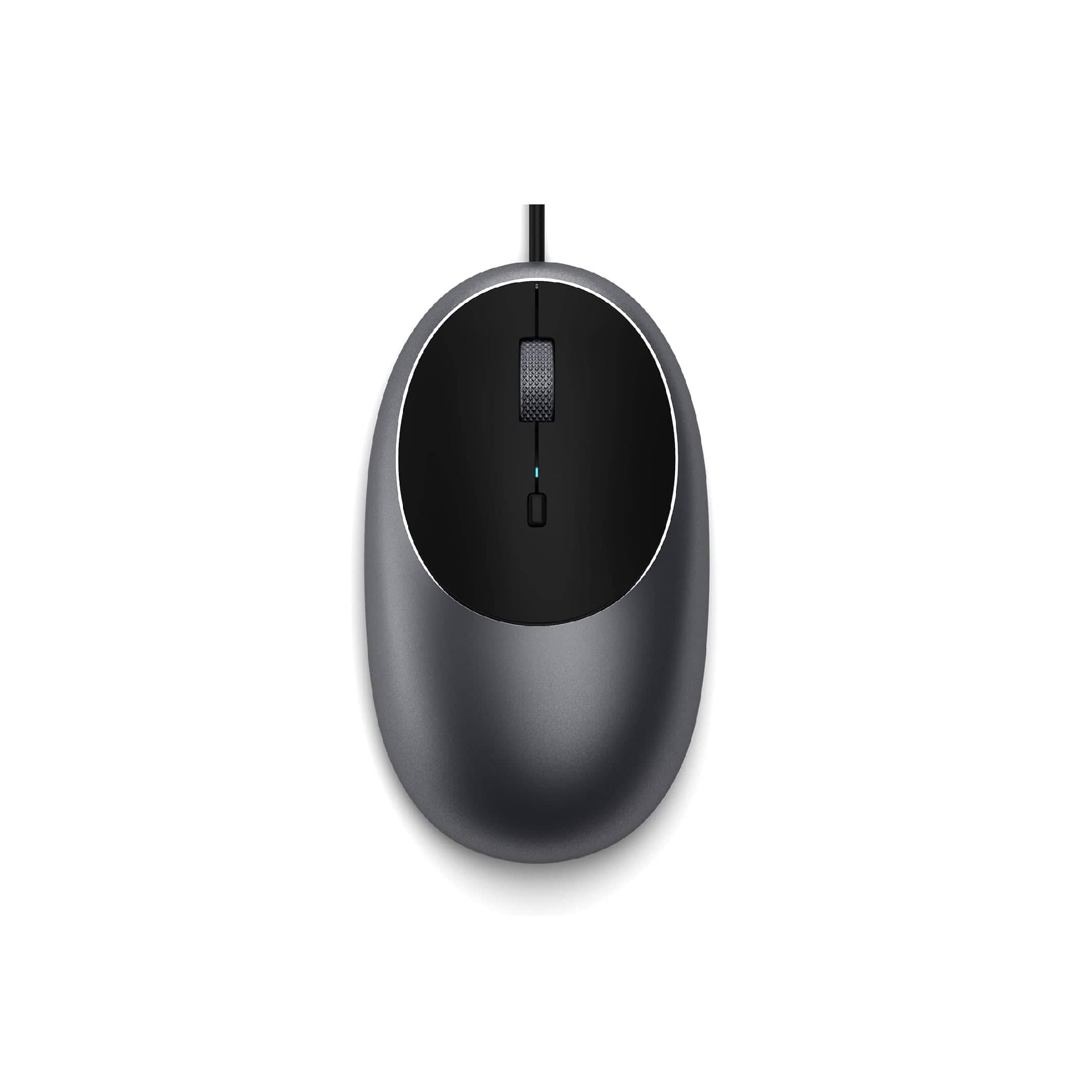
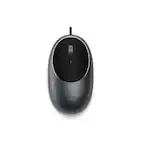
Satechi - Aluminum C1 Wired USB-C Optical Mouse for MacBook Air/Pro M5/M4, iPad Air/Pro, Mac mini, iMac - Wired - Space Gray
SKU: J3KXL7XQGRSee all USB & USB C Wired MiceProduct Description
A sleek space gray wired USB-C mouse featuring four programmable buttons and adjustable DPI up to 3200.Your price for this item is $19.99 -
Kensington - K72355US Pro Fit USB 2.0 Wired Mid-Size Mouse for Right Hand Use - Wired - Black
SKU: J7RJZZQGTXSee all USB & USB C Wired MiceProduct Description
A black wired mouse designed for right-handed comfort, featuring plug-and-play setup and convenient navigation buttons.Your price for this item is $29.49 -
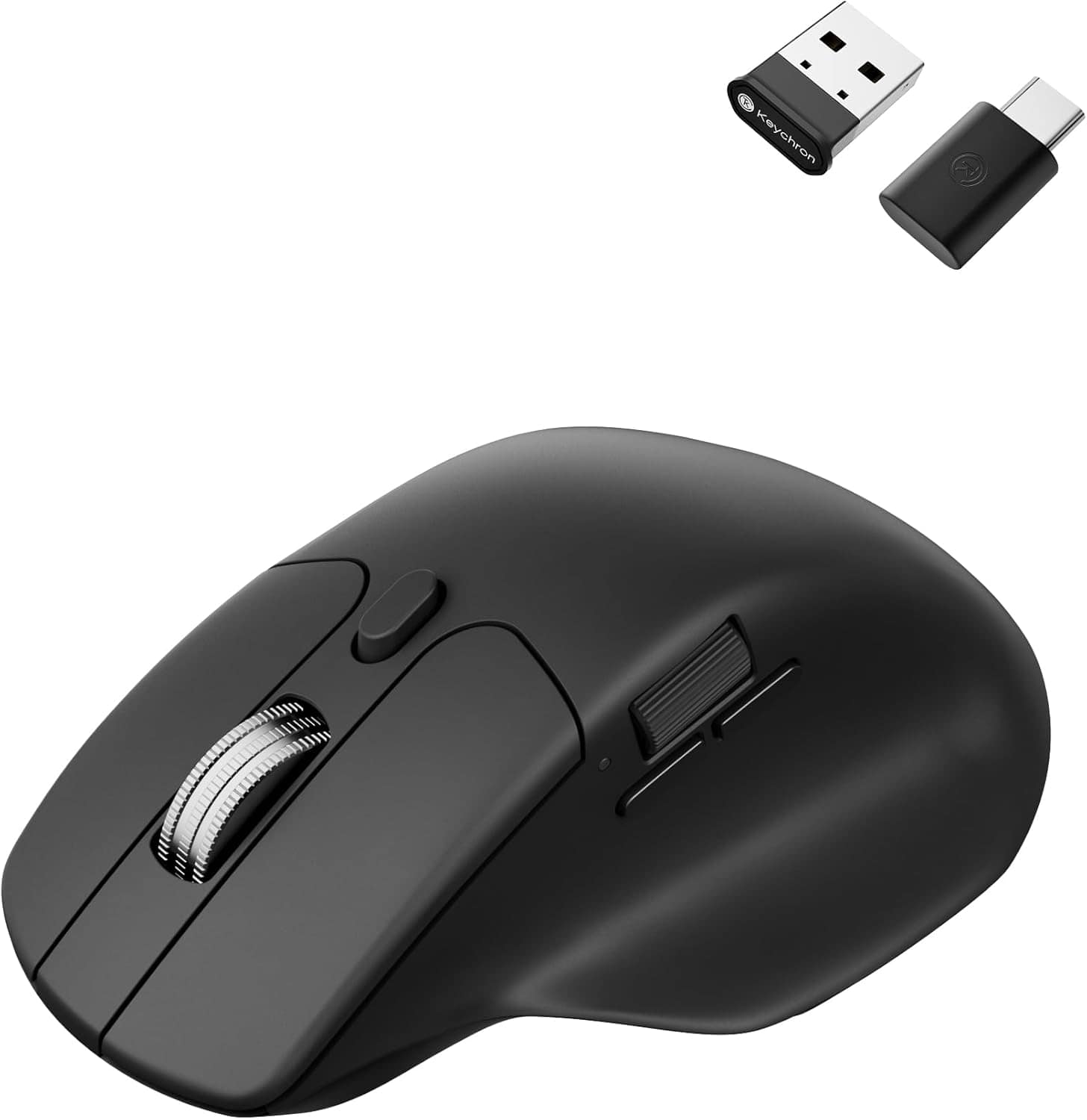
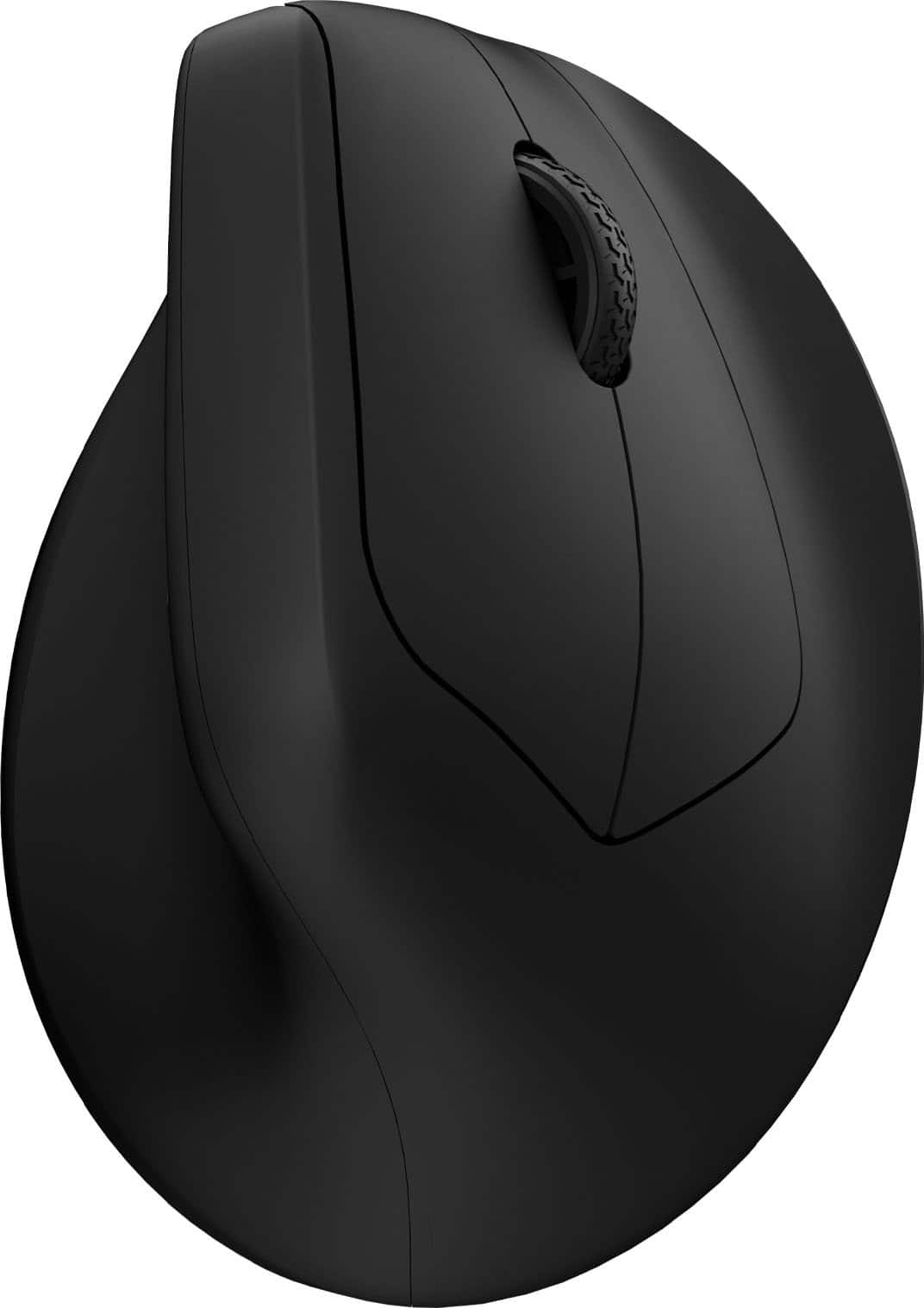
Keychron - M6 Ergonomic Wired & Wireless Laser Mouse w/ Macro Button & Fast-Scrolling Metal Wheel, For Windows PC & Mac - Wired - Black
SKU: CGJVZ4YC3GThe best...I’ve gotta say, after searching for the 100’s of mouses for my set up, this has got to be the best one...I’d buy it 100x over what a great product....Love it!
See all Wireless & Bluetooth MiceProduct Description
An ergonomic black wireless mouse featuring Bluetooth, wired options, and over ten programmable macro buttons.Your price for this item is $49.99 -
Keychron - M5 Ergonomic Wired & Wireless Laser Mouse w/ Macro Button & Fast-Scrolling Metal Wheel, For Windows PC & Mac - Wired - Black
SKU: CGJVZ4YXWCI have medium-smallish hands and it fits me perfectly, but I'm confident it would also feel great for
See all Wireless & Bluetooth MiceProduct Description
An ergonomic black mouse with wired, Bluetooth, and wireless connectivity, plus macro button and metal scroll wheel.Your price for this item is $39.99 -
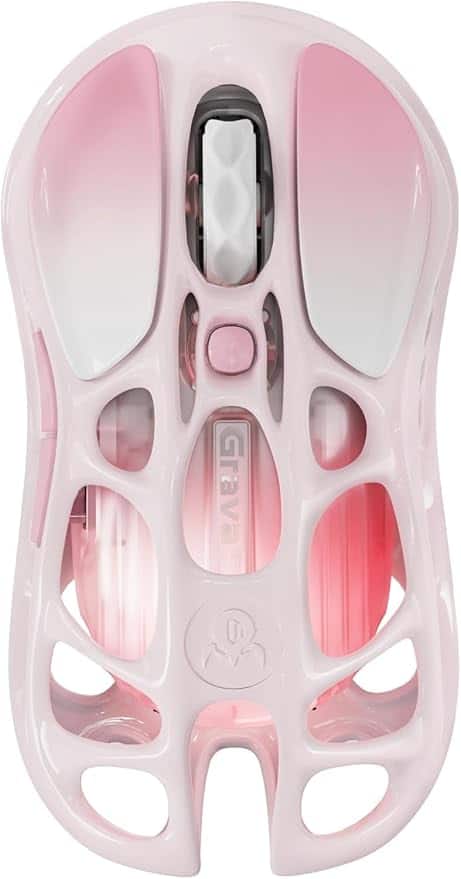
GravaStar - Mercury M1 Pro Special Edition Wireless Gaming Mouse with 26000 DPI and Magnesium Alloy Frame - Wired - Sakura Pink
SKU: CZTY2K8C77See all Gaming MiceProduct Description
A lightweight magnesium alloy gaming mouse in gradient pink with 26,000 DPI, RGB lighting, and wireless connectivity.Your price for this item is $99.95

Best Sellers


Related Pages


FAQ
Most wired mice use a standard USB or USB-C connection, making them compatible with all MacBook Pro models that have the appropriate port or an adapter. Always check the product specifications to ensure compatibility with your specific MacBook Pro model.
Most wired mice are plug-and-play with macOS, meaning they work automatically without the need for additional drivers. However, some models with advanced features may offer optional software for customization.
Yes, many wired mice offer customizable buttons. You can typically configure these buttons using macOS settings or the manufacturer's software to perform specific functions or shortcuts.
Yes, a wired mouse will function normally while your MacBook Pro is charging, as long as it is connected to a compatible port or through an adapter.
Wired mice offer reliable connectivity, zero latency, and do not require batteries. They are ideal for tasks that require precision, such as graphic design or gaming, and are simple to set up with a MacBook Pro.