Mouse For MacBook
-
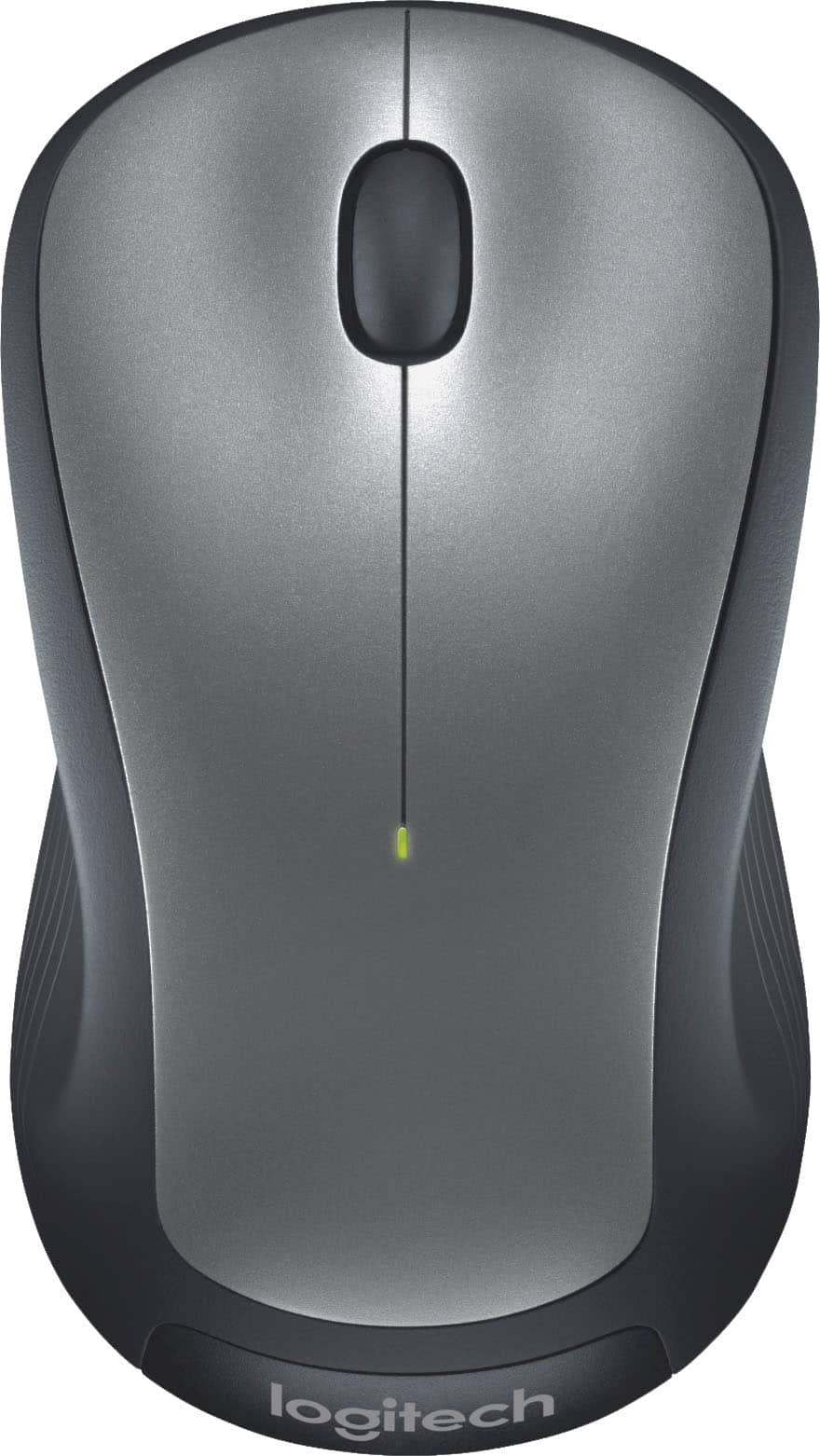
Logitech - M310 Wireless Optical Ambidextrous Mouse - Wireless - Silver
SKU: J7H7ZLV3V9Best deal on a wireless mouse looks great easy setup I’ll get another one soon. Love it ! Thanks !!...is working perfect i love it recomended love best buy
See all MiceProduct Description
A wireless silver mouse with ambidextrous ergonomic design, soft rubber grips, and smooth, responsive tracking.Your price for this item is $18.99Save $4The previous price was $22.99 -
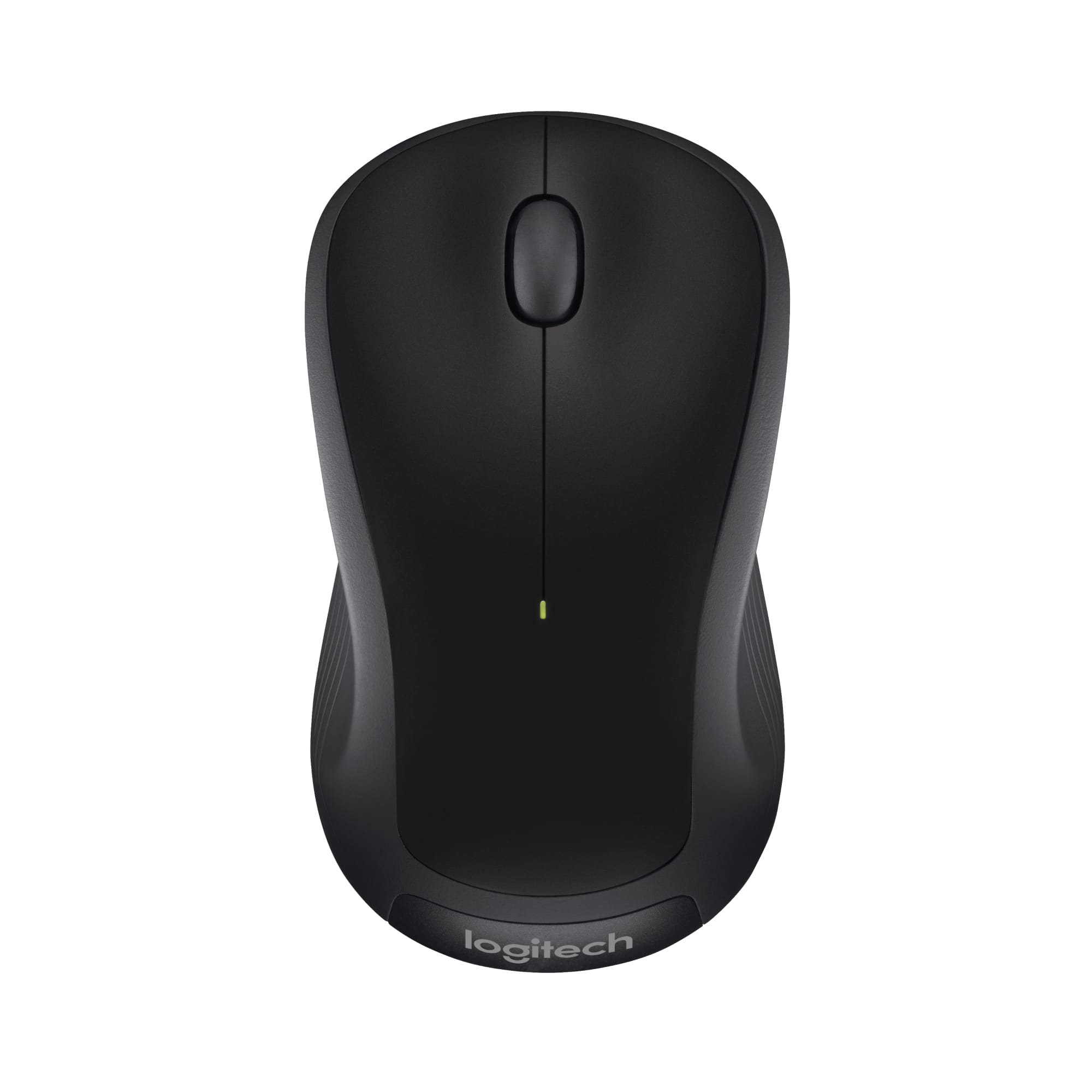
Logitech - M310 Wireless Optical Ambidextrous Mouse - Wireless - Black
SKU: J7H7ZYJ4LYInexpensive, looks great and works awesome! Best part about it is the feel! Love the rubber grip!...Great product for the money. Highly recommend. Best Buy has great prices...Love wireless products......
See all Wireless & Bluetooth MiceProduct Description
An ergonomic black wireless mouse with ambidextrous design, soft rubber grips, and responsive optical tracking.Your price for this item is $18.99Save $4The previous price was $22.99 -
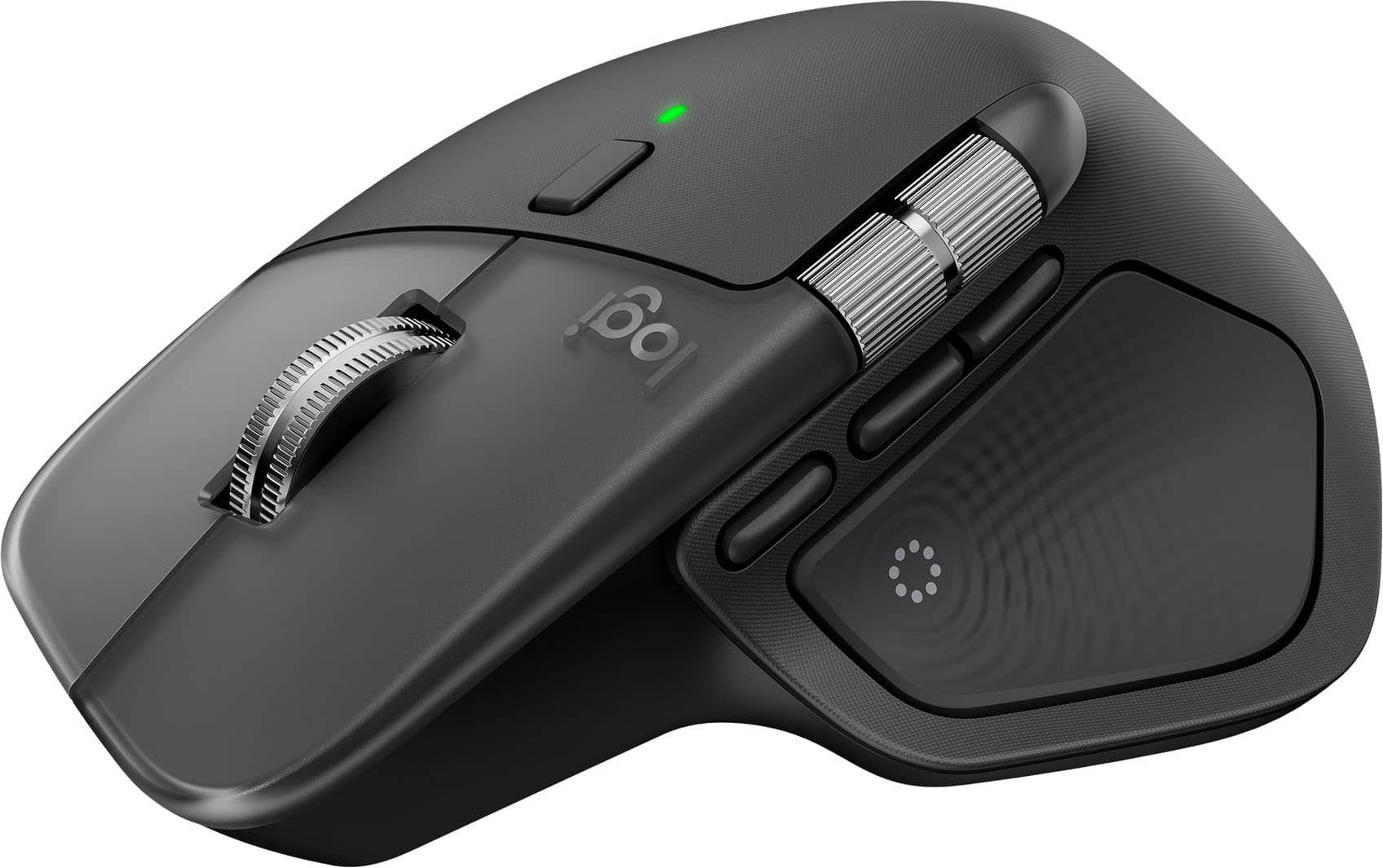
Logitech - MX Master 4 for Mac - Wireless Laser Ergonomic Mouse with Advanced Performance Haptic Feedback - Wireless - Space Black
SKU: J7H7ZYLX9LGreat Mouse...I have 3 of them and this is the best one LT has put out by far!!...Love the Ring features they work great and speed of simple tasks!!...The customizable features of the MX Master 4 for...
See all Wireless & Bluetooth MiceProduct Description
An ergonomic wireless mouse in space black featuring advanced haptic feedback, Bluetooth, and USB-C charging.Your price for this item is $119.99 -
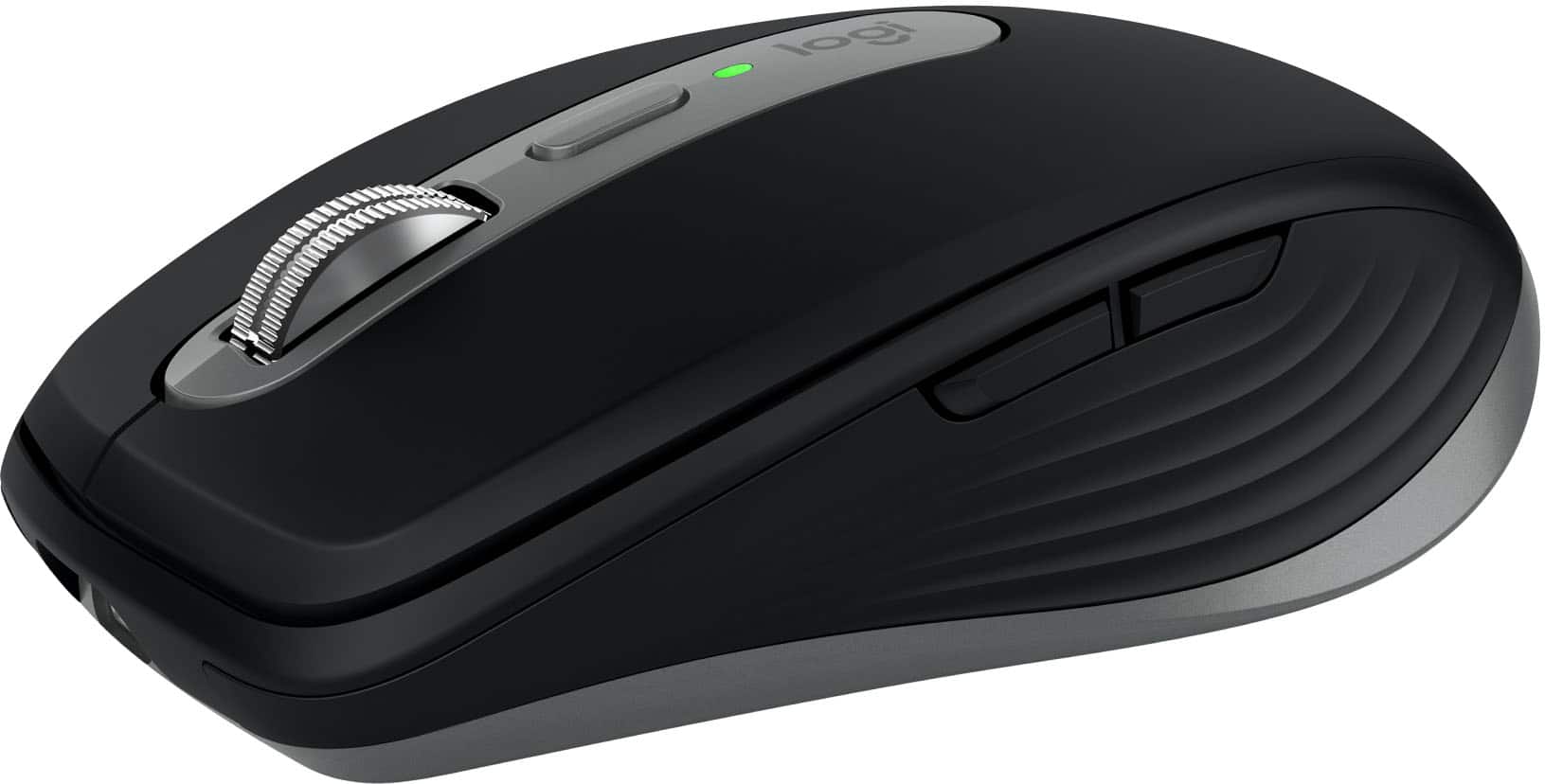
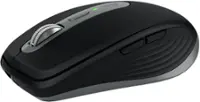
Logitech - MX Anywhere 3S for Mac Wireless Bluetooth Optical Fast Scrolling Mouse with Programmable Buttons - Wireless - Space Gray
SKU: J7H7ZY8KRQGreat mouse to Neo....This mouse works great! I have had many mice. This one is the best!...Best mouse i own so far...While I typically opt for standard mouses. this one stands out as the best purchase...
See all MiceProduct Description
A compact, space gray wireless mouse with quiet clicks, 8K DPI tracking, and programmable buttons for Mac.Your price for this item is $89.99 -
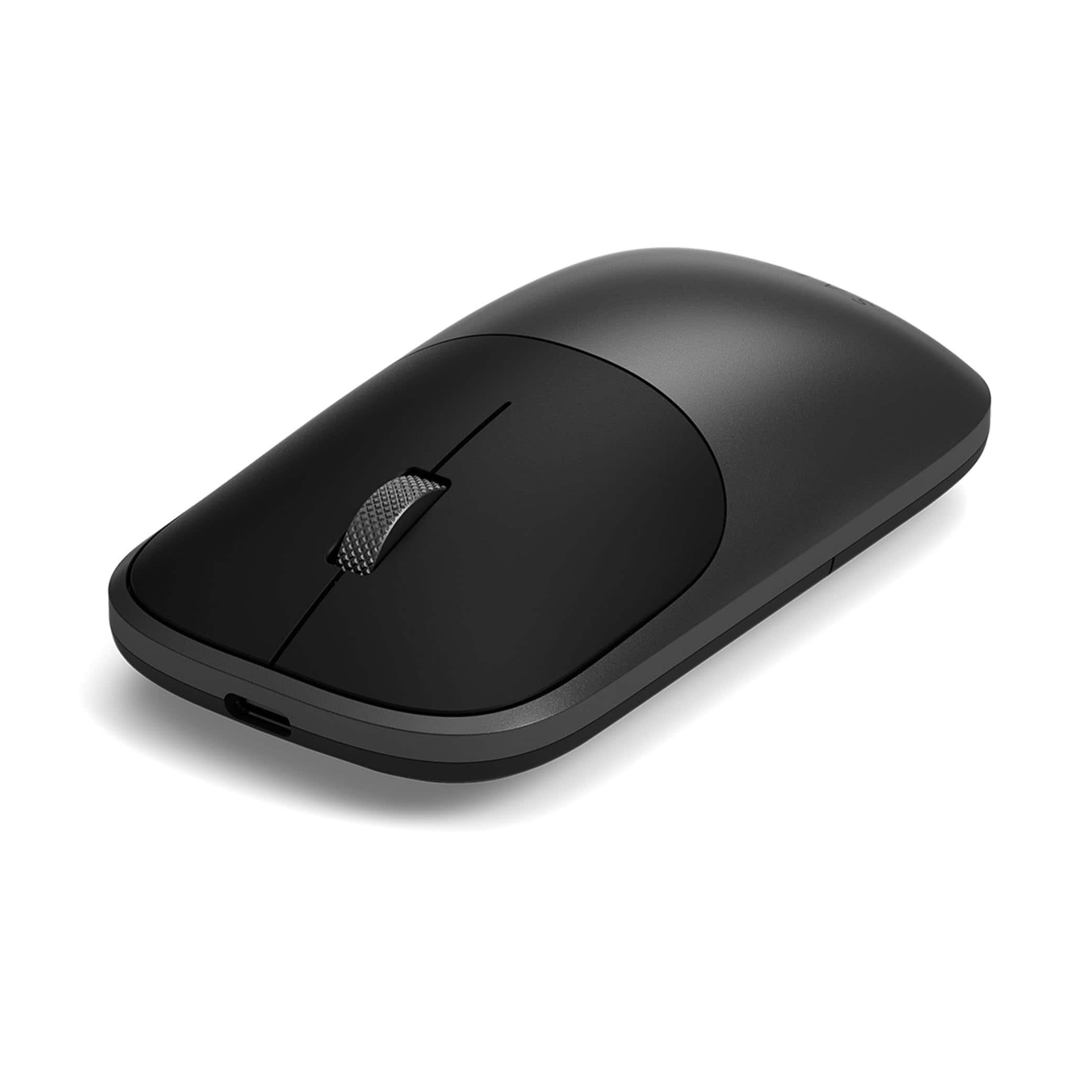
Satechi - Slim EX Wireless Mouse, Multi-Device Bluetooth - Wireless - Wireless - Space Black
SKU: J3GWC4C8Q6great mouse...Best one I ever owned...Great feel, very smooth, no complaints
See all Wireless & Bluetooth MiceProduct Description
A sleek space black aluminum wireless mouse with silent clicks, multi-device Bluetooth, and USB-C rechargeable design.Your price for this item is $29.99 -
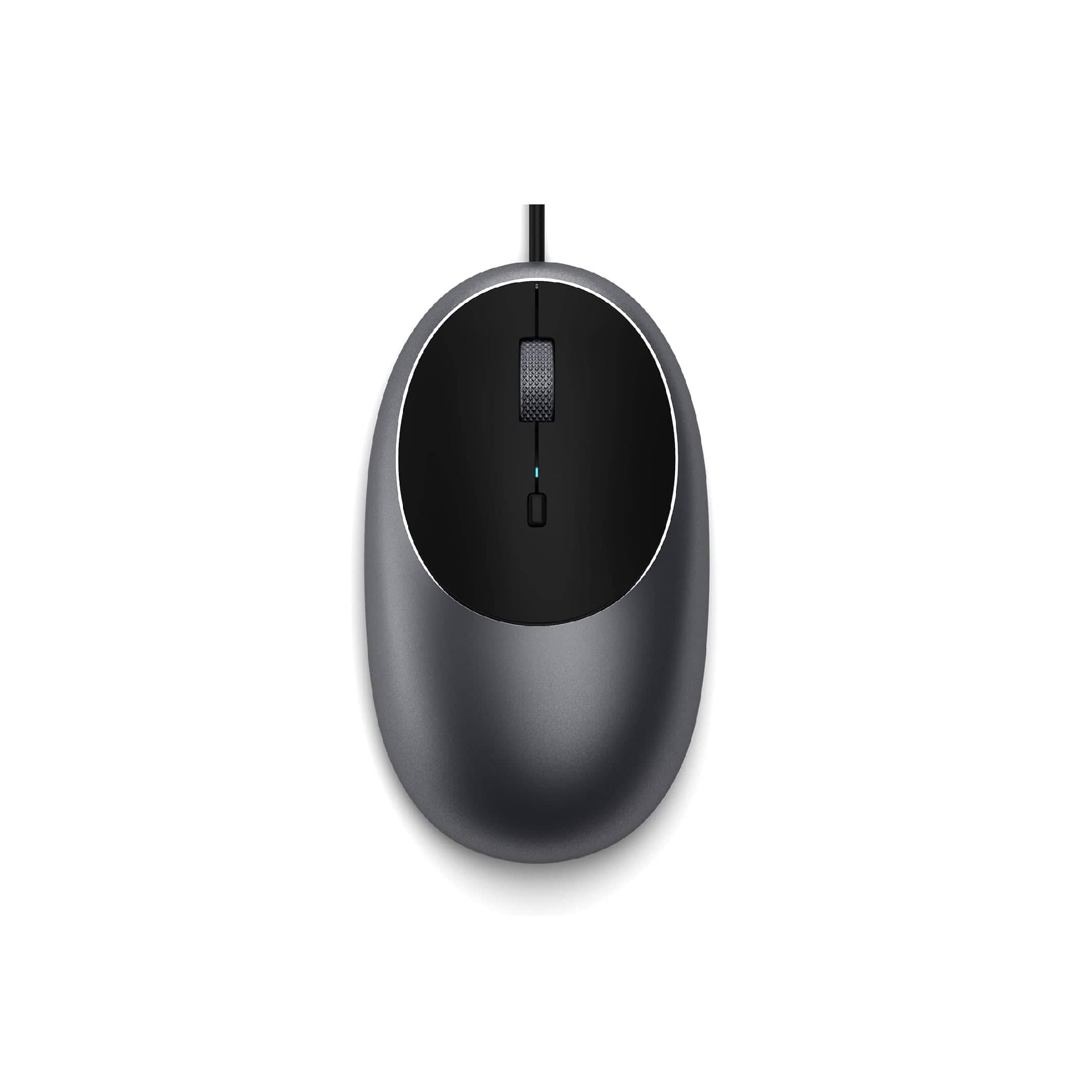
Satechi - Aluminum C1 Wired USB-C Optical Mouse for MacBook Air/Pro M5/M4, iPad Air/Pro, Mac mini, iMac - Wired - Space Gray
SKU: J3KXL7XQGRSee all USB & USB C Wired MiceProduct Description
A sleek space gray wired USB-C mouse featuring four programmable buttons and adjustable DPI up to 3200.Your price for this item is $19.99 -
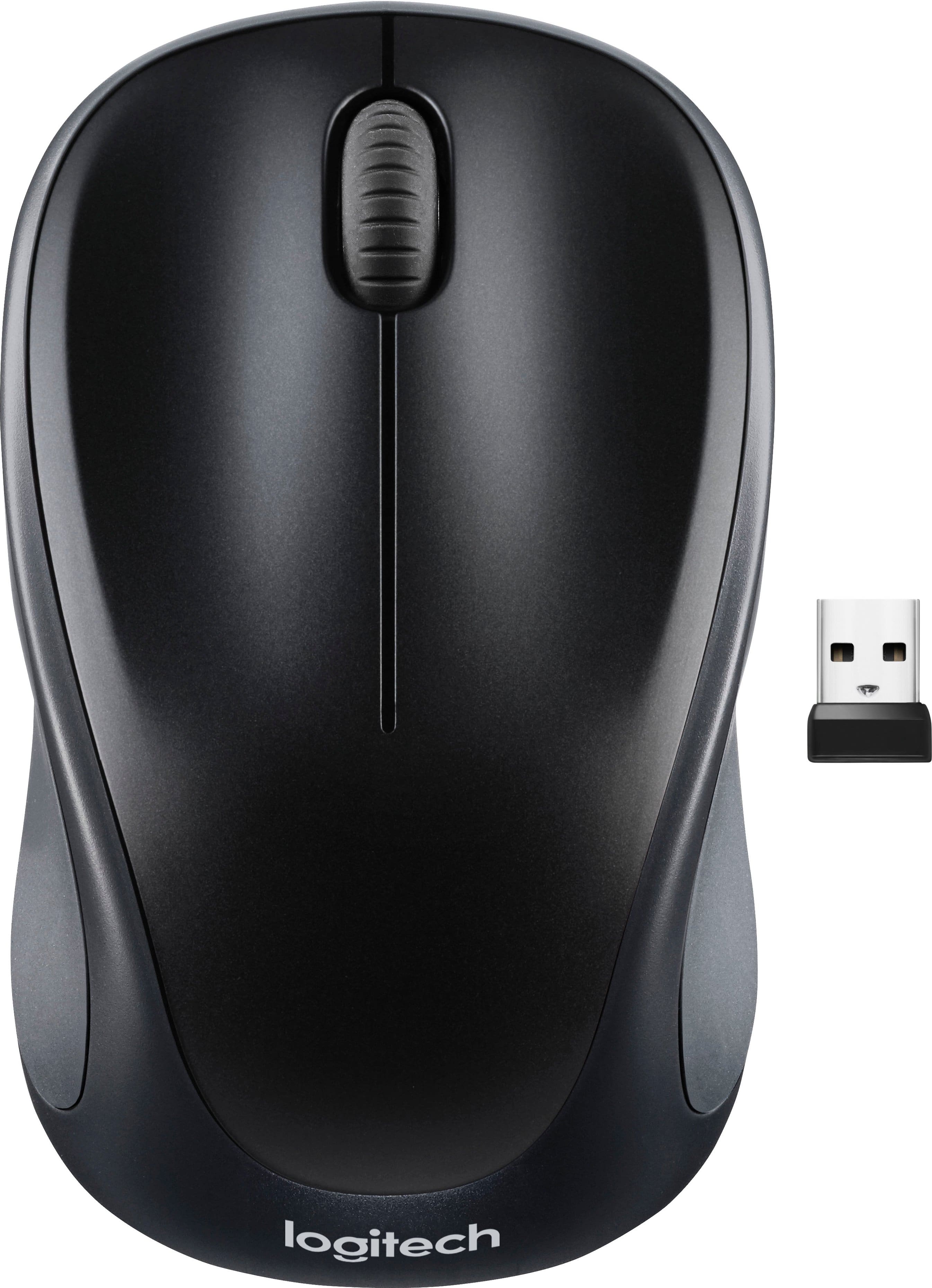
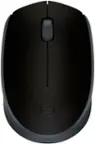
Logitech - M317 Wireless Optical Mouse - Wireless - Black
SKU: J7H7ZY742ZGreat Mouse!...Love this mouse! Easy to set up and very comfortable in the hand....Works great...Comfortable in the hand and works great.
See all Wireless & Bluetooth MiceProduct Description
A compact black wireless mouse featuring a contoured design, soft rubber grips, and plug-and-play convenience.Your price for this item is $15.99Save $7The previous price was $22.99 -
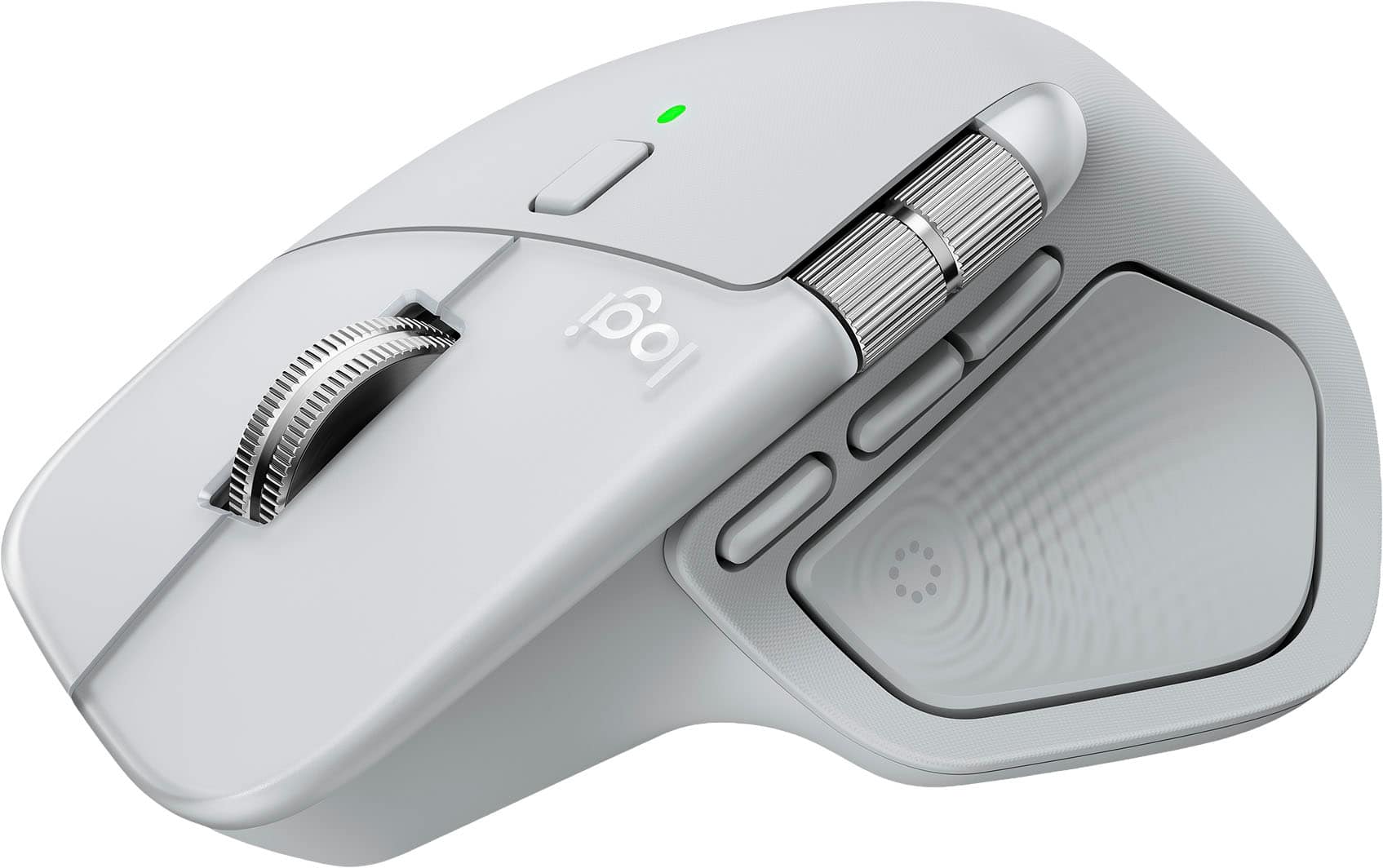
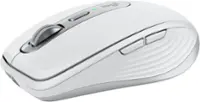
Logitech - MX Master 4 for Mac - Wireless Laser Ergonomic Mouse with Advanced Performance Haptic Feedback - Wireless - White Silver
SKU: J7H7ZYLX9Q[Employee of bestbuy] Love this mouse the best one Logitech as made ever...Works like a charm and love the gesture controls. Best when used with a mac
See all Wireless & Bluetooth MiceProduct Description
A wireless ergonomic mouse in white silver featuring advanced haptic feedback, Bluetooth, and programmable buttons.Your price for this item is $119.99 -
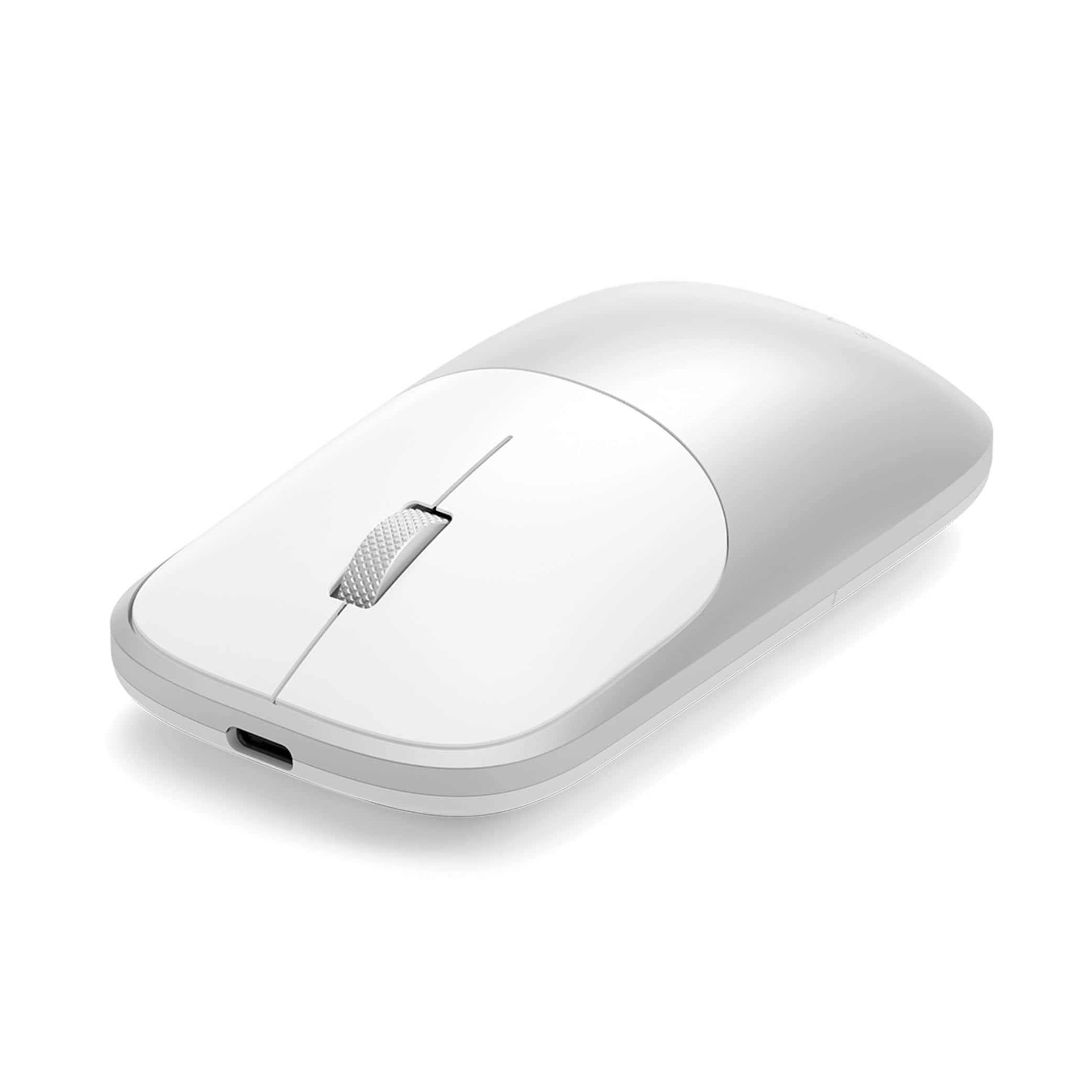
Satechi - Slim EX Wireless Mouse, Multi-Device Bluetooth - Wireless - Wireless - Silver
SKU: J3GWC4C8QZA Great Mouse in the House...Compared to the two other mouse brands I've used, this one is the very best!...The mouse feels great (e.g. very light) in my hand and its response is smooth and quick. I love...
See all Wireless & Bluetooth MiceProduct Description
A sleek silver wireless mouse with dual Bluetooth, USB-C charging, quiet clicks, and precision scroll wheel.Your price for this item is $29.99
Best Sellers





Related Pages



FAQ
Most wireless mice that use Bluetooth or a USB receiver are compatible with MacBook devices. However, for the best experience, look for mice that specifically mention macOS compatibility or offer dedicated Mac drivers and features.
Many mice work with MacBooks right out of the box using macOS’s built-in drivers. Some advanced mice offer additional features or customization through optional software, which can be downloaded from the manufacturer’s website.
Some third-party mice support gesture controls and multi-touch features on macOS, but functionality varies by model. Apple’s Magic Mouse offers the most integrated gesture support, while select mice from other brands may include similar features.
Yes, you can connect more than one mouse to a MacBook at the same time, either via Bluetooth or USB. However, only one pointer will be visible and active on the screen.
You can adjust basic mouse settings like pointer speed and scrolling direction in the System Settings under 'Mouse.' For advanced customization, such as reassigning buttons or creating shortcuts, you may need to install the mouse manufacturer’s software or use third-party applications compatible with macOS.