Best Mouse For MacBook Air
-
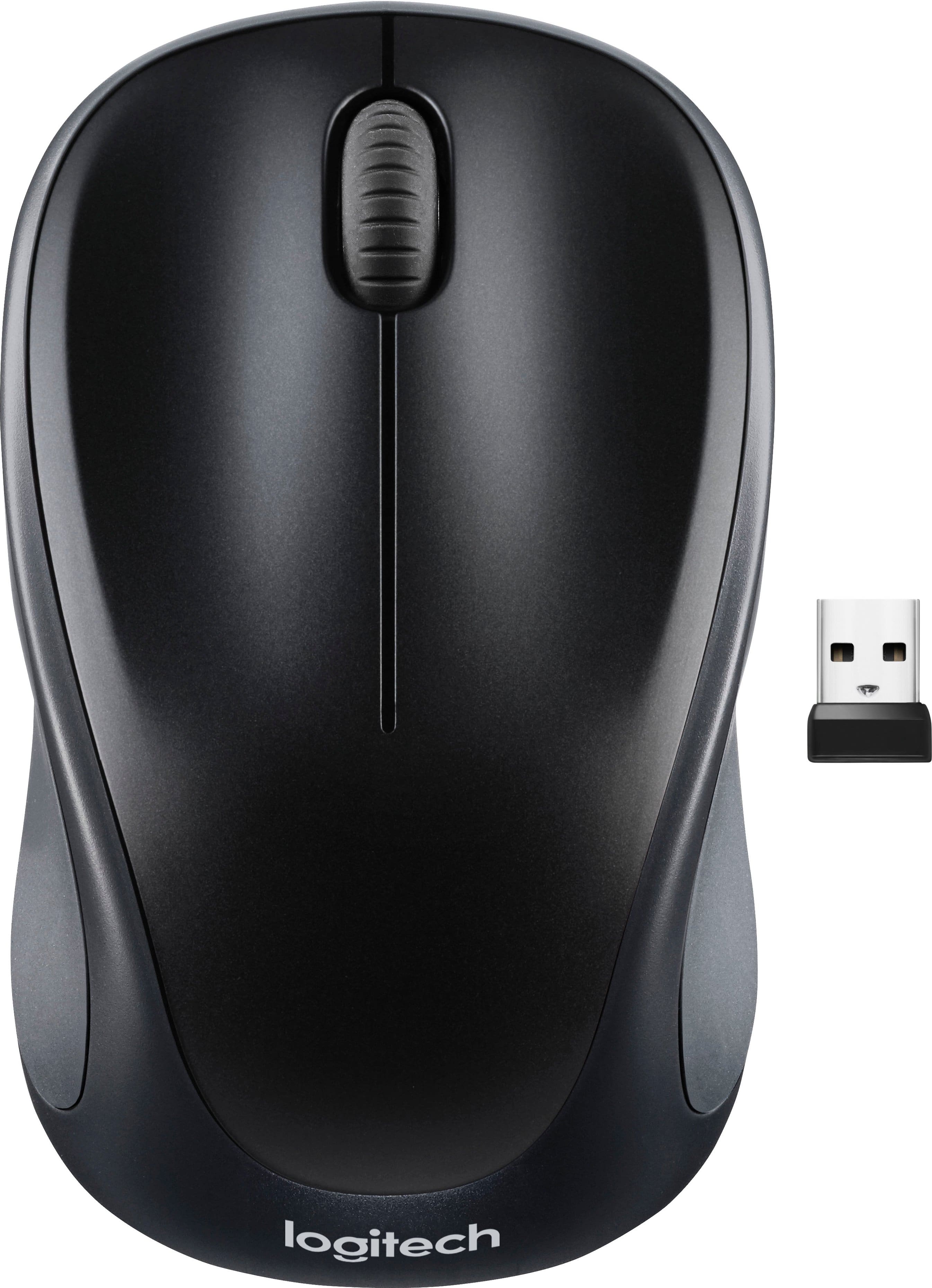
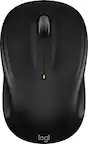
Logitech - M317 Wireless Optical Mouse - Wireless - Black
SKU: J7H7ZY742ZSee all Wireless & Bluetooth MiceProduct Description
A compact black wireless mouse featuring a contoured design, soft rubber grips, and plug-and-play convenience.Your price for this item is $22.99 -
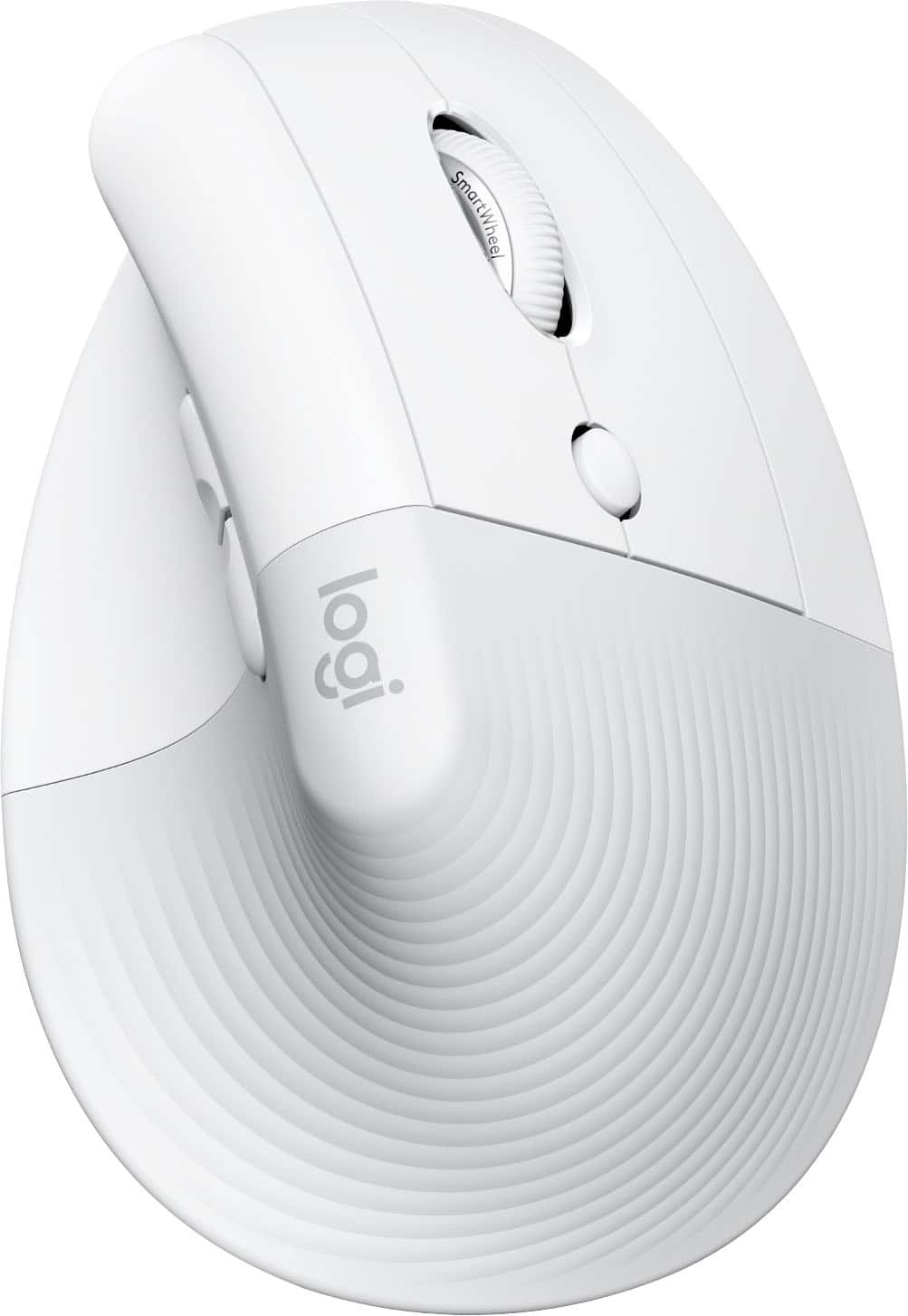
Logitech - Lift for Mac Wireless Bluetooth Optical Ergonomic Mouse with 4 Customizable Buttons - Wireless - Off-White
SKU: J7H7ZY3FQHSee all MiceProduct Description
An ergonomic off-white Bluetooth mouse with quiet clicks, four customizable buttons, and a vertical design for comfort.Your price for this item is $92.89 -
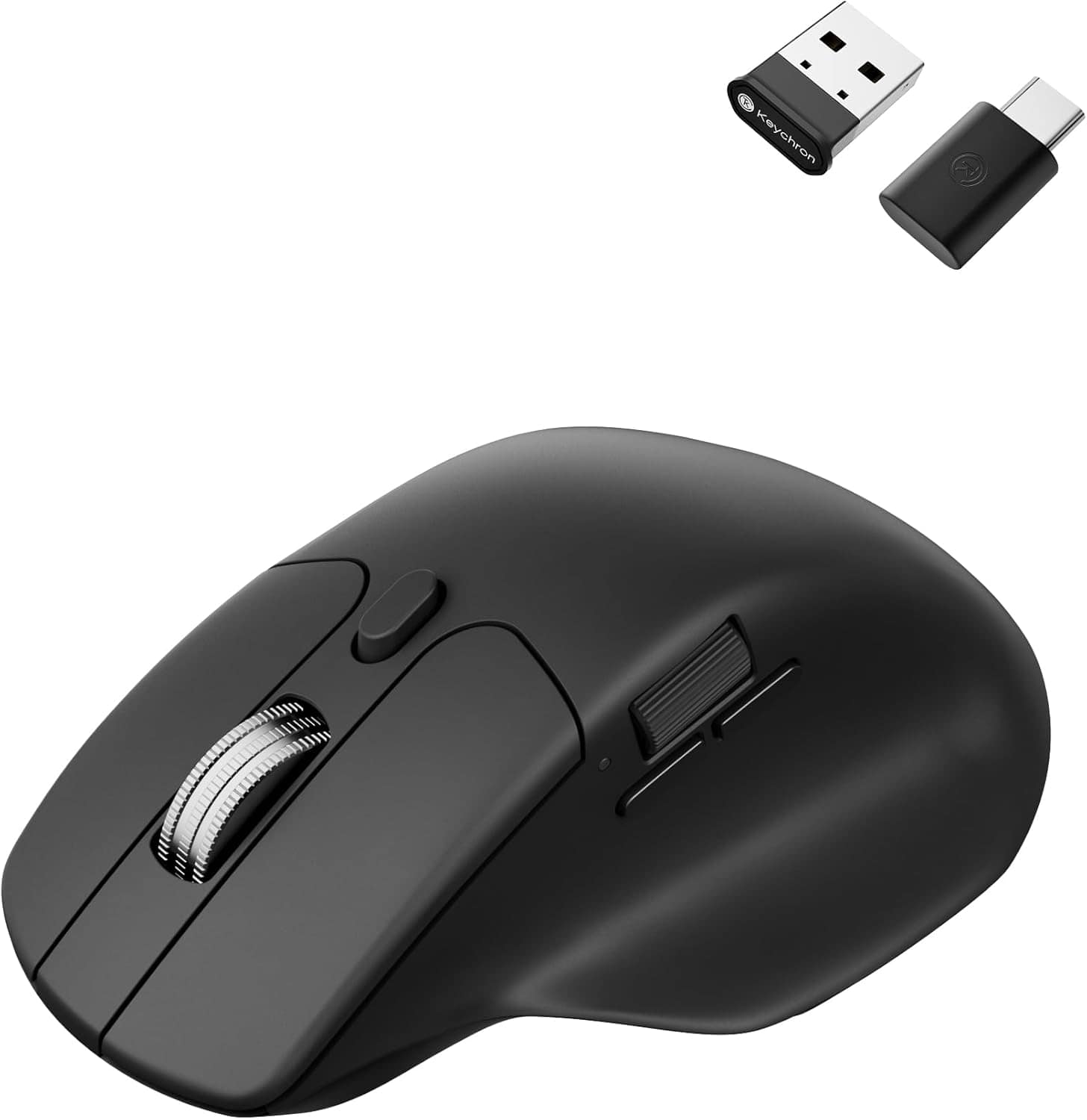
Keychron - M6 Ergonomic Wired & Wireless Laser Mouse w/ Macro Button & Fast-Scrolling Metal Wheel, For Windows PC & Mac - Wired - Black
SKU: CGJVZ4YC3GSee all Wireless & Bluetooth MiceProduct Description
An ergonomic black wireless mouse featuring Bluetooth, wired options, and over ten programmable macro buttons.Your price for this item is $39.99Save $10The previous price was $49.99 -
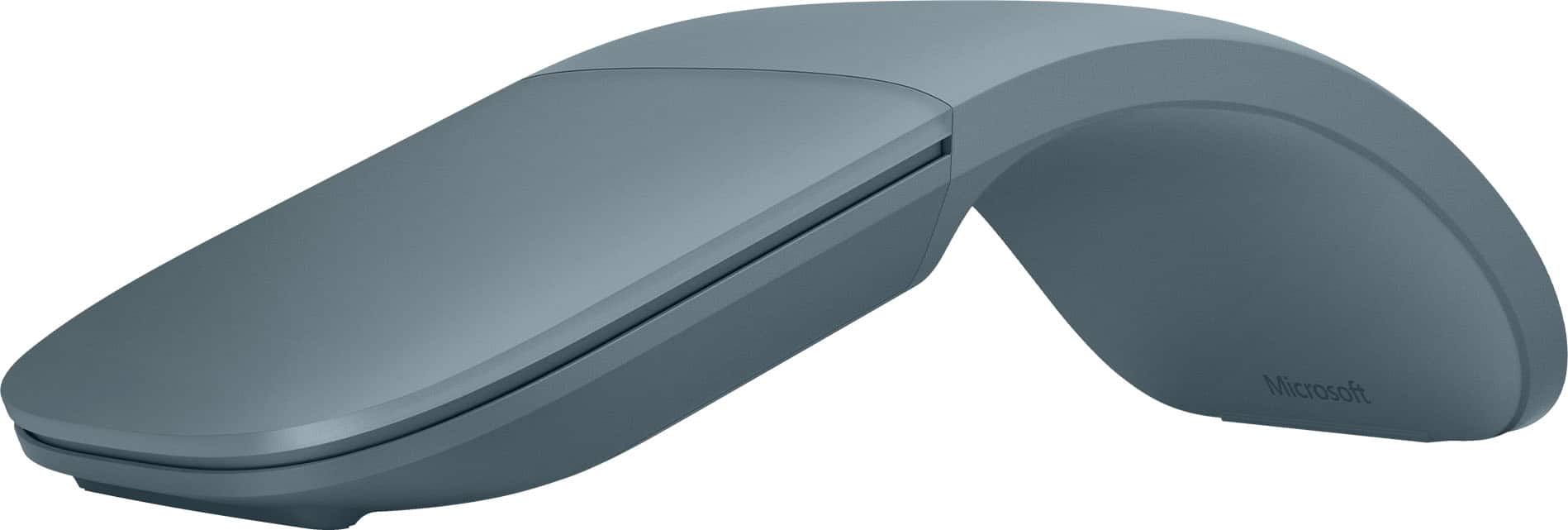
Microsoft - Surface Arc Bluetooth BlueTrack Ambidextrous Mouse for PC - Wireless - Ocean
SKU: JJGXPXHTFJSee all MiceProduct Description
An ambidextrous, wireless Bluetooth mouse in Ocean blue that snaps flat for easy travel and storage.Your price for this item is $89.99 -
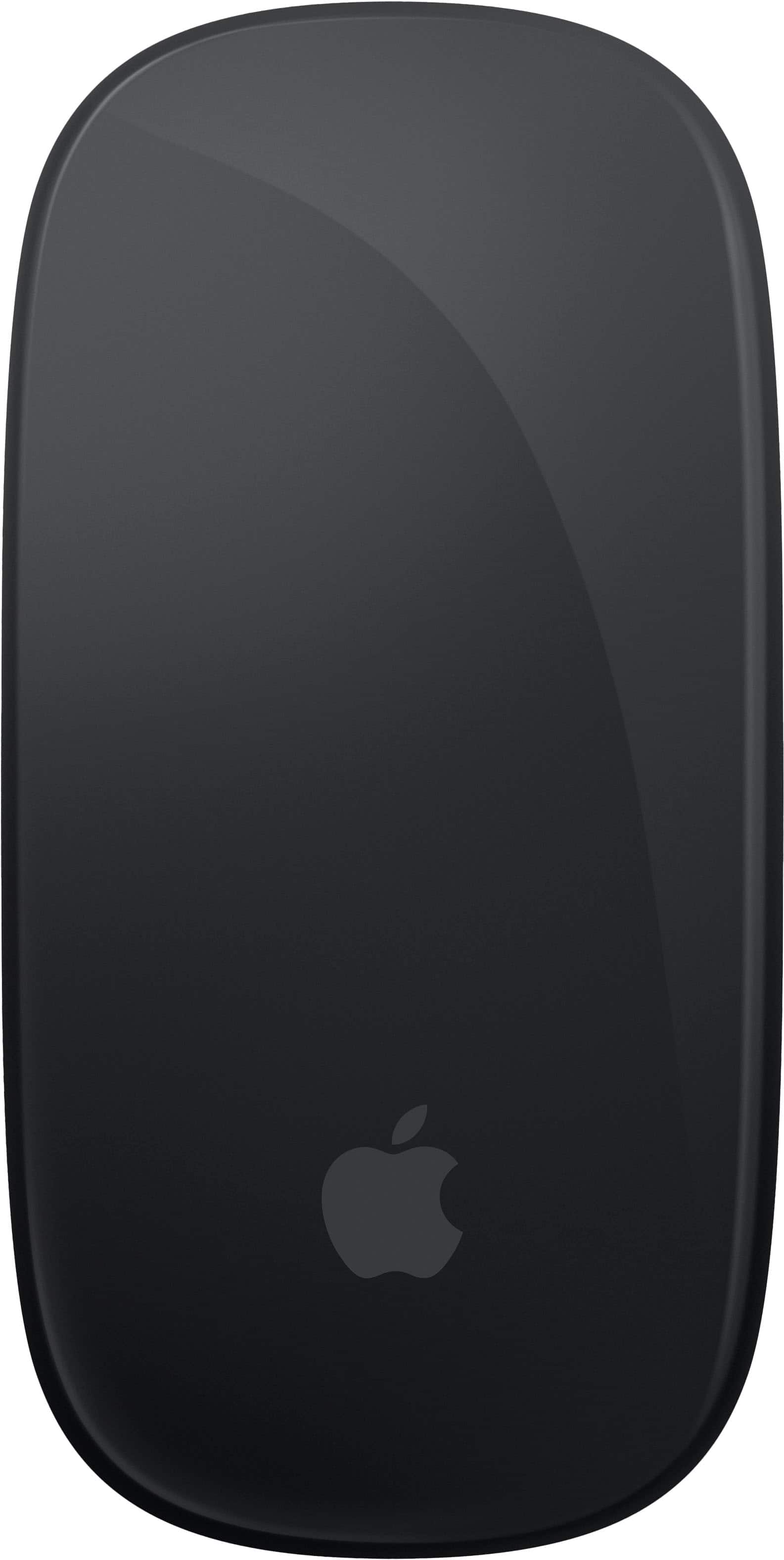
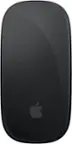
Apple - Magic Mouse - Multi-Touch Surface (USB-C) - Wireless - Black Multi-Touch Surface
SKU: JJGCQ8CVQCSee all MiceProduct Description
A sleek black wireless mouse with a rechargeable battery and Multi-Touch surface for intuitive gesture controls.Your price for this item is $99.99 -
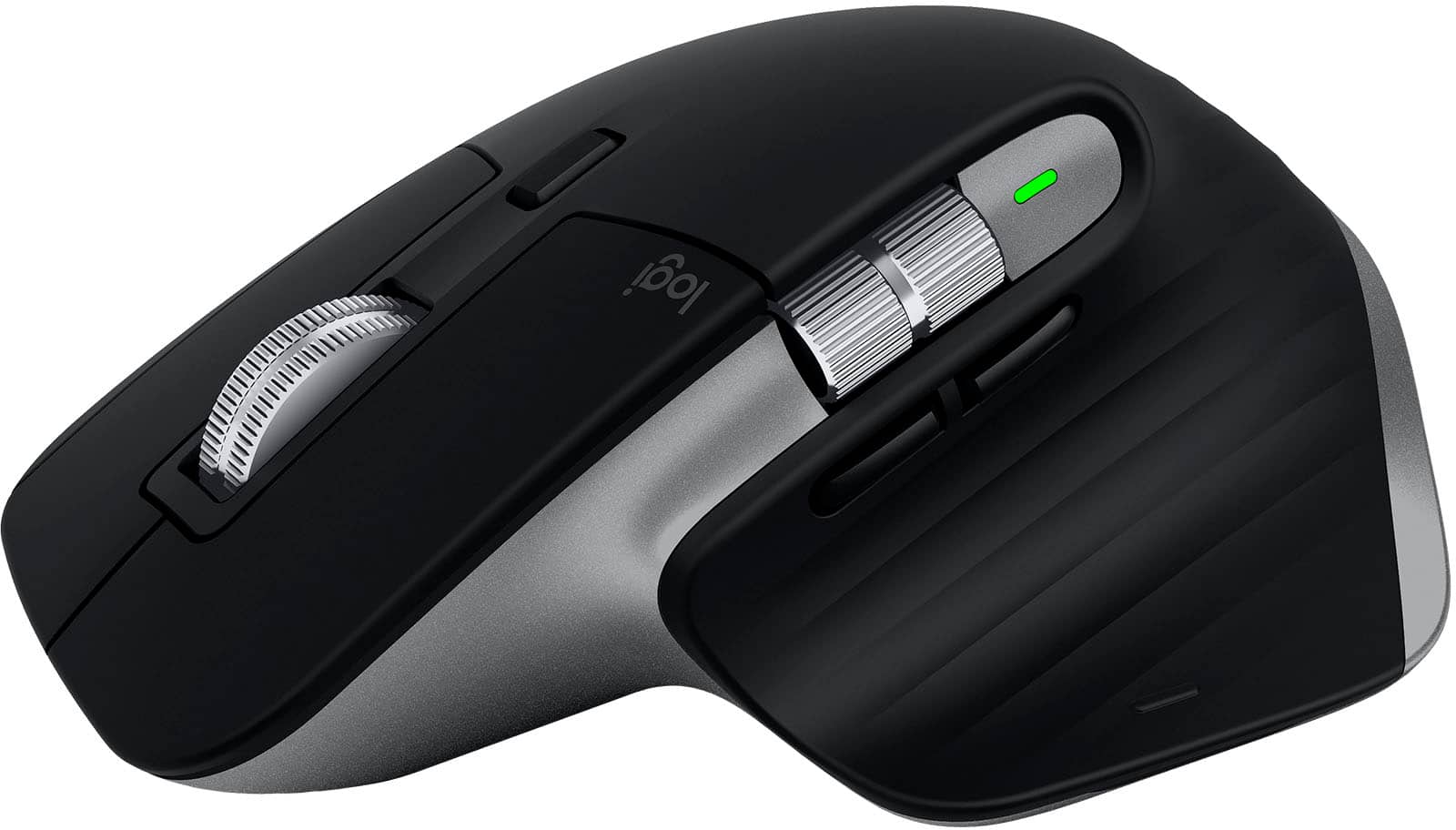
Logitech - MX Master 3S for Mac Wireless Bluetooth Laser Mouse with Ultrafast Scrolling - Wireless - Space Gray
SKU: J7H7ZY8XWJSee all MiceProduct Description
A wireless, ergonomic mouse in space gray featuring Bluetooth, ultrafast scrolling, and customizable buttons for Mac.Your price for this item is $154.63Save $2The previous price was $156.99 -
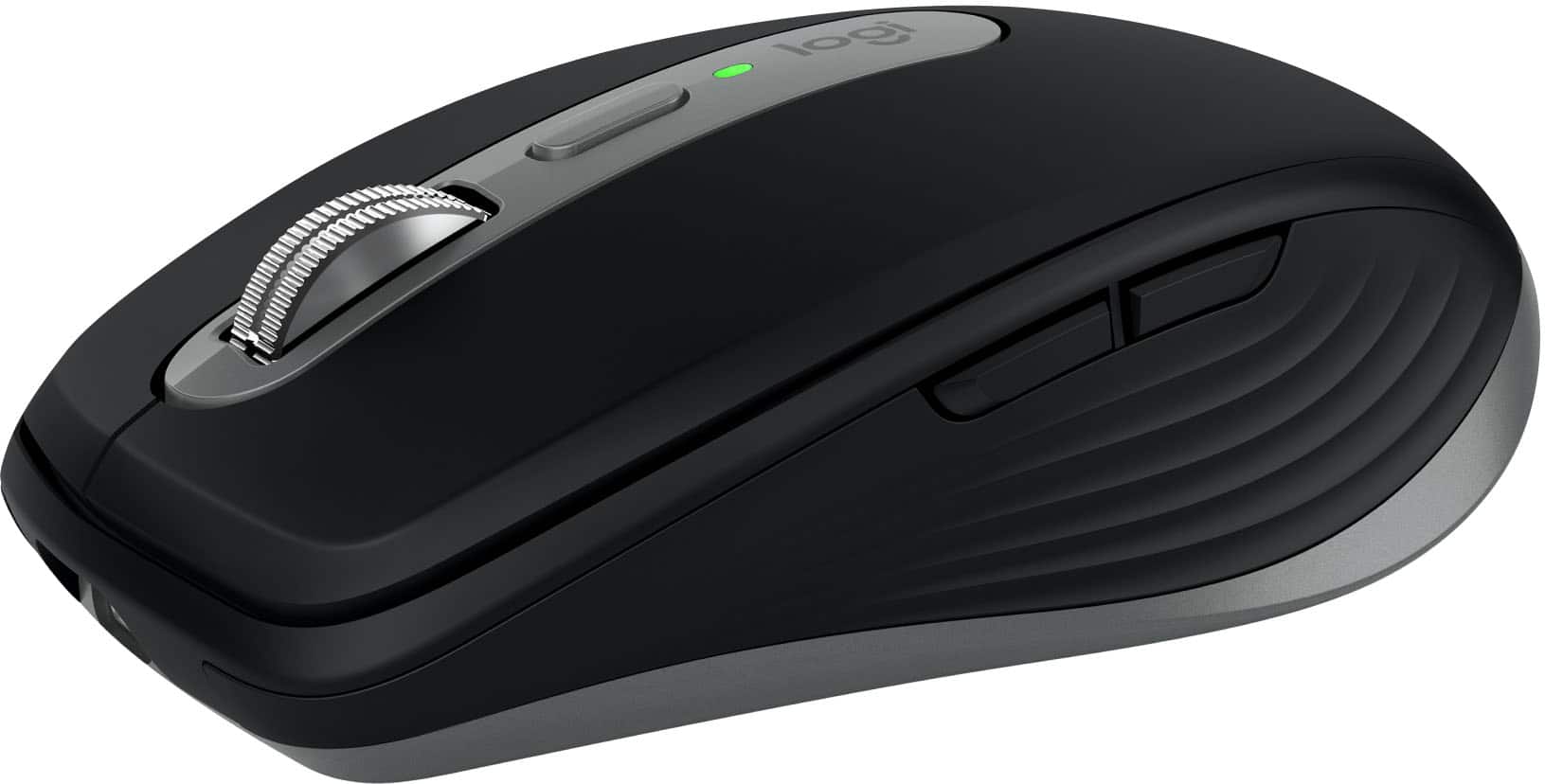
Logitech - MX Anywhere 3S for Mac Wireless Bluetooth Optical Fast Scrolling Mouse with Programmable Buttons - Wireless - Space Gray
SKU: J7H7ZY8KRQSee all MiceProduct Description
A compact, space gray wireless mouse with quiet clicks, 8K DPI tracking, and programmable buttons for Mac.Your price for this item is $89.99 -
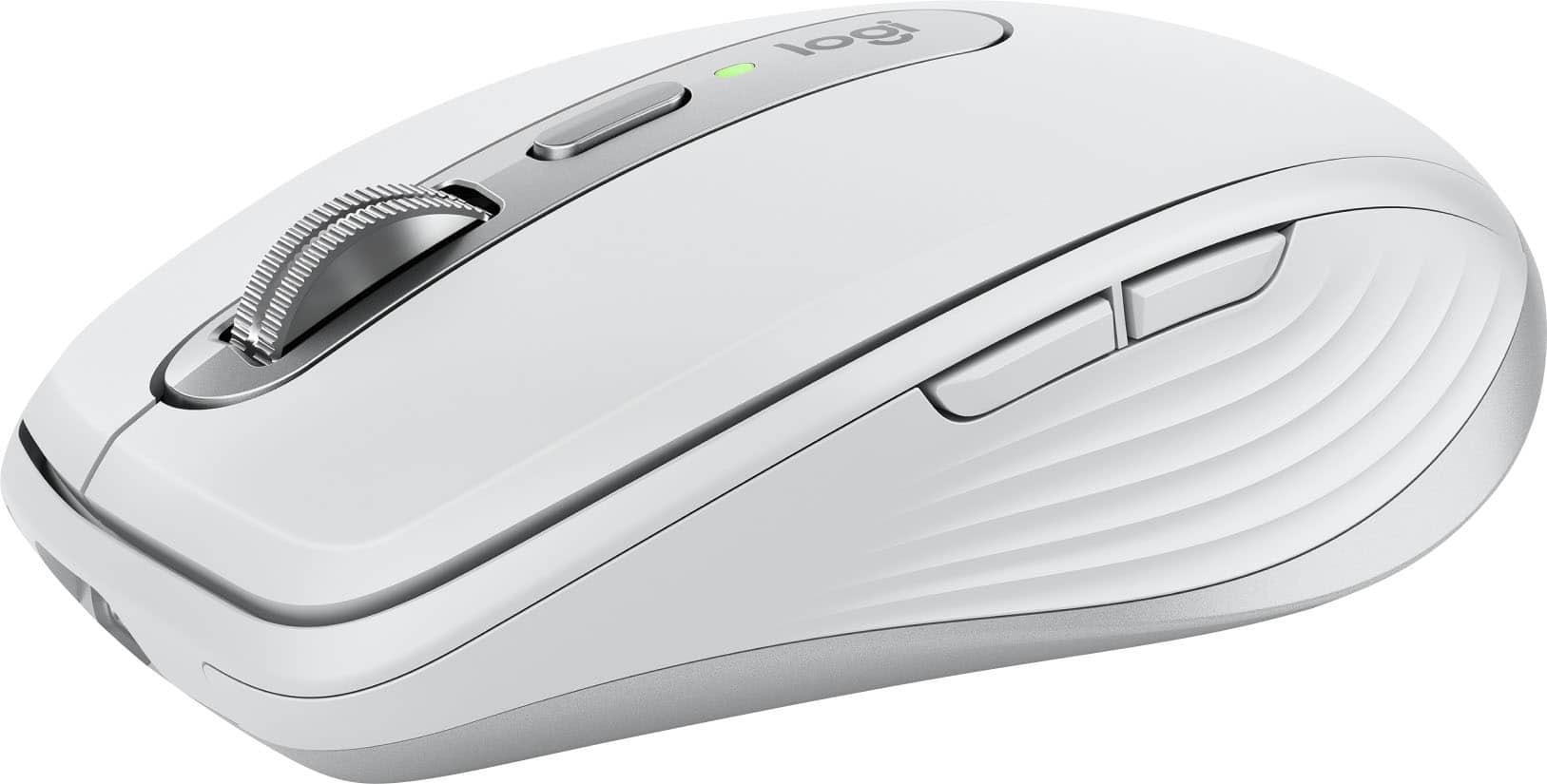
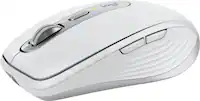
Logitech - MX Anywhere 3S for Mac Wireless Bluetooth Optical Fast Scrolling Mouse with Programmable Buttons - Wireless - Pale Gray
SKU: J7H7ZY8KRLThis mouse paired easily with my MacBook Air via Bluetooth and works like a dream. ...Best mouse I have found for my MacBook pro. Connects with ease, excellent...Excellent mouse for MacBook Pro
See all MiceProduct Description
A compact pale gray wireless mouse with quiet clicks, 8K DPI tracking, and programmable buttons for Mac.Your price for this item is $89.99 -
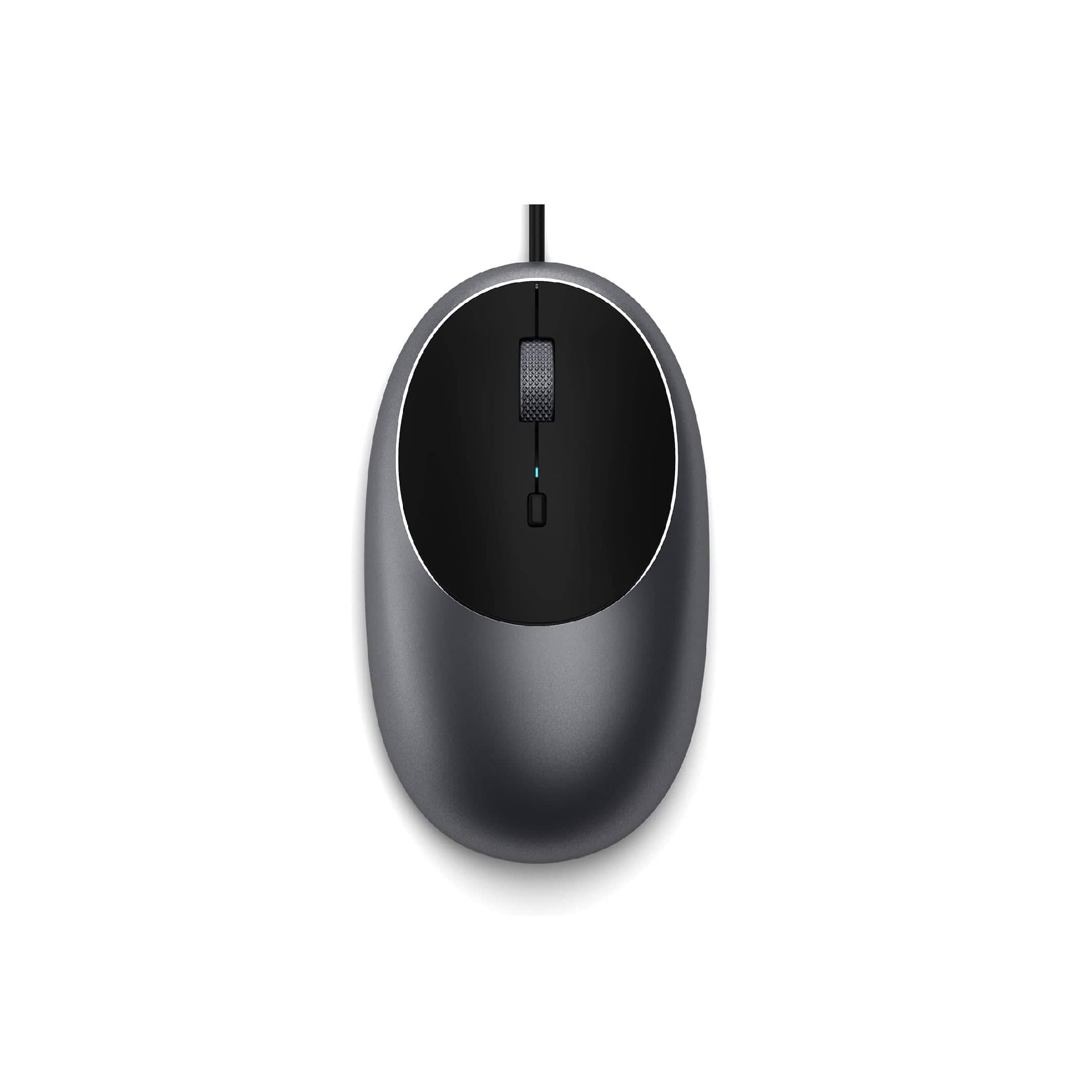
Satechi - Aluminum C1 Wired USB-C Optical Mouse for MacBook Air/Pro M5/M4, iPad Air/Pro, Mac mini, iMac - Wired - Space Gray
SKU: J3KXL7XQGRSee all USB & USB C Wired MiceProduct Description
A sleek space gray wired USB-C mouse featuring four programmable buttons and adjustable DPI up to 3200.Your price for this item is $19.99 -
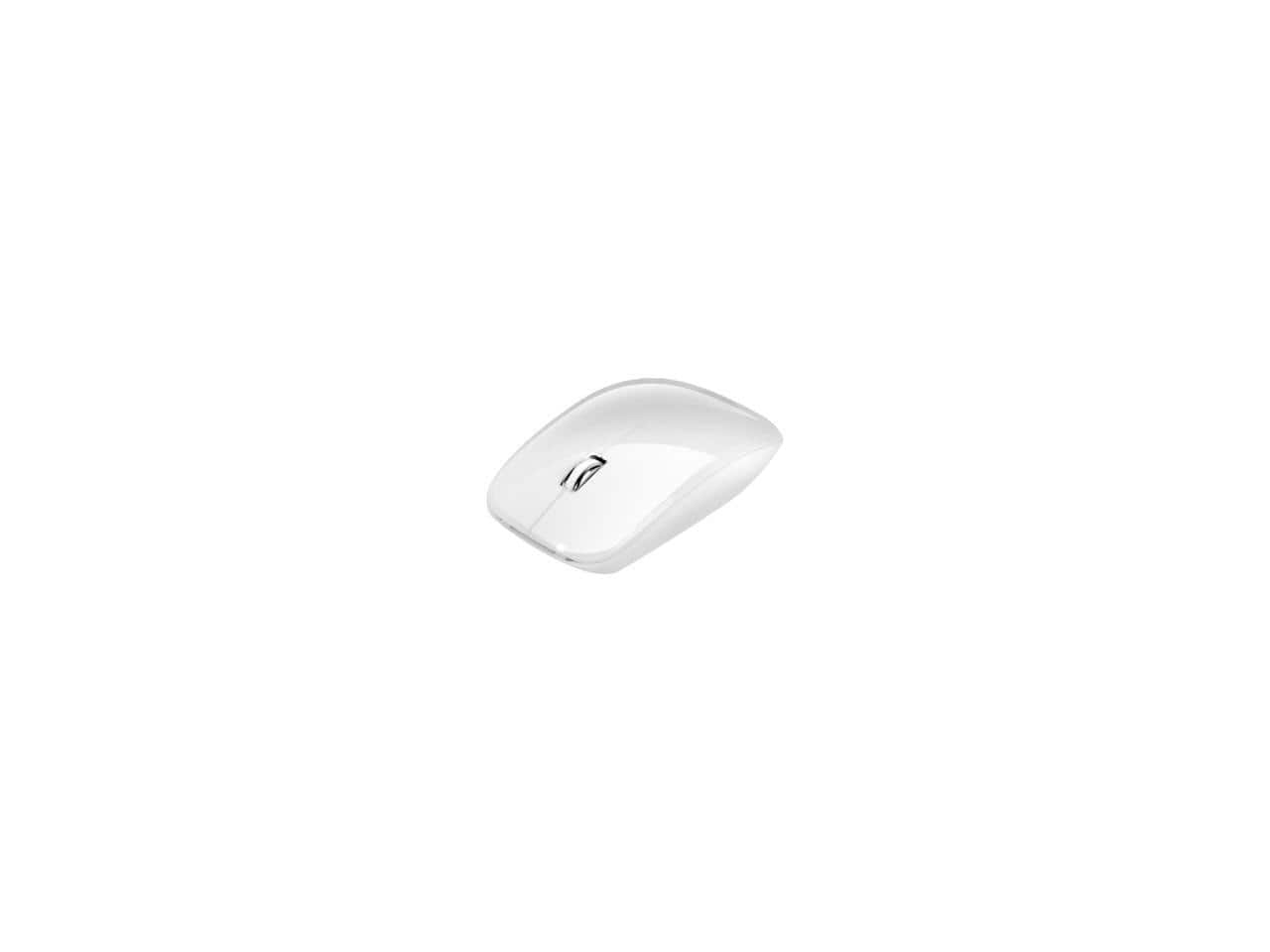
Adesso - iMouseM300W Bluetooth 3.0, Low Profile, Optical Scroll Mouse for Mac/Windows - Wireless - White
SKU: J32P877LK9See all Wireless & Bluetooth MiceProduct Description
A sleek, low-profile white wireless mouse featuring Bluetooth 3.0 and optical scrolling for Mac and Windows.Your price for this item is $30.41Save $1The previous price was $31.93
Best Sellers



Related Pages


FAQ
Most wireless mice that use Bluetooth or a USB receiver are compatible with MacBook Air. However, it's recommended to check the product specifications for Mac compatibility to ensure seamless performance and access to all features.
Many mice work with MacBook Air using plug-and-play functionality, meaning no additional drivers are needed. Some advanced mice may offer optional software to customize buttons or sensitivity, which can be downloaded from the manufacturer's website.
Certain mice designed specifically for Mac, such as the Apple Magic Mouse, support macOS gestures like swiping and scrolling. Some third-party mice may also offer gesture support through dedicated software.
A Bluetooth mouse connects wirelessly without occupying a USB port, which is especially useful for MacBook Air users who have limited ports. Bluetooth mice also offer easy pairing and a clutter-free workspace.
To connect a Bluetooth mouse, open your MacBook Air's System Settings, go to Bluetooth, and select your mouse from the list of available devices. For USB or wireless receiver mice, simply plug the receiver into a USB port and follow any on-screen prompts if necessary.