Best Mouse For MacBook Pro
-
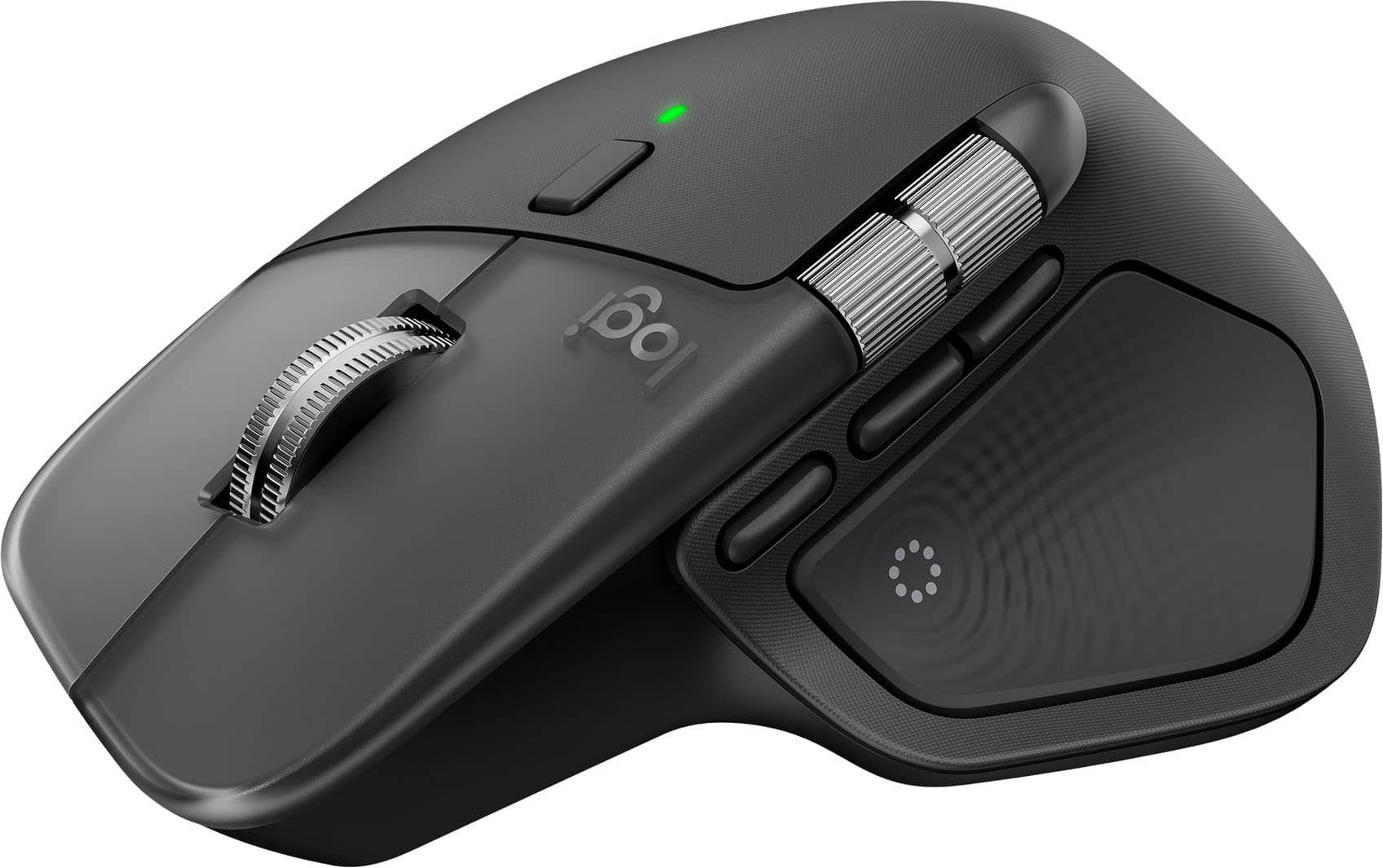
Logitech - MX Master 4 for Mac - Wireless Laser Ergonomic Mouse with Advanced Performance Haptic Feedback - Wireless - Space Black
SKU: J7H7ZYLX9LGreat Mouse...I have 3 of them and this is the best one LT has put out by far!!...Love the Ring features they work great and speed of simple tasks!!...The customizable features of the MX Master 4 for...
See all Wireless & Bluetooth MiceProduct Description
An ergonomic wireless mouse in space black featuring advanced haptic feedback, Bluetooth, and USB-C charging.Your price for this item is $119.99 -
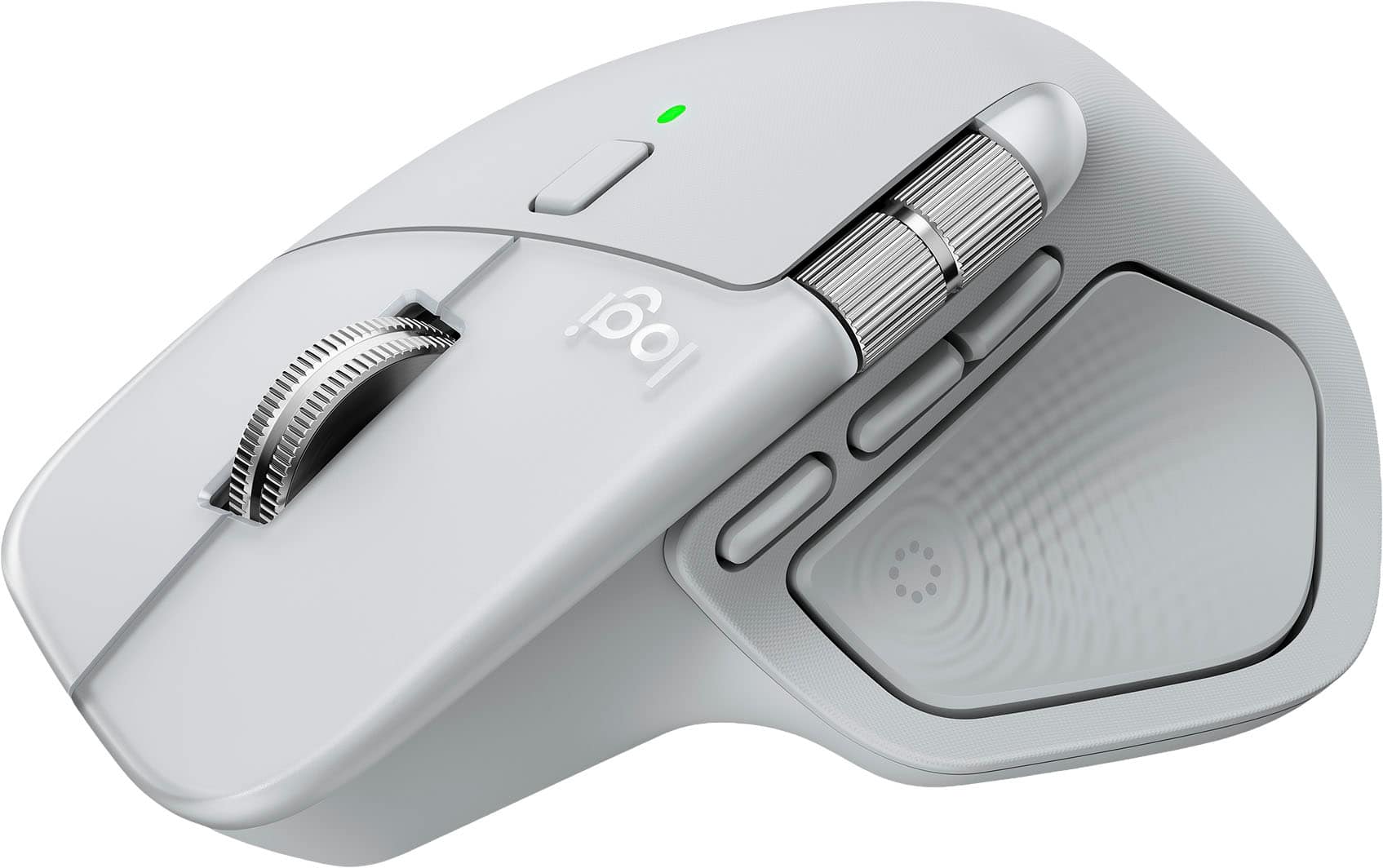
Logitech - MX Master 4 for Mac - Wireless Laser Ergonomic Mouse with Advanced Performance Haptic Feedback - Wireless - White Silver
SKU: J7H7ZYLX9Q[Employee of bestbuy] Love this mouse the best one Logitech as made ever...Works like a charm and love the gesture controls. Best when used with a mac
See all Wireless & Bluetooth MiceProduct Description
A wireless ergonomic mouse in white silver featuring advanced haptic feedback, Bluetooth, and programmable buttons.Your price for this item is $119.99 -
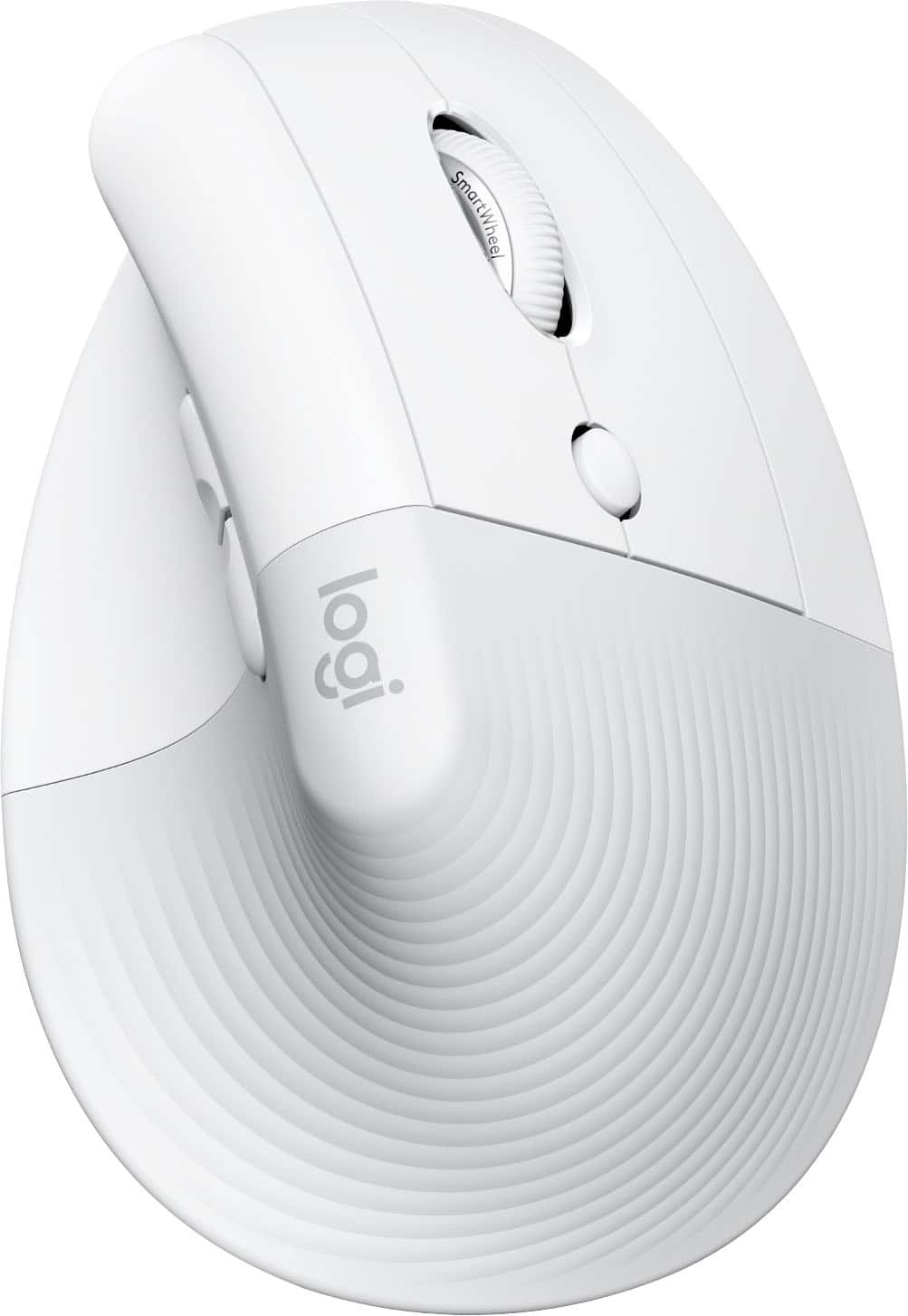
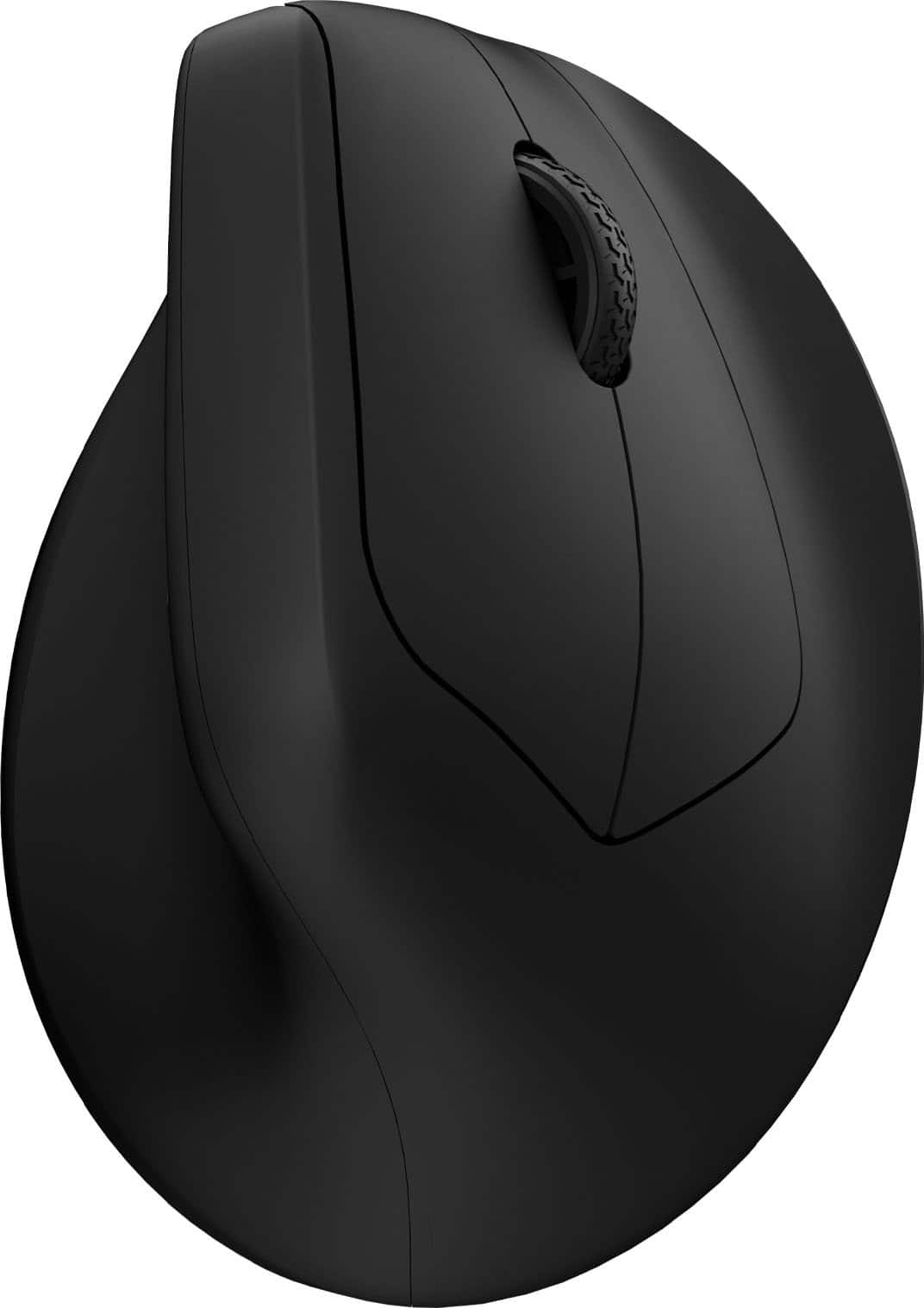
Logitech - Lift for Mac Wireless Bluetooth Optical Ergonomic Mouse with 4 Customizable Buttons - Wireless - Off-White
SKU: J7H7ZY3FQHI love it! I will never go back to a traditional mouse. The Lyft is so comfortable and easy to use....It connects well with no lag and feels great in my hand....The best mouse I have ever used!...Love...
See all MiceProduct Description
An ergonomic off-white Bluetooth mouse with quiet clicks, four customizable buttons, and a vertical design for comfort.Your price for this item is $79.99Save $6The previous price was $86.49 -
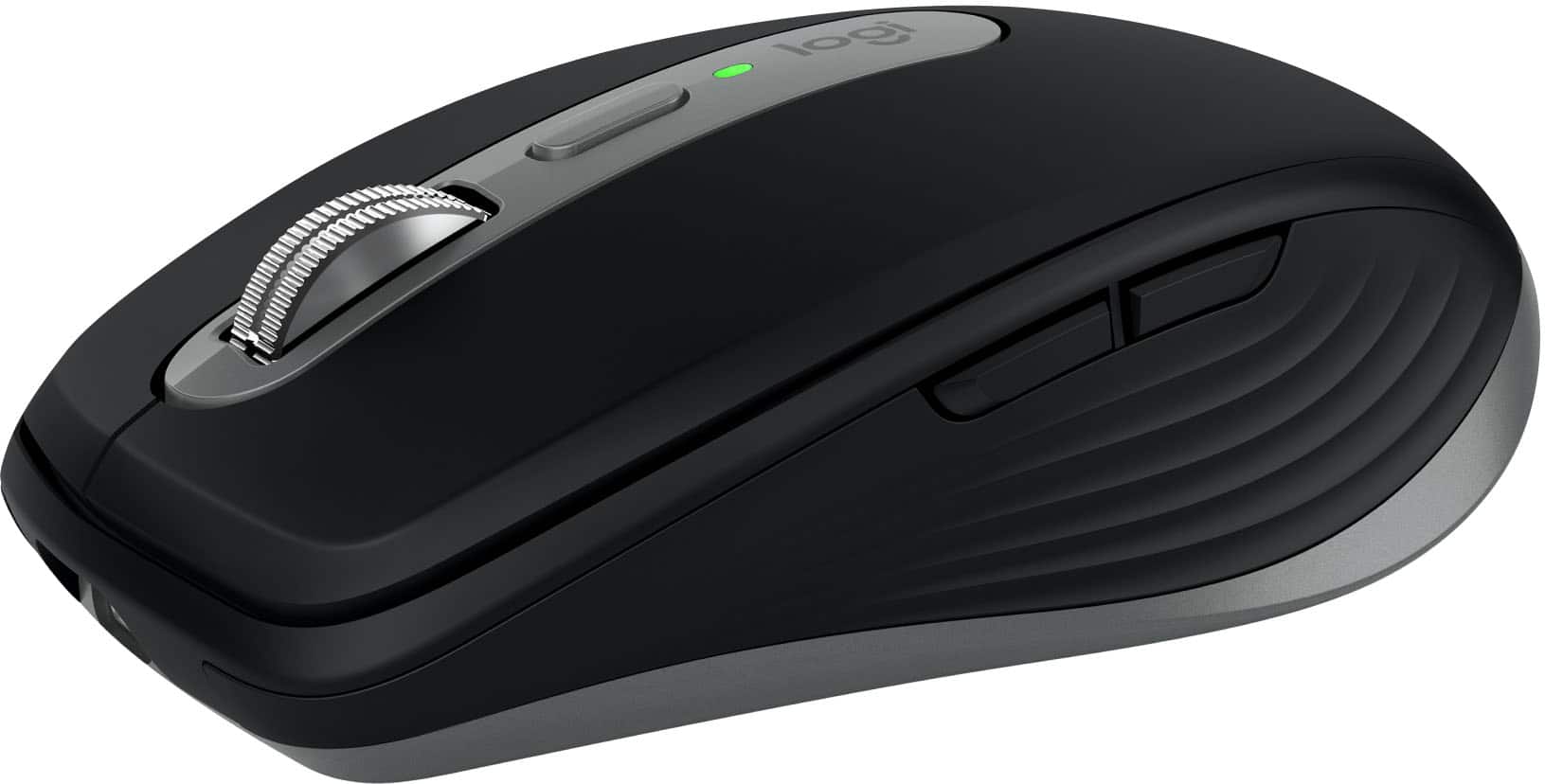
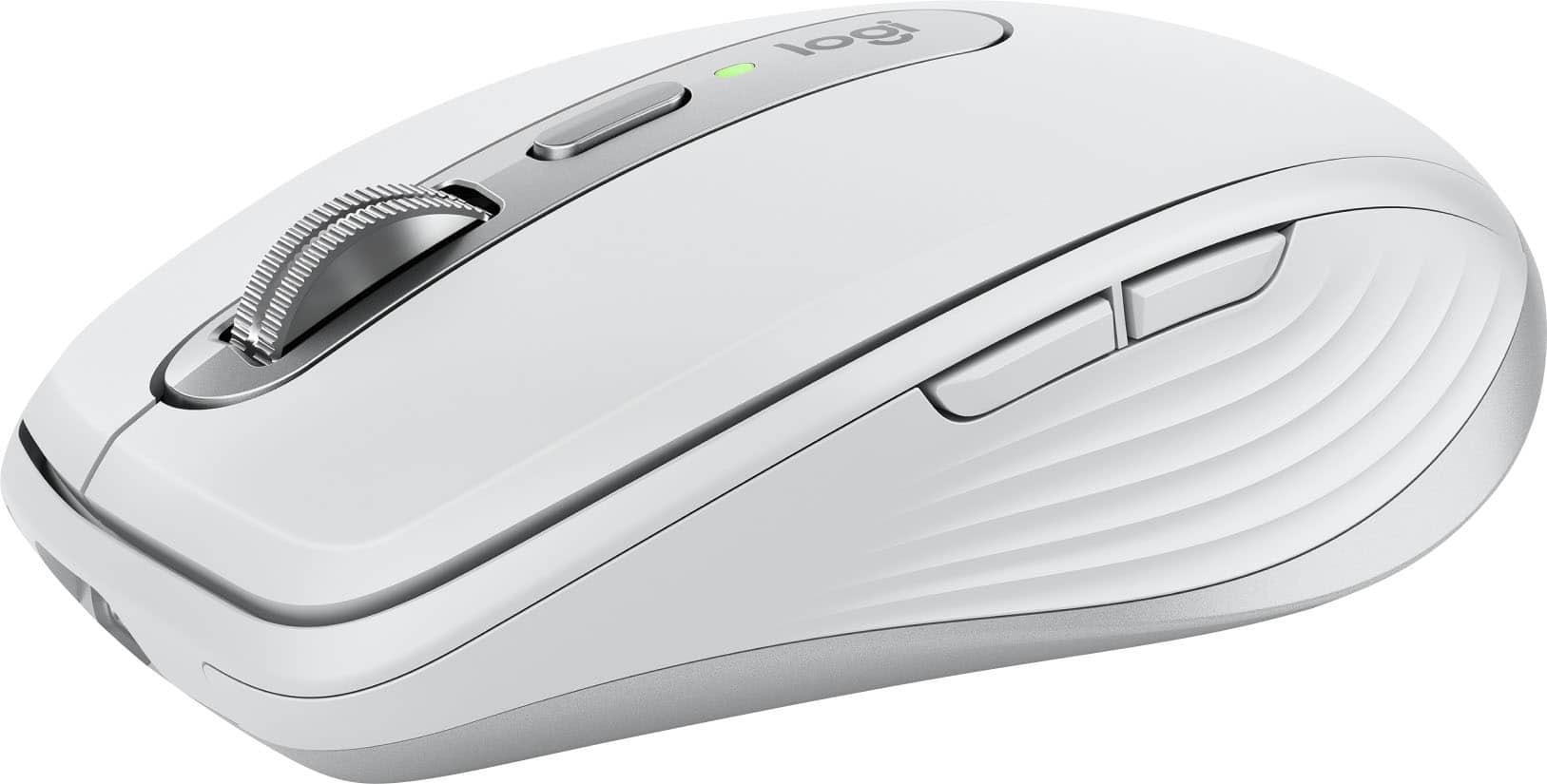
Logitech - MX Anywhere 3S for Mac Wireless Bluetooth Optical Fast Scrolling Mouse with Programmable Buttons - Wireless - Space Gray
SKU: J7H7ZY8KRQGreat mouse to Neo....This mouse works great! I have had many mice. This one is the best!...Best mouse I've owned...I love the quiet clicking, works on any surface without a mouse pad and the scrolling...
See all MiceProduct Description
A compact, space gray wireless mouse with quiet clicks, 8K DPI tracking, and programmable buttons for Mac.Your price for this item is $69.99Save $20The previous price was $89.99 -
Logitech - MX Anywhere 3S for Mac Wireless Bluetooth Optical Fast Scrolling Mouse with Programmable Buttons - Wireless - Pale Gray
SKU: J7H7ZY8KRLGreat buy. The best thing I bought to go along with my Mac laptop...Great product. Easy to use and setup. Love that it is wireless.
See all MiceProduct Description
A compact pale gray wireless mouse with quiet clicks, 8K DPI tracking, and programmable buttons for Mac.Your price for this item is $69.99Save $20The previous price was $89.99 -
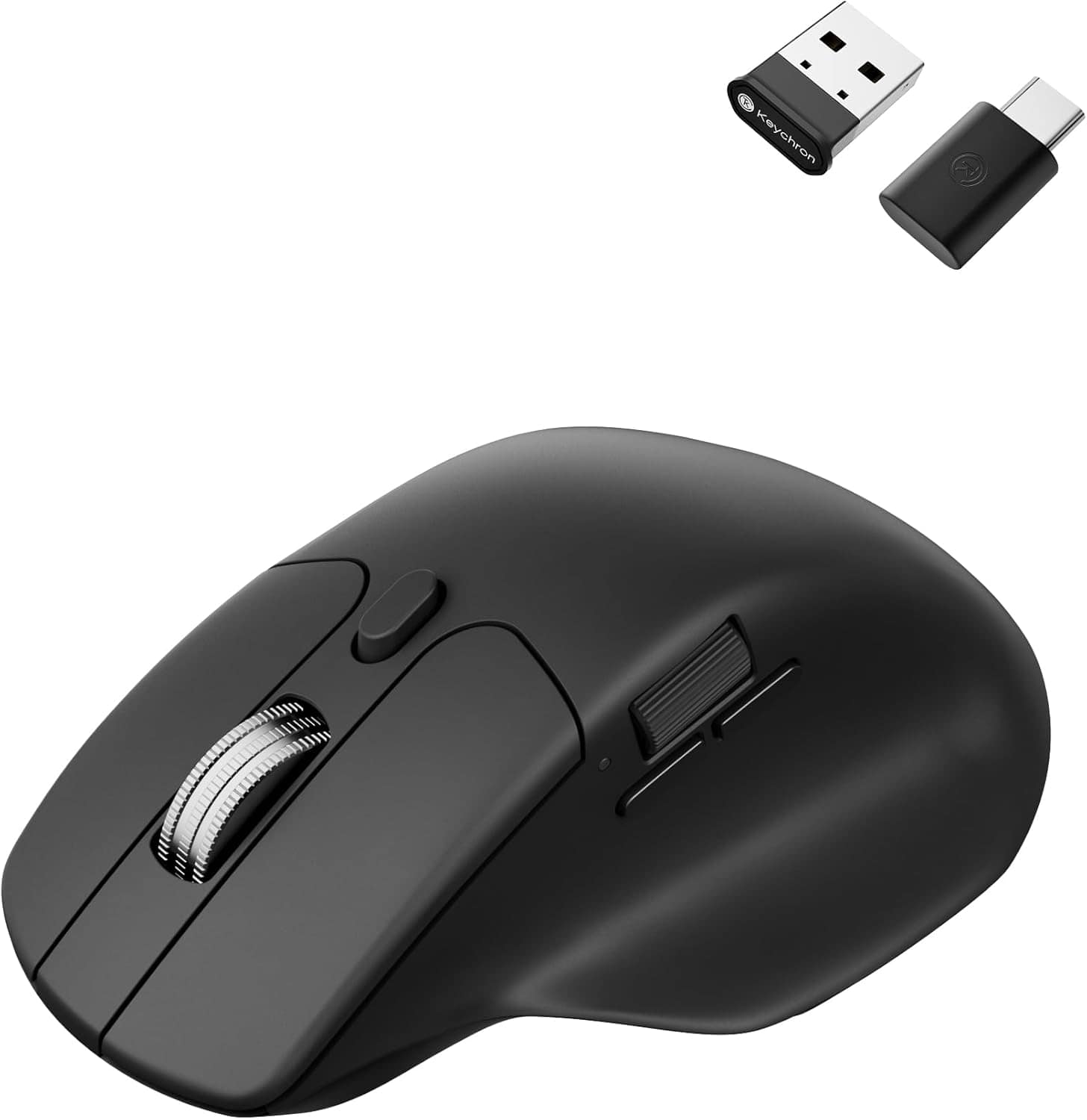
Keychron - M6 Ergonomic Wired & Wireless Laser Mouse w/ Macro Button & Fast-Scrolling Metal Wheel, For Windows PC & Mac - Wired - Black
SKU: CGJVZ4YC3GThe best...I’ve gotta say, after searching for the 100’s of mouses for my set up, this has got to be the best one...I’d buy it 100x over what a great product....Love it!
See all USB & USB C Wired MiceProduct Description
An ergonomic black wireless mouse featuring Bluetooth, wired options, and over ten programmable macro buttons.Your price for this item is $49.99 -
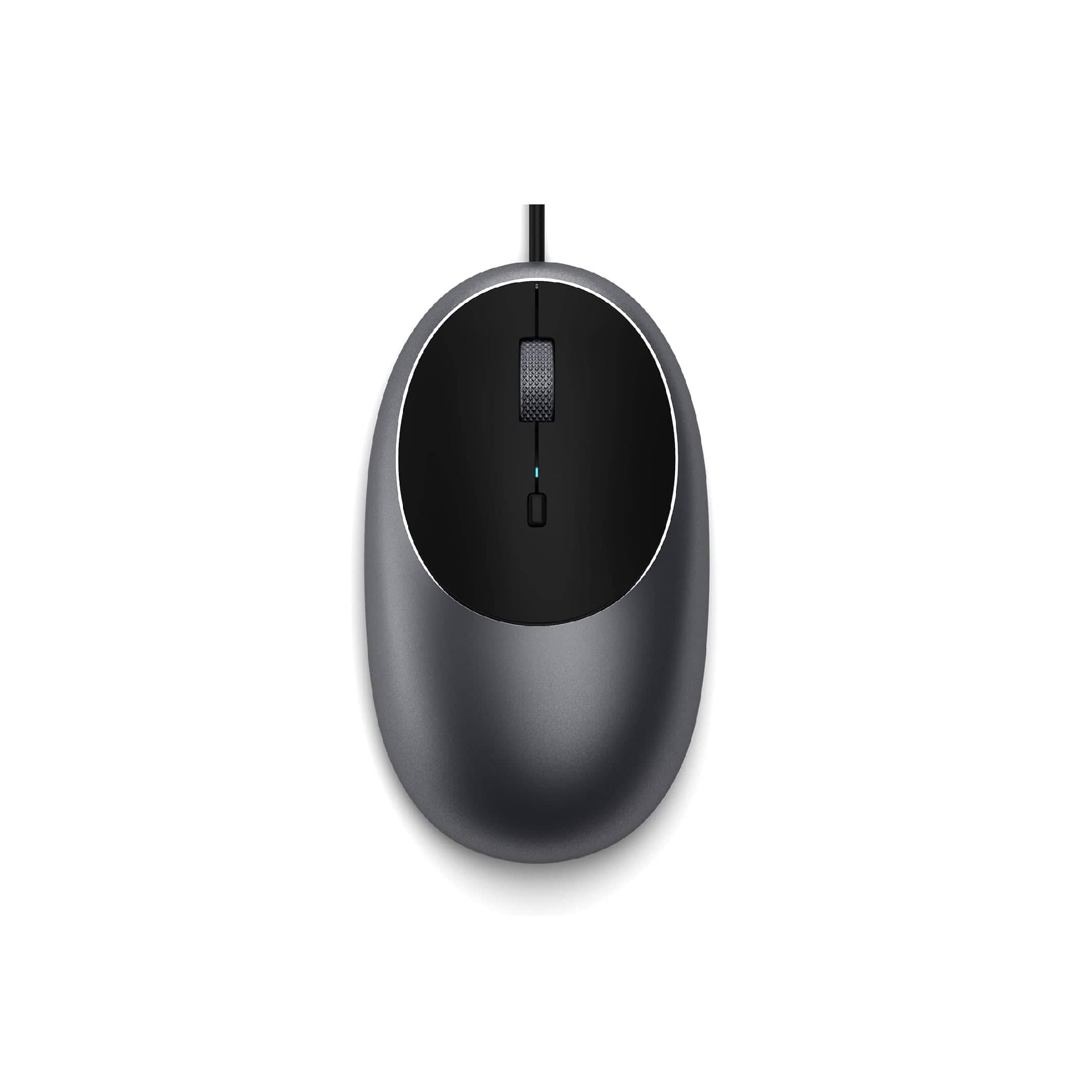
Satechi - Aluminum C1 Wired USB-C Optical Mouse for MacBook Air/Pro M5/M4, iPad Air/Pro, Mac mini, iMac - Wired - Space Gray
SKU: J3KXL7XQGRSee all USB & USB C Wired MiceProduct Description
A sleek space gray wired USB-C mouse featuring four programmable buttons and adjustable DPI up to 3200.Your price for this item is $19.99 -
Keychron - M5 Ergonomic Wired & Wireless Laser Mouse w/ Macro Button & Fast-Scrolling Metal Wheel, For Windows PC & Mac - Wired - Black
SKU: CGJVZ4YXWCWorks great...Silent clicks are great, all the customizable settings really made this mouse work exactly the way I...I have medium-smallish hands and it fits me perfectly, but I'm confident it would also...
See all USB & USB C Wired MiceProduct Description
An ergonomic black mouse with wired, Bluetooth, and wireless connectivity, plus macro button and metal scroll wheel.Your price for this item is $39.99 -
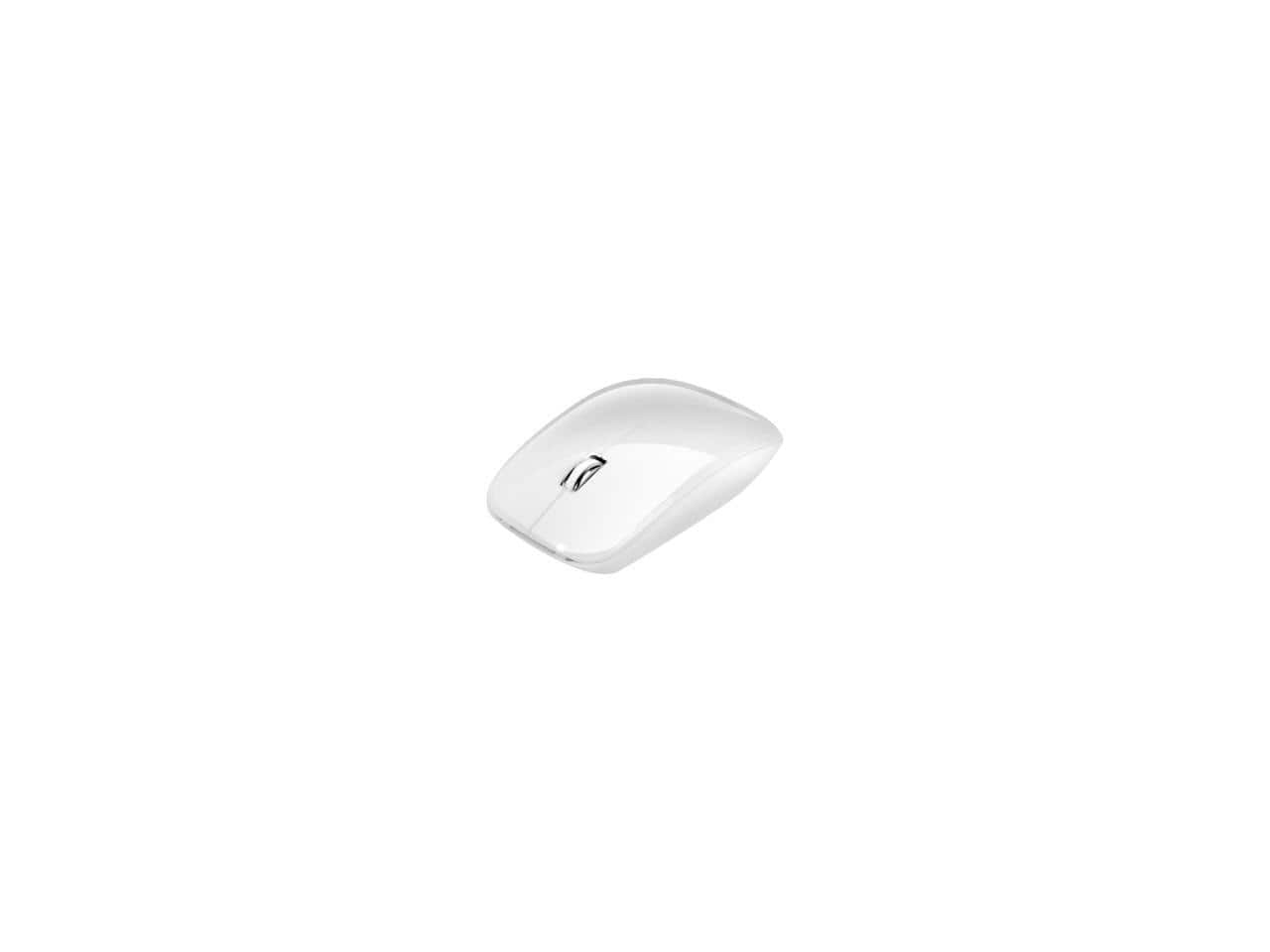
Adesso - iMouseM300W Bluetooth 3.0, Low Profile, Optical Scroll Mouse for Mac/Windows - Wireless - White
SKU: J32P877LK9See all Wireless & Bluetooth MiceProduct Description
A sleek, low-profile white wireless mouse featuring Bluetooth 3.0 and optical scrolling for Mac and Windows.Your price for this item is $22.49 -
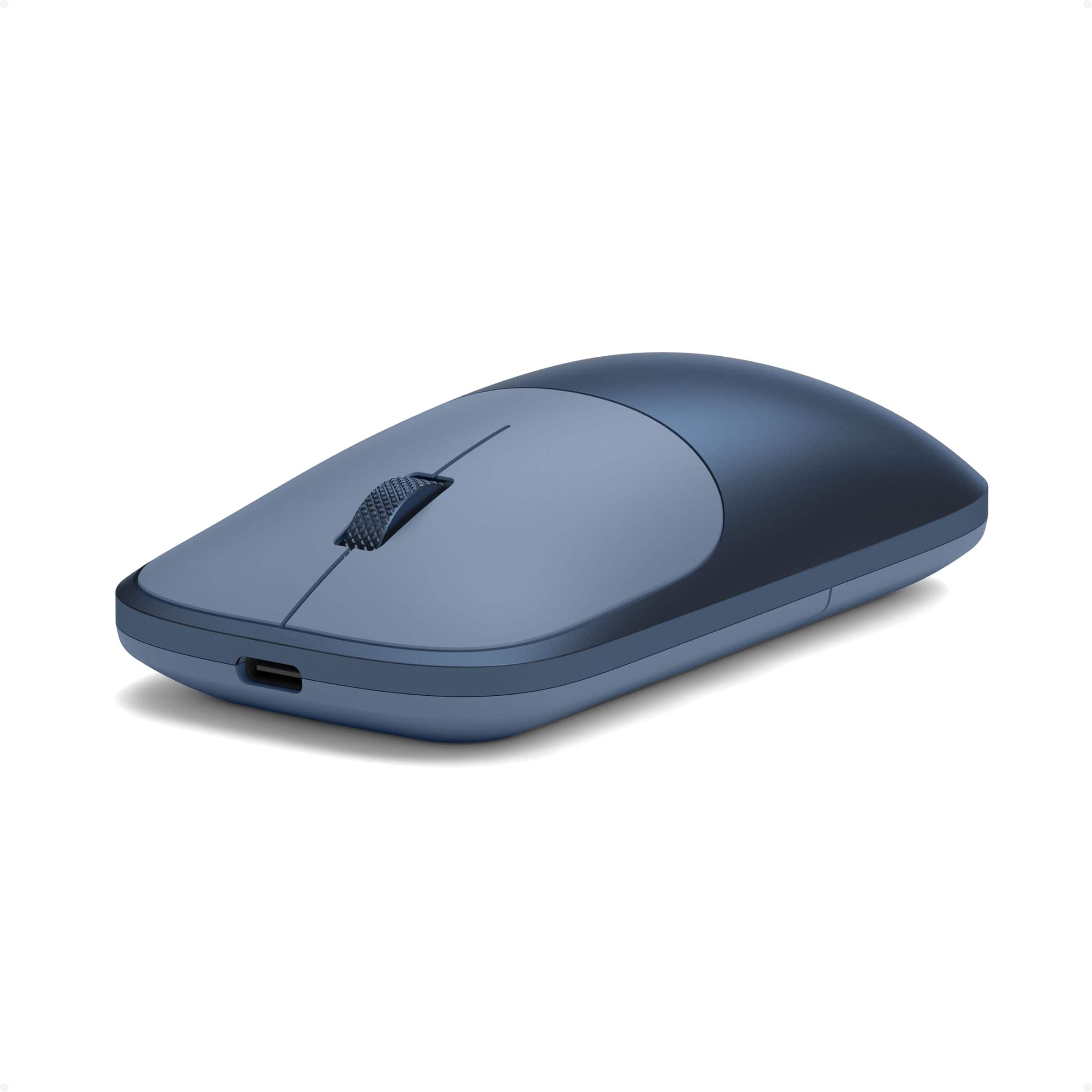
Satechi - Slim EX Wireless Mouse, Multi-Device Bluetooth - Wireless - Wireless - Indigo
SKU: J3GWC4CLL4I love it! Very easy on the hand and looks great with my Meo....Love it...Love the look!
See all Wireless & Bluetooth MiceProduct Description
An indigo wireless mouse with dual Bluetooth channels, USB-C receiver, and durable anodized aluminum construction.Your price for this item is $29.99
Best Sellers




Related Pages



FAQ
Most wireless mice that use Bluetooth or a USB receiver are compatible with MacBook Pro. However, it's important to check if the mouse supports macOS to ensure full functionality, such as customizable buttons and gesture controls.
When choosing a mouse for your MacBook Pro, consider features like Bluetooth connectivity, ergonomic design, customizable buttons, multi-device pairing, and compatibility with macOS gestures for enhanced productivity.
Yes, many gaming mice are compatible with MacBook Pro. Some advanced features may require specific drivers or software, so ensure the manufacturer provides macOS support for optimal performance.
Mice with USB-C connectors can be used directly with MacBook Pro models that have USB-C ports. For mice with USB-A connectors, you may need a USB-C to USB-A adapter.
Many mice come with software that allows you to customize button functions on macOS. Check if the manufacturer offers a macOS-compatible app, or use macOS settings for basic customization options.