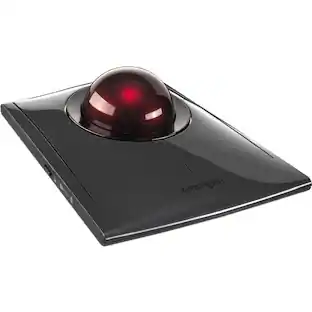
Kensington - SlimBlade Wired Trackball Ambidextrous Mouse with 4-button design - Graphite/Ruby Red
About this product
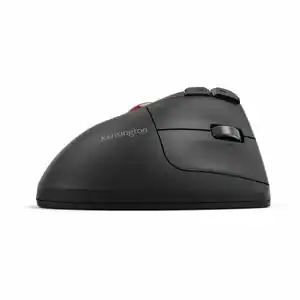
Kensington SlimBlade Trackball Mouse: Comfortably navigate features on your PC or Mac with this ambidextrous trackball mouse, which keeps wrist movement to a minimum to reduce stress. Navigation, media and view modes allow flexible use.
Features
Trackball mouse with reliable optical tracking
Trackball mice require less wrist movement than traditional mice, since they track the motion of the built-in ball instead of the movement of the entire mouse.
4-button mouse design
Makes it easy to navigate features. Choose navigation mode to control cursor and scrolling. Media mode controls volume, play/pause, stop and track forward/backward, while view mode zooms in/out and pans.
Ambidextrous design
Can be used comfortably whether you're right- or left-handed.
Compatible with most Windows and Mac computers
Works across a wide array of computers.
Specifications
- Number of Buttons (Total)4
Reviews
Rating 4.5 out of 5 stars with 10 reviews
The vast majority of our reviews come from verified purchases. Reviews from customers may include My Best Buy members, employees, and Tech Insider Network members (as tagged). Select reviewers may receive discounted products, promotional considerations or entries into drawings for honest, helpful reviews.





Compare similar products
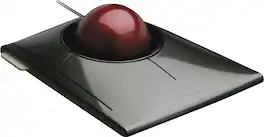
Kensington SlimBlade Trackball Mouse: Comfortably navigate features on your PC or Mac with this ambidextrous trackball mouse, which keeps wrist movement to a minimum to reduce stress. Navigation, media and view modes allow flexible use.
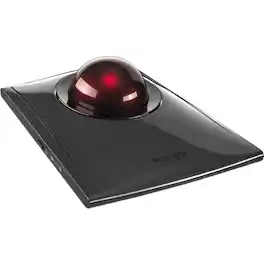
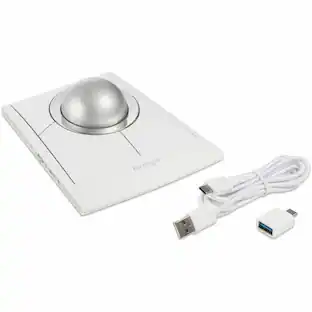
Kensington SlimBlade Pro Trackball - Optical - Cable/Wireless - Bluetooth/Radio Frequency - 2.40 GHz - Rechargeable - USB Type C, USB Type A - Trackball - 8 Programmable Button(s) - Symmetrical

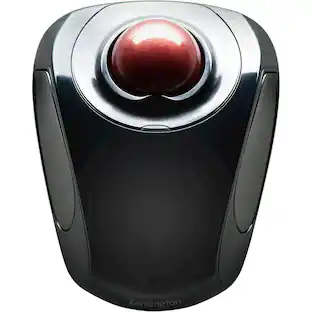
The Kensington trackball legacy continues with the latest addition to the patented Orbit Trackball with Scroll Ring - the Orbit Wireless Trackball with Scroll Ring. You asked for wireless, and we delivered, with the same great features that have made the Orbit Trackball with Scroll Ring so popular, including a patented scroll ring that allows you to scroll up & down pages with ease; customizable buttons; dual wireless connectivity offering the flexibility of 2.4 GHz and Bluetooth (3.0 and LE), with 128-bit AES government-grade encryption security; four DPI settings (400, 800, 1,200, or 1,600) that let you easily adjust the cursor speed to fit your needs; a detachable wrist rest; ambidextrous design; and plug-and-play ease for Mac or PC More from the Manufacturer
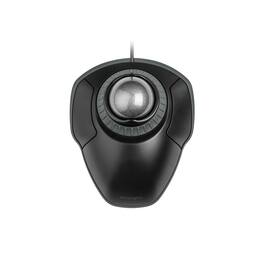
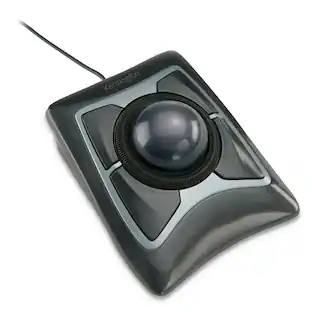
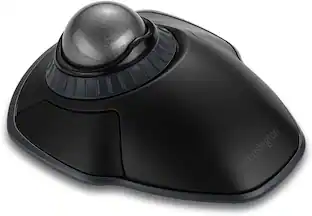
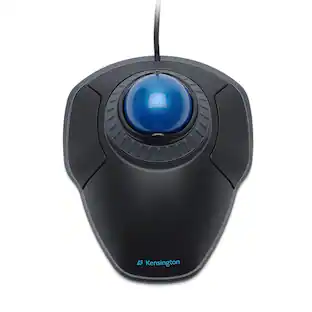
The Kensington Orbit Trackball with Scroll Ring is a wired stationary pointing device for desk users who want to move the cursor from one spot instead of sweeping a mouse across a pad. A 40 mm space gray ball sits at the center of the housing and is driven with the fingertips, so the wrist and forearm stay still and no clear tracking surface is needed beside the keyboard. Wrapped around the ball is the scroll ring, a rotating collar that scrolls long documents, spreadsheets, and web pages in either direction with one finger and offers smoother, more gradual control than a stepped wheel. Two buttons flank the ball, and both can be reassigned through the free KensingtonWorks utility so frequent commands sit under the fingers already resting on the device. The shell is symmetrical, giving left and right hand users identical reach to the ball and the same button geometry, and a detachable wrist rest clips to the front edge to lift and cushion the heel of the hand for longer sessions. Optical tracking handles cursor movement without a mechanical roller, and the ball lifts free for periodic cleaning. Connection is plug and play over USB-A with no driver download, and the assembly measures 8.7 by 6 by 1.8 inches or 221 by 152.4 by 45.7 mm with the wrist rest attached. Because the housing stays in one place, the trackball suits narrow desks, height-adjustable desks, and shared benches where there is no clear room to sweep a mouse. Windows, macOS, and Chrome OS are supported, and the trackball is backed by a 5-year limited warranty.
Specs
Customers often buy these together
More to consider
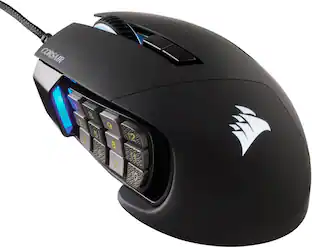
CORSAIR Scimitar RGB Elite Wired MOBA/MMO Optical Gaming Mouse with 17 Programmable Buttons
$69.99The price was $89.99



Explore tech essentials Sponsored
CORSAIR Scimitar RGB Elite Wired MOBA/MMO Optical Gaming Mouse with 17 Programmable Buttons
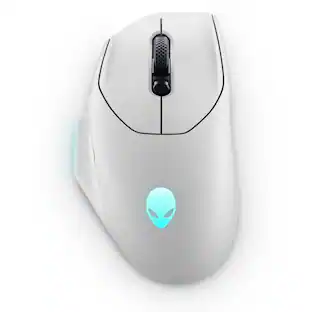
$69.99The price was $89.99Alienware Pro 75% Wireless Mechanical Gaming Keyboard with RGB Back Lighting
$179.99The price was $199.99


Discover related products
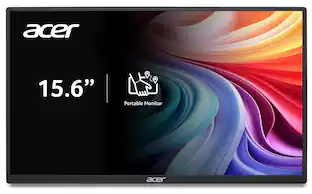
Acer PM161Q 15.6" Portable Monitor Full HD 1920x1080 IPS USB-C HDMI Refurbished
$44.99The price was $48.99Acer USB C Docking Station With 2 HDMI, 9-IN-1 Docking Hub with USB A&C 3.0, SD/Micro SD, 100W Charging
$39.99The price was $47.99Acer USB C to HDMI Cable for Home Office 6.6FT (4K@60Hz), High-Speed Type C to HDMI 2.0 Braided Cord
$12.99The price was $13.99Logitech X56 HOTAS Microsoft Flight Simulator RGB Dual-Throttle and Joystick
$247.00The price was $275.00Intel Core i5-14400F 14th Gen 10-Core 16-Thread - 4.7GHz Turbo Socket LGA1700 Unlocked Desktop Processor
$170.99The price was $191.99














Keep exploring
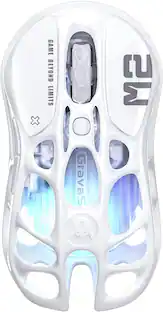
GravaStar Mercury X Wireless Optical Gaming Mouse with 32000 DPI and 49g Magnesium Alloy Frame
$79.95The price was $109.95Womier G57 Wireless Gaming Mouse, 8000 DPI, 2.4G/Bluetooth/USB-C Rechargeable Mice for PC/Mac
$23.99The price was $24.99