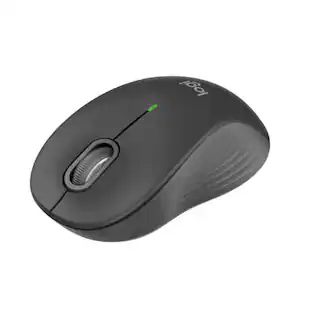
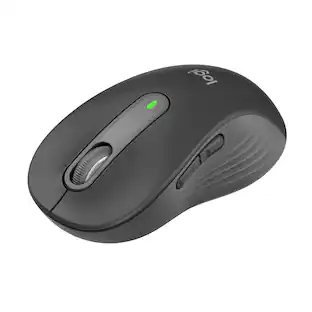
Logitech - Signature M650 Wireless Optical Mouse with Silent Clicks - Wireless - Graphite
Customers are saying
Customers enjoy the overall performance and ease of use of this mouse, frequently highlighting its compact size and ergonomic design. Users also appreciate the silent clicking mechanism, impressive battery life, and reliable Bluetooth connectivity. While a few individuals noted the higher price point and limited software compatibility, the general consensus remains highly positive regarding its comfort and functionality.
Color
GraphiteFeatures
Super-fact scrolling cordless mouse
With Logitech Signature M650 Wireless Mouse you get line-by-line precision for documents and super-fast scrolling for long web pages; simply switch modes with a flick of the SmartWheel.
The optimal fit for your hand
This comfortable mouse is designed for small-to-medium sized hands, for the optimal fit.
Upgrade your comfort
This work mouse provides long hours of comfort thanks to a contoured shape, soft thumb area, and rubber side grips that keep your hand snug and in place.
Connect the way you like
Connect this cordless computer mouse in an instant via Bluetooth Low Energy or Logi Bolt USB receiver.
Less noise, more focus
Whether working at the office or at home, Logitech Signature M650 is a quiet mouse, allowing you to enjoy 90 percent less click noise with SilentTouch technology.*
Customizable side buttons
Customize the side buttons on the computer mouse with Logitech Options+, available on Windows and macOS, to your favorite shortcuts – like back/forward or copy/paste.
24 month battery life
Work for up to 2 years on the single AA battery that comes with your multi-device mouse.**
Multi-OS wireless mouse
Experience seamless compatibility with Windows, macOS, Linux, Googlebook, ChromeOS, iPadOS, and Android, including Apple devices like MacBook Neo laptops. It is also a Works with Chromebook certified product
More sustainable
Plastic parts in Signature M650 Graphite include 64% certified post consumer recycled plastic.³
¹ Click noise reduced by over 90% compared to Logitech M185. Left click and typing dBA level measured by an independent lab at 1 meter.
² Battery life may vary based on user and computing conditions.
³ Excludes receiver and printed wiring assembly (PWA) plastics, and packaging.
Specifications
- Lighting TypeNoneMaximum Sensitivity4000 dots per inchNumber of Buttons (Total)5Connection TypeWireless
Reviews
Rating 4.8 out of 5 stars with 759 reviews
- Overall Performance (212)
- Ease of use (198)
- Size (137)
- Noise Level (102)
- Ergonomics (99)
- Price (5)
- Side Buttons (5)
- Software (3)
Customer Images
The vast majority of our reviews come from verified purchases. Reviews from customers may include My Best Buy members, employees, and Tech Insider Network members (as tagged). Select reviewers may receive discounted products, promotional considerations or entries into drawings for honest, helpful reviews.

Compare similar products

Upgrade to smarter scrolling, better comfort, and more productivity with the Signature M650. The versatile mouse features an adaptive scroll SmartWheel that delivers line-by-line precision, and auto-switches to super-fast free spin mode with the flick of a finger. A choice of sizes for smaller, larger and left hands means there's a perfect fit for anyone. Seamless wireless connectivity, customizable side buttons, and a comfort shape keep you comfortably and productive hour after hour. Logitech’s SilentTouch technology delivers silent clicks to keep you focused – while the up to 24-month battery life and universal operating system compatibility ensure hassle-free performance.

Upgrade to smarter scrolling, better comfort, and more productivity with the Signature M650 L. The versatile mouse features an adaptive scroll SmartWheel that delivers line-by-line precision, and auto-switches to super-fast free spin mode with the flick of a finger. A choice of sizes for smaller, larger and left hands means there's a perfect fit for anyone. Seamless wireless connectivity, customizable side buttons, and a comfort shape keep you comfortably and productive hour after hour. Logitech’s SilentTouch technology delivers silent clicks to keep you focused – while the up to 24-month battery life and universal operating system compatibility ensure hassle-free performance.

Upgrade to smarter scrolling and more productivity with a mouse comfort-fit for your hand size and preference. You’ll work faster than ever before thanks to SmartWheel scrolling, silent clicks, and a contoured comfort design. Smartwheel Scrolling provides line-by-line precision for documents – and super fast scrolling for long web pages. Choose the right design for you – whether you have smaller or larger hands – and work long hours in comfort thanks to the computer and laptop mouse's contoured shape and soft-to-the-touch thumb area. Connect instantly via Bluetooth or Logi Bolt USB receiver. Work in peace and quiet thanks to 90% less click noise and Logitech SilentTouch technology. Plus, work for up to 2 years on the included AA battery so you never have to worry about recharging your mouse.

The Logitech M325s offers a great blend of comfort and control, with micro-precise scrolling designed for web use. Its contoured shape and textured grips keep your hand comfortable, even during long sessions. With up to 18 months of battery life, it's a reliable, hassle-free companion for everyday productivity.
| Pros for Logitech - Signature M650 Wireless Optical Mouse with Silent Clicks - Wireless - Graphite | |||
|---|---|---|---|
| Overall Performance, Ease of use, Size, Ergonomics, Noise Level | Overall Performance, Ease of use, Ergonomics, Size, Connectivity | Overall Performance, Ease of use, Ergonomics, Size, Connectivity | Overall Performance, Size, Ergonomics, Ease of Use, Color |
| Cons for Logitech - Signature M650 Wireless Optical Mouse with Silent Clicks - Wireless - Graphite | |||
| Price, Side Buttons, Software | Scroll Wheel, Price | Scroll Wheel, Price | Surface Compatibility, Noise Level |
Specs
Customers often buy these together
Computer Keyboards



Mouse Pads



Laptop Docking Stations
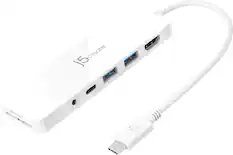
j5create - USB-C Multi-Port Hub with Power Delivery for Mac, PC and More - White
Black Friday Deal$34.99The price was $39.99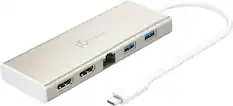
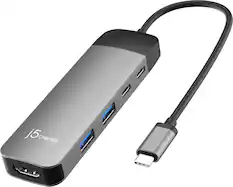
j5create - USB-C Dual HDMI Mini Dock - Gold
$64.99The price was $79.99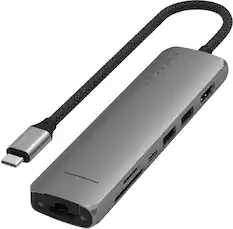
Satechi - 7-in-1 USB-C Slim Multiport Adapter w/ Ethernet, 4K HDMI, 60W USB-C, 2 USB-A, SD/Micro Readers for Mac & Windows - Space Gray
Black Friday Deal$55.99The price was $79.99
Customers ultimately bought
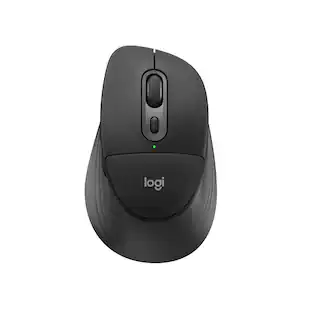
Logitech Signature M550 Wireless Bluetooth Optical Ambidextrous Mouse with Silent Clicks
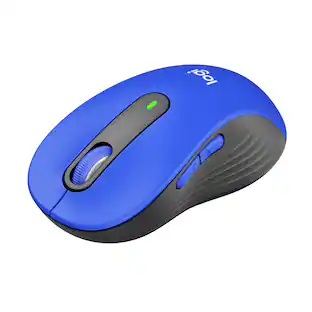
$19.99The price was $29.99Logitech Signature M650 L Full-size Wireless Optical Scroll Mouse with Silent Clicks
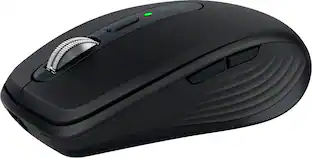
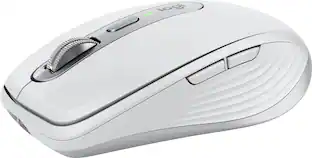
Black Friday Deal$24.99The price was $39.99Logitech MX Anywhere 3S Wireless Bluetooth Optical Fast Scrolling Mouse with Programmable Buttons
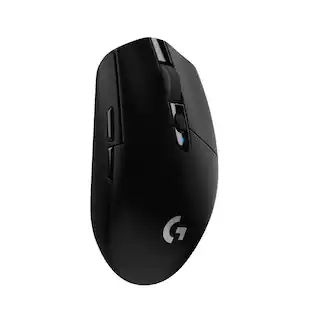
Black Friday Deal$69.99The price was $89.99Logitech G305 LIGHTSPEED Wireless Optical 6 Programmable Button Gaming Mouse with 12,000 DPI HERO Sensor
Black Friday Deal$26.99The price was $49.99Logitech Lift Vertical Wireless Optical Ergonomic Mouse with 4 Customizable Buttons
$56.99The price was $79.99Logitech M325s Wireless Optical Compact Ambidextrous Mouse
Black Friday Deal$9.99The price was $22.99Logitech Signature M550 L Full Size Wireless Bluetooth Optical Ambidextrous Mouse with Silent Clicks
$18.99The price was $29.99Razer Basilisk V3 Optical Gaming Mouse with Chroma RBG Lighting
Black Friday Deal$32.99The price was $69.99Logitech MX Anywhere 2S Bluetooth Edition Wireless Laser Mouse with Hyper-Fast Scrolling
$49.99The price was $59.99
Explore tech essentials Sponsored
Logitech MX Master 4 for Mac - Wireless Laser Ergonomic Mouse with Advanced Performance Haptic Feedback
Black Friday Deal$109.99The price was $119.99Logitech MX Anywhere 3S Wireless Bluetooth Optical Fast Scrolling Mouse with Programmable Buttons
Black Friday Deal$69.99The price was $89.99Logitech MX Master 4 - Adobe Edition - Wireless Laser Ergonomic Mouse with Advanced Performance Haptic Feedback
Black Friday Deal$109.99The price was $119.99Logitech Signature M650 L Full-size Wireless Optical Scroll Mouse with Silent Clicks
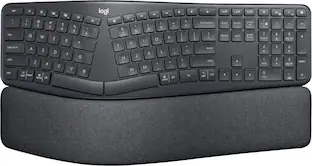
Black Friday Deal$24.99The price was $39.99Logitech ERGO K860 Ergonomic Full-size Wireless Scissor Keyboard for Windows and Mac with Palm Rest
$119.99The price was $149.99
Discover related products
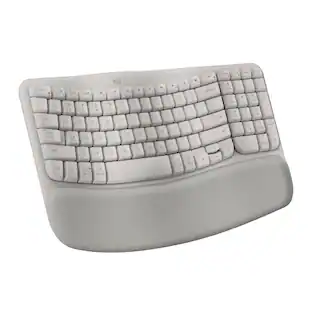
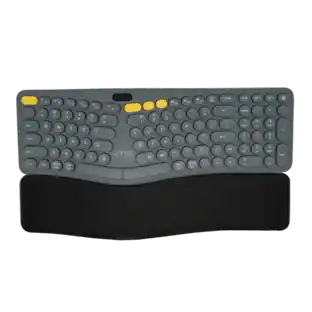
Logitech Wave Keys Ergonomic Wireless Membrane Keyboard for Windows/Mac with Integrated Palm Rest
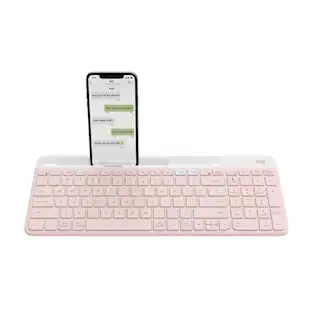
$78.76The price was $99.99Logitech K585 Slim Multi-Device Wireless, Compact and Quiet Keyboard (Rose)
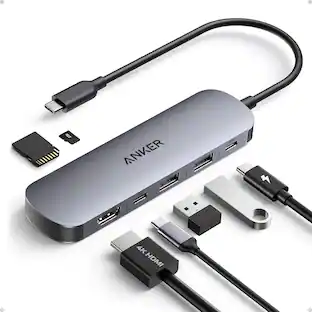
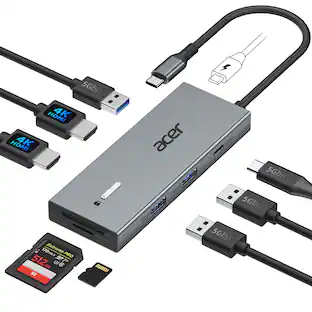
$52.99The price was $83.84Acer USB C Docking Station With 2 HDMI, 9-IN-1 Docking Hub with USB A&C 3.0, SD/Micro SD, 100W Charging
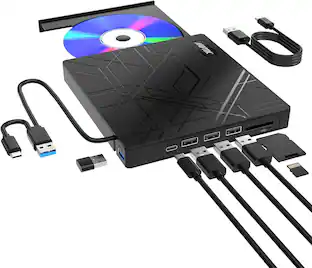
$42.99The price was $47.99AGPtek 8 in 1 External CD/DVD Drive for Laptop, USB 3.0 Ultra Slim Portable CD Burner with 4 USB Ports
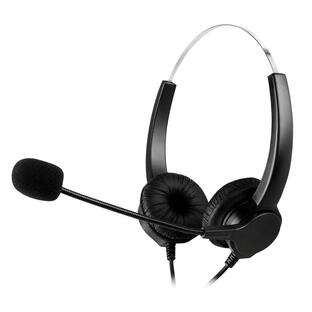
$31.99The price was $32.99AGPtek Call Center Noise Cancelling Corded Binaural Hands-free Headset Headphone With Microphone
$21.99The price was $23.99

Keep exploring
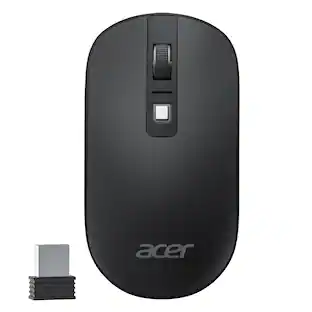
Acer Computer Mouse Wireless, 2.4G Slim USB Wireless Mice with USB Receiver, 800/1200/1600 Adjustable DPI
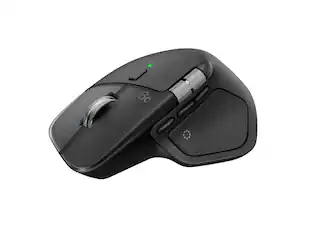
Black Friday Deal$12.99The price was $14.99Logitech MX Master 4 - Wireless Bluetooth Mouse, Ergo, Haptic Feedback, Custom Vibration
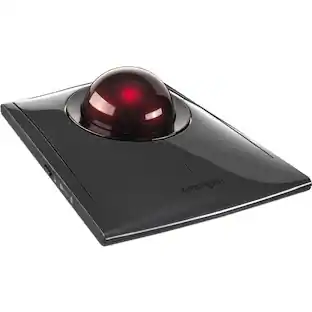
$109.99The price was $127.73Kensington SlimBlade Pro Trackball - Optical - Cable/Wireless - Bluetooth/Radio Frequency - 2.40 GHz - Rechargeable
Black Friday Deal$119.99The price was $141.93Logitech POP Wireless Mouse with Customizable Emoji - Wireless - Bluetooth - Scroll Wheel
$35.00The price was $37.95GravaStar Mercury X Pro Wireless 8K Hz Gaming Mouse with 32000 DPI and 49g Magnesium Alloy Frame
$104.95The price was $139.95Kensington Orbit Wireless Trackball with Scroll Ring - Optical - Wireless - Bluetooth/Radio Frequency - 2.40 GHz
Black Friday Deal$49.99The price was $71.00ASUS ROG Gladius III Wireless Mouse - 36000 DPI, 6 Buttons, 2.4GHz/Bluetooth/Wired
$77.49The price was $102.99