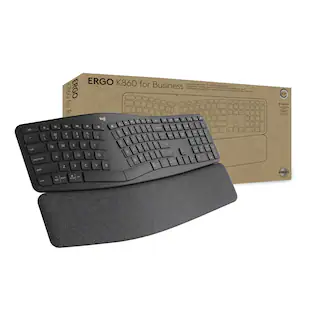
Logitech - ERGO K860 Ergonomic Full-size Wireless Scissor Keyboard for Windows and Mac with Palm Rest - Black
Customers are saying
Customers are positive about the keyboard's ergonomic design, comfortable wrist support, and overall ease of use. Users also frequently praise the satisfying key feel, reliable Bluetooth connectivity, and impressive battery life. While the product is highly regarded for its performance and quiet operation, some customers find the price to be a bit high and note that the physical size of the device is quite large.
Features
Improved typing posture
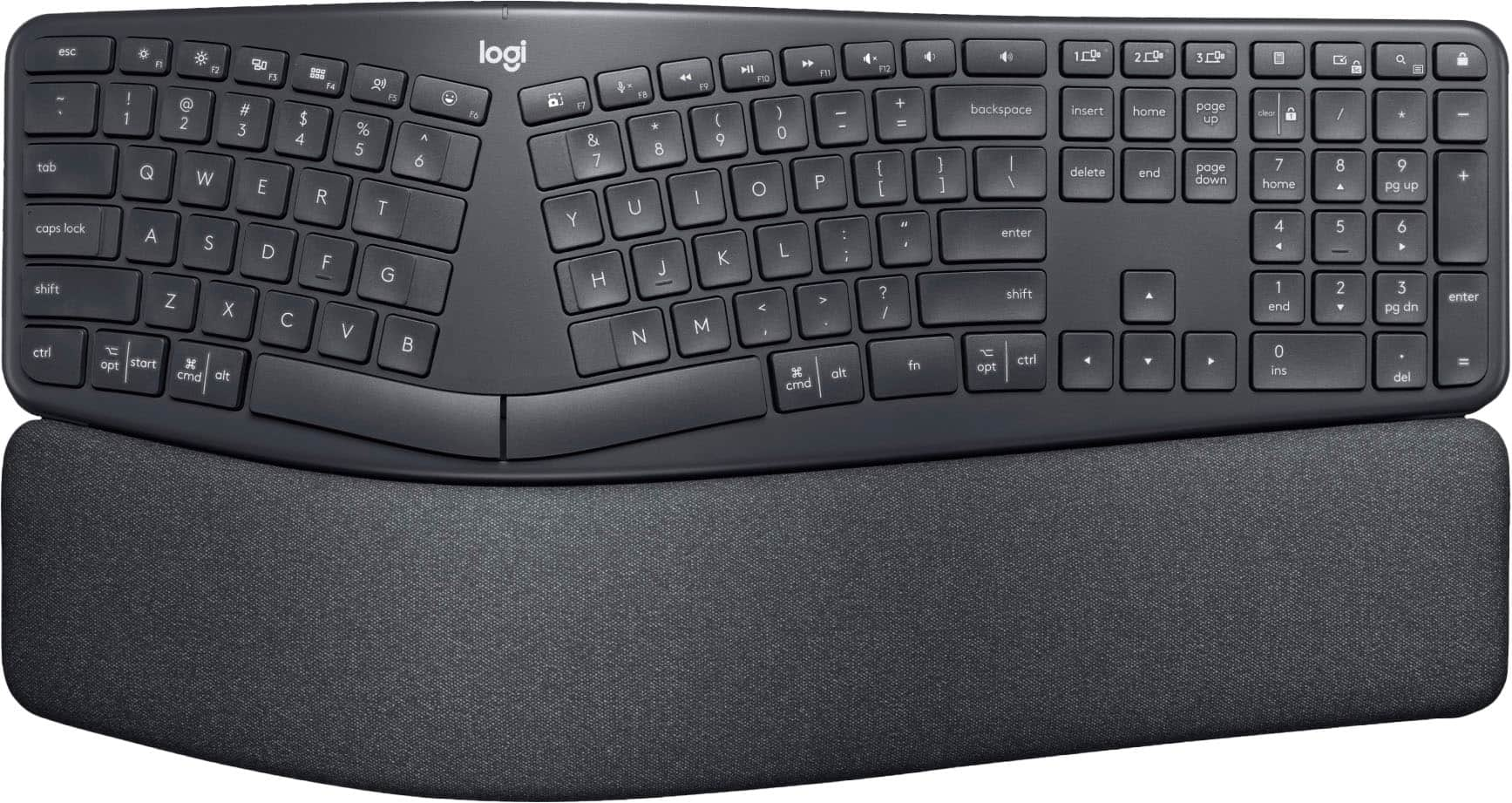
Type more naturally with a curved, split keyframe and reduce muscle strain on your wrists and forearms thanks to the sloping keyboard design.
Pillowed wrist rest
Curved wrist rest with memory foam layer offers typing comfort with 54% more wrist support; 25% less wrist bending compared to standard keyboard without palm rest.
Perfect stroke keys
Scooped keys match the shape of your fingertips so you can type with confidence on a wireless keyboard crafted for comfort, precision and fluidity.
Adjustable palm lift
Whether seated or standing, keep your wrists in total comfort and a natural typing posture with ergonomically-designed tilt legs of 0, -4 and -7 degrees.
Ergonomist approved
The ERGO K860 wireless ergonomic keyboard is certified by United States Ergonomics to improve posture and lower muscle strain.
Multi OS wireless keyboard and familiar features
Conveniently connect with the USB receiver or Bluetooth, customise Fn key use, and enjoy the quiet keys, full-size layout and CAPS LOCK indicator.
Sustainability
Plastic parts in ERGO K860 include 71% certified post consumer recycled plastic. Uses FSC-certified paper for responsible packaging.*
Powered by Logitech Options+
Customise Fn Keys, create custom shortcuts and get battery-life notifications with Logitech Options+ app, available on Windows and macOS.
*Excludes plastic in printed wiring assembly (PWA) and packaging.
**Battery life may vary based on user and computing conditions.
Specifications
- Lighting TypeNoneForm FactorErgonomic, Full-sizeKeyboard TechnologyScissorConnection TypeWireless
Reviews
Rating 4.6 out of 5 stars with 2086 reviews
- Ergonomics (789)
- Wrist Support (242)
- Ease of use (208)
- Key Feel (97)
- Bluetooth (69)
- Price (45)
- Size (19)
Customer Images
The vast majority of our reviews come from verified purchases. Reviews from customers may include My Best Buy members, employees, and Tech Insider Network members (as tagged). Select reviewers may receive discounted products, promotional considerations or entries into drawings for honest, helpful reviews.

Compare similar products

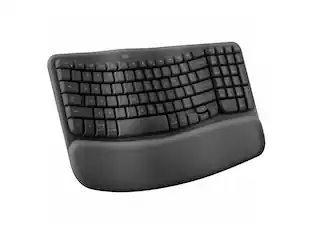
Type more naturally with ERGO K860 – an advanced ergonomic keyboard that promotes a more relaxed typing posture – reducing wrist bending and offering wrist support. A curved keyframe helps reduce wrist strain, while a pillowed wrist rest keeps your forearms elevated to help prevent excessive bending. This Logitech ERGO keyboard features Perfect Stroke keys for quiet performance and responsiveness, and the 2-year battery life offers long-lasting use.
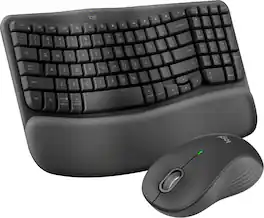
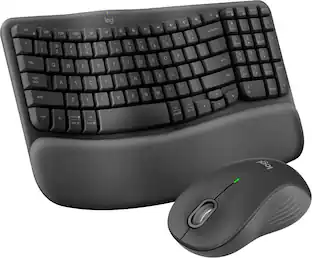
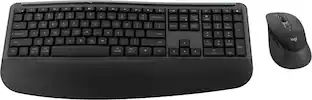
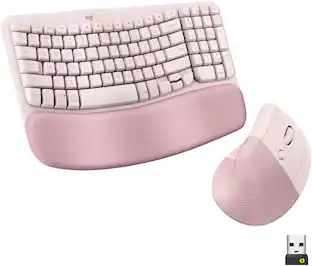
Experience day-long comfort and productivity with this wireless ergonomic keyboard and mouse combo. Typing feels instantly familiar on Wave Keys’ wavy keyframe design. The cushioned keyboard palm rest lifts pressure and improves wrist support. The Signature M550 L Wireless Mouse features a contoured shape and rubber side grip to keep medium- to large-sized hands comfortable throughout the day.
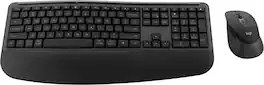
Feel the comfort all day with the Signature Comfort Plus MK880 bundle. Enjoy a keyboard with adjustable tilt legs and a curved palmrest and dual-foam support, keeping your hands relaxed even on busy days. The right-handed mouse is shaped for comfort, featuring a palm cushion and cozy side grips, plus quiet clicks and SmartWheel scrolling. Switch between up to three devices in a tap with Easy-Switch and Bluetooth—no dongle needed. Customizable shortcuts with Logi Options+ and dedicated AI launch key and video meeting keys make every workflow smarter. With long battery life and universal compatibility, MK880 fits every workspace and workday.
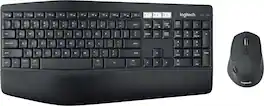
Experience next-level comfort and productivity with the MK850 Performance. Hyper-fast scrolling and a full-size keyboard help you get more done at your desk – and a cushioned palm rest, curved keyframe and contoured mouse let you power through in comfort. Type and switch seamlessly between your computer, tablet, and phone. And pair your mouse with up to 3 devices. The combo has been optimized for use with all your operating systems – including Windows, Mac, and Chrome OS.
| Pros for Logitech - ERGO K860 Ergonomic Full-size Wireless Scissor Keyboard for Windows and Mac with Palm Rest - Black | |||
|---|---|---|---|
| Ergonomics, Ease of use, Wrist Support, Key Feel, Bluetooth | Ergonomics, Ease of use, Overall Performance, Connectivity, Palm Rest | Ergonomics, Overall Performance, Ease of Use | Ease of use, Connectivity, Keyboard Quality, Battery Life |
| Cons for Logitech - ERGO K860 Ergonomic Full-size Wireless Scissor Keyboard for Windows and Mac with Palm Rest - Black | |||
| Price, Size | Keyboard Size, Key Spacing | There were no cons for this product— | Price, Lag |
Specs
Package deals that include this item
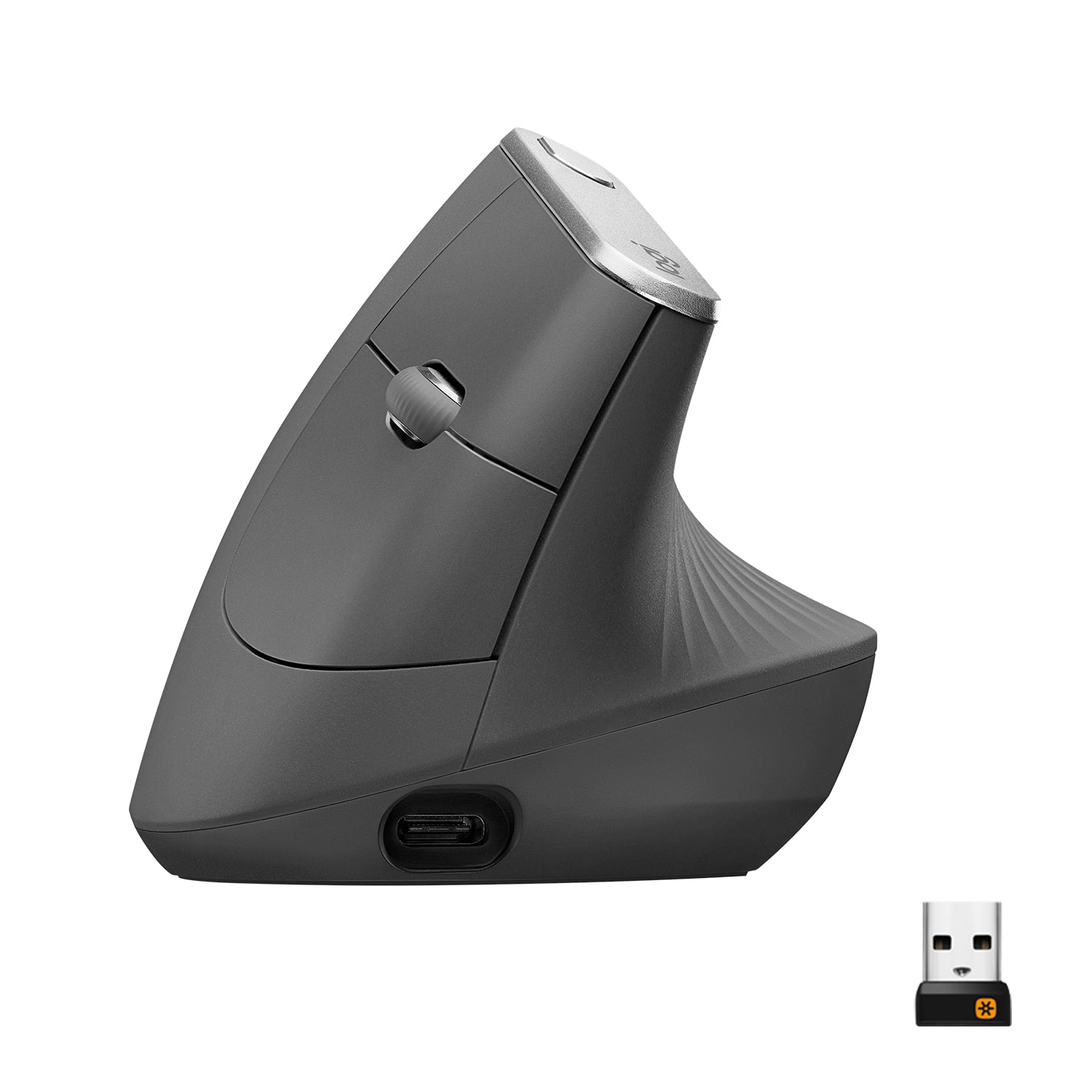
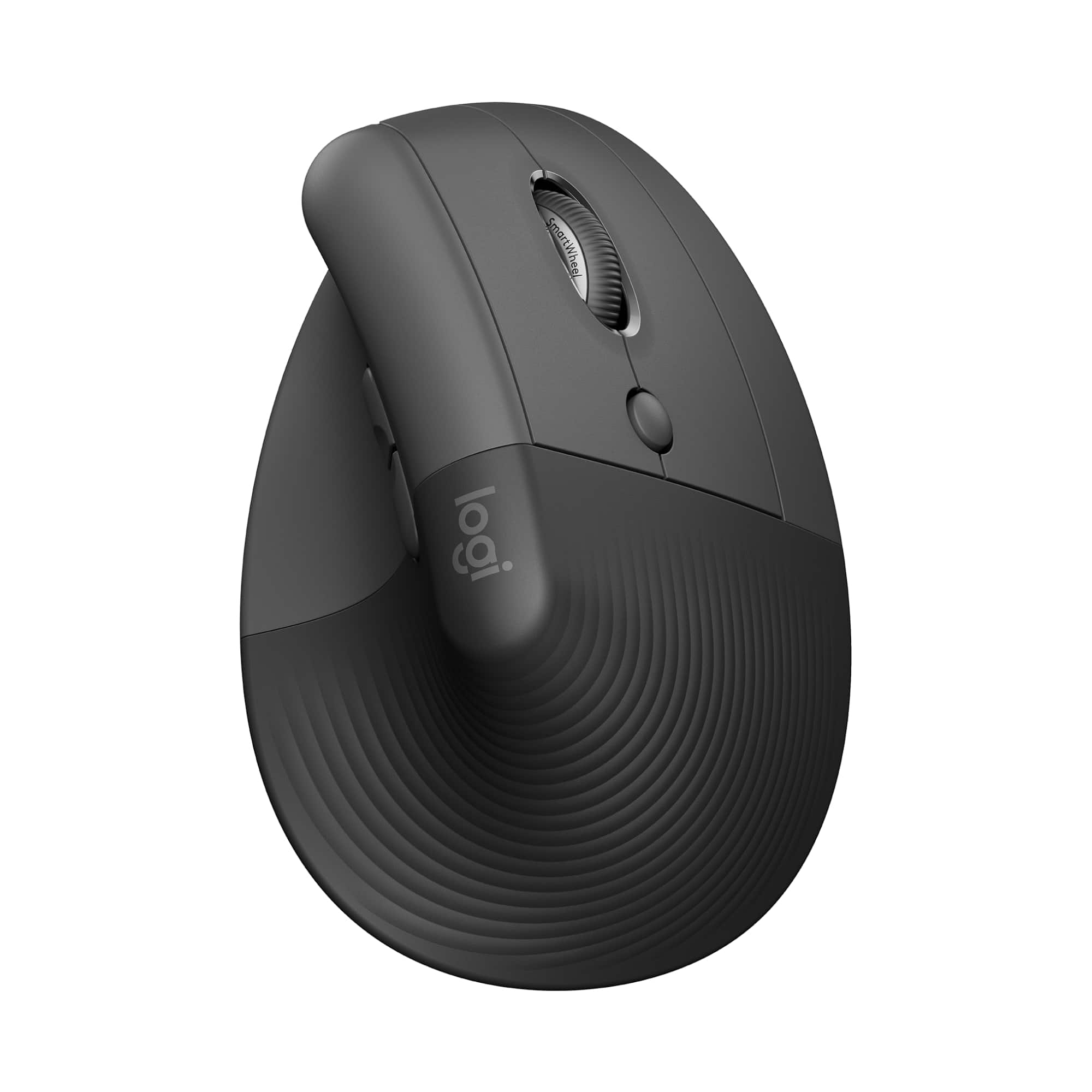
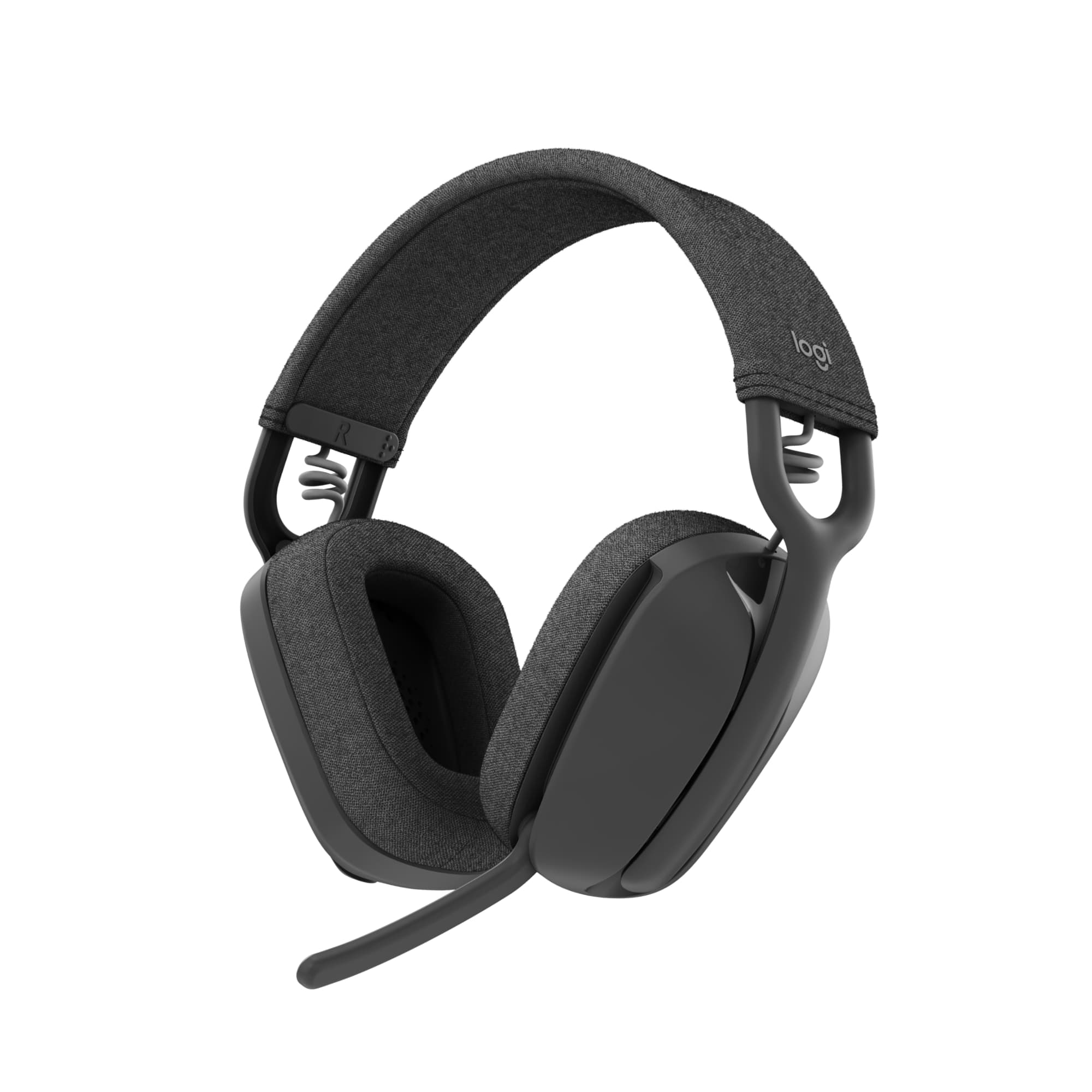
Customers often buy these together
Mice

Logitech - ERGO M575 S Wireless Ergonomic Trackball Mouse - Wireless - Black
$45.84The price was $49.99

Mouse Pads




More recommended items
 Web Cameras
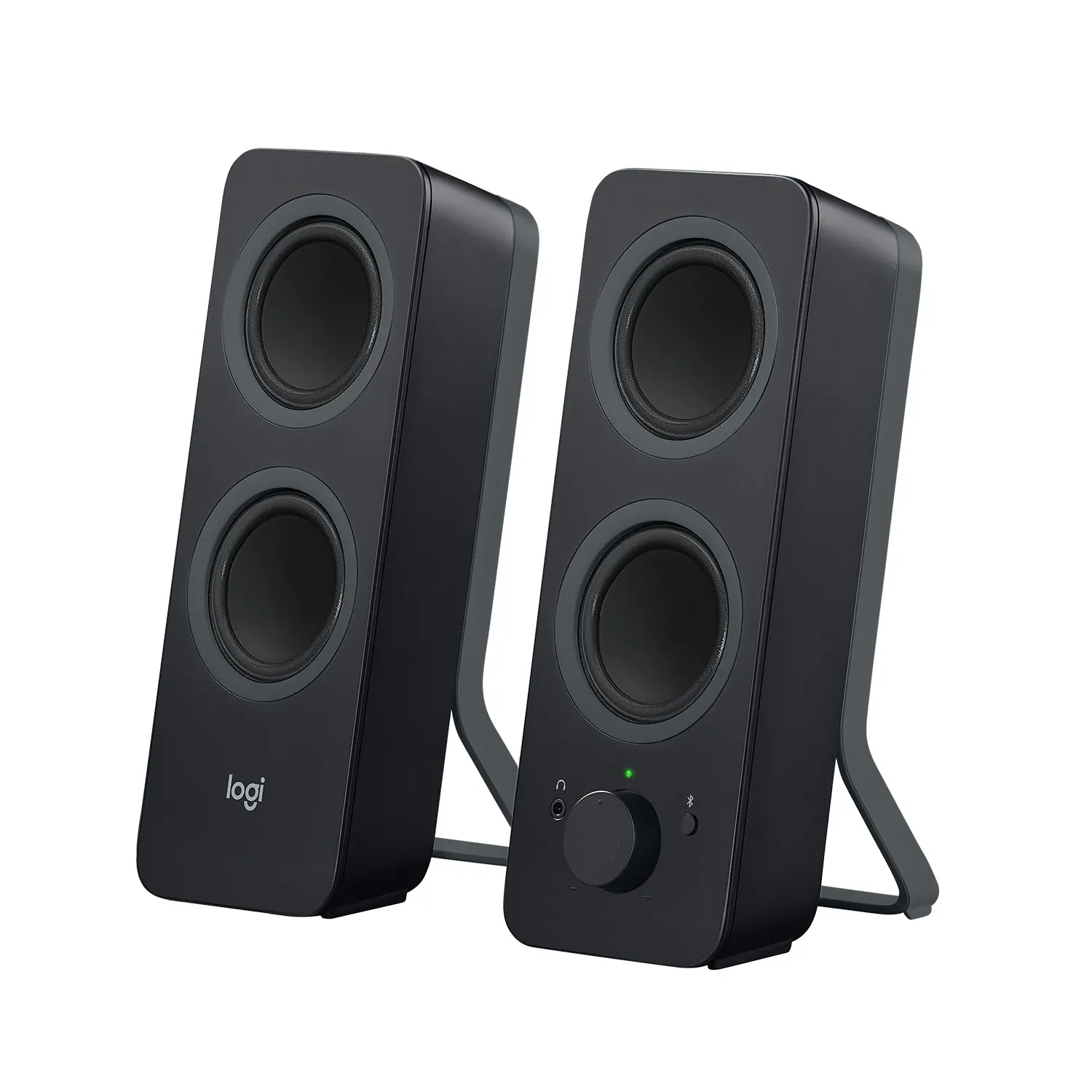 Computer Speakers
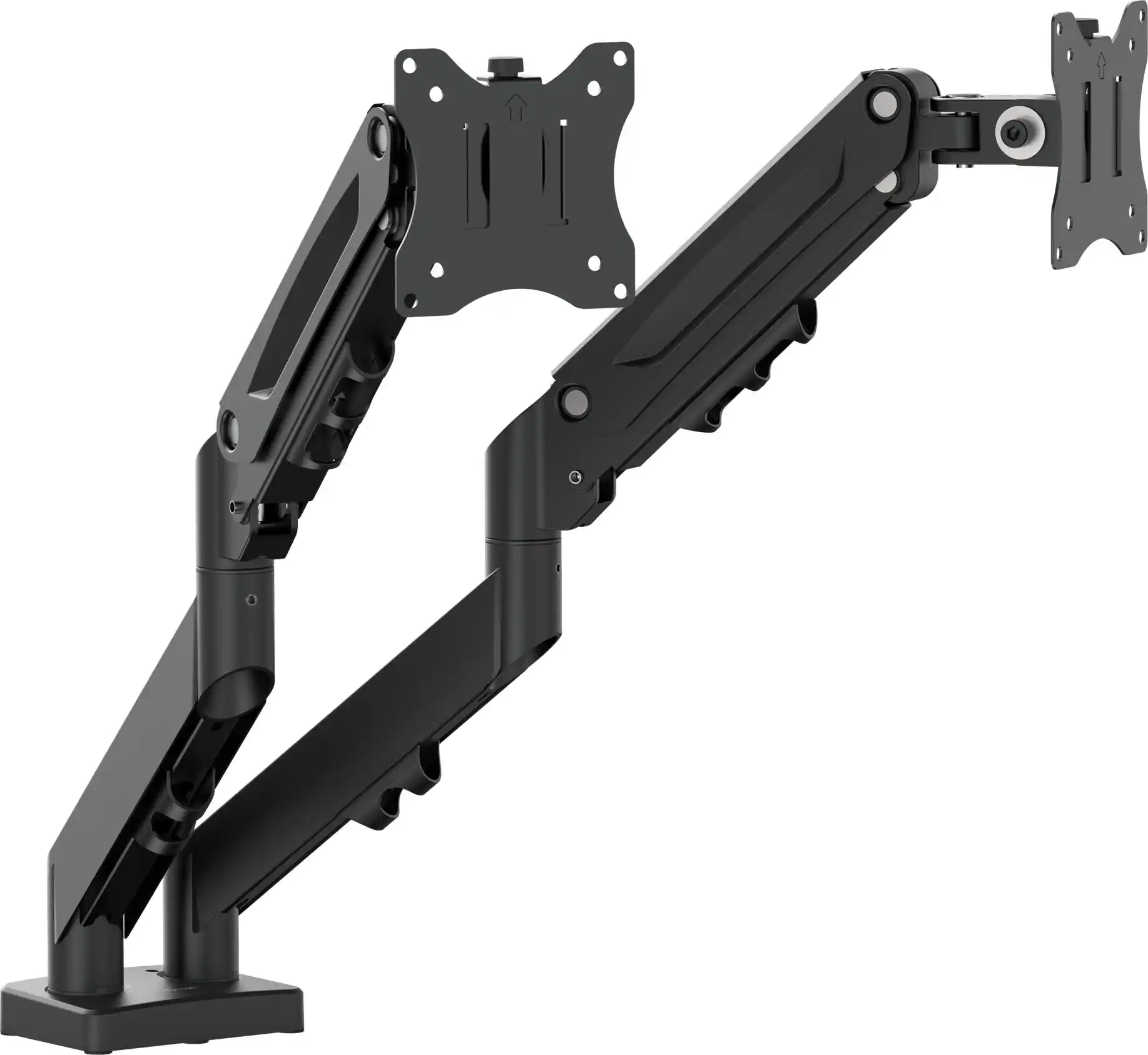 Monitor Stands
More to consider
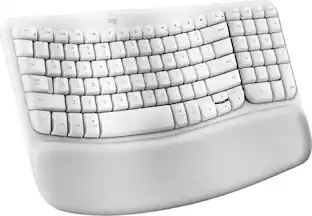 $69.99The price was $79.13
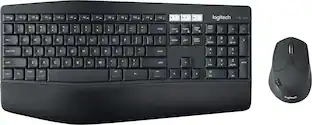 $94.28The price was $99.99
 $59.99The price was $69.99




Explore tech essentials Sponsored
 Techtober Deal$89.99The price was $109.99



Discover related products
 $169.99The price was $179.99








Keep exploring
 $248.02The price was $283.49
- $59.99The price was $69.99
 $71.99The price was $89.99
 $199.95The price was $209.95