Logitech - Signature Comfort Plus Combo MK880 Wireless Keyboard and Mouse Combo with Palm Rest and Silent Clicks - Black
Customers are saying
Customers enjoy the ergonomic design of this product, specifically highlighting how comfortable the hand rest feels during use. Users also report that the device delivers excellent overall performance and functions exactly as expected. Furthermore, the setup process is described as quick and easy, contributing to a positive user experience.
Color
BlackFeatures
All-day typing comfort
With a curved dual-foam palmrest for silky-soft support and adjustable tilt legs, this Bluetooth keyboard supports a natural typing position for longer workdays
Enhanced comfort for your palm
The right-handed mouse adapted for most hand sizes is sculpted with an innovative built-in palm cushion and comfy side grips, for everyday comfort and fit
Simple connections
Wireless keyboard and mouse connect via Bluetooth pairing and switch between up to three devices with with Easy-Switch; an ideal keyboard and mouse setup for all-day use and versatility
Make it yours
Customizable buttons via Logi Options+ adapt to your tasks and help you do more; in the app you can boost productivity across apps, adjust DPI levels and personalize your workflow.
Stay in control during meetings
Dedicated meeting control keys and instant AI launch key at your fingertips help manage calls and ideas efficiently, keeping focus high
Scroll faster, stay focused
Scroll line by line or fly through pages with SmartWheel; quiet clicks reduce noise in shared or home offices for a calmer office setup
Power that just keeps going
Long-lasting battery life delivers up to 36 months for the keyboard and 24 months for the mouse, reducing interruptions in your wireless keyboard and mouse setup
Designed for sustainability
The plastic parts are made with a minimum of 49% post-consumer recycled plastic
Specifications
- Lighting TypeNoneAdjustable Weight SystemNoForm FactorFull-sizeConnection TypeWireless
Reviews
Rating 4.6 out of 5 stars with 25 reviews
- Ergonomics (8)
- Overall Performance (7)
- Ease of Use (5)
Customer Images
The vast majority of our reviews come from verified purchases. Reviews from customers may include My Best Buy members, employees, and Tech Insider Network members (as tagged). Select reviewers may receive discounted products, promotional considerations or entries into drawings for honest, helpful reviews.




Compare similar products
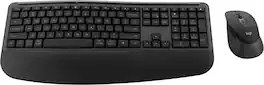
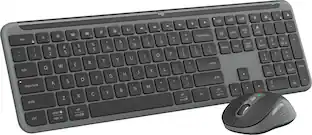
Feel the comfort all day with the Signature Comfort Plus MK880 bundle. Enjoy a keyboard with adjustable tilt legs and a curved palmrest and dual-foam support, keeping your hands relaxed even on busy days. The right-handed mouse is shaped for comfort, featuring a palm cushion and cozy side grips, plus quiet clicks and SmartWheel scrolling. Switch between up to three devices in a tap with Easy-Switch and Bluetooth—no dongle needed. Customizable shortcuts with Logi Options+ and dedicated AI launch key and video meeting keys make every workflow smarter. With long battery life and universal compatibility, MK880 fits every workspace and workday.
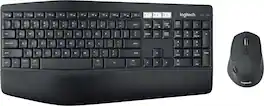
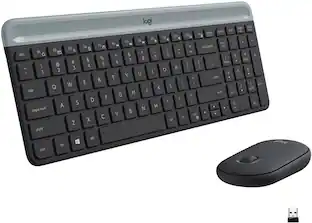
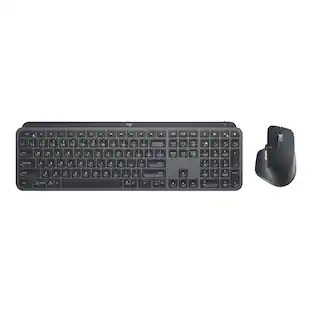
Experience next-level comfort and productivity with the MK850 Performance. Hyper-fast scrolling and a full-size keyboard help you get more done at your desk – and a cushioned palm rest, curved keyframe and contoured mouse let you power through in comfort. Type and switch seamlessly between your computer, tablet, and phone. And pair your mouse with up to 3 devices. The combo has been optimized for use with all your operating systems – including Windows, Mac, and Chrome OS.
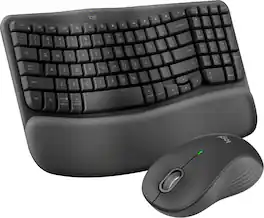
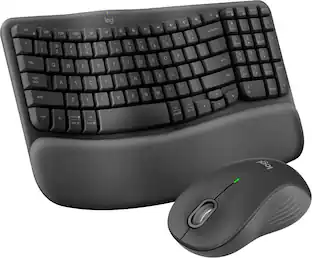
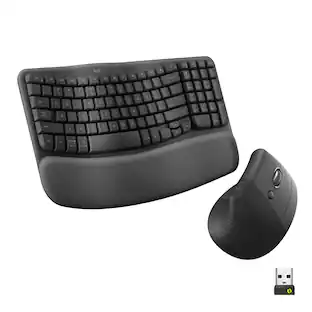
Experience day-long comfort and productivity with this wireless ergonomic keyboard and mouse combo. Typing feels instantly familiar on Wave Keys’ wavy keyframe design. The cushioned keyboard palm rest lifts pressure and improves wrist support. The Signature M550 L Wireless Mouse features a contoured shape and rubber side grip to keep medium- to large-sized hands comfortable throughout the day.

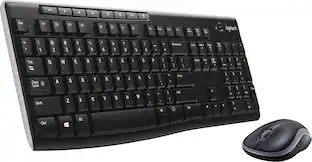
MK540 Advanced is an instantly familiar wireless keyboard and mouse combo built for precision, comfort and reliability. The full-size keyboard features a familiar key shape, size, and feeling – optimized for precision and noise reduction. The palmrest and adjustable tilt legs keep you comfortable for long stretches and the contoured mouse is designed to fit perfectly into either palm. Plug and play your keyboard and mouse with one tiny USB receiver with Logitech Unifying technology. You’ll get a reliable – and encrypted – wireless connection up to 32.8 ft away with virtually no delays or dropouts.
| Pros for Logitech - Signature Comfort Plus Combo MK880 Wireless Keyboard and Mouse Combo with Palm Rest and Silent Clicks - Black | |||
|---|---|---|---|
| Ergonomics, Overall Performance, Ease of Use | Keyboard Quality, Ease of use, Connectivity, Battery Life | Ergonomics, Ease of use, Overall Performance, Connectivity, Palm Rest | Keyboard Quality, Ease of use, Battery Life, Wireless, Price |
| Cons for Logitech - Signature Comfort Plus Combo MK880 Wireless Keyboard and Mouse Combo with Palm Rest and Silent Clicks - Black | |||
| There were no cons for this product— | Lag, Price | Keyboard Size, Key Spacing | Lag, Size |
Specs
Customers often buy these together
Mice
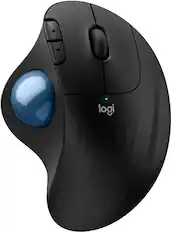
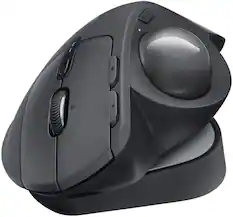
Logitech - ERGO M575 S Wireless Ergonomic Trackball Mouse - Wireless - Black
$45.94The price was $49.99
Mouse Pads




More recommended items
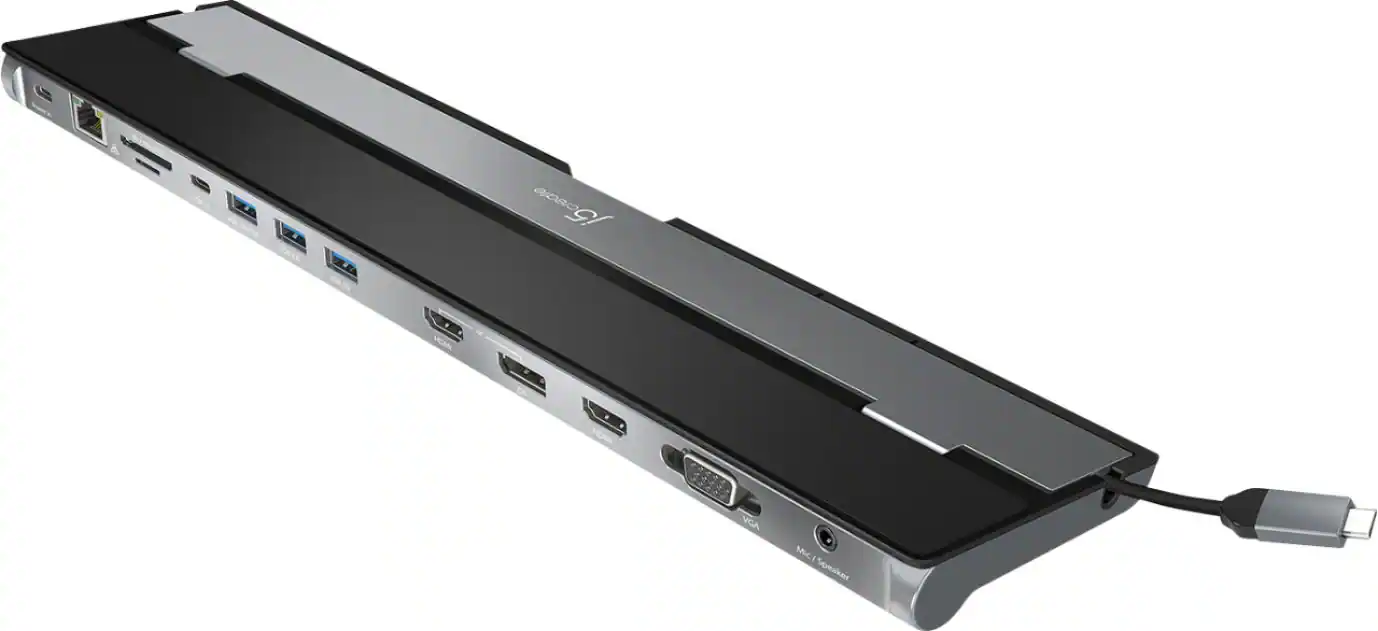 Laptop Docking Stations
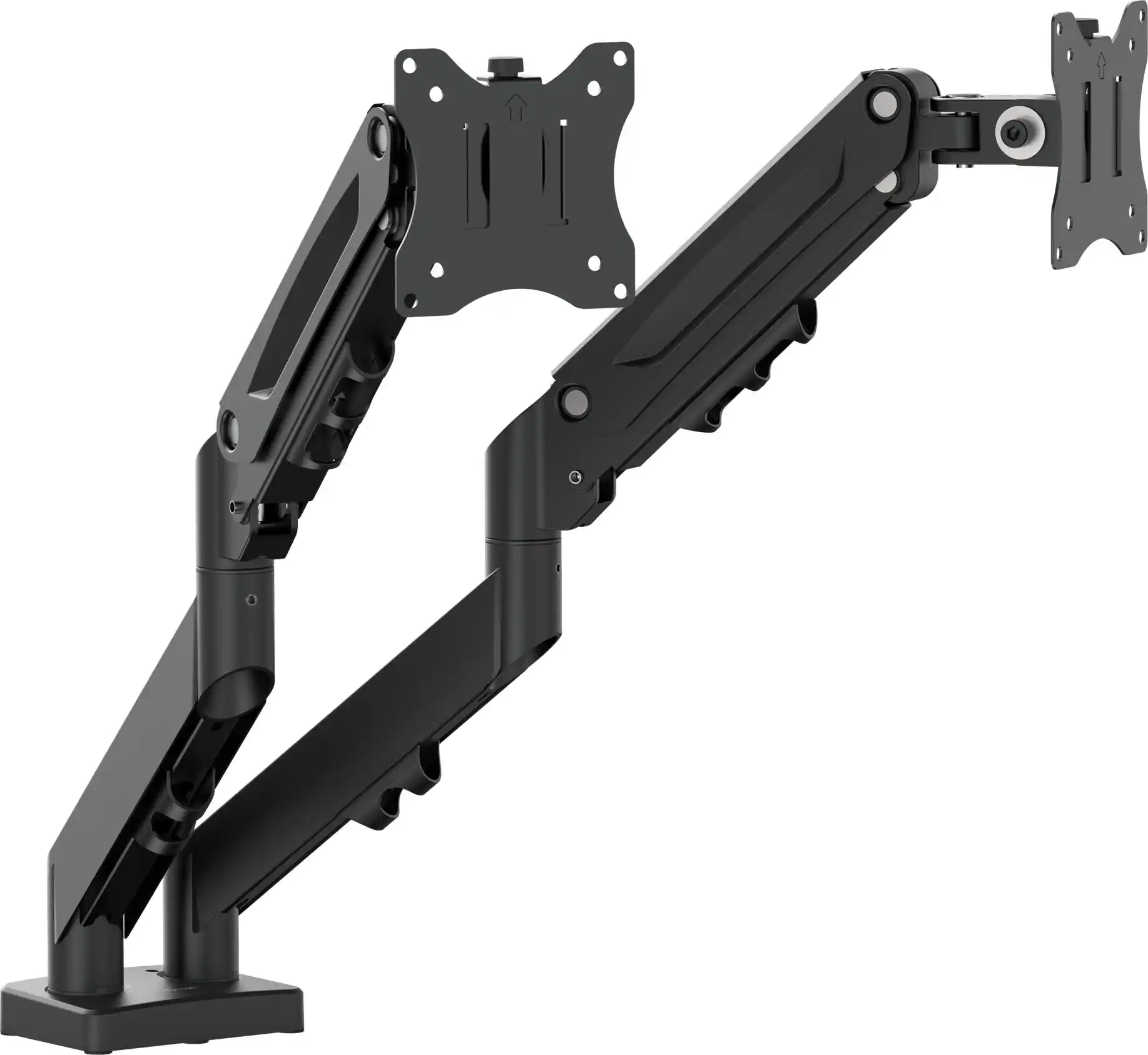 Monitor Stands
More to consider
 $94.28The price was $99.99
 Top Deal$31.99The price was $34.99
 $26.99The price was $29.99
 $34.99The price was $49.99




Explore tech essentials Sponsored
 Top Deal$129.99The price was $159.99


Discover related products
 $24.99The price was $39.99
 $109.99The price was $129.99




Keep exploring
 $199.95The price was $209.95
 $59.99The price was $69.99
 $56.99The price was $88.00
 $91.49The price was $107.49