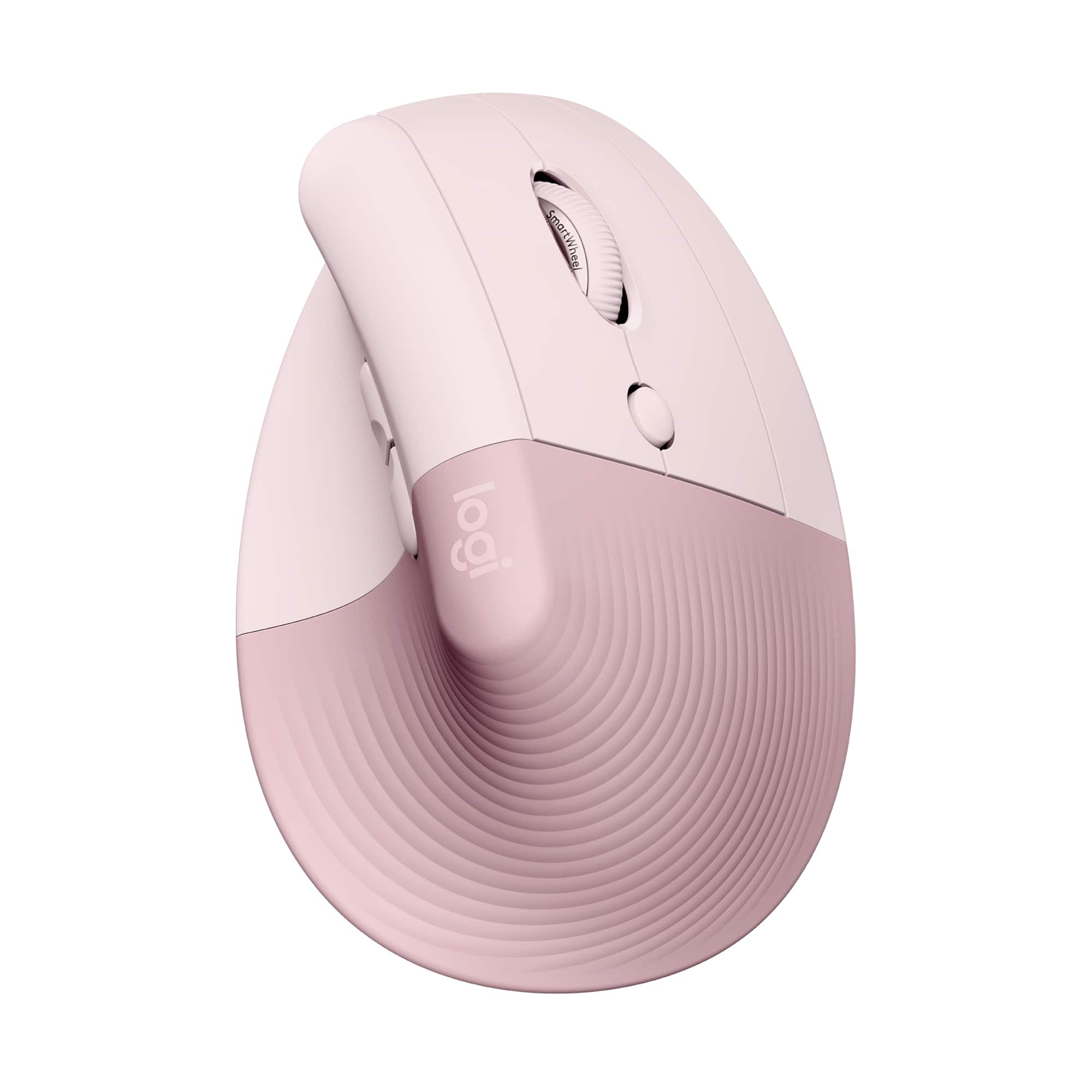
Logitech - Lift Vertical Wireless Optical Ergonomic Mouse with 4 Customizable Buttons - Wireless - Rose
Customers are saying
Customers are pleased with the ergonomic design and overall ease of use, which are the most frequently highlighted features of this mouse. Users also appreciate its well-balanced weight, quiet operation, and reliable battery life. While the device is generally well-regarded for preventing wrist discomfort, a small number of users noted concerns regarding the price and the durability of the scroll wheel.
Color
RoseFeatures
Lift yourself up
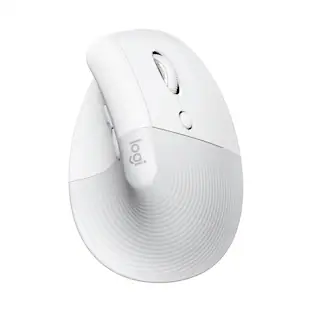
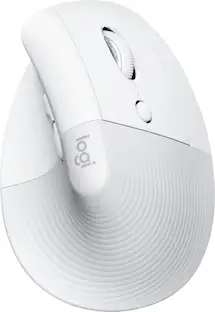
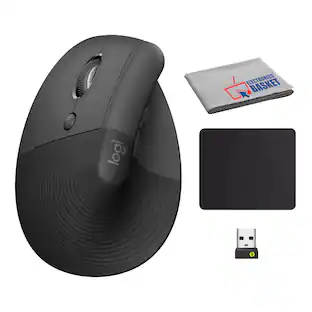
When the desk life gets you down, lift yourself up with Lift Vertical Ergonomic Mouse - a great fit for small to medium right hands.
Raise your hand into comfort
Rest on Lift upright mouse throughout the day, with a softly textured grip and snug thumb rest for level-above cosiness.
57° of soothe
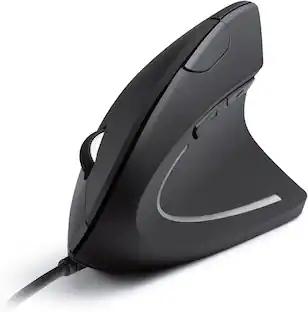
Lift’s vertical shape helps wrists feel like “ahhh” at work, and promotes a more natural posture in the forearm for day-long comfort and productivity.
Relax into focus with Lift cordless mouse
Settle into work with a wireless computer mouse featuring easy-to-reach customizable buttons, whisper-quiet clicks, and a SmartWheel for smooth, seamless scrolling.
Ergo-certified computer mouse
Lift wireless vertical mouse has been designed, developed, tested and approved according to criteria set out by leading ergonomists.
Connect your way
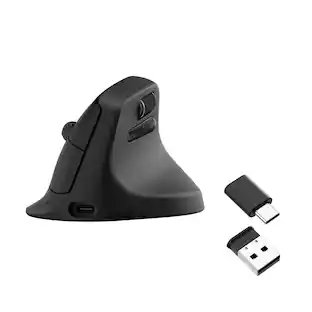
Connect via Bluetooth Low Energy or Logi Bolt USB to Windows, macOS, iPadOS, Chrome OS, or Linux, and enjoy up to 2 years’ battery life.*
Optimize your workflow
Work across devices, set tracking speed, customize buttons and use ready-made app-specific customizations with Logi Options+.
More sustainable
Plastic parts in Lift Rose include 54% certified post consumer recycled plastic. Uses FSC-certified paper for responsible packaging.**
*Battery life may vary based on user and computing conditions.
**Excludes plastic in receiver, battery, printed wiring assembly (PWA), FFC cable, and packaging.
Specifications
- Lighting TypeNoneMaximum Sensitivity4000 dots per inchNumber of Buttons (Total)5Connection TypeWireless
Reviews
Rating 4.7 out of 5 stars with 1129 reviews
- Ergonomics (472)
- Ease of use (158)
- Size (54)
- Overall Performance (48)
- Battery Life (41)
- Wrist Pain (60)
- Price (8)
- Scroll Wheel (5)
Customer Images
The vast majority of our reviews come from verified purchases. Reviews from customers may include My Best Buy members, employees, and Tech Insider Network members (as tagged). Select reviewers may receive discounted products, promotional considerations or entries into drawings for honest, helpful reviews.

Compare similar products
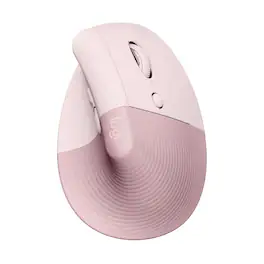
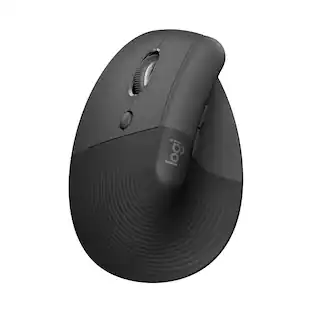
Desk life getting you down? Lift yourself up with Lift Vertical Ergonomic Mouse – a comfy and intuitive wireless mouse with quiet clicks crafted specially for small-to-medium hands. Available in right and left. Lift’s unique 57-degree angle elevates your wrist to give a feeling of relief — and sends a wave of comfort through the forearm and upper body. Scrolling feels second nature with SmartWheel, which easily shifts from precision to speed-scroll. Customize Lift ergo mouse using intuitive Logi Options+ Software.
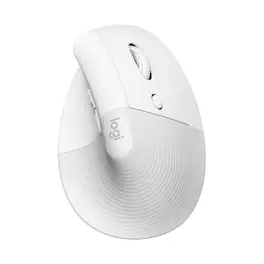
Desk life getting you down? Lift yourself up with Lift Vertical Ergonomic Mouse – a comfy and intuitive wireless mouse with quiet clicks crafted specially for small-to-medium hands. Available in right and left. Lift’s unique 57-degree angle elevates your wrist to give a feeling of relief — and sends a wave of comfort through the forearm and upper body. Scrolling feels second nature with SmartWheel, which easily shifts from precision to speed-scroll. Customize Lift ergo mouse using intuitive Logi Options+ Software.
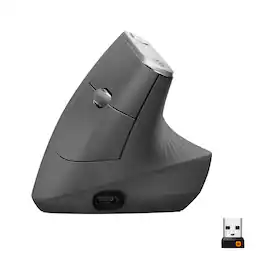
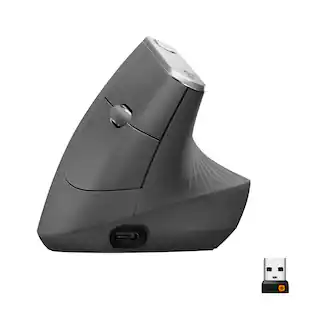
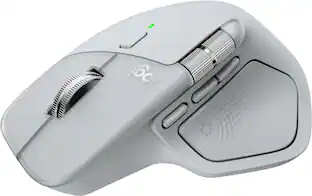
MX Vertical is an advanced ergonomic mouse that combines science-driven design with the elevated performance of Logitech’s MX series. The natural handshake position of MX Vertical reduces wrist pressure and forearm strain. The unique 57° vertical angle has been optimized for an ergonomic posture without compromising a pixel of performance. MX Vertical features a 4000 DPI high-precision sensor, resulting in 4x less hand movement and reducing fatigue. And the cursor speed switch allows you to instantly adjust DPI speed and accuracy with the touch of a button. MX Vertical stays powered for up to four months on a full charge – and gets three hours of use from a one-minute quick charge.
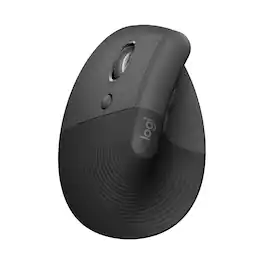
Desk life getting you down? Lift yourself up with Lift Vertical Ergonomic Mouse – a comfy and intuitive wireless mouse with quiet clicks crafted specially for small-to-medium hands. Available in right and left. Lift’s unique 57-degree angle elevates your wrist to give a feeling of relief — and sends a wave of comfort through the forearm and upper body. Scrolling feels second nature with SmartWheel, which easily shifts from precision to speed-scroll. Customize Lift ergo mouse using intuitive Logi Options+ Software.
| Pros for Logitech - Lift Vertical Wireless Optical Ergonomic Mouse with 4 Customizable Buttons - Wireless - Rose | |||
|---|---|---|---|
| Ergonomics, Ease of use, Size, Overall Performance, Battery Life | Ergonomics, Ease of use, Size, Overall Performance, Battery Life | Ergonomics, Ease of use, Battery Life, Overall Performance, Bluetooth | Ergonomics, Connectivity, Build Quality, Button Functionality, Glide Smoothness |
| Cons for Logitech - Lift Vertical Wireless Optical Ergonomic Mouse with 4 Customizable Buttons - Wireless - Rose | |||
| Wrist Pain, Price, Scroll Wheel | Wrist Pain, Price, Scroll Wheel | Wrist Pain, Size, Scroll Wheel, Price | Size |
Specs
Customers often buy these together
Computer Keyboards

![F1, esc, !, -, 1, tab, caps lock, shift, F2, @, 2, Q, A, F3, Q, #, 3, W, S, Z, F4, $4, E, D, X, F5, %, 5, R, F, C, F6, 44, A, 6, T, G, V, F7, HI &, 7, Y, H, logi, F8, FO, 4, *, (, 8, 9, U, I, J, K, M, N, FI0, 0, O, L, <, -, alt, page up, page down, end, down, delete, home, 1, P, [, ] 5, 5, 4, ., -, enter, :, 1, 3, enter, I, 2, 1, Pg up, [, ] 5, 5, 4, ., -, enter, ?, >, /, 0, del, a, 4, ins, e, ctrl, *, fn, ctrl, fn, alt, logi.](https://pisces.bbystatic.com/image2/BestBuy_US/images/products/6536/6536551_sd.jpg;maxHeight=232;maxWidth=233?format=webp)
![Sure, here is the corrected and grouped text from the image:
---
**Top Row:**
- Esc
- F1 F2 F3 F4 F5 F6 F7 F8 F9 F10 F11 F12
**Second Row:**
- 1 ! 2 @ 3 # 4 $ 5 % 6 ^ 7 & 8 * 9 ( 0 ) - _ + =
**Third Row:**
- Tab Q W E R T Y U I O P [ { ] } \
**Fourth Row:**
- Caps Lock A S D F G H J K L ; ' Enter
**Fifth Row:**
- Shift Z X C V B N M , . / Shift
**Function Keys:**
- F1 F2 F3 F4 F5 F6 F7 F8 F9 F10 F11 F12
**Right Side:**
- Insert Home Page Up Delete End Page Down
**Bottom Row:**
- Ctrl Alt Spacebar Alt Ctrl
**Additional Keys:**
- Logi
- Scroll Lock
- Pause Break
---
This should match the layout of the keyboard in the image.](https://pisces.bbystatic.com/image2/BestBuy_US/images/products/0ce0f170-380c-41e4-8d6a-fa0aadbd534c.jpg;maxHeight=232;maxWidth=233?format=webp)
![esc ! - 1 tab caps lock shift ctrl F2 F3 # 2 3 Q W E R T Y U I O P A S D F G H J K L Z X C V B N M start opt alt cmd logi 44 HI . F10 F8 F7 F6 * ( ) - - & 0 8 9 7 O P U I Y K L H J > < N M B F + = { [ : I : ? I alt cmd 2 30 3 1 FQ page insert home up backspace page 1 delete end down ) ] / I I & shift ctrl fn opt 6 / + / clear 8 9 + 7 & P9 up home 5 6 4 a 4 2 3 enter 1 dn pg end = 0 del ins](https://pisces.bbystatic.com/image2/BestBuy_US/images/products/6539/6539508_sd.jpg;maxHeight=232;maxWidth=233?format=webp)
![logi esc to 1 F1 2 F2 3 F3 F4 F5 F6 F7 F8 x F9 NII F10 x F11 F12 Ins del ! 1 @ 2 # 3 $ 4 % 5 ^ 6 & 7 * 8 ( 9 ) 0 - ee + = backspace tab Q W E R T Y U I O P { [ } ] caps lock A S D F - G H J - K L : ; " J enter shift Z X C V B N M V , > ? / shift ctrl fn start opt H alt cmd alt cmd ctrl opt](https://pisces.bbystatic.com/image2/BestBuy_US/images/products/6478/6478160_sd.jpg;maxHeight=232;maxWidth=233?format=webp)
Mouse Pads




More recommended items
 Laptop Docking Stations
 Cables and Adapters
More to consider
 $79.99The price was $84.99
 $77.99The price was $119.99
 $79.00The price was $88.50
 $79.99The price was $86.49
 Top Deal$89.99The price was $99.99
 $32.49The price was $39.94
 $89.99The price was $109.99

Explore tech essentials Sponsored
 $139.99The price was $179.99
 $129.00The price was $159.99



Discover related products
 $59.94The price was $83.84
 $91.49The price was $107.49
 $59.99The price was $69.99






Keep exploring
 $59.99The price was $70.49
 $149.95The price was $215.95
Logitech - B100 Corded Mouse – Wired USB Mouse for Computers and laptops, for Right or Left Hand Use
$14.68The price was $20.06