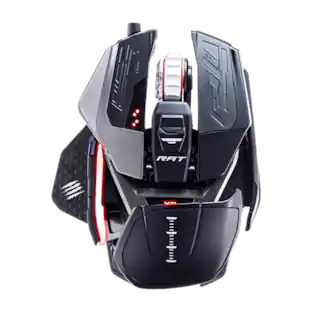
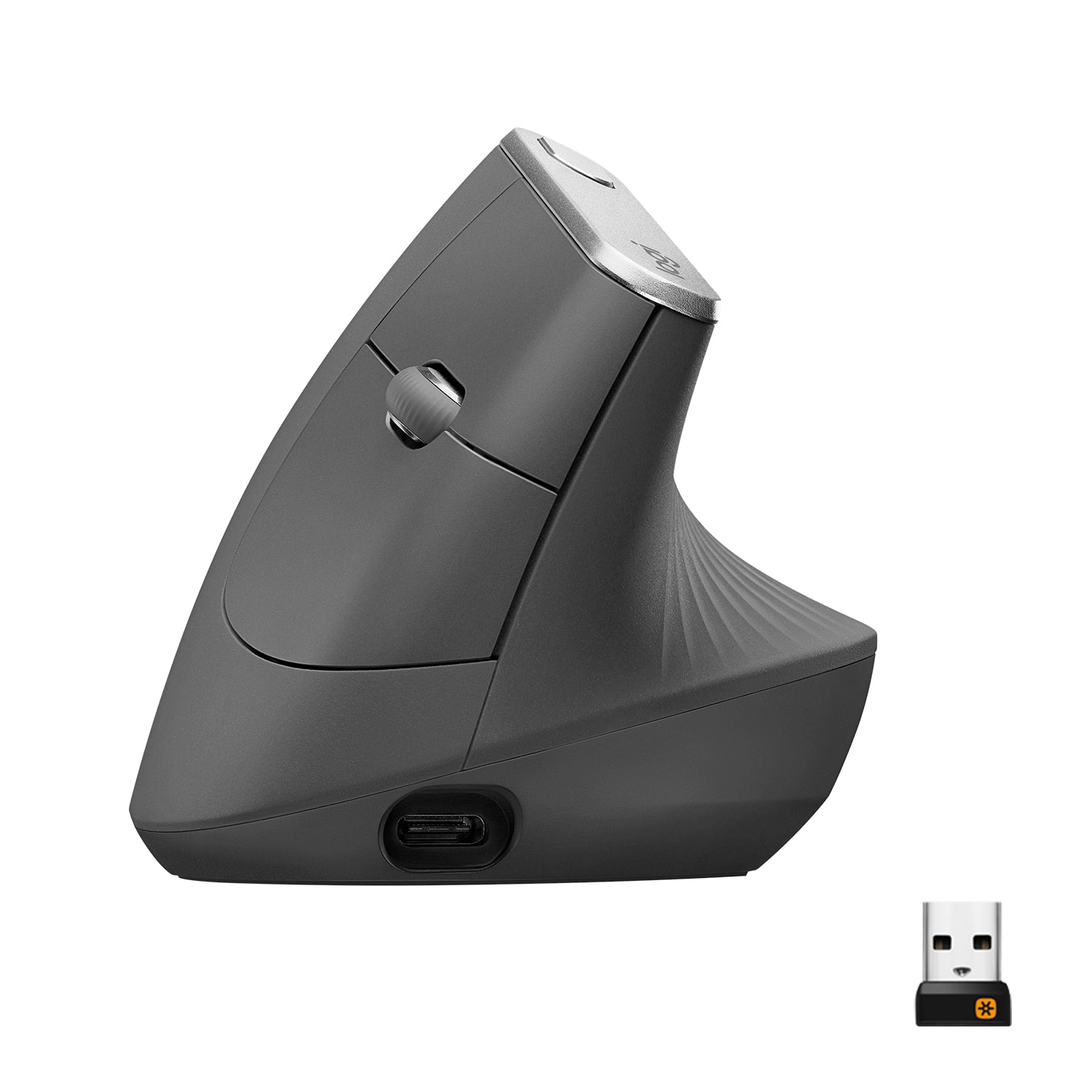
Logitech - MX Vertical Advanced Wireless Optical Ergonomic Mouse with USB and Bluetooth Connection - Wireless - Graphite
Customers are saying
Customers are satisfied with the product's exceptional ergonomics, ease of use, and legendary battery life. While users appreciate the reliable performance and lightweight design, some have expressed concerns regarding the device's large size and high price point. Additionally, a few customers reported issues with the durability of the scroll wheel over time.
Natural handshake position
MX Vertical's natural handshake position reduces muscular activity by 10 percent compared to a standard mouse - without any loss in overall performance.
57° vertical angle for improved wrist posture
MX Vertical's unique 57° vertical angle reduces the pressure on your wrist, while your thumb is positioned comfortably on the thumb rest.
User tested. Ergonomist-approved.
MX Vertical has been designed and tested with criteria set out by leading ergonomists - improve posture, lower muscle strain, and reduce wrist pressure.
Advanced optical tracking computer mouse
The 4000 DPI high-precision sensor results in 4x less hand movement and reduces fatigue. The cursor speed switch instantly adjusts DPI speed and accuracy with the touch of a button.¹
Connect the mouse via Bluetooth or USB
Connect MX Vertical via the included Logitech Unifying receiver, or Bluetooth.
Ergonomic mouse with textured surface
MX Vertical is shaped for the human hand and smooth to the touch. Its unique form fits a variety of hand shapes and sizes, and the textured rubber surface assures a natural grip.
Rechargeable battery with quick-charging
MX Vertical stays powered for up to four months on a full charge – and gets three hours of use from a one-minute quick charge.²
Easy-switch and flow-enabled
Connect to up to three devices and switch between them at the tap of a button or by simply moving the cursor from one screen to another with Logitech FLOW.³
Optimize your workflow
Work across devices, set tracking speed, customize buttons and use ready-made app-specific customizations with Logi Options+.
More sustainable
Uses FSC-certified paper for responsible packaging.
¹As compared with a traditional mouse with 1000 DPI sensor.
²Battery life may vary based on user and computing conditions.
³Requires Logitech Options+ software.
1-month of Adobe Creative Cloud on us (a value of $59.99)*
Pair two of the world’s top creative tools. Buy one MX Vertical Advanced Ergo Mouse and claim your free 1-month Adobe Creative Cloud membership. *Value calculated based on Adobe Creative Cloud All Apps monthly value of $59.99 valid on Adobe.com on Sept 12, 2024. Terms & Conditions apply.¹ ² ³
¹ Terms and Conditions: Offer starts on October 2024, and expires on October 31st, 2026. Offer available worldwide to customers who purchase the Logitech MX Vertical Advanced Ergo Mouse who are new or existing Adobe customers. When you purchase an MX Vertical Advanced Ergo Mouse you receive a complimentary 1-month membership of Adobe Creative Cloud All apps when you go to logi.com/adobe-offer offer page and follow the redemption steps.
² Limit: 1 subscribing customer per product. At the end of the trial period, if you provided a payment method, your subscription would automatically renew, and you will be charged the then-current subscription rate unless you elect to change or cancel your subscription.For Creative Cloud All apps, the current subscription rate is US$89.99/mo or US$659.88/yr (annual, prepaid) (plus applicable taxes/VAT/GST).Cancellations can be made through Customer Support or https://account.adobe.com/plans
³ Valid only for eligible persons who are 18+. Residents or persons in embargoed countries or countries subject to U.S. or local export restrictions are not eligible. Offer and prices are subject to change. Offer may not be assigned, exchanged, sold, transferred, combined, or redeemed for cash or other goods and services not expressly stated here as included. Subject to availability where the recipient resides. Additional terms may apply. VOID WHERE PROHIBITED OR RESTRICTED BY LAW.
⁴ The purchase of an MX Vertical Advanced Ergo Mouse includes 1 month1 of Adobe Creative Cloud All Apps membership. Terms and conditions apply.
⁵ Requires Logi Options+ app, available for recent versions of Windows and macOS
⁶ Battery life may vary based on user and computing conditions
- Lighting TypeNoneMaximum Sensitivity4000 dots per inchNumber of Buttons (Total)6Connection TypeWireless
Reviews
Rating 4.6 out of 5 stars with 1994 reviews
- Ergonomics (892)
- Ease of use (238)
- Battery Life (176)
- Overall Performance (88)
- Bluetooth (58)
- Wrist Pain (88)
- Size (67)
- Scroll Wheel (46)
- Price (41)
Customer Images
The vast majority of our reviews come from verified purchases. Reviews from customers may include My Best Buy members, employees, and Tech Insider Network members (as tagged). Select reviewers may receive discounted products, promotional considerations or entries into drawings for honest, helpful reviews.

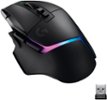
Compare similar products
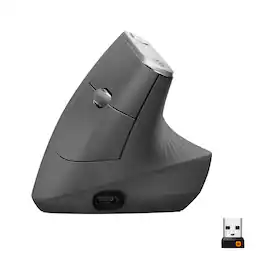
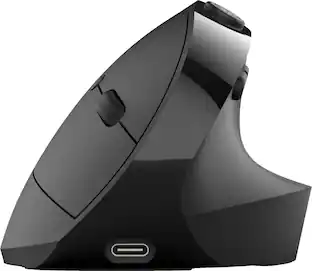
MX Vertical is an advanced ergonomic mouse that combines science-driven design with the elevated performance of Logitech’s MX series. The natural handshake position of MX Vertical reduces wrist pressure and forearm strain. The unique 57° vertical angle has been optimized for an ergonomic posture without compromising a pixel of performance. MX Vertical features a 4000 DPI high-precision sensor, resulting in 4x less hand movement and reducing fatigue. And the cursor speed switch allows you to instantly adjust DPI speed and accuracy with the touch of a button. MX Vertical stays powered for up to four months on a full charge – and gets three hours of use from a one-minute quick charge.

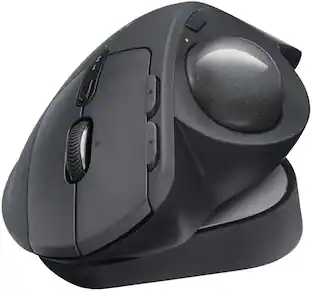
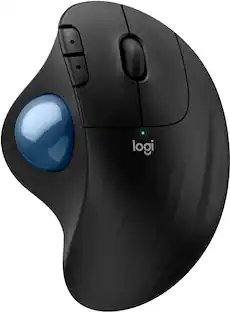
The MX Ergo S Plus is Logitech’s most advanced ergonomic trackball mouse yet, with a 20-degree tilt angle and a 10-degree detachable wedge, and precise thumb control - user-tested and certified by United States Ergonomics. The MX Ergo S wireless ergonomic mouse is sculpted to fit the palm of your hand while keeping it relaxed, and it tilts 20 to 30 degrees for 27% less muscle activity in the forearm, providing elevated comfort throughout your day. Work faster with 6 customizable buttons and a DPI button to effortlessly switch between speed and high-precision tracking. Now with 80% quieter clicks. For even more control that's tailored to your needs, assign time-saving shortcuts and Smart Actions using the Logi Options+ App. Connect your wireless mouse to 2 devices via Bluetooth or the included Logi Bolt receiver and switch between devices with a click of the Easy-Switch button.
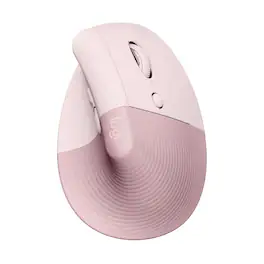
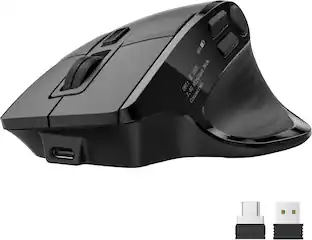
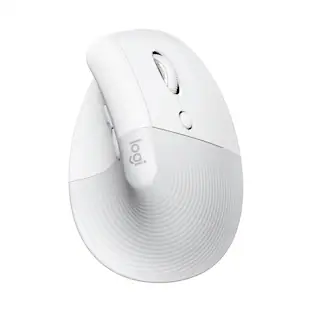
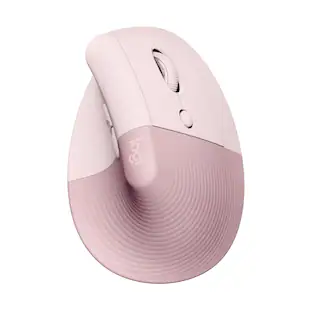
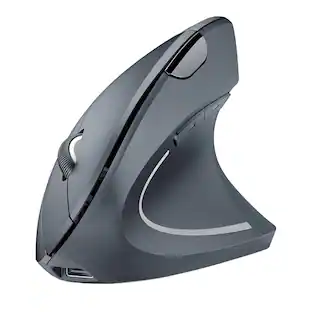
Desk life getting you down? Lift yourself up with Lift Vertical Ergonomic Mouse – a comfy and intuitive wireless mouse with quiet clicks crafted specially for small-to-medium hands. Available in right and left. Lift’s unique 57-degree angle elevates your wrist to give a feeling of relief — and sends a wave of comfort through the forearm and upper body. Scrolling feels second nature with SmartWheel, which easily shifts from precision to speed-scroll. Customize Lift ergo mouse using intuitive Logi Options+ Software.

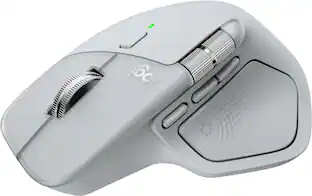
The Logitech MX Master 4 brings immersive control and precision you can feel with haptic feedback. Experience haptic feedback on specific actions, shortcuts, notifications like switching desktops, slider adjustments and more. Customize vibration intensity in Logi Options+. With Actions Ring shortcuts and MX Master 4, save up to 33% of your time by accessing tools and filters at your cursor, reducing repetitive movements by up to 63%. Experience uninterrupted performance with 2X more powerful connectivity, powered by an advanced radio chip, optimized antenna placement, and a new USB-C dongle.
| Pros for Logitech - MX Vertical Advanced Wireless Optical Ergonomic Mouse with USB and Bluetooth Connection - Wireless - Graphite | |||
|---|---|---|---|
| Ergonomics, Ease of use, Battery Life, Overall Performance, Bluetooth | Ergonomics, Overall Performance, Battery Life, Connectivity, Ease of Use | Ergonomics, Ease of use, Overall Performance, Battery Life, Size | Ergonomics, Overall Performance, Battery Life, Button Functionality, Haptic Feedback |
| Cons for Logitech - MX Vertical Advanced Wireless Optical Ergonomic Mouse with USB and Bluetooth Connection - Wireless - Graphite | |||
| Wrist Pain, Size, Scroll Wheel, Price | Weight | Wrist Pain, Price, Scroll Wheel | Weight, Size |
Specs
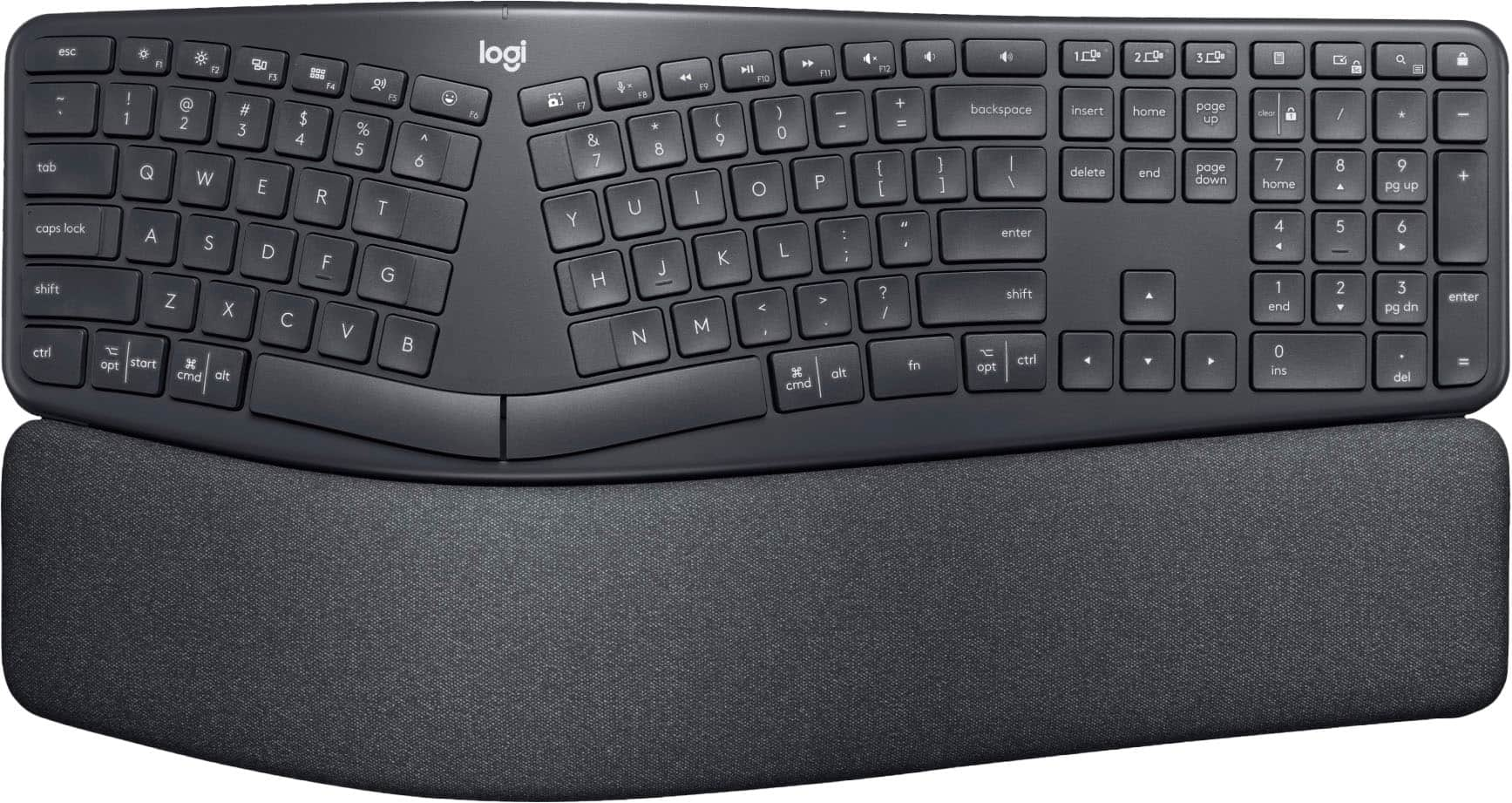
Customers often buy these together
Computer Keyboards
![esc ~ ! 1 tab caps lock shift ctrl F2 Fl # 2 3 Q W A S Z start opt L F3 $ 4 E D X alt cmd3 ) FS F4 A % 5 6 R T F G V C logi 44 HI & F9 FID FB F7 F6 * ) - - & 0 8 9 7 O P U I Y K L H J > < N M 1 B PM + = { [ : I ; ? I alt cmd D 2 4 300 3 1 F12 . * page I insert home up clear backspace 8 9 + 7 page A pg up end down home } I delete ] / 6 4 5 4 enter 2 3 enter 1 dn Pg end shift = 0 del ins etrl fn opt](https://pisces.bbystatic.com/image2/BestBuy_US/images/products/6539/6539505_sd.jpg;maxHeight=232;maxWidth=233?format=webp)
Logitech - MX Keys S Universal Full-size Wireless Scissor Keyboard for PC and Mac with Backlit keys - Black
Top Deal$119.99The price was $129.99

![logi esc 1 F1 2 F2 3 F3 F4 F5 F6 F7 F8 x F9 NI F10 x F11 F12 ins del ~ ! 1 2 # 3 $ 4 % 5 ^ 6 & 7 8 ( 9 ) 0 e - + = backspace tab Q W E R T Y U I O P { [ } ] I / caps lock A S D F G H J - K L : ; " enter shift Z X C V B N M < > ? / shift ctrl fn L start opt H alt cmd alt cmd ctrl opt](https://pisces.bbystatic.com/image2/BestBuy_US/images/products/6478/6478163_sd.jpg;maxHeight=232;maxWidth=233?format=webp)
![esc 1 2 3 4 5 6 7 8 9 0 - = tab Q W E R T Y U I O P [ ] \ caps lock A S D F G H J K L ; ' shift Z X C V B N M , . / ctrl fn opt cmd start alt end home pg up pg dn del backspace 1 2 3 4 5 6 7 8 9 0 - =](https://pisces.bbystatic.com/image2/BestBuy_US/images/products/6554/6554353_sd.jpg;maxHeight=232;maxWidth=233?format=webp)
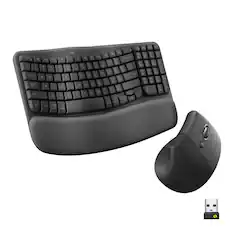
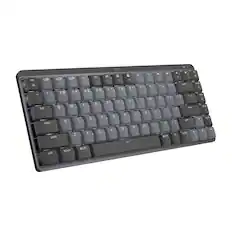
Mouse Pads




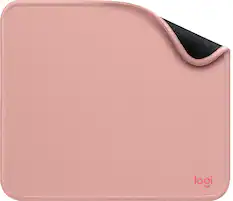

Laptop Docking Stations

More to consider
 $99.99The price was $119.99
 Top Deal$89.99The price was $99.99
 $76.99The price was $84.99




Explore tech essentials Sponsored
 $129.99The price was $159.99
 $118.99The price was $159.99
 $59.99The price was $99.99
 $129.99The price was $159.99

Discover related products
 $69.99The price was $99.99
 $7.99The price was $14.99
 $97.76The price was $99.99





Keep exploring
 $18.99The price was $34.99
 $79.95The price was $109.95