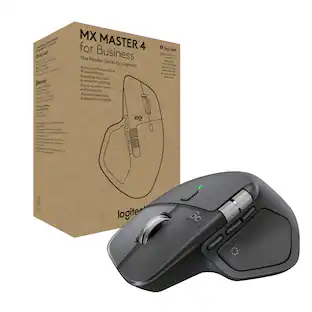
Logitech - MX Master 4 Wireless Laser Ergonomic Mouse with Advanced Performance Haptic Feedback - Wireless - Pale Gray
Customers are saying
Customers express satisfaction with the professional-grade ergonomics and smooth overall performance of this device. Users also appreciate the reliable wireless connectivity, satisfying haptic feedback, and the extensive array of functional buttons. While the product is highly regarded for its features and ease of use, some individuals noted that it feels slightly larger and heavier than expected.
Precision you can feel with the Haptic Sense Panel
Customizable haptic feedback on specific actions, shortcuts, notifications enhancing productivity on this wireless Bluetooth mouse.¹
Effortlessly access favorite tools with Actions Ring on this MX Series mouse
A dynamic, customizable overlay adapts to each app, placing most used filters, adjustments, and shortcuts at your cursor.
Ultra-fast scrolling
Scroll 1,000 lines per second and stop on a pixel with the MagSpeed scroll wheel—Logitech’s fastest, quietest, and most precise scrolling experience.
More powerful connectivity
Enjoy 2X more powerful connectivity with a USB-C dongle, advanced radio chip, and optimized antenna for faster, stronger, reliable performance—or use Bluetooth for more versatility.²
Ergonomic mouse designed for comfort
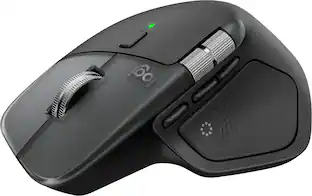
MX Master 4 keeps you in flow with a natural tilt, intuitive buttons, and a thumb scroll wheel that reduces hand stress for fluid navigation.
Quiet Clicks
Quiet Clicks on MX Master 4 reduce noise and distractions, offering a soft, satisfying feel with 90% less click noise—perfect for focused workflows.³
MX + Adobe Creative Cloud
Get a complimentary 1-month Adobe Creative Cloud subscription with your purchase of MX Master 4.
Designed for a positive future
Plastic parts include recycled plastic - 54% Black; 48% Pale Grey; 100% recycled cobalt in the battery; built to last with improved stain resistance.⁴
1-month of Adobe Creative Cloud on us (a value of $59.99)*
Pair two of the world’s top creative tools. Buy one MX Master 4 and claim your free 1-month Adobe Creative Cloud membership. *Value calculated based on Adobe Creative Cloud All Apps monthly value of $59.99 valid on Adobe.com on Sept 12, 2024. Terms & Conditions apply.¹ ² ³
¹ Terms and Conditions: Offer starts on October 2024, and expires on October 31st, 2026. Offer available worldwide to customers who purchase the Logitech MX Master 4 who are new or existing Adobe customers. When you purchase an MX Master 4 you receive a complimentary 1-month membership of Adobe Creative Cloud All apps when you go to logi.com/adobe-offer offer page and follow the redemption steps.
² Limit: 1 subscribing customer per product. At the end of the trial period, if you provided a payment method, your subscription would automatically renew, and you will be charged the then-current subscription rate unless you elect to change or cancel your subscription.For Creative Cloud All apps, the current subscription rate is US$89.99/mo or US$659.88/yr (annual, prepaid) (plus applicable taxes/VAT/GST).Cancellations can be made through Customer Support or https://account.adobe.com/plans
³ Valid only for eligible persons who are 18+. Residents or persons in embargoed countries or countries subject to U.S. or local export restrictions are not eligible. Offer and prices are subject to change. Offer may not be assigned, exchanged, sold, transferred, combined, or redeemed for cash or other goods and services not expressly stated here as included. Subject to availability where the recipient resides. Additional terms may apply. VOID WHERE PROHIBITED OR RESTRICTED BY LAW.
⁴ The purchase of an MX Master 4 includes 1 month of Adobe Creative Cloud All Apps membership. Terms and conditions apply.
⁵ Requires Logi Options+ app, available for recent versions of Windows and macOS
⁶ Battery life may vary based on user and computing conditions
Feel precision with native haptics on Windows 11 and MX Master 4
Unlock enhanced control and precision in PowerPoint and other compatible apps with native haptic support for Windows 11
- Lighting TypeNoneMaximum Sensitivity8000 dots per inchNumber of Buttons (Total)8Connection TypeWireless
Reviews
Rating 4.7 out of 5 stars with 133 reviews
- Ergonomics (35)
- Overall Performance (26)
- Haptic Feedback (17)
- Connectivity (14)
- Battery Life (10)
- Size (5)
- Weight (4)
Customer Images
The vast majority of our reviews come from verified purchases. Reviews from customers may include My Best Buy members, employees, and Tech Insider Network members (as tagged). Select reviewers may receive discounted products, promotional considerations or entries into drawings for honest, helpful reviews.

Compare similar products

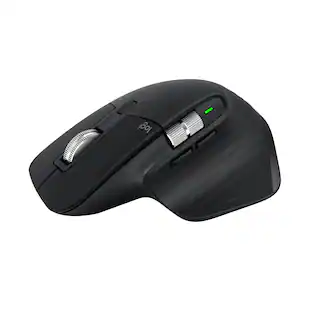
The Logitech MX Master 4 brings immersive control and precision you can feel with haptic feedback. Experience haptic feedback on specific actions, shortcuts, notifications like switching desktops, slider adjustments and more. Customize vibration intensity in Logi Options+. With Actions Ring shortcuts and MX Master 4, save up to 33% of your time by accessing tools and filters at your cursor, reducing repetitive movements by up to 63%. Experience uninterrupted performance with 2X more powerful connectivity, powered by an advanced radio chip, optimized antenna placement, and a new USB-C dongle.

The Logitech MX Master 4 brings immersive control and precision you can feel with haptic feedback. Experience haptic feedback on specific actions, shortcuts, notifications like switching desktops, slider adjustments and more. Customize vibration intensity in Logi Options+. With Actions Ring shortcuts and MX Master 4, save up to 33% of your time by accessing tools and filters at your cursor, reducing repetitive movements by up to 63%. Experience uninterrupted performance with 2X more powerful connectivity, powered by an advanced radio chip, optimized antenna placement, and a new USB-C dongle.
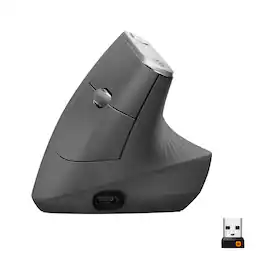
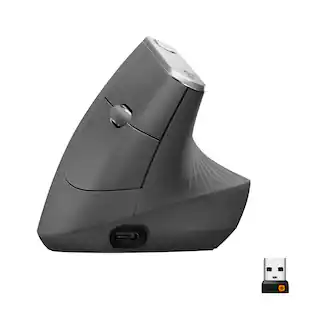
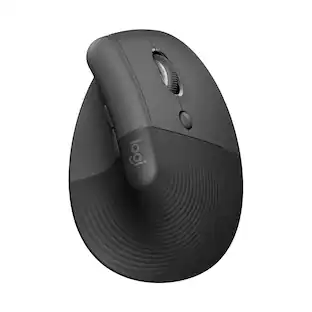
MX Vertical is an advanced ergonomic mouse that combines science-driven design with the elevated performance of Logitech’s MX series. The natural handshake position of MX Vertical reduces wrist pressure and forearm strain. The unique 57° vertical angle has been optimized for an ergonomic posture without compromising a pixel of performance. MX Vertical features a 4000 DPI high-precision sensor, resulting in 4x less hand movement and reducing fatigue. And the cursor speed switch allows you to instantly adjust DPI speed and accuracy with the touch of a button. MX Vertical stays powered for up to four months on a full charge – and gets three hours of use from a one-minute quick charge.

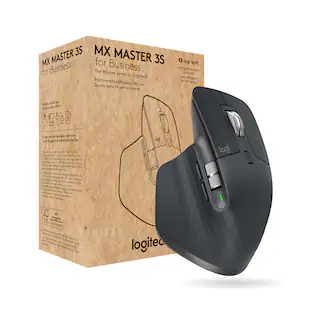
Logitech MX Master 3S Bluetooth Edition – productivity and precision mouse. With Quiet Clicks and 8K DPI any-surface tracking for more feel and performance.
| Pros for Logitech - MX Master 4 Wireless Laser Ergonomic Mouse with Advanced Performance Haptic Feedback - Wireless - Pale Gray | |||
|---|---|---|---|
| Ergonomics, Overall Performance, Haptic Feedback, Connectivity, Battery Life | Ergonomics, Overall Performance, Button Functionality, Haptic Feedback, Battery Life | Ergonomics, Battery Life, Overall Performance, Ease of use, Bluetooth | Ergonomics, Overall Performance, Button Functionality, Connectivity, Battery Life |
| Cons for Logitech - MX Master 4 Wireless Laser Ergonomic Mouse with Advanced Performance Haptic Feedback - Wireless - Pale Gray | |||
| Size, Weight | Weight, Size | Size, Wrist Pain, Scroll Wheel, Price | There were no cons for this product— |
Specs
Customers often buy these together
Computer Keyboards
![esc ! - 1 tab caps lock shift ctrl F2 F3 # 2 3 Q W E R T Y U I O P A S D F G H J K L Z X C V B N M start opt alt cmd logi 44 HI . F10 F8 F7 F6 * ( ) - - & 0 8 9 7 O P U I Y K L H J > < N M B F + = { [ : I : ? I alt cmd 2 30 3 1 FQ page insert home up backspace page 1 delete end down ) ] / I I & shift ctrl fn opt 6 / + / clear 8 9 + 7 & P9 up home 5 6 4 a 4 2 3 enter 1 dn pg end = 0 del ins](https://pisces.bbystatic.com/image2/BestBuy_US/images/products/6539/6539508_sd.jpg;maxHeight=232;maxWidth=233?format=webp)
Logitech - MX Keys S Universal Full-size Wireless Scissor Keyboard for PC and Mac with Backlit keys - Pale Gray
$119.99The price was $129.99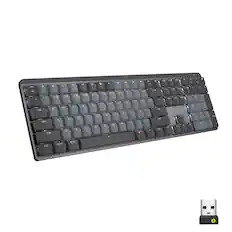
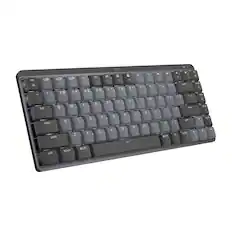
Logitech - MX Mechanical Full size Wireless Mechanical Tactile Switch Keyboard for Windows/macOS with Backlit Keys - Graphite
Top Deal$159.99The price was $179.99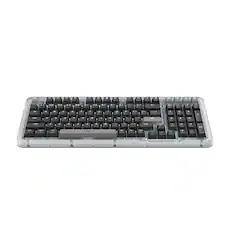
Logitech - Alto Keys K98M Full-size Wireless Mechanical keyboard with Backlit keys for PC, Mac, Laptops - Graphite
Top Deal$109.99The price was $119.99
![logi esc to 1 F1 2 F2 3 F3 F4 F5 F6 F7 F8 x F9 NII F10 x F11 F12 Ins del ! 1 @ 2 # 3 $ 4 % 5 ^ 6 & 7 * 8 ( 9 ) 0 - ee + = backspace tab Q W E R T Y U I O P { [ } ] caps lock A S D F - G H J - K L : ; " J enter shift Z X C V B N M V , > ? / shift ctrl fn start opt H alt cmd alt cmd ctrl opt](https://pisces.bbystatic.com/image2/BestBuy_US/images/products/6478/6478160_sd.jpg;maxHeight=232;maxWidth=233?format=webp)


Mouse Pads






Laptop Docking Stations
More to consider
 $84.99The price was $119.99
 Top Deal$109.99The price was $119.99
 Top Deal$54.99The price was $59.99
 $149.99The price was $159.99



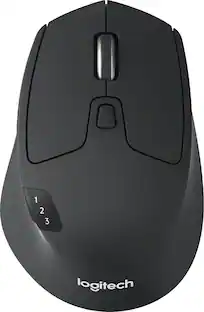
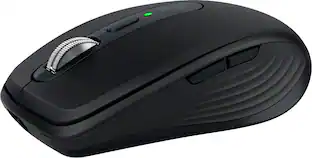
Explore tech essentials Sponsored
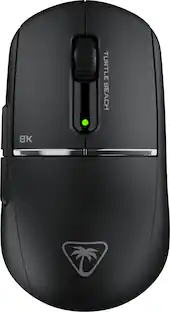
Turtle Beach - Burst II Pro High-Performance Ultra-Lightweight Wireless Optical Esports Gaming Mouse
$99.99The price was $139.99
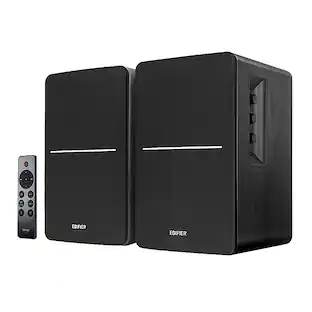




Discover related products









Keep exploring
 $149.95The price was $215.95
Logitech - B100 Corded Mouse – Wired USB Mouse for Computers and laptops, for Right or Left Hand Use
$12.18The price was $20.06