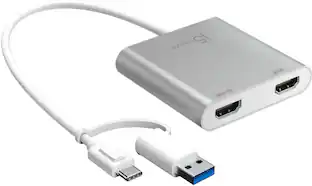
j5create - USB-C to 4-Port HDMI Multi-Monitor Adapter - Silver
Customers are saying
Customers value the overall performance and ease of use of the USB-C to 4-Port HDMI Multi-Monitor Adapter, as well as its HDMI capabilities and connectivity options. Some users have reported issues with heat, compatibility, driver installation, and lag. While some have noted compatibility issues with certain systems, others appreciate the adapter's compact size and reasonable price.
Features
Increase Productivity With Multiple Display Modes
Multitask with a larger landscape/desktop space. Move and view your large spreadsheets across four screens without overlapping windows. Ideal for viewing multiple windows at the same time to enhance productivity from standard business applications.
Quickly Assign Multiple Windows
The Multi-Monitor Assistant application assists with dragging, dropping, zooming in & out, cursor display cycle, cascading windows to the main display and windows expansion cycle on multiple monitors with simple moves (Currently available for Windows only).
1080p HDMI Resolution With Stereo Audio
1920 x 1080 @ 60 Hz, with 1080p Video Playback; Display Rotation: 0°, 90°, 180° & 270°. HDMI ports support 48 kHz imbedded audio.
Fast Installation
Simply install the driver, plug-in the USB-C and it’s ready to go.
No External Power Required
USB powered by the computer, over SuperSpeed USB 3.0 / 3.1.
Specifications
- Maximum Number of Displays Supported4Maximum Supported ResolutionFull HD (1080p)Number of DisplayPort Outputs (Total)0
Reviews
Rating 4.2 out of 5 stars with 376 reviews
- Overall Performance (70)
- Ease of use (64)
- HDMI (36)
- Connectivity (25)
- Size (8)
- Heat (26)
- Compatibility (22)
- Driver Installation (4)
- Lag (3)
- Mac Compatibility (3)
Customer Images
The vast majority of our reviews come from verified purchases. Reviews from customers may include My Best Buy members, employees, and Tech Insider Network members (as tagged). Select reviewers may receive discounted products, promotional considerations or entries into drawings for honest, helpful reviews.
Compare similar products

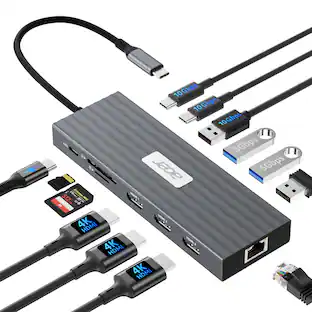
The USB-C to 4-port HDMI Multi-Monitor Adapter functions as an external video card for your MacBook or personal computer. It allows you to add four additional monitors/displays through your USB-C port. This is the perfect alternative to a costly video card. With the JCA366, you can quickly install the driver with a simple USB-C plug-in. Afterwards, connect your device to your monitors using HDMI cables and you have just created a new visual environment in seconds. With this multi-monitor adapter, you can extend your desktop across multiple displays, clone one screen onto another, and have individual applications displayed on each monitor. You can also enable additional features with the Multi-Monitor Assistant Application for your Windows devices.
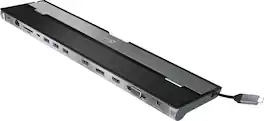
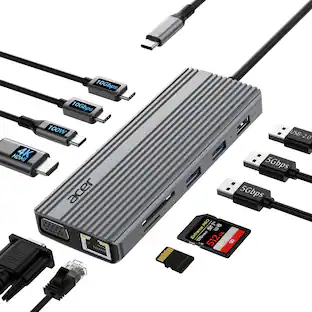
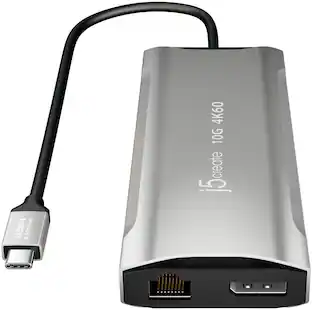
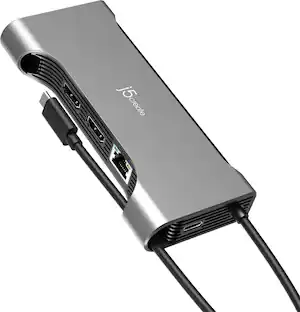
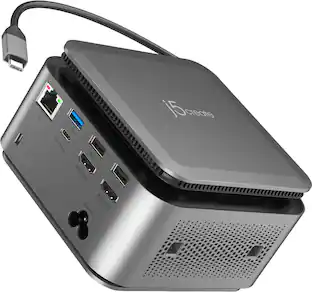
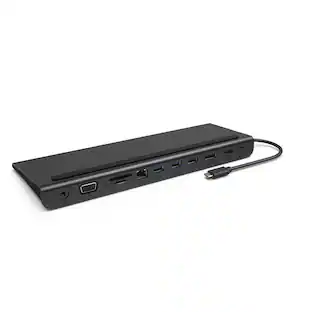
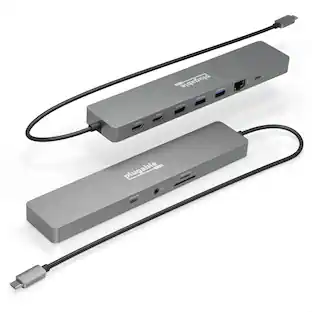
This triple display docking station turns your Mac or Windows laptop into a full workstation with a DisplayPort output, two HDMI outputs, and a VGA output, with resolution support up to 4K (3840 x 2160) on two displays and 1080p on the other one. You can also use your laptop screen for four displays in total, making it easy to access multiple applications at once. With 100W Power Delivery, three USB 3.0 ports, and a USB-C port, this docking station is perfect for your MacBook, Dell XPS, or other USB-C laptop requiring additional ports. This USB 3.0 docking station is also equipped with a RJ45 Gigabit Ethernet port, memory card reader/writer, and combo audio jack for maximum productivity. The elevated design assists with heat dissipation and, with its double-sided cable storage compartment, ensures an easy connection regardless of your USB-C port’s location. All 13 ports are combined into one slim docking station, so you’ll have all the connections you need to stay productive!

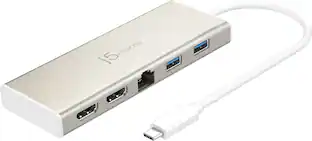
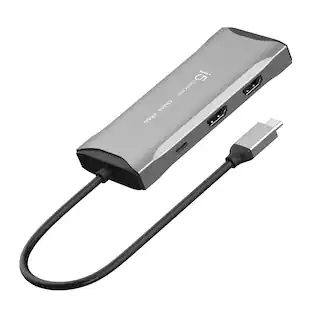
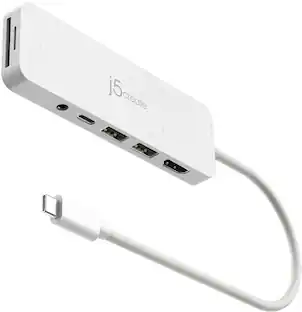
The USB-C Dual HDMI Mini Dock provides extra connectivity for your USB-C computer, featuring data transfer, power delivery and video displays. Easily add two additional USB computer peripherals, two HDMI monitors, and a Gigabit Ethernet connection through your USB-C port. When connected to a power source, the USB-C input charging port allows you to continue charging your laptop or smartphone. Its compact and lightweight design, making it great for use on the go.

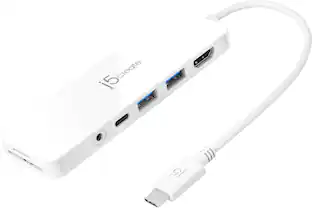
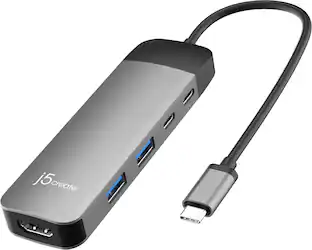
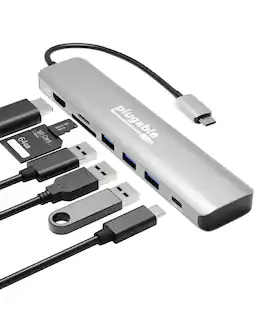
Connect your laptop to a 4K monitor, projector, and other devices with our USB-C 4-in-1 Multiport Adapter. This compact USB-C adapter is the perfect solution for home, the office, or in-between workstations. It features two USB-A ports to charge and connect your smartphone, tablet, keyboard, thumb drive, mouse, or other high consumption device while its HDMI port connects your MacBook Pro, Chromebook, or other USB-C laptop to a display with up to 4K resolutions. This Belkin USB-C Hub supports pass-through charging up to 100W so you don’t have to choose between port expansion and power. Gain up to 5 Gbps of bandwidth between connected devices, for quick data transfer between computer and peripheral devices. This computer docking station also supports high-definition display resolutions up to 4K through the HDMI Port. Encased in a sleek aluminum finishing that matches popular devices, this compact USB port hub is a stylish addition for your work, study, or play setup.
| Pros for j5create - USB-C to 4-Port HDMI Multi-Monitor Adapter - Silver | |||
|---|---|---|---|
| Overall Performance, Ease of use, HDMI, Connectivity, Size | Ease of use, Overall Performance, Connectivity, USB-C, Ports | Ease of use, HDMI, Overall Performance, Size, Connectivity | Overall Performance, Ease of use, HDMI, Connectivity, Size |
| Cons for j5create - USB-C to 4-Port HDMI Multi-Monitor Adapter - Silver | |||
| Heat, Compatibility, Driver Installation, Lag, Mac Compatibility | Compatibility, Power Supply | Compatibility, Heat | Heat, Price, Cable Length |
Specs
Customers often buy these together
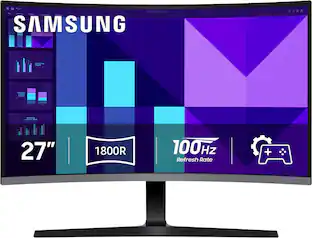 Our 365-day lowest price$129.99The price was $199.99
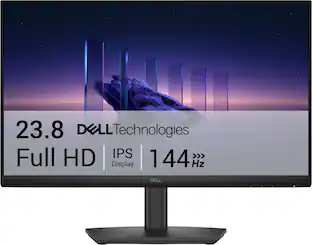 Our 365-day lowest price$89.99The price was $119.99
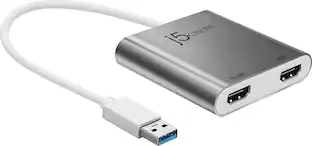


Customers ultimately bought
 $49.99The price was $59.99



Explore tech essentials Sponsored

Discover related products





Keep exploring
 $219.89The price was $249.99