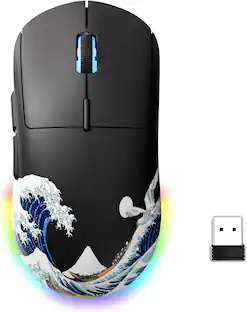
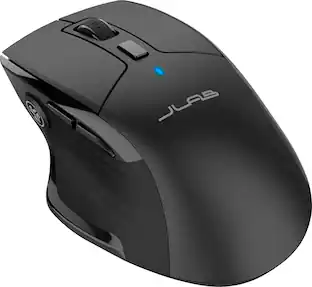
JLab - JBuds Ergonomic Wireless Mouse - Wireless - Black
Customers are saying
Customers recognize the ergonomic design as the standout feature of this product, frequently praising its comfortable shape and lightweight feel. Users also highlight the impressive battery life and intuitive navigation as key contributors to its overall performance. Additionally, the programmable buttons and reliable connectivity are noted as significant benefits that enhance the user experience. While the device is generally well-regarded, some users have specifically noted its effectiveness in helping to alleviate wrist discomfort.
Multiple Connection Options
Choose between 2.4 ghz (USB dongle) or Bluetooth to pair to virtually any device
Pairing Profiles
Switch between 3 paired devices with a click of a button
Customizable Buttons
7 buttons, including adjustable DPI button (1200-2400) using the app and choose between 45 different programmable functions
Profile And Battery
3 saved profiles to choose from in the app. 600 mah battery
100% Recyclable Packaging
JLab was the first major audio brand to have fully recyclable packages when we announced it in 2019. And fully recyclable is a big deal: This means after you open your product, you can put the box directly into the recycling bin and every component of it is recyclable. We looked at every detail to make it 100% recyclable
- Maximum Sensitivity1200 dots per inchNumber of Buttons (Total)7Connection TypeWireless, Wireless
Reviews
Rating 4.5 out of 5 stars with 345 reviews
- Ergonomics (112)
- Battery Life (40)
- Ease of use (28)
- Overall Performance (25)
- Button Functionality (14)
- Wrist Pain (3)
Customer Images
The vast majority of our reviews come from verified purchases. Reviews from customers may include My Best Buy members, employees, and Tech Insider Network members (as tagged). Select reviewers may receive discounted products, promotional considerations or entries into drawings for honest, helpful reviews.

- Razer - Huntsman V3 Pro 8KHz Full Size Wired Analog Optical Linear Switch Gaming Keyboard with Snap Tap - Black$219.99The price was $249.99




Compare similar products

The JBuds Ergonomic Mouse offers blissful comfort with a personalized set-up for your favorite functions and tasks. With seven buttons, you have everything you need to reach working-from-home greatness, and everything you want to play your game, your way. The vertical design provides a natural angle for your wrist and hand, so switching between your favorite functions and your top devices is effortless.
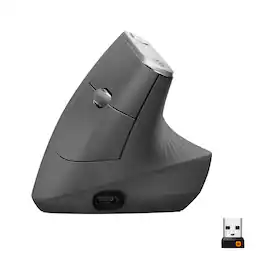
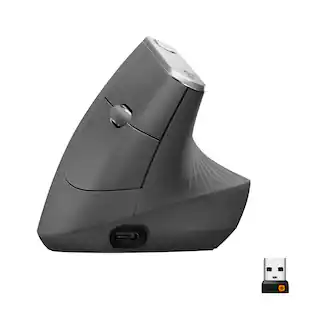
MX Vertical is an advanced ergonomic mouse that combines science-driven design with the elevated performance of Logitech’s MX series. The natural handshake position of MX Vertical reduces wrist pressure and forearm strain. The unique 57° vertical angle has been optimized for an ergonomic posture without compromising a pixel of performance. MX Vertical features a 4000 DPI high-precision sensor, resulting in 4x less hand movement and reducing fatigue. And the cursor speed switch allows you to instantly adjust DPI speed and accuracy with the touch of a button. MX Vertical stays powered for up to four months on a full charge – and gets three hours of use from a one-minute quick charge.
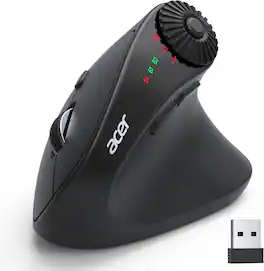
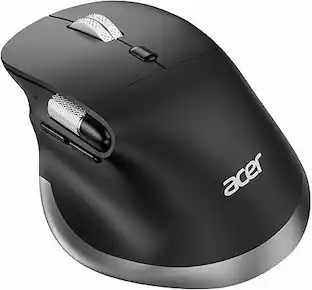
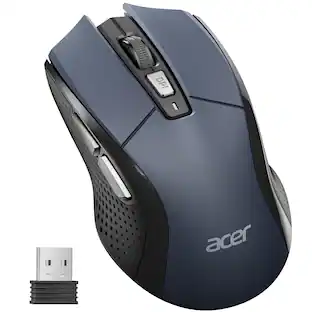
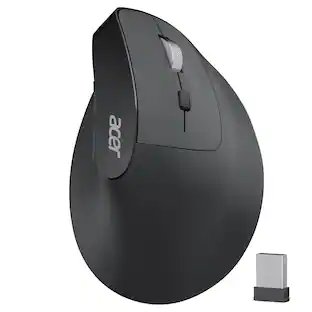
acer Ergonomic Mouse Wireless with Side Scroll Wheel, Bluetooth Mouse for Laptop(BT5.2+2.4GHz), Office Vertical Computer Mice, Right Hand Ergo Mice, 8 Buttons, 2.4GHz USB Receiver for PC and Desktop

The JBuds Wireless Bluetooth Mouse offers full-sized functionality with a personalized approach. With seven buttons and a comfortable feel, you have everything you need to reach WFH greatness and you can save up to three user profiles. Switching between your favorite functions.
| Pros for JLab - JBuds Ergonomic Wireless Mouse - Wireless - Black | |||
|---|---|---|---|
| Ergonomics, Battery Life, Ease of use, Overall Performance, Button Functionality | Ergonomics, Ease of use, Battery Life, Overall Performance, Bluetooth | Ergonomics, Connection Stability, Scroll Wheel | Battery Life, Overall Performance, Ergonomics, Ease of use, Connectivity |
| Cons for JLab - JBuds Ergonomic Wireless Mouse - Wireless - Black | |||
| Wrist Pain | Wrist Pain, Scroll Wheel, Size, Price | There were no cons for this product— | Scroll Wheel, Click Noise, Lag, Charging |
Specs
Customers often buy these together
Computer Keyboards
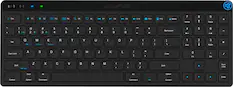
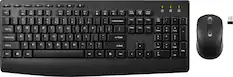
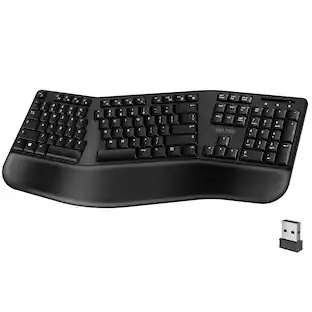
JLab - JBuds Wireless Keyboard - Black
$34.99The price was $39.99

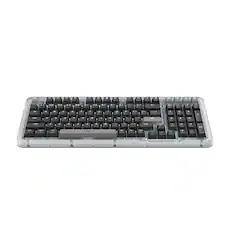
![esc ~ ! 1 tab caps lock shift ctrl F2 Fl # 2 3 Q W A S Z start opt L F3 $ 4 E D X alt cmd3 ) FS F4 A % 5 6 R T F G V C logi 44 HI & F9 FID FB F7 F6 * ) - - & 0 8 9 7 O P U I Y K L H J > < N M 1 B PM + = { [ : I ; ? I alt cmd D 2 4 300 3 1 F12 . * page I insert home up clear backspace 8 9 + 7 page A pg up end down home } I delete ] / 6 4 5 4 enter 2 3 enter 1 dn Pg end shift = 0 del ins etrl fn opt](https://pisces.bbystatic.com/image2/BestBuy_US/images/products/6539/6539505_sd.jpg;maxHeight=232;maxWidth=233?format=webp)

Mouse Pads






Laptop Docking Stations
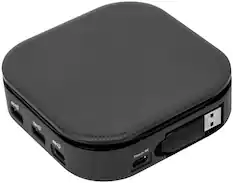
Targus - USB-C Universal Dual HD Docking Station with 80W PD Pass-Thru - Black
Clearance$48.99The price was $69.99
More to consider
 $84.99The price was $119.99
 $63.99The price was $79.99
 Top Deal$109.99The price was $119.99



Explore tech essentials Sponsored
 $149.99The price was $159.99



Discover related products
 $49.99The price was $59.99
 $69.99The price was $99.99
 $12.99The price was $13.99
 $30.99The price was $32.99





Keep exploring

Logitech - B100 Corded Mouse – Wired USB Mouse for Computers and laptops, for Right or Left Hand Use
$12.18The price was $20.06