Wireless Computer Mouse
-
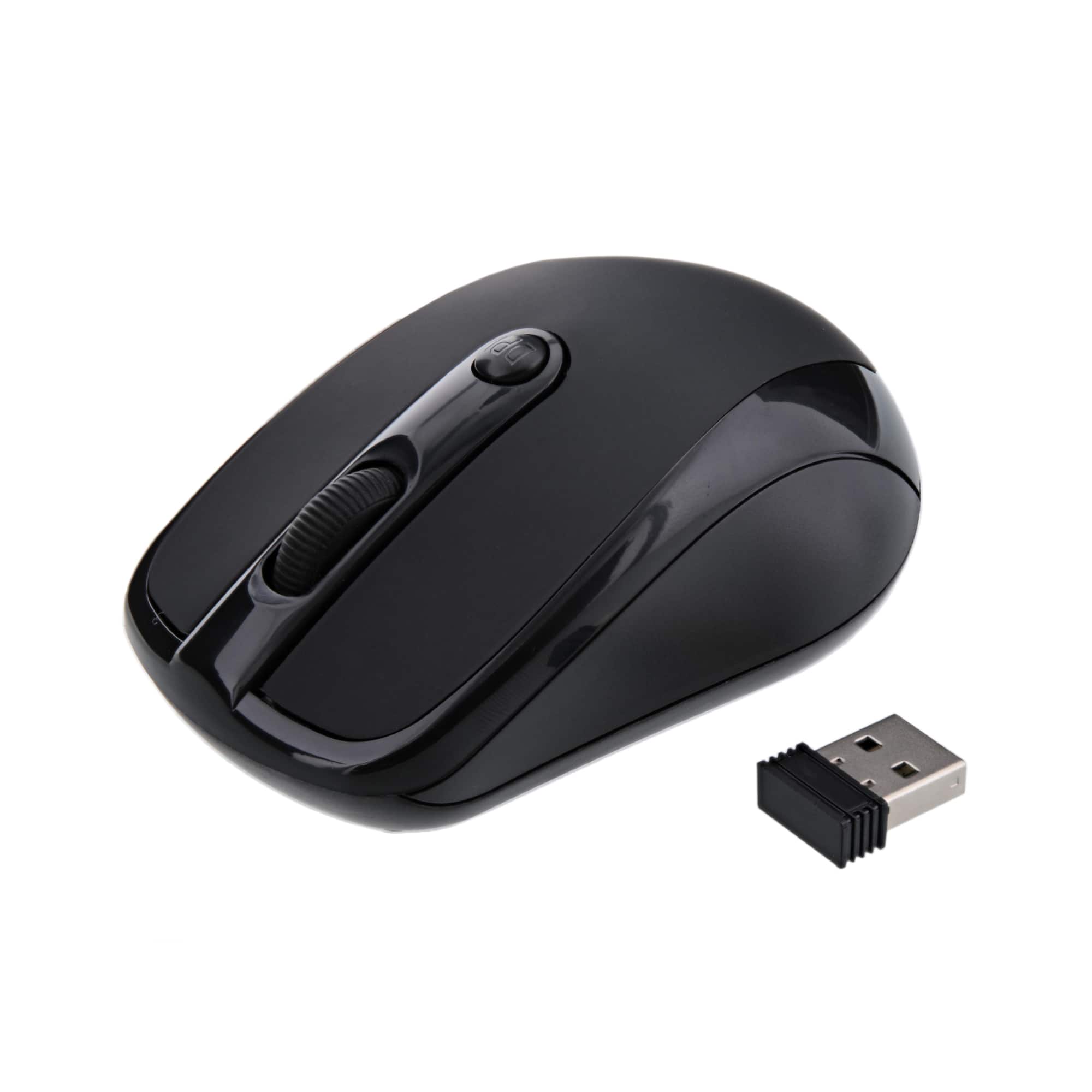
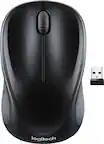
Xtreme - 3 Button 2.4GHz Opitcal Mouse Wireless w/ Nano Receiver - Wireless - Black
SKU: J385T45TZ5See all Wireless & Bluetooth MiceProduct Description
A compact black wireless mouse featuring 2.4GHz connectivity, three buttons, and a convenient nano receiver.Your price for this item is $14.99 -
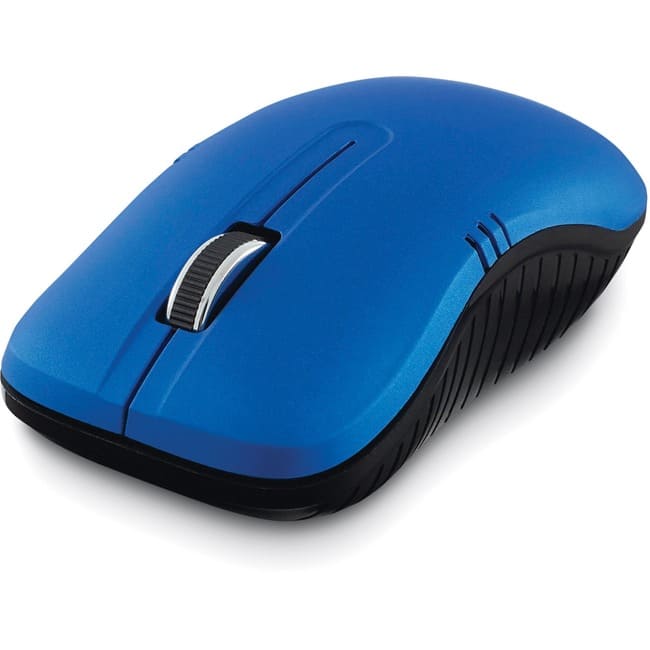
Verbatim - Wireless Notebook Optical Mouse, Commuter Series - Matte Optical - Wireless - Radio Frequency - Matte - Wireless - Blue
SKU: J72FJKJ48QSee all Wireless & Bluetooth MiceProduct Description
A matte blue wireless mouse with 1200 DPI optical sensor and ambidextrous contoured grip for comfort.Your price for this item is $25.32 -
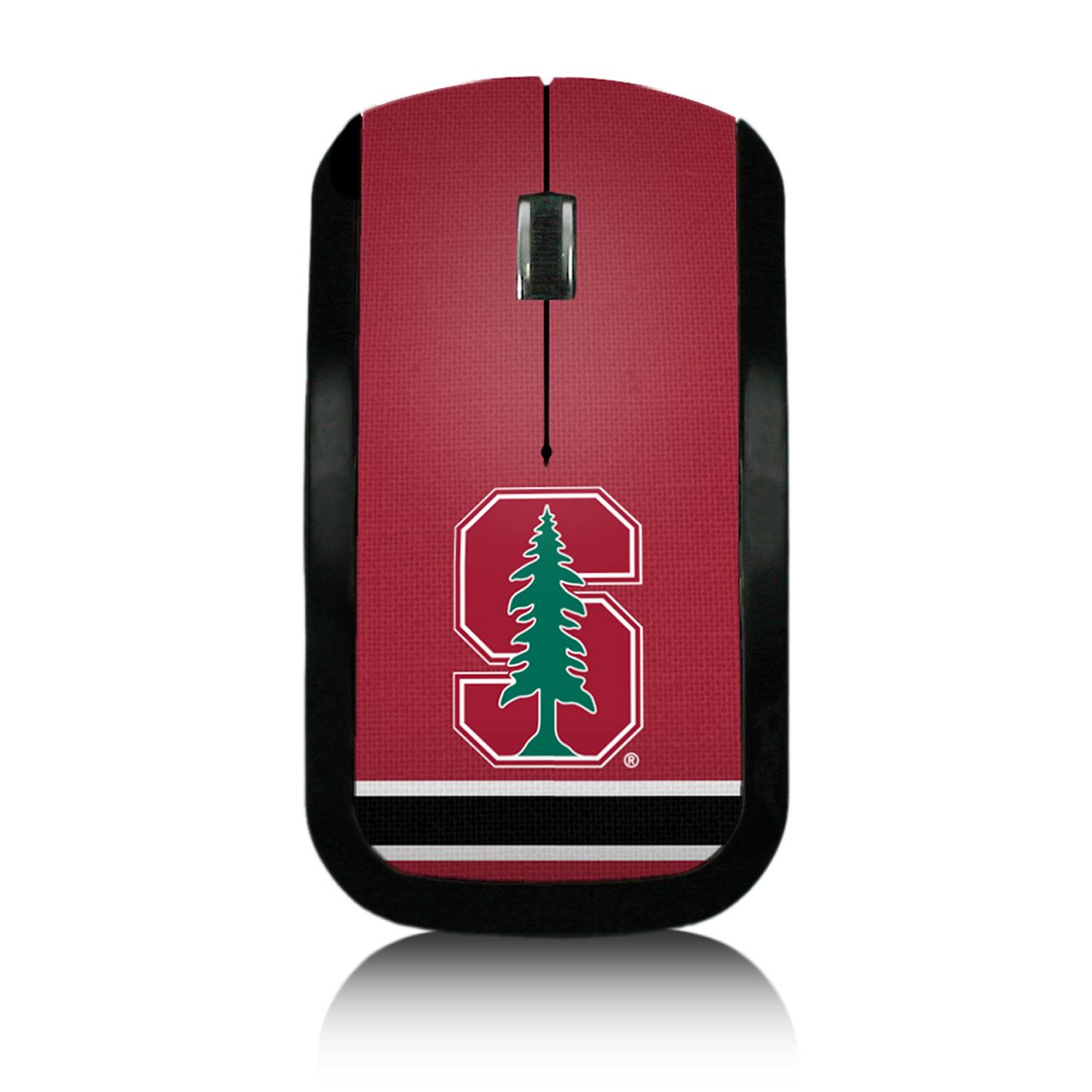
Keyscaper - Stanford Cardinal Wireless USB Computer Mouse - Wireless - Multicolor
SKU: J3ZTW5HHWKSee all Wireless & Bluetooth MiceProduct Description
A multicolor wireless USB mouse featuring ambidextrous design and Stanford Cardinal-themed graphics.Your price for this item is $44.99 -
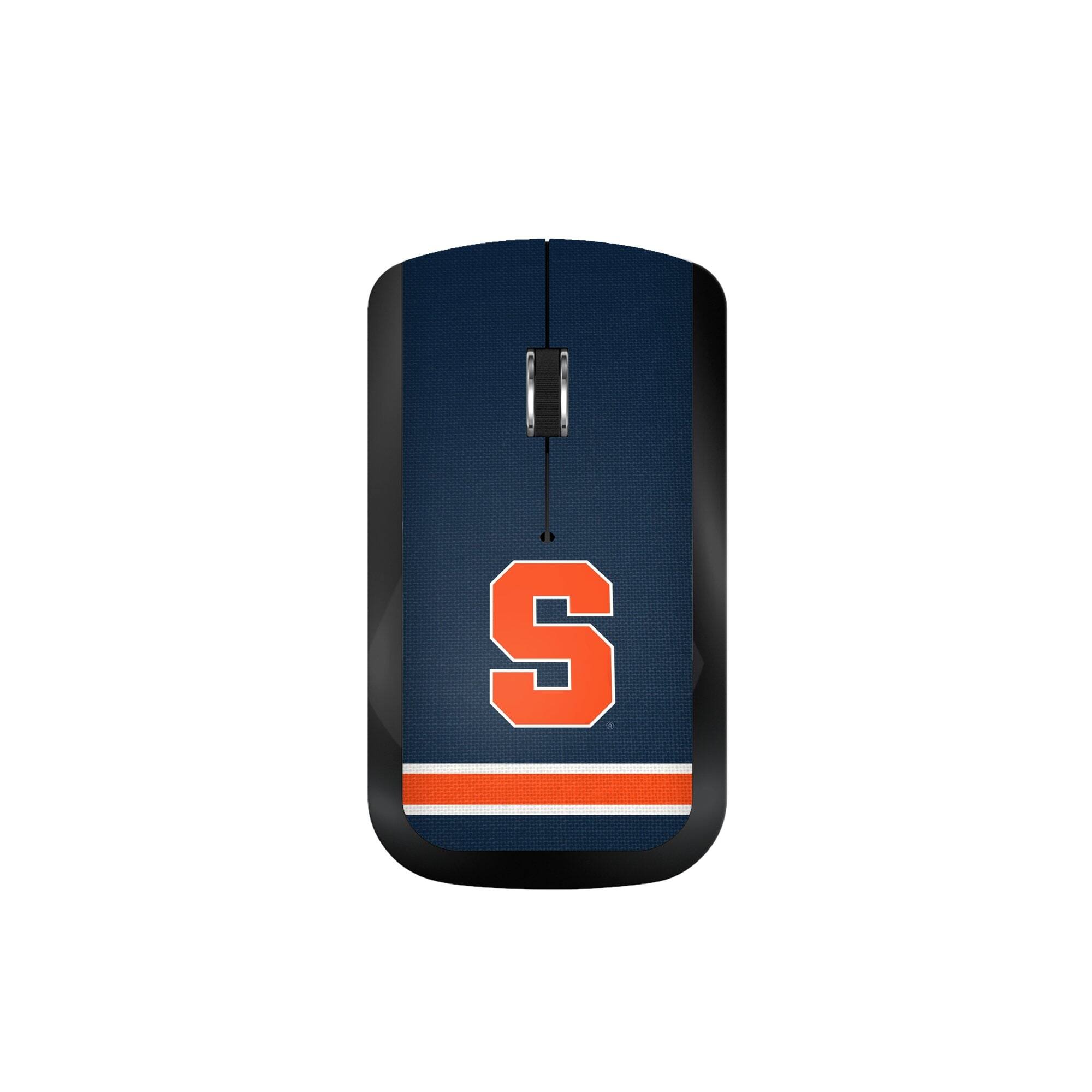
Keyscaper - Syracuse Orange Wireless USB Computer Mouse - Wireless - Multicolor
SKU: J3ZTW5HHWCSee all Wireless & Bluetooth MiceProduct Description
A wireless, multicolor USB mouse featuring Syracuse Orange graphics and an ambidextrous design.Your price for this item is $44.99 -
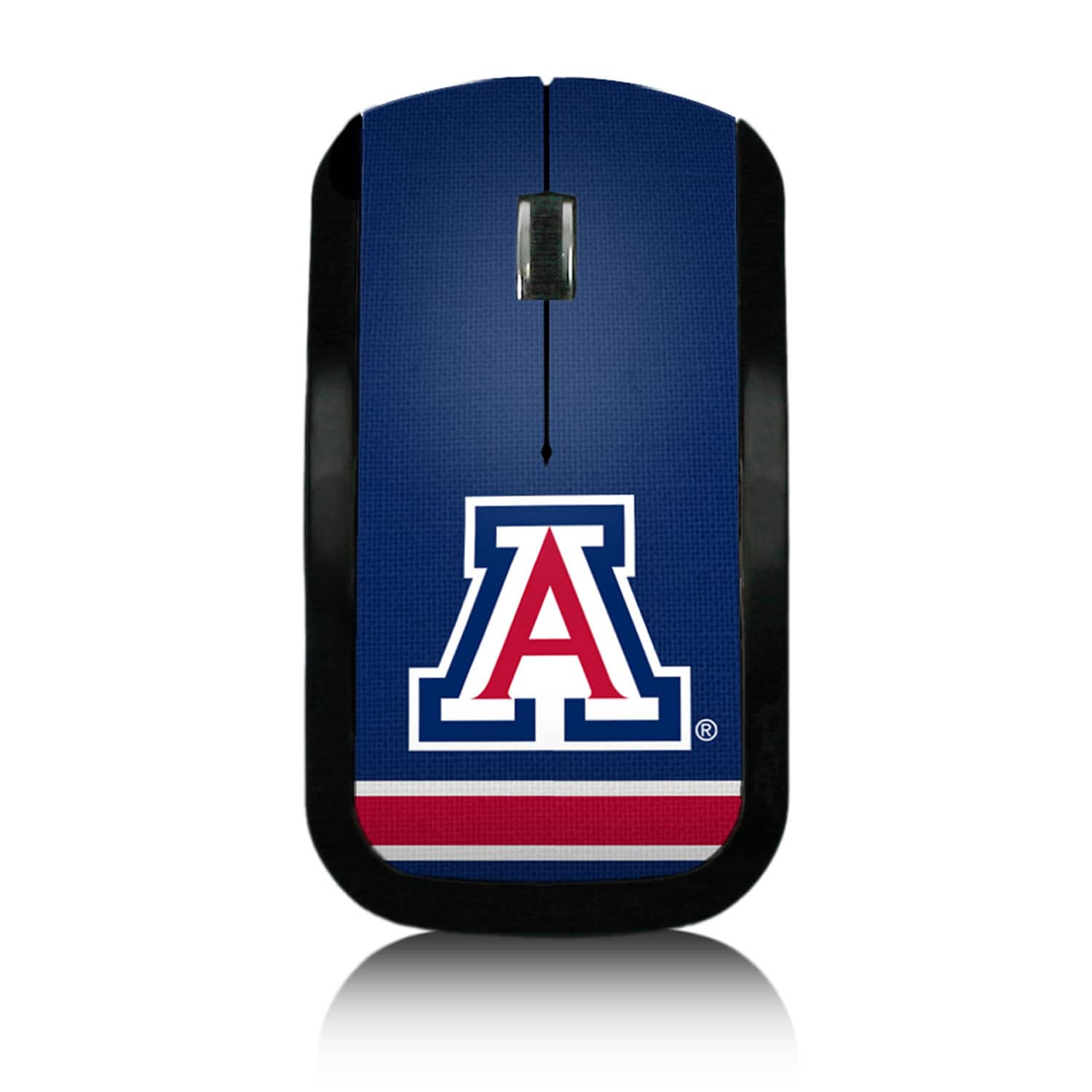
Keyscaper - Arizona Wildcats Wireless USB Computer Mouse - Wireless - Multicolor
SKU: J3ZTW5HHXJSee all Wireless & Bluetooth MiceProduct Description
A wireless, ambidextrous USB computer mouse featuring a vibrant multicolor Arizona Wildcats design.Your price for this item is $44.99 -
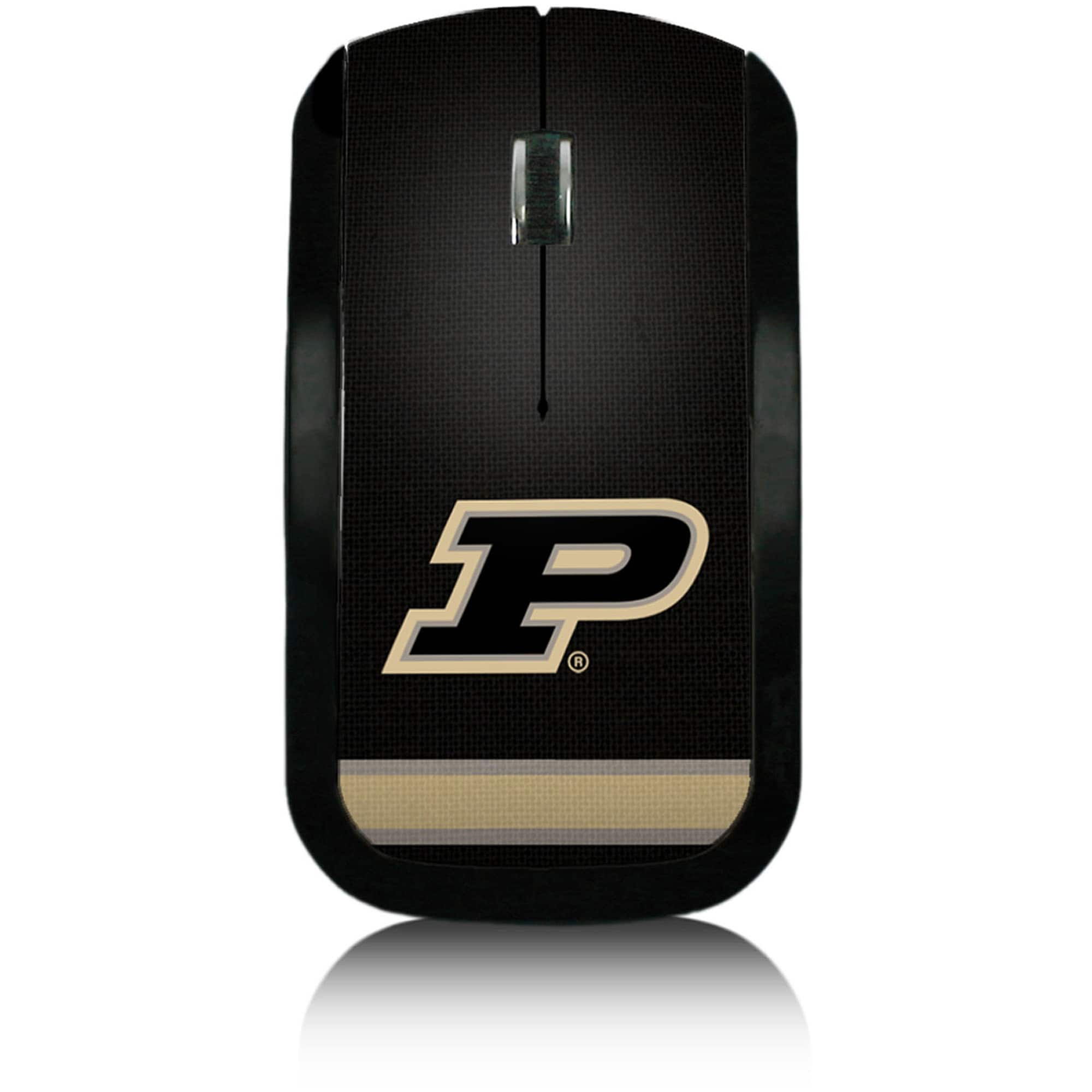
Keyscaper - Purdue Boilermakers Wireless USB Computer Mouse - Wireless - Multicolor
SKU: J3ZTW5HHZGSee all Wireless & Bluetooth MiceProduct Description
A wireless, multicolor USB computer mouse featuring Purdue Boilermakers graphics and ambidextrous design.Your price for this item is $44.99 -
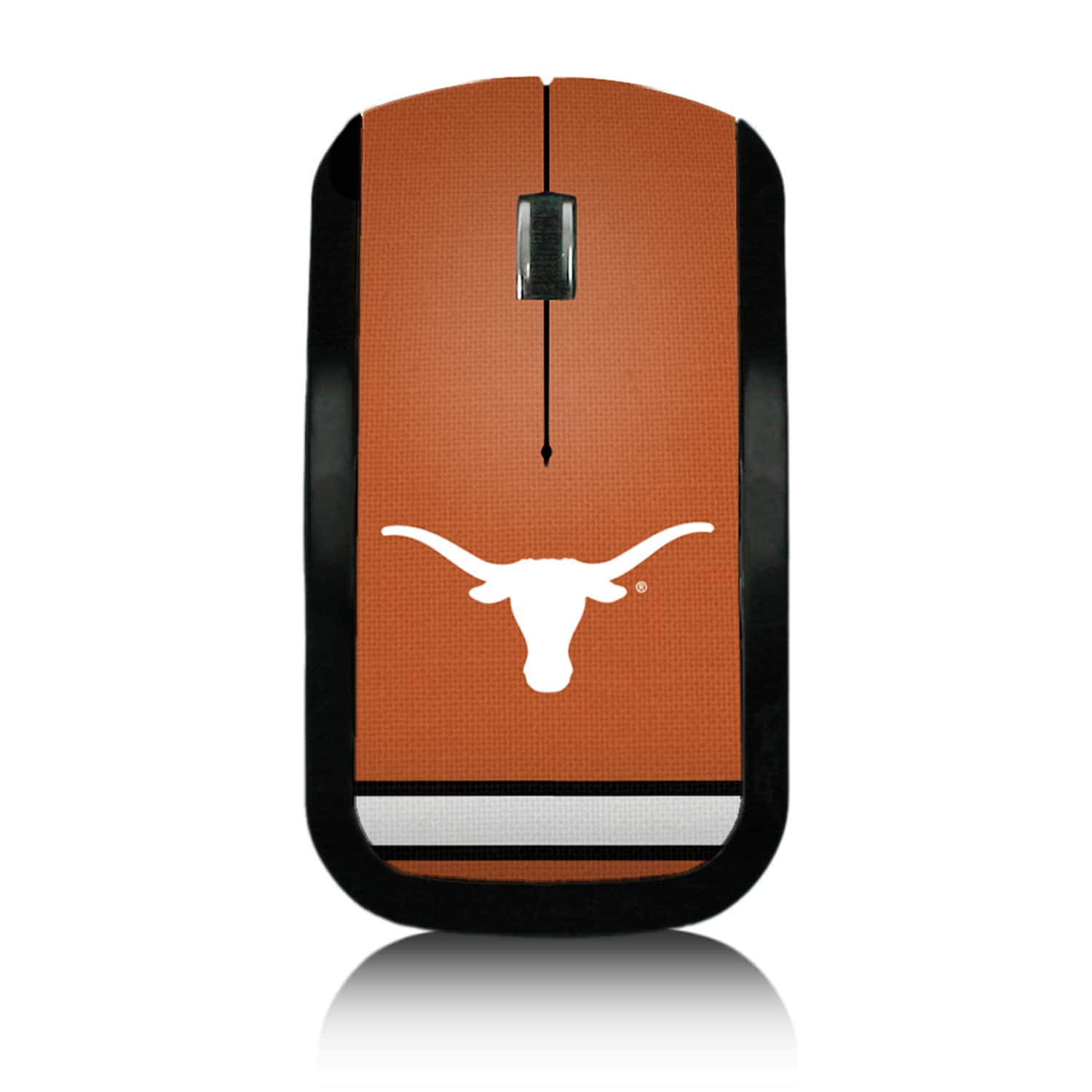
Keyscaper - Texas Longhorns Wireless USB Computer Mouse - Wireless - Multicolor
SKU: J3ZTW5HHHQSee all Wireless & Bluetooth MiceProduct Description
A wireless, multicolor USB computer mouse featuring Texas Longhorns graphics and ambidextrous design.Your price for this item is $44.99 -
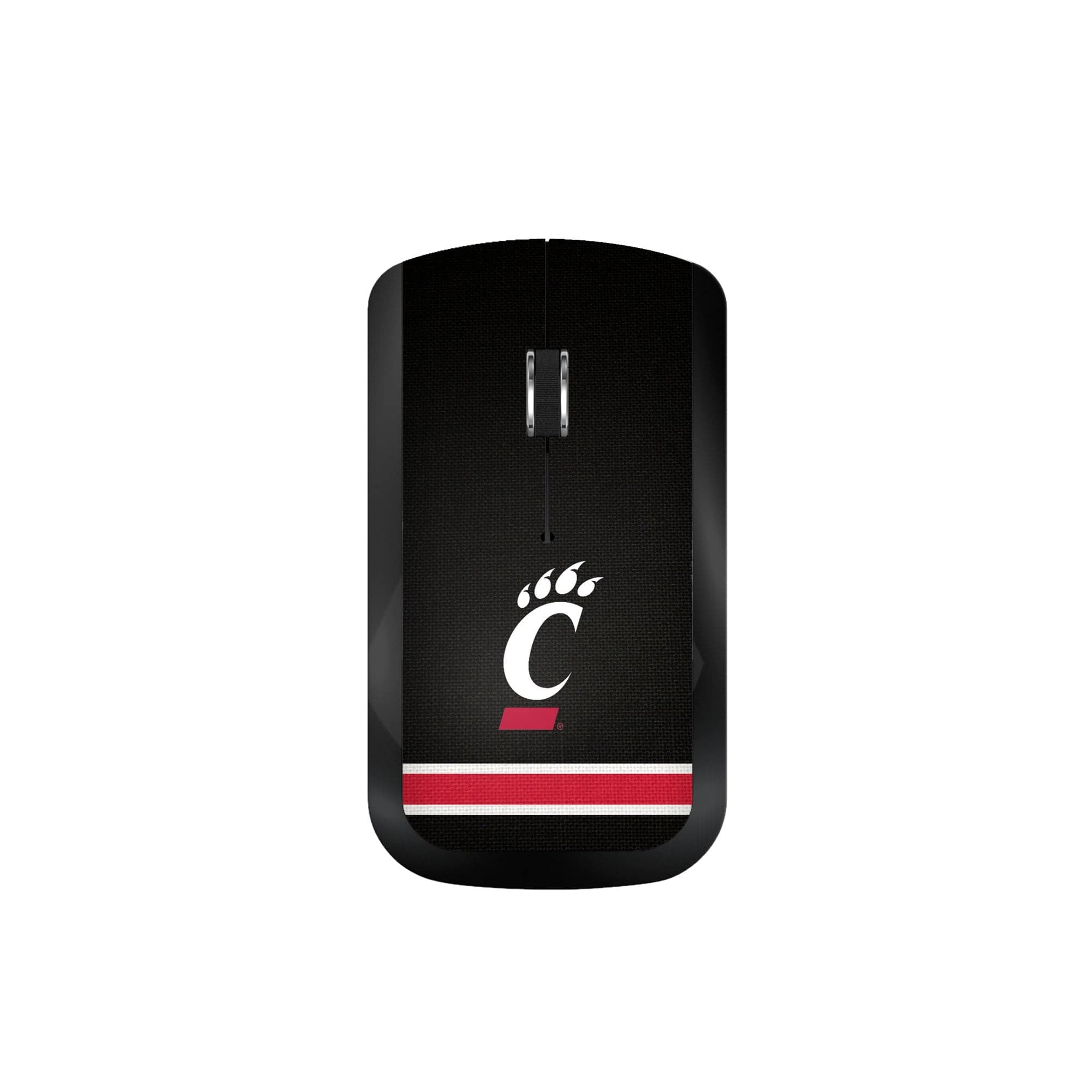
Keyscaper - Cincinnati Bearcats Wireless USB Computer Mouse - Wireless - Multicolor
SKU: J3ZTW5HTSTSee all Wireless & Bluetooth MiceProduct Description
A wireless, ambidextrous USB mouse featuring multicolor Cincinnati Bearcats graphics for spirited computing.Your price for this item is $44.99 -
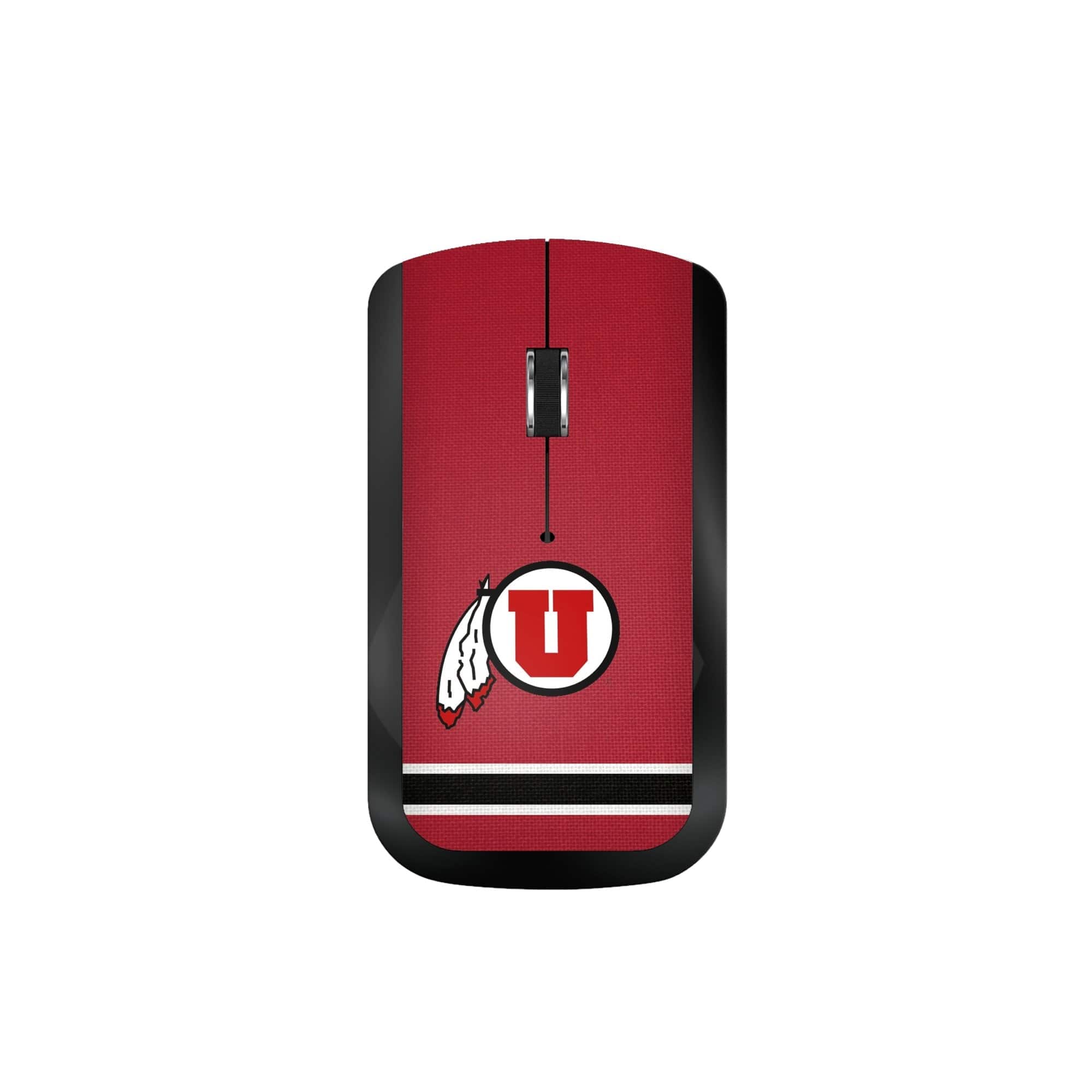
Keyscaper - Utah Utes Wireless USB Computer Mouse - Wireless - Multicolor
SKU: J3ZTW5HTTPSee all Wireless & Bluetooth MiceProduct Description
A multicolor wireless USB mouse featuring ambidextrous design and Utah Utes team graphics.Your price for this item is $44.99 -
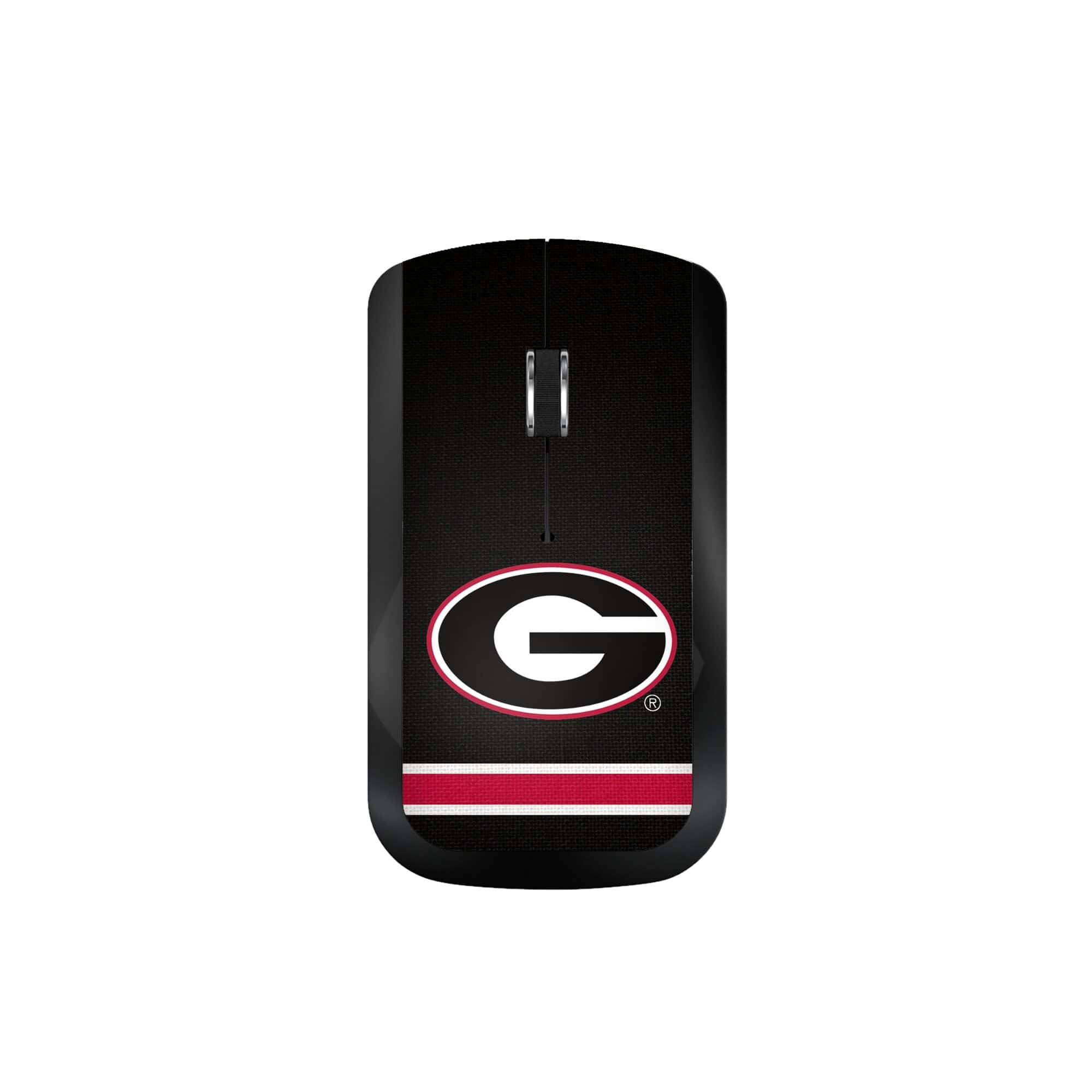
Keyscaper - Georgia Bulldogs Wireless USB Computer Mouse - Wireless - Multicolor
SKU: J3ZTW5HTV6See all Wireless & Bluetooth MiceProduct Description
A wireless, ambidextrous USB mouse in multicolor design featuring spirited Georgia Bulldogs graphics.Your price for this item is $44.99
Best Sellers





Related Pages




FAQ
When choosing a wireless computer mouse, consider factors such as battery life, ergonomic design, customizable buttons, wireless range, and compatibility with your operating system. Some models also offer advanced features like adjustable DPI settings and silent clicking.
Most wireless computer mice are designed to work with both Windows and Mac operating systems. However, it's a good idea to check the product specifications to ensure compatibility with your specific device.
Wireless mice typically connect to your computer via a USB receiver or Bluetooth. For USB models, plug the receiver into a USB port and follow any setup prompts. For Bluetooth mice, enable Bluetooth on your device, put the mouse in pairing mode, and select it from the list of available devices.
Many wireless mice are compatible with tablets and Chromebooks, especially those that support Bluetooth or have a USB port for a receiver. Always check the product details to confirm compatibility with your device.
Bluetooth mice connect directly to devices with built-in Bluetooth, while RF (radio frequency) mice use a USB receiver to establish a connection. Bluetooth mice free up USB ports and are ideal for devices with limited ports, while RF mice often offer a more stable connection and faster response times.