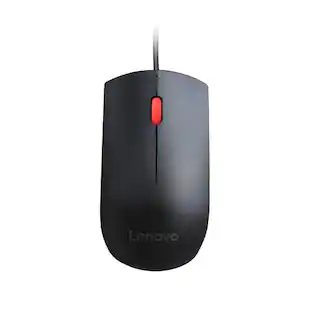
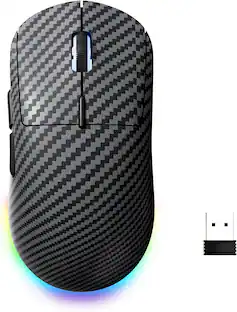
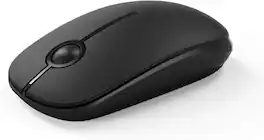
SEENDA - Wireless Mouse, 2.4G Slim Computer Laptop Mouse - Wireless - Black
Reviews coming soon
About this product
Wireless Mouse, 2.4Ghz Wireless, Auto Sleep, Low Power Consumption, Ergonomic, Compact Portable, Quiet Click, Whisper Clicking, Stable Connection, Wide Compatibility, Usb Receiver
Color
BlackFeatures
Low Power Consumption
Featuring an intelligent auto-sleep function, this wireless mouse enters sleep mode after 5 minutes of inactivity to conserve battery. Simply click any button to wake it up and resume work for extended usage time
Device Compatibility
Works seamlessly with Windows 7/8/10/XP, Vista, Mac OS X 10.4 and more. It is suitable for desktops, laptops, PCs, MacBooks and other compatible devices for daily use.
Stable 2.4GHz Wireless
The 2.4GHz wireless technology delivers strong anti-interference performance, fast transmission and dependable signal. It supports a working range up to 15 meters, with smooth tracking on most surfaces thanks to adjustable high DPI.
Quiet Sensitive Clicks
Boasting a smooth frosted surface and whisper-quiet clicks, it prevents disturbing people around you. Responsive button feedback helps you stay focused during work or study.
Ergonomic Compact
Designed for easy travel and storage. The tiny USB receiver can remain plugged into your computer or be stored inside the mouse. Its lightweight form fits office, home and on-the-go scenarios
Specifications
- Lighting TypeNoneNumber of Buttons (Total)3Connection TypeWireless
Reviews
This product doesn't have any reviews yet.





Compare similar products
Wireless Mouse, 2.4Ghz Wireless, Auto Sleep, Low Power Consumption, Ergonomic, Compact Portable, Quiet Click, Whisper Clicking, Stable Connection, Wide Compatibility, Usb Receiver

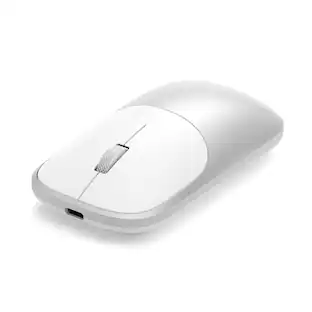
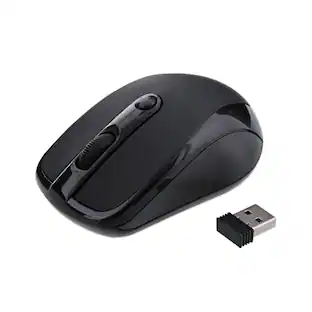
Eliminate the most common computer mouse issue—the cord. With the Best Buy Essentials Wireless Mouse with USB Receiver, you can navigate the web with speed and accuracy. Compatible with both Windows and Mac computers, simply insert the included nano receiver into one of your computer’s USB ports to wirelessly connect the mouse. It has just 3 buttons and an ambidextrous design for simple control. Optical technology detects when the mouse moves to deliver an accurate 1600 DPI response. We also included a AA battery, so you won’t have to worry about keeping the mouse powered until the LED indicator starts to blink. Let us improve your computer navigation by going wireless with this Best Buy-backed mouse.

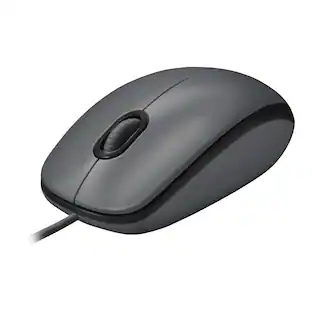
Logitech M310 Wireless Mouse is an easy-to-use, full-size mouse that feels just right. Feel comfortable for hours on end - in your right or left hand - thanks to its contoured, ambidextrous design with soft rubber side grips. M310 comes with a plug-and-forget nano USB receiver that is small enough to stay in your USB port so you won't lose it no matter where you take your laptop. Navigating on your PC or Macbook is simple, with smooth, responsive tracking and Logitech Advanced 2.4 GHz wireless connectivity. For hassle-free use and extreme reliability and durability, choose M310 wireless mouse.

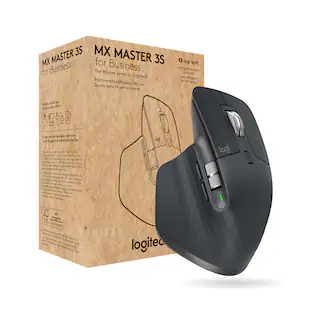
Discover the reliable Logitech M196 Bluetooth Wireless Mouse and declutter your workspace. This convenient portable mouse pairs to your laptop or tablet in seconds via Bluetooth—no dongle or port required. Enjoy up to 12-month battery life and auto sleep feature to help you go longer between AA battery changes. Small enough to toss in a bag, this comfortable Bluetooth travel mouse has an ambidextrous design that guides either your right or left hand into a natural position. The Logitech M196 Wireless Bluetooth Mouse is made to last with recycled plastic.
| Pros for SEENDA - Wireless Mouse, 2.4G Slim Computer Laptop Mouse - Wireless - Black | |||
|---|---|---|---|
| There were no pros for this product— | Ease of use, Overall Performance, Price, Size, Wireless | Ease of use, Overall Performance, Size, Price, Wireless | Overall Performance, Connectivity, Ease of Use, Weight, Ergonomics |
| Cons for SEENDA - Wireless Mouse, 2.4G Slim Computer Laptop Mouse - Wireless - Black | |||
| There were no cons for this product— | Click Sound, Grip | Scroll Wheel, Lag, Weight, Sensitivity | Noise Level |
Specs
Be the first to ask a question.
We’ll try to get your question answered within 24 hours by a Best Buy customer or brand representative.
Customers often buy these together
Computer Keyboards
![esc ~ ! 1 tab caps lock shift ctrl F2 Fl # 2 3 Q W A S Z start opt L F3 $ 4 E D X alt cmd3 ) FS F4 A % 5 6 R T F G V C logi 44 HI & F9 FID FB F7 F6 * ) - - & 0 8 9 7 O P U I Y K L H J > < N M 1 B PM + = { [ : I ; ? I alt cmd D 2 4 300 3 1 F12 . * page I insert home up clear backspace 8 9 + 7 page A pg up end down home } I delete ] / 6 4 5 4 enter 2 3 enter 1 dn Pg end shift = 0 del ins etrl fn opt](https://pisces.bbystatic.com/image2/BestBuy_US/images/products/6539/6539505_sd.jpg;maxHeight=232;maxWidth=233?format=webp)
Logitech - MX Keys S Universal Full-size Wireless Scissor Keyboard for PC and Mac with Backlit keys - Black
Holiday Deal$119.99The price was $129.99


![Esc F1 F2 F3 F4 F5 F6 F7 F8 F9 F10 F11 F12 Print Screen Scroll Lock Pause Break 1 2 3 4 5 6 7 8 9 0 - + = Backspace Insert Home H Page Up A Num Look 1 I Tab Q W E R T Y U I o P { [ } ] I I Delete End IN Page Down 7 Home 8 9 Pg Up Caps A Lock A S D F G H J K L ; : DE g Enter 4 5 6 Shift Z X C V N M < > ? I Shift 1 End 2 3 Pp Dn Enter Ctrl Alt Alt Ctrl 0 Ins Del](https://pisces.bbystatic.com/image2/BestBuy_US/images/products/a588d446-5678-40ae-86b8-1f15e0026e66.jpg;maxHeight=232;maxWidth=233?format=webp)





![The text on the image reads:
888 DD DI DD 4 DSC i F2 F3 4 FS T6 ET 1. 1N IN F.. 11 1.. 114 1n F1 F12 118 in9 - a ee 1 8F 2 3 $ 4 % 5 A 6 & 7 . 8 I 9 I 0 ee I + = delete fn home page up clear - / + tab Q W E R T Y U I 0 P { [ ] ] | I delete end page down 7 8 9 ee caps lock A S D F G H J K L : I - return 4 5 6 + shift Z X C V N M < F > ? / shift a 1 2 3 control option 2 command 3 command option control Y - 0 enter
After grouping and correcting the text, it reads:
888 DD DI DD 4 DSC i F2 F3 4 FS T6 ET 1. 1N IN F.. 11 1.. 114 1n F1 F12 118 in9 - a ee 1 8F 2 3 $ 4 % 5 A 6 & 7 . 8 I 9 I 0 ee I + = delete fn home page up clear - / + tab Q W E R T Y U I 0 P { [ ] ] | I delete end page down 7 8 9 ee caps lock A S D F G H J K L : I - return 4 5 6 + shift Z X C V N M < F > ? / shift a 1 2 3 control option 2 command 3 command option control Y - 0 enter](https://pisces.bbystatic.com/image2/BestBuy_US/images/products/f4059d3a-0c2a-46ef-bcfd-4e11b9b26d5d.jpg;maxHeight=232;maxWidth=233?format=webp)






More to consider
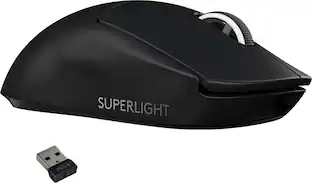
Logitech PRO X SUPERLIGHT Lightweight Wireless Optical Gaming Mouse with HERO 25K Sensor
Holiday Deal$64.99The price was $139.99



Explore tech essentials Sponsored
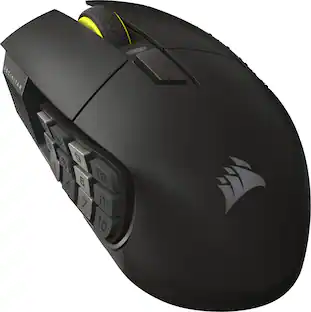
CORSAIR Scimitar Elite Wireless SE MOBA/MMO Optical Gaming Mouse with 16 Programmable Buttons
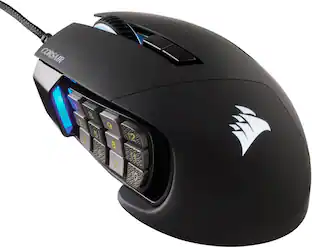
$99.99The price was $139.99CORSAIR Scimitar RGB Elite Wired MOBA/MMO Optical Gaming Mouse with 17 Programmable Buttons
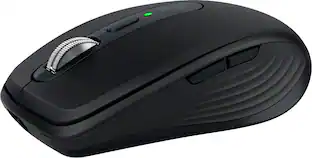
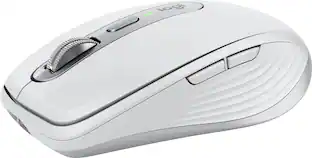
$69.99The price was $89.99Logitech MX Anywhere 3S Wireless Bluetooth Optical Fast Scrolling Mouse with Programmable Buttons
$69.99The price was $89.99




Keep exploring
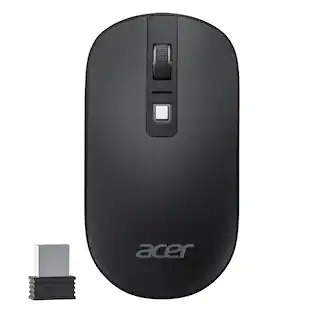
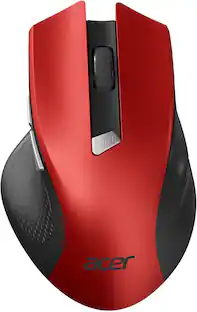
Acer Wireless Mouse for Laptop, 2.4GHz Computer Mouse 3 Adjustable DPI Office Cordless USB Mice with USBA Receiver
Holiday Deal$10.99The price was $12.99Womier G57 Wireless Gaming Mouse, 8000 DPI, 2.4G/Bluetooth/USB-C Rechargeable Mice for PC/Mac
$25.99The price was $34.99