Chromebook With USB C
-
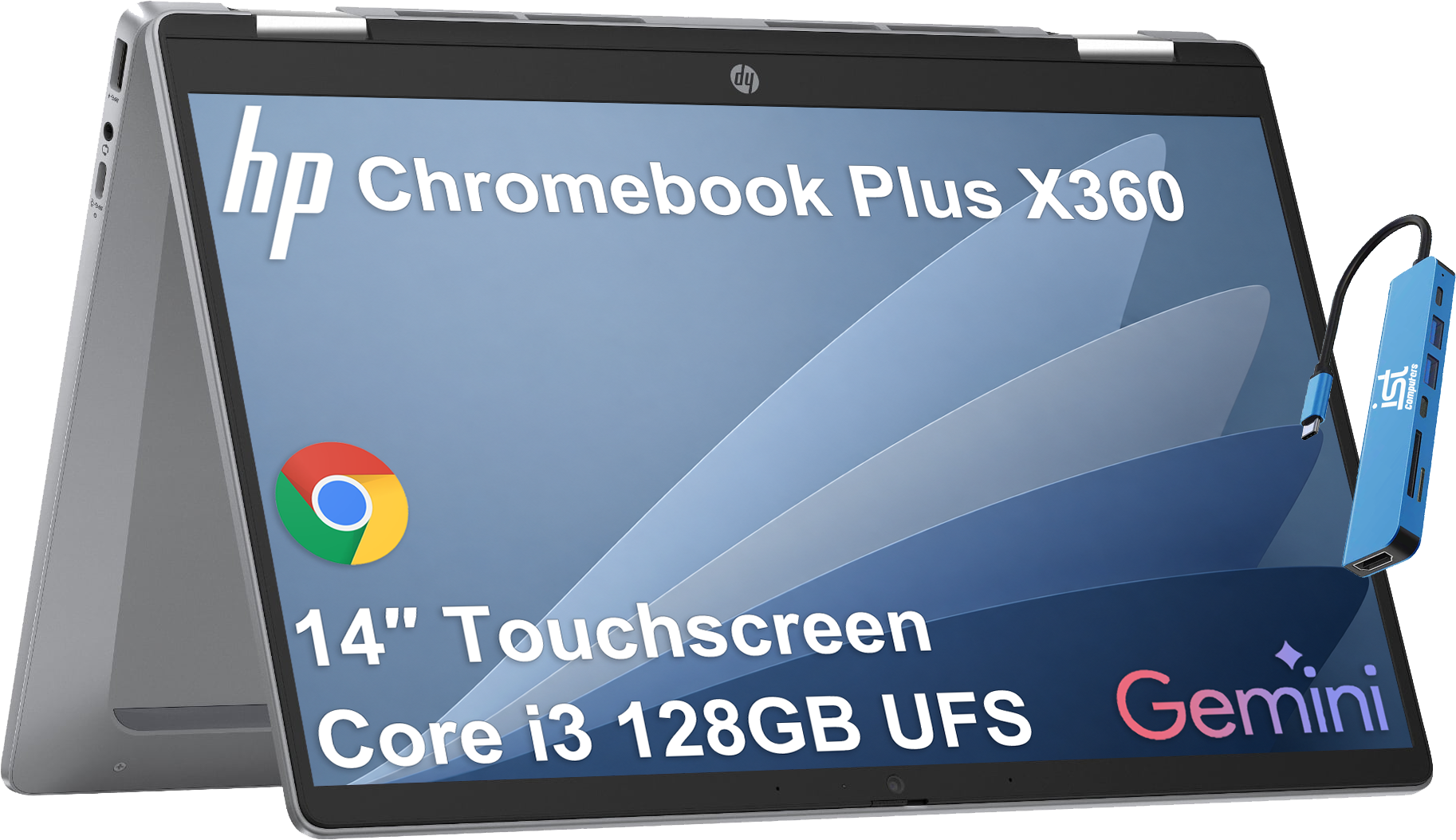
HP - 14" HD Touchscreen Chromebook Plus - Chromebook Plus x360 - Intel Core i3-N305 - 8GB RAM - 128GB - IST HUB - Chrome OS - Meteor silver
SKU: J3GWT6QRPSSee all Touchscreen ChromebooksProduct Description
A versatile silver 2-in-1 Chromebook with 14" HD touchscreen, Intel Core i3, 8GB RAM, and 128GB storage.Your price for this item is $499.99Save $240The previous price was $739.99 -
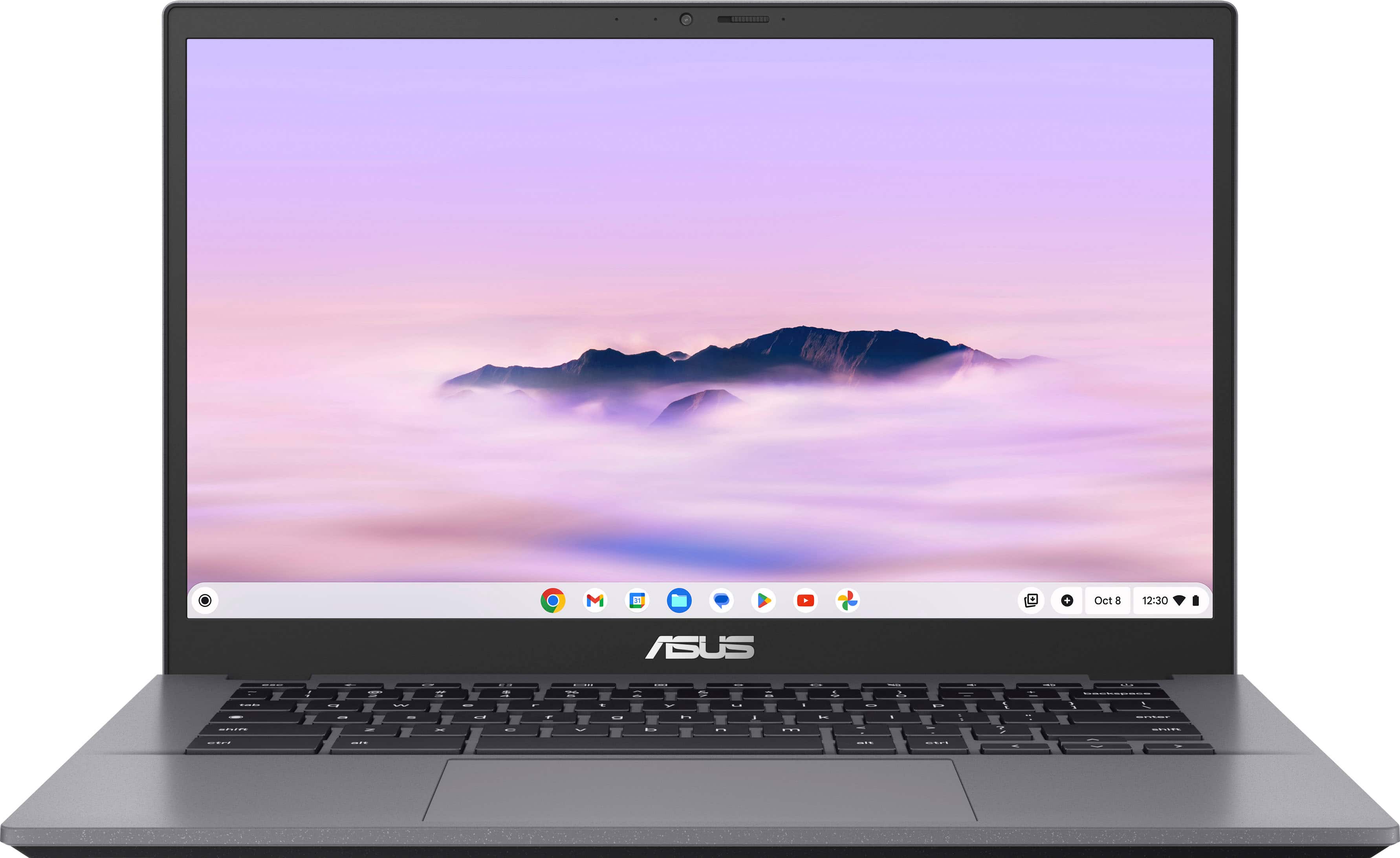
ASUS - CX34 14" FHD Chromebook Plus Laptop with Google AI - Intel Core i5 - 8GB Memory - 128GB Storage - Rock Grey
SKU: JJGGLQVRLYIt's so easy to use and i love the Gemini button. It's light weight but feels very sturdy....one of my favs from chrome book and that best buy rep recommended
See all Touchscreen ChromebooksProduct Description
A lightweight, durable grey Chromebook with Intel Core i5, 8GB RAM, 128GB SSD, and touchscreen.Your price for this item is $449.00Save $280The previous price was $729.00 -
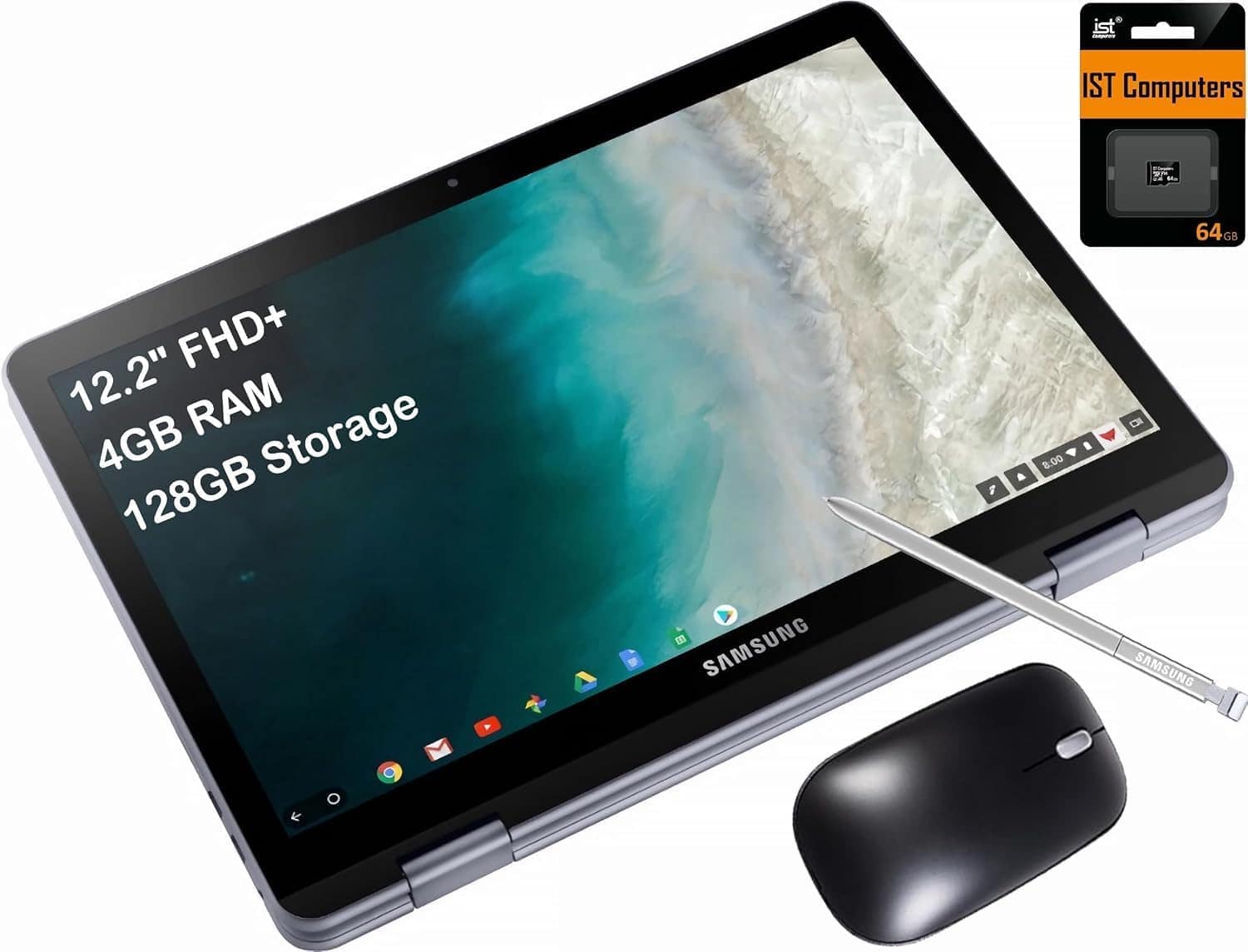
Samsung - Chromebook Plus V2 12.2 FHD+ 2-in-1 Touch Laptop -Intel Celeron - 4GB RAM- 64GB + 64GB SD Card - Chrome OS - Silver
SKU: J3GWQRFLJJMy new Chromebook is great. It’s lightand easy to use....I love that it stands up in a triangular position....for the price of this device, you get great specs, touchscreen and a 2 in 1 laptop.
See all Touchscreen ChromebooksProduct Description
A versatile silver 2-in-1 Chromebook with a 12.2" FHD+ touchscreen, Intel Celeron, and 128GB storage.Your price for this item is $378.99Save $21The previous price was $399.99 -
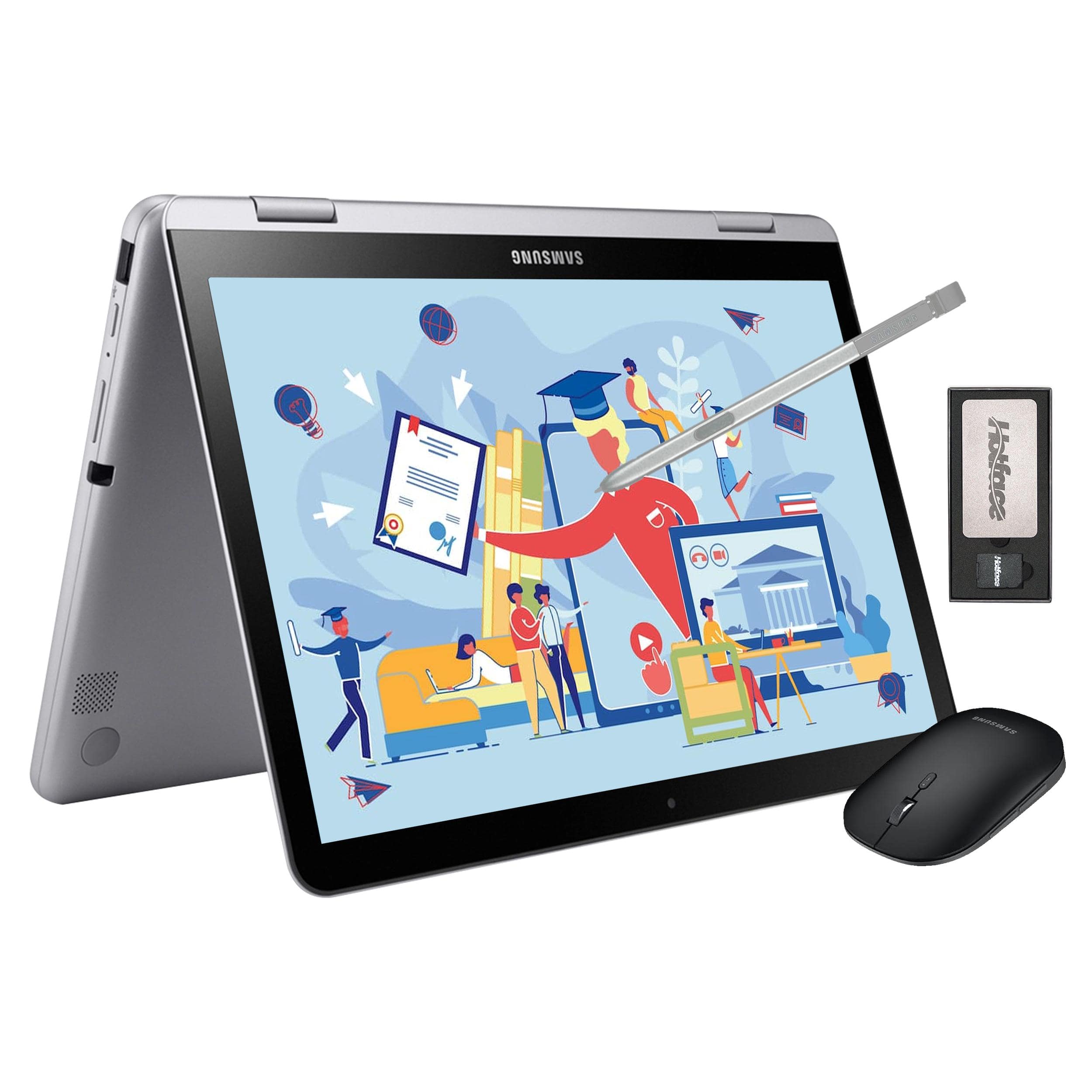
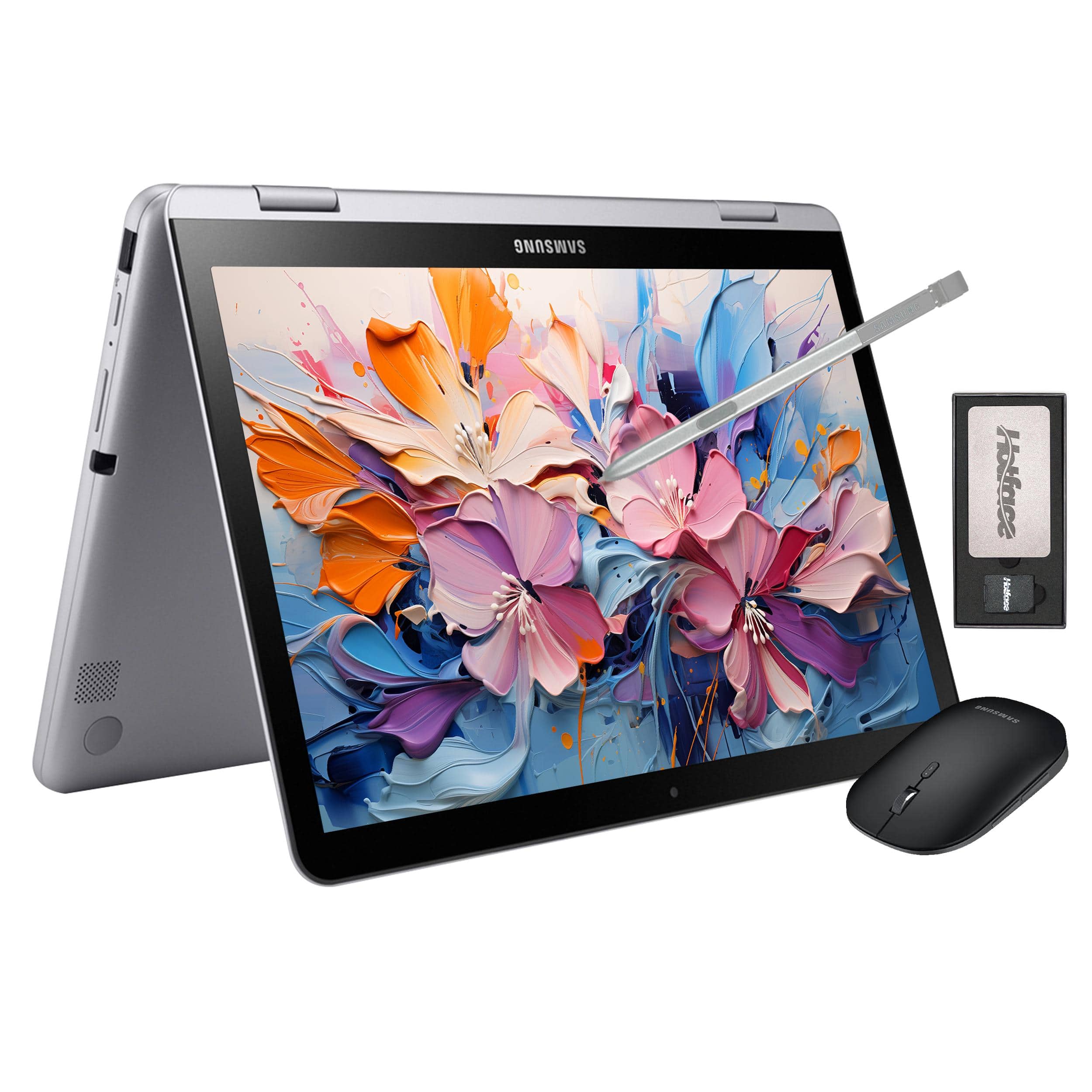
Samsung - 12.2" FHD 2-in-1 Touchscreen Chromebook Plus Laptop,Intel Dual-Core,4GB RAM,64GB eMMc,128GB Docking Set - Silver
SKU: J3ZYGCSXH8See all ChromebooksProduct Description
A sleek silver 2-in-1 Chromebook with FHD touchscreen, Intel Dual-Core, stylus, and wireless mouse.Your price for this item is $379.00 -
Samsung - 12.2" FHD 2-in-1 Touchscreen Chromebook Plus Laptop,Intel Dual-Core,4GB RAM,64GB eMMc,160GB Dock Station - Silver
SKU: J3ZYGCG5HXSee all ChromebooksProduct Description
A sleek silver 2-in-1 Chromebook with FHD touchscreen, Intel Dual-Core processor, stylus, and 64GB storage.Your price for this item is $379.00 -
ASUS - Upgraded - CX14 14" FHD Chromebook Touchscreen Laptop with Google AI - Intel Celeron - 8GB Memory - 128GB + 128GB SD Card - Dusk Gray
SKU: J3GWQRFGFRSee all Touchscreen ChromebooksProduct Description
A misty grey touchscreen Chromebook with Intel Celeron, 8GB RAM, 256GB storage, and Google AI features.Your price for this item is $379.99Save $20The previous price was $399.99 -
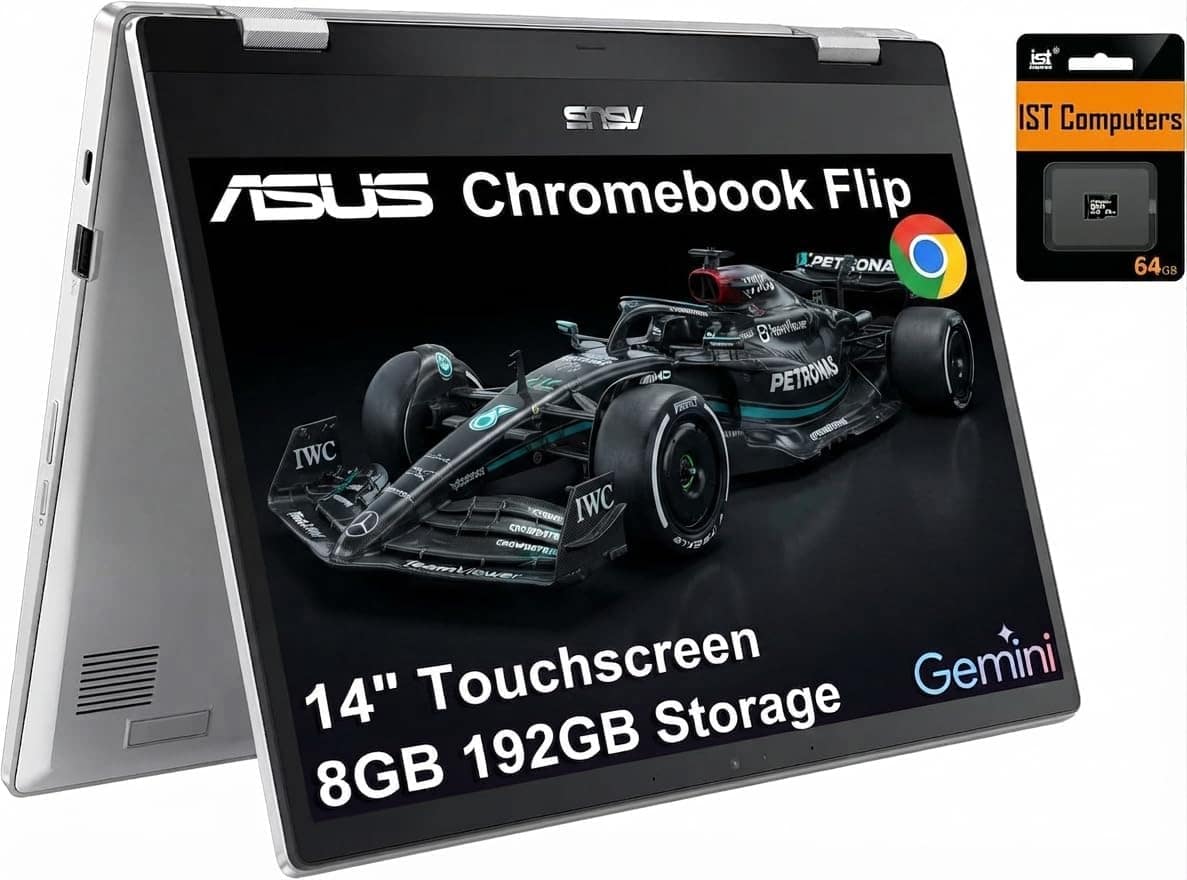
ASUS - Chromebook Flip CX1 14'' FHD 2-in-1 Touchscreen Laptop - Intel Celeron N4500 - 8GB RAM - 128GB Storage - 64GB SD Card - Transparent Silver
SKU: J3GWT6QR8KSee all Touchscreen ChromebooksProduct Description
A versatile 2-in-1 silver Chromebook with 14" FHD touchscreen, Intel Celeron, 8GB RAM, and Wi-Fi 6.Your price for this item is $449.99Save $200The previous price was $649.99

Best Sellers






Related Pages





FAQ
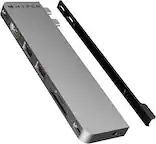
A Chromebook with USB-C ports offers faster data transfer speeds, the ability to charge your device from either side, and compatibility with a wide range of accessories such as external displays, storage devices, and docking stations.
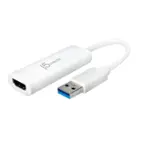
Yes, most Chromebooks with USB-C ports support video output, allowing you to connect your device to an external monitor, projector, or TV using a compatible USB-C to HDMI or DisplayPort adapter.
Yes, you can use USB-C to USB-A adapters or compatible cables to connect older USB devices, such as flash drives or peripherals, to your Chromebook’s USB-C port.
Many Chromebooks with USB-C charging support can be charged using a compatible USB-C power bank, provided the power bank delivers sufficient output (typically 30W or higher) for your device.
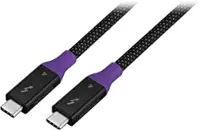
Several Chromebooks equipped with USB-C ports support fast charging, letting you quickly recharge your device when using a compatible USB-C charger and cable. Check your Chromebook’s specifications for fast charging compatibility.