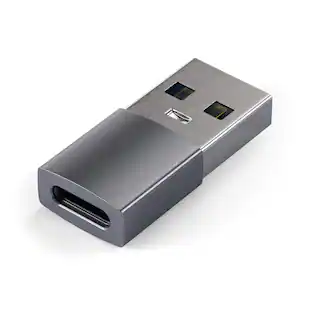
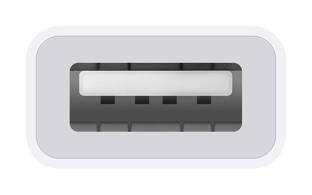
Apple - USB-C-to-USB Adapter - White
Customers are saying
Customers frequently mention that this Apple adapter is highly valued for its seamless compatibility and the convenience of being able to utilize existing USB cables. Users appreciate the high quality, compact size, and lightweight design of the product, which contributes to its overall ease of use and reliable connectivity. While the vast majority of feedback is positive, a small number of users noted that the length of the attached cord can be somewhat inconvenient.
Designed for use with Apple MacBook
Via the USB-C port.
Plugs your iOS devices and USB accessories into your MacBook
To offer easy connectivity.
1st Gen USB 3.1 connection
Allows you to sync and charge your Apple iPhone, iPad or iPod(USB cable not included).
Apple, the Apple logo and iTunes are trademarks of Apple Computer, Inc., registered in the U.S. and other countries. iPod is a trademark of Apple Computer, Inc.
iPad is a trademark of Apple Inc., registered in the U.S. and other countries
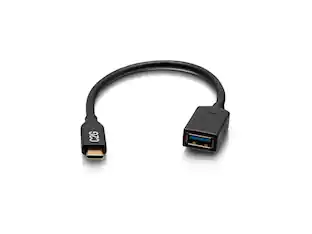
- Connector Type (End 1)USB-CGender (End 1)MaleConnector Type (End 2)USB-AGender (End 2)Female
Reviews
Rating 4.8 out of 5 stars with 12739 reviews
- Compatibility (2723)
- USB (2552)
- Quality (1726)
- Ease of use (1642)
- Size (335)
- Cord Length (54)
Customer Images
The vast majority of our reviews come from verified purchases. Reviews from customers may include My Best Buy members, employees, and Tech Insider Network members (as tagged). Select reviewers may receive discounted products, promotional considerations or entries into drawings for honest, helpful reviews.
Compare similar products

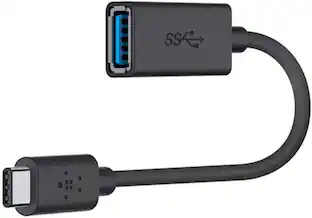
The Apple USB-C-to-USB Adapter lets you connect iOS devices and many of your USB accessories to a MacBook with a USB-C port. Plug the USB-C end of the adapter into the USB-C port on your MacBook, and then connect your flash drive, camera or other standard USB device.

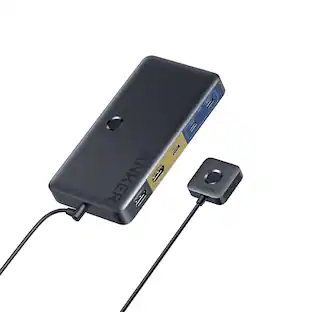
The USB Type-C digital AV multiport adapter lets you connect your USB Type-C enabled Mac or iPad Pro to an HDMI display, while also connecting a standard USB device and a USB Type-C charging cable.

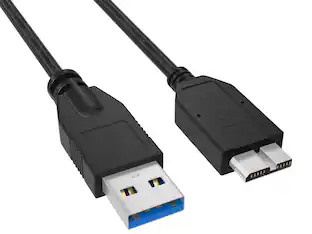
The Insignia USB-C to USB Adapter lets you connect standard USB products to your Mac, iPad and other USB-C enabled products. It supports up to 5 Gbps of high-speed data transfer between devices, saving you time. The attached, short, braided cable is durable with a compact design.
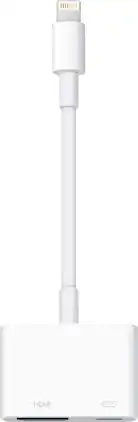
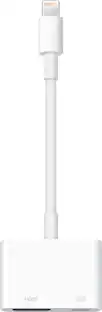
Display media from your Apple device on an HDTV or other HDMI-compatible screen using this Apple MD826ZM/A Lightning digital A/V adapter, which features video mirroring capability for enjoying content in up to 1080p resolution.
| Pros for Apple - USB-C-to-USB Adapter - White | |||
|---|---|---|---|
| Compatibility, USB, Quality, Ease of use, Size | Compatibility, Overall Performance, HDMI, Ease of use, Connectivity | Compatibility, Quality, Ease of use, USB, Data Transfer | Ease of use, Compatibility, Overall Performance, HDMI, Streaming |
| Cons for Apple - USB-C-to-USB Adapter - White | |||
| Cord Length | Price, Ports, Size, Heat | Connection | Price, Cord Length |
Specs
Customers often buy these together

More to consider
 Top Deal$12.49The price was $14.99
 Top Deal$29.99The price was $36.99







Explore tech essentials Sponsored

Discover related products

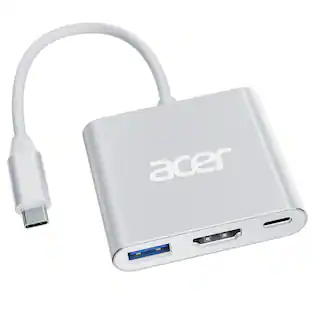
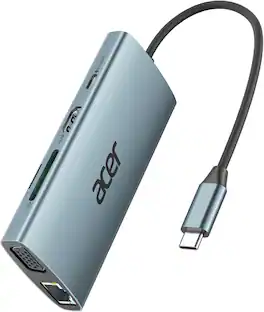
Acer - 5 in 1 USB C Hub with 4K HDMI, 100W Power Delivery, 3 USB A Data Ports, USB C to HDMI Adapter
$15.99The price was $16.99 $17.95The price was $21.45







Keep exploring
 $12.99The price was $14.99