Dell Gaming Monitor
-
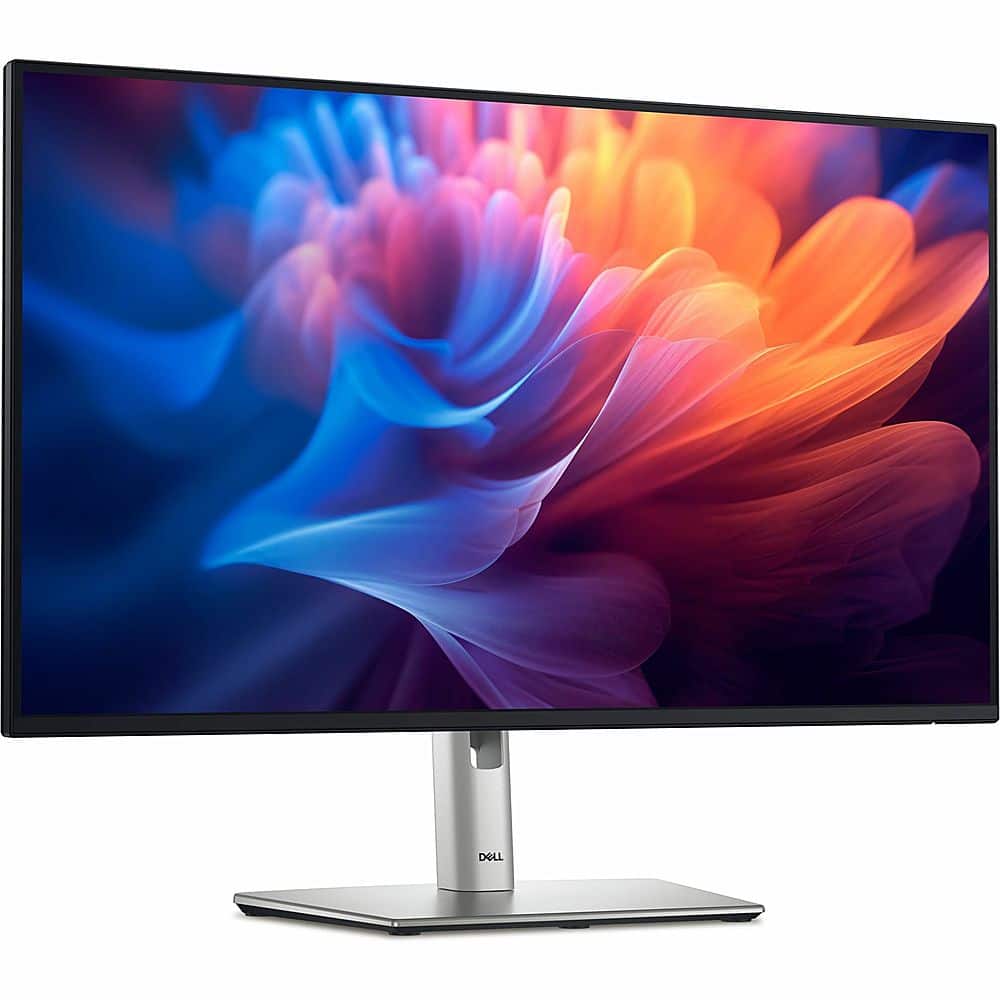
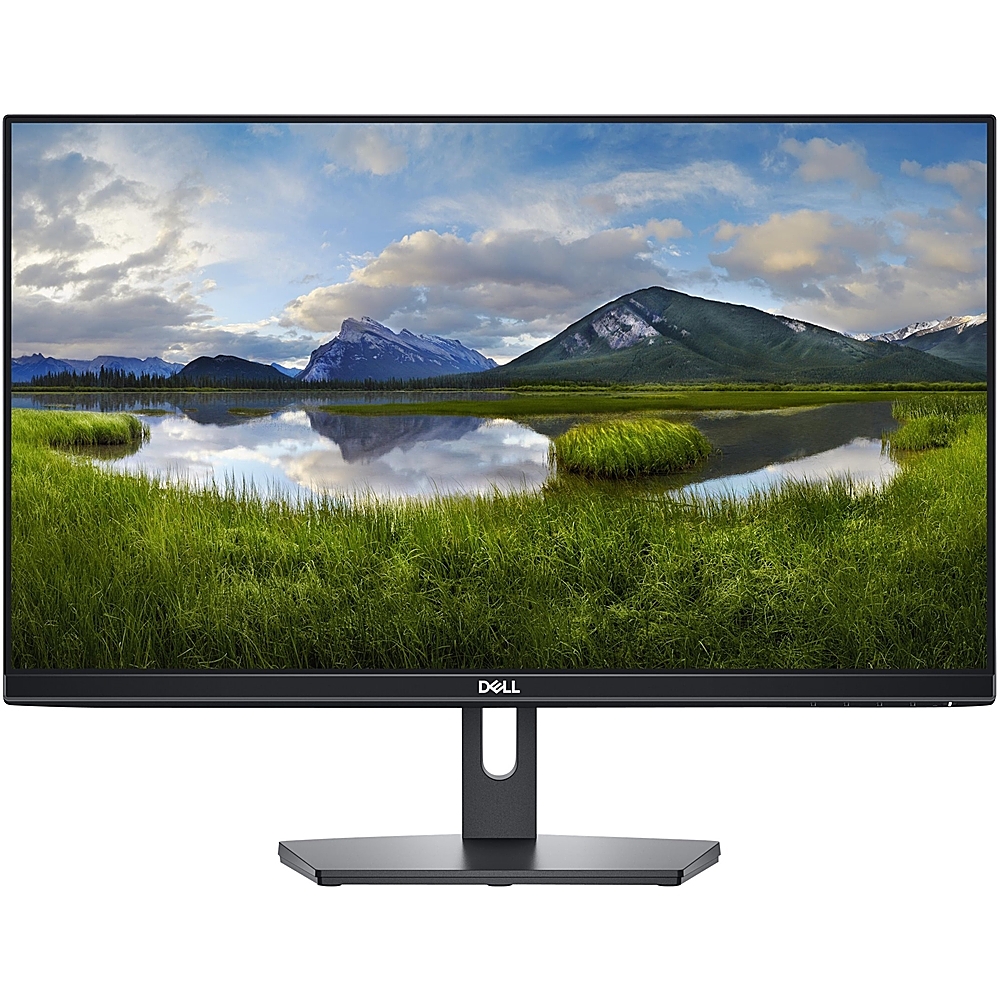
Dell - 27" IPS LED FHD 100Hz Monitor (VGA, USB, HDMI) - Black, Silver, Multicolor
SKU: J3K4L62VV6See all All MonitorsProduct Description
A sleek black and silver 27" IPS LED monitor offering FHD resolution, 100Hz refresh rate, and versatile connectivity.Your price for this item is $219.00Save $49The previous price was $268.49 -
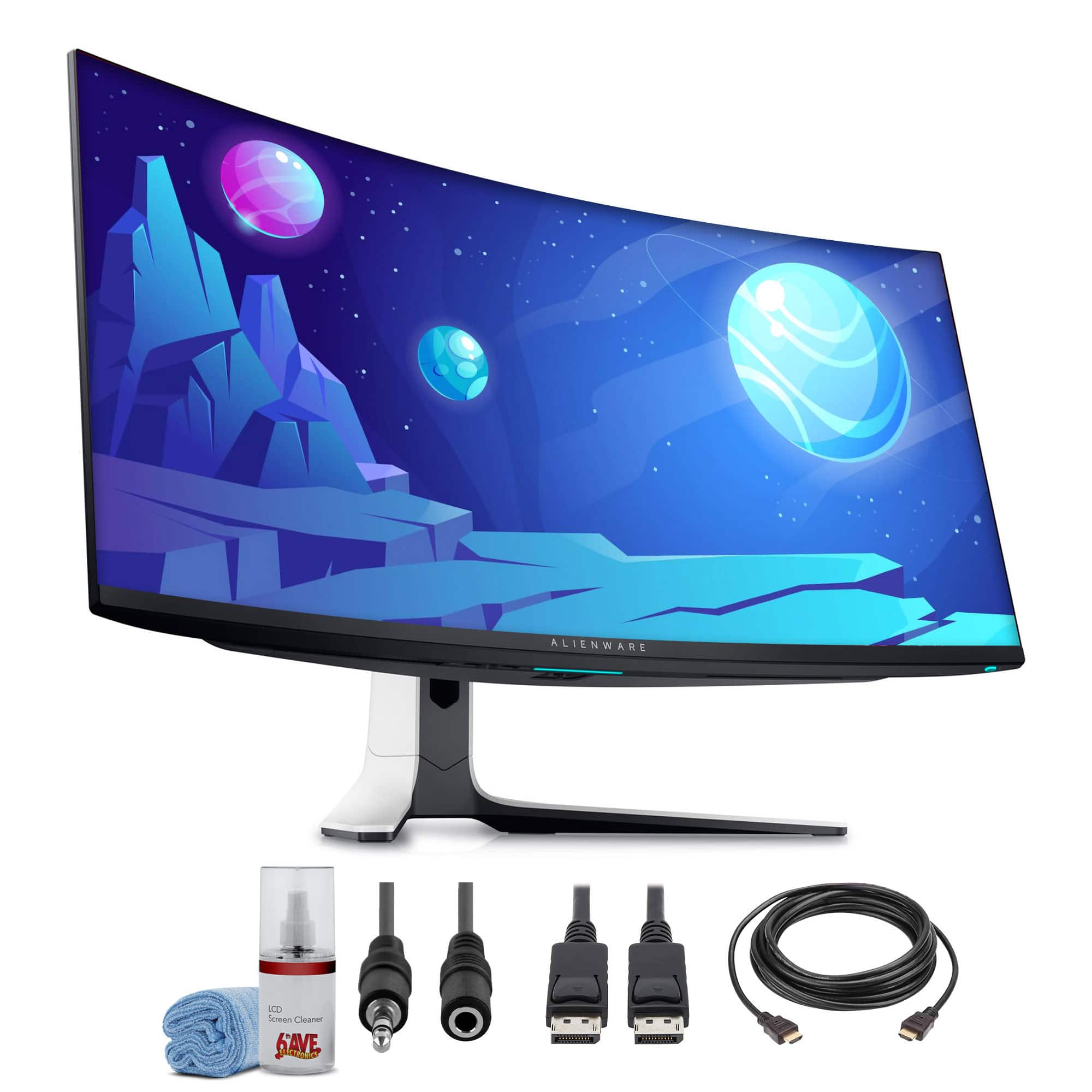
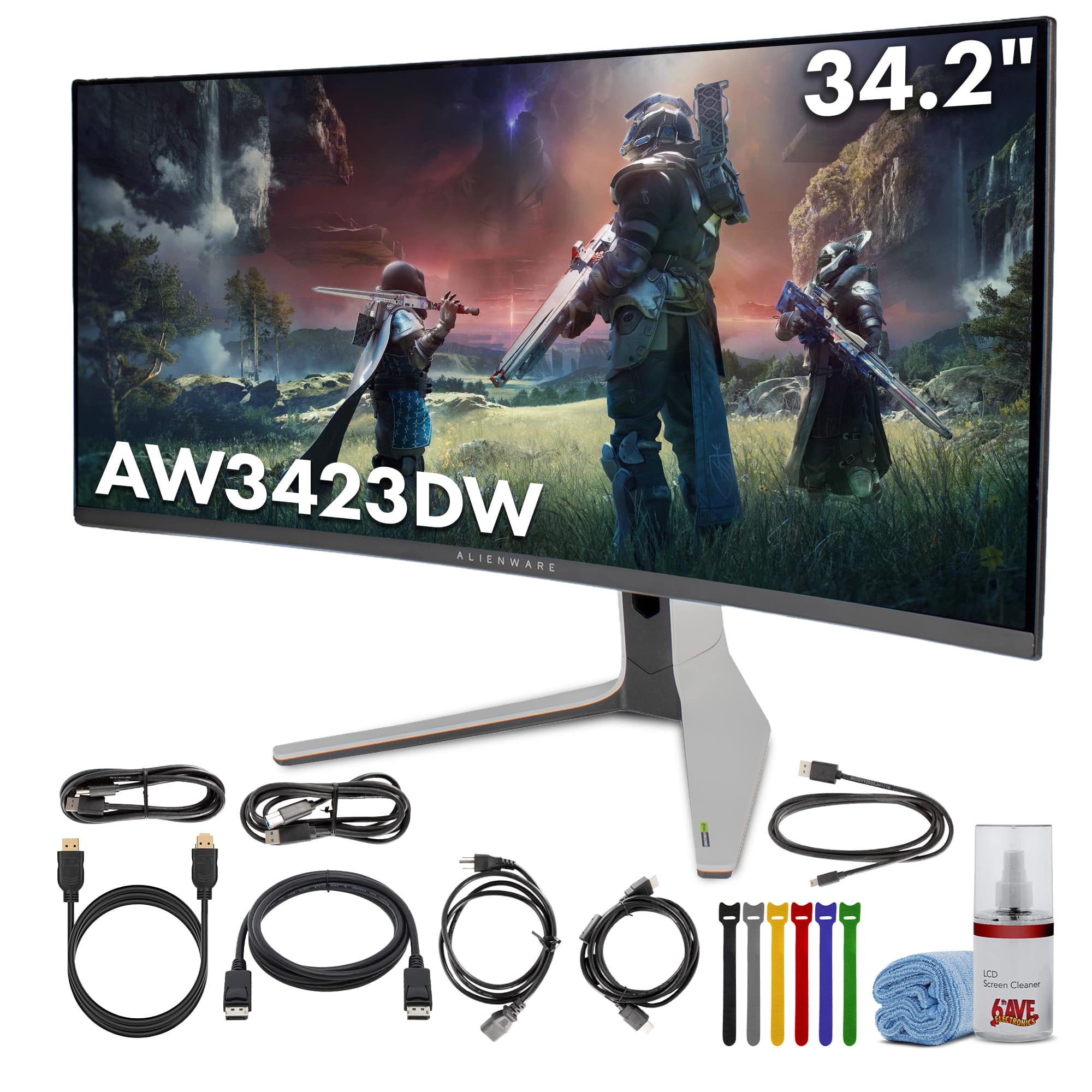
Bundle - Dell - Alienware AW3423DW 34.2" 1440p HDR 175 Hz Curved Gaming Monitor + More - Lunar Light
SKU: J7QPQZH895See all Curved Gaming MonitorsProduct Description
An ultrawide curved OLED gaming monitor in Lunar Light with 3440 x 1440 resolution and 175 Hz refresh rate.Your price for this item is $1,059.95 -
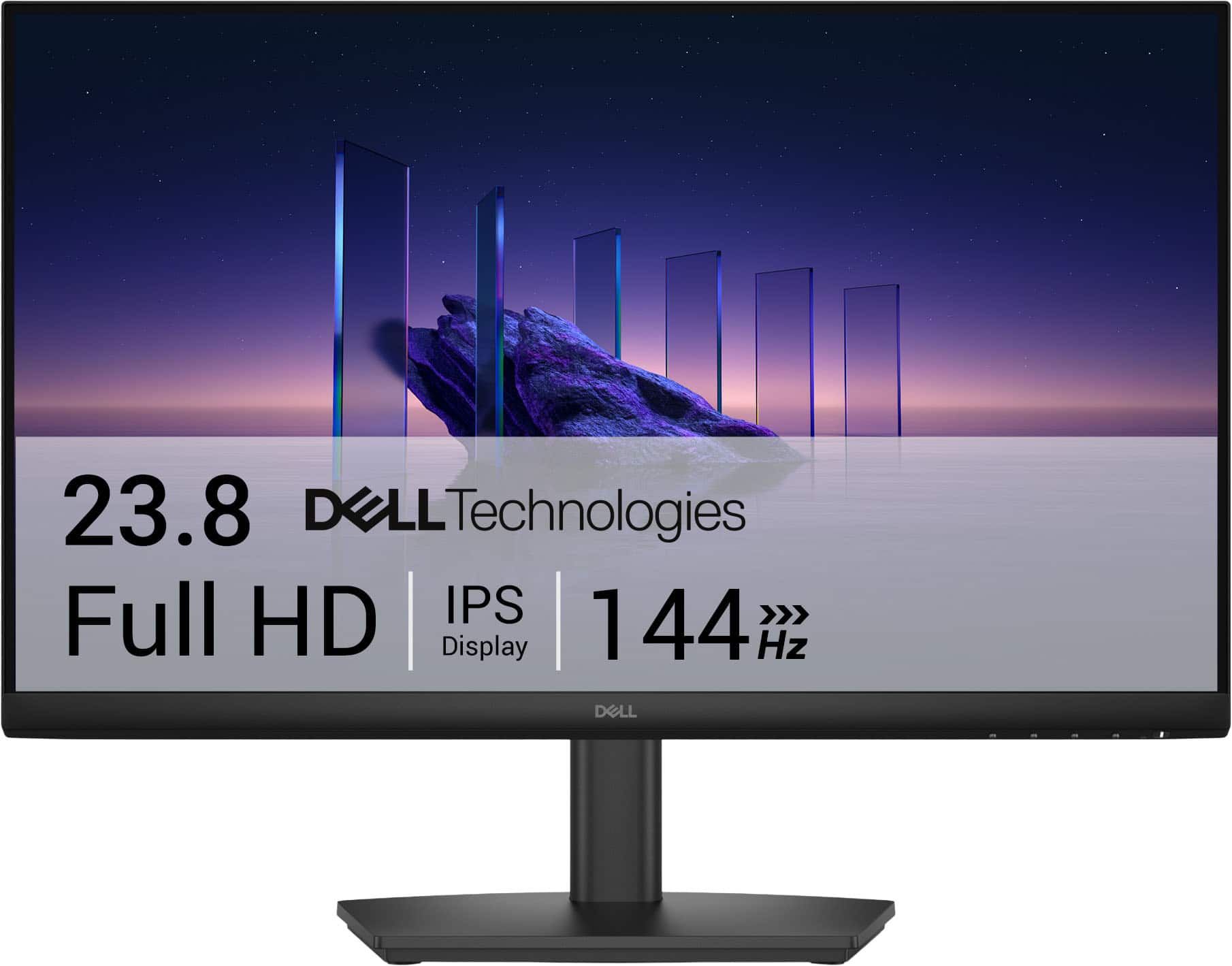
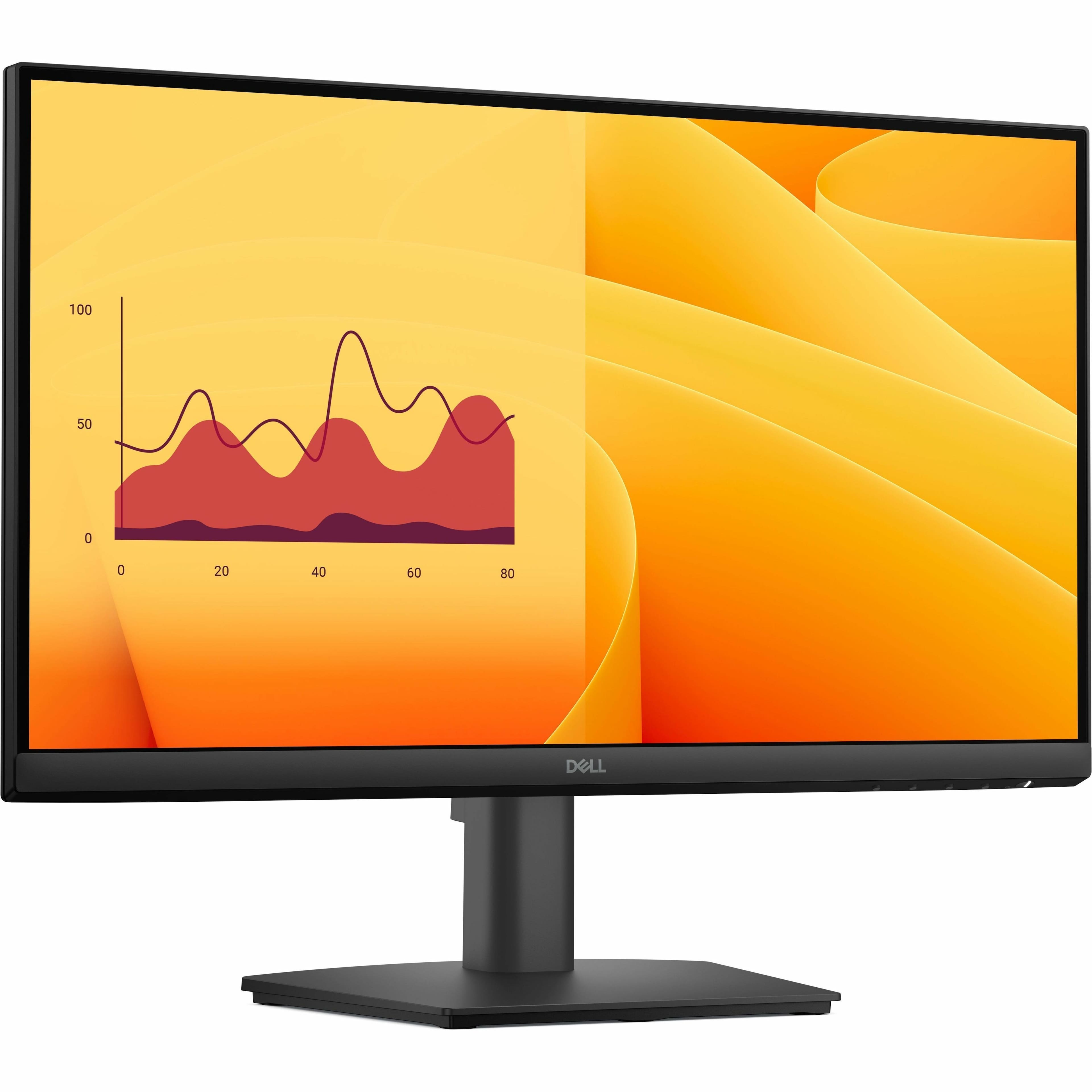
Dell - SE2426HS 24" IPS LCD FHD 144Hz FreeSync Height Adjustable Monitor (HDMI, USB) - Black
SKU: J3K4L6WZWZBest Graphic best price...The graphics is very great and perfect. With a great price. Best buy the best....Best Lcd...I am in love with this LCD and totally saturated with my purchase
See all All MonitorsProduct Description
A black IPS LCD monitor with 144Hz refresh rate, 1ms response time, and AMD FreeSync support.Your price for this item is $89.99Save $30The previous price was $119.99 -
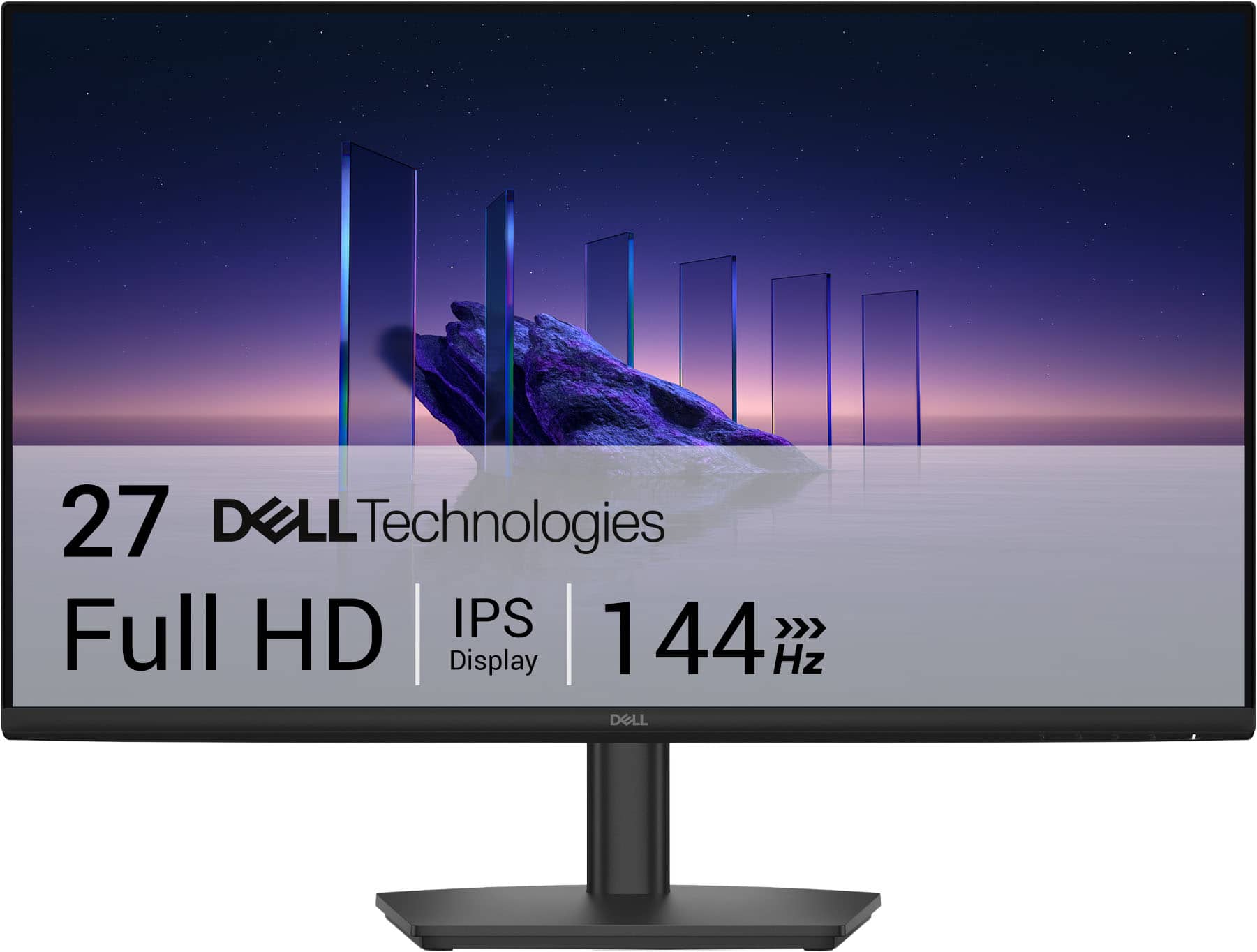
Dell - SE2726HS 27" IPS LCD FHD 144Hz FreeSync Height Adjustable Monitor (HDMI, USB) - Black
SKU: J3K4L6WZK9best cheap ips...love it use it as a second monitor and it is every thing i dreamed it would be...easy to setup and works great. I liked this the best because it required minimal effort
See all All MonitorsProduct Description
A black IPS LCD monitor with 144Hz refresh rate, 1ms response time, and AMD FreeSync support.Your price for this item is $139.99 -
Bundle - Dell - Alienware AW3423DW 34.2” Curved QD-OLED PC Gaming Monitor - Dark Side of the Moon
SKU: JJGYT4CRWVSee all Curved Gaming MonitorsProduct Description
An ultrawide curved QD-OLED gaming monitor in Lunar Light with 175Hz refresh, HDR, and G-Sync Ultimate.Your price for this item is $1,059.95 -
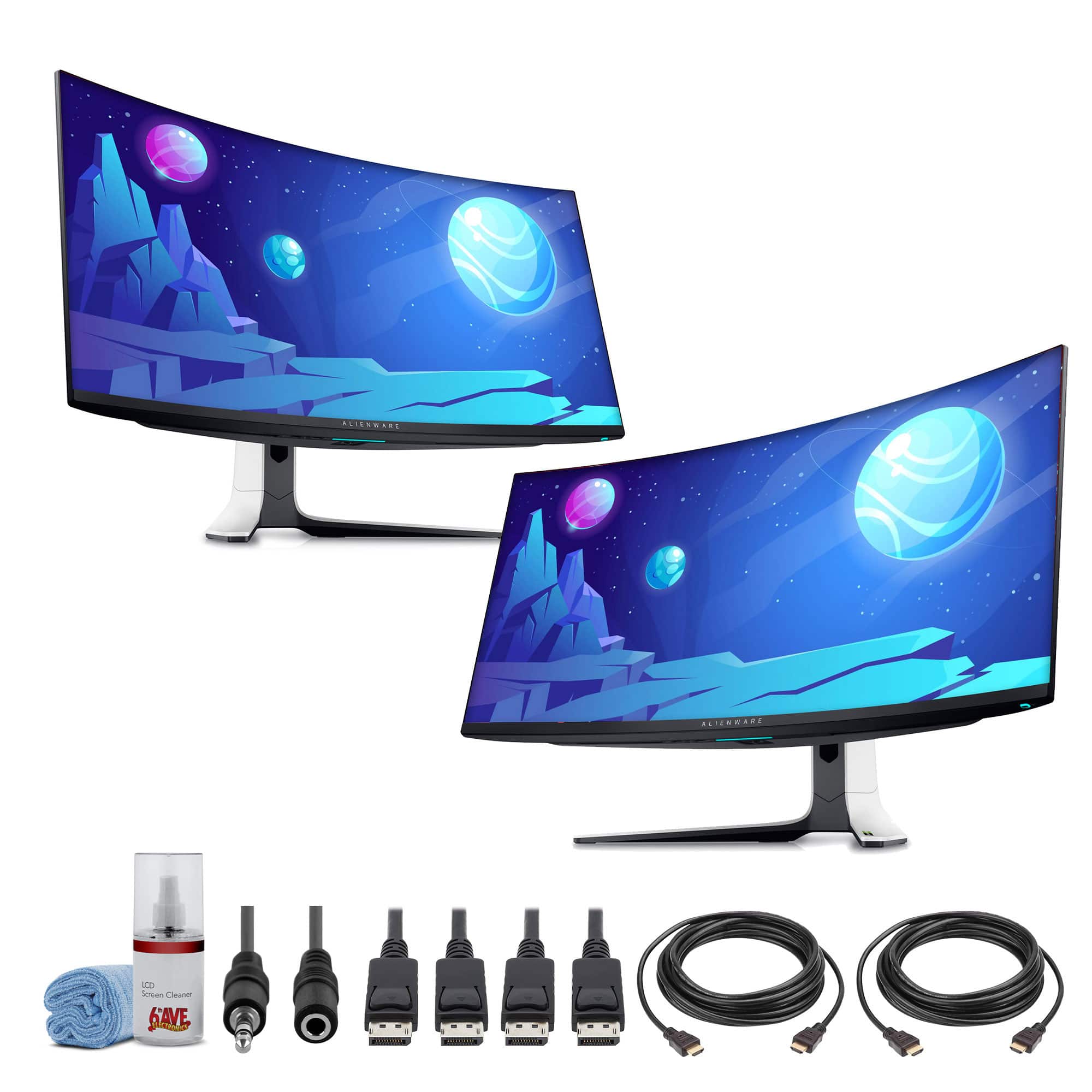
Bundle - 2 x Dell Alienware AW3423DW 34.2" 1440p HDR 175 Hz Curved Gaming Monitor + More - Lunar Light
SKU: J7QPQZH86RSee all Curved Gaming MonitorsProduct Description
A curved QD-OLED gaming monitor in Lunar Light delivering 3440 x 1440 resolution and 175 Hz refresh rate.Your price for this item is $2,089.95 -
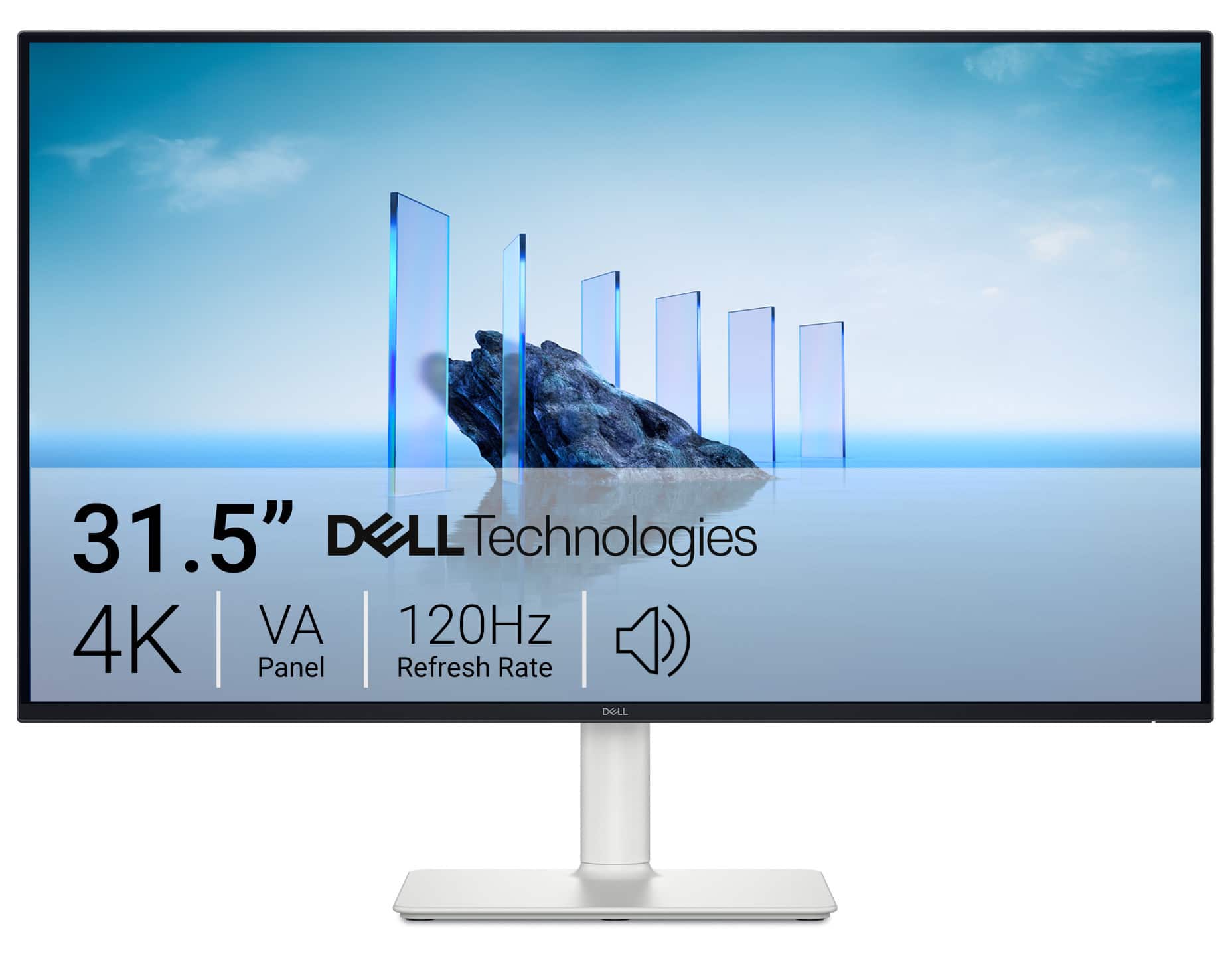
Dell - S3225QS 31.5" VA LED 4K UHD 120Hz 8ms FreeSync Premium Monitor with HDR (HDMI, DisplayPort) - Ash White
SKU: J3K4L63J38Image quality seems good, sound is great for a monitor. Worth the money for sure....Great for Gaming!...I bought this to use for my PS5 and it’s really been a great addition to my set up for an even better...
See all All MonitorsProduct Description
A white curved VA LED monitor featuring 4K UHD resolution, 120Hz refresh rate, HDR, and FreeSync Premium.Your price for this item is $329.99Save $50The previous price was $379.99 -
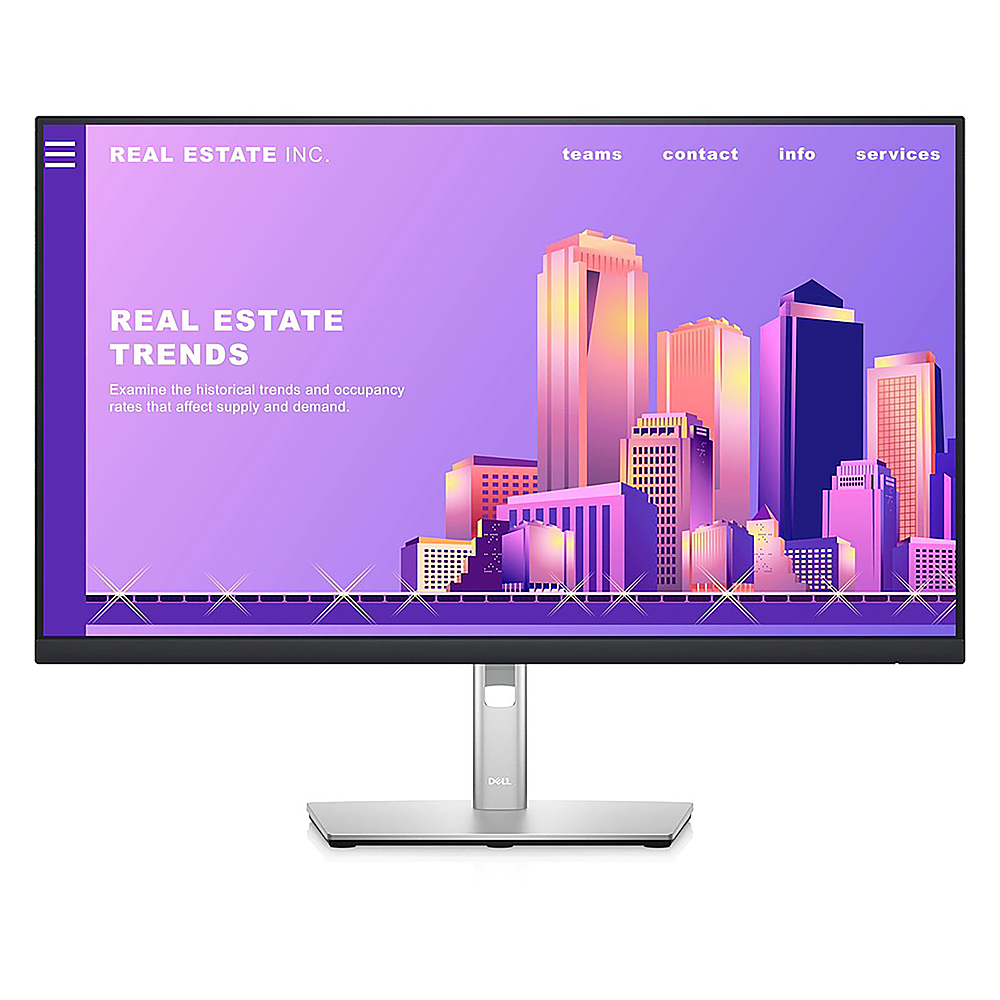
Dell - 27" LCD FHD Monitor (DisplayPort, USB, HDMI) - Black/Silver
SKU: J3K4L9VSF5See all All MonitorsProduct Description
A sleek black and silver IPS monitor with FHD resolution, ultrathin bezels, and adjustable stand height.Your price for this item is $299.00 -
Dell - 24" IPS LED FHD 60Hz 5ms Monitor (HDMI, VGA) - Black
SKU: J3K4L9KRW9I love it! Thank you!
See all All MonitorsProduct Description
A black IPS LED monitor offering Full HD clarity, wide 178° viewing angles, and HDMI/VGA connectivity.Your price for this item is $149.99 -
Dell - Pro 21.5" VA LED FHD 100Hz Monitor (VGA, HDMI) - Black
SKU: J3K4L63X57The young man did a great job setting it up in my office. He was very helpful
See all All MonitorsProduct Description
A black VA LED monitor featuring Full HD resolution, 100Hz refresh rate, and ultra-thin bezel design.Your price for this item is $102.99
Best Sellers







Related Pages



FAQ
Dell gaming monitors are designed with high refresh rates, fast response times, and adaptive sync technologies like NVIDIA G-SYNC or AMD FreeSync. These features help reduce motion blur and screen tearing, providing a smoother and more immersive gaming experience.
Yes, Dell gaming monitors typically offer a range of connectivity ports, including HDMI, DisplayPort, and sometimes USB-C. This allows you to easily connect your monitor to gaming PCs, consoles, and other devices.
Most Dell gaming monitors are compatible with major gaming consoles such as PlayStation and Xbox, provided the console supports the monitor’s resolution and refresh rate. Check the monitor’s specifications for details on console compatibility.
Curved Dell gaming monitors provide a more immersive viewing experience by wrapping the display around your field of vision, which can be especially beneficial for ultrawide models. Flat monitors offer a traditional viewing experience and are ideal for multi-monitor setups.
Some Dell gaming monitors come equipped with built-in speakers, while others may require external audio devices for sound. Refer to the product specifications to see if a particular model includes built-in speakers.