HP - 27" IPS LED FHD 100Hz Monitor with Adjustable Height (HDMI, VGA) - Silver & Black
Customers are saying
Customers admire the 27" IPS LED FHD 100Hz Monitor for its generous screen size and overall performance, allowing users to run multiple applications smoothly. The monitor's design and adjustability are also appreciated, along with its easy setup and clear display. The only drawback mentioned is the absence of built-in speakers.
Screen Size
27"Highlights
Life-like color. Deeper detail.
Upgrade your everyday with a vibrant 27" FHD monitor. Enjoy all you see as it was meant to be seen with enhanced 99% sRGB, 1500:1 contrast ratio, and 300 nits brightness. Work or multitask with a 100Hz refresh rate that delivers seamless scrolling and smooth video playback.
Compact, Sleek Design
A beautiful monitor fit for any space with a sleek, thin-and-light profile and the option for seamless side-by-side screens. Integrated cablecontainment to cut the clutter.
FHD Resolution
Focus on the finer details and enjoy sharp visuals and crystal clear images with the 1920 x 1080 FHD resolution on this 27" diagonal monitor.
IPS Panel
No matter where you stand, IPS technology ensures image accuracy and consistency across wide 178-degrees horizontal and vertical viewing angles.
99% sRGB Color Gamut
Ideal, consistent color reproduction with minimal effort.
3-Sided Micro-Edge Bezel
Maximize your viewing area to see and do more.
More Contrast
See the nuanced differences of color, shadow, and highlights thanks to the enhanced 1500:1 contrast ratio.
300 Nits
300 nits of brightness lets you see clearly. Enhance your visual performance for work or simply enjoying entertainment.
100Hz Refresh Rate
With a 100Hz refresh rate, this monitor is capable of clearer details, smoothly moving from frame to frame, allowing for faster split-second reaction time.
Adjustable Tilt and Height
The tilt and 100mm height-adjustable stand helps deliver the perfect view so you can maximize productivity and work comfortably.
HP Eye Ease with Eyesafe Certification
Help keep your eyes comfortable with an always-on, true-color, low-blue light filter.
Ergonomic Setup Guide
World-class ergonomic practices to help you achieve optimal, all-day comfort.
Integrated Cable Management
Help keep your workspace clean and organized.
HP Display Center
Customize your display with easy, intuitive HP Display Center software.
Works With Chromebook Certified
Works seamlessly with your Chromebook.
Materials that Matter
Made with 85% post-consumer recycled plastics and 5% ocean-bound plastics.
Thoughtful Product Packaging
100% sustainably sourced packaging that helps contribute to a more circular economy.
Increased Energy Efficiency
This display is held to the highest energy saving standard with an ENERGY STAR rating and EPEAT Registration.
- Refresh Rate100HzMaximum Resolution1920 x 1080Response Time5 millisecondsPanel TypeIPSSynchronization TechnologyNot Applicable
Reviews
Rating 4.7 out of 5 stars with 731 reviews
- Screen Size (325)
- Overall Performance (79)
- Adjustability (46)
- Ease of use (44)
- Design (35)
- Speakers (6)
- Price (4)
Customer Images
The vast majority of our reviews come from verified purchases. Reviews from customers may include My Best Buy members, employees, and Tech Insider Network members (as tagged). Select reviewers may receive discounted products, promotional considerations or entries into drawings for honest, helpful reviews.

Compare similar products
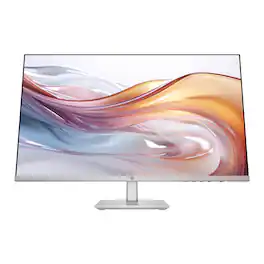
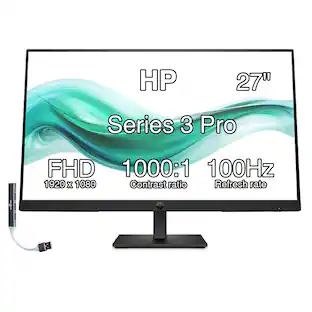
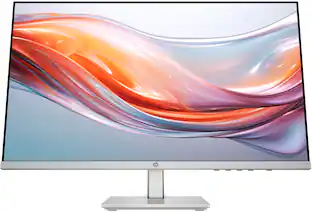
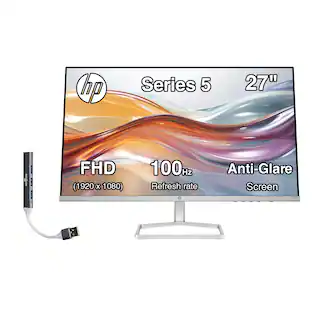
When you need the right tech to take on a day full of projects, meetings, and more, you need the HP Series 5 27-inch FHD Height Adjust Monitor. Its sleek design complements any workspace. And its beautiful screen, adjustable stand, and comfort features take your productivity to the next level. Bring flexibility to the way you work through enhanced visual performance, contrast ratio, and refresh rate.
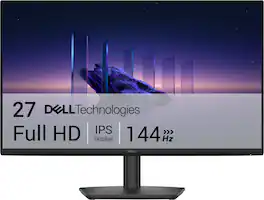
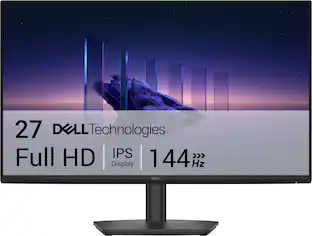
Breeze through everyday tasks on this 27-inch monitor with 144Hz refresh rate, 1ms Moving Picture Response Time (MPRT), and TÜV 3-star certification for eye comfort.
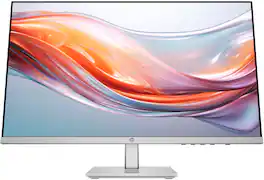
When you need the right tech to take on a day full of projects, meetings, and more, you need the HP Series 5 23.8-inch FHD Height Adjust Monitor. Its sleek design complements any workspace. And its beautiful screen, adjustable stand, and comfort features take your productivity to the next level. Bring flexibility to the way you work through enhanced visual performance, contrast ratio, and refresh rate.

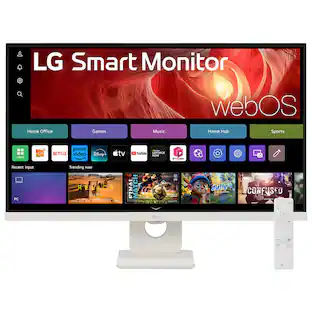
Smart Display. Serious Performance. Seamless Entertainment. Upgrade your desktop with the 27-inch LG UHD 4K Smart Monitor. The UHD (3840 x 2160) IPS display with up to 90% DCI-P3 color coverage and HDR support brings sharp detail and brilliant color to everything from spreadsheets to content streaming, video calls and cloud gaming. With built-in webOS24 and a dedicated remote, you get easy, instant access to your favorite streaming platforms like Netflix, Prime Video, Disney+, and more—plus 300+ free LG Channels. Game directly in the cloud with NVIDIA GeForce NOW, Amazon Luna, or Blacknut¹—no console or PC required. Need to get stuff done? The Switch app makes multitasking easy. Divide the screen into up to six sections, customize layouts, or launch video calls with a hotkey—all while switching effortlessly between your PC and the built-in smart features². Built-in stereo speakers deliver bold, immersive sound. The ergonomic stand tilt adjusts to your ideal viewing angle, while USB Type-C with 65W power delivery, two HDMI ports, and two USB inputs make it easy to connect everything you need. Whether you're working, creating, or kicking back—this monitor does it all.
| Pros for HP - 27" IPS LED FHD 100Hz Monitor with Adjustable Height (HDMI, VGA) - Silver & Black | |||
|---|---|---|---|
| Screen Size, Overall Performance, Adjustability, Ease of use, Design | Overall Performance, Refresh Rate, Screen Size, Ergonomics, Eye Comfort | Screen Size, Overall Performance, Adjustability, Design, Ease of use | Overall Performance, Design, Refresh Rate, Size |
| Cons for HP - 27" IPS LED FHD 100Hz Monitor with Adjustable Height (HDMI, VGA) - Silver & Black | |||
| Speakers, Price | Connectivity | Connectivity, Ports, HDMI | Connectivity |
Specs
How do I connect two of these screens to a macbook air 2025 M3?
Answered by HP TeamAlex, thank you for your question about connecting two of these HP monitors to your MacBook! You connect them through a USB-C or Thunderbolt dock.

Is drop shipping available for this and other items from best buy...? Would like to order a monitor as a gift to someone in another state
Answered by HP TeamThank you for the question. You'll have the opportunity to change the shipping address during the order process. Please reach out to Best Buy directly if you encounter any issues while completing your order.
Does this monitor have a high dynamic range?
No, this monitor does not have a high dynamic range (HDR).
This question and answer was generated by AI based on customer and product data.Does this monitor have built-in speakers?
No, this monitor does not have built-in speakers.
This question and answer was generated by AI based on customer and product data.What type of panel does this monitor use?
This monitor uses an IPS panel for consistent image quality across wide viewing angles.
This question and answer was generated by AI based on customer and product data.
Customers often buy these together
Computer Keyboards

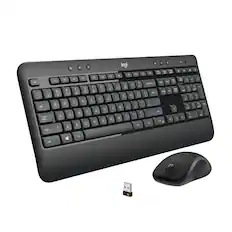
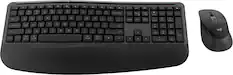
Logitech - MK270 Full-size Wireless Membrane Keyboard and Mouse Bundle for PC - Black
$26.99The price was $29.99![Sure, here is the corrected and grouped text:
```
ESC F1 F2 F3 F4 F5 F6 F7 F8 F9 F10 F11 F12 1 2 3 logitech - - 1 2 # $ 4 % 5 6 & 7 8 9 0 - - back insert home page up num lock clear / . tab Q W E R T Y U I O P { [ } ] / delete end page down 7 home 8 A 9 P9 up + caps lock A S D F G H J K L : ; a enter 4 5 6 shift Z X C V B N M < > ? shift 1 end 2 3 pg dn enter ctrl fn start alt opt alt crnd x alt cmd x fn ctrl alt opt 0 ins del 1 logitech
```](https://pisces.bbystatic.com/image2/BestBuy_US/images/products/5761/5761911_sd.jpg;maxHeight=232;maxWidth=233?format=webp)
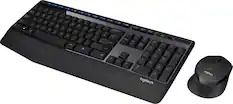
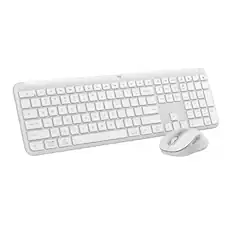
Logitech - MK850 Performance Full-size Wireless Membrane Keyboard and Mouse Combo for PC and Mac - Black
$89.99The price was $99.99
![F1, esc, !, -, 1, tab, caps lock, shift, F2, @, 2, Q, A, F3, Q, #, 3, W, S, Z, F4, $4, E, D, X, F5, %, 5, R, F, C, F6, 44, A, 6, T, G, V, F7, HI &, 7, Y, H, logi, F8, FO, 4, *, (, 8, 9, U, I, J, K, M, N, FI0, 0, O, L, <, -, alt, page up, page down, end, down, delete, home, 1, P, [, ] 5, 5, 4, ., -, enter, :, 1, 3, enter, I, 2, 1, Pg up, [, ] 5, 5, 4, ., -, enter, ?, >, /, 0, del, a, 4, ins, e, ctrl, *, fn, ctrl, fn, alt, logi.](https://pisces.bbystatic.com/image2/BestBuy_US/images/products/6536/6536551_sd.jpg;maxHeight=232;maxWidth=233?format=webp)
Monitor Stands
More recommended items
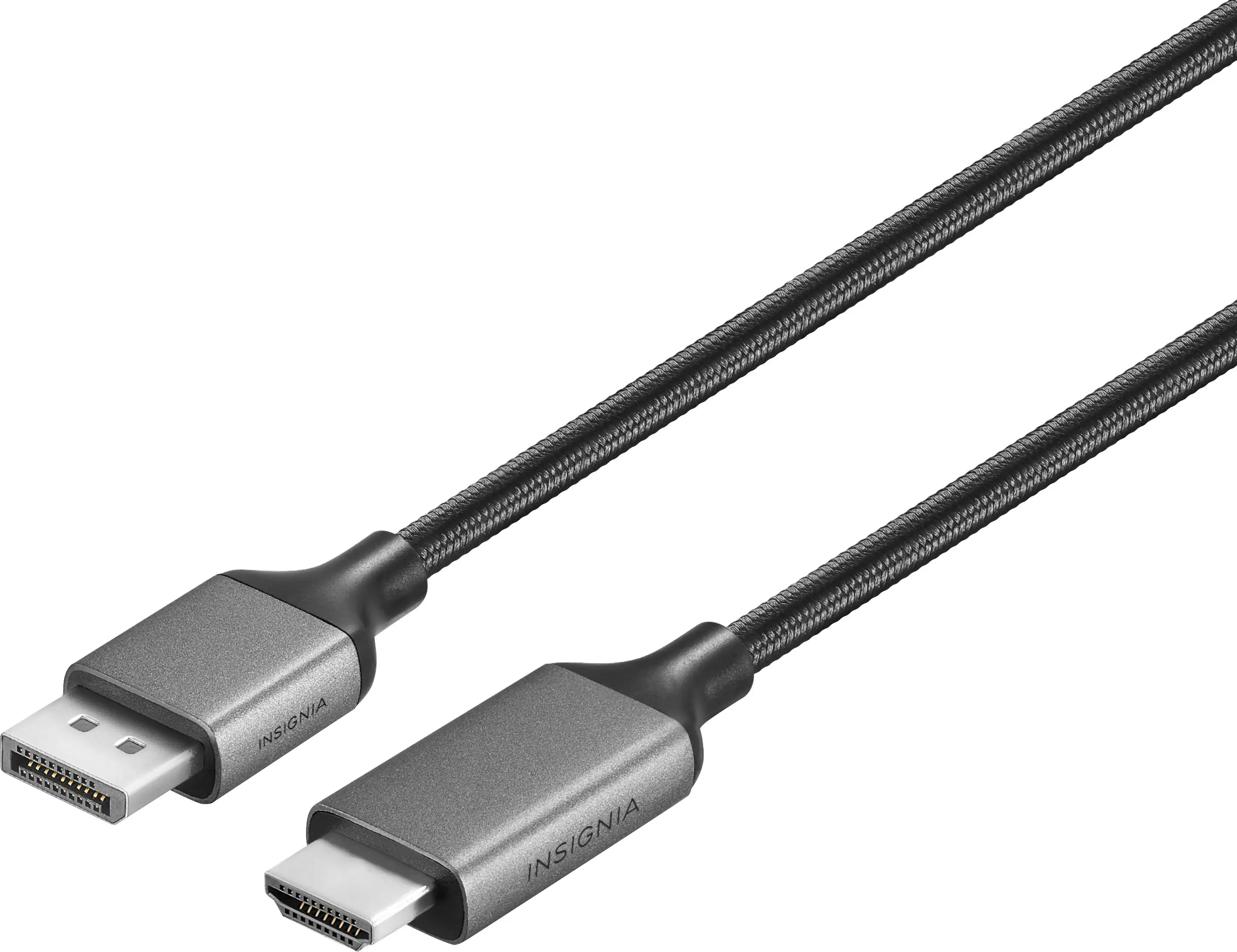 Monitor and Video Cables
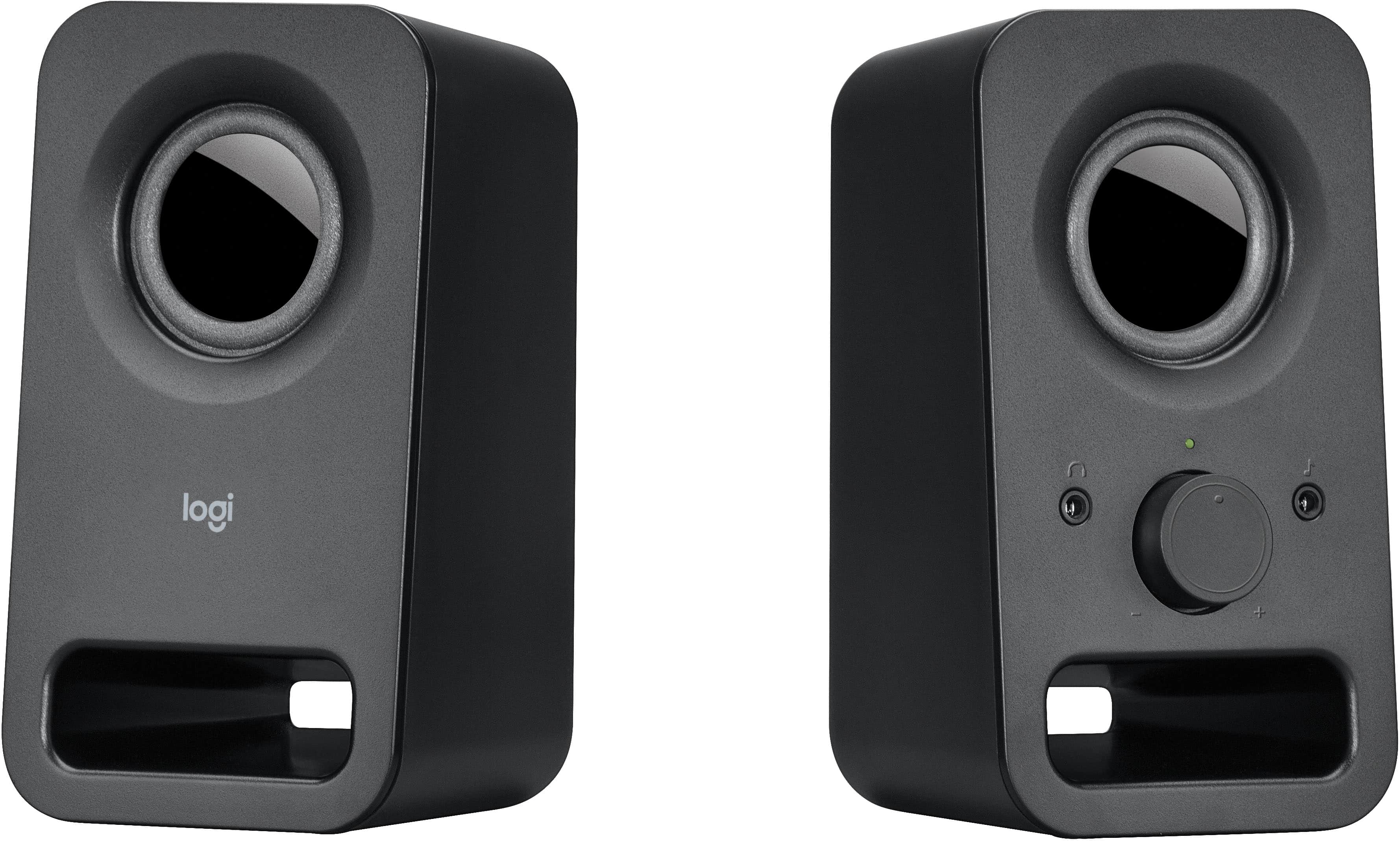 Computer Speakers
 Laptop Docking Stations
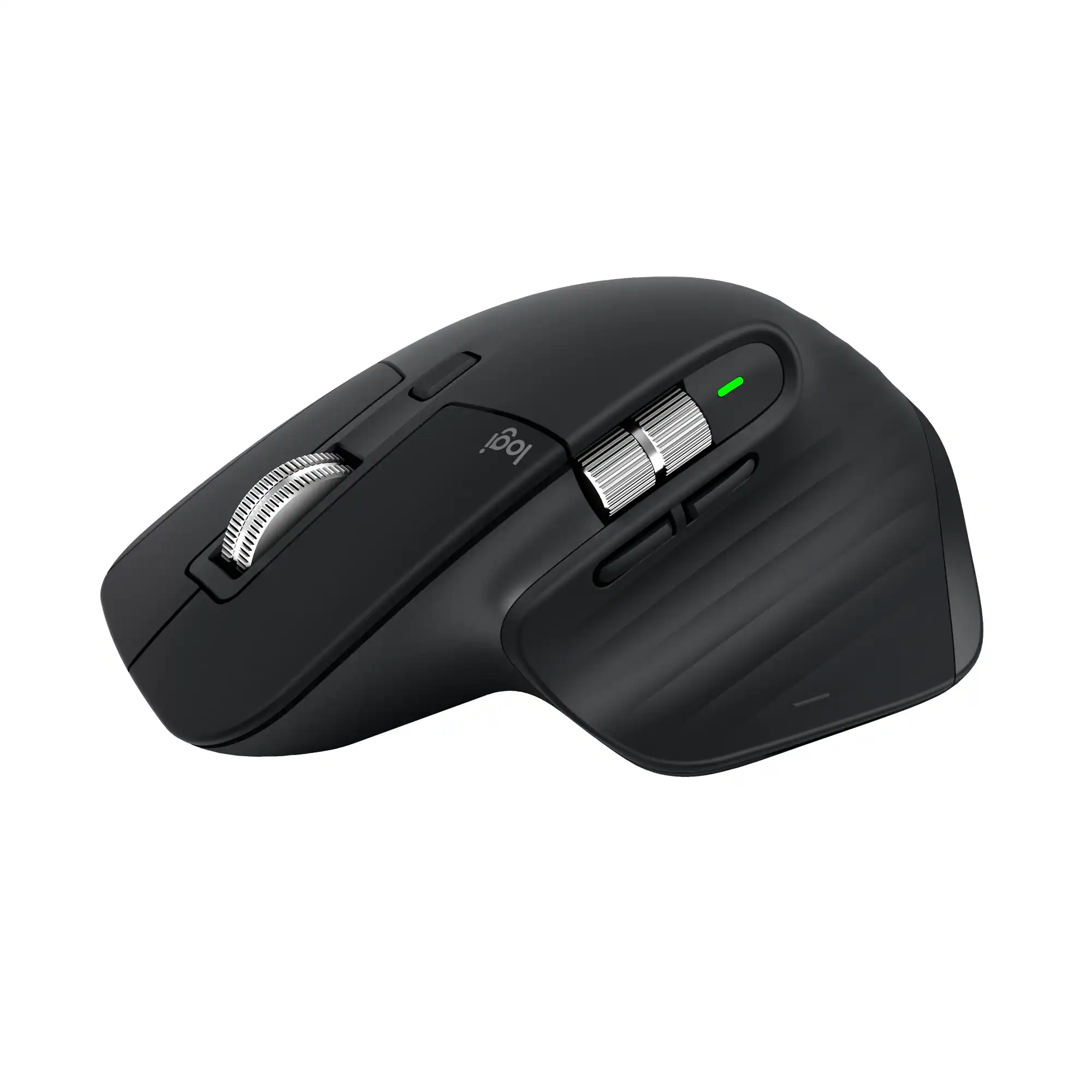 Mice
Mice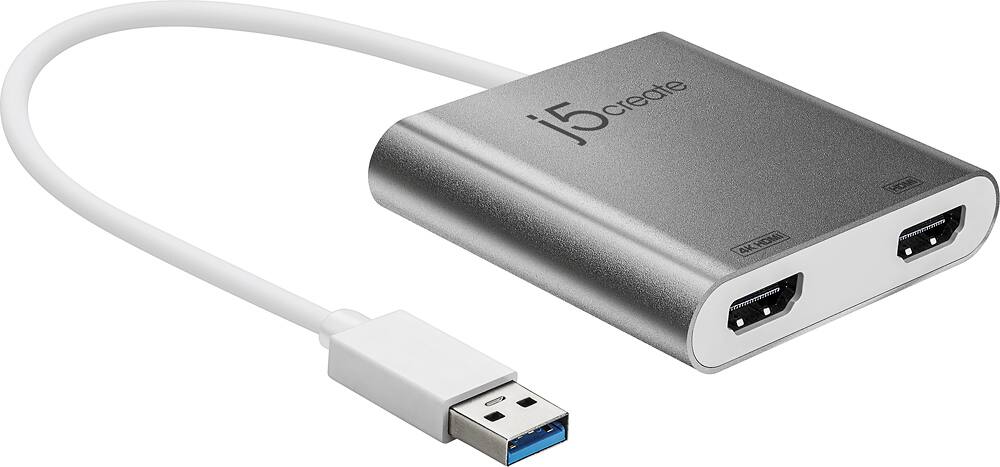 Cables and Adapters
 Web Cameras
 Mouse Pads
More to consider
 $209.99The price was $262.49
 Top Deal$299.99The price was $369.99
 Top Deal$94.99The price was $149.99
 Top Deal$199.99The price was $329.99

Explore tech essentials Sponsored
 $189.99The price was $299.99
- Top Deal$299.99The price was $369.99

Discover related products
 $12.99The price was $13.99
 $19.99The price was $24.95









Keep exploring
 $899.00The price was $934.64
 $204.99The price was $221.49
 $1,499.99The price was $2,101.91