iMac Laptop Memory
-
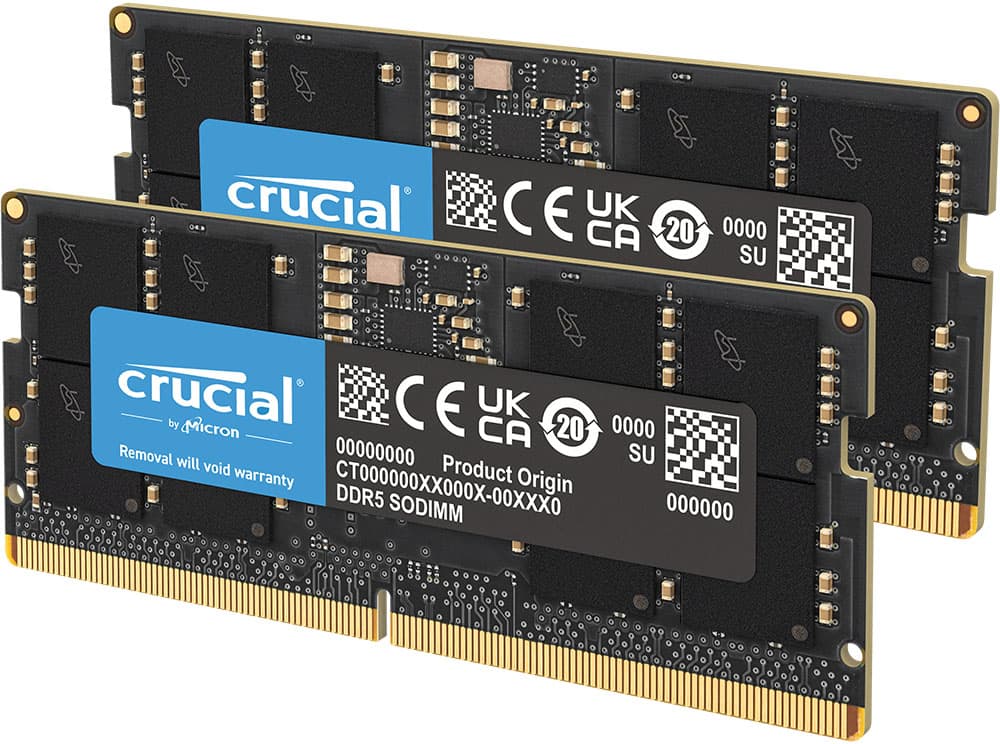
Crucial - 64GB Kit (2x32GB) DDR5 5600MHz C46 SODIMM Laptop Memory - Black
SKU: JX8PSKJ67CBest Buy pricing within cents of that available from online-only sellers and item available same day...Go-to brand Crucial memory great as always....Crucial/Best Buy Combo Unbeatable...Best sodimm ram...
See all Computer Memory (RAM)Product Description
A high-performance black DDR5 laptop memory kit with 64GB capacity and 5600MHz speed for advanced multitasking.Your price for this item is $629.99 -
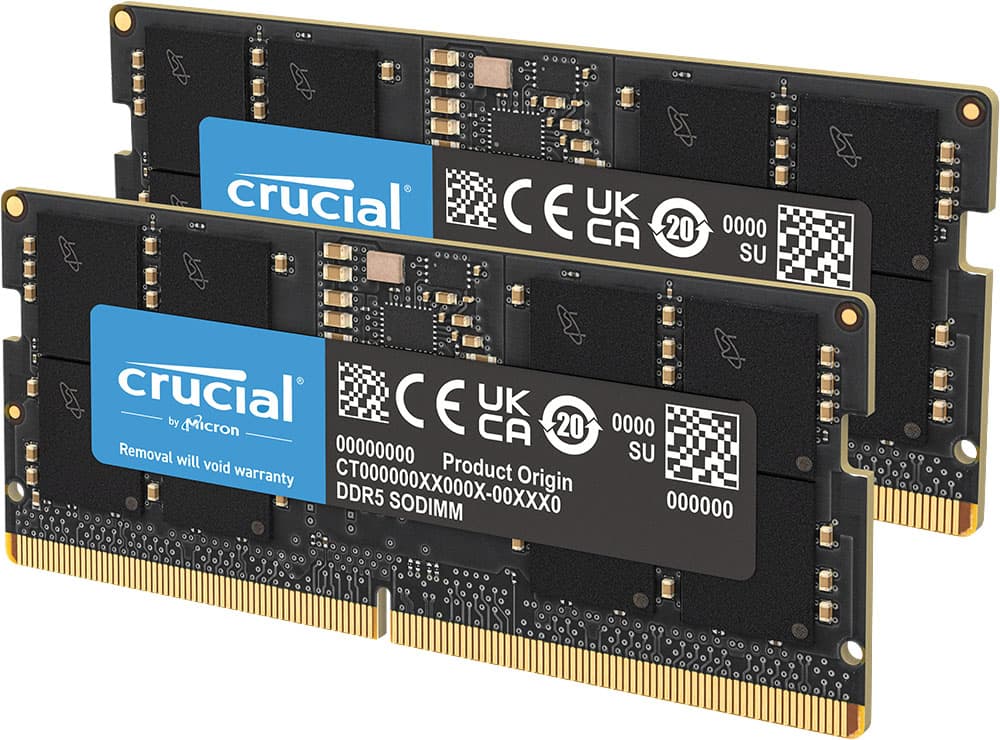
Crucial - 128GB Kit (2x64GB) DDR5 5600MHz C46 SODIMM Laptop Memory - Black
SKU: JX8PSKCPWRSee all Computer Memory (RAM)Product Description
A high-performance black DDR5 laptop memory kit with 128GB capacity and 5600MHz speed for advanced multitasking.Your price for this item is $1,798.99 -
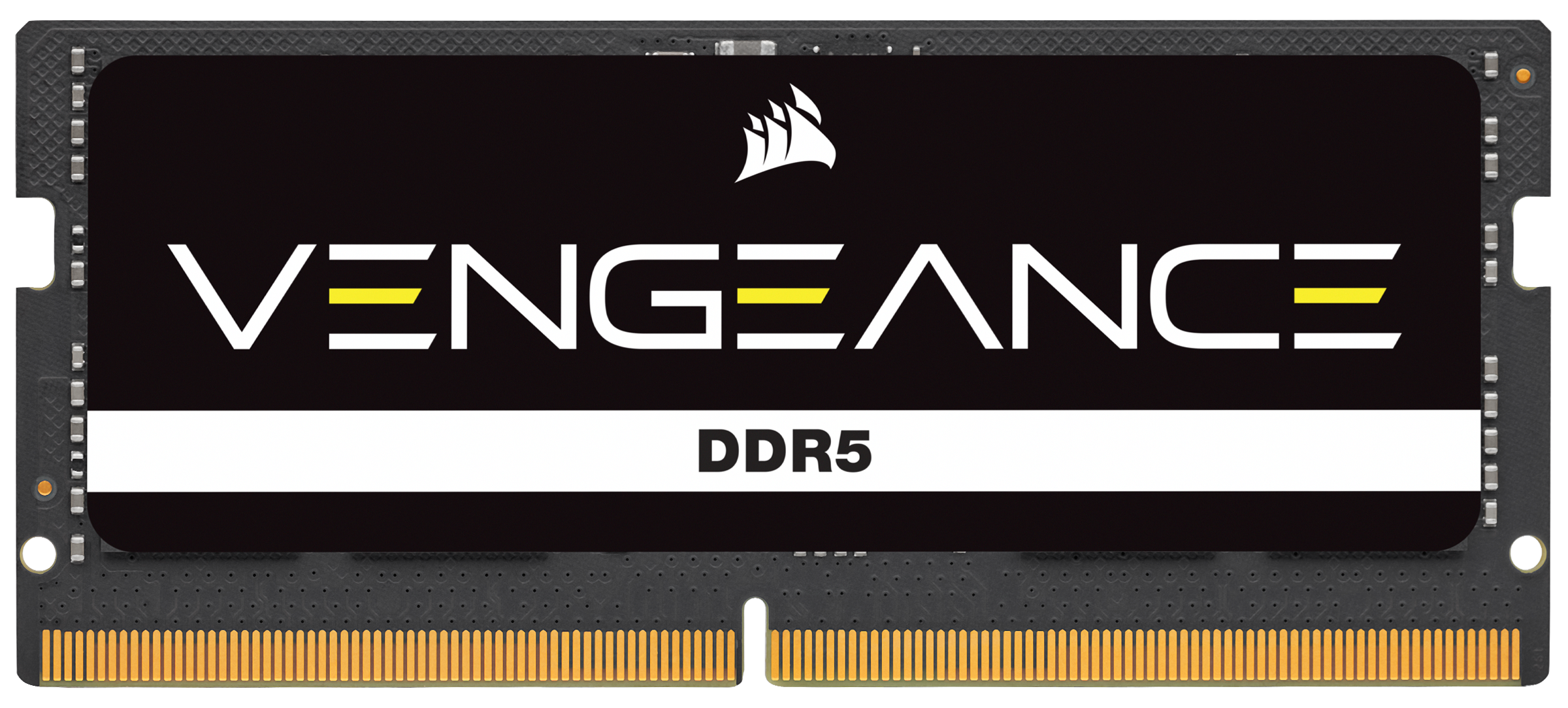
CORSAIR - VENGEANCE SODIMM Memory 8GB (1x8GB) DDR5 4800MHz C40 1.1V - Black
SKU: J39QHTJLCZSee all Computer Memory (RAM)Product Description
An advanced black DDR5 SODIMM memory module delivering 8GB capacity and 4800MHz speed for laptops.Your price for this item is $132.99
Best Sellers
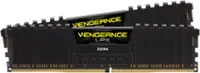
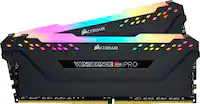
Related Pages
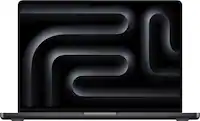




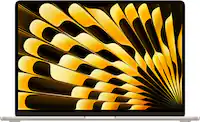


FAQ
Many iMac models allow users to upgrade memory on their own, especially older models with accessible memory slots. However, some recent iMacs have memory that is not user-upgradable. Always check your specific model’s documentation before attempting an upgrade.
iMac laptops typically use DDR3 or DDR4 SO-DIMM memory modules, depending on the model and year. Refer to your iMac’s technical specifications to determine the correct type and speed of memory required.
To check your current memory, click the Apple menu, select 'About This Mac,' and view the 'Memory' tab. This will display the amount of RAM installed and the configuration of your memory slots.
Upgrading your iMac’s memory can enhance performance, especially when running multiple applications or working with large files. More RAM helps your system handle tasks more efficiently, reducing lag and improving multitasking capabilities.
If you are not comfortable opening your iMac or if your model has a more complex memory installation process, professional installation is recommended. Best Buy’s Geek Squad offers expert memory upgrade services for added convenience and peace of mind.