RAM For MacBook Pro
-
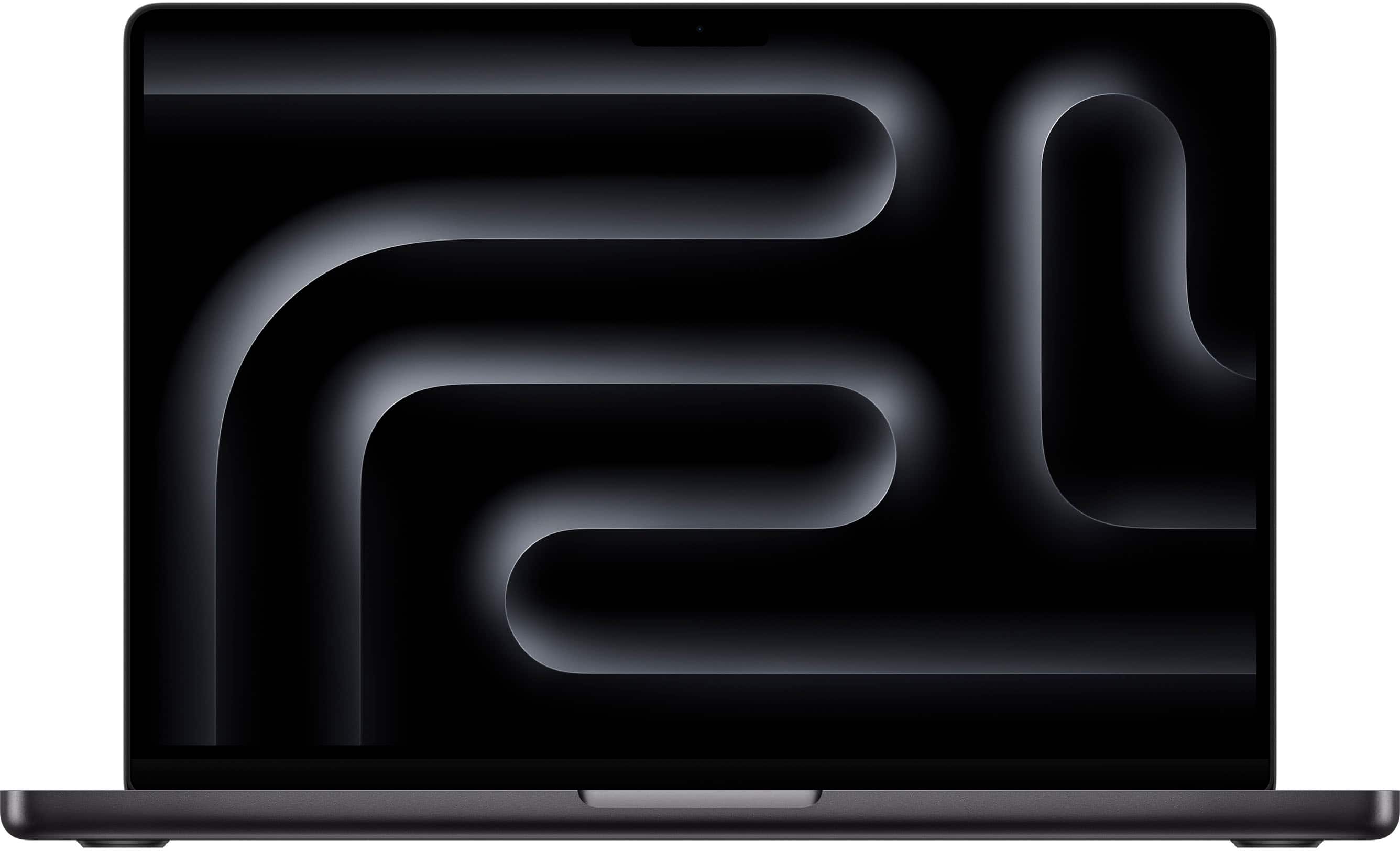
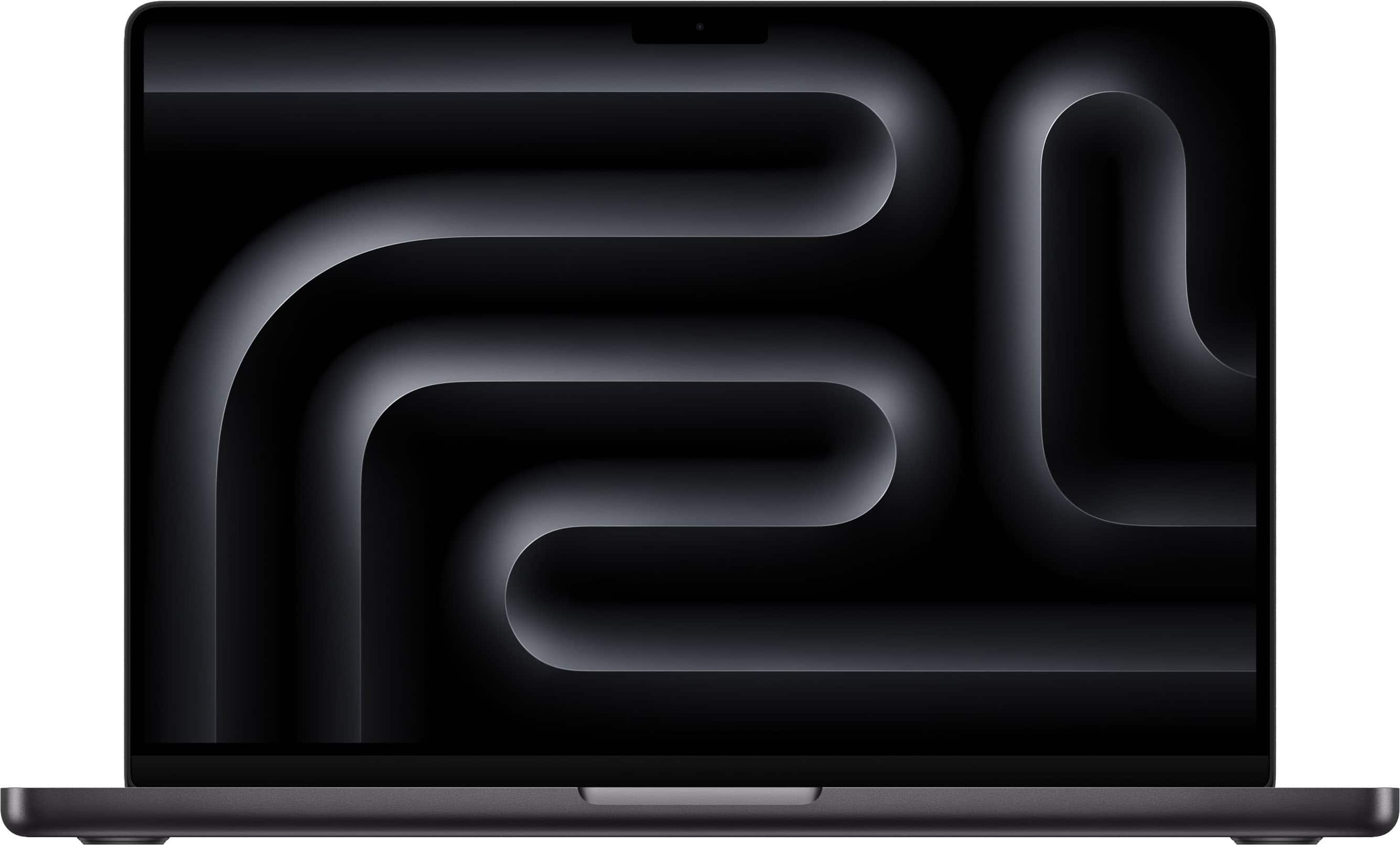
Apple - MacBook Pro 14-inch Laptop - M5 chip with 10-core CPU and 10-core GPU - 24GB Memory - 1TB SSD - Space Black
SKU: JJGCQL8L5YI love this macbook pro...Very fast, good price, best for editing audio/video, best os ever, battery life is great, awesome performance...BEST COMPUTER...Best computer ever - I’m a photographer and i...
See all MacBooksProduct Description
A high-performance Space Black laptop with Apple M5 chip, 24GB memory, 1TB SSD, and Liquid Retina XDR display.Your price for this item is $2,199.00 -
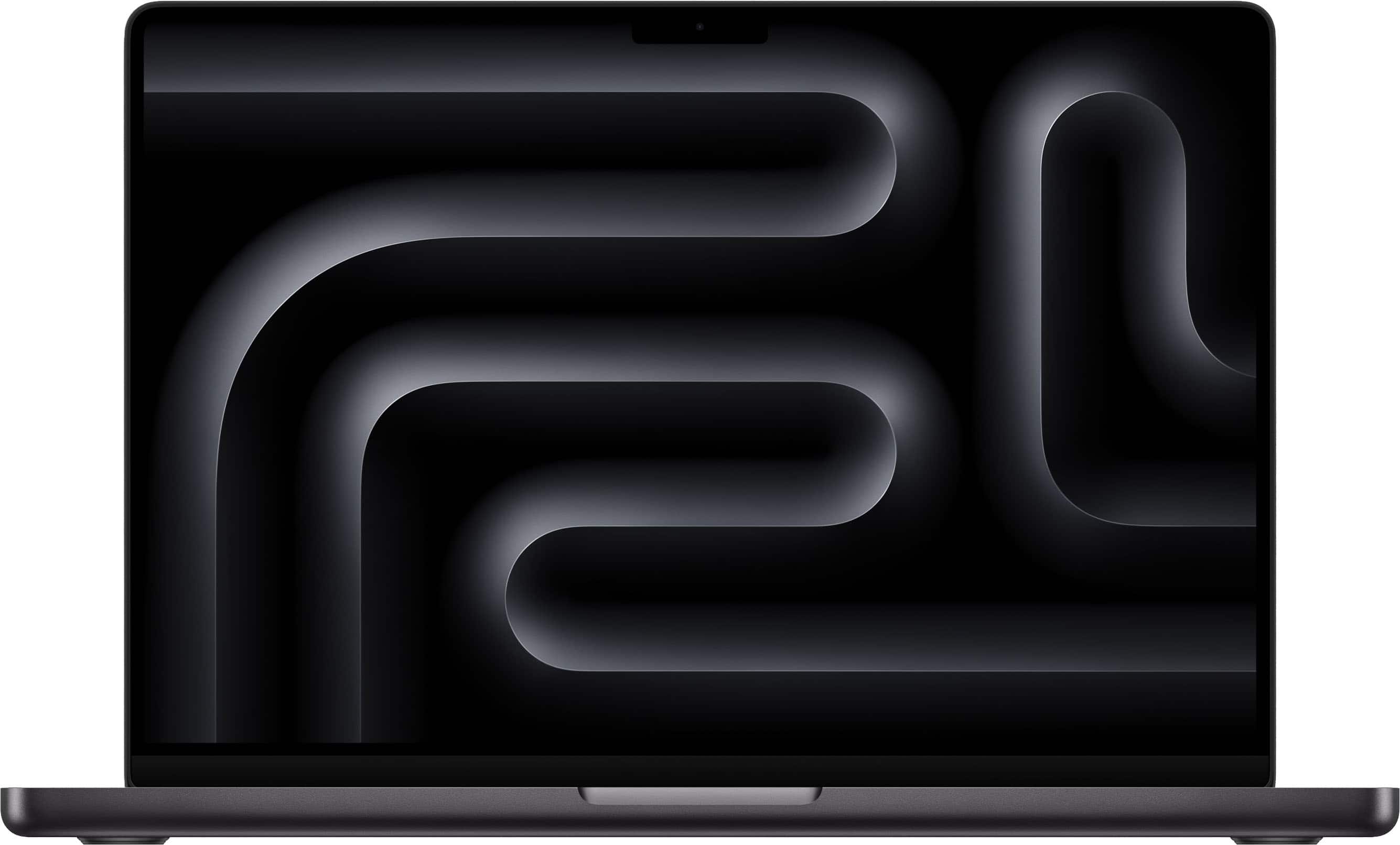
Apple - MacBook Pro 14-inch Laptop - Apple M4 Pro chip Built for Apple Intelligence - 48GB Memory - 2TB SSD - Space Black
SKU: JJGCQ8TJZHSee all MacBooksProduct Description
A high-performance space black laptop featuring the Apple M4 Pro chip, 48GB memory, and 2TB SSD storage.Your price for this item is $3,899.00 -
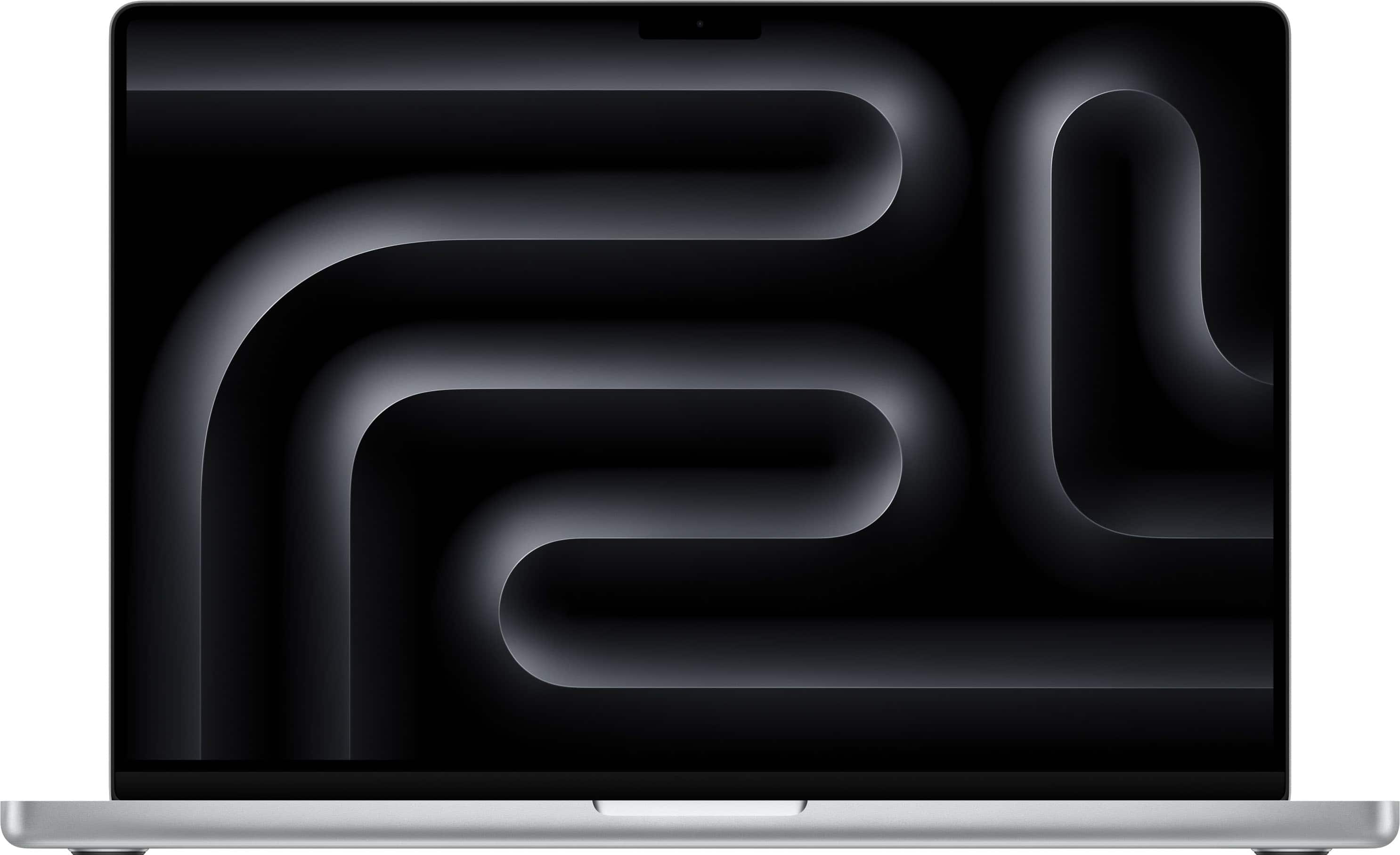
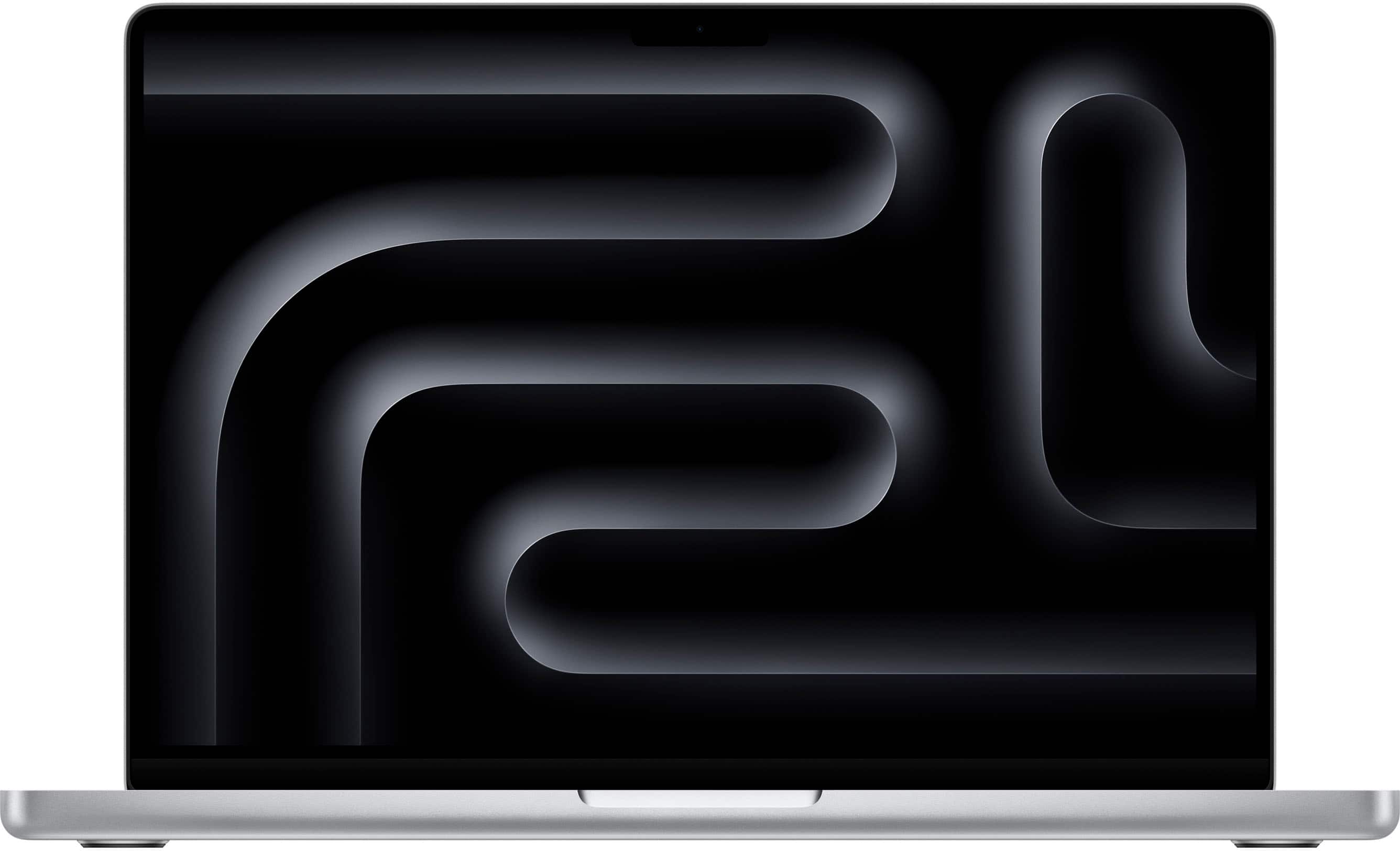
Apple - MacBook Pro 16-inch Laptop - M5 Pro chip with 18-core CPU and 20-core GPU - 48GB Memory - 1TB SSD - Silver
SKU: JJGCQLZHLSBest performance...Best performance, better battery performance, best display, nothing to complain...Great deal!...I believe Best Buy has the best deal at this moment with their 18 months financing....So...
See all MacBooksProduct Description
A powerful silver laptop featuring an 18-core CPU, 20-core GPU, 48GB memory, and 1TB SSD.Your price for this item is $3,599.00 -
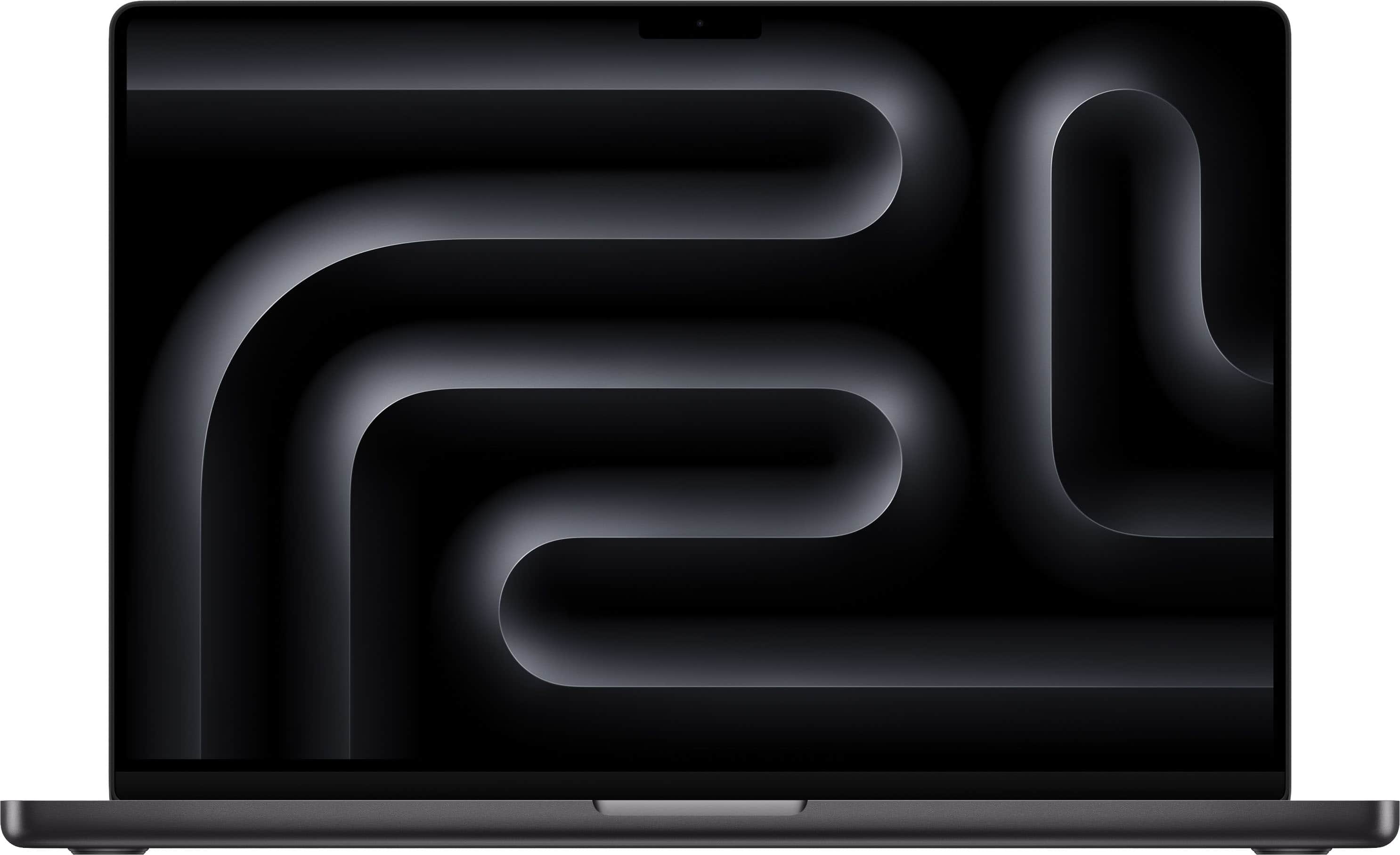
Apple - MacBook Pro 16-inch Laptop - M5 Max chip with 18-core CPU and 32-core GPU - 36GB Memory - 2TB SSD - Space Black
SKU: JJGCQLZZCGLove It!...I love my MacBook Pro...Love the look of the MacBook. Very sleek design and works great....The speed is crazy fast and it can handle a great deal of work on it’s battery life.
See all MacBooksProduct Description
A powerful space black laptop featuring an M5 Max chip, 36GB memory, 32-core GPU, and 2TB SSD.Your price for this item is $4,399.00 -
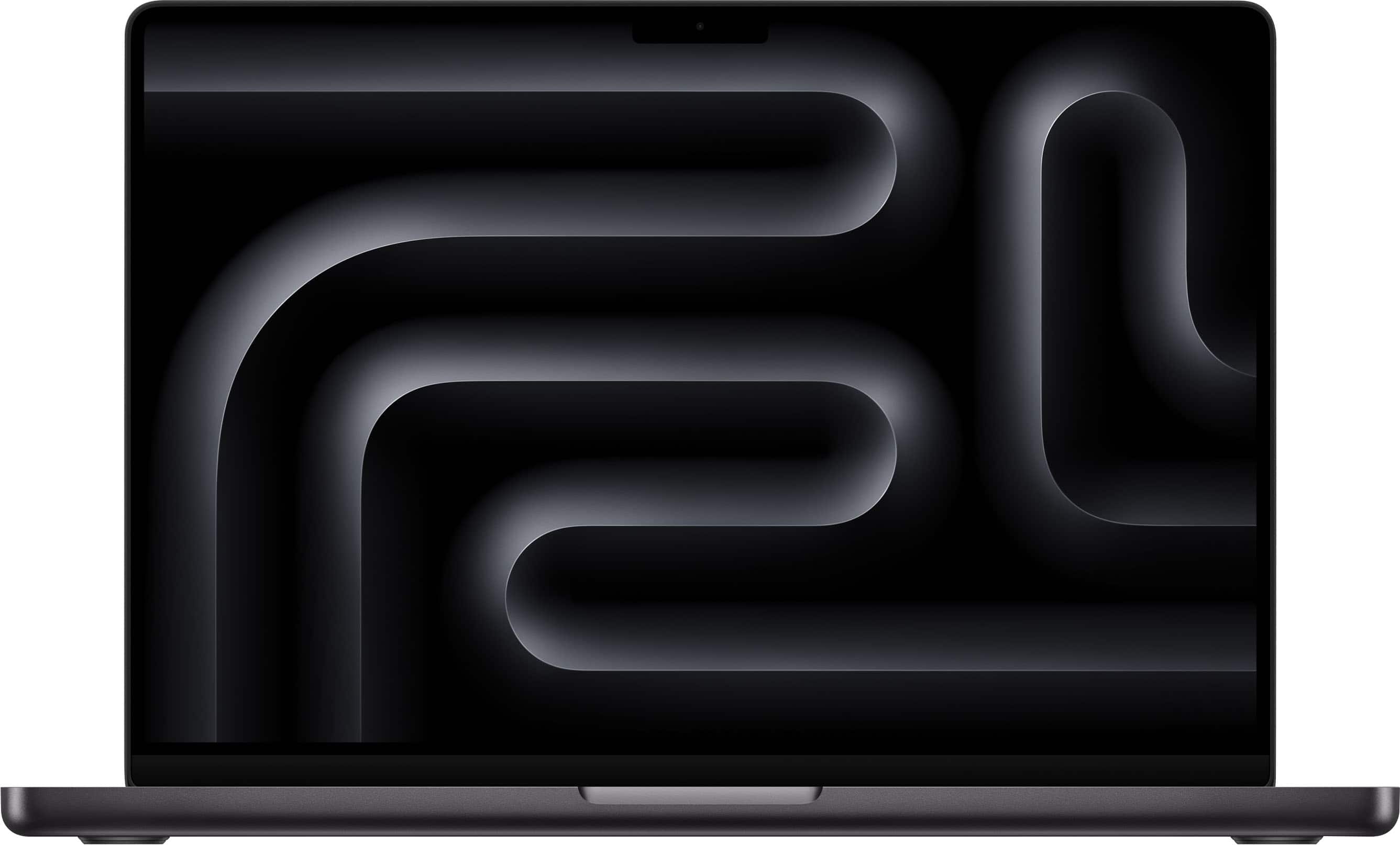
Apple - MacBook Pro 14-inch Laptop - M5 Pro chip with 15-core CPU and 16-core GPU - 24GB Memory - 2TB SSD - Space Black
SKU: JJGCQP3LY8Great Macbook, great experience with Best Buy's site...Would be nice to have more storage options at Best Buy.
See all MacBooksProduct Description
A high-performance Space Black laptop featuring an M5 Pro chip, 24GB memory, and 2TB SSD storage.Your price for this item is $2,399.00Save $600The previous price was $2,999.00 -
Apple - MacBook Pro 14-inch Laptop - M5 Max chip with 18-core CPU and 32-core GPU - 36GB Memory - 2TB SSD - Space Black
SKU: JJGCQL4JYSExcellent computer too fast, nice display the best!...Best purchase I could have made....Best Purchase
See all MacBooksProduct Description
A high-performance Space Black laptop featuring an M5 Max chip, 36GB memory, and 2TB SSD storage.Your price for this item is $3,299.00Save $800The previous price was $4,099.00 -
Apple - MacBook Pro 14-inch Laptop - Apple M4 Pro chip Built for Apple Intelligence - 24GB Memory - 1TB SSD - Silver
SKU: JJGCQ8HFGPI also love that I don’t have to constantly close programs to keep things running smoothly.
See all MacBooksProduct Description
A high-performance silver laptop with Apple M4 Pro chip, 24GB memory, 1TB SSD, and Liquid Retina XDR display.Your price for this item is $2,299.00 -
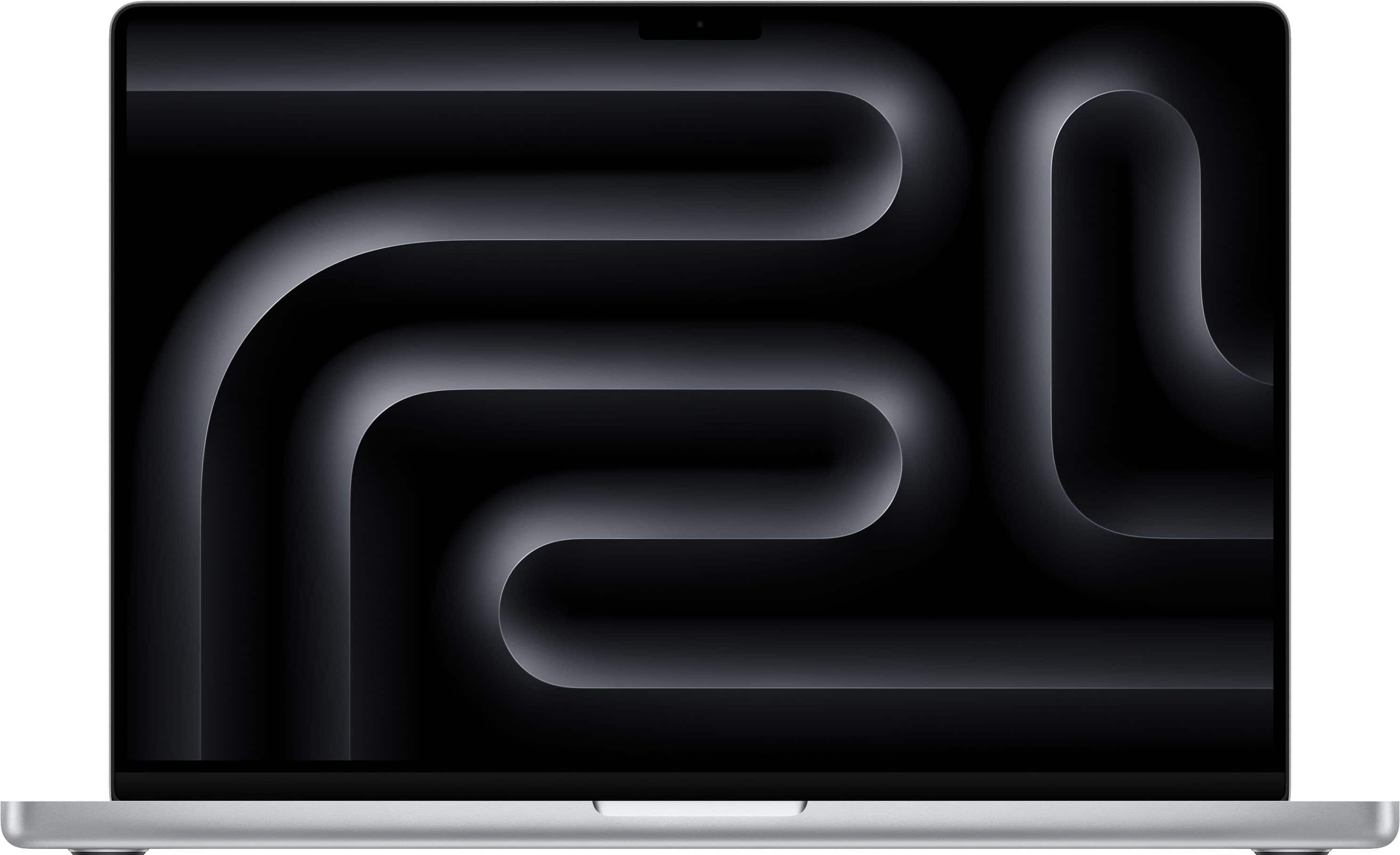
Apple - MacBook Pro 16-inch Laptop - M5 Max chip with 18-core CPU and 32-core GPU - 36GB Memory - 2TB SSD - Silver
SKU: JJGCQLZTC7I also want to highlight the excellent shopping experience at Best Buy—the process was fast, easy, and
See all MacBooksProduct Description
A powerful silver laptop featuring an M5 Max chip, 36GB memory, 32-core GPU, and 2TB SSD.Your price for this item is $4,399.00 -
Apple - MacBook Pro 14-inch Laptop - M5 Pro chip with 15-core CPU and 16-core GPU - 24GB Memory - 2TB SSD - Silver
SKU: JJGCQP3GQPBest Buy had the best price around, and I searched for a few weeks to make sure....I highly recommend this laptop and buying from Best Buy....It’s much lighter weight which I love, (the screen is also...
See all MacBooksProduct Description
A high-performance silver laptop featuring an M5 Pro chip, 24GB memory, and a 2TB SSD.Your price for this item is $2,699.00Save $300The previous price was $2,999.00 -
Apple - MacBook Pro 14-inch Laptop - M5 Max chip with 18-core CPU and 32-core GPU - 36GB Memory - 2TB SSD - Silver
SKU: JJGCQLZV2JLove my new MacBook Pro w/M5 Max chip!...I'm an architect and I love the graphic capabilities of my new mac!...I haven’t had it very long, only a few weeks, but I love it so far.
See all MacBooksProduct Description
A high-performance silver laptop featuring an M5 Max chip, 36GB memory, 2TB SSD, and Liquid Retina XDR display.Your price for this item is $4,099.00
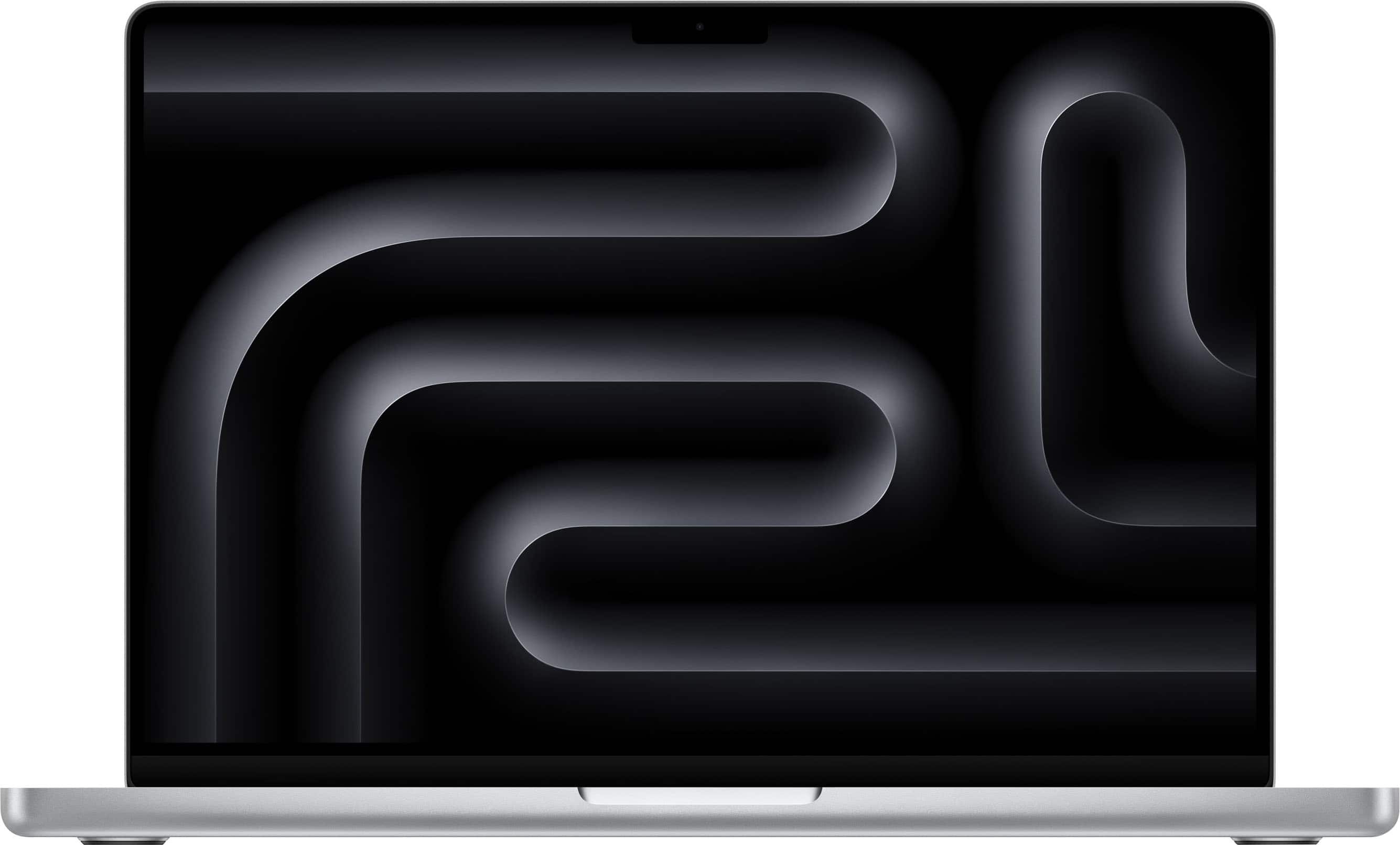
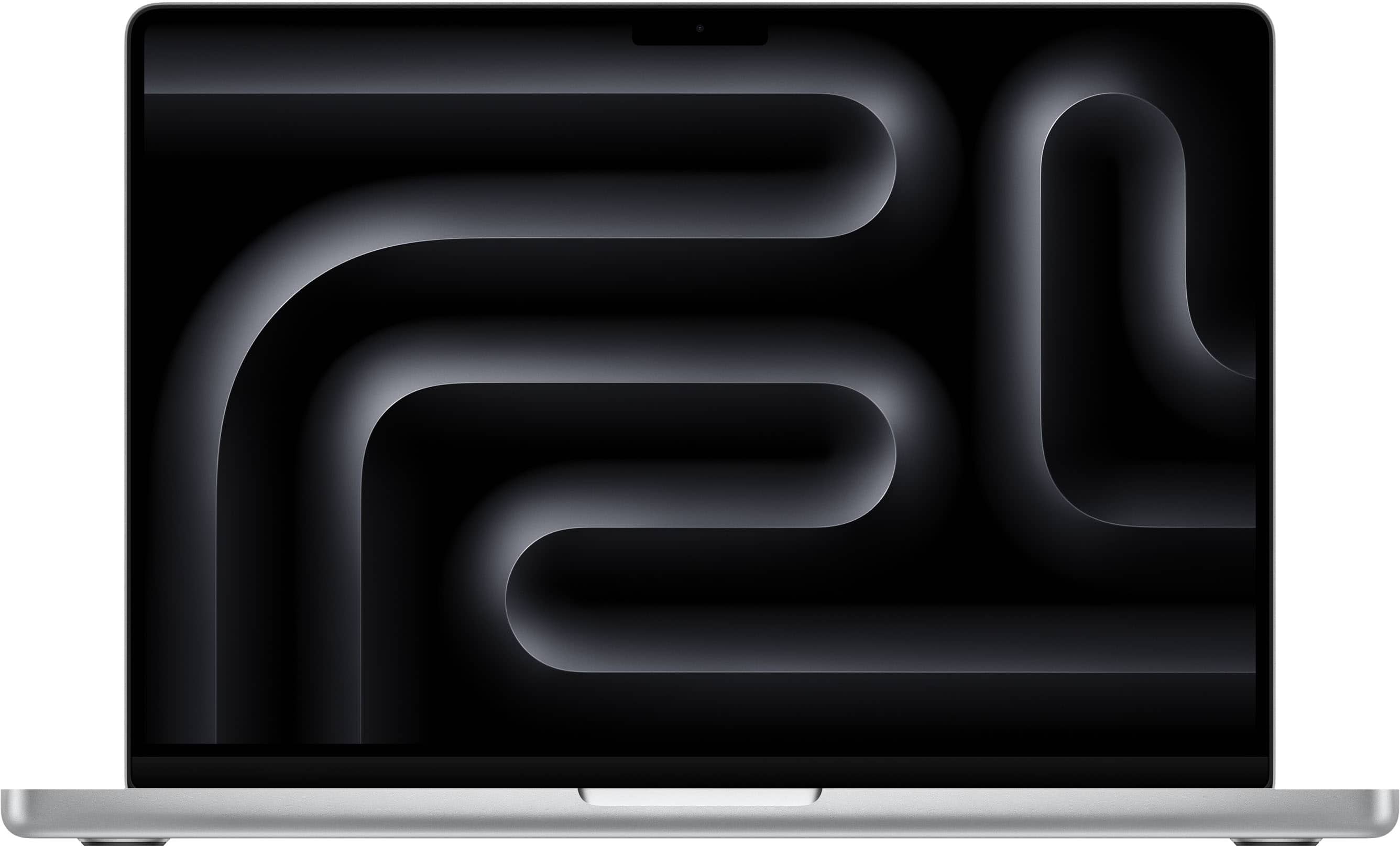
Best Sellers




Related Pages






FAQ
Upgrading RAM in certain MacBook Pro models is relatively straightforward, especially in older models with accessible memory slots. However, many newer MacBook Pros have soldered RAM, which cannot be upgraded. Always check your specific model's compatibility and consult the user manual before attempting installation.
Adding more RAM can enhance your MacBook Pro’s multitasking capabilities and improve performance when running memory-intensive applications like video editing, graphic design, or virtual machines. The improvement depends on your usage patterns and whether your current RAM is a performance bottleneck.
To find the correct RAM type, check your MacBook Pro’s model year and specifications. This information is available in the 'About This Mac' section under the Apple menu. Match the RAM’s technology (such as DDR3, DDR4, or LPDDR4X) and speed with your MacBook Pro’s requirements.
While it is technically possible to mix different brands of RAM, it's recommended to use identical modules for optimal compatibility and performance. Mixing brands or speeds may lead to system instability or reduced performance.
Most RAM upgrades require only basic tools, such as a small Phillips screwdriver. Some MacBook Pro models may need specialized screwdrivers like a Pentalobe or Torx driver. Always ground yourself to prevent static discharge and consult your device’s service manual for detailed instructions.