Mac RAM
-
OWC - 16GB Replacement for QNAP RAM-16GDR4T0-SO-2666 RAM-16GDR4K0-SO-2666 RAM-16GDR4K1-SO-2666 - Non-ECC SODIMM DDR4 2666 - Black Chips
SKU: J3GWY2JW2QSee all Computer Memory (RAM)Product Description
A 16GB DDR4 2666MHz non-ECC SODIMM laptop memory module with black chips for enhanced multitasking.Your price for this item is $99.99Save $10The previous price was $109.99 -
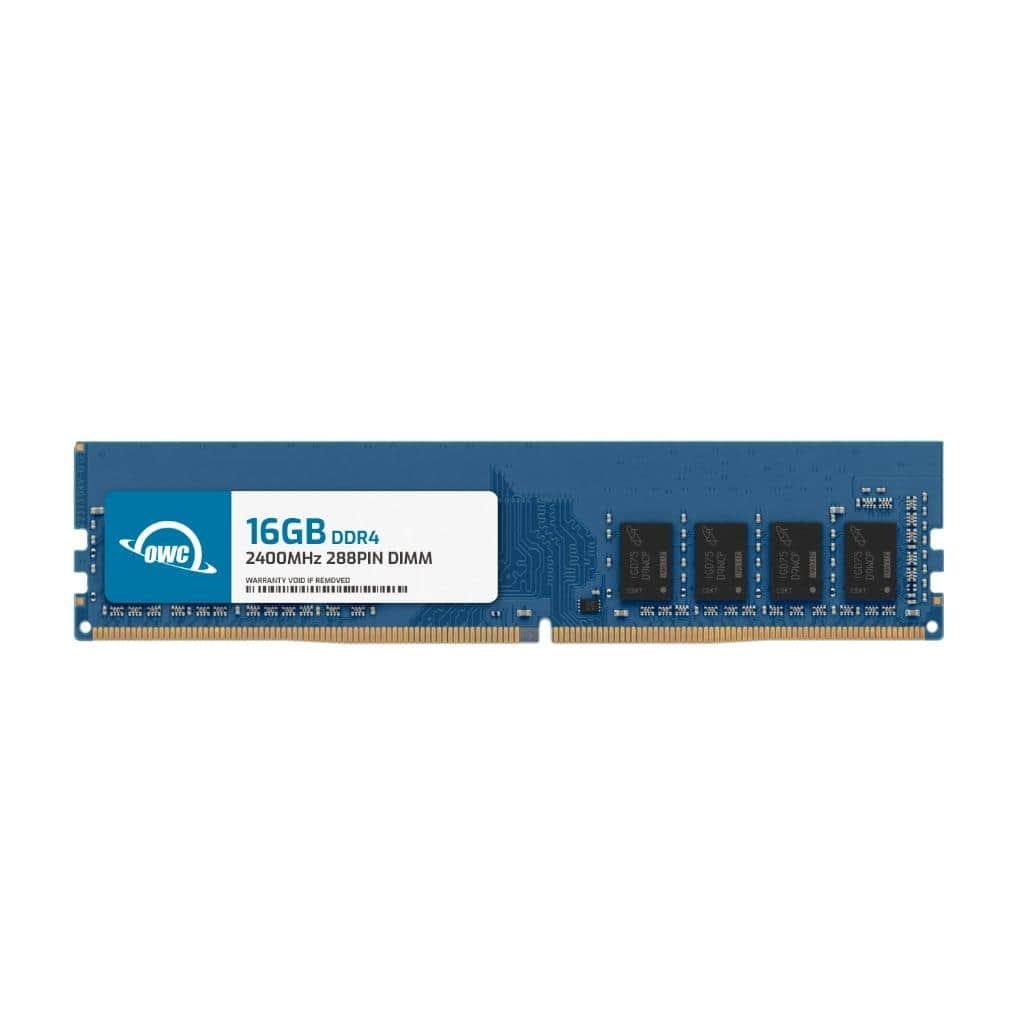
OWC - 16GB Replacement for QNAP RAM-16GDR4A0-UD-2400 RAM-16GDR4A1-UD-2400 - Non-ECC UDIMM DDR4 2400 2Rx8 288p 1.2V CL17 - Black Chips
SKU: J3GWY2JTFXSee all Computer Memory (RAM)Product Description
A 16GB DDR4 2400MHz non-ECC UDIMM RAM module with black chips for enhanced multitasking performance.Your price for this item is $99.99 -
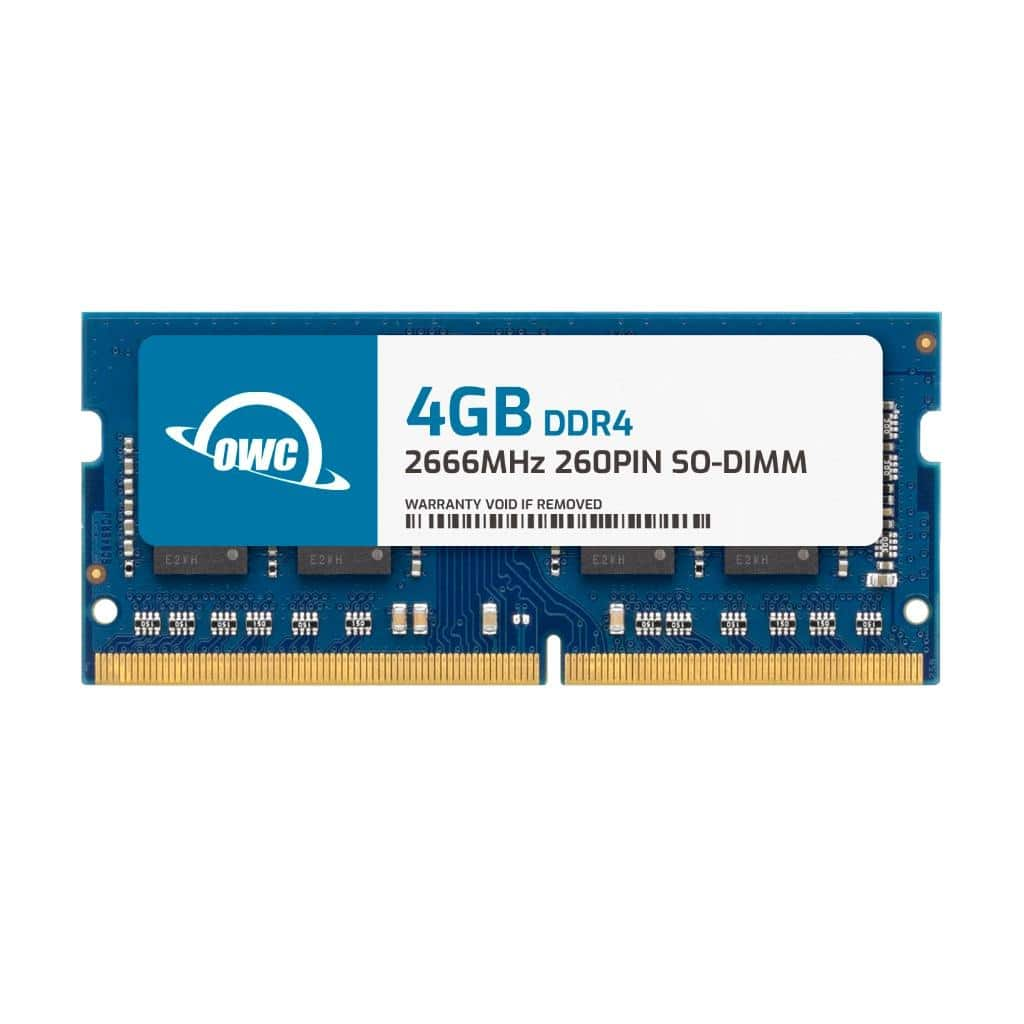
OWC - 4GB Replacement for QNAP RAM-4GDR4A0-SO-2666 RAM-4GDR4T0-SO-2666 RAM-4GDR4T1-SO-2666 - Non-ECC SODIMM DDR4 2666 1Rx8 - Black Chips
SKU: J3GWY2JWCTSee all Computer Memory (RAM)Product Description
A black DDR4 2666MHz 4GB non-ECC SODIMM RAM module designed for laptops and DIY upgrades.Your price for this item is $34.99

Best Sellers




Related Pages





FAQ
Mac RAM (Random Access Memory) is a type of computer memory that temporarily stores data your Mac needs to access quickly. More RAM allows your Mac to run multiple applications smoothly, handle larger files, and improve overall system performance.
To determine compatible RAM, check your Mac model and year. Each Mac uses specific RAM types (such as DDR3, DDR4, or DDR5) and has limits on the maximum supported capacity. Refer to your Mac’s technical specifications or consult Apple’s official support page for compatibility details.
For most Mac desktops, such as iMacs and Mac Pros, upgrading the RAM does not void the warranty if done correctly. However, some MacBooks and newer models have non-upgradable or soldered RAM. Always consult your Mac’s documentation or Apple support before attempting an upgrade.
Many Mac desktops allow for user-installed RAM upgrades with simple tools and instructions. For laptops and some newer models with integrated RAM, professional installation may be required. Always follow the manufacturer’s guidelines for your specific Mac model.
Upgrading your Mac’s RAM can lead to faster multitasking, improved performance in memory-intensive applications, smoother web browsing, and better handling of large files or creative projects like video editing and graphic design.