Mac Monitor
-
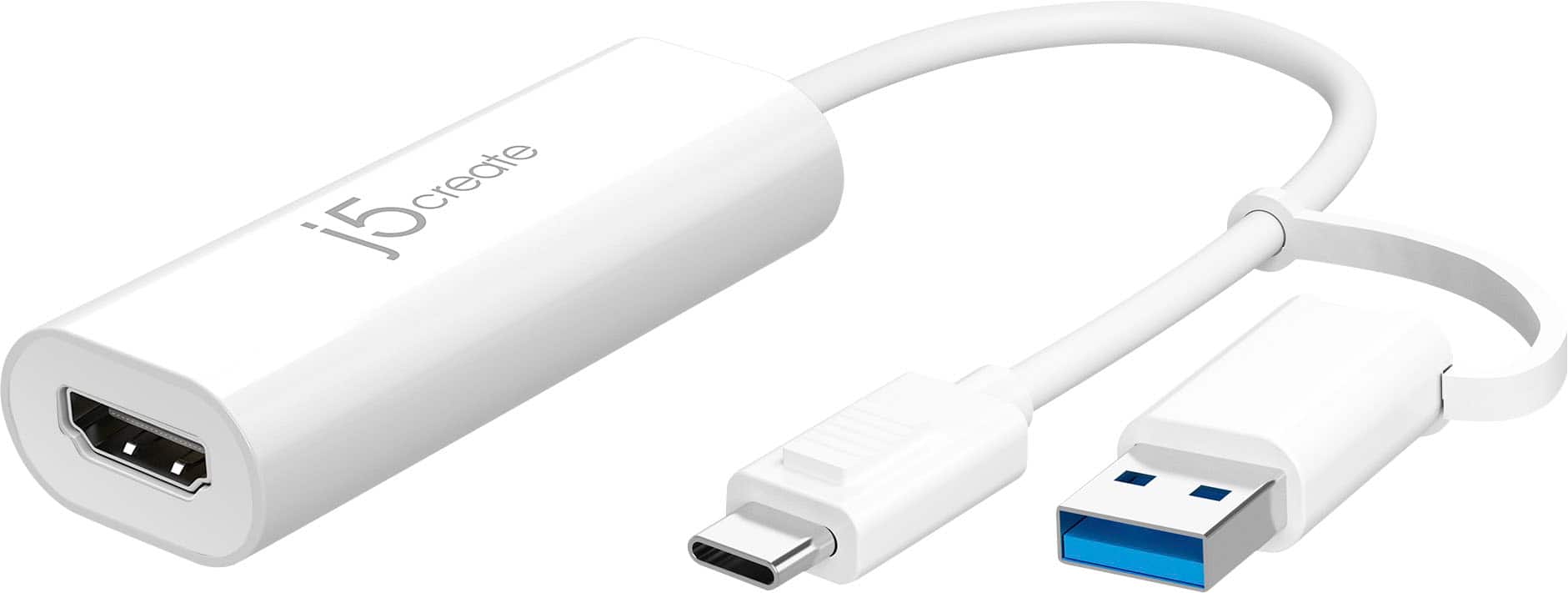
j5create - USB™ to HDMI™ Multi-Monitor Adapter, with 3.14" cable - White
SKU: J36445R68LI love the J5 products, they never let you down. Self installs and works 100% of the time...J5 adapters are the best...Thank You BEST BUY!
See all Monitor & Video CablesProduct Description
A white USB-to-HDMI adapter enabling multi-monitor setups with plug-and-play support for Windows and Mac.Your price for this item is $34.99 -
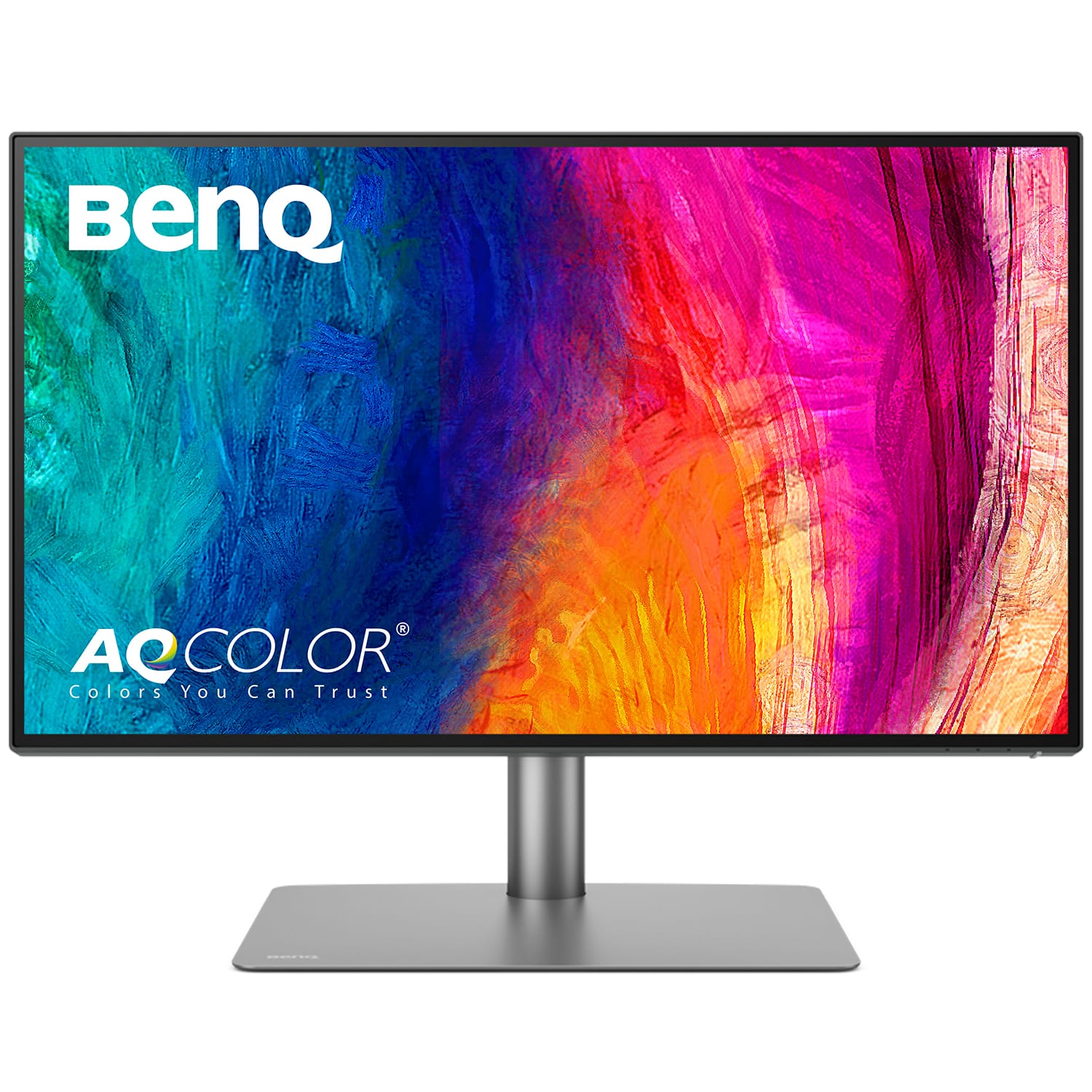
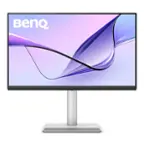
BenQ - AQCOLOR PD2725U Designer 27" IPS LED 4K HDR 60Hz Mac Compatible Monitor (HDMI/DP/Thunderbolt 3 65W) - Metallic Gray
SKU: J39QZT44T7See all All MonitorsProduct Description
A metallic gray 27" IPS LED monitor with 4K HDR, Thunderbolt 3, and Mac compatibility.Your price for this item is $599.99 -
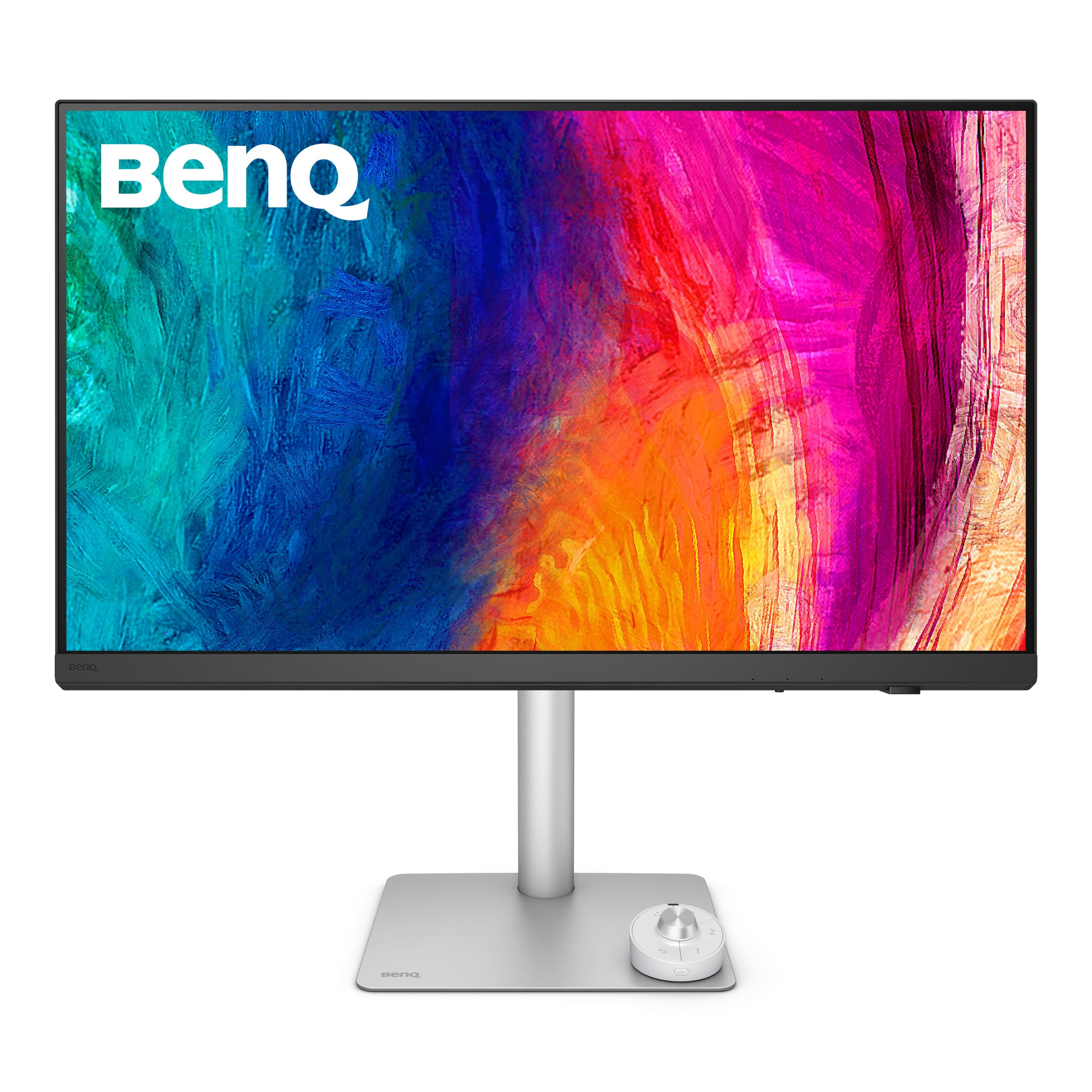
BenQ - PD3226G 31.5" IPS LED 4K 144Hz Mac Compatibile Monitor (HDMI/DP/Thunderbolt 4 90W) - White
SKU: J39QZT58XJSee all All MonitorsProduct Description
A white IPS LED monitor offering 4K UHD resolution, 144Hz refresh rate, and Thunderbolt 4 connectivity.Your price for this item is $899.99Save $100The previous price was $999.99 -
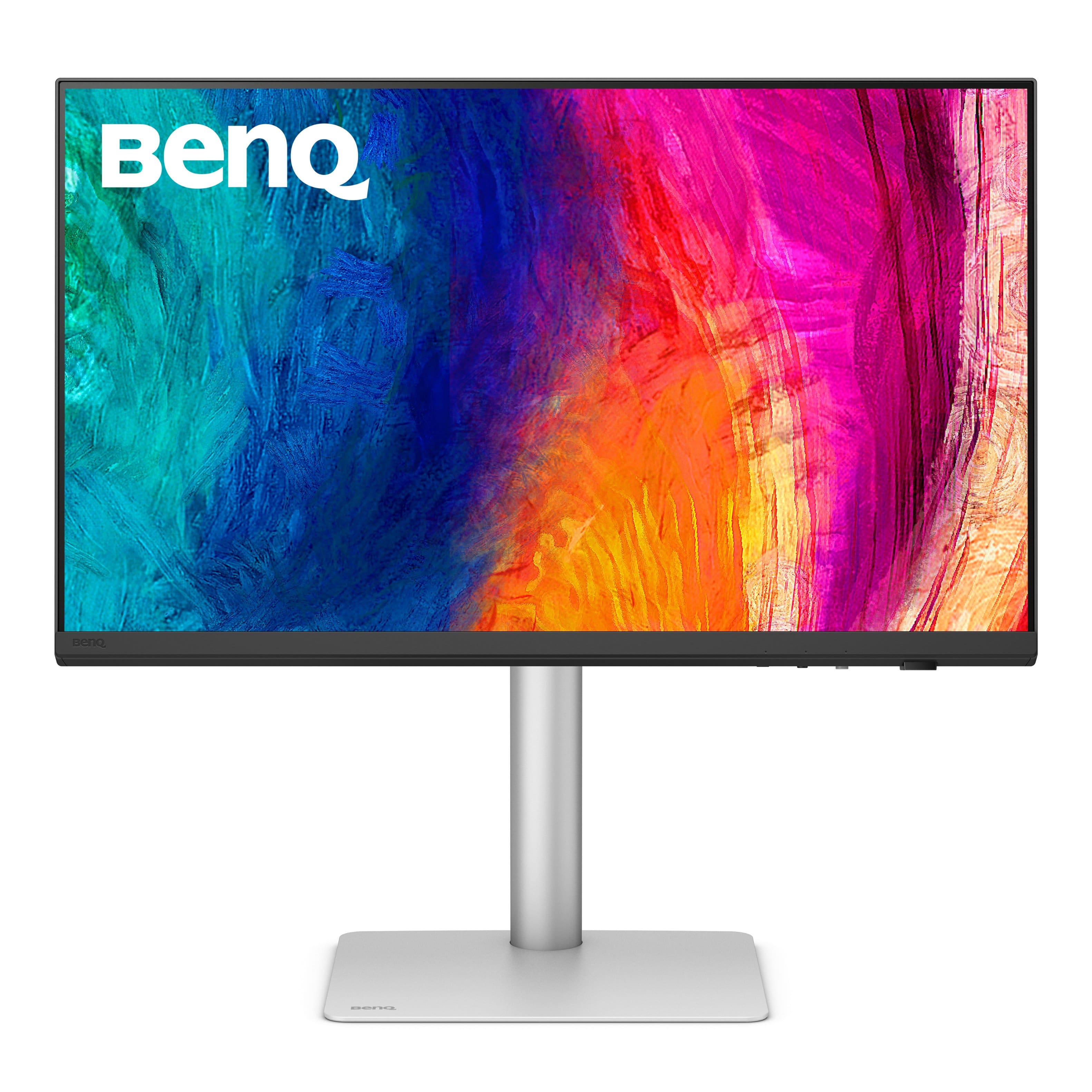
BenQ - PD2730S 27" IPS LED 5K Mac Compatible Monitor (HDMI/Thunderbolt 4 90W/DP) - White
SKU: J39QZT58RWSee all All MonitorsProduct Description
A white IPS LED monitor featuring a 5K resolution, 98% P3 color, and Thunderbolt 4 connectivity.Your price for this item is $1,228.45 -
ViewSonic - VP2788-5K 27 IPS 5K UHD Mac- Ready Monitor (Thunderbolt4,USB HUB, HDMI, DP) - Black
SKU: J37H88V533See all All MonitorsProduct Description
A sleek black 27" IPS monitor with 5K UHD resolution, Thunderbolt 4 connectivity, and ergonomic stand.Your price for this item is $929.99 -
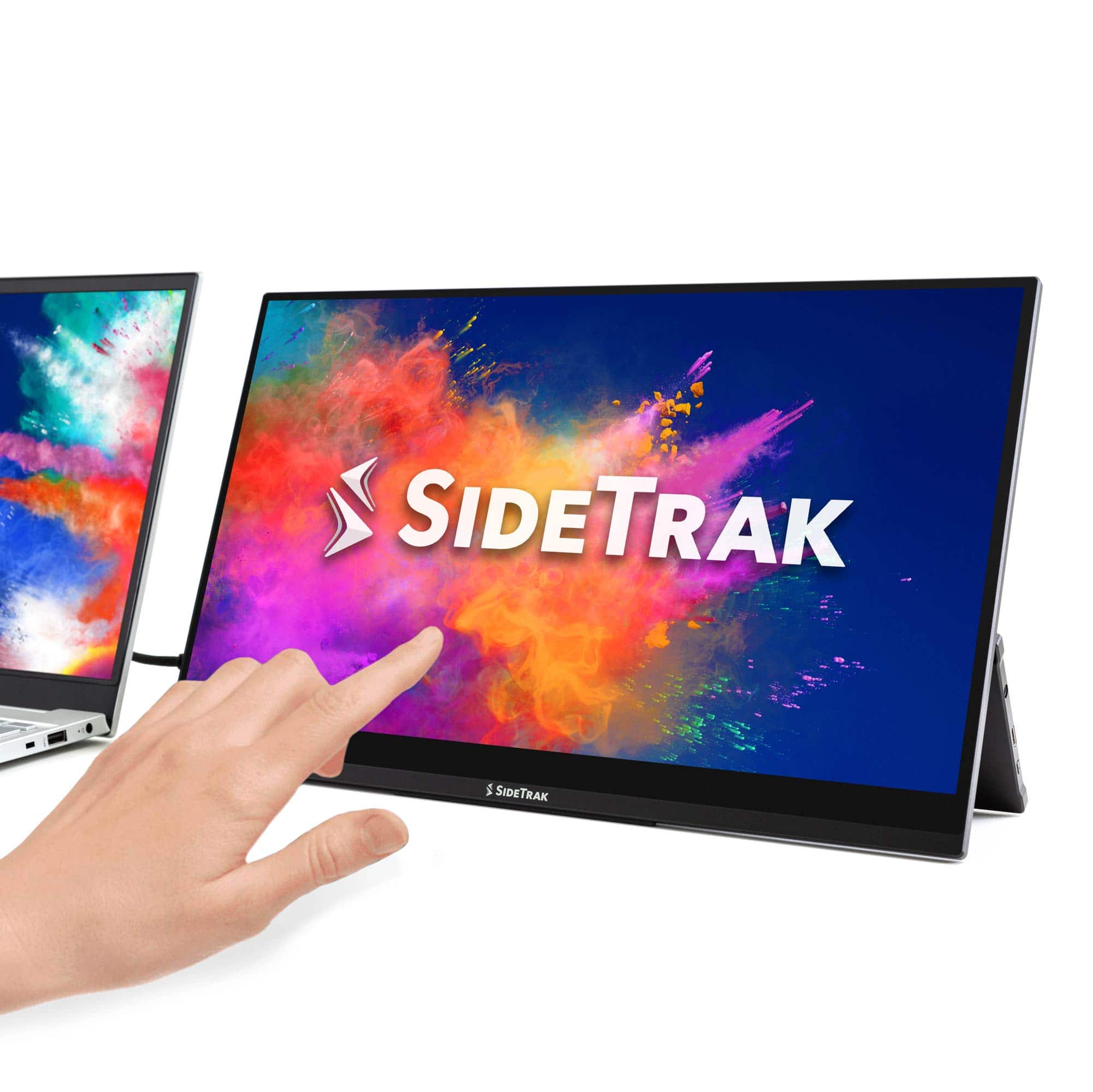
SideTrak - Solo Pro Touchscreen 15.8" Portable Monitor – - Black
SKU: J3G4TZ9C2TSee all Portable MonitorsProduct Description
A portable black IPS touchscreen monitor with Full HD resolution, HDR mode, and USB-C or HDMI connectivity.Your price for this item is $289.99 -
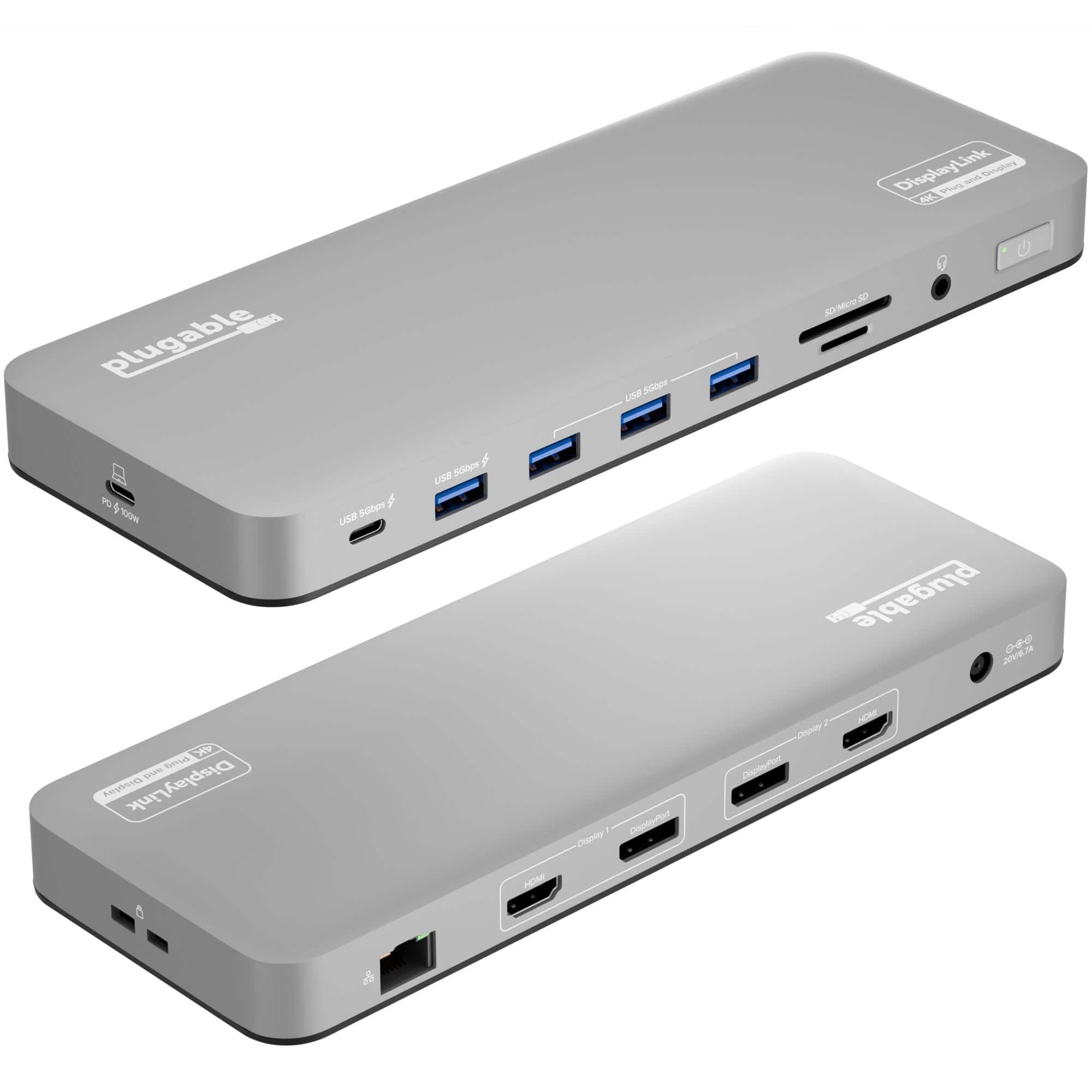
Plugable - USB C Laptop Docking Station-Dual Monitor 4K 60Hz Apple Mac M1/M2/M3-2x HDMI or 2x DisplayPort-100W Charging - Silver
SKU: J3YLP62K2LGreat...This Plugable Technologies - Plugable USB-C Dual 4K Display Dock 100W is really great....Works great...It works great for dual monitors for laptop. Quick shipping.
See all Docking StationsProduct Description
A sleek silver aluminum dock offering dual 4K monitor support, 100W charging, and 14 versatile ports.Your price for this item is $199.99 -
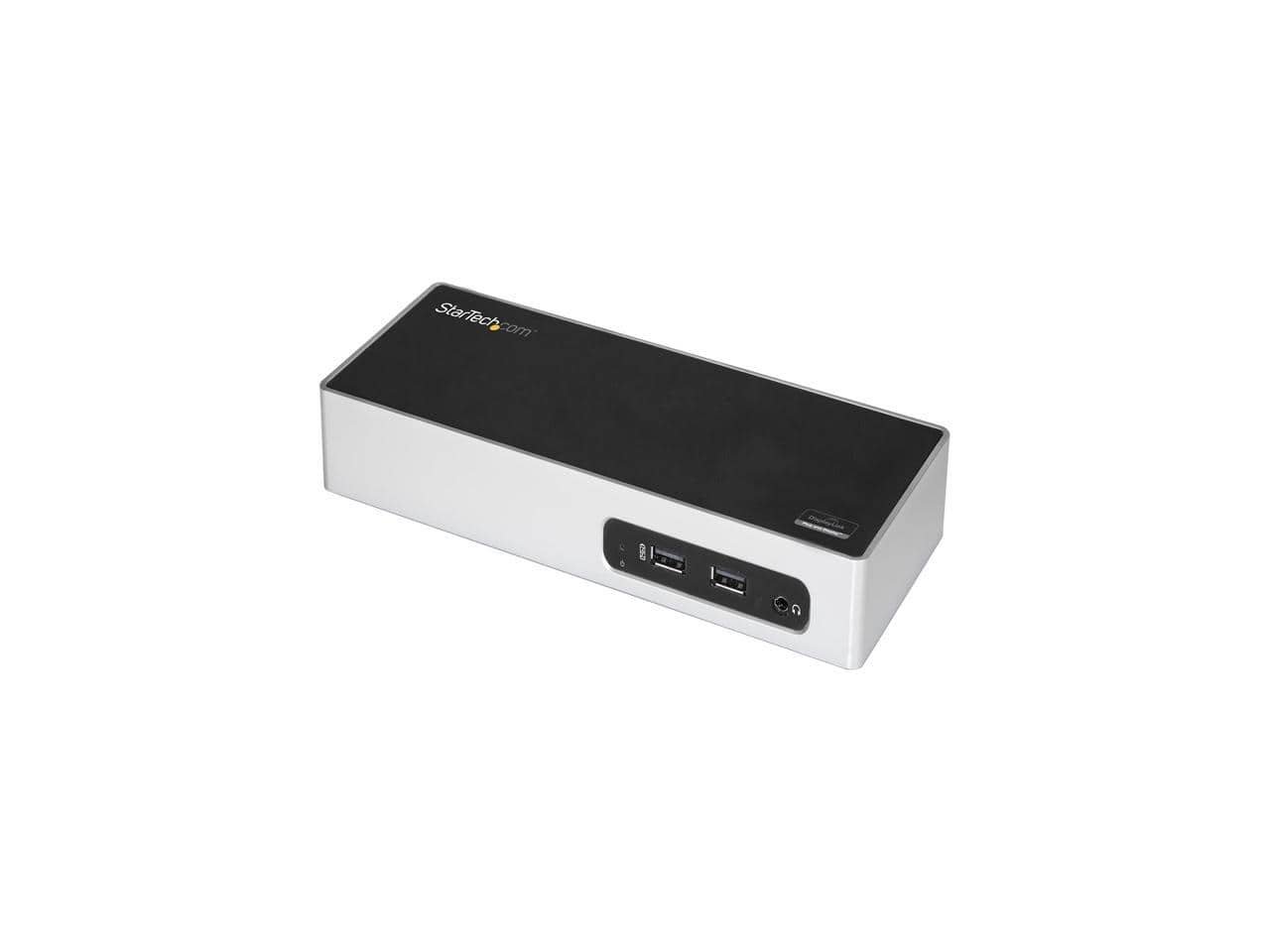
StarTech.com - DK30ADD USB 3.0 Dual Monitor Docking Station for Mac & Windows with HDMI, VGA/DVI & 6 USB 3.0 Ports
SKU: J7PHYX7KGQA Great Dual Monitor Docking Station...The USB 3.0 Dual Monitor Docking Station works great and it has the following ports: DVI-I HDMI 2
See all Docking StationsProduct Description
A versatile docking station supporting dual monitors with HDMI, VGA/DVI, and six USB 3.0 ports.Your price for this item is $202.94

Best Sellers






Related Pages







FAQ
When choosing a Mac monitor, consider features like high resolution for crisp visuals, wide color gamut for accurate color reproduction, multiple connectivity options such as Thunderbolt or USB-C, and an adjustable stand for ergonomic comfort. Compatibility with macOS and support for features like True Tone or Night Shift can also enhance your experience.
Most modern monitors are compatible with Mac computers, especially those with HDMI, DisplayPort, or USB-C/Thunderbolt ports. However, it's important to check the monitor's specifications and ensure it supports your Mac's output connections for seamless integration.
Yes, many Mac models support multiple external monitors. The number of supported displays depends on your Mac’s model and graphics capabilities. Using compatible cables and adapters, you can extend your workspace for increased productivity.
Mac monitors often use USB-C, Thunderbolt, HDMI, or DisplayPort connections. USB-C and Thunderbolt are popular for their fast data transfer and charging capabilities, while HDMI and DisplayPort are common for high-definition video output.
Some Mac monitors include built-in speakers, microphones, or webcams for added convenience, making them ideal for video calls and multimedia use. Check the product specifications to see which features are included with a specific monitor.