Thanksgiving 24-Hour Flash SaleOne day. Online only. Ends today.Shop now

Main Content
Skip to contentGo to Product Search

Thanksgiving 24-Hour Flash SaleOne day. Online only. Ends today.Shop now

Main Content

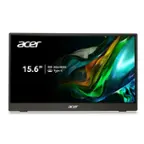
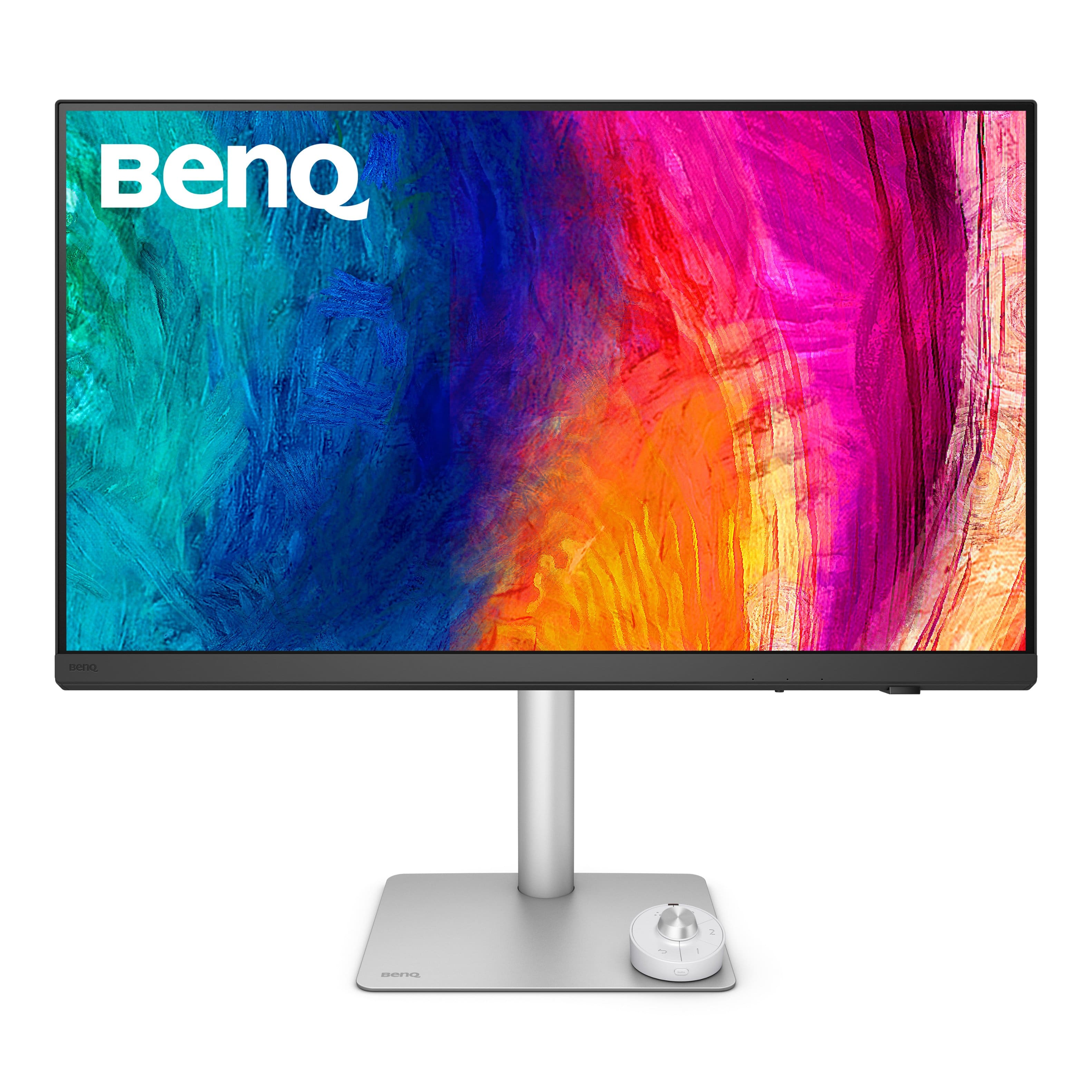
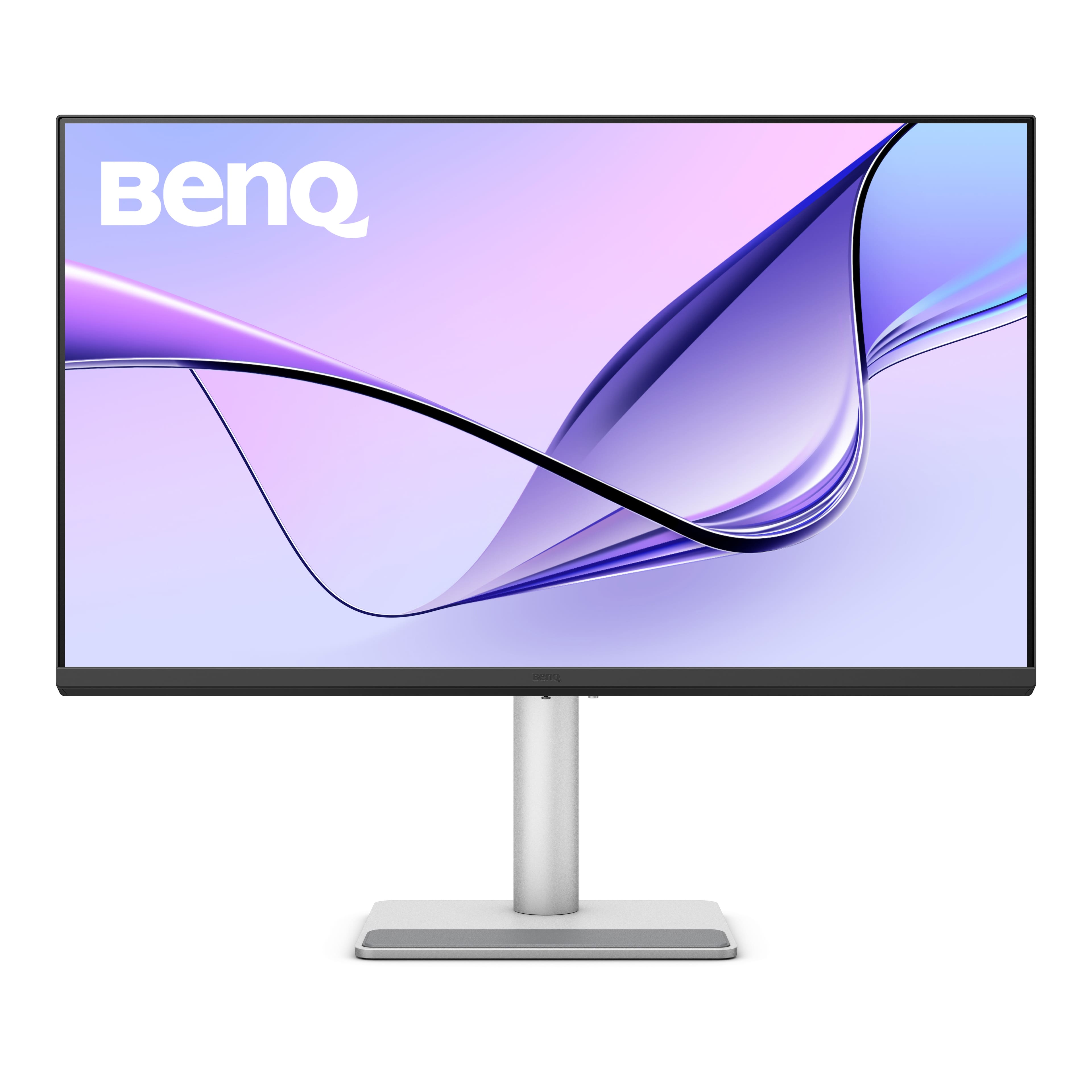
Mac Portable Monitor

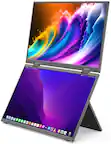
Find a portable monitor for your Mac to add screen space for work, study, or travel. Browse portable display options and compare screen size, resolution, connectivity, and power requirements. Before choosing a second screen, check compatibility with your specific Mac model and whether any adapters are needed.
Results

Mac Portable Monitor

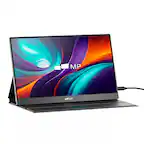
A Mac portable monitor adds screen space without turning a flexible workspace into a permanent desk setup. A second display can hold a spreadsheet beside an email window, keep reference images visible while a design takes shape, or separate a video meeting from the notes needed to follow along. Unlike a conventional desktop display, a portable monitor is designed to travel between workspaces, with a slim screen, a compact stand, and connections that help limit cable clutter. Compatibility depends on more than a connector that fits. For a single-cable connection, the monitor needs a USB-C video input that supports DisplayPort Alt Mode, the computer must support video output through that connection, and the cable must carry video as well as power. A USB-C cable intended only for charging will not provide the same functionality. When the computer supplies enough power, one compatible cable can carry the picture and power the screen; other arrangements require a separate power connection. HDMI-equipped portable displays offer another connection option, although HDMI does not power the monitor, and the setup may require an adapter or a cable with a smaller HDMI connector at the display end. These details matter when the goal is opening a laptop at a shared desk and getting to work with minimal setup. Power pass-through is a separate feature: supported monitors can accept power from a compatible charger and deliver some of it to the computer while displaying video. The usable charging output, charger requirements, and cable ratings all affect that arrangement. A screen powered directly by the laptop also draws from its battery, making power access relevant for longer sessions away from a desk. External-display support varies by computer and processor, so a multi-screen arrangement must stay within the computer’s supported display count and resolution limits. A hub alone does not increase those native limits.

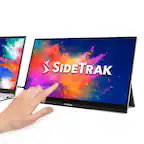
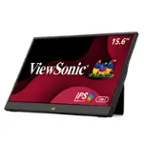
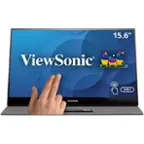
Screen size and resolution shape how comfortable a portable display feels over a full work session. Screens around 14 to 16 inches can provide a familiar companion to a laptop, while smaller displays emphasize packing convenience and larger ones offer more room for documents, timelines, and side-by-side windows. The diagonal measurement tells only part of the story: a taller aspect ratio leaves additional vertical space for code, research papers, and long worksheets, while a wider layout can suit video playback and horizontal editing timelines. Full HD resolution can serve everyday office tasks, but higher pixel density can make small text and detailed graphics appear more refined. On a compact high-resolution screen, display scaling helps keep menus and text comfortably sized; more pixels do not automatically mean every interface element should be smaller. Matching the apparent text size across the laptop and external screen can make moving between them feel less distracting. Panel characteristics deserve similar attention. IPS panels are known for wide viewing angles, useful when a colleague leans in to review a presentation. OLED panels can produce deep blacks and strong contrast, though care recommendations for prolonged static content deserve attention when spreadsheets or toolbars stay onscreen for hours. For photography and design, specified color-gamut coverage and color accuracy are more informative than a general claim of vivid color. Consistent brightness, suitable calibration, and the lighting around the workspace also influence color judgments. Matte finishes can reduce distracting reflections, while glossy surfaces may look crisp but reflect nearby windows and lamps more clearly. Higher brightness can improve visibility in a brightly lit room, often with greater power demand. Refresh rate affects motion smoothness, but the advertised maximum depends on the computer, cable, connection, and selected resolution. Touch functionality likewise requires explicit operating-system support and may need additional software; a touch-enabled screen should not be assumed to provide full touch control on a Mac.

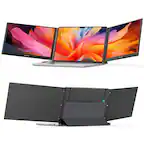
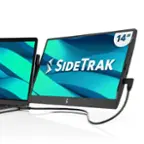
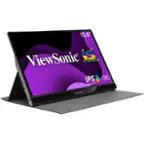
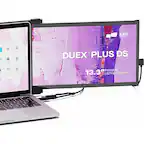
Portability is as much about construction and support as it is about screen size. An aluminum enclosure can lend a rigid feel, while a well-designed plastic housing can help reduce carrying weight; overall durability also depends on hinge quality, edge protection, and how securely the display packs away. The weight of the complete setup includes its cover, stand, cables, charger, and any adapters, not just the screen itself. A padded sleeve or a dedicated compartment helps protect the panel from scratches and pressure inside a crowded bag, especially when power adapters and other hard accessories travel alongside it. A folding cover that doubles as a stand can simplify packing, although its available viewing angles and required desk depth may differ from those of an integrated kickstand or separate adjustable support. A stable base is particularly useful on a narrow library table, where the display needs to stay upright without pushing the keyboard too close to the edge. Height and angle adjustment can help bring the picture into a more comfortable position, and supported portrait orientation creates a useful layout for reading documents or reviewing code. Screens that attach directly to a laptop introduce different fit considerations, including laptop dimensions, mounting requirements, hinge load, and clearance when opening or closing the computer. Freestanding designs keep their weight off the laptop lid and allow more freedom in screen placement. For a workspace that sometimes stays put, Monitors For MacBooks offers a related display category to consider alongside travel-focused screens. A portable display can be a thoughtful gift for a student balancing research and writing, a professional moving between offices, or a creative worker who values a separate reference screen, provided the connections and display requirements match the recipient’s computer. Routine care is straightforward: disconnect power before cleaning, use a soft microfiber cloth, follow the manufacturer’s cleaning directions, and avoid pressing on the panel. Packing cables without sharp bends and protecting exposed connectors can also help keep a frequently transported setup dependable.

FAQs