Best Monitor For Mac
-
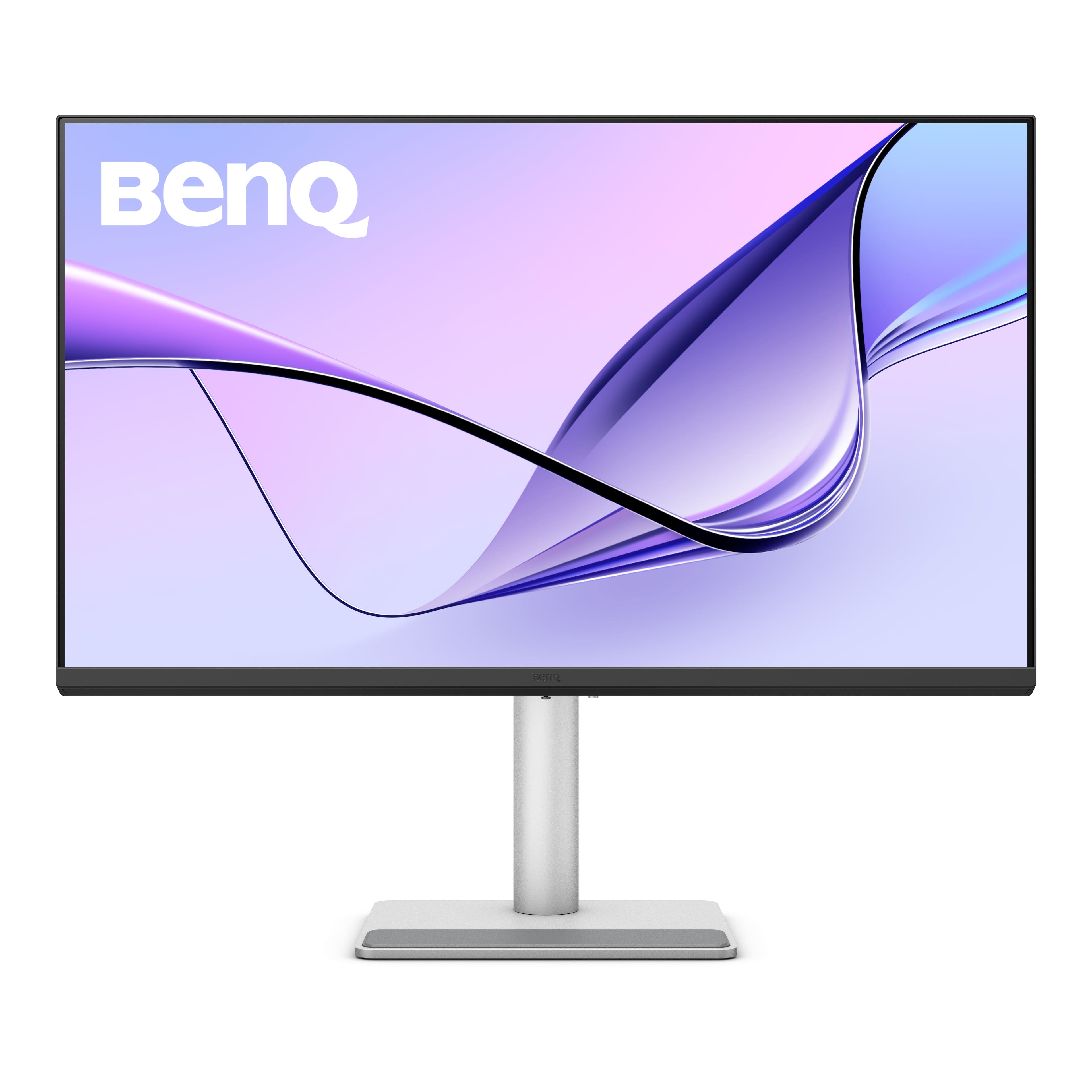
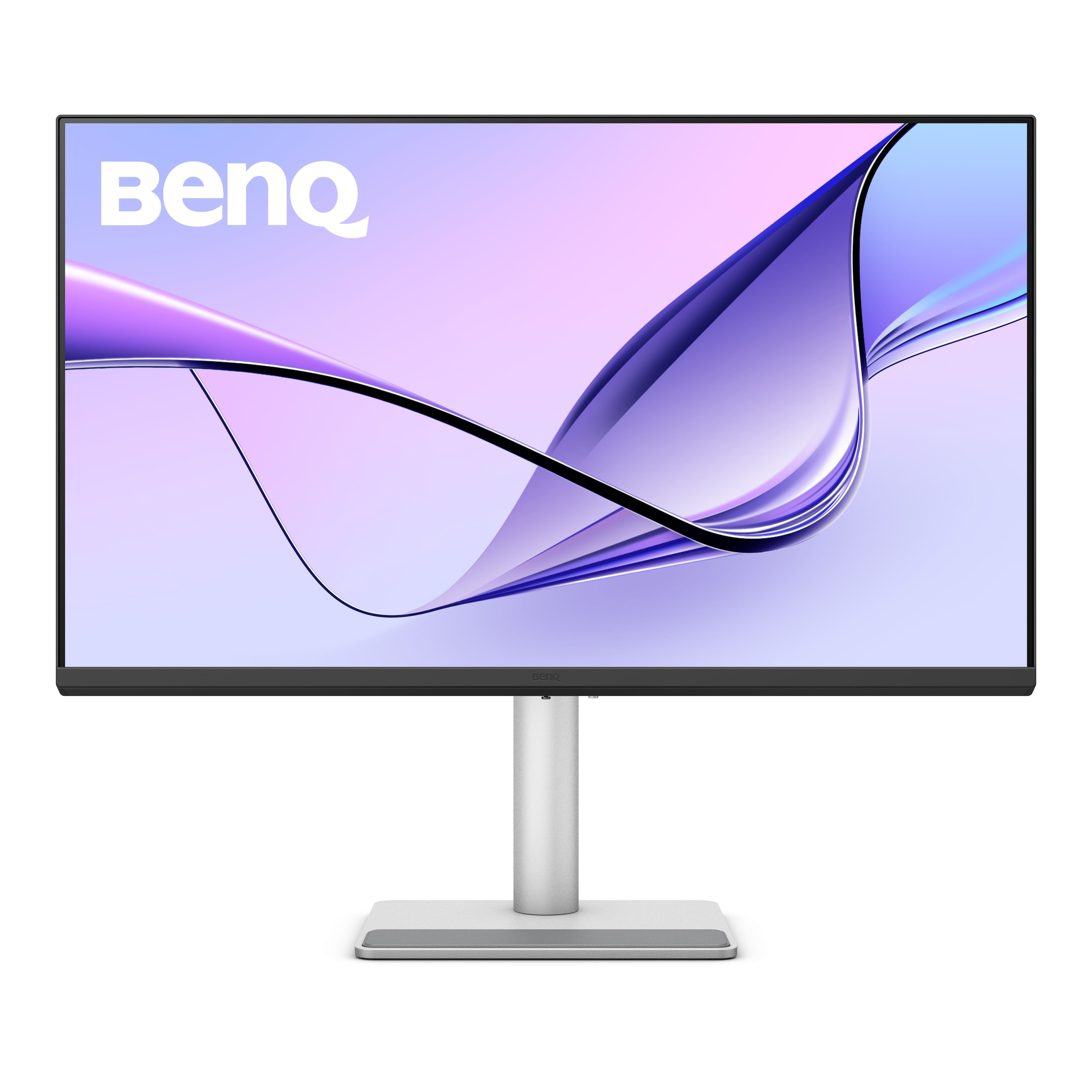
BenQ - MA320U 31.5" IPS LED 4K UHD Nano Matte Monitor for MacBook Pro and MacBook Air (HDMI/USB-C 90W) - Gray
SKU: J39QZT58XQSee all All MonitorsProduct Description
A gray IPS LED monitor featuring 4K UHD resolution, dual USB-C ports, HDR, and integrated speakers.Your price for this item is $649.99Save $80The previous price was $729.99 -
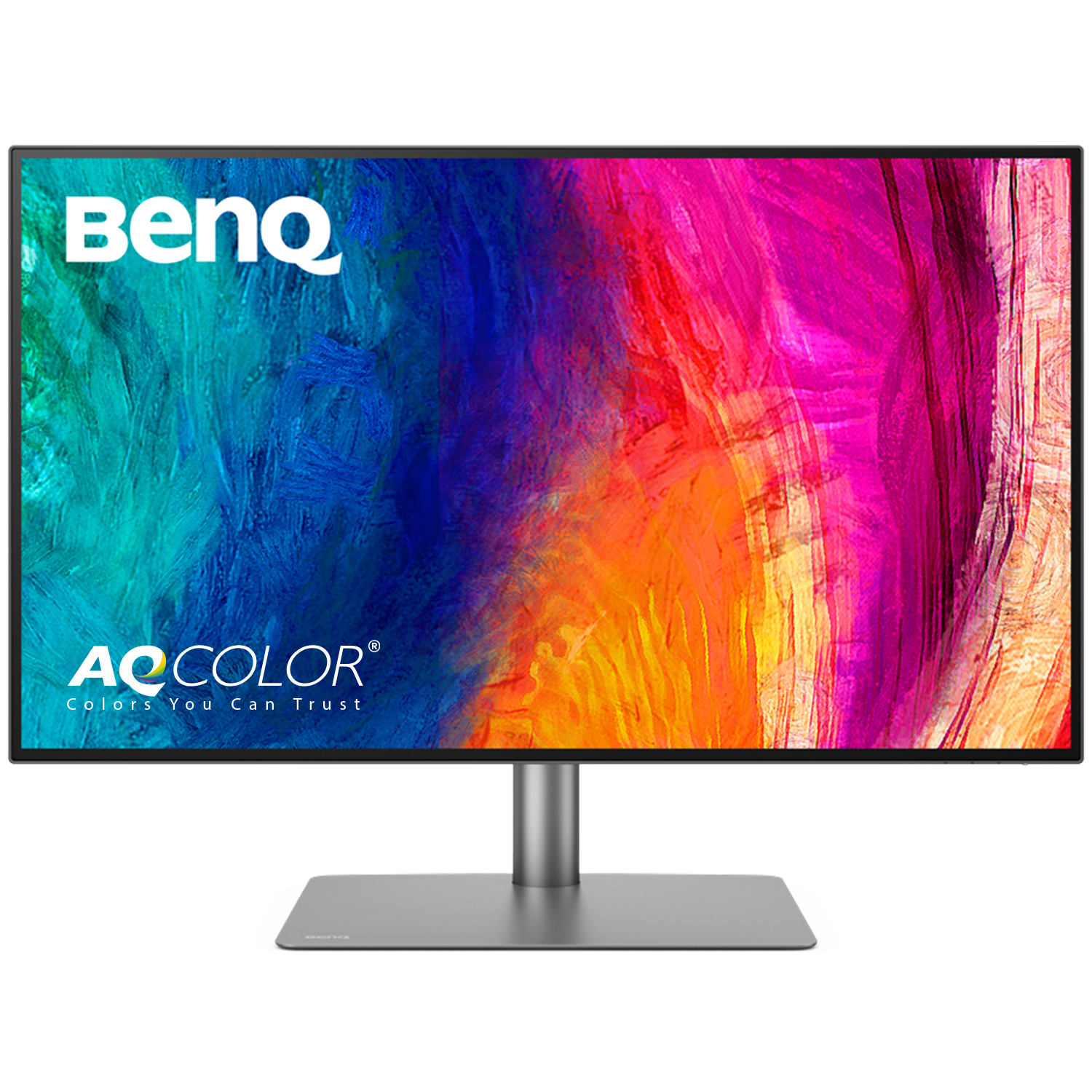
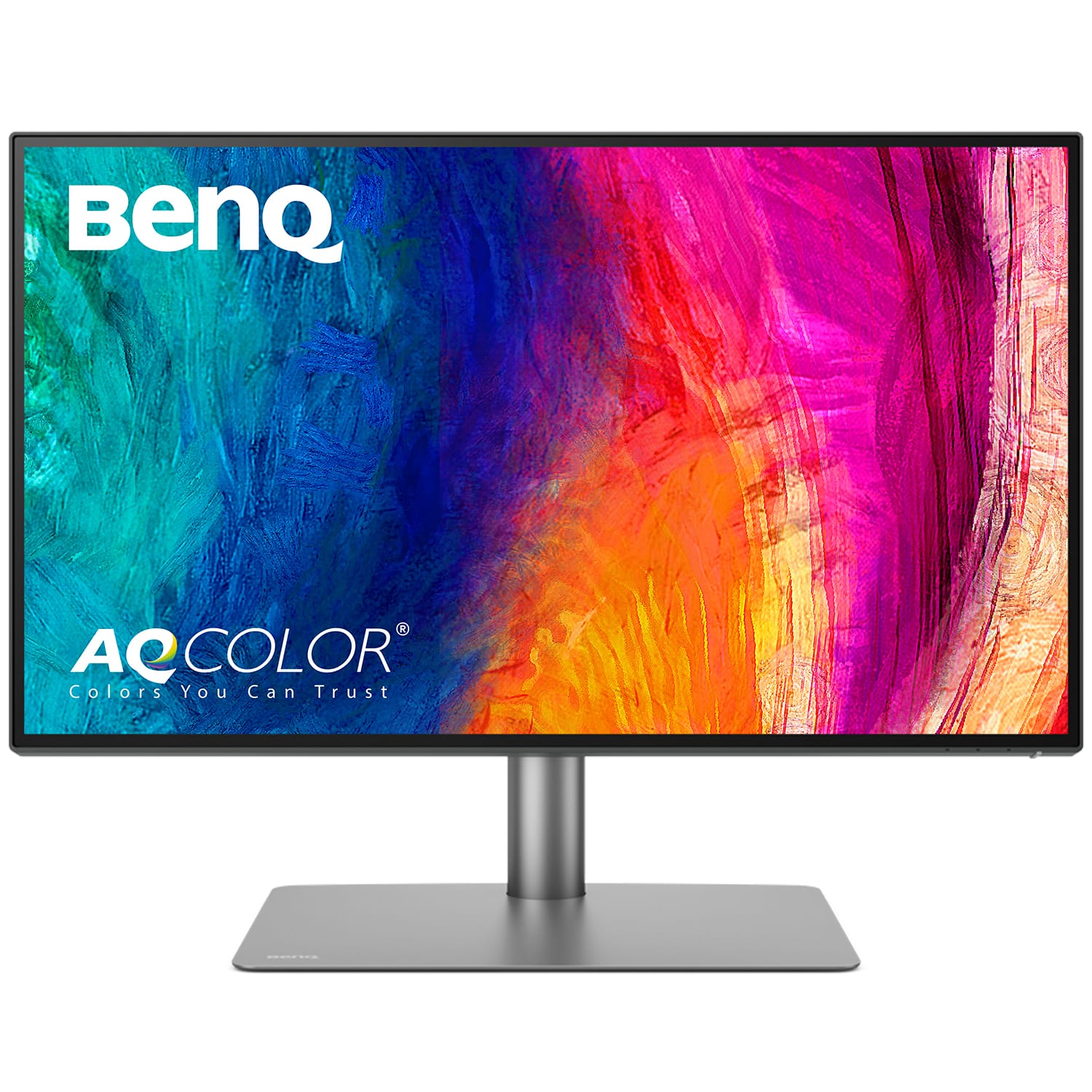
BenQ - AQCOLOR PD3225U 31.5" IPS Black LED 4K P3 Mac Compatible Designer Monitor (HDMI/DP/Thunderbolt 3 85W) - Metallic Gray
SKU: J39QZT5X4Xbest buy...ordering easy - the price was right - delivery was great - monitor excellent quality and works great...I love my self gift
See all All MonitorsProduct Description
A metallic gray 31.5" 4K IPS monitor with 98% P3 color, HDR, and Thunderbolt 3 connectivity.Your price for this item is $849.99Save $150The previous price was $999.99 -
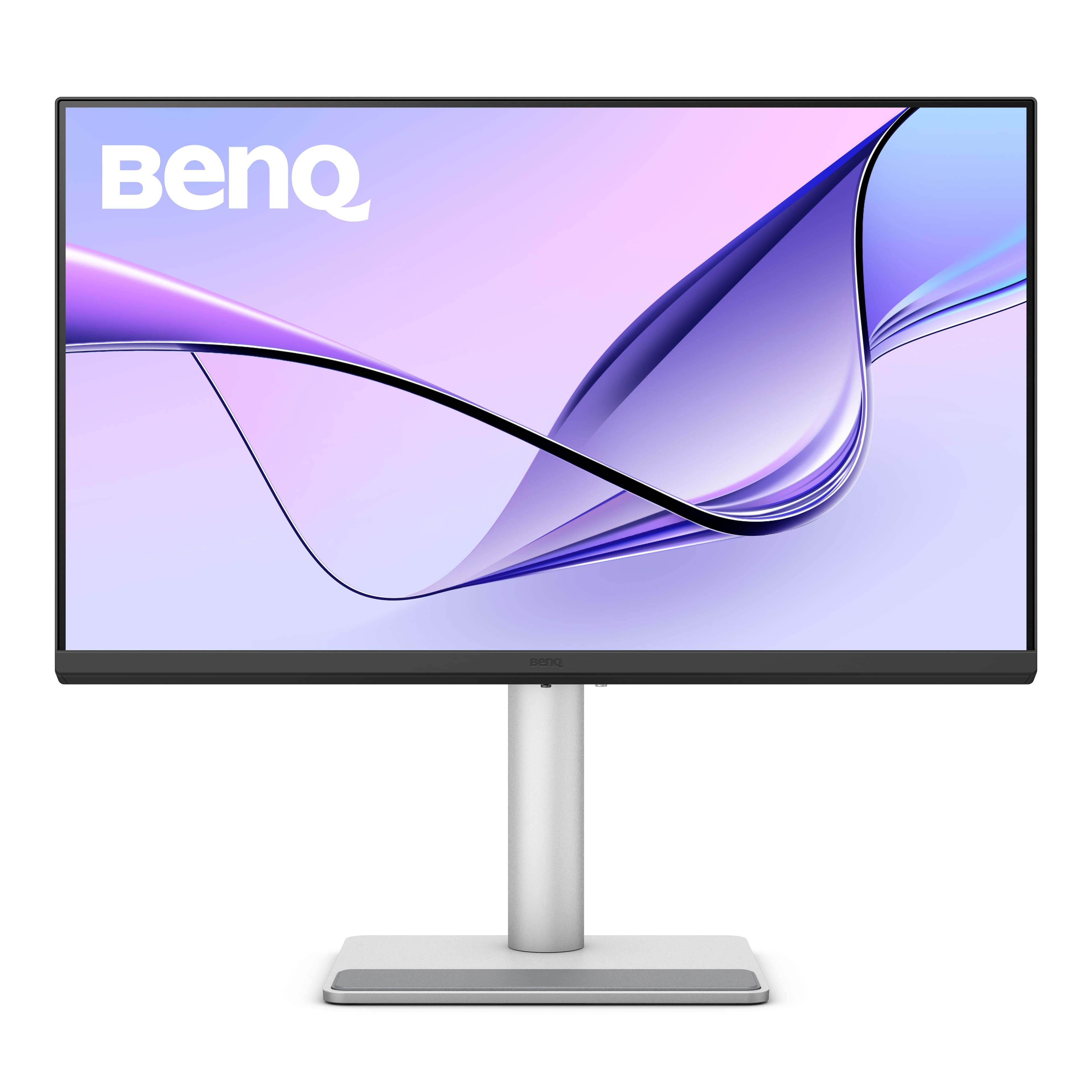
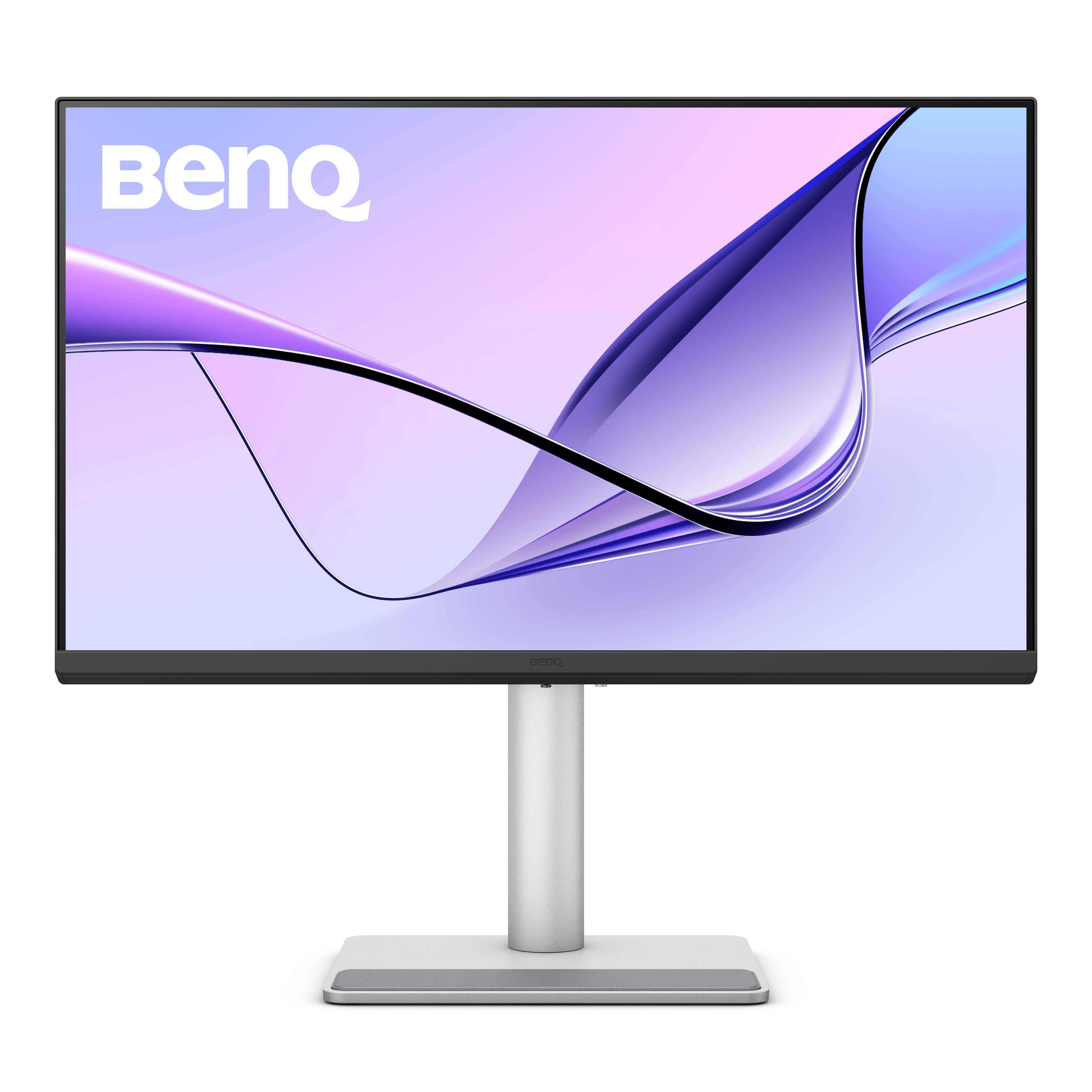
BenQ - MA270U 27" IPS LED 4K UHD Nano Matte Monitor for MacBook Pro and MacBook Air (HDMI/USB-C 90W) - Gray
SKU: J39QZT583GLove this monitor! Works so well with my MacBook Air laptop....I wish Best Buy had it at the store rather than only online....It’s a great option compared to the Apple version....I love it
See all All MonitorsProduct Description
A gray IPS LED monitor with 4K UHD resolution, dual USB-C, HDR, and integrated speakers.Your price for this item is $549.99 -
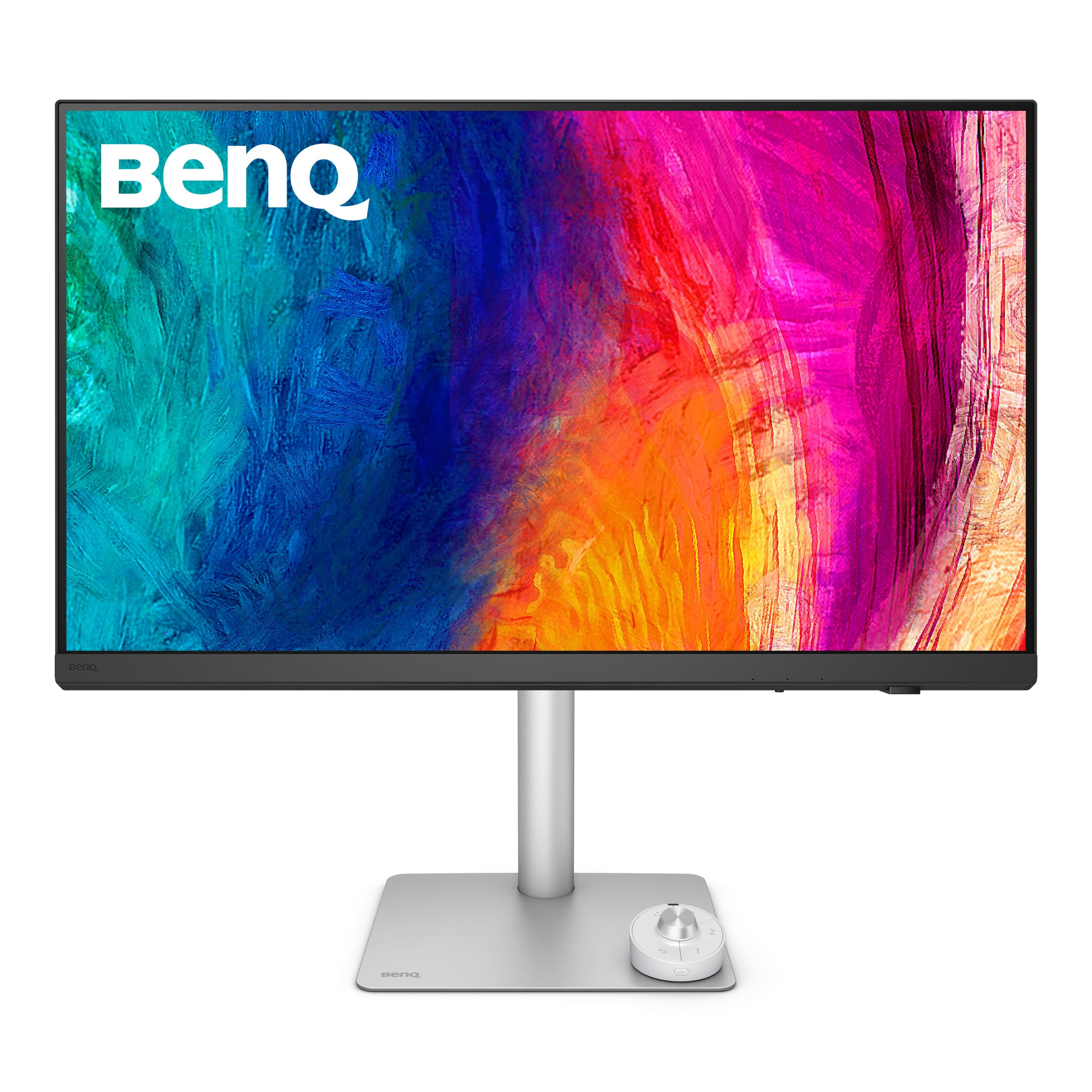
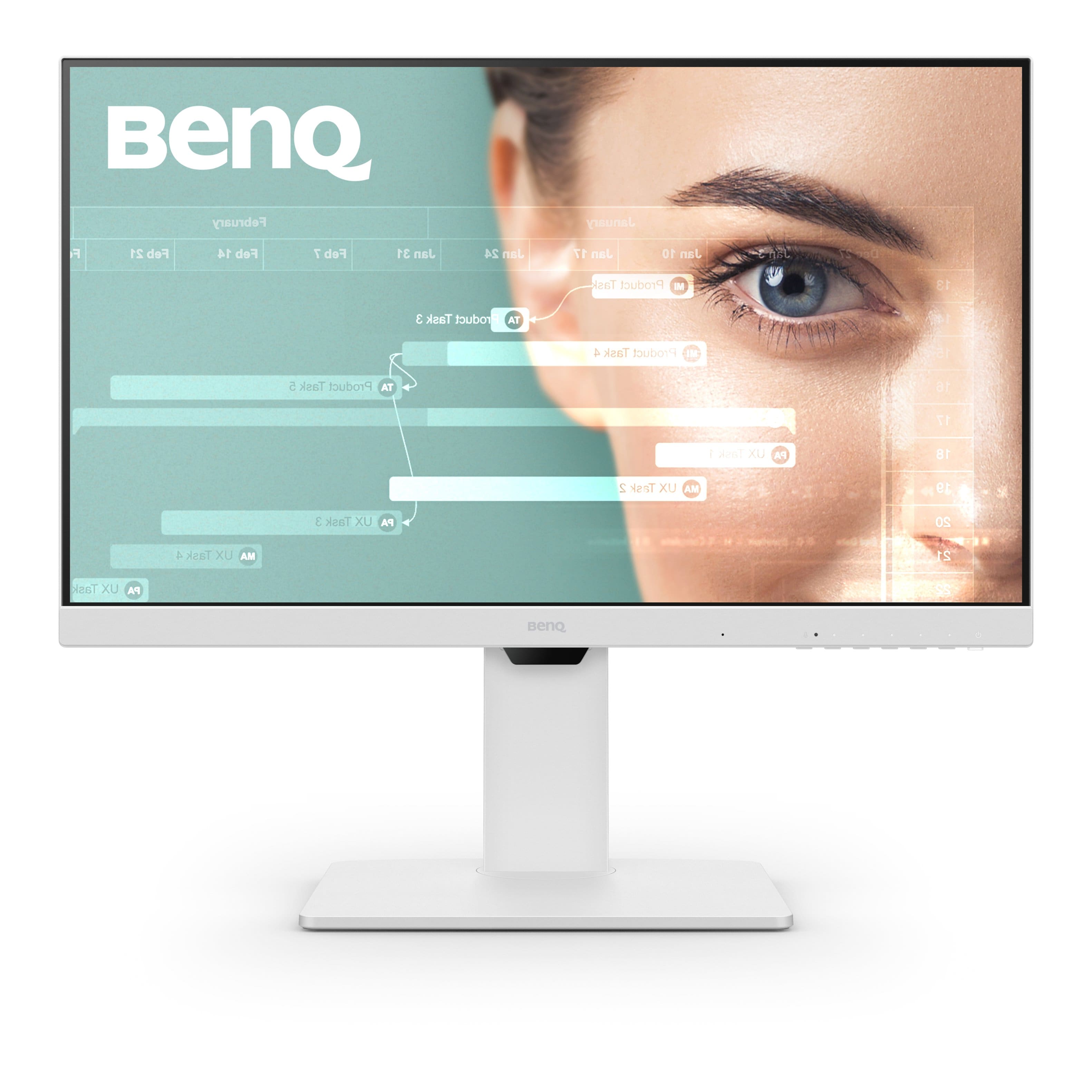
BenQ - PD3226G 31.5" IPS LED 4K 144Hz Mac Compatibile Monitor (HDMI/DP/Thunderbolt 4 90W) - White
SKU: J39QZT58XJgreat monitor...I love it and I highly recommend it. I use it for my photo editing mostly.
See all All MonitorsProduct Description
A white IPS LED monitor offering 4K UHD resolution, 144Hz refresh rate, and Thunderbolt 4 connectivity.Your price for this item is $899.99Save $100The previous price was $999.99 -
BenQ - AQCOLOR PD2725U Designer 27" IPS LED 4K HDR 60Hz Mac Compatible Monitor (HDMI/DP/Thunderbolt 3 65W) - Metallic Gray
SKU: J39QZT44T7love this monitor its so color accurate and makes my screen really look like a larger version of my macbook...Great Monitor for mac...Great monitor for mac, looks flawless. The graphics speed colors are...
See all All MonitorsProduct Description
A metallic gray 27" IPS LED monitor with 4K HDR, Thunderbolt 3, and Mac compatibility.Your price for this item is $599.99 -
BenQ - MA320UP 31.5" IPS LED 4K Nano Gloss Monitor for Macbook (HDMI/USB-C 90W) - Gray
SKU: J39QZT5YTTSee all All MonitorsProduct Description
A gray IPS monitor featuring 4K UHD resolution, HDR, adjustable stand, integrated speakers, and Energy Star certification.Your price for this item is $649.99Save $50The previous price was $699.99 -
ViewSonic - VP2788-5K 27 IPS 5K UHD Mac- Ready Monitor (Thunderbolt4,USB HUB, HDMI, DP) - Black
SKU: J37H88V533See all All MonitorsProduct Description
A sleek black 27" IPS monitor with 5K UHD resolution, Thunderbolt 4 connectivity, and ergonomic stand.Your price for this item is $929.99 -
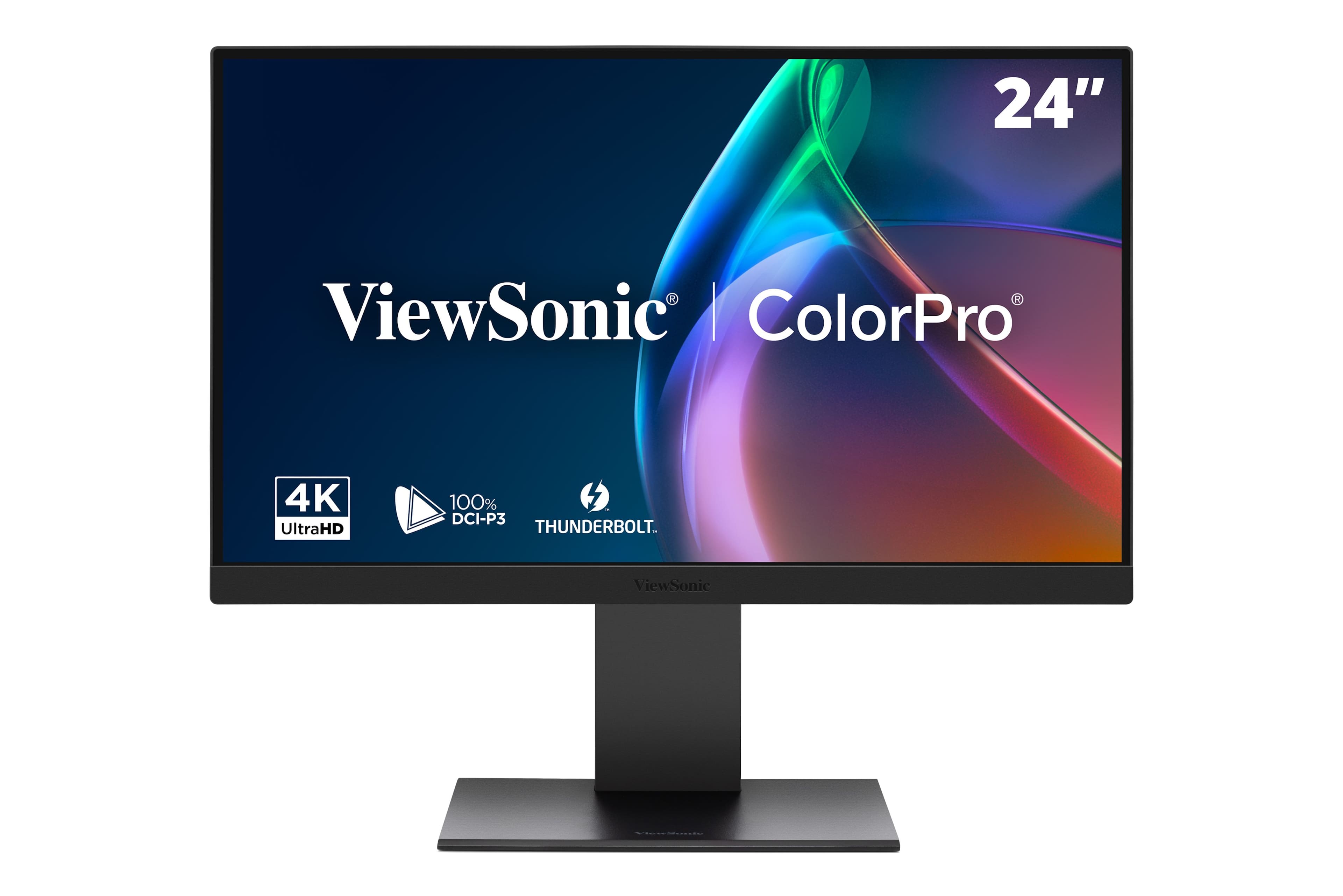
ViewSonic - VP2488-4K 24" 4K Mac-Ready Monitor with 100%sRGB, 98% DCI-P3, Pantone Validated (Thunderbolt 4, USB, HDMI, DP) - Multi
SKU: J37H8G7JHHSee all All MonitorsProduct Description
A black 24-inch 4K LED monitor with 100% sRGB, Thunderbolt 4, and advanced ergonomic adjustments.Your price for this item is $549.99Save $35The previous price was $585.81 -
BenQ - MA270UP 27" IPS LED 4K Nano Gloss Monitor for Macbook (HDMI/USB-C 90W) - Gray
SKU: J39QZT5YTPSee all All MonitorsProduct Description
A black 27-inch 4K LED monitor with dual USB-C, 90W power delivery, and adjustable stand.Your price for this item is $549.99Save $30The previous price was $579.99 -
BenQ - GW2786TC 27" IPS LED 1080p FHD 100HZ USB-C Monitor (HDMI/DP/USB-C) - White
SKU: J39QZT53K8This is a great monitor. I was really surprised with how much wew like it. Will get more BenQ
See all All MonitorsProduct Description
A white IPS LED monitor with 1080p resolution, 100Hz refresh rate, USB-C, and integrated speakers.Your price for this item is $209.99Save $40The previous price was $249.99

Best Sellers







Related Pages
FAQ
When choosing a monitor for your Mac, consider features like high resolution (such as 4K or 5K), color accuracy, wide color gamut support, Thunderbolt or USB-C connectivity, and an adjustable stand for ergonomic comfort.
Most modern monitors are compatible with Mac computers, but it's important to check for the right connectivity options, such as Thunderbolt, USB-C, HDMI, or DisplayPort. Some monitors also offer Mac-specific features like automatic color calibration.
While you can connect a touchscreen monitor to your Mac, macOS does not natively support touchscreen functionality. The display will work for visuals, but touch features may be limited or unavailable.
Thunderbolt and USB-C monitors provide a single-cable solution for video, data transfer, and charging your MacBook. This setup reduces cable clutter and ensures fast, reliable connectivity.
Depending on your Mac model and the monitor's input ports, you may need an adapter or dongle (such as USB-C to HDMI or DisplayPort) to establish a connection. Always check the ports available on both your Mac and the monitor before purchasing.