Monitor For Mac
-
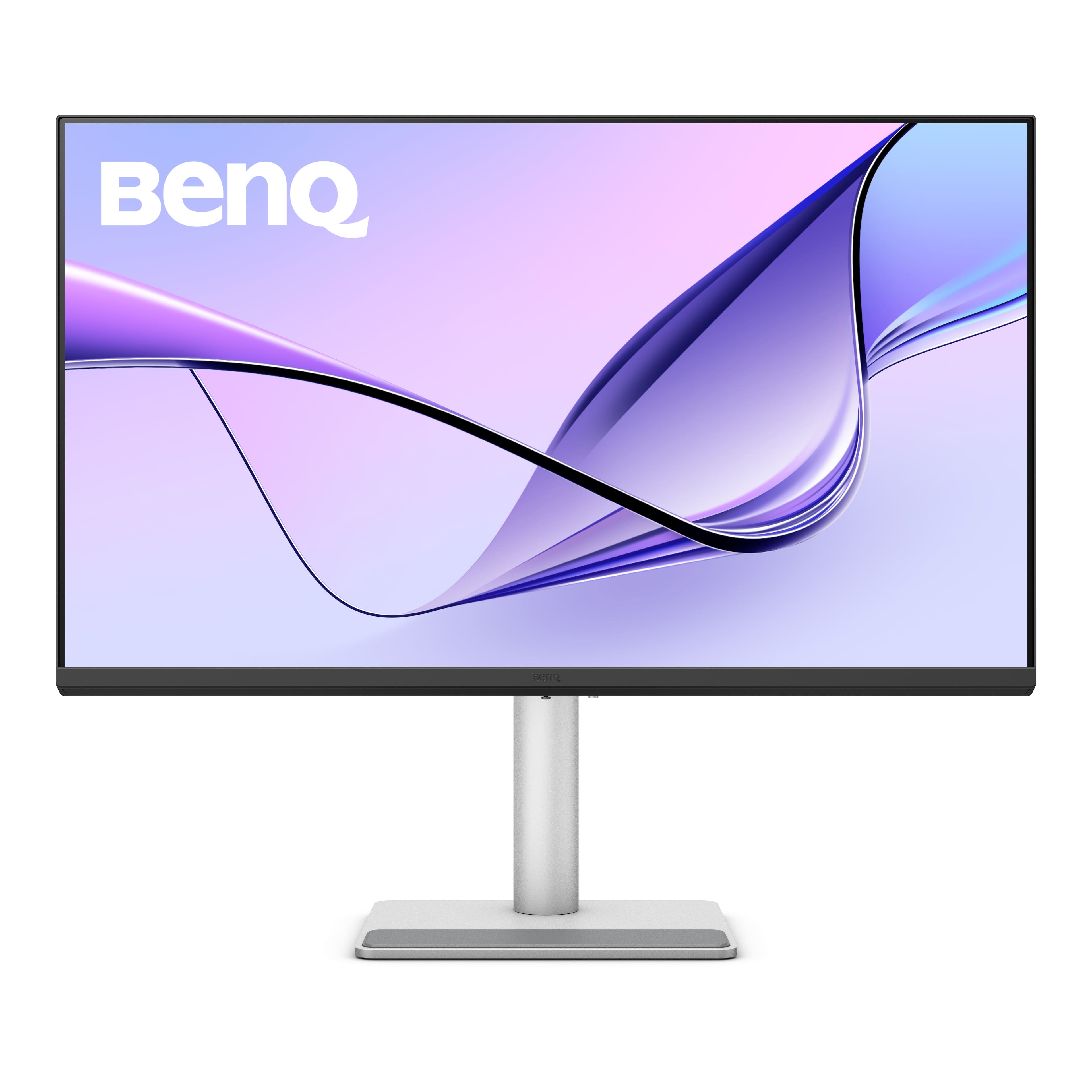
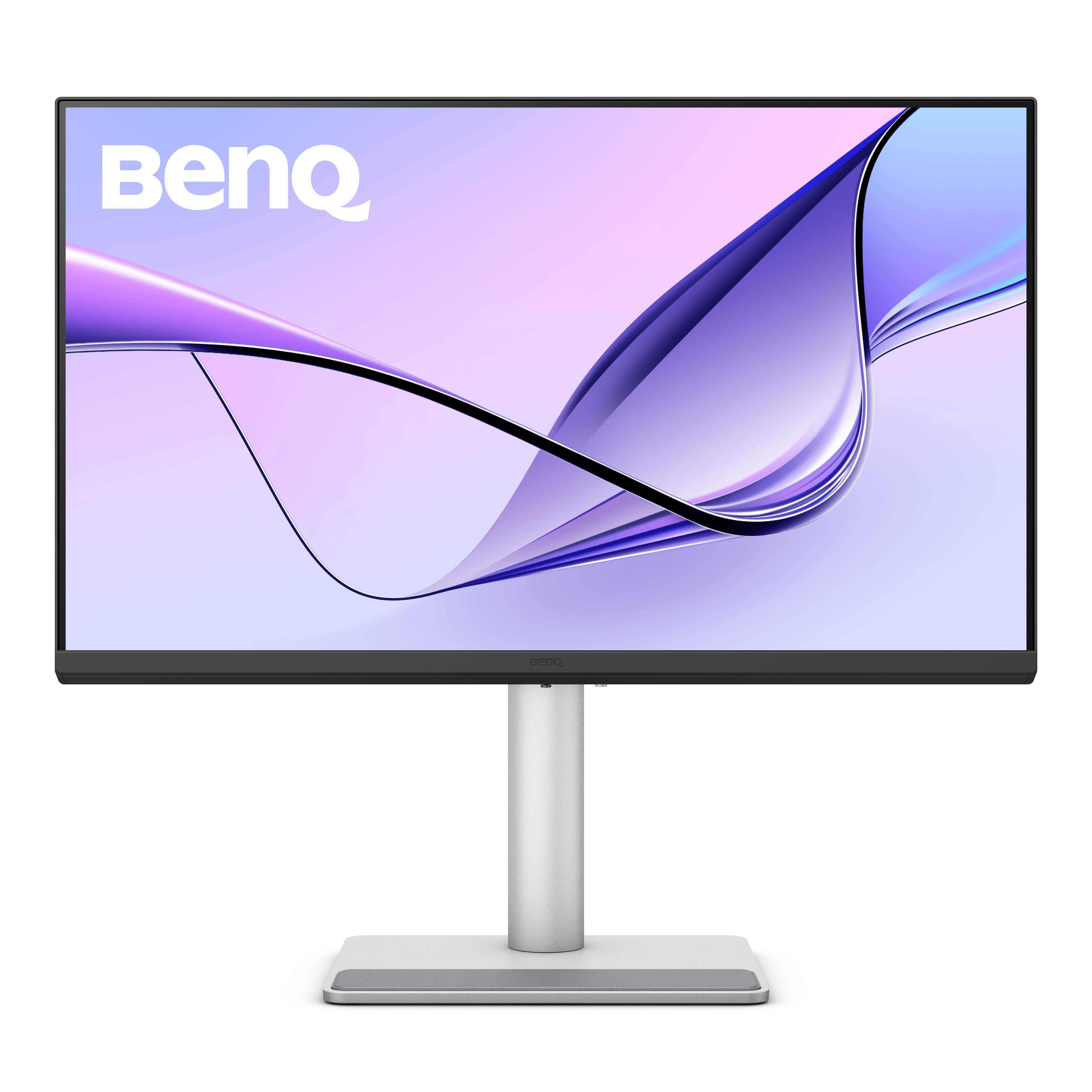
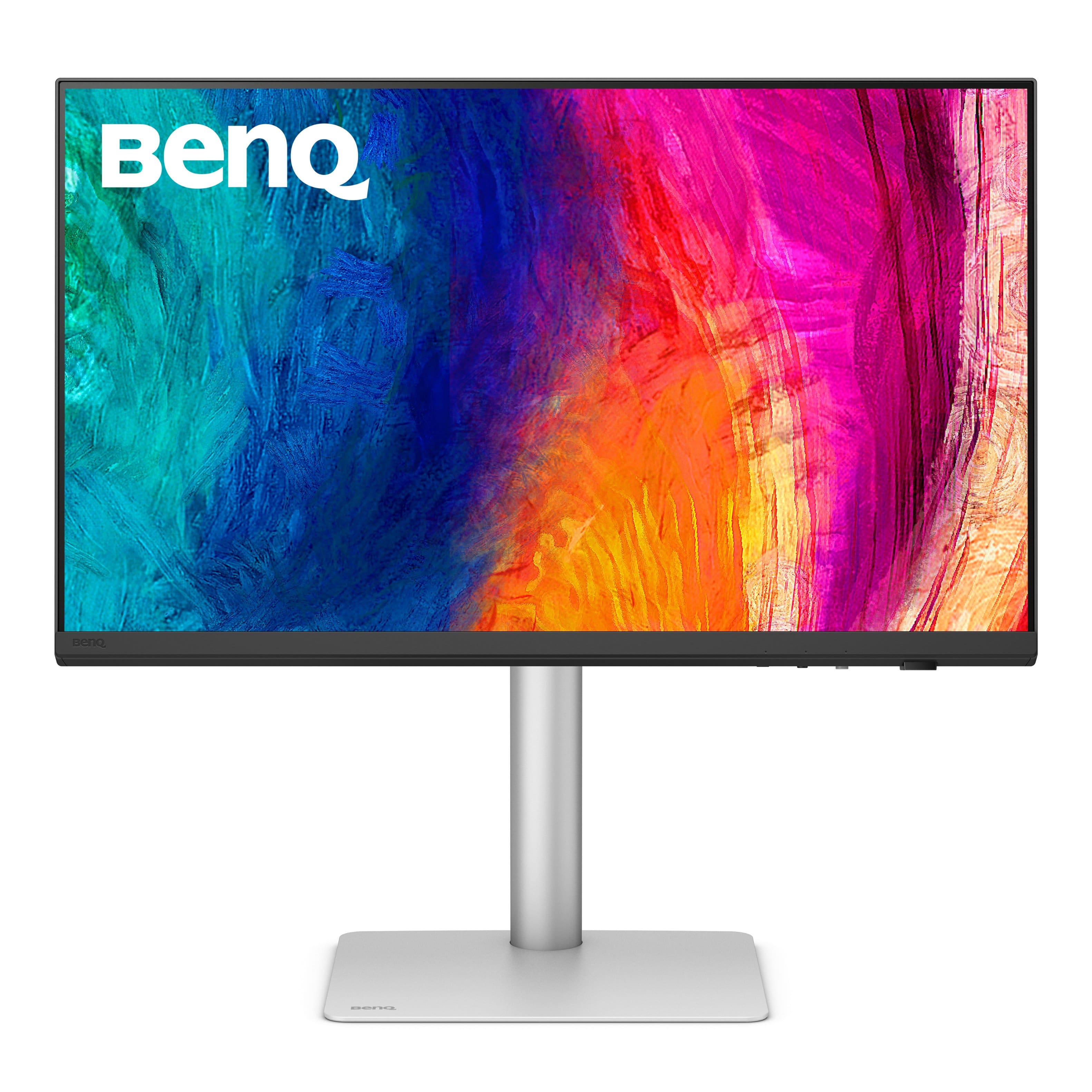
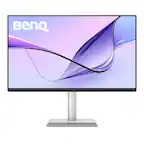
BenQ - MA320U 31.5" IPS LED 4K UHD Nano Matte Monitor for MacBook Pro and MacBook Air (HDMI/USB-C 90W) - Gray
SKU: J39QZT58XQVery cool monitor I could not be more impressed with a product like this price was right best purchase
See all All MonitorsProduct Description
A gray IPS LED monitor featuring 4K UHD resolution, dual USB-C ports, HDR, and integrated speakers.Your price for this item is $649.99Save $80The previous price was $729.99 -
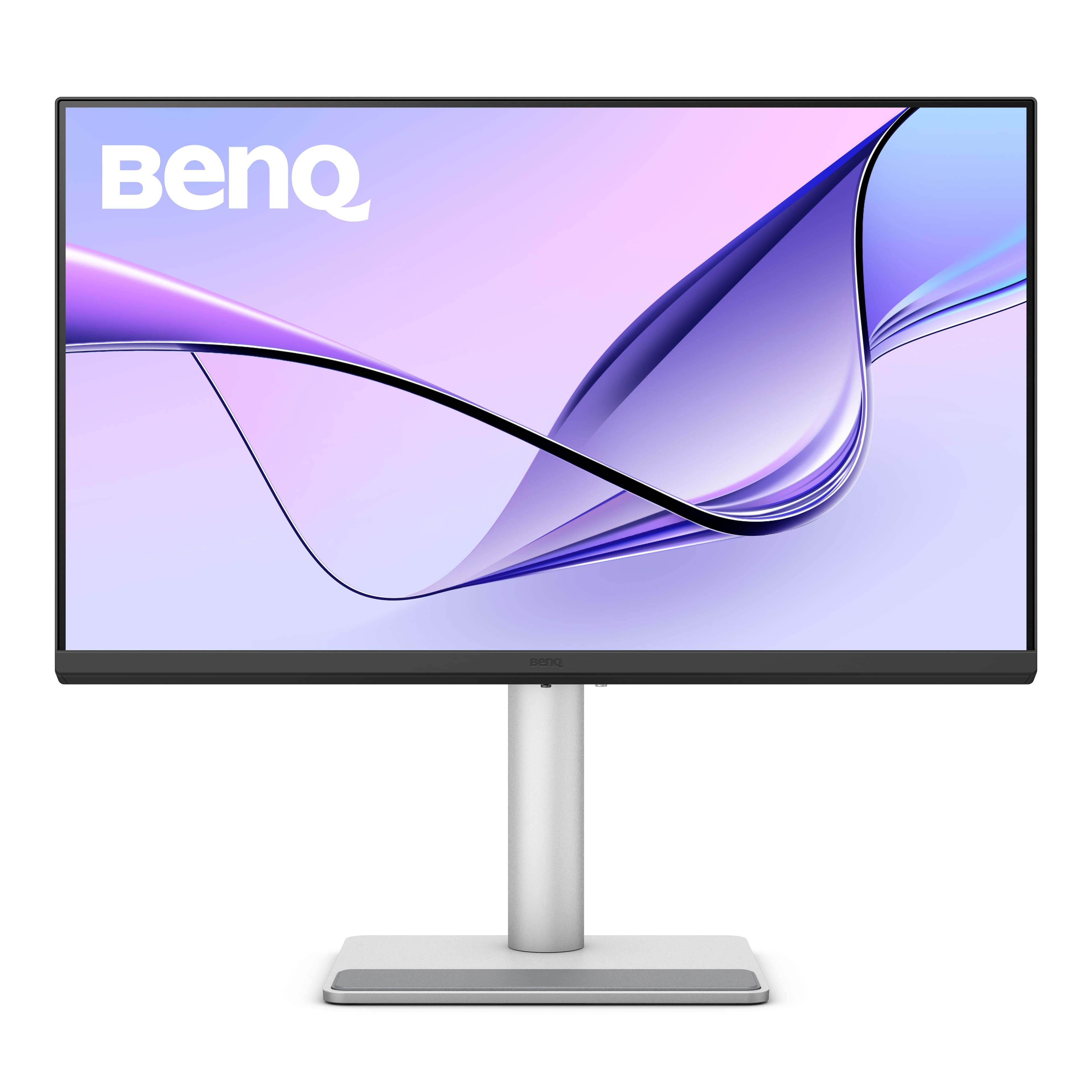
BenQ - MA270U 27" IPS LED 4K UHD Nano Matte Monitor for MacBook Pro and MacBook Air (HDMI/USB-C 90W) - Gray
SKU: J39QZT583GLove this monitor! Works so well with my MacBook Air laptop....I wish Best Buy had it at the store rather than only online....It’s a great option compared to the Apple version....I love it
See all All MonitorsProduct Description
A gray IPS LED monitor with 4K UHD resolution, dual USB-C, HDR, and integrated speakers.Your price for this item is $549.99 -
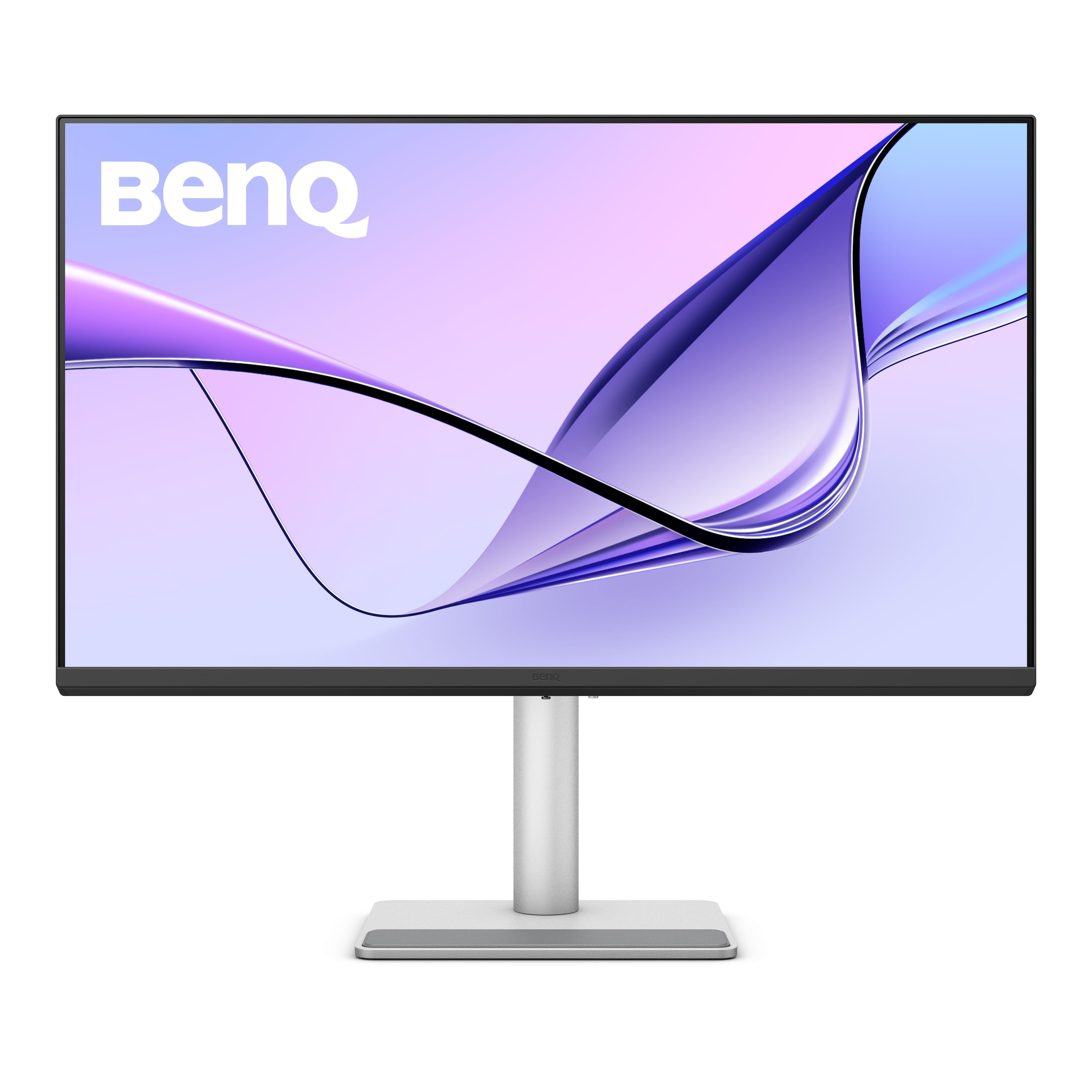
BenQ - MA320UP 31.5" IPS LED 4K Nano Gloss Monitor for Macbook (HDMI/USB-C 90W) - Gray
SKU: J39QZT5YTTSee all All MonitorsProduct Description
A gray IPS monitor featuring 4K UHD resolution, HDR, adjustable stand, integrated speakers, and Energy Star certification.Your price for this item is $649.99Save $50The previous price was $699.99 -
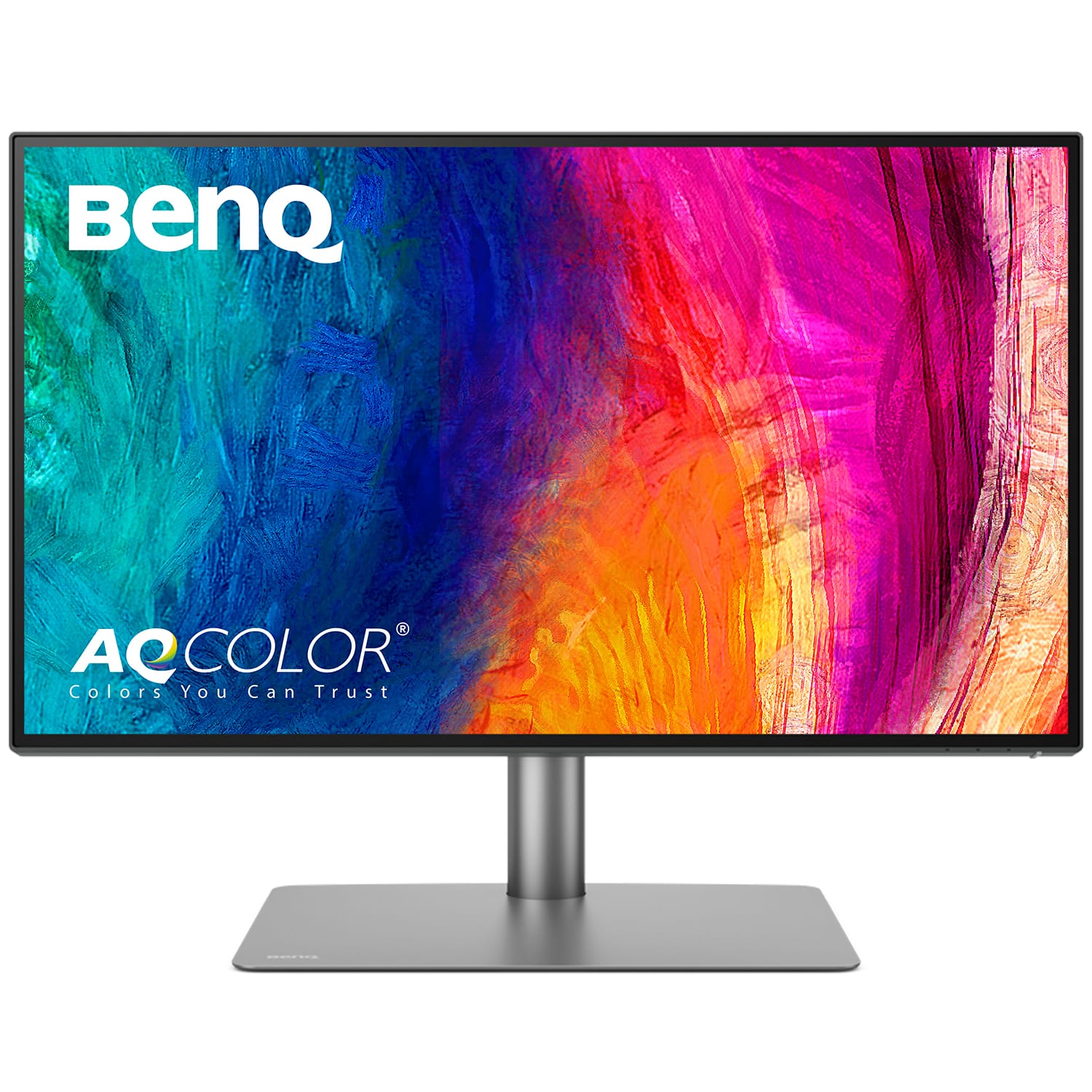
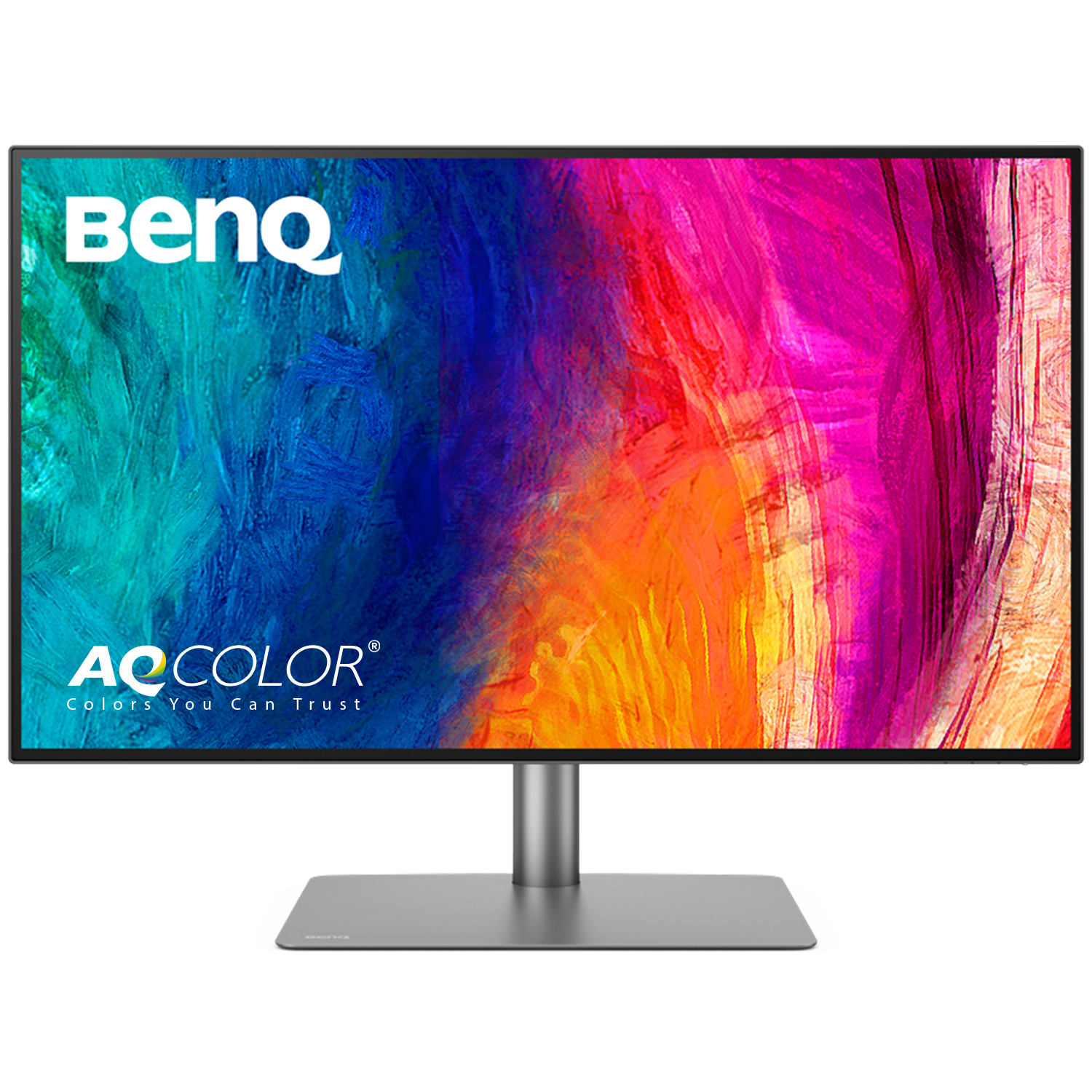
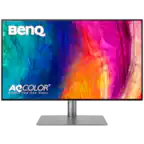
BenQ - AQCOLOR PD2725U Designer 27" IPS LED 4K HDR 60Hz Mac Compatible Monitor (HDMI/DP/Thunderbolt 3 65W) - Metallic Gray
SKU: J39QZT44T7See all All MonitorsProduct Description
A metallic gray 27" IPS LED monitor with 4K HDR, Thunderbolt 3, and Mac compatibility.Your price for this item is $599.99 -
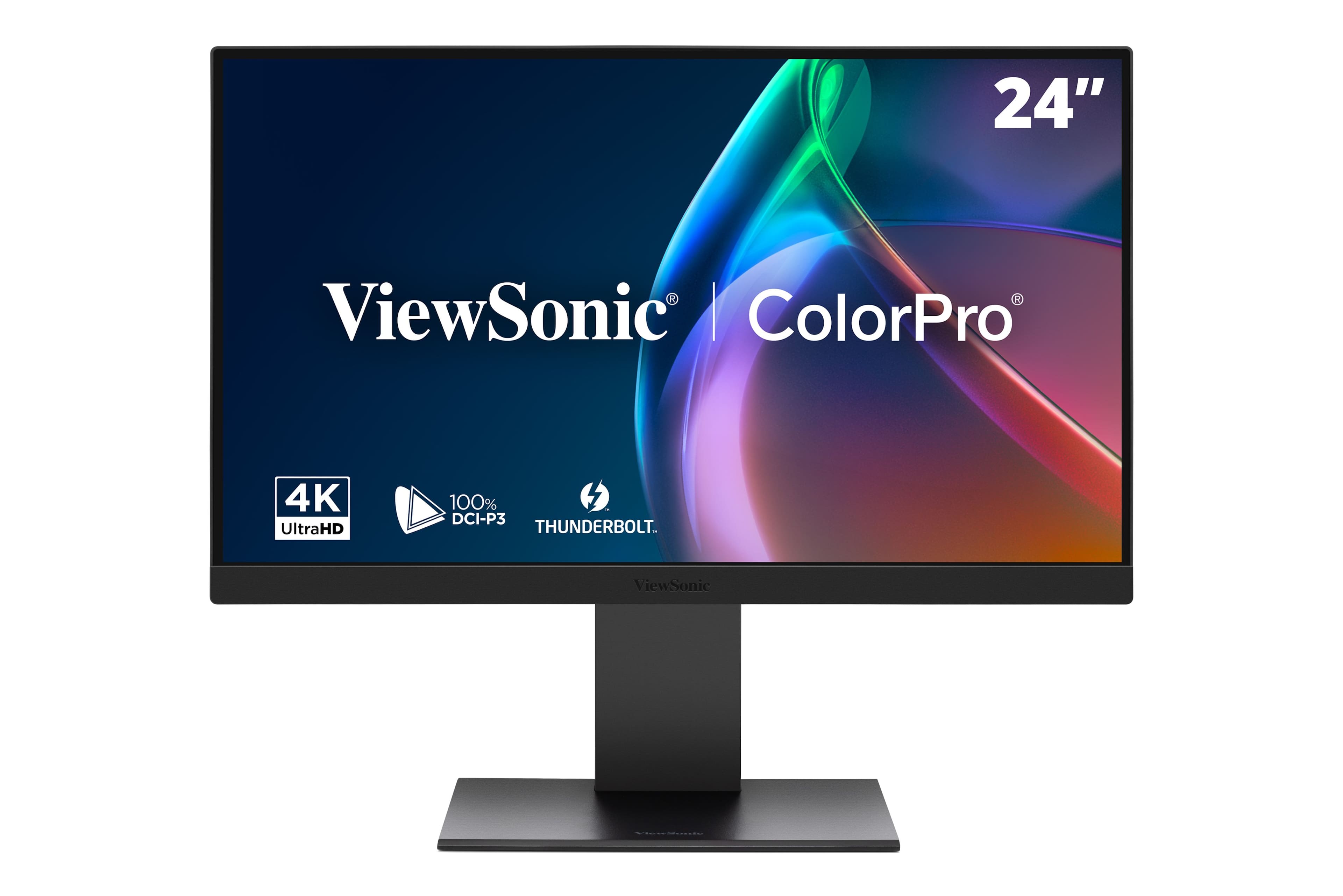
ViewSonic - VP2488-4K 24" 4K Mac-Ready Monitor with 100%sRGB, 98% DCI-P3, Pantone Validated (Thunderbolt 4, USB, HDMI, DP) - Multi
SKU: J37H8G7JHHGreat monitor, terrific features and...Great monitor, terrific features and bold vivid colors. A perfect companion for my new Mac mini....ViewSonic was my first choice as I own an older ViewSonic monitor...
See all All MonitorsProduct Description
A black 24-inch 4K LED monitor with 100% sRGB, Thunderbolt 4, and advanced ergonomic adjustments.Your price for this item is $575.06Save $10The previous price was $585.81 -
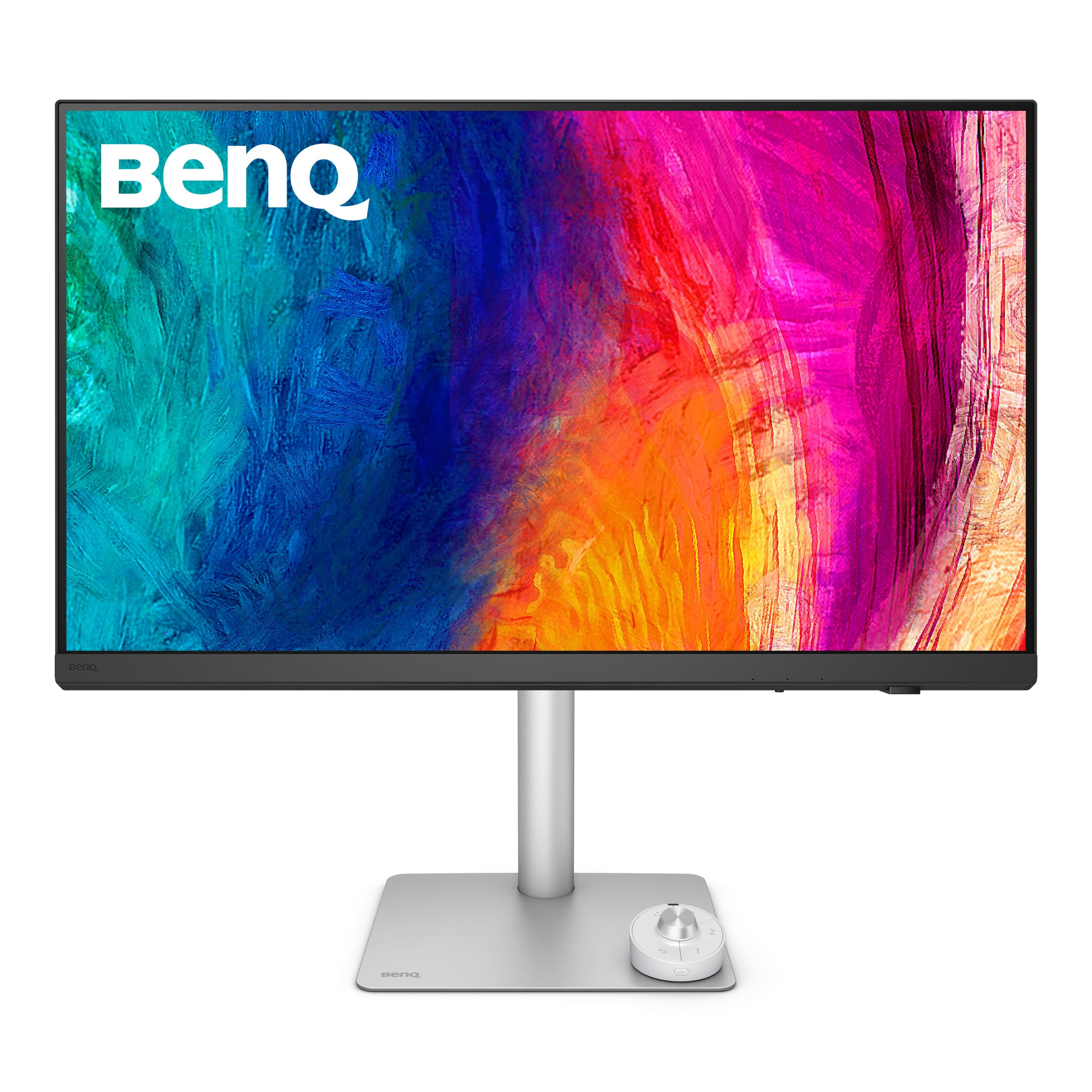
BenQ - AQCOLOR PD3225U 31.5" IPS Black LED 4K P3 Mac Compatible Designer Monitor (HDMI/DP/Thunderbolt 3 85W) - Metallic Gray
SKU: J39QZT5X4Xbest buy...ordering easy - the price was right - delivery was great - monitor excellent quality and works great...I love my self gift
See all All MonitorsProduct Description
A metallic gray 31.5" 4K IPS monitor with 98% P3 color, HDR, and Thunderbolt 3 connectivity.Your price for this item is $849.99Save $150The previous price was $999.99 -
BenQ - MA270UP 27" IPS LED 4K Nano Gloss Monitor for Macbook (HDMI/USB-C 90W) - Gray
SKU: J39QZT5YTPSee all All MonitorsProduct Description
A black 27-inch 4K LED monitor with dual USB-C, 90W power delivery, and adjustable stand.Your price for this item is $549.99Save $30The previous price was $579.99 -
BenQ - PD3226G 31.5" IPS LED 4K 144Hz Mac Compatibile Monitor (HDMI/DP/Thunderbolt 4 90W) - White
SKU: J39QZT58XJSee all All MonitorsProduct Description
A white IPS LED monitor offering 4K UHD resolution, 144Hz refresh rate, and Thunderbolt 4 connectivity.Your price for this item is $899.99Save $100The previous price was $999.99 -
BenQ - PD2730S 27" IPS LED 5K Mac Compatible Monitor (HDMI/Thunderbolt 4 90W/DP) - White
SKU: J39QZT58RWSee all All MonitorsProduct Description
A white IPS LED monitor featuring a 5K resolution, 98% P3 color, and Thunderbolt 4 connectivity.Your price for this item is $1,228.45 -
ViewSonic - VP2788-5K 27 IPS 5K UHD Mac- Ready Monitor (Thunderbolt4,USB HUB, HDMI, DP) - Black
SKU: J37H88V533See all All MonitorsProduct Description
A sleek black 27" IPS monitor with 5K UHD resolution, Thunderbolt 4 connectivity, and ergonomic stand.Your price for this item is $929.99

Best Sellers






Related Pages




FAQ
Yes, most monitors for Mac are compatible with MacBook, MacBook Pro, MacBook Air, and iMac devices. Look for monitors that support USB-C, Thunderbolt, or HDMI connections, which are commonly used with Mac computers.
For the best experience, consider monitors with high-resolution displays (such as 4K or 5K), wide color gamut, IPS panels for accurate color reproduction, and connectivity options like USB-C or Thunderbolt 3 that allow charging and data transfer with your Mac.
Some monitors, especially those with Thunderbolt 3 or DisplayPort 1.2 MST support, allow daisy chaining, enabling you to connect multiple monitors to your Mac using a single cable. Check the monitor’s specifications for daisy chaining compatibility.
Yes, many monitors for Mac can also be used with compatible iPads that support external displays, especially via USB-C or Thunderbolt connections. Ensure your iPad and monitor both support the necessary connectivity.
Yes, some monitors designed for Mac include built-in speakers, microphones, or webcams, making them ideal for video conferencing and multimedia use. Check the product details to find monitors with these integrated features.