LG - 34" WQHD 100Hz 5ms Smart Monitor with HDR10 (HDMI, USB-A) - Black
Customers are saying
Customers praise the 34" WQHD Smart Monitor for its large screen size and overall performance. Many appreciate the monitor's resolution and refresh rate, as well as its smart features and HDR capabilities. Some customers mentioned the connectivity options and value for the price, while a few wished for a Thunderbolt port.
Highlights
Work Smart, Play Smart on a 21:9 Smart Screen
LG Smart Monitor is designed for multitasking while you work, play and watch. Connect the 34” 21:9 curved display to a laptop, desktop or gaming console to immerse yourself in your work or games. Or, with the built-in LG webOS, you can watch favorite shows from your favorite streaming apps.¹
Your Favorite Streaming Services
Thanks to webOS23, find your favorites fast with built-in access to Netflix, Prime Video, the Apple TV app, Disney+, HBO Max and instant access to over 300+ free LG Channels with everything from comedy to movies to sports.³
34" Ultra Wide 21:9 Panoramic Cinema
This 34" ultrawide QHD (3440x1440) with a 21:9 aspect ratio offers a 34% wider view than a 16:9 display. And the monitor's sweeping 1800R curve envelops you as if you were at the movies.
Bold Cold on a 34" Screen
Immerse yourself in a world of brilliant color from HDR10 that helps enhance picture quality and up to 99% sRGB color gamut expression to make games visually pop.
Home Ready Office
From webOS, access cloud PC services such as Microsoft 365 and Google applications all without a PC.⁴
Cast on to the Screen
Apple AirPlay 2 & HomeKit compatibility allow you to wirelessly control your monitor plus cast and mirror content from iOS or MacOS devices, no Apple TV necessary.²
A Gorgeous Desktop Centerpiece
Smart on the inside and smart looking on the outside with a 3-side, virtually frameless design with a sleek profile and flat stand that looks great on virtually any desktop. The screen’s tilt adjustment allows for viewing the screen the way you like it.
Versatile Connectivity
With two HDMI ports and three USB ports connect with confidence knowing your devices will be compatible with this display.
Just Say What You Want
This LG Smart Monitor is Magic Remote compatible. Available separately, the LG Magic Remote, can navigate your content easily. You can even control the operation and play your favorite content by voice command.
Use Your Keyboard and Mouse like a Remote
With a wireles keyboard or mouse⁵, navigate MyView's menus and controls.
- Refresh Rate100HzMaximum Resolution3440 x 1440Response Time5 millisecondsPanel TypeVASynchronization TechnologyNot Applicable
Reviews
Rating 4.7 out of 5 stars with 636 reviews
- Screen Size (199)
- Overall Performance (97)
- Resolution (13)
- Refresh Rate (12)
- Smart Features (11)
- Connectivity (5)
- Controls (3)
Customer Images
The vast majority of our reviews come from verified purchases. Reviews from customers may include My Best Buy members, employees, and Tech Insider Network members (as tagged). Select reviewers may receive discounted products, promotional considerations or entries into drawings for honest, helpful reviews.
Compare similar products
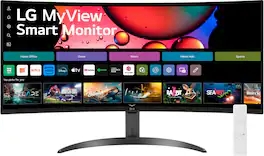
One screen. Endless possibilities. The 21:9 ultra-wide 34” curved Smart monitor offers stunning widescreen visuals and a sleek design that's perfect for work, play, cinematic viewing, and everything in between. Experience vivid color with up to sRGB 99% coverage, HDR10 support and impeccable clarity with the 21:9 WQHD (3440x1440) screen, bringing every detail to life. Thanks to LG’s streaming platform webOS23¹, find your favorites fast with built-in access to Netflix, Prime Video, the Apple TV app, Disney+, HBO Max and instant access to over 300+ free LG Channels with everything from comedy to movies to sports. Apple AirPlay 2 & HomeKit compatibility² allow you to wirelessly control your monitor plus cast and mirror content from iOS or MacOS devices, no Apple TV necessary. Gaming on the monitor’s wide screen with the 100Hz refresh rate assures ultra-smooth action.
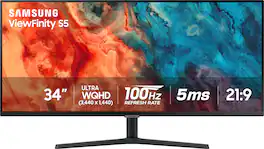
Samsung's 34" ViewFinity S50GC offers a wider workspace featuring a 21:9 ratio and lifelike detail with Ultra-WQHD resolution. AMD FreeSync and 100Hz refresh rate allow an ultra-smooth user experience. Avoid eyestrain with TUV-certified Intelligent Eye Care that automatically adjusts brightness. With HDR10 that displays over 1 billion colors compared to 16.7 million for typical SDR technology, dark colors are darker and the brightest are even brighter.

Odyssey G5’s lightning-fast 165Hz refresh rate ensures flawlessly smooth action scenes even in games with high frame rates. The Odyssey G5 range allows you to make the most out of the games you love to play, at a fantastic price point.
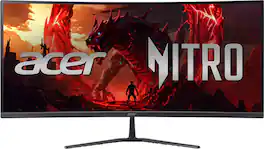
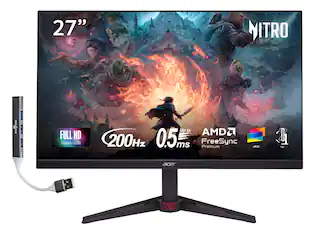
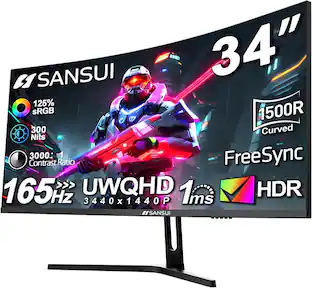
Acer's Nitro ED340CUR 34" curved panel monitor with Ultra Wide QHD resolution delivers the incredible. Through AMD FreeSync Premium technology, the game’s frame rate is determined by your graphics card, not the fixed refresh rate of the monitor, giving you a serious competitive edge. Smooth, tear-free gameplay!! Crisp, true-to-life colors come alive with the amazing 3440 x 1440 resolution, allowing you to enjoy High-Definition entertainment in the comfort of your home. The wide view angle technology lets you share what's on your screen with friends and family as colors stay true no matter what angle you're viewing from. Incredible 100,000,000:1 contrast ratio and rapid response time ensure your games, work and movies are smooth and look as epic as possible.
| Pros for LG - 34" WQHD 100Hz 5ms Smart Monitor with HDR10 (HDMI, USB-A) - Black | |||
|---|---|---|---|
| Screen Size, Overall Performance, Resolution, Refresh Rate, Smart Features | Screen Size, Overall Performance, Resolution, Refresh Rate, Ease of use | Overall Performance, Screen Size, Refresh Rate, Resolution, Curvature | Overall Performance, Screen Size, Refresh Rate, Immersion |
| Cons for LG - 34" WQHD 100Hz 5ms Smart Monitor with HDR10 (HDMI, USB-A) - Black | |||
| Connectivity, Controls | Speakers, Stand | Stand, Speakers, Connectivity, Ghosting, Price | There were no cons for this product— |
Specs
Will this work using a Thunderbolt to HDMI cable connecting to an M3 13-Inch MacBook Air?
Answered by LG Digital Customer CareHi there. Thank you for your interest on our model. The LG 34SR60QC-B Ultrawide Monitor supports HDMI input, so it should work with your M3 13-Inch MacBook Air when using a Thunderbolt (USB-C) to HDMI adapter or cable. However, for the best compatibility and display performance, we recommend using a USB-C to DisplayPort adapter if your MacBook Air supports it, as it can provide better resolution and refresh rate support compared to HDMI adapters. https://www.lg.com/us/monitors/lg-34sr60qc-b-ultrawide-monitor#pdp_specs If you need further assistance, feel free to send us a private message on Social Media @LGUSSupport, and we'd be happy to help! —Renzo
Does this screen offer split screen feature? I need to be able to use such feature.
Answered by LG Digital Customer CareHello there! Thank you for your question. We understand you're looking for a split screen feature for multitasking with the LG 34SR60QC-B ultrawide monitor. Yes, this monitor offers a split screen feature, which is available through the Screen Split functionality. This feature allows you to divide the screen into multiple sections, making it easier to work with several applications side by side. It is particularly useful on a 21:9 ultrawide display like this one, as it provides ample screen real estate for multitasking. To use this feature, you can access OnScreen Control (which can be downloaded from the LG website) to set up the screen divisions according to your needs. LG Monitor - How to Use On Screen Control - https://www.lg.com/us/support/help-library/lg-monitor-how-to-use-on-screen-control--20153186454352 https://www.lg.com/us/monitors/lg-34sr60qc-b-ultrawide-monitor#pdp_specs If you have any further questions or need assistance with setup, feel free to send us a private message on Social Media @LGUSSupport, and we'll be happy to help you out! We appreciate your patience. —Renzo
Can this monitor support dual screen, for displaying two different laptops?
Answered by LG Digital Customer CareHello. PBP (Picture-by-Picture) is a function on a monitor that splits the monitor's screen in two so you can view two external video input sources (i.e. two laptops or other devices) simultaneously on the monitor. The LG 34" MyView Smart Monitor WQHD Curved Screen 100Hz with webOS, Model # 34SR60QC-B, does not support PBP, so you cannot view two laptops simultaneously on the monitor...^Ivan.
Is this a good monitor for streaming? Or good enough to make videos for my YouTube channel?
Answered by LG Digital Customer CareCould you please clarify your inquiry about if the LG MyView 34" WQHD 100Hz 5ms Smart Monitor with HDR10 - Black, Model # 34SR60QC-B.is "good enough to make videos for your YouTube channel" The monitor's built-in LG webOS Operating System let's you can watch favorite shows from your favorite streaming apps that are preinstalled on the monitor. You cannot make videos on the monitor, you can create them on the PC/Laptop that is connected to the monitor and stream them through the YouTube app on the monitor...^Ivan.

What is the refresh rate of this LG monitor?
This LG monitor has a refresh rate of 100Hz.
This question and answer was generated by AI based on customer and product data.

Customers often buy these together
Computer Keyboards
![Sure, here is the corrected and grouped text:
```
ESC F1 F2 F3 F4 F5 F6 F7 F8 F9 F10 F11 F12 1 2 3 logitech - - 1 2 # $ 4 % 5 6 & 7 8 9 0 - - back insert home page up num lock clear / . tab Q W E R T Y U I O P { [ } ] / delete end page down 7 home 8 A 9 P9 up + caps lock A S D F G H J K L : ; a enter 4 5 6 shift Z X C V B N M < > ? shift 1 end 2 3 pg dn enter ctrl fn start alt opt alt crnd x alt cmd x fn ctrl alt opt 0 ins del 1 logitech
```](https://pisces.bbystatic.com/image2/BestBuy_US/images/products/5761/5761911_sd.jpg;maxHeight=232;maxWidth=233?format=webp)
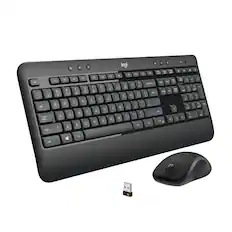
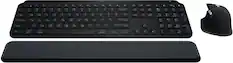
Logitech - MK850 Performance Full-size Wireless Membrane Keyboard and Mouse Combo for PC and Mac - Black
$89.99The price was $99.99
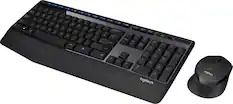
Logitech - MK270 Full-size Wireless Membrane Keyboard and Mouse Bundle for PC - Black
$26.99The price was $29.99
![esc ! i 1 tab caps lock shift F1 2 Q A aas E4 F3 F2 $ % # 4 5 3 E R W F S D X C Z FS A 6 T G V F6 & 7 Y H B 17 * 8 U J N logi HI FI0 P9 FB ) - ( - 9 0 o P I K L > < M I P + = { [ A : I : ? I alt cmd3 2 0 3 10% 1 F12 page home up backspace ins page I delete end down } ] / enter shift ctrl fn opt^= Q I * / clear 8 9 + 7 pg up home 5 6 4 , 4 2 3 enter 1 dn pg end = 0 del ins ctrl start opt alt cmd](https://pisces.bbystatic.com/image2/BestBuy_US/images/products/6571/6571662_sd.jpg;maxHeight=232;maxWidth=233?format=webp)
![esc ~ ! 1 tab caps lock shift ctrl F2 Fl # 2 3 Q W A S Z start opt L F3 $ 4 E D X alt cmd3 ) FS F4 A % 5 6 R T F G V C logi 44 HI & F9 FID FB F7 F6 * ) - - & 0 8 9 7 O P U I Y K L H J > < N M 1 B PM + = { [ : I ; ? I alt cmd D 2 4 300 3 1 F12 . * page I insert home up clear backspace 8 9 + 7 page A pg up end down home } I delete ] / 6 4 5 4 enter 2 3 enter 1 dn Pg end shift = 0 del ins etrl fn opt](https://pisces.bbystatic.com/image2/BestBuy_US/images/products/6539/6539505_sd.jpg;maxHeight=232;maxWidth=233?format=webp)


Monitor Stands

More recommended items
 Monitor and Video Cables
 Computer Speakers
 Laptop Docking Stations
 Mice
Mice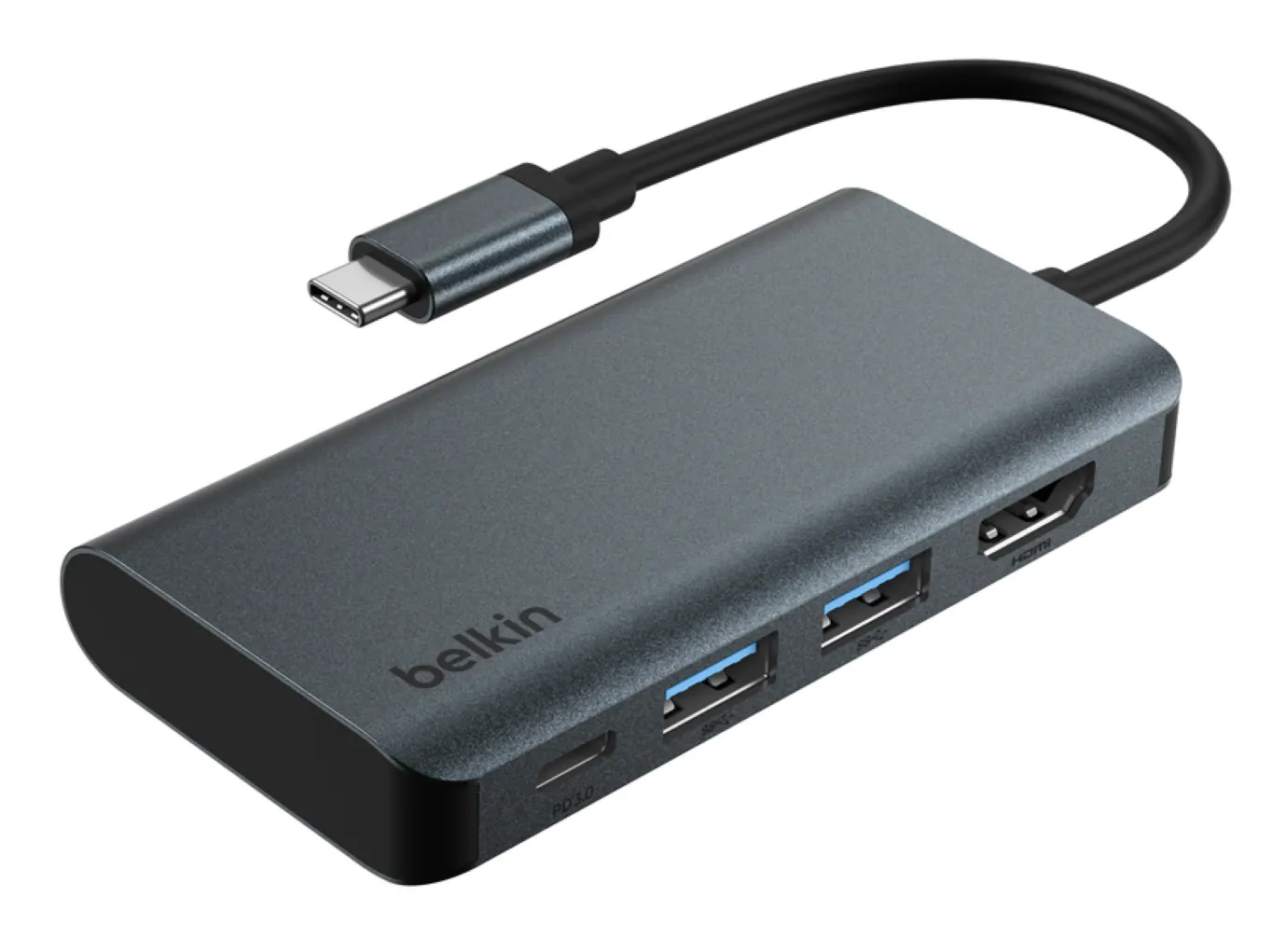 Cables and Adapters
 Web Cameras
More to consider
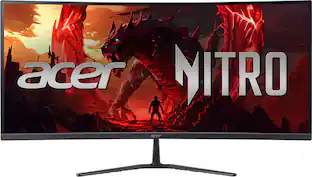 Top Deal$269.99The price was $349.99
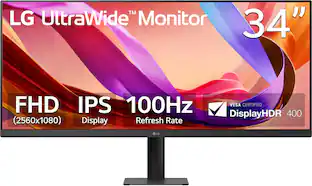 $263.49The price was $299.99
 Top Deal$199.99The price was $329.99
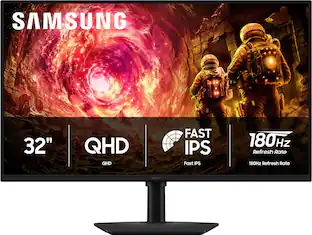 Top Deal$219.99The price was $349.99
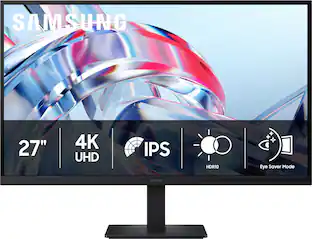 $189.99The price was $299.99
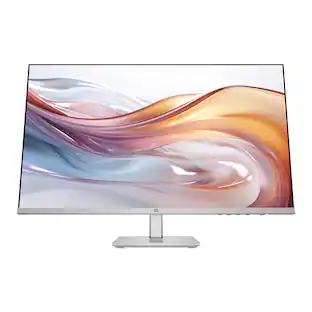 Top Deal$149.99The price was $229.99
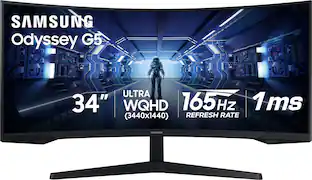
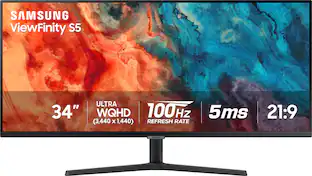
Explore tech essentials Sponsored
- Top Deal$149.99The price was $229.99
- $189.99The price was $299.99
 Top Deal$299.99The price was $369.99
 Top Deal$94.99The price was $149.99

Discover related products











Keep exploring
 $599.00The price was $626.66
 $189.99The price was $299.99
 $1,499.99The price was $2,101.91
 $199.99The price was $218.99