Logitech - MK470 Full-size Wireless Scissor Keyboard and Mouse Bundle for Windows with Quiet clicks - Black/Gray
Customers are saying
Customers have good things to say about the high-quality build and user-friendly design of this keyboard and mouse combo. Users frequently highlight the portable size, quiet operation, and lightweight nature of the devices as major benefits. While the product is highly regarded for its ease of use and connectivity, some customers have noted a desire for a caps lock indicator and experienced occasional compatibility challenges.
Color
Black/GrayFeatures
Compact keys with numpad
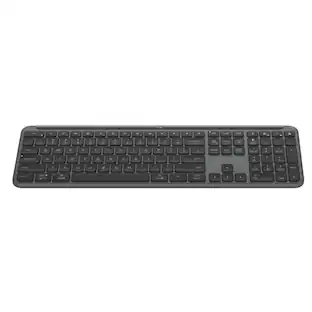
Logitech MK470 cordless combo features a compact modern designed keyboard with low-profile scissor keys, a number pad and a layout optimized for Windows.
Ultra slim duo
This wireless keyboard and mouse set also features a comfortable, ambidextrous 3-button mouse with high precision optical tracking and mechanical scroll wheel.
Ultra quiet
Whisper quiet keyboard and lab-tested, noise-reduced mouse means an ultra quiet work experience for you and those around you both in the office and at home.
Reliable wireless connectivity
Simple plug-and-play USB nano receiver offers a strong reliable 2.4 GHz wireless connection with 33ft of range.¹
Extended autonomy
Auto-sleep feature saves battery life, allowing for 36 months of keyboard use and 18 months of mouse use.²
Customizable keys
Unlock a full range of possibilities and customize this combo to fit your personalized needs; set up and assign shortcuts to the 12 customizable FN keys with Logi Options+ software.
¹ Wireless range may vary based on environmental and computing conditions
² Battery life may vary based on user and computing conditions.
Specifications
- Lighting TypeNoneAdjustable Weight SystemNoForm FactorFull-sizeKeyboard TechnologyScissorConnection TypeWireless
Reviews
Rating 4.6 out of 5 stars with 3294 reviews
- Keyboard Quality (980)
- Ease of use (438)
- Size (245)
- Design (171)
- Noise Level (135)
- Caps Lock Indicator (18)
- Compatibility (17)
Customer Images
The vast majority of our reviews come from verified purchases. Reviews from customers may include My Best Buy members, employees, and Tech Insider Network members (as tagged). Select reviewers may receive discounted products, promotional considerations or entries into drawings for honest, helpful reviews.

- SteelSeries - Rival 3 Gen 2 Wireless Optical Gaming Mouse with Ultra-fast clicks - Wireless - Black$44.99The price was $59.99




Compare similar products

The slim profile and minimalist design transform your keyboard and mouse into a visual statement that elevates your desk setup. A slim profile and compact design make typing and mousing a pleasure. Low-profile keys give you that laptop-like typing experience you know and love. Whisper-quiet keys and a 90% noise-reduced mouse let you power through in near-silence. Long battery life and an easy plug-and-play 2.4GHz USB receiver ensure a reliable, hassle-free experience.
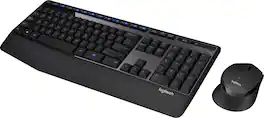
The Logitech Wireless Combo MK345 pairs a comfortable full-size keyboard with a right-handed mouse. It comes with comfortable and textured palm rest, spill-resistant design, and glossy finish. Its wireless connectivity gives the reliability of a cord plus wireless convenience and freedom. Its energy efficient engineering delivers 36-month keyboard and 18-month mouse battery life.

Introducing MX Keys Mini, a smaller, smarter, and mightier minimalist wireless keyboard made for creators. The minimalist form factor provides improved ergonomics by aligning your shoulders and allowing you to place your mouse closer to your keyboard for less arm reaching, more comfort, and better body posture. Perfect Stroke keys are shaped for your fingertips with optimal key stability and tactile responsiveness to keep you oriented and in your flow. The backlit keys light up the moment your hands approach, and automatically adjust to suit changing lighting conditions. Smart Dictation, Mic Mute/Unmute and Emoji keys streamline your workflow even further.

Built for comfort, made for quiet. Experience a keyboard and mouse combo that’s comfortable, sleek and quiet. Now you can be at your most efficient with the least amount of noise. Plus, with keyboard shortcuts and long-lasting batteries, you can stay productive all day long.
| Pros for Logitech - MK470 Full-size Wireless Scissor Keyboard and Mouse Bundle for Windows with Quiet clicks - Black/Gray | |||
|---|---|---|---|
| Keyboard Quality, Ease of use, Size, Design, Noise Level | Keyboard Quality, Ease of use, Battery Life, Wireless, Price | Keyboard Quality, Battery Life, Ease of use, Size, Connectivity | Connectivity, Design, Overall Performance, Ease of Use |
| Cons for Logitech - MK470 Full-size Wireless Scissor Keyboard and Mouse Bundle for Windows with Quiet clicks - Black/Gray | |||
| Compatibility, Caps Lock Indicator | Lag | Compatibility, Price, Number Pad, Touch ID | There were no cons for this product— |
Specs
Customers often buy these together
Mice

Logitech - M220 SILENT Wireless Optical Ambidextrous Mouse - Wireless - Graphite
Techtober Deal$14.99The price was $17.99
Logitech - ERGO M575 S Wireless Ergonomic Trackball Mouse - Wireless - Black
$39.47The price was $49.99

Mouse Pads

Insignia™ - Mouse Pad - Black
Our 365-day lowest price$3.99The price was $7.99





More recommended items
 Laptop Docking Stations
 Web Cameras
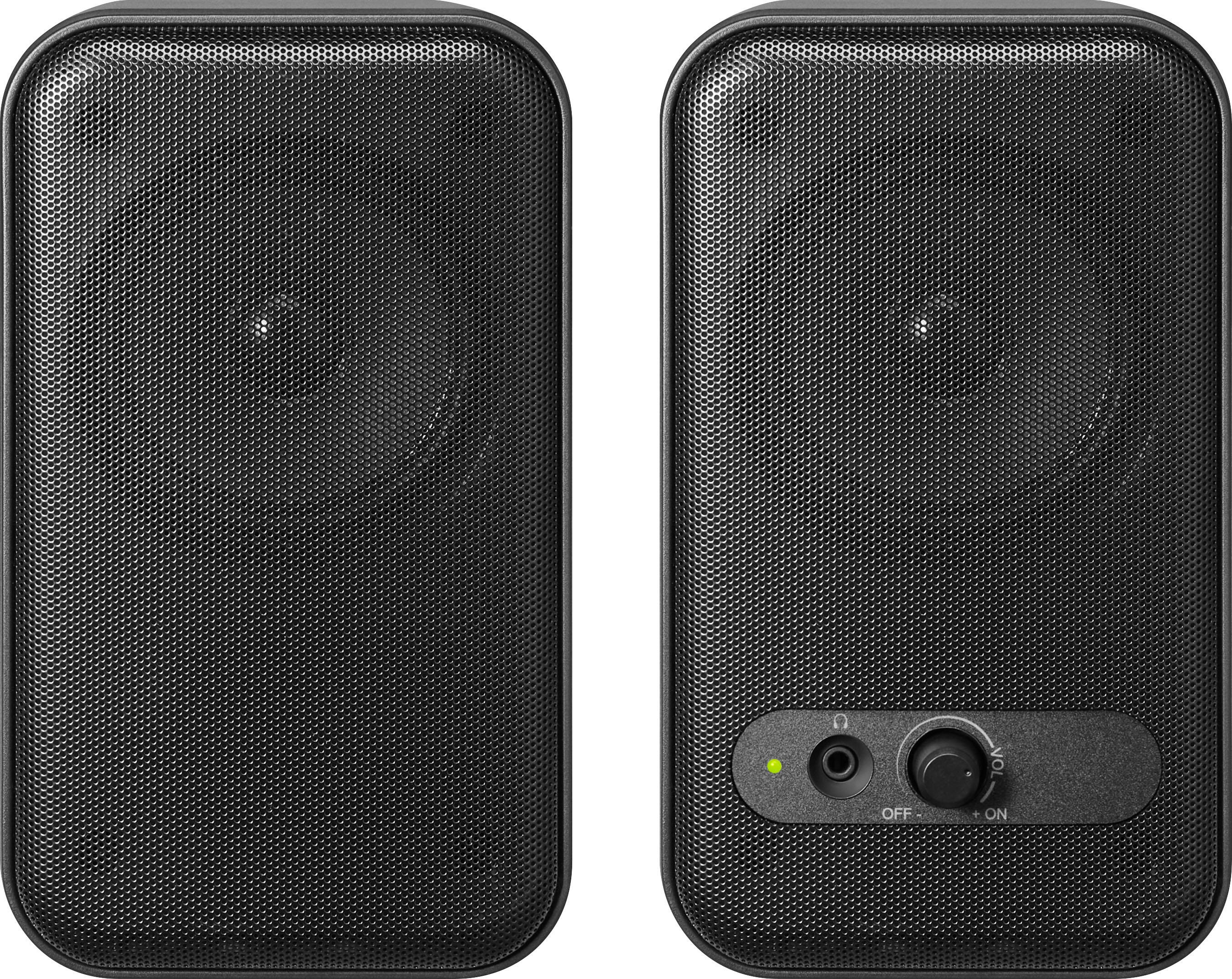 Computer Speakers
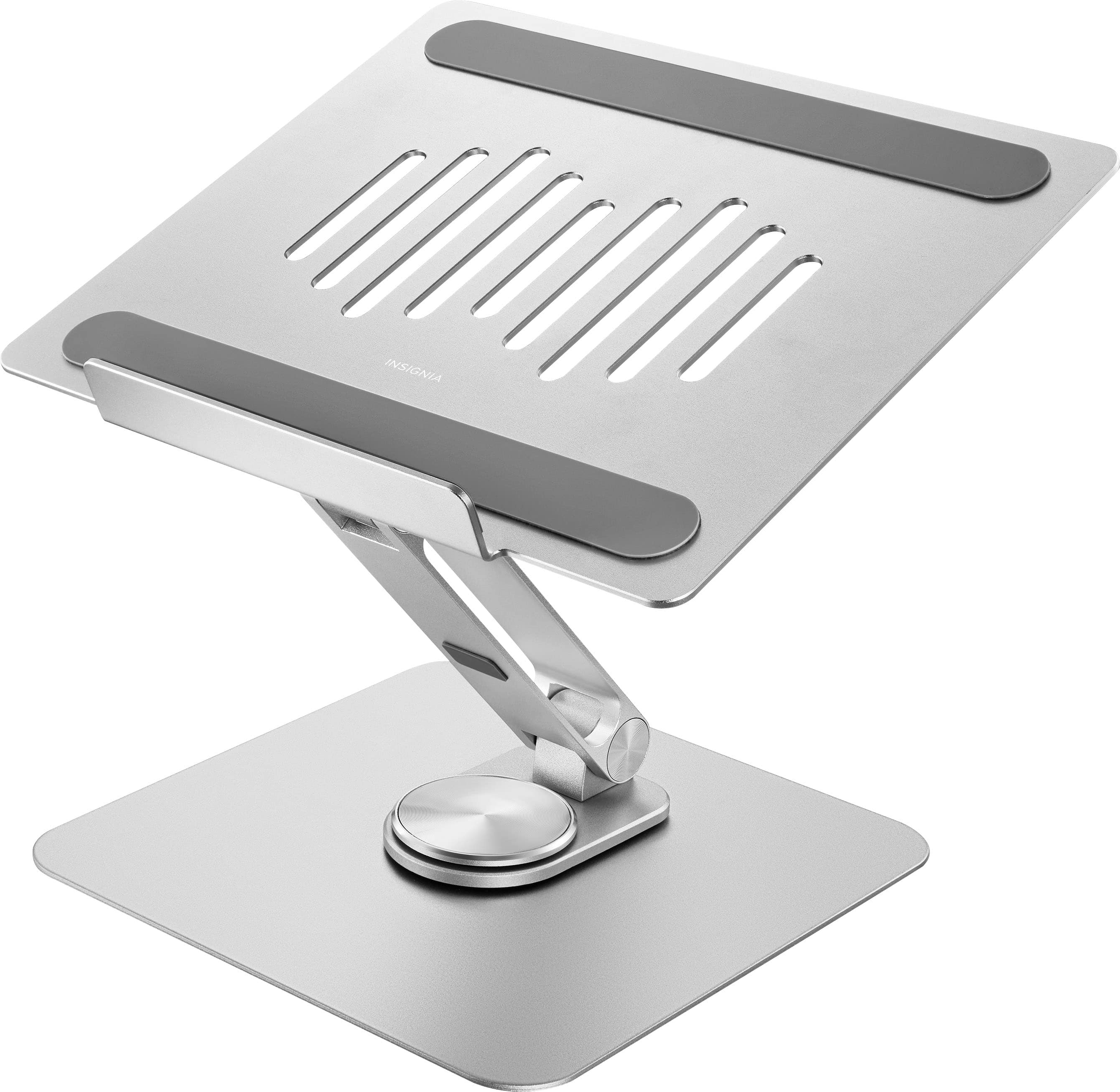 Monitor Stands
Customers ultimately bought
 $48.22The price was $59.99
 $26.99The price was $29.99
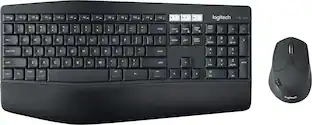 $79.99The price was $99.99
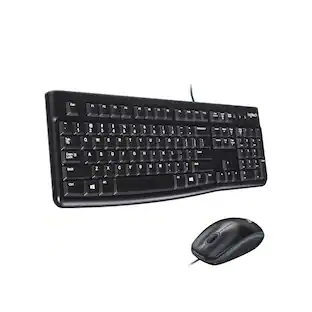 $17.99The price was $19.99




Explore tech essentials Sponsored
 Techtober Deal$129.99The price was $159.99
 Techtober Deal$284.99The price was $349.99
 $139.99The price was $169.99
 Techtober Deal$119.99The price was $149.99
Discover related products







Keep exploring
 $129.95The price was $159.95
 $199.95The price was $209.95