MacBook Pro 15 Hard Drive
-
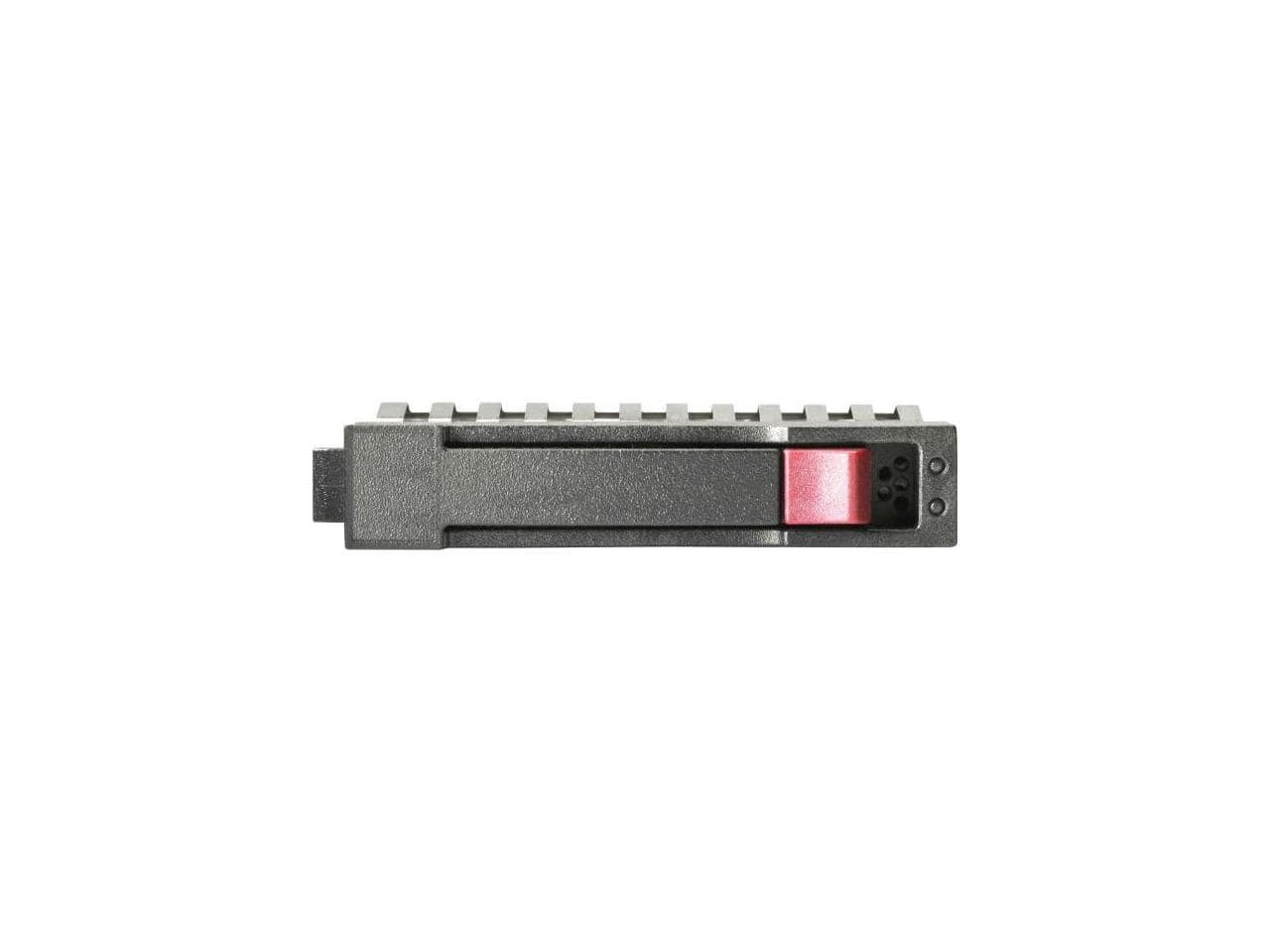
HPE Aruba - HPE 1.20 TB Hard Drive 2.5" SAS 10000rpm Internal Hard Disk Drive R0Q55A
SKU: JJ82GKP6T3See all Internal Hard DrivesProduct Description
A high-performance 1.20TB internal SAS hard drive with 10,000rpm speed for reliable data storage.Your price for this item is $483.55 -
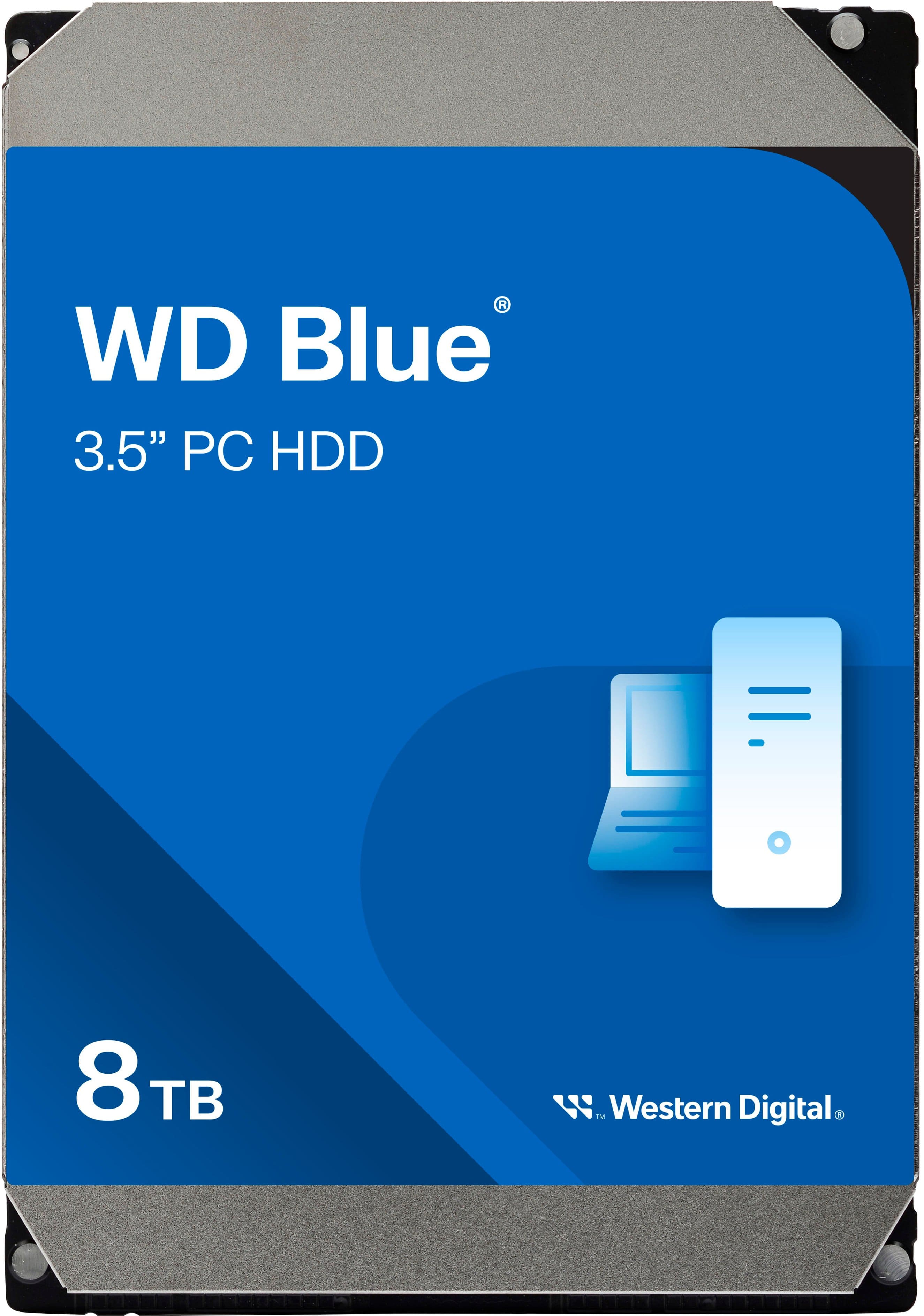
WD - Blue 8TB PC Internal Hard Drive for Desktops
SKU: JXTHCC79L4Great hdd...related and I came across this and there was a discount on it and I actually like to buy everything from Best...buy they're warranty their service is great...It’d be nice to get two or one...
See all Internal Hard DrivesProduct Description
A reliable blue internal hard drive offering 8TB storage and 5640 RPM speed for desktop PCs.Your price for this item is $324.99 -
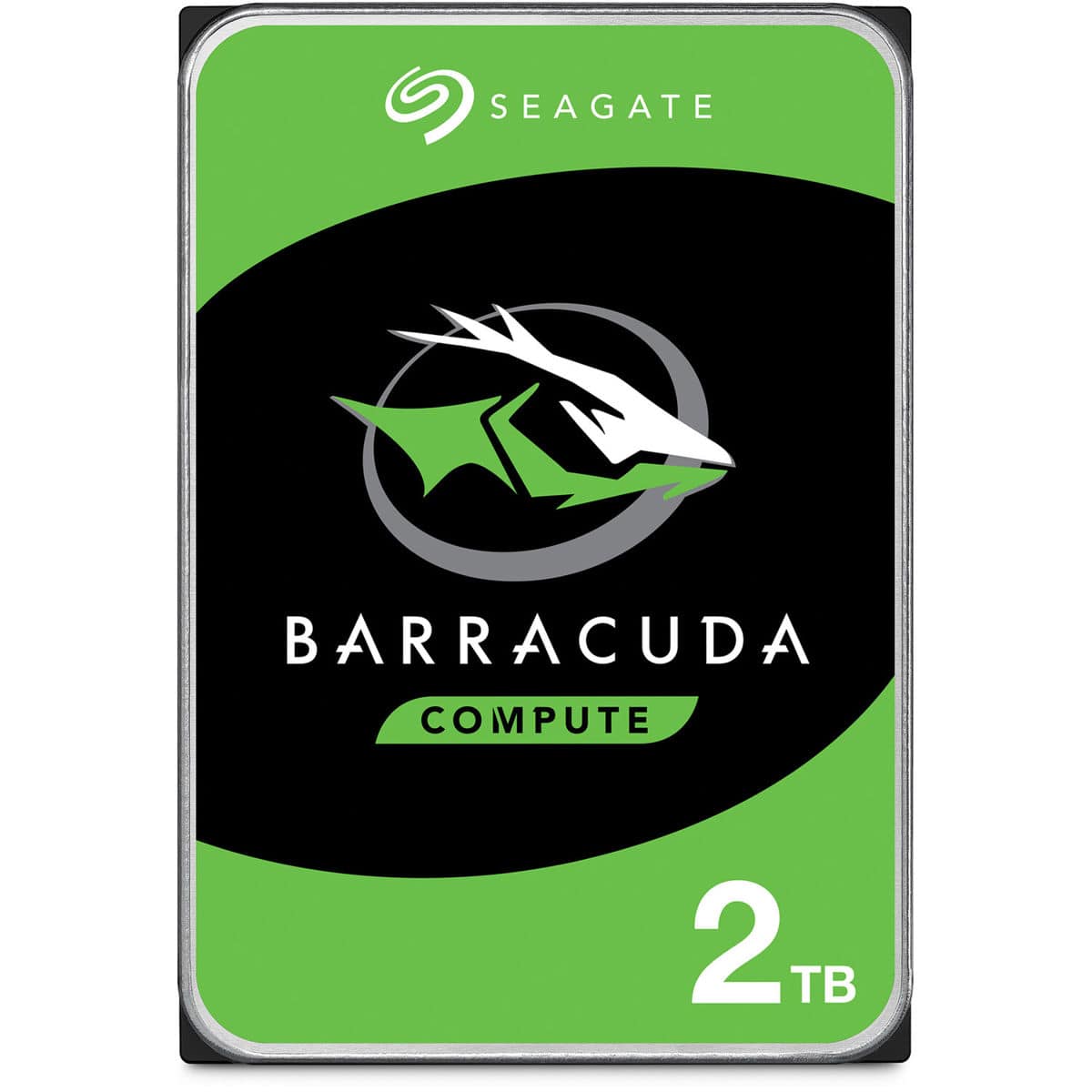
Seagate - BarraCuda SATA III 3.5" Internal Hard Drive - 2TB, Single
SKU: J37C5HW842See all Internal Hard DrivesProduct Description
A versatile 3.5-inch internal HDD offering 2TB storage, fast SSD-like performance, and reliable multi-tier caching.Your price for this item is $158.79Save $1The previous price was $159.99 -
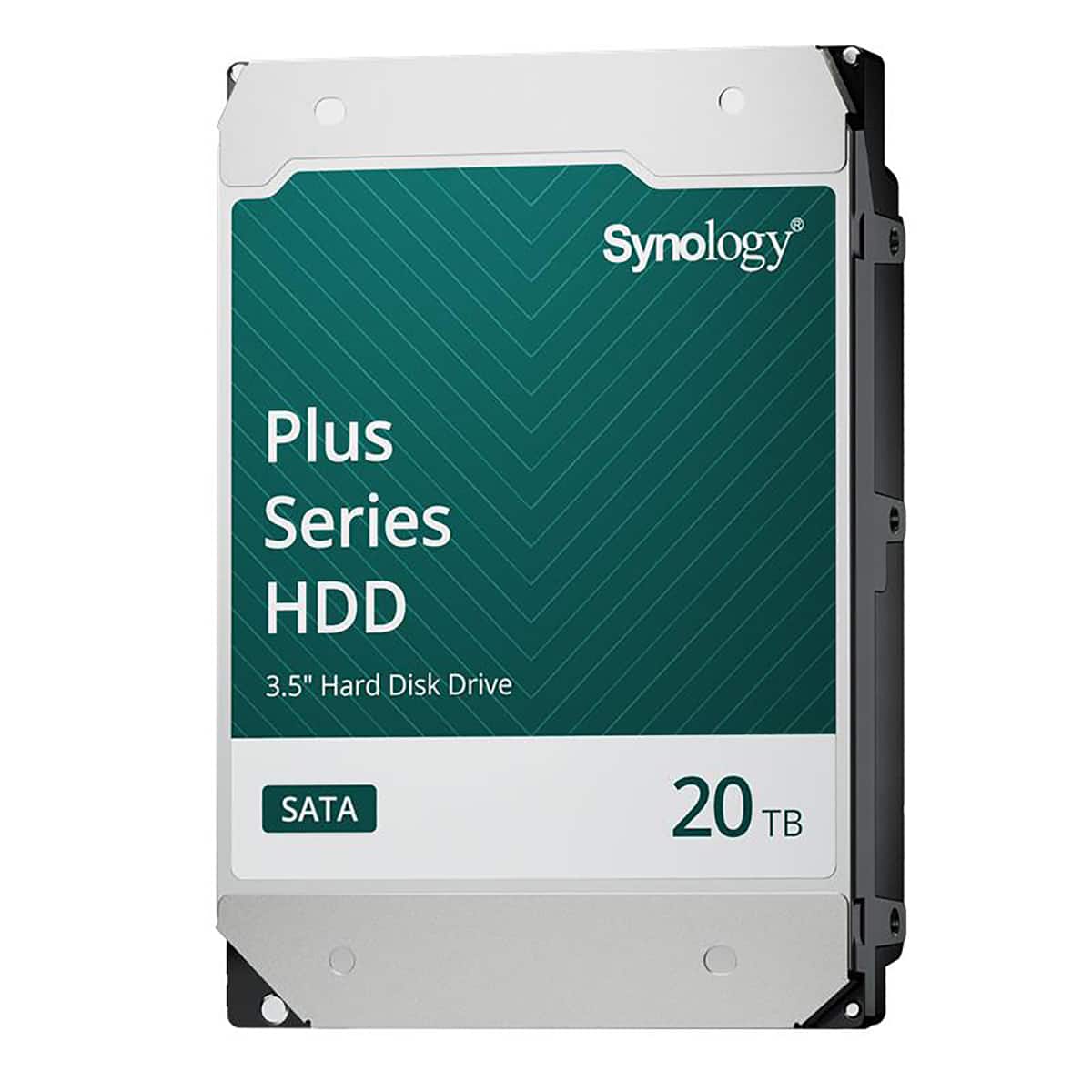
Synology - HAT3320 Plus Series 3.5" SATA III Internal Hard Drive - 20TB
SKU: J36TG78P9RSee all Internal Hard DrivesProduct Description
A high-capacity 20TB 3.5" internal SATA HDD with 7200 RPM speed and 1GB cache for reliable storage.Your price for this item is $879.99 -
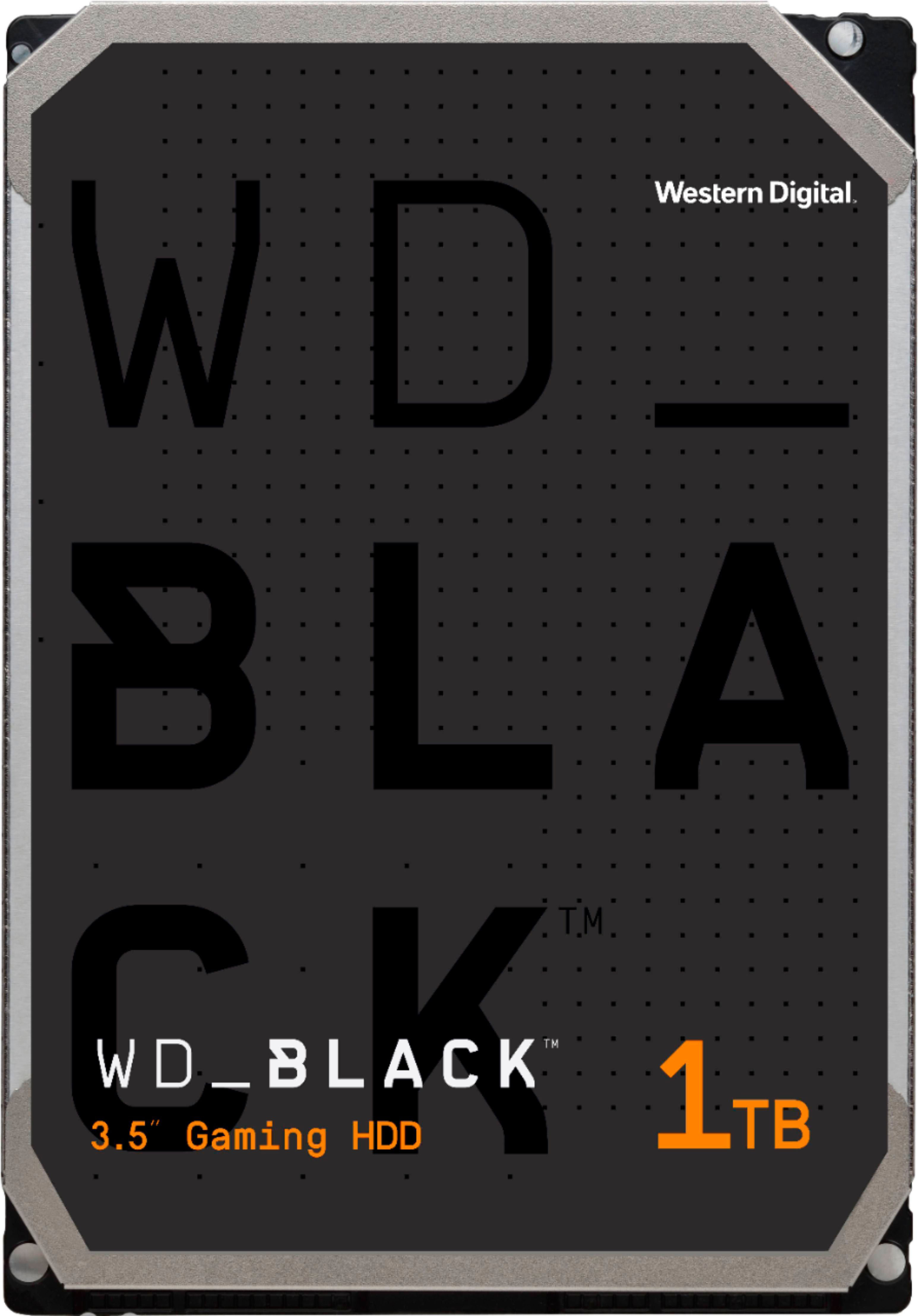
WD - BLACK 1TB Gaming Internal Hard Drive
SKU: JXTHCJWLLKGreat Performance and very vert Long Life
See all Internal Hard DrivesProduct Description
A black gaming hard drive with 7200 RPM speed, DRAM caching, encryption, and SSD compatibility.Your price for this item is $182.42 -
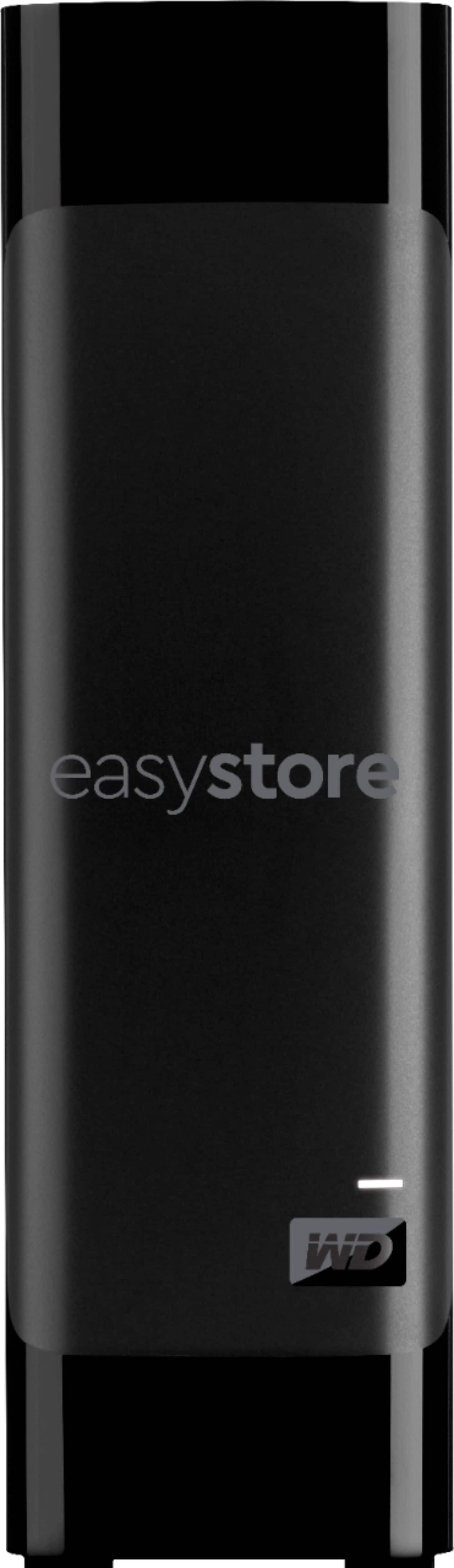
WD - easystore 8TB External USB 3.0 Hard Drive - Black
SKU: JXTHCJV95CI love the storages it the best extranal hard drive...[Employee of bestbuy] Love it best product ever! It’s always my go to hard drive
See all External Hard DrivesProduct Description
A high-capacity black external hard drive with USB 3.0 connectivity and automatic backup for reliable storage.Your price for this item is $379.99 -
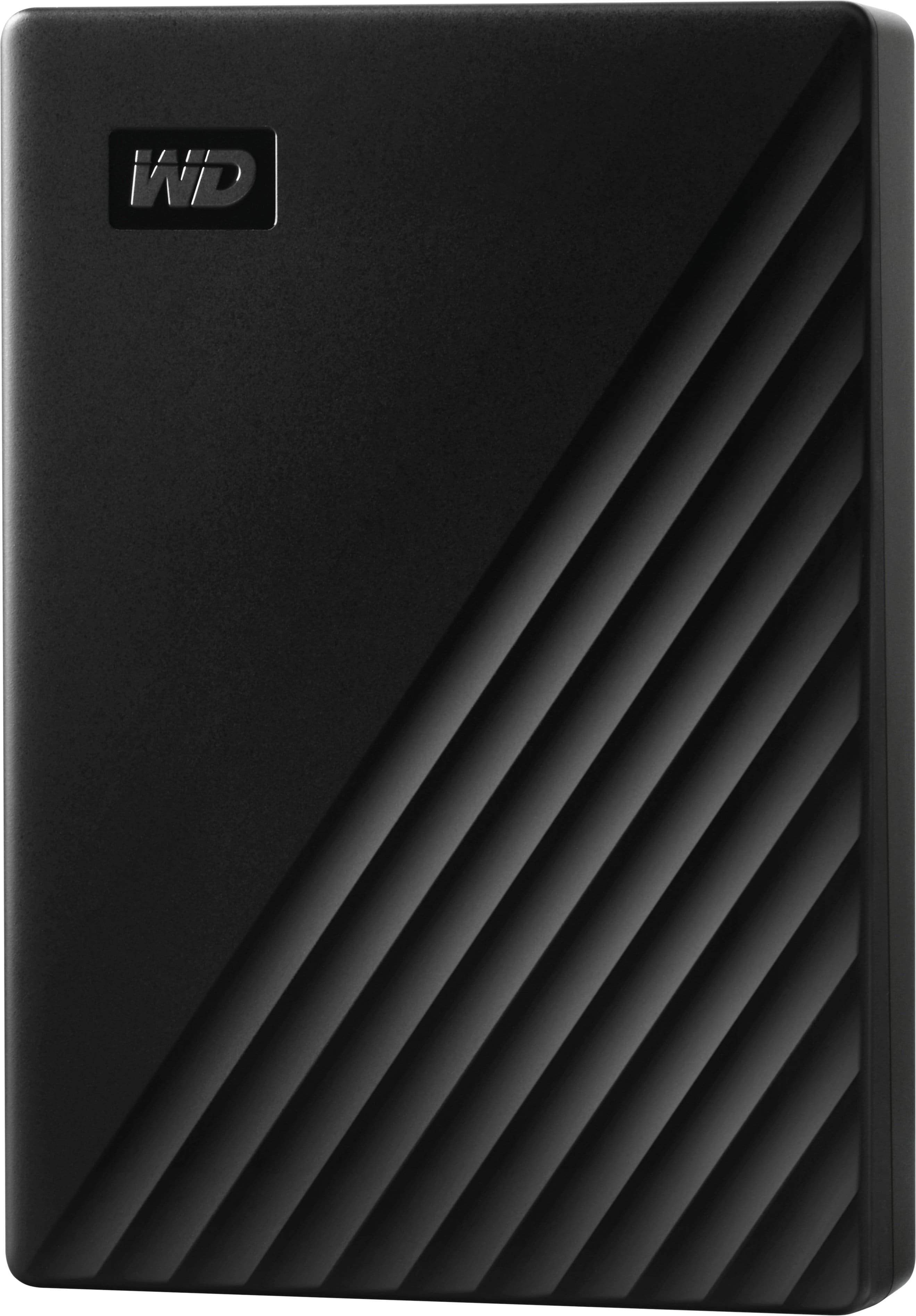
WD - My Passport 5TB External USB 3.0 Portable Hard Drive - Black
SKU: JXTHCJFR9FGreat product for the price. Absolutely love Best Buy!...BEST BUY, BEST ALWAYS....Great in store help with the best representatives....Always recommend best buy for best professional services. Thank again....
See all External Hard DrivesProduct Description
A portable black external hard drive offering 5TB storage, USB 3.0 connectivity, and 256-bit AES encryption.Your price for this item is $284.99 -
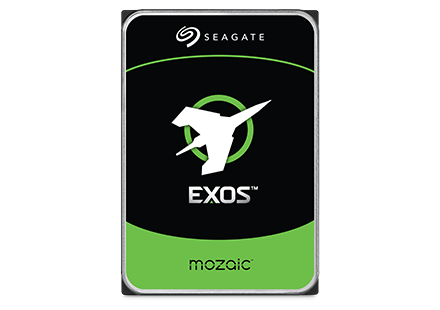
Seagate - Exos M 28TB Internal Hard Drive
SKU: J37C5H5TG3See all Internal Hard DrivesProduct Description
An internal 28TB hard drive featuring 3TB per platter for high-capacity, AI-driven data center efficiency.Your price for this item is $1,229.99 -
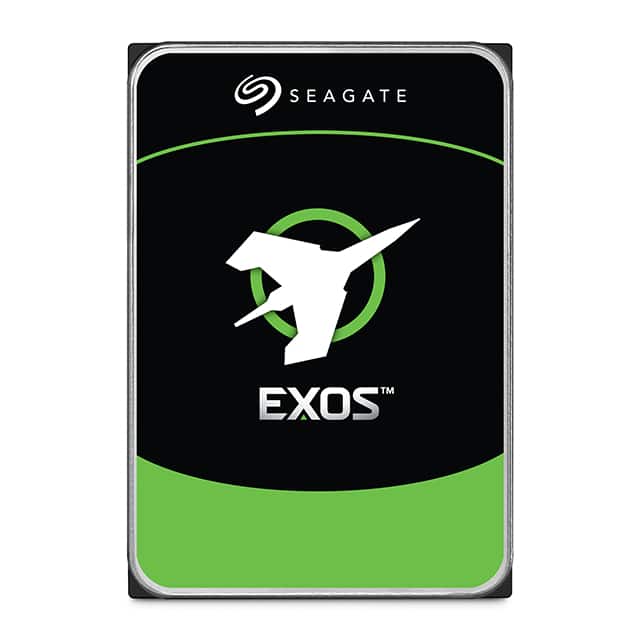
Seagate - Exos X24 24TB Internal Hard Drive
SKU: J37C5H5XZLSee all Internal Hard DrivesProduct Description
A high-capacity 24TB 3.5" internal hard drive with SATA/600 interface and advanced data security features.Your price for this item is $1,194.70 -
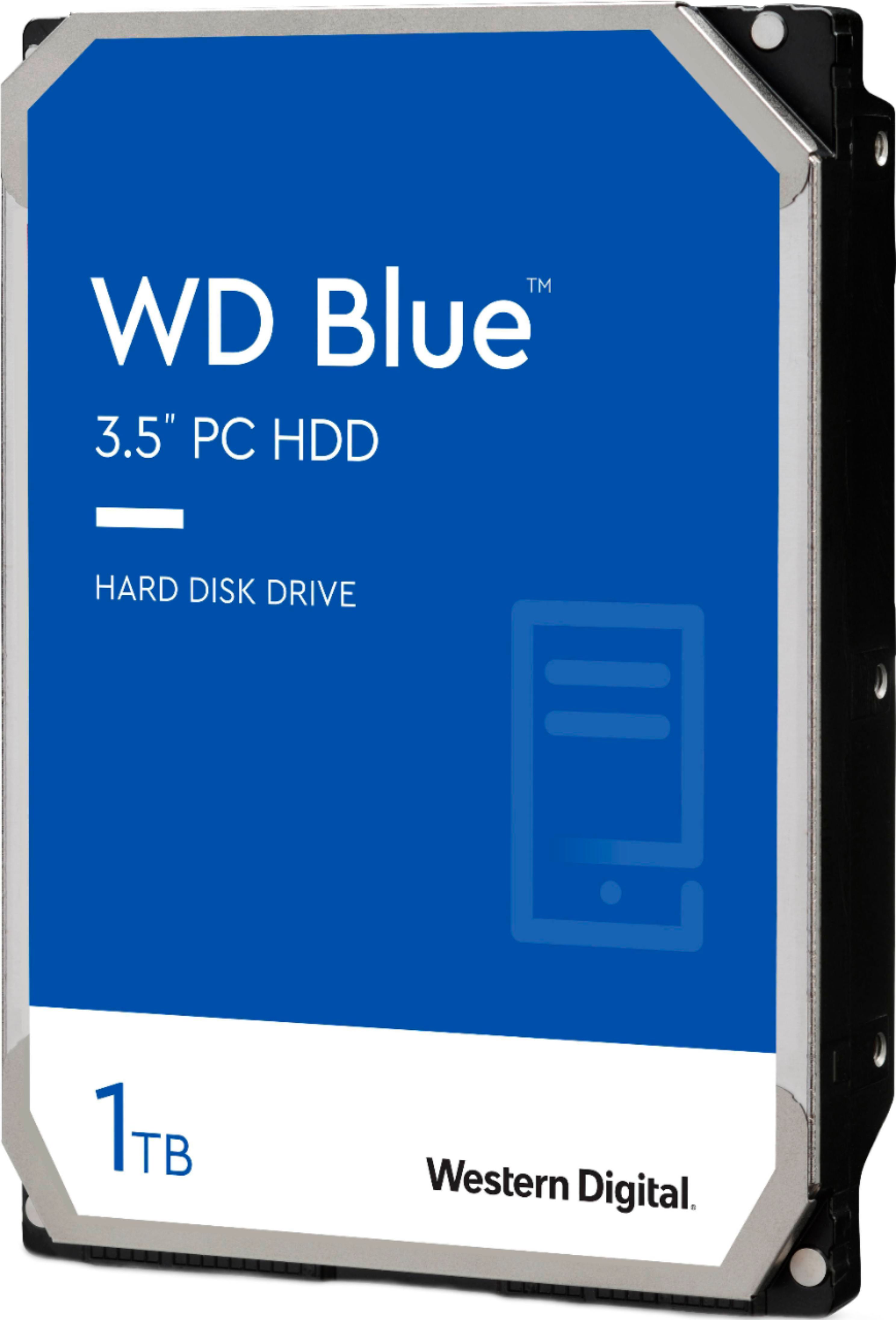
WD - Blue 1TB PC Internal Hard Drive for Desktops
SKU: JXTHCJT54SSee all Internal Hard DrivesProduct Description
A blue 1TB internal hard drive with 7200 RPM speed and Serial ATA interface for desktops.Your price for this item is $176.06Save $0The previous price was $176.07
Best Sellers

Related Pages








FAQ
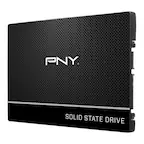
The MacBook Pro 15 is typically compatible with 2.5-inch SATA hard drives and certain solid-state drives (SSDs), depending on the specific model year. Always check your MacBook Pro’s technical specifications to ensure compatibility before purchasing a new hard drive.
Yes, many MacBook Pro 15 models allow you to upgrade from a traditional hard drive to a solid-state drive (SSD), which can improve speed and overall performance. Be sure to confirm your model’s upgradeability before making a purchase.
Installing a new hard drive in your MacBook Pro 15 typically requires a set of precision screwdrivers and, in some cases, a spudger or pry tool. Refer to your MacBook’s service manual for detailed instructions and recommended tools.
Replacing the hard drive will remove all existing data from your MacBook Pro 15. It is important to back up your files using Time Machine or another backup solution before replacing the hard drive.
Yes, you can use an external hard drive with your MacBook Pro 15 via USB, Thunderbolt, or other compatible ports. External drives are a convenient option for expanding storage or transferring files without opening your laptop.