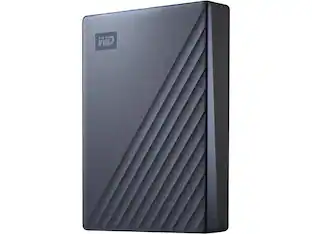
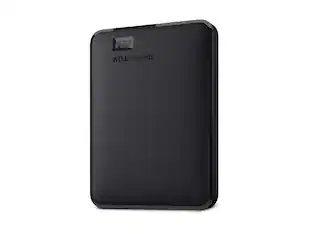
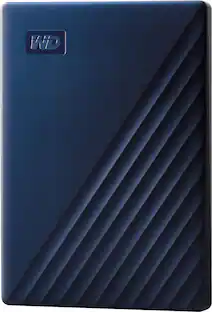
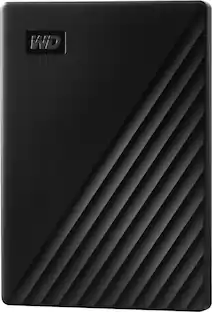
WD - My Passport for Mac 4TB External USB 3.0 Portable Hard Drive - Blue
Customers are saying
Customers appreciate the ease of use, generous storage capacity, and impressive overall performance of this product. Users also frequently highlight its compact size, reliable speed, and seamless compatibility with Mac devices as key benefits. While the vast majority of feedback is positive, a small number of users noted that the device may require software updates to ensure optimal functionality.
Storage Capacity
4000GBFeatures
4TB storage capacity
Provides ample space for storing documents, photos, music and more.
USB 3.0 interface
Offers an easy-to-use connection to devices. Backward compatible with USB 2.0 for simple connection to your computer. USB-powered.
Social friendly.
Included WD Discovery software lets you connect to popular social media and cloud storage services like, Dropbox and Google Drive
Locked down.
The My Passport for Mac drive’s built-in 256-bit AES hardware encryption with password protection helps keep your digital life's contents secure.
Time Machine compatible
Back up your entire system directly to the drive.
Portable design
Lets you take your data on the go.
Specifications
- Storage Capacity4000 gigabytesStorage Drive TypeHDDMaximum Read Speed0 megabytes per secondMaximum Write Speed0 megabytes per secondInterface(s)Micro-USB B
Reviews
Rating 4.6 out of 5 stars with 613 reviews
- Ease of use (161)
- Storage Capacity (140)
- Overall Performance (132)
- Size (59)
- Speed (59)
- Software (4)
Customer Images
The vast majority of our reviews come from verified purchases. Reviews from customers may include My Best Buy members, employees, and Tech Insider Network members (as tagged). Select reviewers may receive discounted products, promotional considerations or entries into drawings for honest, helpful reviews.
Compare similar products
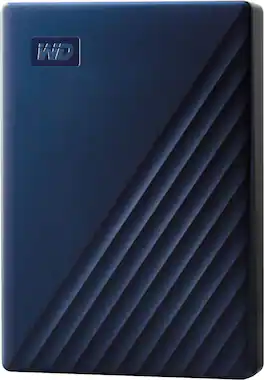
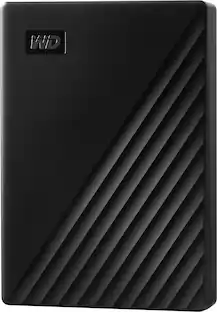
Store and access files on the go with this WD My Passport Portable Hard Drive for Mac. The backup software keeps you covered against accidental data loss, and password protection prevents unauthorized access to your content. The portable hard drive comes with USB-A and USB-C cables for flexible connectivity options.
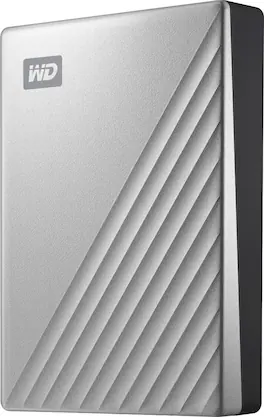
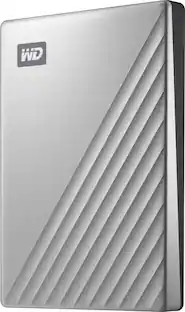
Access and save data quickly on this Western Digital My Passport Ultra drive for Mac. The hard drive uses USB 3.0 technology and USB-D connectivity to maximize plug-in options. Keep your files safe with the included security software, offering encryption and password protection. Its modern metal design complements your Mac, and out of the box, it’s formatted for macOS and Time Machine compatibility.
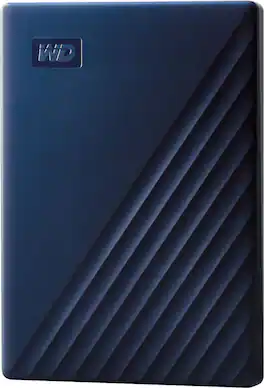
Store and access files on the go with this WD My Passport Portable Hard Drive for Mac. The backup software keeps you covered against accidental data loss, and password protection prevents unauthorized access to your content. The portable hard drive comes with USB-A and USB-C cables for flexible connectivity options.

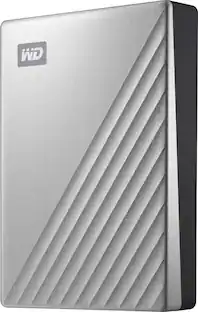
Store, share and transport files with the lightweight Western Digital My Passport Portable Hard Drive. The SuperSpeed USB port lets you transfer large files in seconds and 256-bit AES hardware encryption helps keep your files secure. The My Passport provides enough space to store thousands of files and documents. Auto backup capability allows you to select the time and frequency of file transfers.
| Pros for WD - My Passport for Mac 4TB External USB 3.0 Portable Hard Drive - Blue | |||
|---|---|---|---|
| Ease of use, Storage Capacity, Overall Performance, Size, Speed | Ease of use, Storage, Overall Performance, Speed, Size | Overall Performance, Storage Capacity, Size, Ease of Use, Compatibility | Storage, Ease of use, Size, Reliability, Price |
| Cons for WD - My Passport for Mac 4TB External USB 3.0 Portable Hard Drive - Blue | |||
| Software | Noise Level | There were no cons for this product— | Software, Noise, Heat |
Specs
Customers often buy these together
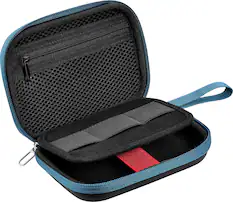
Portable Data Storage Cases
Cables and Adapters

More recommended items
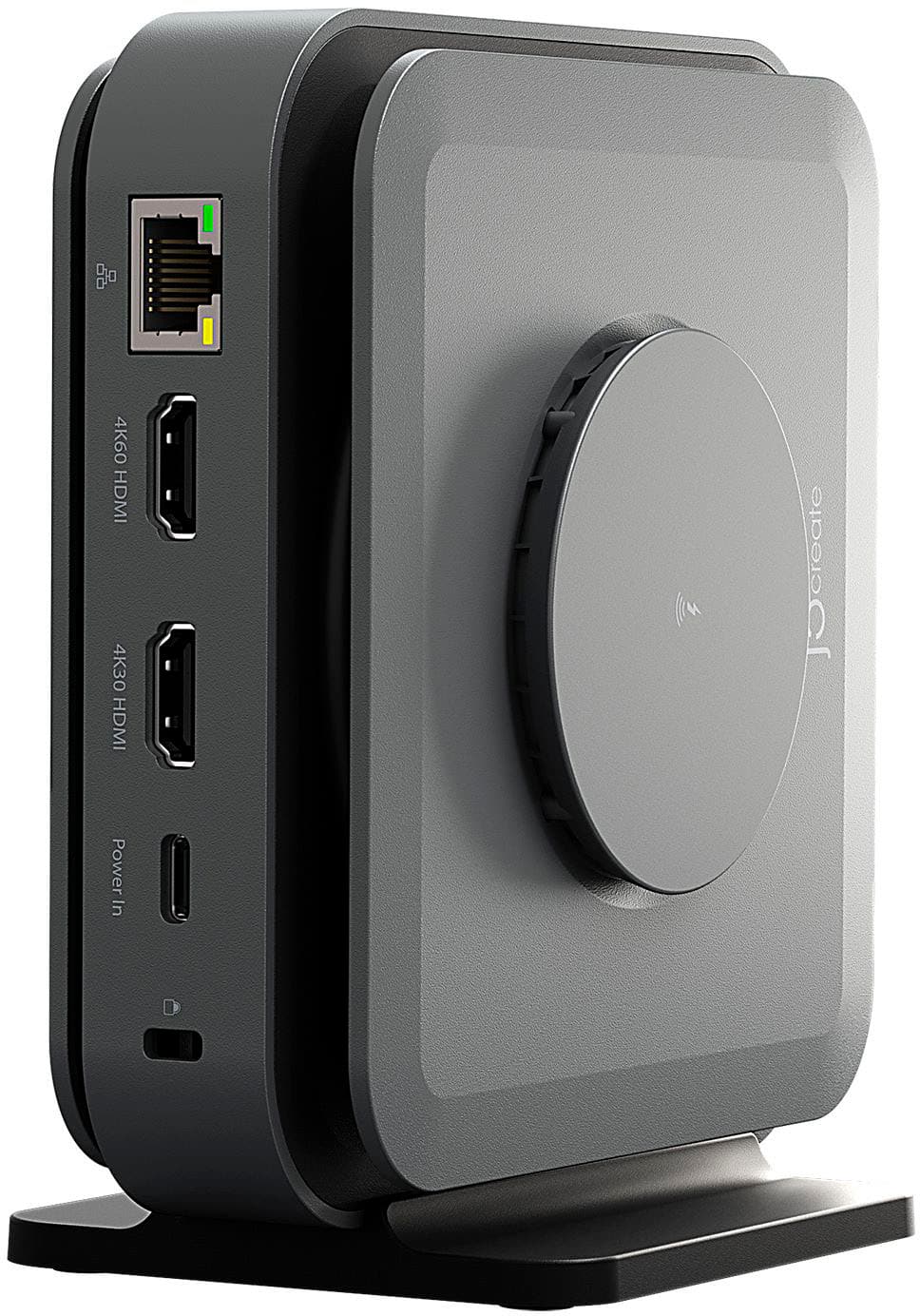 Laptop Docking Stations
 Network Hubs
More to consider
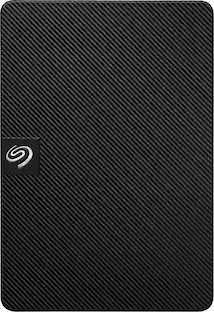 $129.99The price was $149.99
 $254.49The price was $256.99
Explore tech essentials Sponsored
 $539.99The price was $638.99
 $339.99The price was $423.99
Discover related products
 $111.77The price was $119.99
 $249.00The price was $275.00
 $12.99The price was $13.99










Keep exploring
 $96.99The price was $99.99
 $688.99The price was $715.29
 $849.99The price was $879.99
 $89.99The price was $133.40