Mac Internal Hard Drives
-
Seagate - Barracuda 4TB Internal Hard Drive for Desktops
SKU: J37C5HK32ZUsing them in a home server and running great so far.
See all Internal Hard DrivesProduct Description
A high-capacity 4TB internal HDD with 190MB/sec transfer speed, 256MB cache, and secure erase features.Your price for this item is $159.99Save $130The previous price was $289.99 -
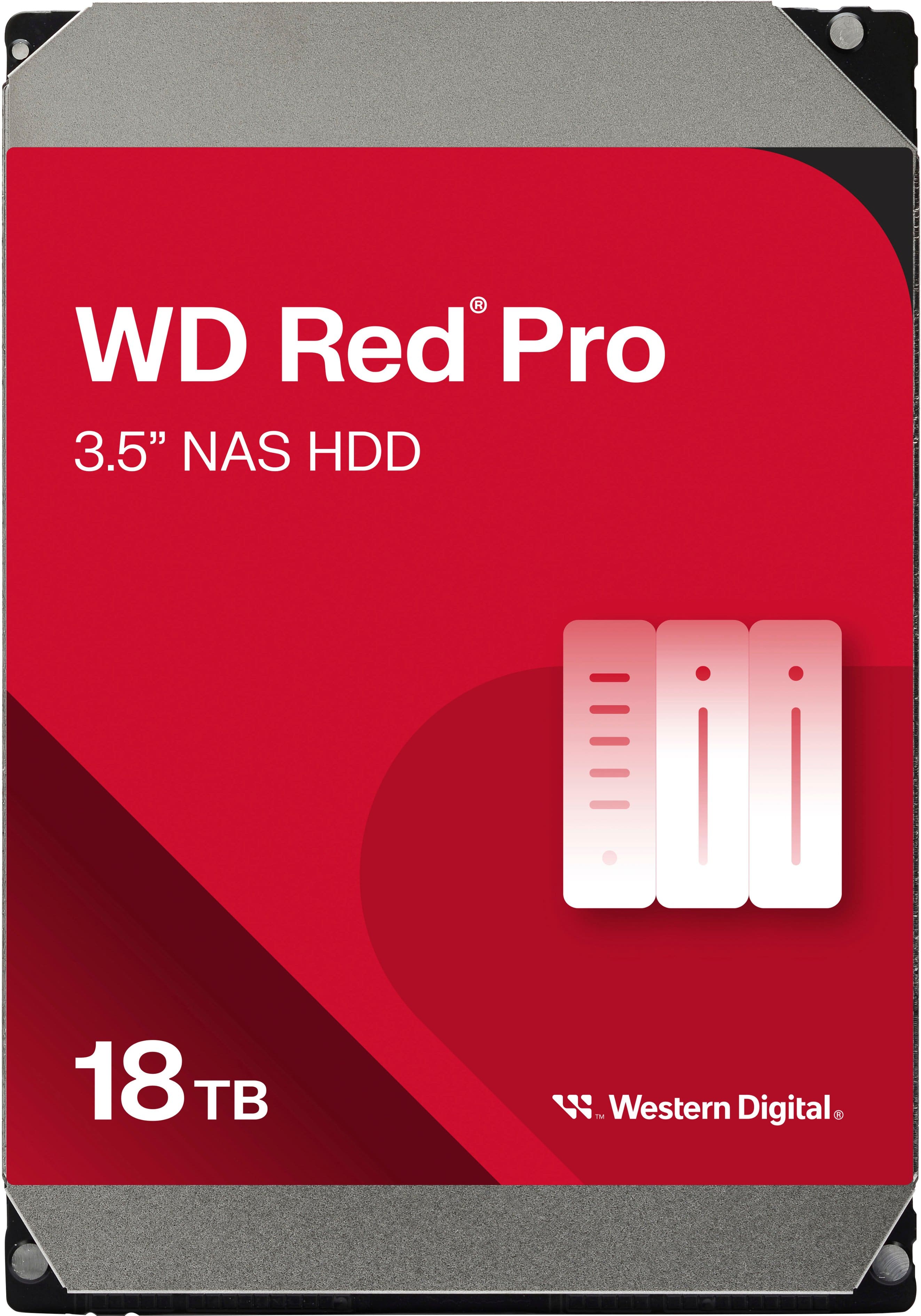
WD - Red Pro 18TB NAS Internal Hard Drive
SKU: JXTHCJVJXXGreat Drives...Love them. Perfect for my Truenas Scale server....Love the space and speed of this HDD, i will love if the can make it cheaper
See all Internal Hard DrivesProduct Description
A high-capacity 18TB internal red HDD designed for reliable, RAID-optimized NAS data storage.Your price for this item is $794.99 -
Seagate - Exos M 30TB Internal Hard Drive
SKU: J37C5H5T8FThe drive runs smoothly and delivers great performance in a NAS environment.
See all Internal Hard DrivesProduct Description
An enterprise-grade 30TB internal hard drive offering advanced 3TB-per-platter density and exceptional power efficiency.Your price for this item is $1,399.99 -
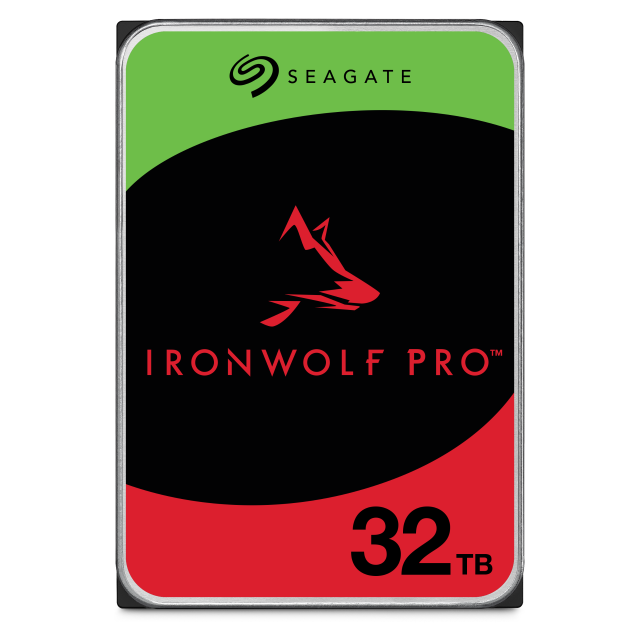
Seagate - IronWolf Pro 32TB NAS Internal Hard Drive with Rescue Data Recovery Services
SKU: J37C5H5QFWSee all Internal Hard DrivesProduct Description
A high-capacity 32TB 3.5" internal hard drive with 7200 RPM speed and built-in data recovery services.Your price for this item is $1,399.99 -
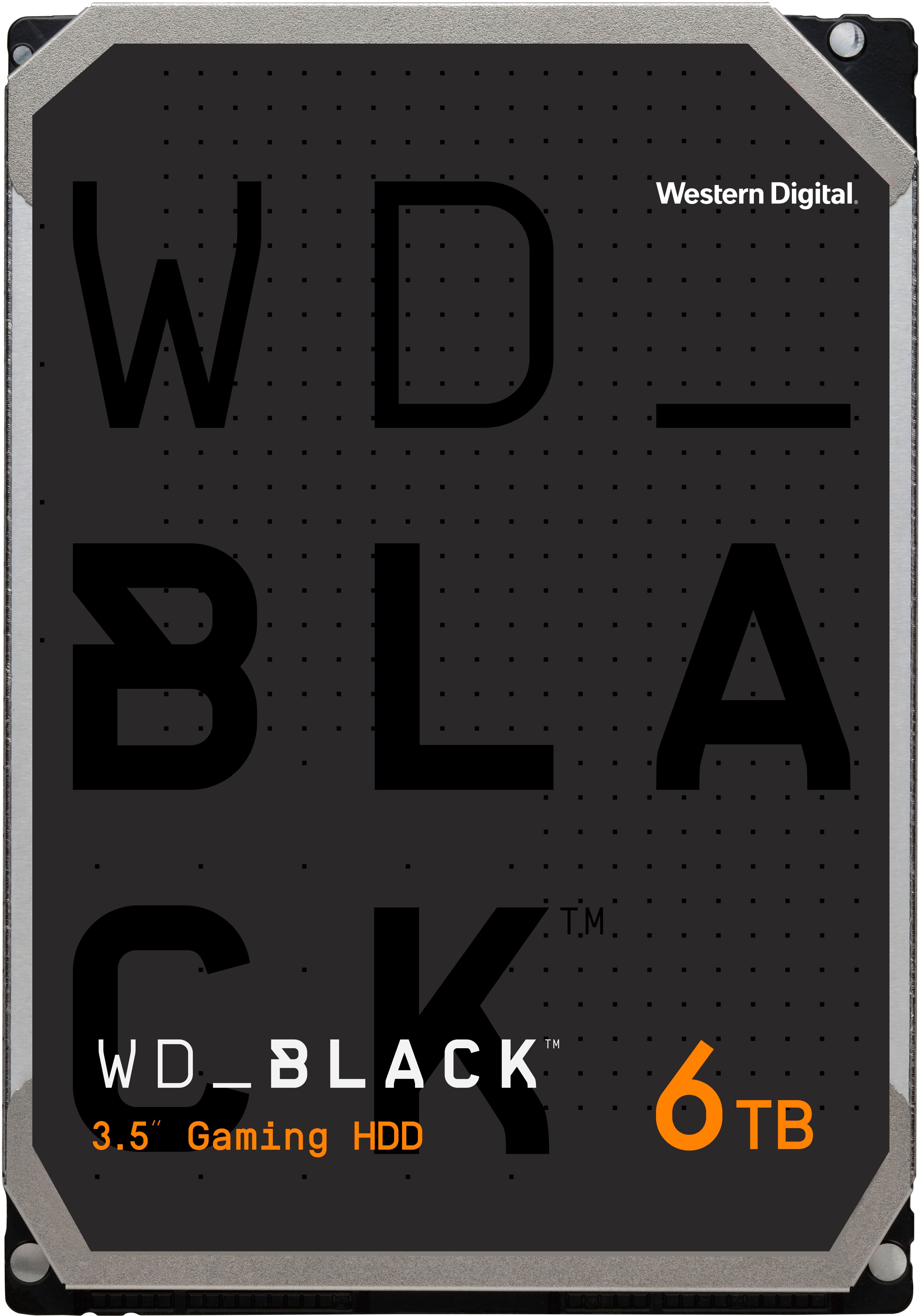
WD - BLACK 6TB Gaming Internal Hard Drive
SKU: JXTHCC7YK8Great Purchase...Honestly a great hard-drive for those of us that are gamers, runs smooth, quiet and has plenty of storage...for those larger than needed games we all love...Iem glad that I got it I love...
See all Internal Hard DrivesProduct Description
A high-performance black internal hard drive with 6TB capacity, 7200 RPM speed, and data encryption.Your price for this item is $251.99Save $63The previous price was $314.99 -
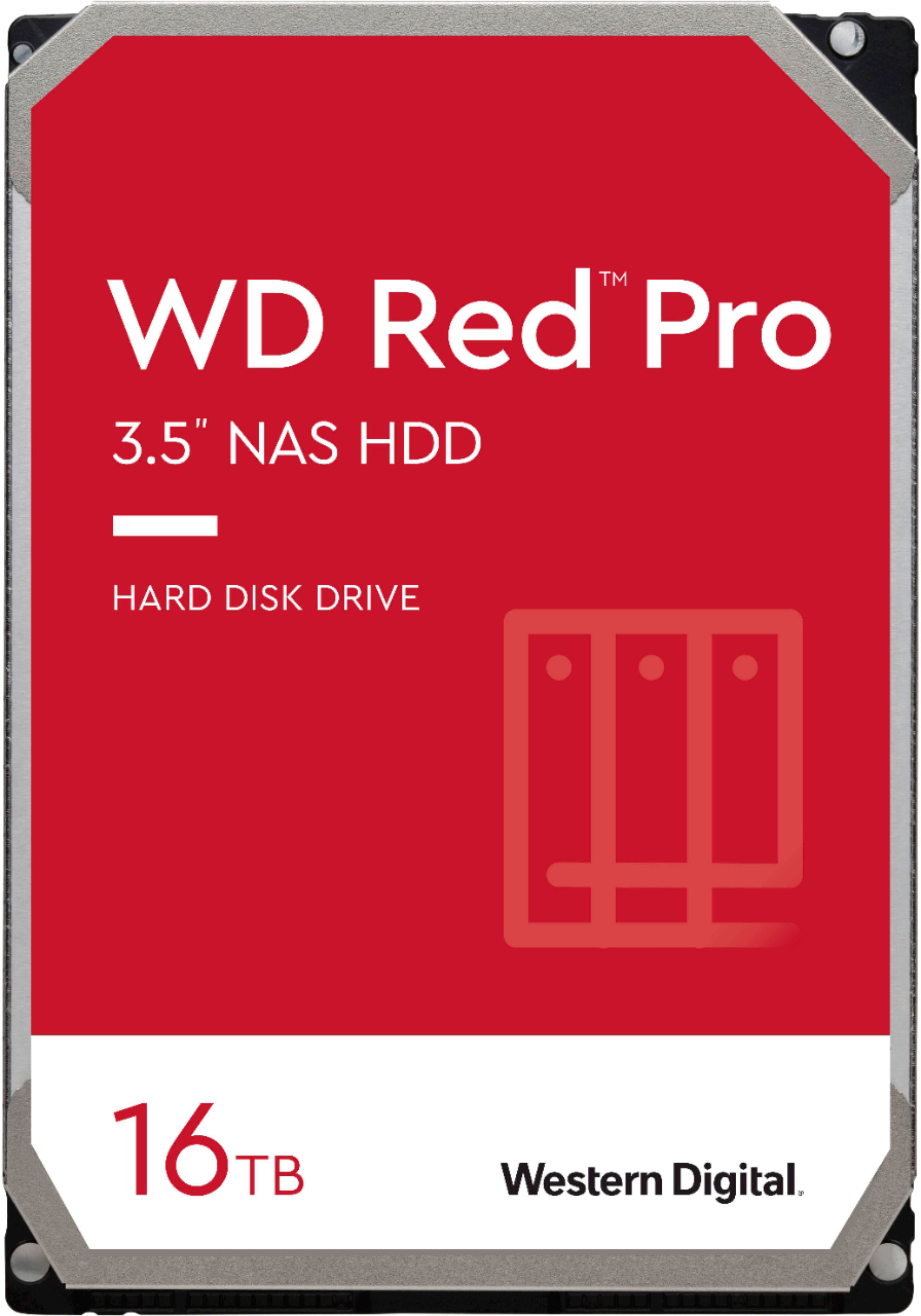
WD - Red Pro 16TB NAS Internal Hard Drive
SKU: JXTHCJVX89Great NAS Drives
See all Internal Hard DrivesProduct Description
A high-performance red SATA hard drive with 16TB capacity, 7200 RPM, and RAID optimization for NAS systems.Your price for this item is $757.99Save $42The previous price was $799.99 -
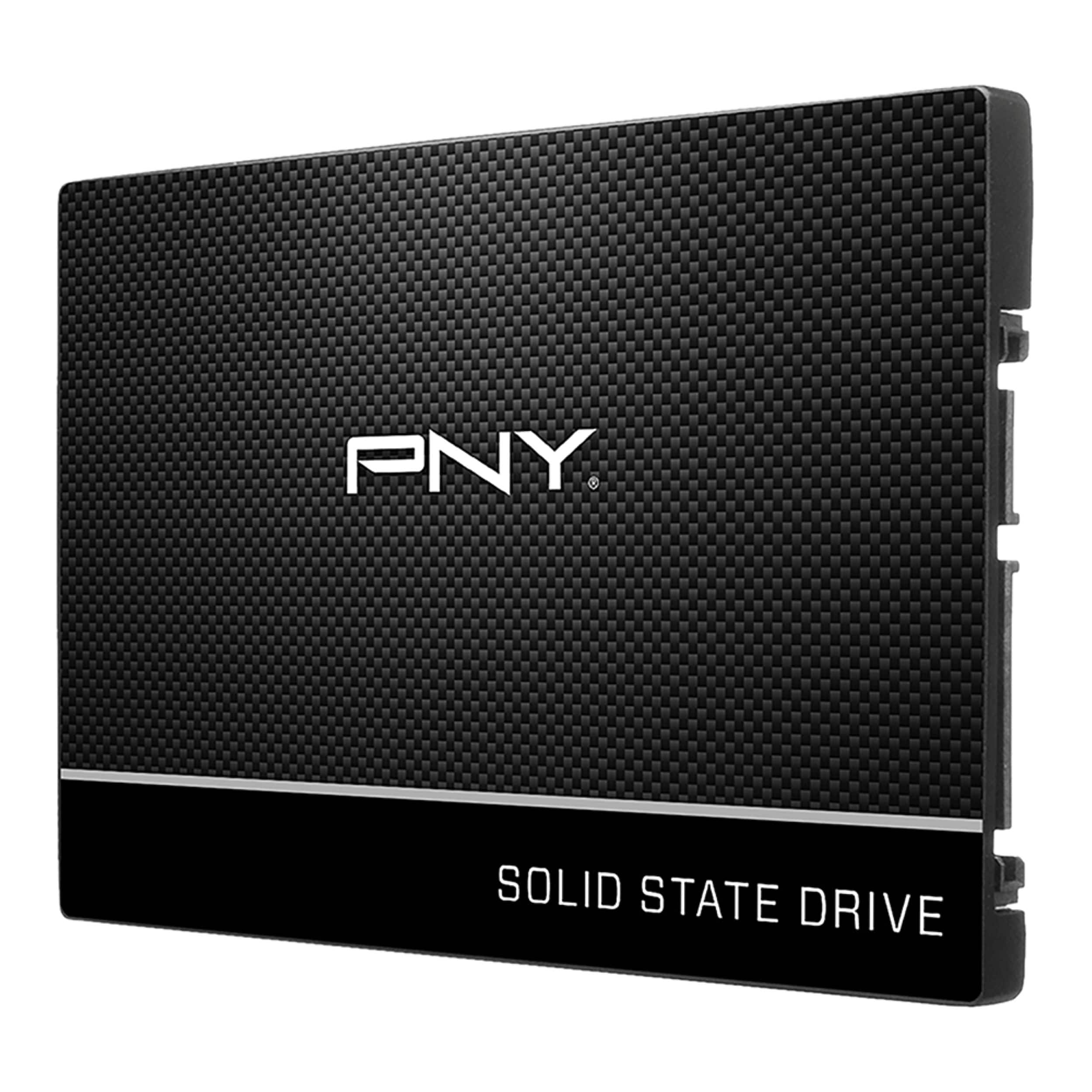
PNY - CS900 250GB Internal SSD SATA
SKU: JXF2C42G5QThis is a great replacement for a disc drive. Best way to speed up your ageing computer....Best Value
See all Internal SSDsProduct Description
A reliable 2.5-inch internal SSD with 250GB storage, 3D TLC NAND, and fast SATA III speeds.Your price for this item is $54.99Save $23The previous price was $77.99 -
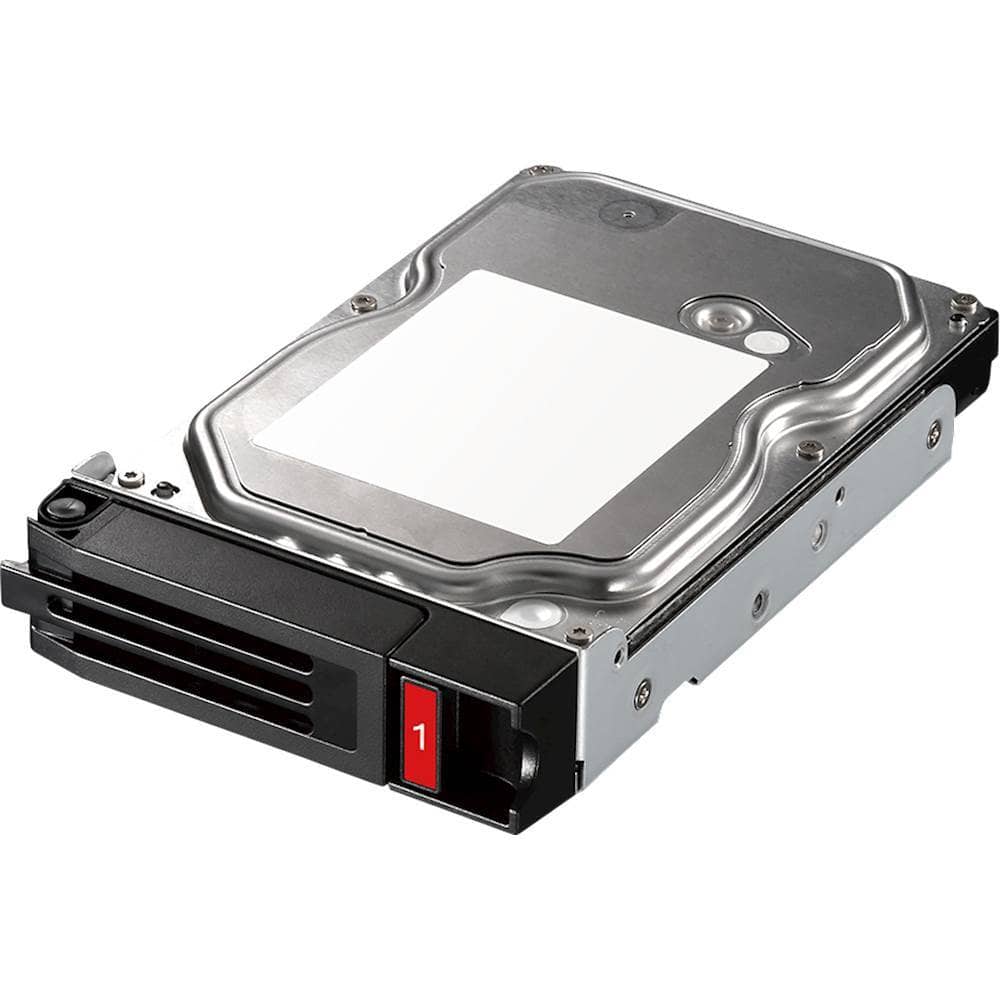
Buffalo - 4TB Internal SATA NAS Hard Drive for TeraStation 5010/3010 Series
SKU: JX5SQLXS6XSee all Internal Hard DrivesProduct Description
A black internal SATA hard drive offering 4TB storage and 600Mbps transfer speed for NAS devices.Your price for this item is $239.32Save $80The previous price was $319.99 -
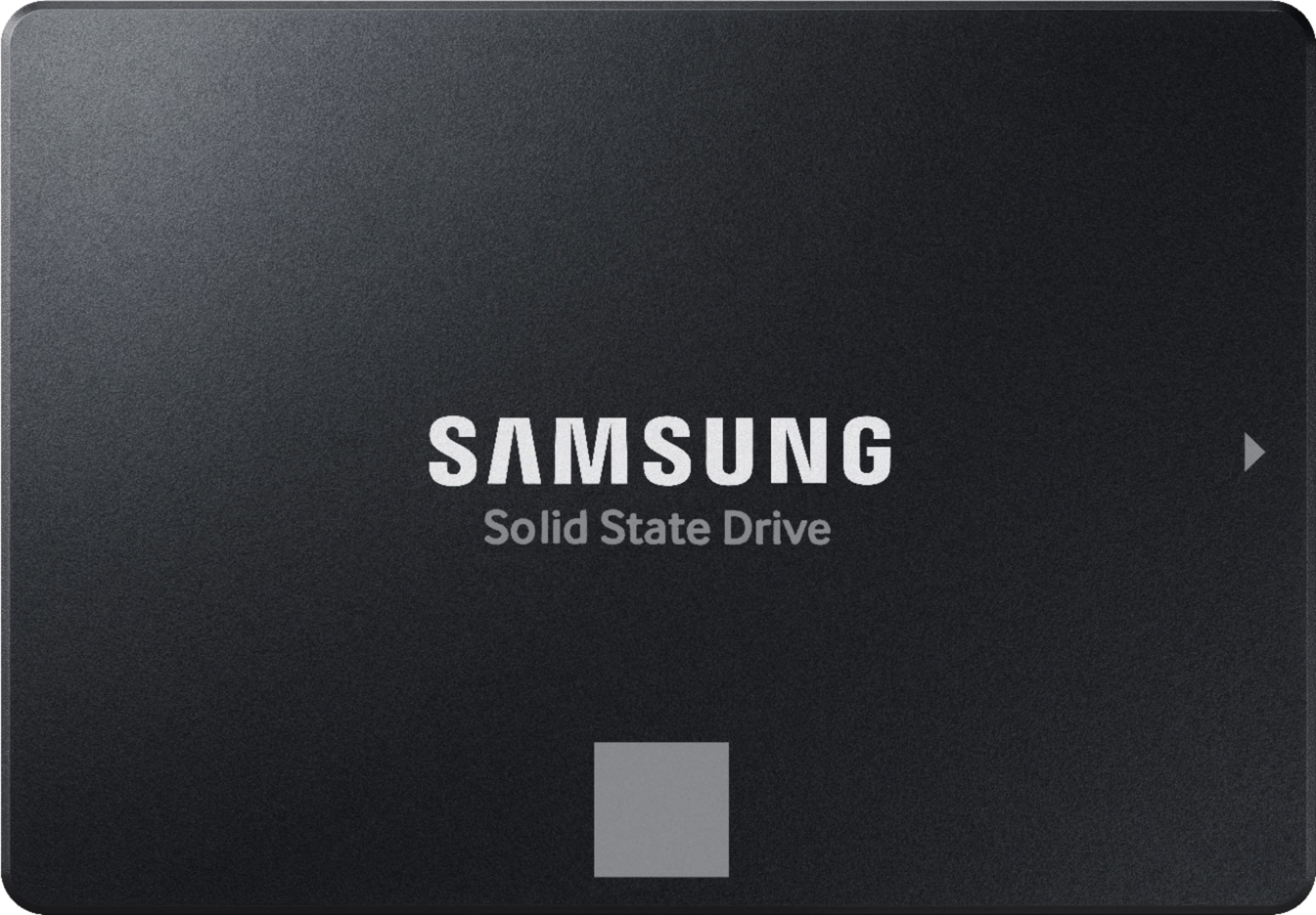
Samsung - 870 EVO 500GB Internal SSD SATA
SKU: J3ZYGCHHX9Great SSD...Simply the best in Solid State Drives. Love the price too...Sam Amazing Business love everything about it Best Quality best place to shop for anything.
See all Internal SSDsProduct Description
A reliable black internal SSD offering fast boot times, data encryption, and high performance for everyday use.Your price for this item is $249.99Save $50The previous price was $299.99 -
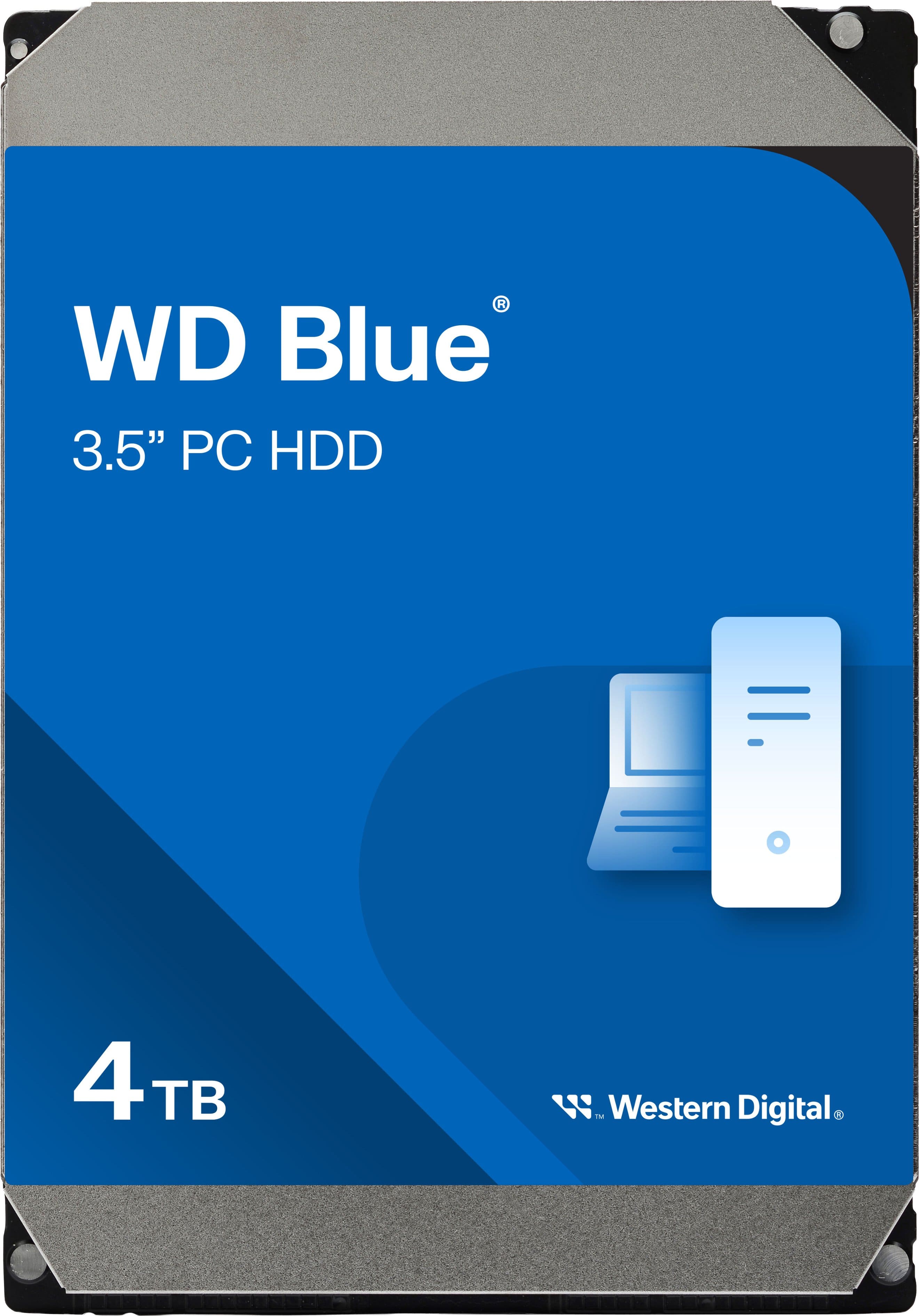
WD - Blue 4TB PC Internal Hard Drive for Desktops
SKU: JXTHCC7V3SGreat companion.Handling carrying and usage .Love it...Best price on market for 4tb, it work perfect and soundless.
See all Internal Hard DrivesProduct Description
A reliable blue 4TB internal HDD with 5400 RPM speed, ideal for desktop storage and office use.Your price for this item is $179.99

Best Sellers

Related Pages




FAQ
Not all Mac internal hard drives are compatible with every Mac model. Compatibility depends on factors like the model year, form factor (such as 2.5-inch or 3.5-inch), and the type of connection (SATA, PCIe, etc.). It's important to check your Mac's specifications or consult the manufacturer's compatibility list before purchasing.
SSD (Solid State Drive) and HDD (Hard Disk Drive) are two types of internal storage for Macs. SSDs offer faster data access, quicker boot times, and improved overall performance compared to HDDs, which use spinning disks and are generally slower. However, HDDs often provide higher storage capacities at a lower cost.
Some Mac models allow for internal hard drive upgrades, while others have drives that are soldered or glued in place, making upgrades difficult or impossible. Always consult your Mac's user manual or an authorized technician to determine if a DIY upgrade is feasible for your specific model.
Upgrading or replacing the internal hard drive on your Mac may void your warranty, especially if the process involves opening the device or altering its original configuration. It's recommended to check your warranty terms or consult with Apple or an authorized service provider before proceeding.
Most new internal hard drives are not pre-formatted for macOS. You may need to format the drive using Disk Utility during installation to ensure compatibility with your Mac and to take advantage of features like Time Machine backups or APFS file system support.