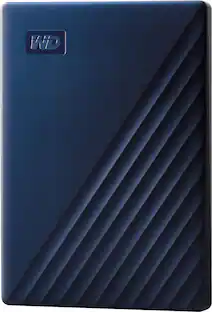
WD - My Passport Ultra for Mac 2TB External USB 3.0 Portable Hard Drive - Silver
Customers are saying
Customers consistently note that this product delivers reliable overall performance and is exceptionally easy to use, making it a convenient companion for daily tasks. Users are particularly impressed by the generous storage capacity and the sleek, compact design that allows for effortless portability. While the device offers seamless connectivity and efficient transfer speeds, some users have reported that it is not compatible with certain gaming consoles.
Storage Capacity
2000GB2TB storage capacity
Provides ample space for storing documents, photos, music and more.
USB 3.0 interface
Offers an easy-to-use connection to devices. Backward compatible with USB 2.0 for simple connection to your computer. USB-powered.
Get More Out of WD Discovery
To help preserve your online life, WD Discovery allows you to import your content from popular social media and cloud storage services like Dropbox and Google Drive.
Automatic backup options
The My Passport Ultra for Mac drive comes equipped with WD Backup software to help make sure everything you create while on your own life journey - photos, videos, music and documents - doesn’t get lost.
Locked down.
The My Passport Ultra for Mac's built-in 256-bit AES hardware encryption with password protection helps keep your digital life's contents secure.
Time Machine compatible
Back up your entire system directly to the drive.
Portable design
Lets you take your data on the go.
Compatible with Mac and PC
For flexible installation options.
- Storage Capacity2000 gigabytesStorage Drive TypeHDDMaximum Read Speed0 megabytes per secondMaximum Write Speed0 megabytes per secondInterface(s)USB-C (USB 3.1 Gen1)
Reviews
Rating 4.7 out of 5 stars with 764 reviews
- Overall Performance (277)
- Ease of Use (225)
- Storage Capacity (119)
- Size (40)
- Connectivity (35)
- Compatibility (26)
Customer Images
The vast majority of our reviews come from verified purchases. Reviews from customers may include My Best Buy members, employees, and Tech Insider Network members (as tagged). Select reviewers may receive discounted products, promotional considerations or entries into drawings for honest, helpful reviews.
Compare similar products
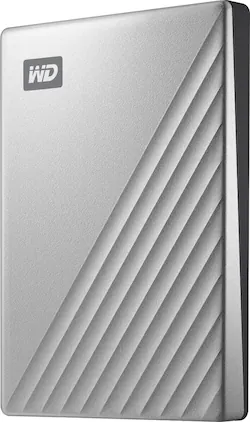
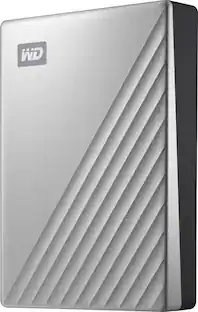
Access and save data quickly on this Western Digital My Passport Ultra drive for Mac. The hard drive uses USB 3.0 technology and USB-D connectivity to maximize plug-in options. Keep your files safe with the included security software, offering encryption and password protection. Its modern metal design complements your Mac, and out of the box, it’s formatted for macOS and Time Machine compatibility.
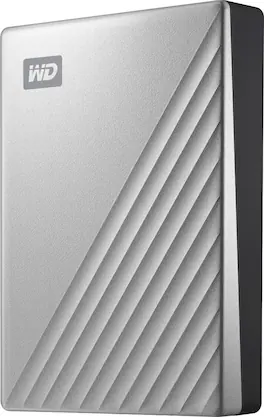
Access and save data quickly on this Western Digital My Passport Ultra drive for Mac. The hard drive uses USB 3.0 technology and USB-D connectivity to maximize plug-in options. Keep your files safe with the included security software, offering encryption and password protection. Its modern metal design complements your Mac, and out of the box, it’s formatted for macOS and Time Machine compatibility.
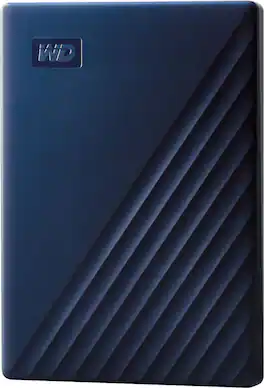
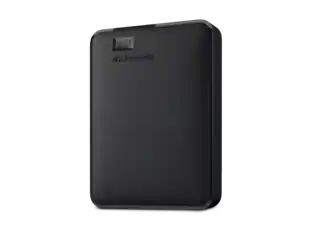
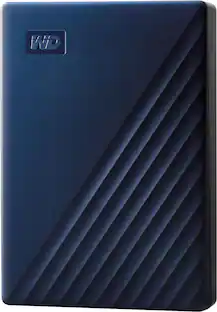
Store and access files on the go with this WD My Passport Portable Hard Drive for Mac. The backup software keeps you covered against accidental data loss, and password protection prevents unauthorized access to your content. The portable hard drive comes with USB-A and USB-C cables for flexible connectivity options.
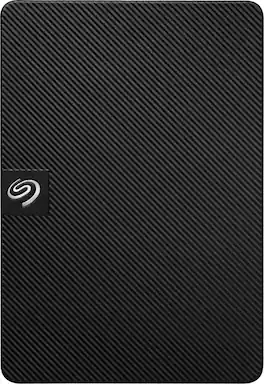
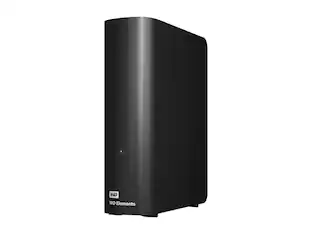
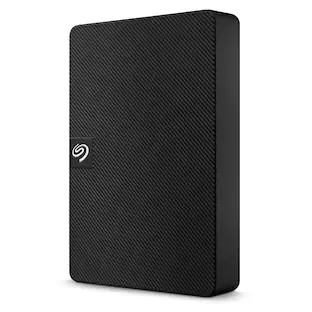
Expansion portable drive is an easy-to-use solution for instantly adding storage to Windows or Mac—and taking those files on the go. Take advantage of fast data transfer speeds with USB 3.0 and consolidate files into a single location. Free up space on your computer with a simple drag and drop—file saving is that easy. Plus, Seagate Expansion comes with Rescue Data Recovery Services for additional peace of mind.
| Pros for WD - My Passport Ultra for Mac 2TB External USB 3.0 Portable Hard Drive - Silver | |||
|---|---|---|---|
| Overall Performance, Ease of Use, Storage Capacity, Size, Connectivity | Overall Performance, Speed, Size, Ease of use, Storage | Ease of Use, Overall Performance, Storage Capacity, Size, Compatibility | Storage Capacity, Overall Performance, Ease of Use, Speed, Size |
| Cons for WD - My Passport Ultra for Mac 2TB External USB 3.0 Portable Hard Drive - Silver | |||
| Compatibility | Noise Level | There were no cons for this product— | Connectivity |
Specs
Customers often buy these together
Portable Data Storage Cases
Cables and Adapters


Laptop Docking Stations
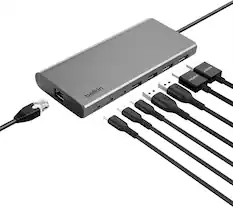
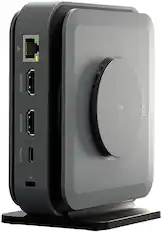
Belkin - Connect Universal USB-C 8-in-1 Dual Display Core Hub Compatible with 100W PD with 10Gbps Transfer Speeds & 1GbE Ethernet - Gray
Top Deal$124.99The price was $139.99
Customers ultimately bought
 $399.99The price was $679.99
Explore tech essentials Sponsored
 $339.99The price was $423.99
 $449.99The price was $589.99
Discover related products
 $12.99The price was $13.99
 $249.00The price was $275.00








Keep exploring
 $89.99The price was $133.40
 $208.13The price was $209.74
 $390.97The price was $402.99
 $827.49The price was $879.99