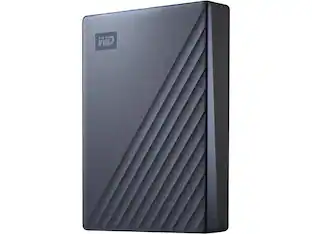
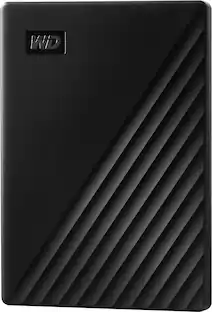
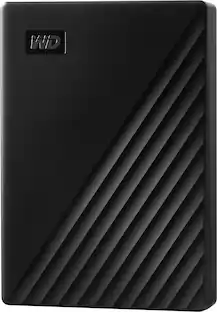
WD - My Passport 2TB External USB 3.0 Portable Hard Drive - Black
Customers are saying
Customers find value in the product's generous storage capacity and its intuitive, user-friendly design. Users frequently praise its reliable performance, compact size, and impressive transfer speeds, making it a highly effective external drive. While the vast majority of feedback is positive regarding its compatibility and overall utility, a small number of users have reported minor difficulties during the initial software installation and setup process.
Color
Black2TB storage capacity
Provides ample space for storing documents, photos, music and more.
USB 3.0 interface
Offers an easy-to-use connection to devices. Backward compatible with USB 2.0 for simple connection to your computer. USB-powered.
Backup
Make sure everything you createon your own life journey - photos, videos, music, and documents - doesn’t get lost. My Passport drive comes equipped with backup software (download required) that can be set to run automatically to your schedule, just pick the time and frequency to back up.
Locked down
The My Passport drive’s built-in 256-bit AES hardware encryption with password protection helps keep your digital life's contents secure.
2TB storage capacity
Provides ample space for storing documents, photos, music and more.
Portable design
Lets you take your data on the go.
*Reformatting is required for Mac OS.
**Features not compatible with Chromebook.
- Storage Capacity2000 gigabytesStorage Drive TypeHDDMaximum Read Speed0 megabytes per secondMaximum Write Speed0 megabytes per secondInterface(s)Micro-USB B
Reviews
Rating 4.7 out of 5 stars with 5131 reviews
- Storage (1494)
- Ease of use (1403)
- Overall Performance (736)
- Size (591)
- Speed (382)
- Software (26)
- Setup (12)
Customer Images
The vast majority of our reviews come from verified purchases. Reviews from customers may include My Best Buy members, employees, and Tech Insider Network members (as tagged). Select reviewers may receive discounted products, promotional considerations or entries into drawings for honest, helpful reviews.
Compare similar products
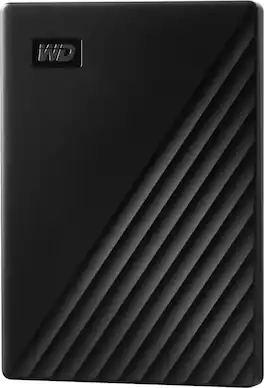
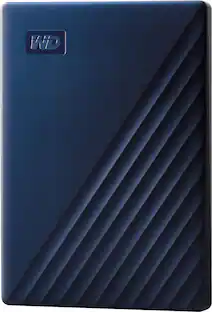
Store, share and transport files with the lightweight Western Digital My Passport Portable Hard Drive. The SuperSpeed USB port lets you transfer large files in seconds and 256-bit AES hardware encryption helps keep your files secure. The My Passport provides enough space to store thousands of files and documents. Auto backup capability allows you to select the time and frequency of file transfers.
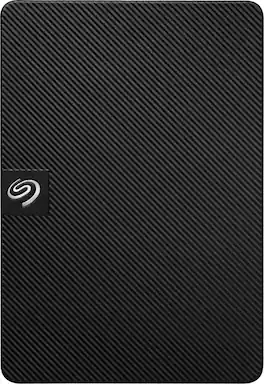
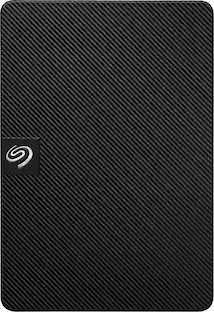
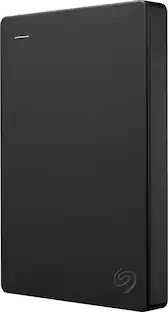
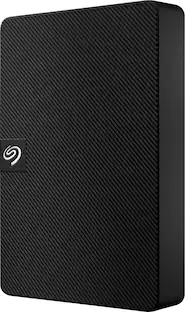
Expansion portable drive is an easy-to-use solution for instantly adding storage to Windows or Mac—and taking those files on the go. Take advantage of fast data transfer speeds with USB 3.0 and consolidate files into a single location. Free up space on your computer with a simple drag and drop—file saving is that easy. Plus, Seagate Expansion comes with Rescue Data Recovery Services for additional peace of mind.

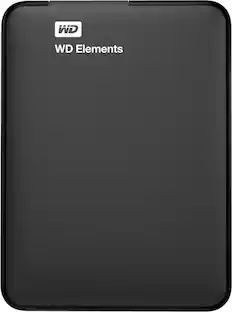
Store, share and transport files with the lightweight Western Digital My Passport Portable Hard Drive. The SuperSpeed USB port lets you transfer large files in seconds and 256-bit AES hardware encryption helps keep your files secure. The My Passport provides enough space to store thousands of files and documents. Auto backup capability allows you to select the time and frequency of file transfers.
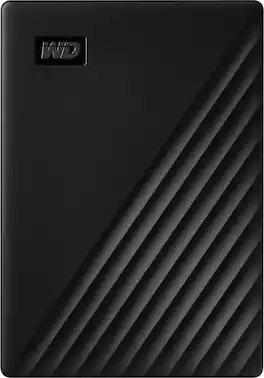
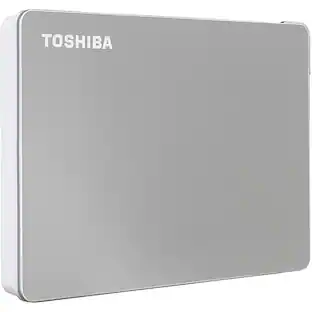
Store, share and transport files with the lightweight Western Digital My Passport Portable Hard Drive. The SuperSpeed USB port lets you transfer large files in seconds and 256-bit AES hardware encryption helps keep your files secure. The My Passport provides enough space to store thousands of files and documents. Auto backup capability allows you to select the time and frequency of file transfers.
| Pros for WD - My Passport 2TB External USB 3.0 Portable Hard Drive - Black | |||
|---|---|---|---|
| Storage, Ease of use, Overall Performance, Size, Speed | Overall Performance, Speed, Size, Storage Capacity, Ease of Use | Ease of use, Storage, Overall Performance, Size, Speed | Storage, Ease of use, Size, Reliability, Price |
| Cons for WD - My Passport 2TB External USB 3.0 Portable Hard Drive - Black | |||
| Software, Setup | Connectivity | Instructions | Software, USB, Cable Length |
Specs
More to consider
 $129.99The price was $149.99
 $129.99The price was $182.40

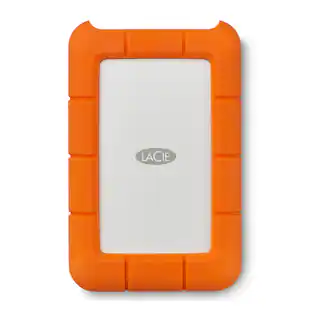
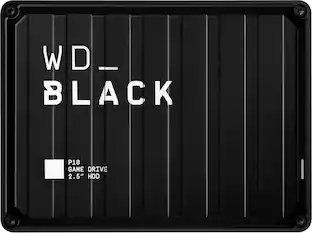
Explore tech essentials Sponsored
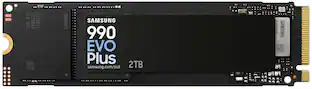 Top Deal$379.99The price was $579.99
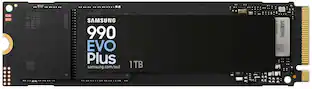 Top Deal$239.99The price was $289.99
 $33.99The price was $39.99
 $80.99The price was $96.99
Discover related products
 $249.00The price was $275.00
 $49.99The price was $78.42
 $12.99The price was $13.99





Keep exploring
 $487.99The price was $558.62
 $994.49The price was $1,028.49