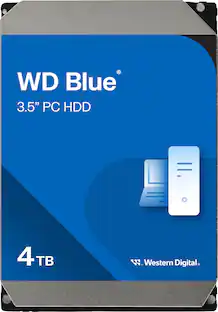
WD - Blue 4TB PC Internal Hard Drive for Desktops
Customers are saying
Customers commend this hard drive for its ample storage capacity and exceptional reliability, making it a highly trusted choice for users. Many reviewers also highlight the product's ease of installation and competitive pricing as significant benefits. While the drive is praised for its quiet operation, some users noted that it does not include a SATA cable and comes with a limited two-year warranty.
Storage Capacity
4000GB4TB storage capacity
Provides plenty of space for documents, photos, music, videos and other data.
Tested for Compatibility
Tested on hundreds of systems, inlcuding Mac and PC, and a multitude of platforms in our F.I.T. Lab to give customers confidence that our drives will work in their systems.
Low Power Consumption
State-of-the-art seeking algorithms and advanced power management features help ensure low power consumption.
NoTouch Ramp Load technology
The recording head never touches the disk surface ensuring significantly less wear to the recording head and data as well as better drive protection in transit.
Acronis True Image WD Edition cloning software
This software enables you to copy all your data to a new drive so you don’t have to reinstall your operating system.
- Storage Capacity4000 gigabytesStorage Drive TypeHDDRotational Speed5400 revolutions per minuteMaximum Read Speed175 megabytes per secondMaximum Write Speed175 megabytes per secondForm Factor3.5 in.
Reviews
Rating 4.7 out of 5 stars with 1966 reviews
- Storage (615)
- Reliability (448)
- Ease of use (258)
- Price (235)
- Installation (74)
- SATA Cable (9)
- Warranty (6)
Customer Images
The vast majority of our reviews come from verified purchases. Reviews from customers may include My Best Buy members, employees, and Tech Insider Network members (as tagged). Select reviewers may receive discounted products, promotional considerations or entries into drawings for honest, helpful reviews.
Compare similar products

Store edited photos, videos, and games on this 3.5-inch Western Digital hard drive. It has dynamic cache for optimizing allocation between reads and writes, and there's plenty of space to store files with its 4TB capacity.
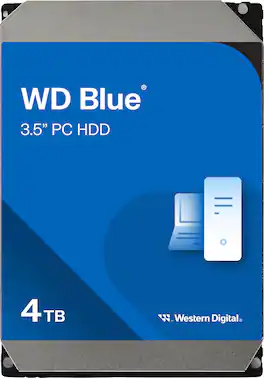
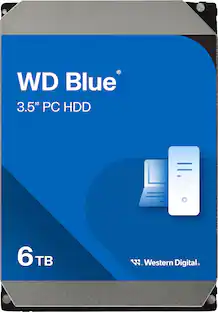
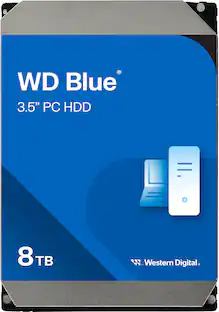
WD Blue internal hard drives deliver solid reliability for office and web applications and are perfect for extra storage for desktop PCs and in-office applications.
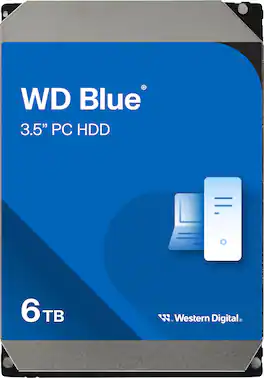
The WD Blue everyday internal SATA hard drive delivers reliability for office and applications. The drive is designed for use with select PC and Mac desktops for storing a wealth of games, movies, music, pictures and more. Data transfer rates up to 6 Gbps ensure efficient performance.

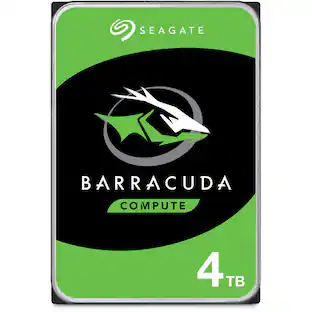
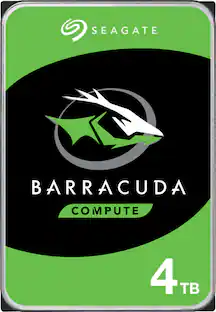
Upgrade your computer with this Seagate BarraCuda internal HDD. The 4TB of total capacity provide optimum space for storing large files, while the data transfer speed of up to 190MB/sec. combined with a 256MB cache memory buffer delivers blazing-fast file transfers. This Seagate BarraCuda internal HDD has Self-Encrypting Drive technology and an Instant Secure Erase feature for efficient data removal and supports SATA III connectivity. Seagate equivalent and backward compatible models: ST4000DM004, ST4000DMZ04.
| Pros for WD - Blue 4TB PC Internal Hard Drive for Desktops | |||
|---|---|---|---|
| Storage, Ease of use, Price, Reliability, Installation | There were no pros for this product— | Performance, Speed, Storage Capacity, Hard Drive, Noise Level | Storage, Performance, Price, Ease of use, Speed |
| Cons for WD - Blue 4TB PC Internal Hard Drive for Desktops | |||
| SATA Cable, Warranty | There were no cons for this product— | There were no cons for this product— | There were no cons for this product— |
Specs
Customers often buy these together
Reviews coming soon
$46.49The price was $47.99
Customers ultimately bought
Explore tech essentials Sponsored
 $379.99The price was $579.99
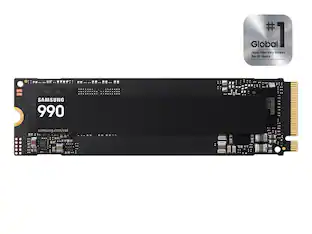
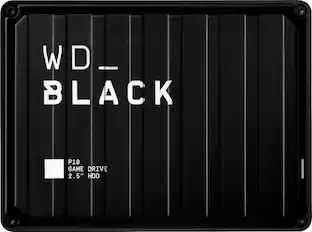
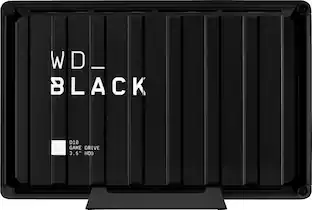
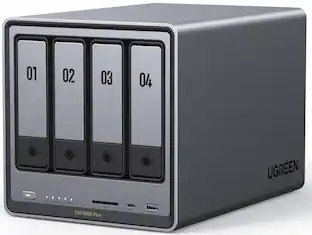
Discover related products
 $12.99The price was $13.99
 $239.00The price was $275.00
 $30.99The price was $32.99












Keep exploring
 $99.99The price was $129.99
 $159.99The price was $169.99
 $289.90The price was $359.74
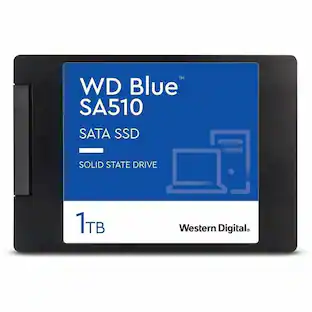 $229.99The price was $233.23
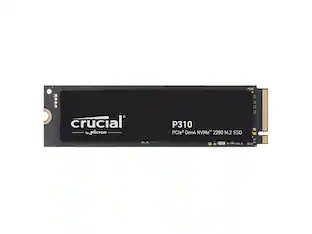 $299.99The price was $364.99
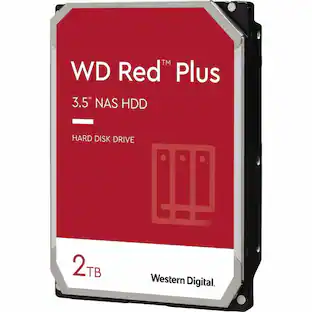 $164.49The price was $219.00
 $499.99The price was $518.49
 $69.99The price was $76.99
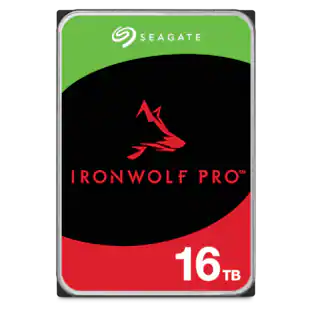 $614.99The price was $678.11