ASUS - TUF A1 Dual M.2 SSD Enclosure - USB-C, SATA, Q-Latch, IP68, PS5/Xbox
About this product
ASUS TUF Gaming A1 External Dual M.2 NVMe PCIe SSD Enclosure - USB-C, SATA interfaces, M.2 Q-Latch for easy installation, Drop resistance, IP68 water and dust resistance, PS5 and Xbox support
Features
Built to military and IP68 standards for durability
Military-grade toughness: Meets MIL-STD-810H drop resistance and IP68 water and dust resistance standards for added durability
Ultrafast performance: USB-C® 3.2 Gen 2x1 interface for up to 10 Gbps transfer speeds, while SATA offers up to 6 Gbps
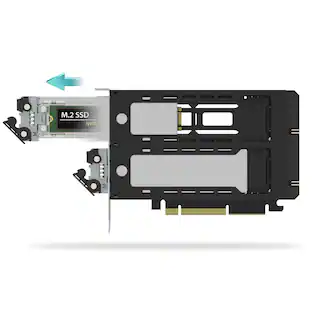
Dual M.2 interface: Supports M.2 NVMe® PCIe® or SATA SSDs with 2242/2260/2280 form factor
DIY-friendly design: Exclusive Q-latch mechanism makes it easy to mount an SSD into the enclosure
Wide-ranging compatibility: Bundled USB-C® cable to connect to PCs, laptops, mobile devices and the latest-gen gaming consoles
Specifications
- Drive Form FactorM.2
Reviews
This product doesn't have any reviews yet.
Compare similar products

ASUS TUF Gaming A1 External Dual M.2 NVMe PCIe SSD Enclosure - USB-C, SATA interfaces, M.2 Q-Latch for easy installation, Drop resistance, IP68 water and dust resistance, PS5 and Xbox support

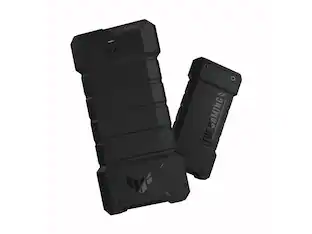
ASUS TUF Gaming A2- USB-C 3.2 Gen 2x2 Portable SSD Enclosure, Dual M.2 NVMe PCIe and SATA, MIL-STD-810H Drop Resistance, IP68 Water and dust Resistance, Aluminum Alloy Chassis and a Thermal pad

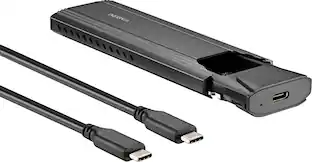
There’s nothing worse than low computer storage when you’re in the middle of working on a big project. Add portable data storage to your laptop or computer with the Insignia NS-PCNVMEHDE M.2 NVMe to USB-C SSD Enclosure. It turns your M.2 NVMe into a USB-C connection with transfer speeds up to 10 Gbps, giving you a high-speed access to your data. The enclosure includes a USB-C cable and a USB-to-USB-C adapter for wide-ranging use. It also has a plug-and-play design, making it easy to use with most computers and laptops. Featuring UASP support, it further reduces processor requirements while improving your data speeds. Improve your computer storage with a high-quality solution that will let you get things done.

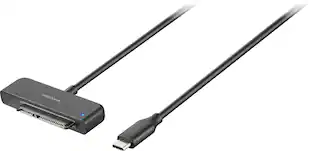
Whether you’re looking for additional storage space or want to access files on older drives, the Insignia NS-PACS2B25 1.97' USB-C to SATA Adapter is your simple plug-and-play solution. Connect your 2.5" SATA drive with a USB-C connection to view and transfer files on your computer. The plug and play design makes setup simple, and its UASP support reduces your machine’s processor requirements. Tackle any old storage projects today with the help of this Insignia adapter.
| Pros for ASUS - TUF A1 Dual M.2 SSD Enclosure - USB-C, SATA, Q-Latch, IP68, PS5/Xbox | |||
|---|---|---|---|
| There were no pros for this product— | There were no pros for this product— | Ease of use, Overall Performance, Price, Speed, USB-C | Overall Performance, Ease of use, Price, Connectivity, Compatibility |
| Cons for ASUS - TUF A1 Dual M.2 SSD Enclosure - USB-C, SATA, Q-Latch, IP68, PS5/Xbox | |||
| There were no cons for this product— | There were no cons for this product— | Heat, Compatibility, Locking Mechanism | There were no cons for this product— |
Specs
Questions & Answers
I got a computer from you guys about 2 years ago. The hard drive crashed a few months ago. Would this fix that?
Answered by ASUS AnswersThe ASUS TUF A1 enclosure itself won't resolve the issue, you would need an M.2 SSD to go inside it to connect with your computer. You can run Windows from an external SSD enclosure, but the standard Windows installer blocks direct installation to USB drives. The best solution would be to replace the interal SSD if it is a hardware issue and reinstall Windows.
With the SSD inside, can I play playstation 5 games in it or only storage them?
Answered by ASUS AnswersYou can only store PlayStation 5 games on an SSD inside the ASUS TUF Gaming A1 enclosure, not play them directly from it. How It Works on PS5: For PS5 games you can use the enclosure as extended storage to offload PS5 games and save space, but you must copy them back to the console's internal storage to play them. However, you can play PlayStation 4 games directly from the ASUS TUF Gaming A1 when it is plugged into your PS5.


Customers often buy these together
Best Buy essentials™ 65W Dual Port USB-C and USB Wall Charger for MacBook Pro, iPad, iPhone, Apple Watch, Smarthones & other USB-C Devices
Clearance$11.99The price was $19.99


More to consider
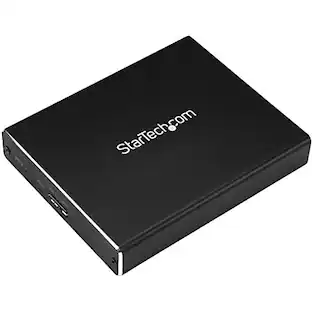
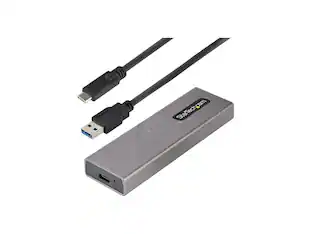
StarTech.com StarTech USB-C 10Gbps to M.2 NVMe or M.2 SATA SSD Enclosure M2USBCNVMESATA
$84.68The price was $87.15

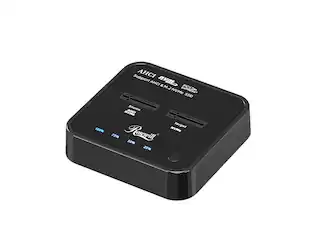
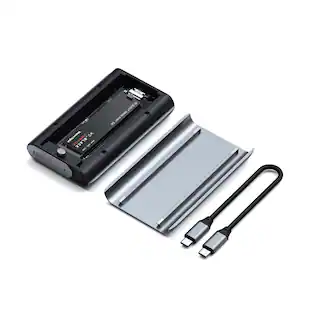
Explore tech essentials Sponsored
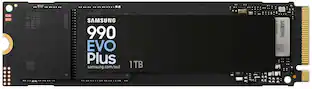
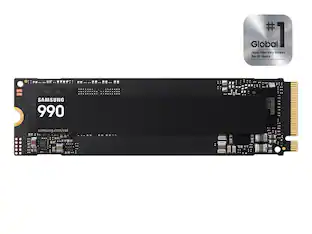
Samsung Internal SSD 990 1TB, Read/Write Speeds Up to 7,250/6,450 MB/s (MZ V9V1T0B/AM)
$189.99The price was $229.99
Keep exploring
Syba 4-Bay USB4 (USB-C) 40G Portable SSD Dock for NVMe/PCIe (22110, 2280, 2260, 2242, 2230) (Docking Only)
$109.99The price was $137.53OWC Express 4M2 Four-Slot USB4 (40Gb/s) External Storage Enclosure for NVMe M.2 SSDs (Enclosure with SoftRAID)
$299.99The price was $379.99StarTech.com StarTech S251BMU313 2.5" USB 3.1 External HDD Enclosure - UASP, Aluminum, SSD/HDD
$52.71The price was $55.53StarTech.com SATDOCKU3S Plastic 2.5" & 3.5" Black SATA Hard Drive Docking Station for 2.5/3.5 HDD
$77.99The price was $86.23StarTech.com StarTech USB 3.0 to SATA 6Gbps IDE Docking Station for 2.5/3" Hard Drive and Solid State Drive
$110.37The price was $116.33