MacBook Pro Dvd Drive
-
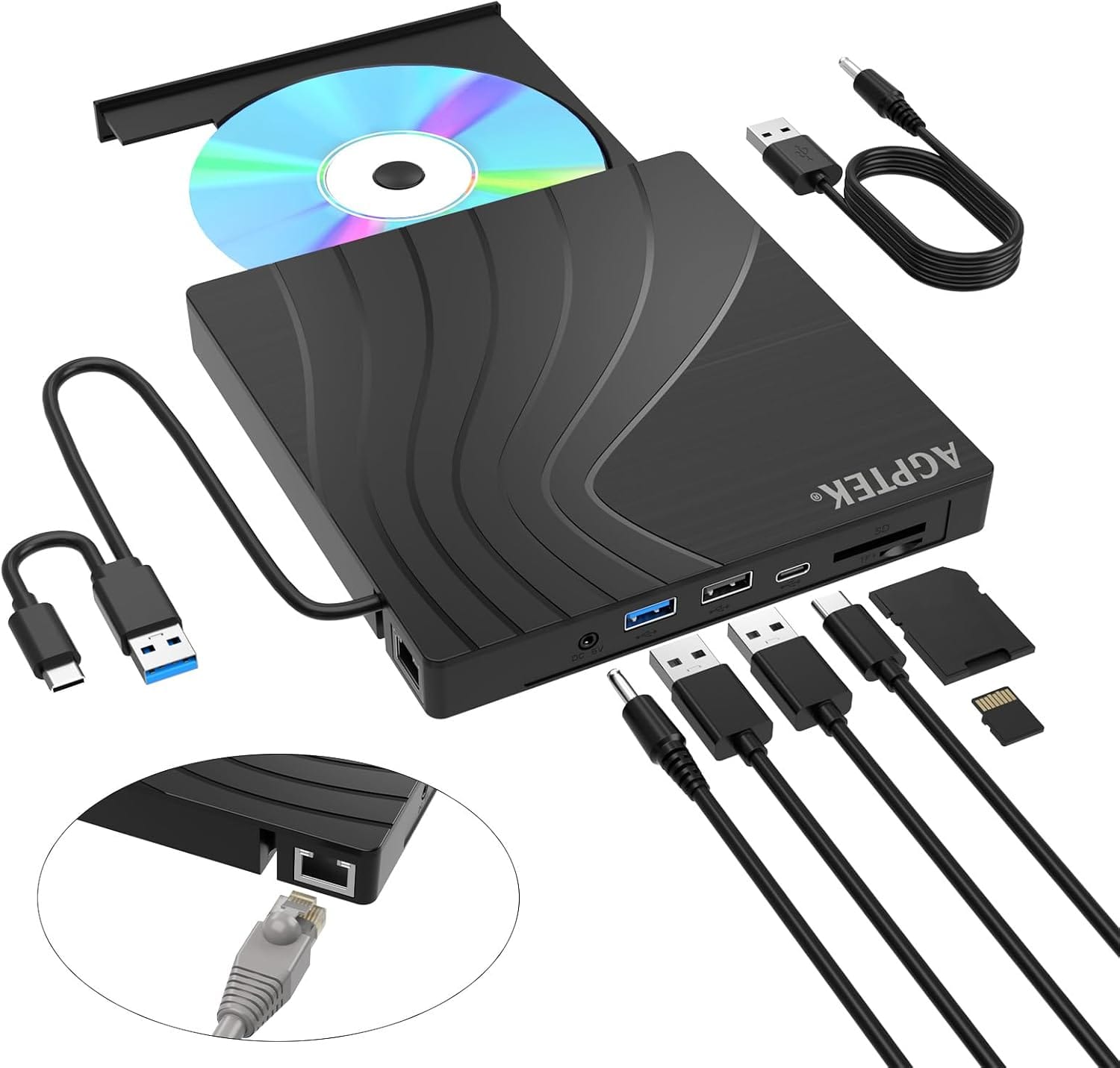
AGPtek - External CD/DVD Drive for Laptop, PC, MacBook, Windows, Linux, USB 3.0 Slim DVD Burner with Ethernet Adapter - Black
SKU: JXXVL59PL6See all External DVD DrivesProduct Description
A slim black USB 3.0 external DVD/CD burner with Ethernet adapter, USB ports, and TF/SD card slots.Your price for this item is $29.99Save $3The previous price was $32.99 -
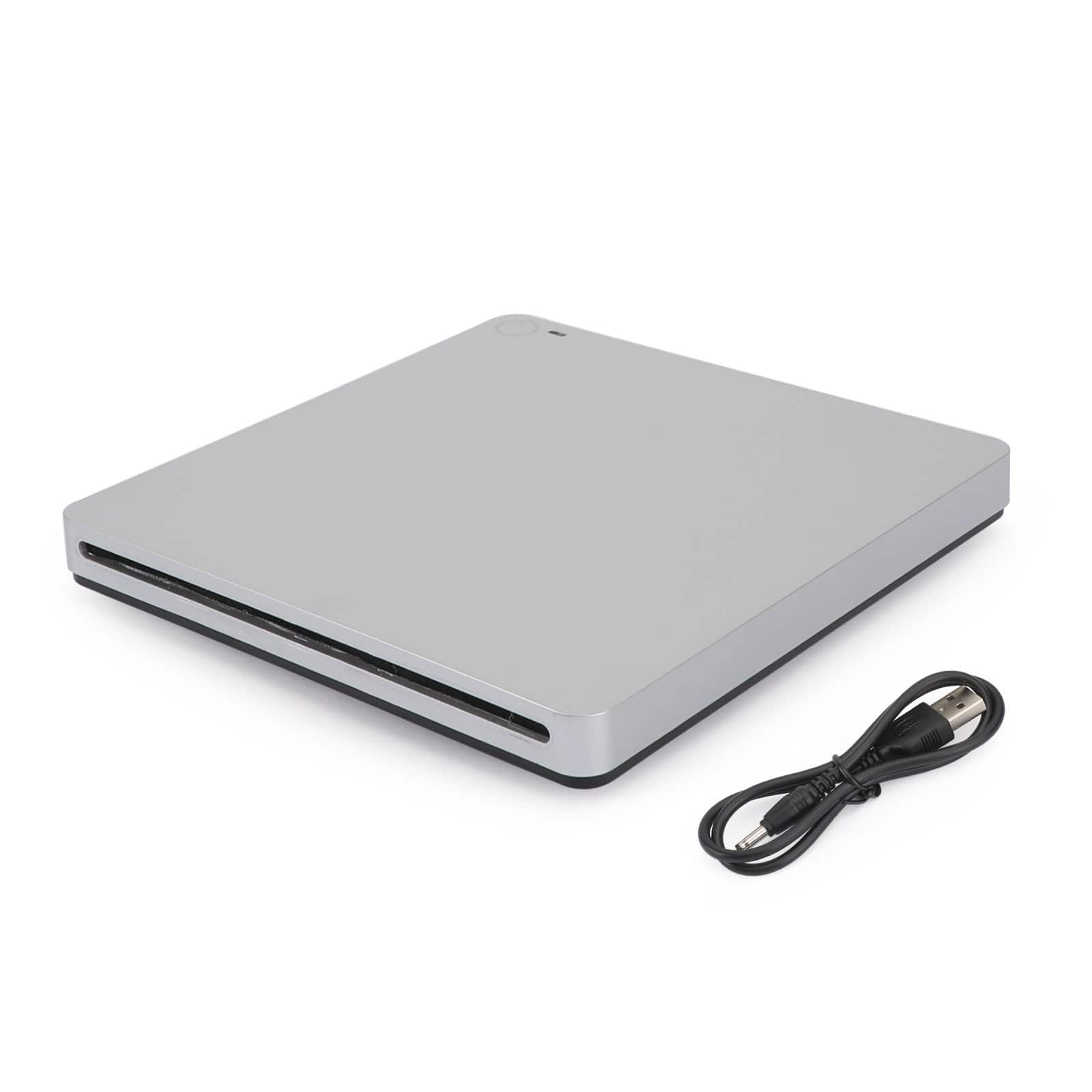
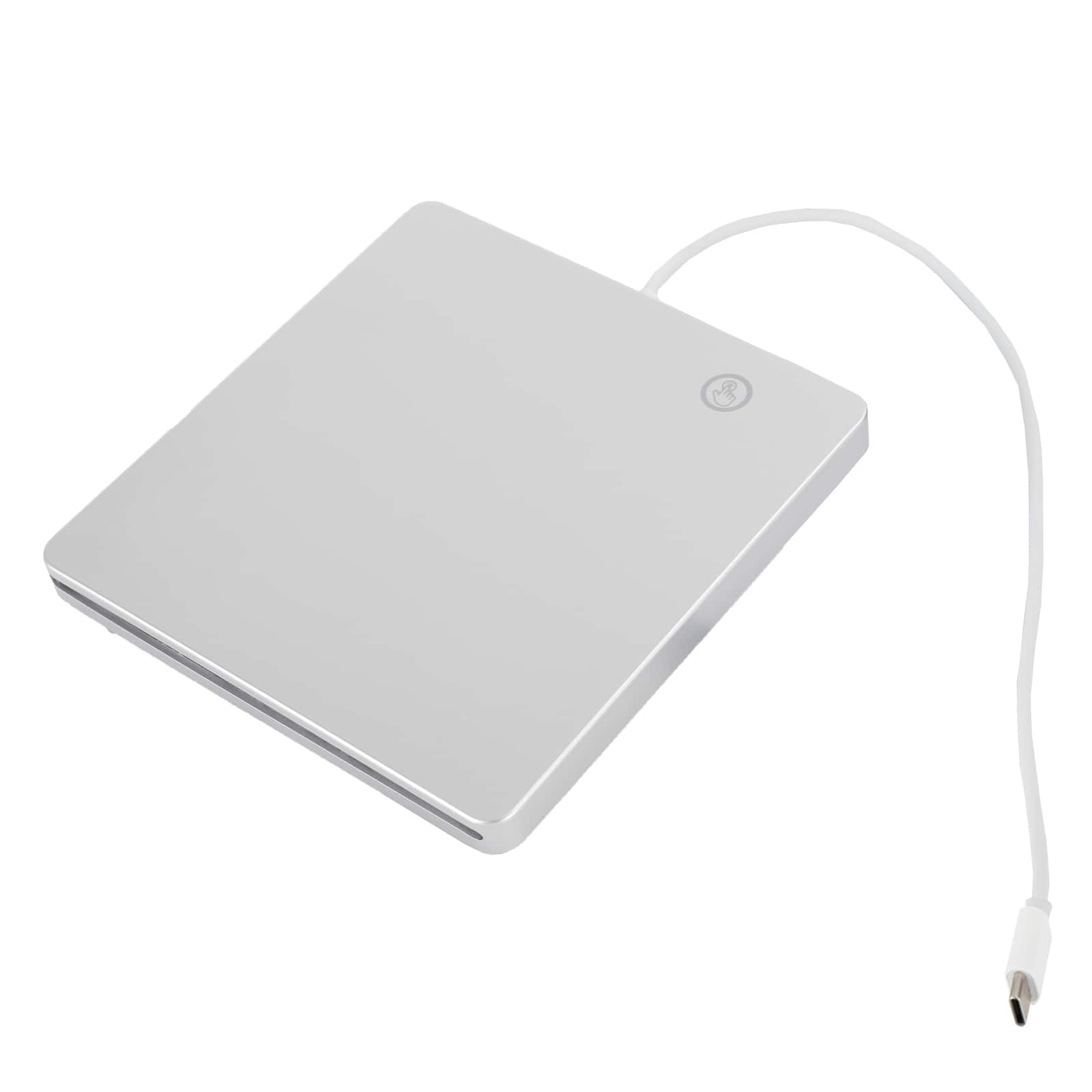
Topteng - Slot-in External DVD Drive with USB 3.0 & Type-C - Ultra Thin, Touch Eject, Aluminum for Mac & Windows Laptop
SKU: J3R9F7Y6R7See all External DVD DrivesProduct Description
An ultra-thin silver aluminum external DVD drive with USB 3.0 and Type-C, featuring touch eject.Your price for this item is $36.99 -
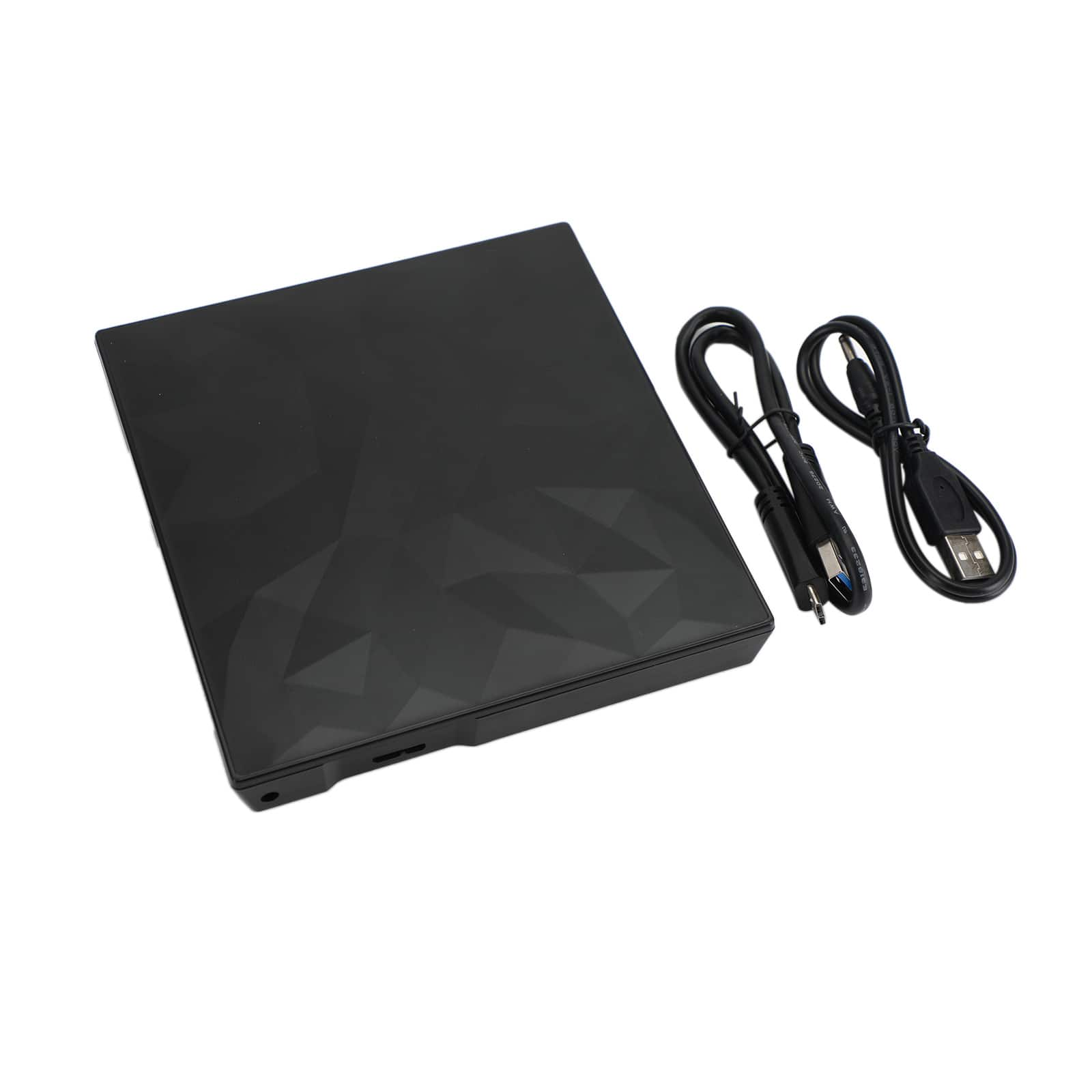
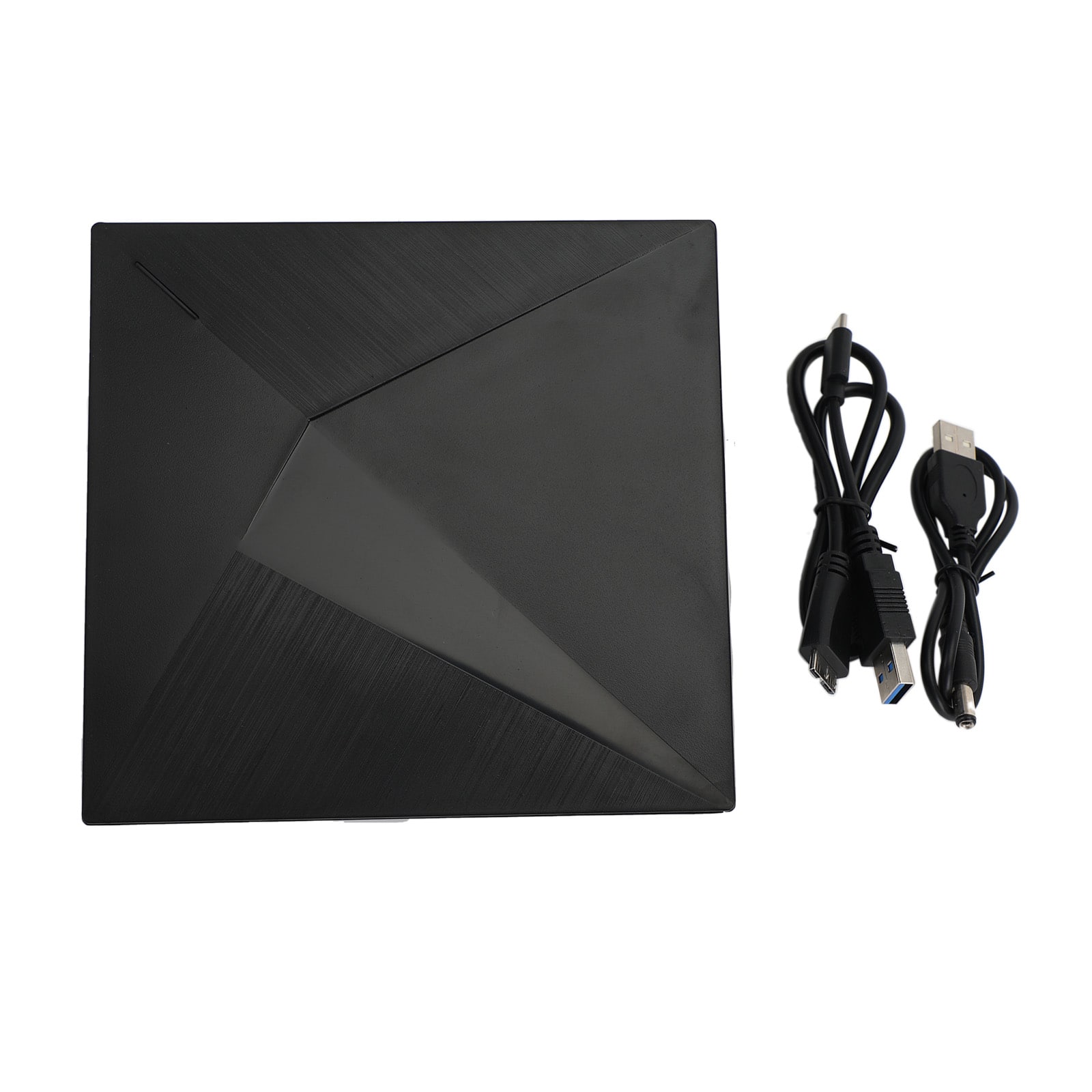
Topteng - Slim Portable External DVD Drive USB 3.0 - CD/DVD Burner Writer with Unique Design for Mac, Laptop, PC - Black
SKU: J3R9F7Y6RVSee all External DVD DrivesProduct Description
A sleek black external DVD drive with USB 3.0, wide-format compatibility, and a unique textured design.Your price for this item is $32.99 -
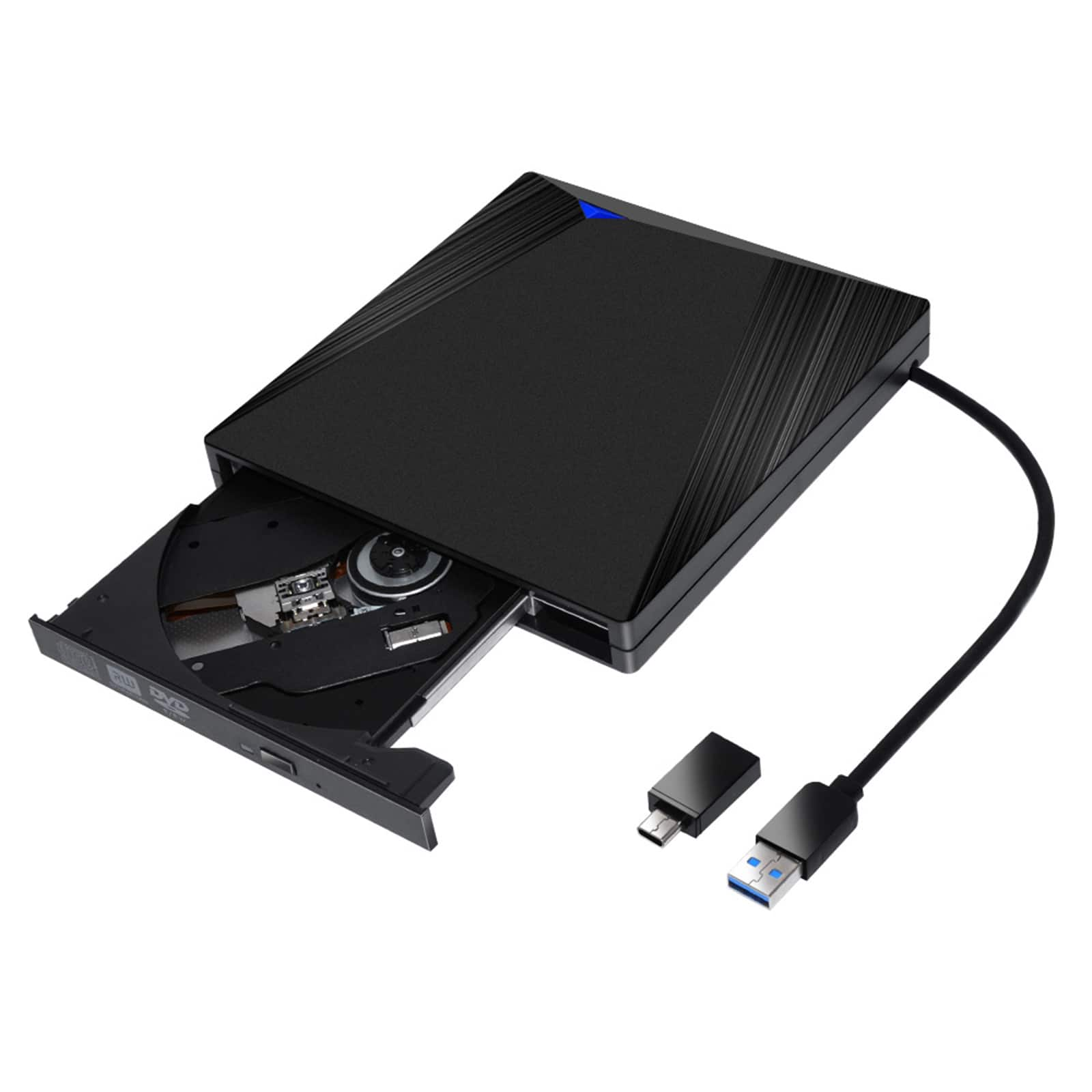
Topteng - Type-C & USB 3.0 External DVD Drive - Slim Portable CD/DVD Burner, Plug & Play for Mac & Windows Laptop/PC - Black
SKU: J3R9F7Y6Q8See all External DVD DrivesProduct Description
A slim, black external CD/DVD burner featuring Type-C and USB 3.0 connectivity for plug-and-play use.Your price for this item is $34.99 -
Topteng - Portable External DVD Drive with USB 3.0 & Type-C - Ultra Slim CD/DVD Burner Writer for Laptop, Mac & PC - Black
SKU: J3R9F7Y6WHSee all External DVD DrivesProduct Description
A sleek black external drive offering USB 3.0 and Type-C connectivity for reading and writing CDs/DVDs.Your price for this item is $29.99 -
Topteng - Ultra Thin External DVD Drive - USB 3.0 & Type-C, Portable CD/DVD Burner for Laptop, PC & Mac
SKU: J3R9F7Y6RTSee all External DVD DrivesProduct Description
An ultra-thin, portable external DVD/CD drive with USB 3.0 and Type-C for universal compatibility.Your price for this item is $27.99 -
Topteng - Type-C External BD Combo Drive – Read Blu-ray, DVD & CD, Touch Buttons, Write DVD/CD, Fit for PC & Mac - Silver
SKU: J3R9F7YQQKSee all External DVD DrivesProduct Description
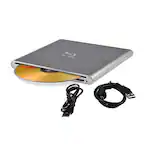
A sleek silver Type-C external drive with touch buttons that reads Blu-ray, DVD, CD and writes DVD/CD.Your price for this item is $62.99 -
AGPtek - 8 in 1 External CD/DVD Drive for Laptop, USB 3.0 Ultra Slim Portable CD Burner with 4 USB Ports - Black
SKU: JXXVL59PLZSee all External DVD DrivesProduct Description
A portable black external CD/DVD drive with USB 3.0 connectivity and four additional USB ports.Your price for this item is $31.99 -
AGPtek - External USB 3.0 CD DVD Drive External CD DVD +/-RW Drive for Laptop Mac PC with 2-in-1 USB-A USB-C Cable - Black
SKU: JXXVL59RH7See all External DVD DrivesProduct Description
A sleek black external CD/DVD writer offering USB 3.0 connectivity and broad compatibility for laptops and PCs.Your price for this item is $26.99Save $1The previous price was $27.99 -
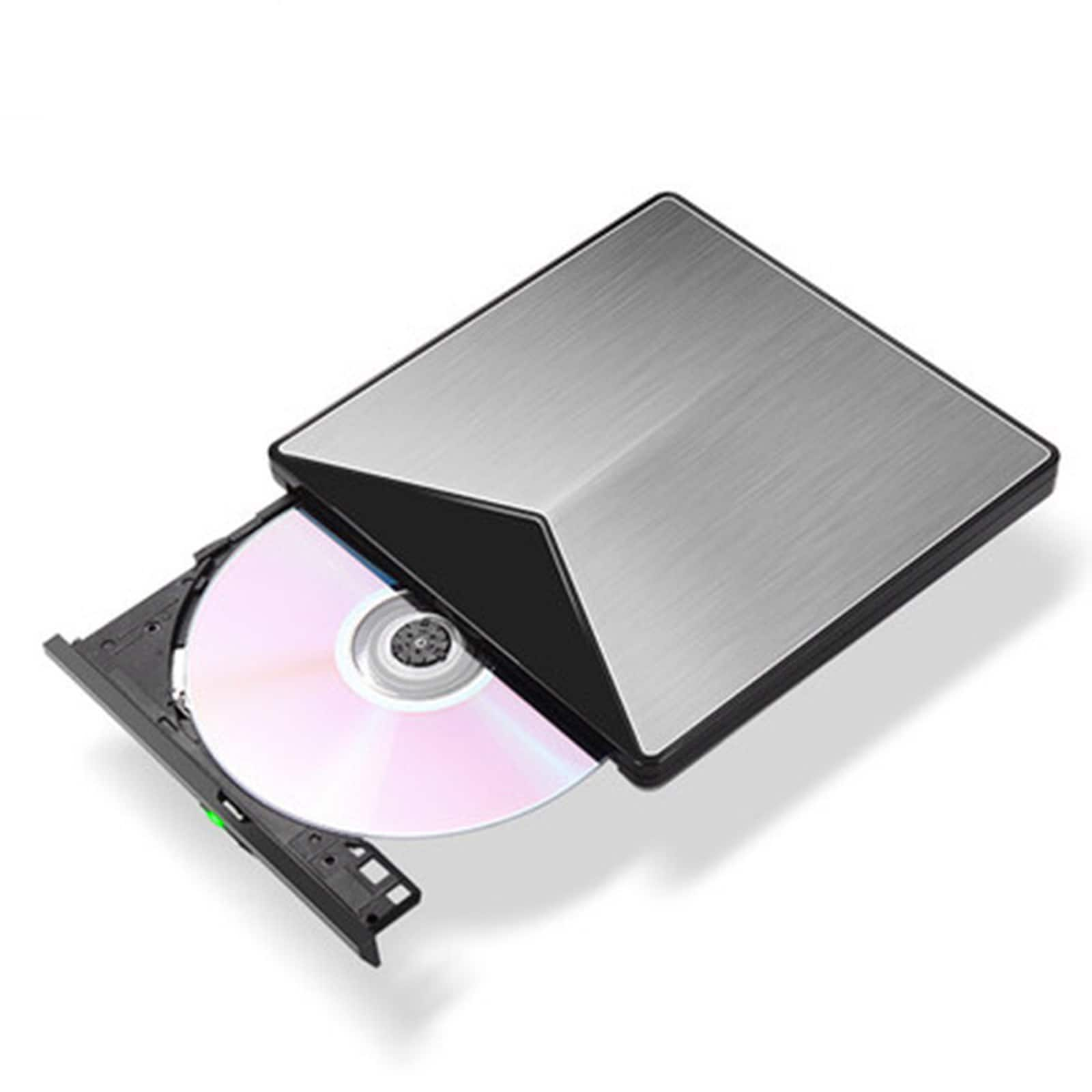
Topteng - Blu-ray Burner - External BD/DVD/CD Writer, Ultra Slim Aluminum, USB 3.0 for Mac & Windows - Gray
SKU: J3R9F7Y6HSSee all External DVD DrivesProduct Description
An ultra-slim gray aluminum external BD/DVD/CD writer with USB 3.0 for Mac and Windows compatibility.Your price for this item is $75.99



Best Sellers
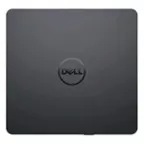
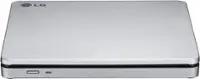
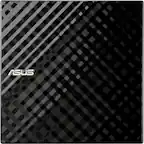
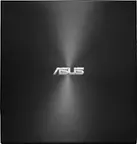
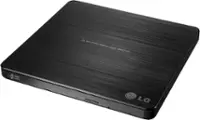
Related Pages
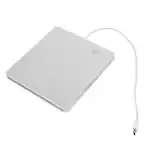


FAQ
Yes, you can connect an external DVD drive to your MacBook Pro using a USB or USB-C port, depending on your model. These drives are compatible with macOS and allow you to play or burn CDs and DVDs.
Most external DVD drives for MacBook Pro support a variety of disc formats, including CD, CD-R, CD-RW, DVD, DVD-R, and DVD-RW. Always check the product specifications for full compatibility.
Typically, external DVD drives are plug-and-play with macOS, meaning no additional software is required. The drive should be recognized automatically when connected.
Yes, you can use an external DVD drive to install software from CDs or DVDs on your MacBook Pro, just as you would with a built-in optical drive.
Most external DVD drives are compatible with both Intel-based and Apple Silicon (M1/M2) MacBook Pro models. Ensure your macOS version supports the drive, and use the appropriate adapter if your MacBook Pro only has USB-C ports.