Optical Drives For MacBook Pro
-
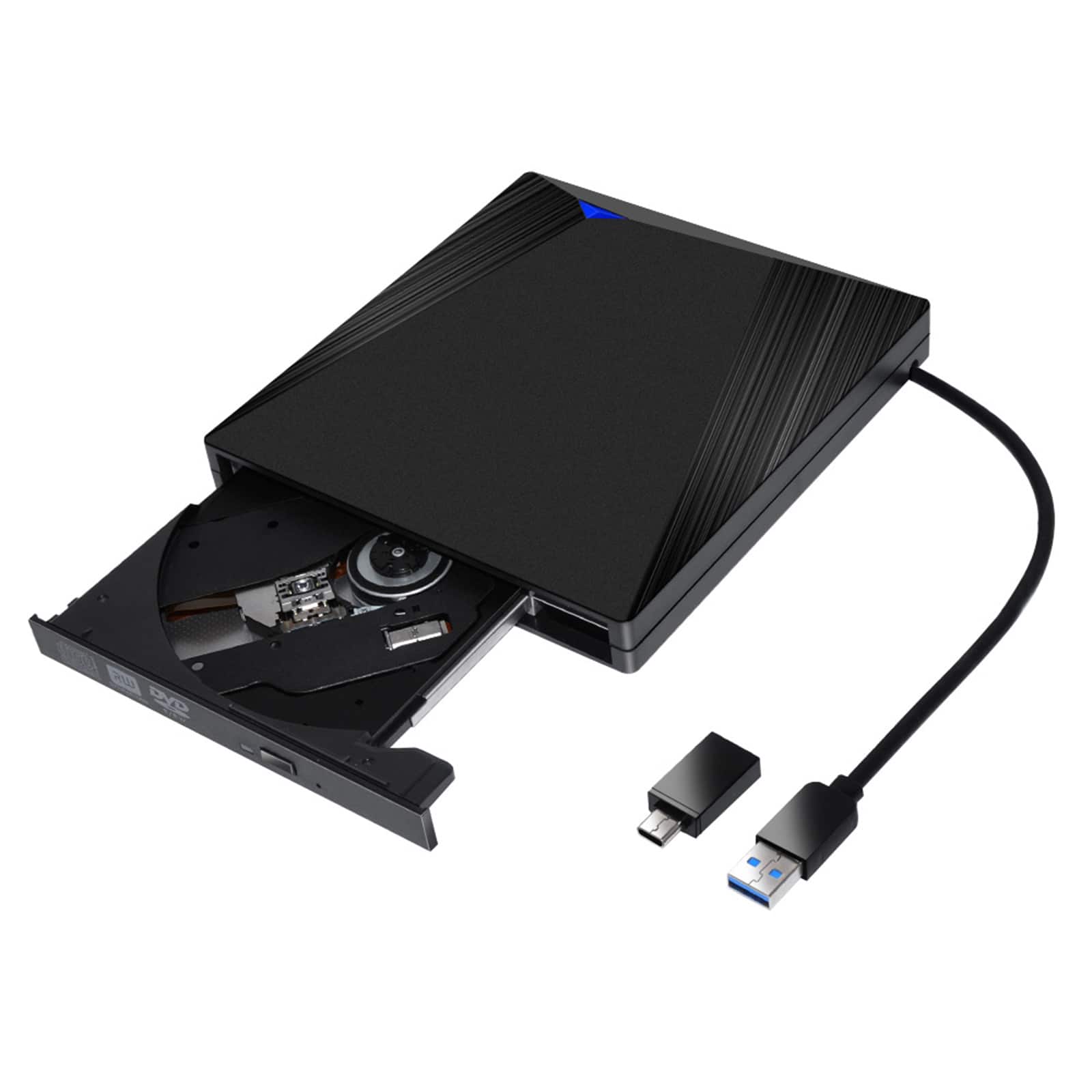
Topteng - Ultra Thin External DVD Drive - USB 3.0 & Type-C, Portable CD/DVD Burner for Laptop, PC & Mac
SKU: J3R9F7Y6RTSee all External DVD DrivesProduct Description
An ultra-thin, portable external DVD/CD drive with USB 3.0 and Type-C for universal compatibility.Your price for this item is $27.99 -
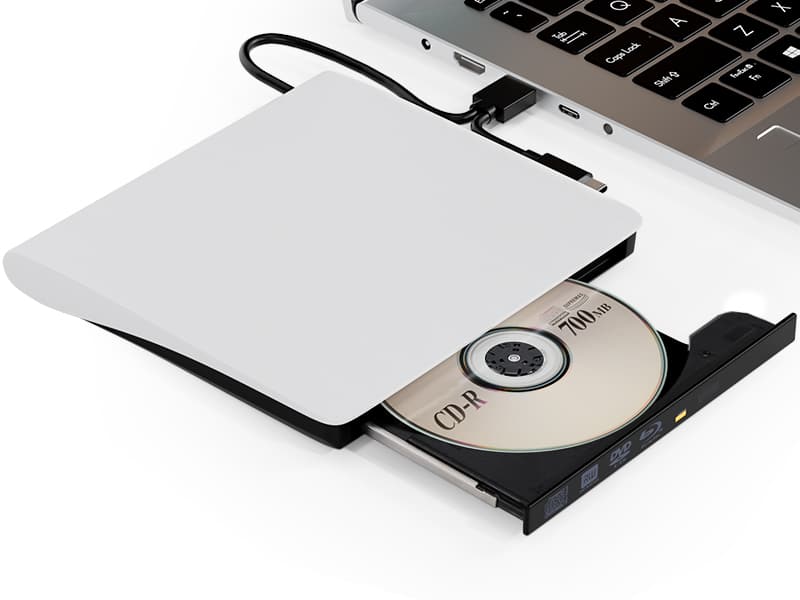
Topteng - Blu-ray Burner with USB 3.0 & Type-C - External BD/DVD/CD Writer & Player, for Mac & Windows - White
SKU: J3R9F7Y6TTSee all External DVD DrivesProduct Description
A versatile white external drive offering Blu-ray, DVD, and CD read/write support with USB 3.0 and Type-C.Your price for this item is $79.99 -
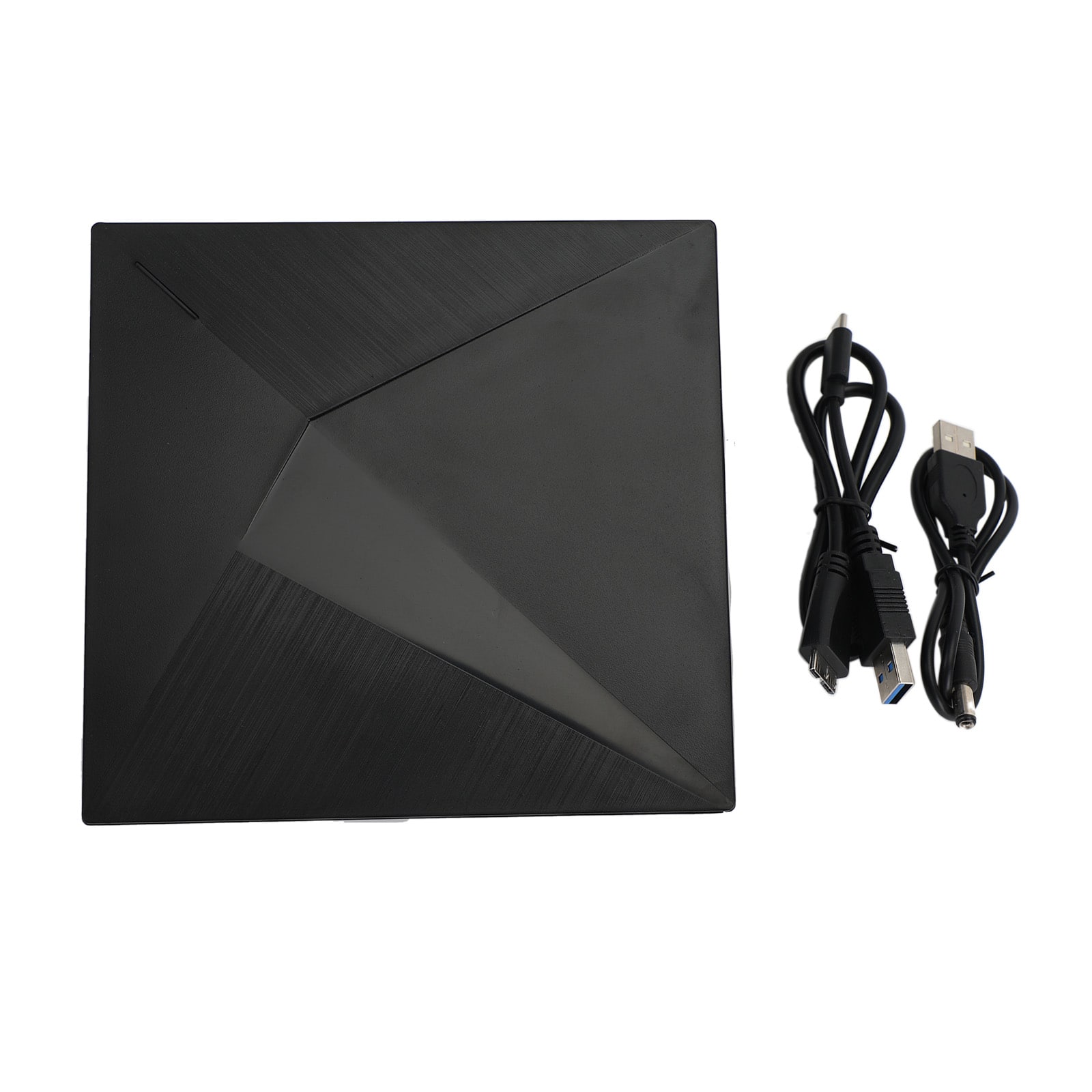
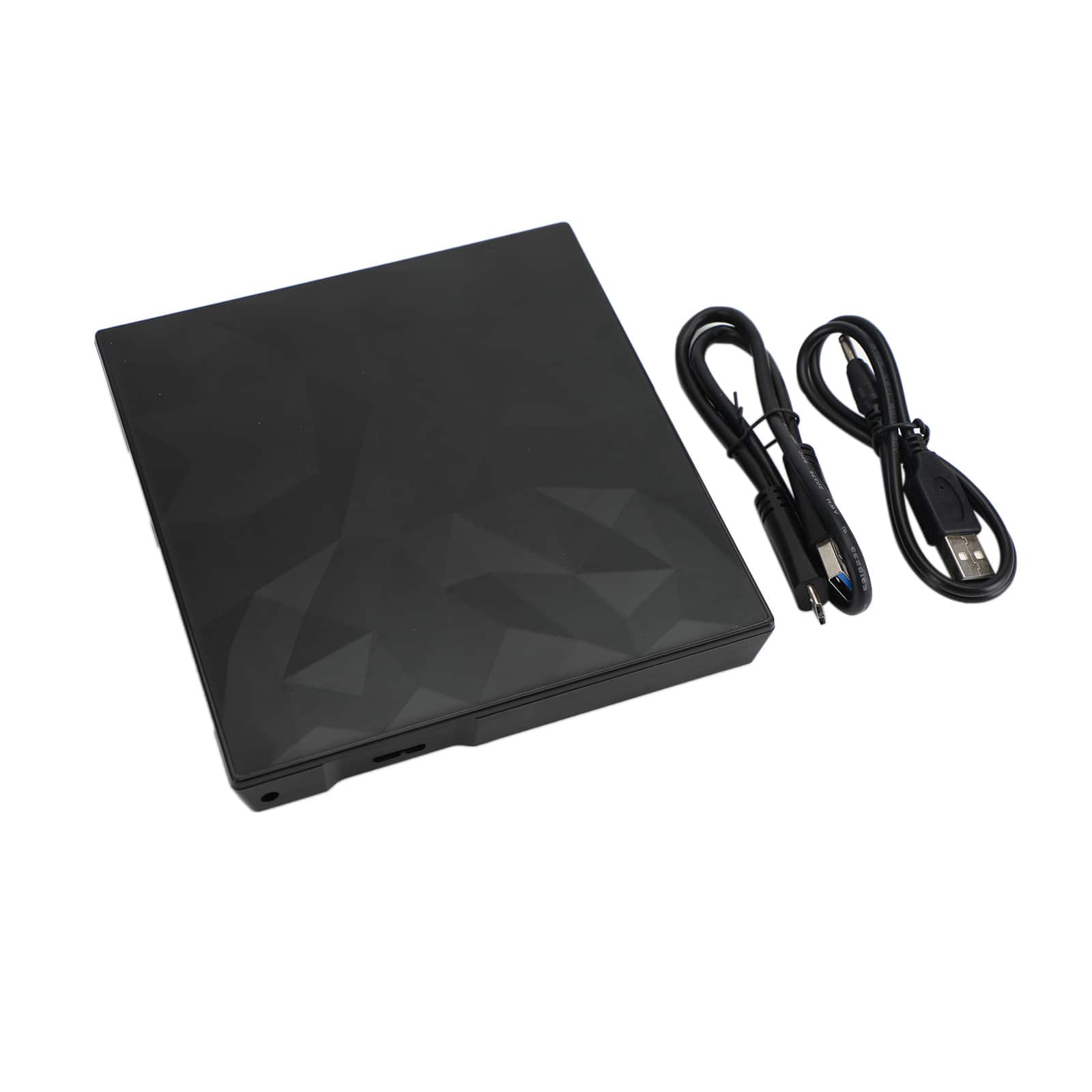
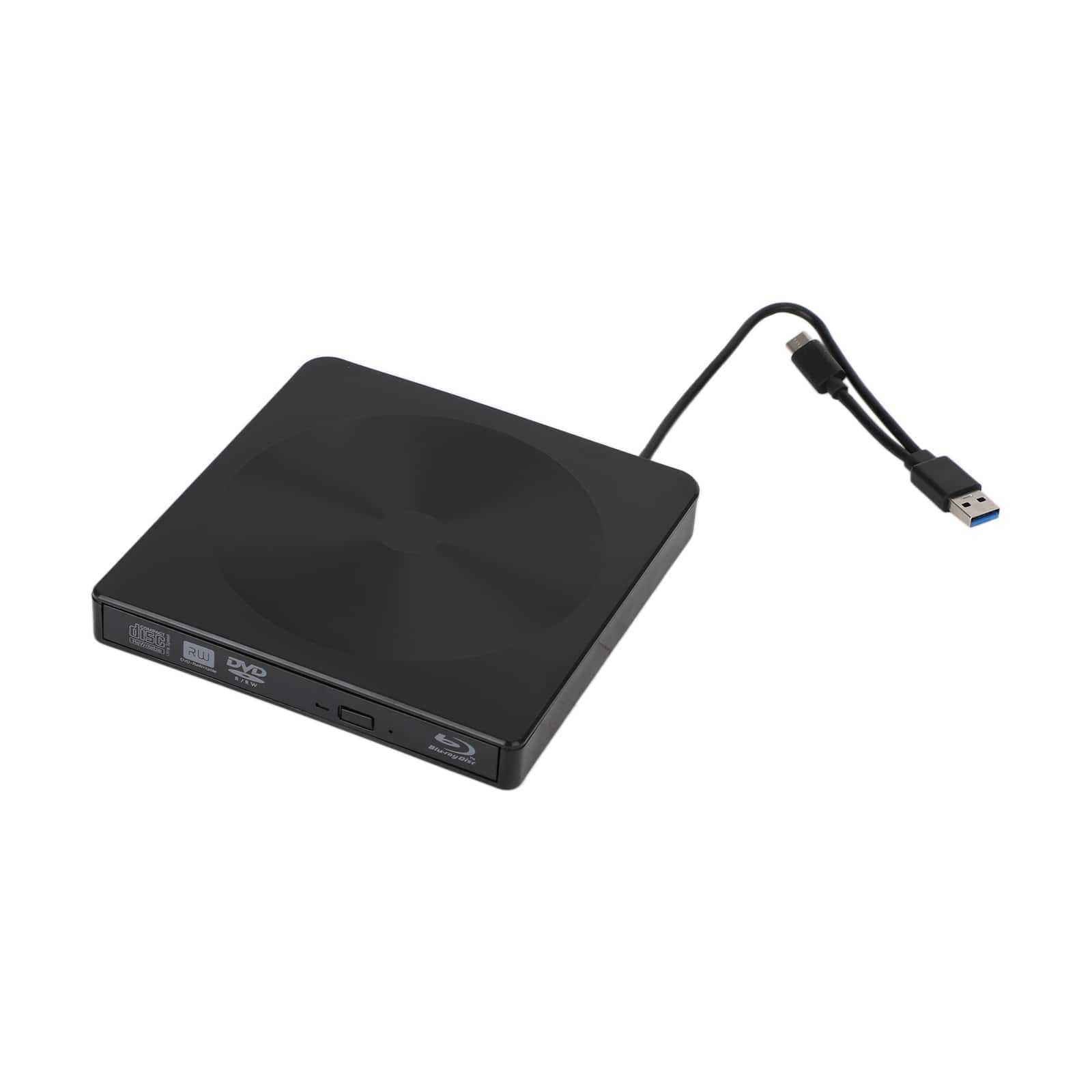
Topteng - Slim Portable External DVD Drive USB 3.0 - CD/DVD Burner Writer with Unique Design for Mac, Laptop, PC - Black
SKU: J3R9F7Y6RVSee all External DVD DrivesProduct Description
A sleek black external DVD drive with USB 3.0, wide-format compatibility, and a unique textured design.Your price for this item is $32.99 -
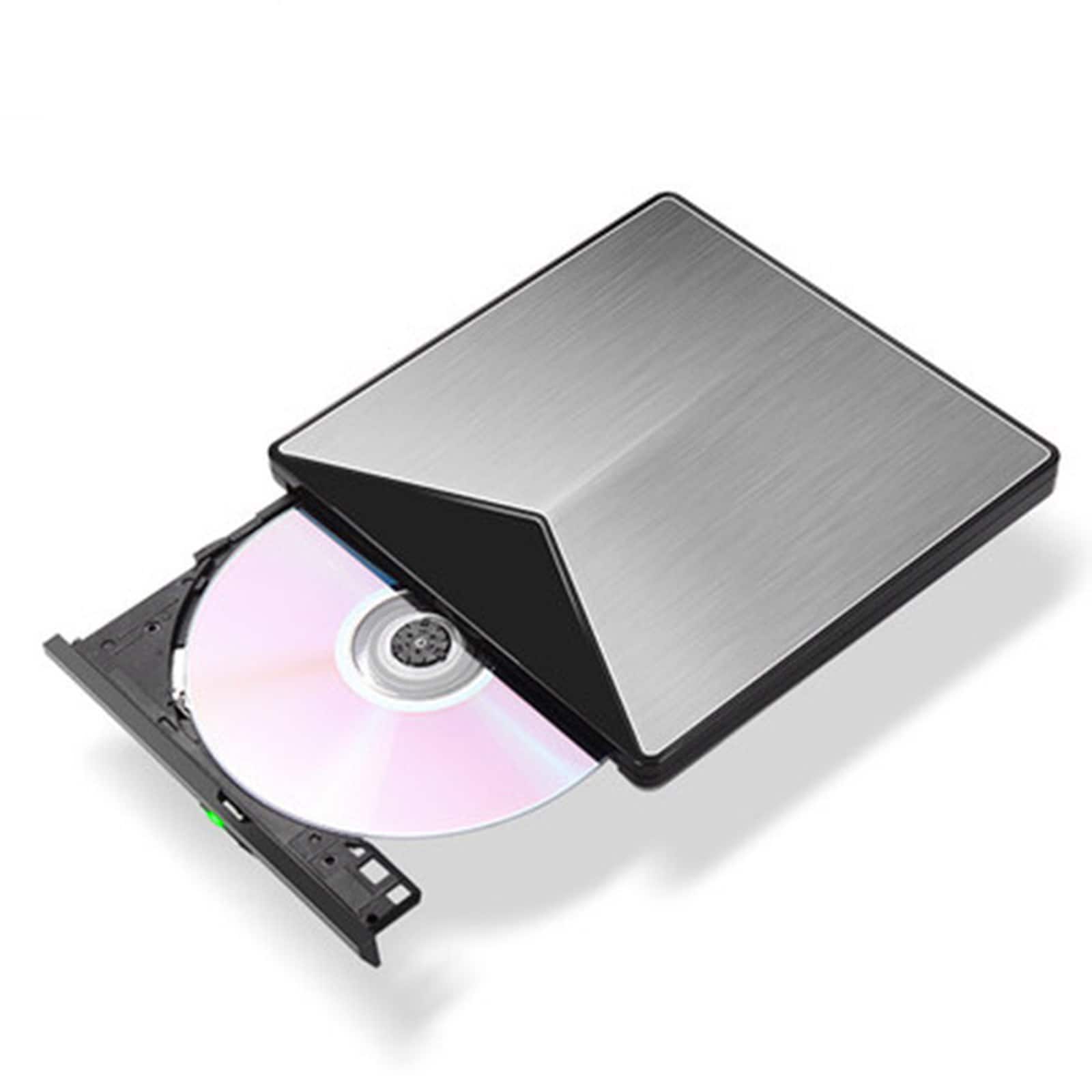
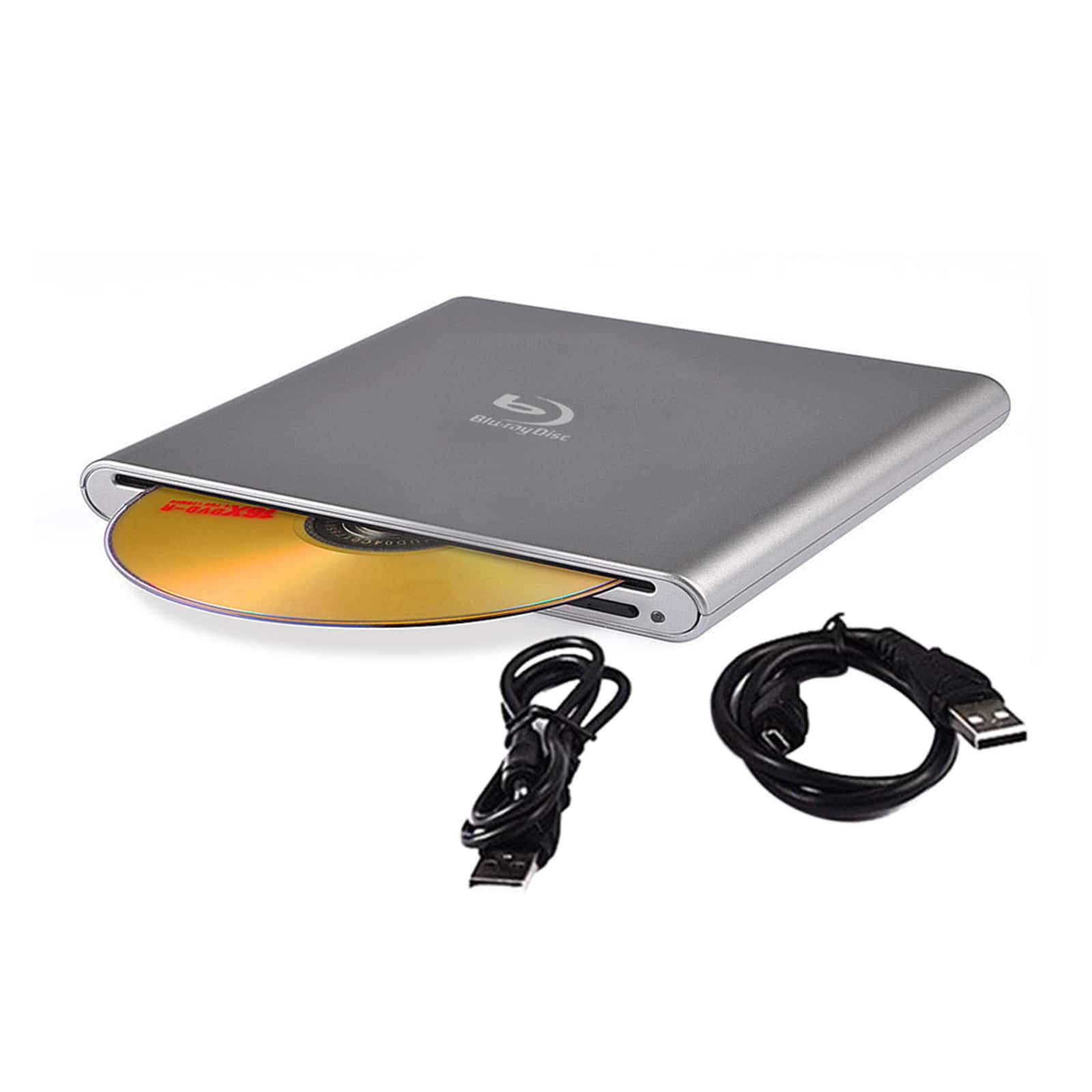
Topteng - Blu-ray Burner - External BD/DVD/CD Writer, Ultra Slim Aluminum, USB 3.0 for Mac & Windows - Gray
SKU: J3R9F7Y6HSSee all External DVD DrivesProduct Description
An ultra-slim gray aluminum external BD/DVD/CD writer with USB 3.0 for Mac and Windows compatibility.Your price for this item is $75.99 -
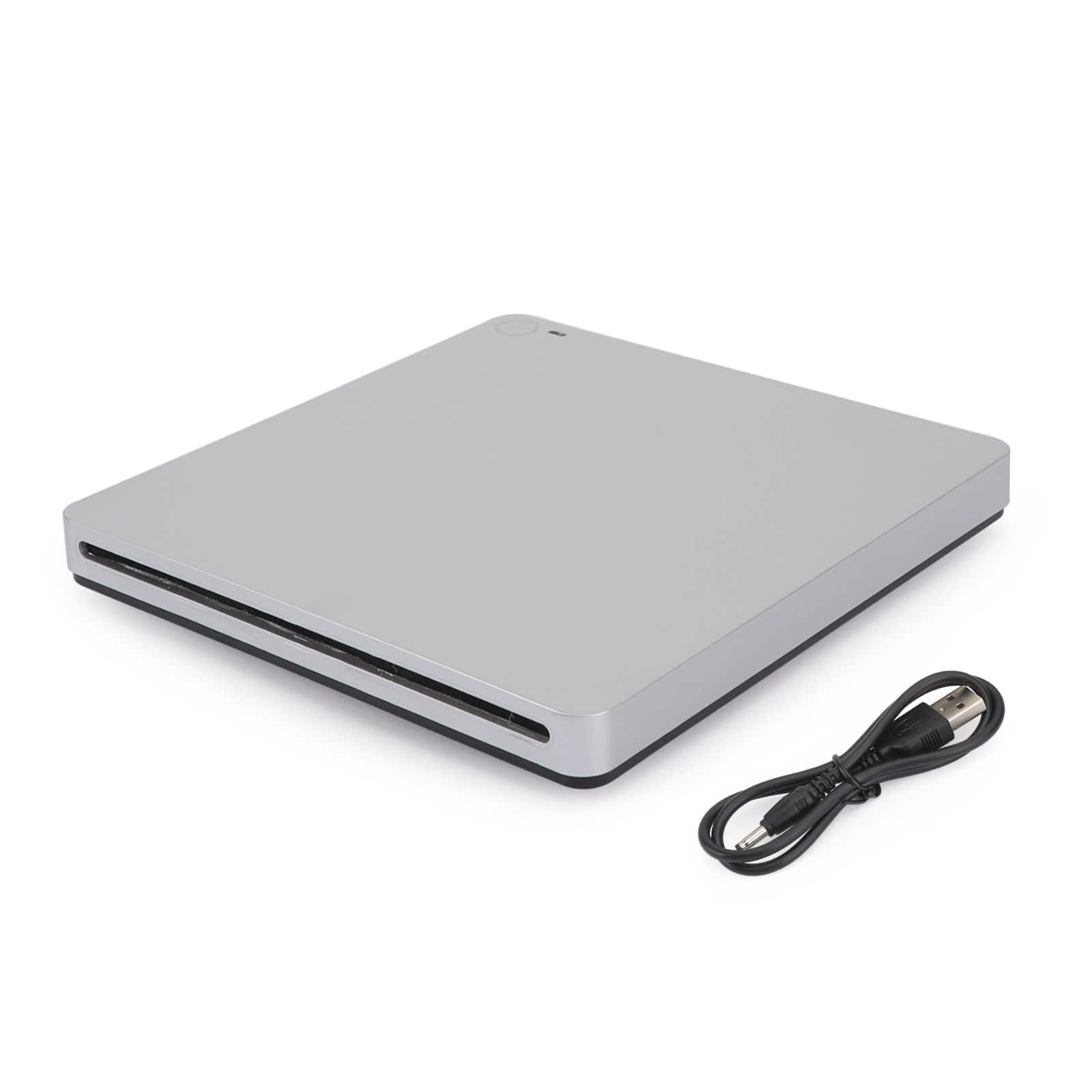
Topteng - 6X Slot-In External Blu-ray Burner - USB 3.0 BD/DVD/CD RW Writer, True Blu-ray Support, Plug & Play for PC & Mac - Silver
SKU: J3R9F7YLVRPlays great. I have not tried burner....Works great, simple to use
See all External DVD DrivesProduct Description
A sleek silver external drive offering USB 3.0 connectivity and true Blu-ray, DVD, and CD read/write support.Your price for this item is $75.99Save $54The previous price was $129.99 -
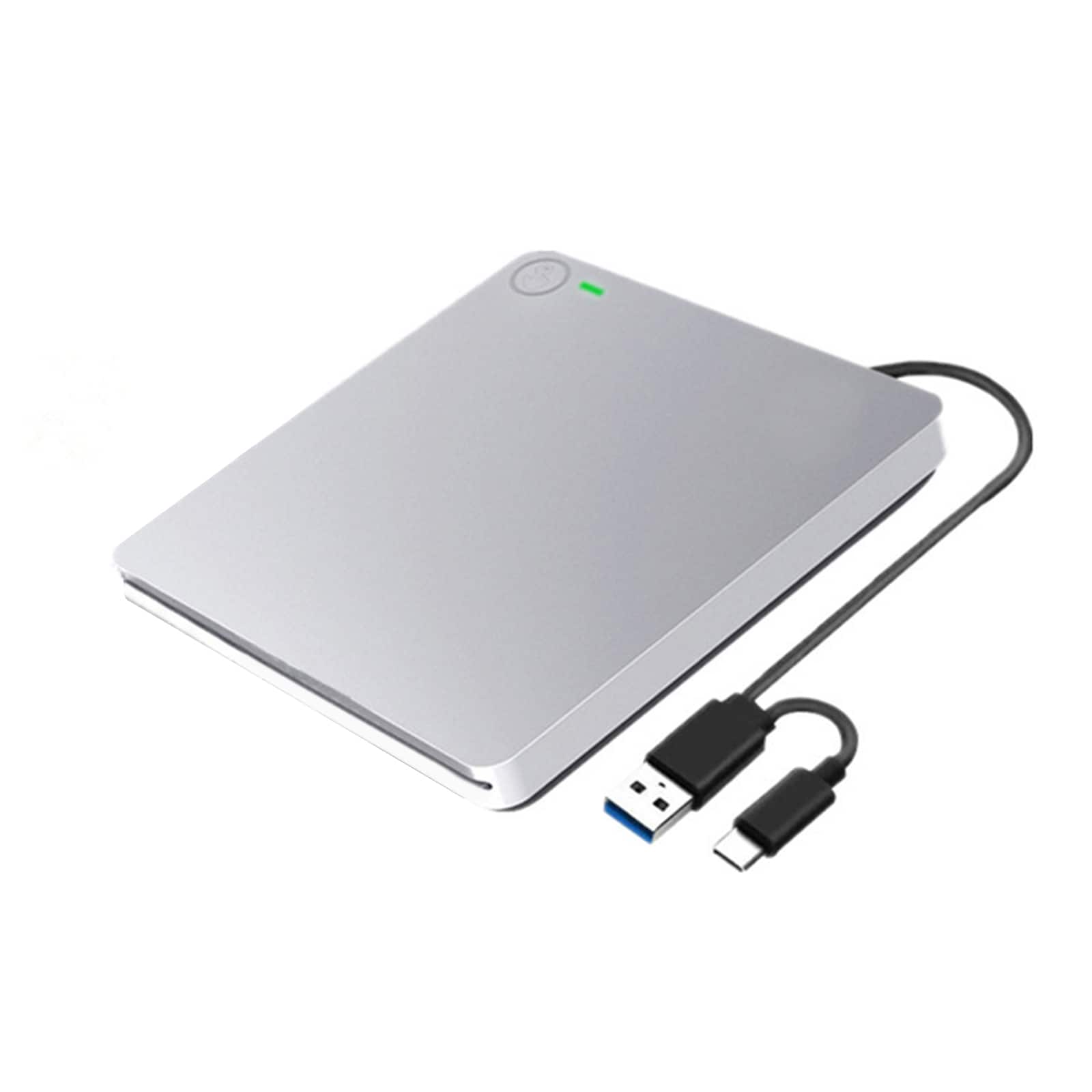
Topteng - Slot-in External DVD Drive with USB 3.0 & Type-C - Ultra Thin, Touch Eject, Aluminum for Mac & Windows Laptop
SKU: J3R9F7Y6R7See all External DVD DrivesProduct Description
An ultra-thin silver aluminum external DVD drive with USB 3.0 and Type-C, featuring touch eject.Your price for this item is $36.99 -
Topteng - 4K USB 3.0 External BD Drive – Read/Write Blu-ray, DVD & CD, Type-C, Portable Burner, Fit for Windows & Mac - Black
SKU: J3R9F7Y6T2See all External DVD DrivesProduct Description
An external Blu-ray burner with USB 3.0, supporting BD/DVD/CD read and write for Windows and Mac.Your price for this item is $98.99 -
Topteng - 6X USB 3.0 External Blu-ray Burner - Slot-in BD/DVD/CD RW Writer, Plug & Play, 3D Playback for Laptop & Mac - Black
SKU: J3R9F7Y6QFSee all External DVD DrivesProduct Description
A sleek black slot-in external drive offering 6X Blu-ray burning, 3D playback, and USB 3.0 connectivity.Your price for this item is $83.99 -
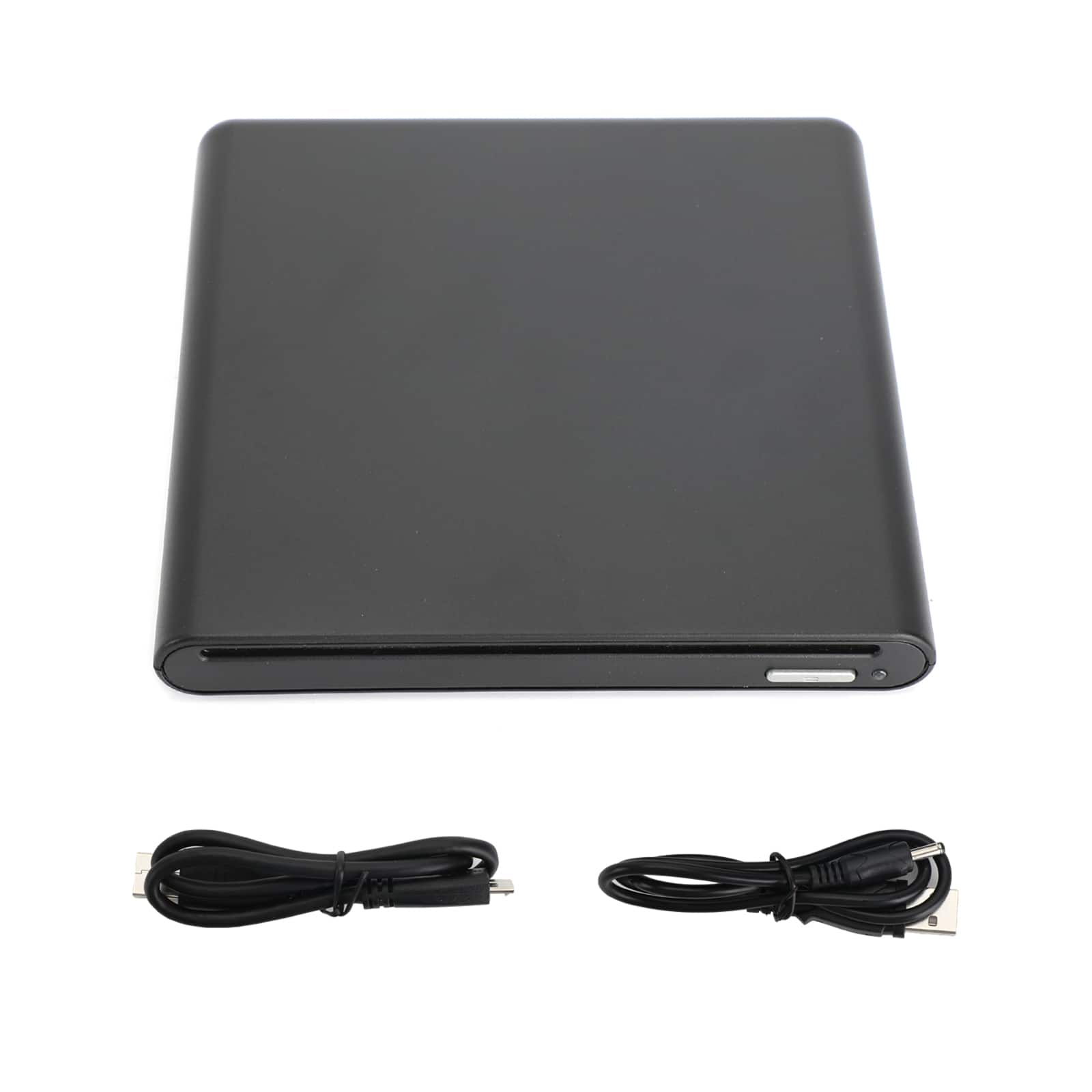
Topteng - Type-C & USB 3.0 External DVD Drive - Slim Portable CD/DVD Burner, Plug & Play for Mac & Windows Laptop/PC - Black
SKU: J3R9F7Y6Q8See all External DVD DrivesProduct Description
A slim, black external CD/DVD burner featuring Type-C and USB 3.0 connectivity for plug-and-play use.Your price for this item is $34.99 -
Topteng - 6X USB 3.0 External Blu-ray Burner - Slot-in BD/DVD/CD RW Writer, Plug & Play, 3D Playback for Laptop & Mac - Silver
SKU: J3R9F7YQXRSee all External DVD DrivesProduct Description
A sleek silver slot-in external Blu-ray burner offering USB 3.0 connectivity and 3D playback support.Your price for this item is $82.99
Best Sellers
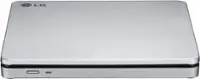
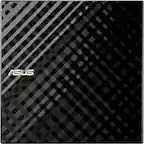
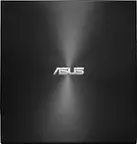
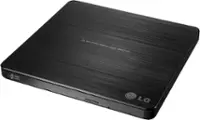
Related Pages



FAQ
Most external optical drives connect via USB or USB-C and are compatible with MacBook Pro models running macOS. However, some older drives may require additional drivers or adapters, so it's important to check the product specifications for compatibility with your specific MacBook Pro version.
Yes, external optical drives can be used to install software from CDs or DVDs on your MacBook Pro. Simply connect the drive, insert the disc, and follow the on-screen installation instructions.
Many external optical drives support reading and writing to both CD and DVD formats. Be sure to review the drive's specifications to confirm its compatibility with the disc formats you plan to use.
Yes, you can watch DVD movies on your MacBook Pro using an external optical drive. You'll need a compatible media player app, such as Apple's DVD Player, to view the content.
Depending on your MacBook Pro's available ports and the optical drive's connector type, you may need a USB-C to USB-A adapter or a compatible cable. Check your MacBook Pro's ports and the drive's requirements before purchasing.