MacBook Pro Internal Hard Drives
-
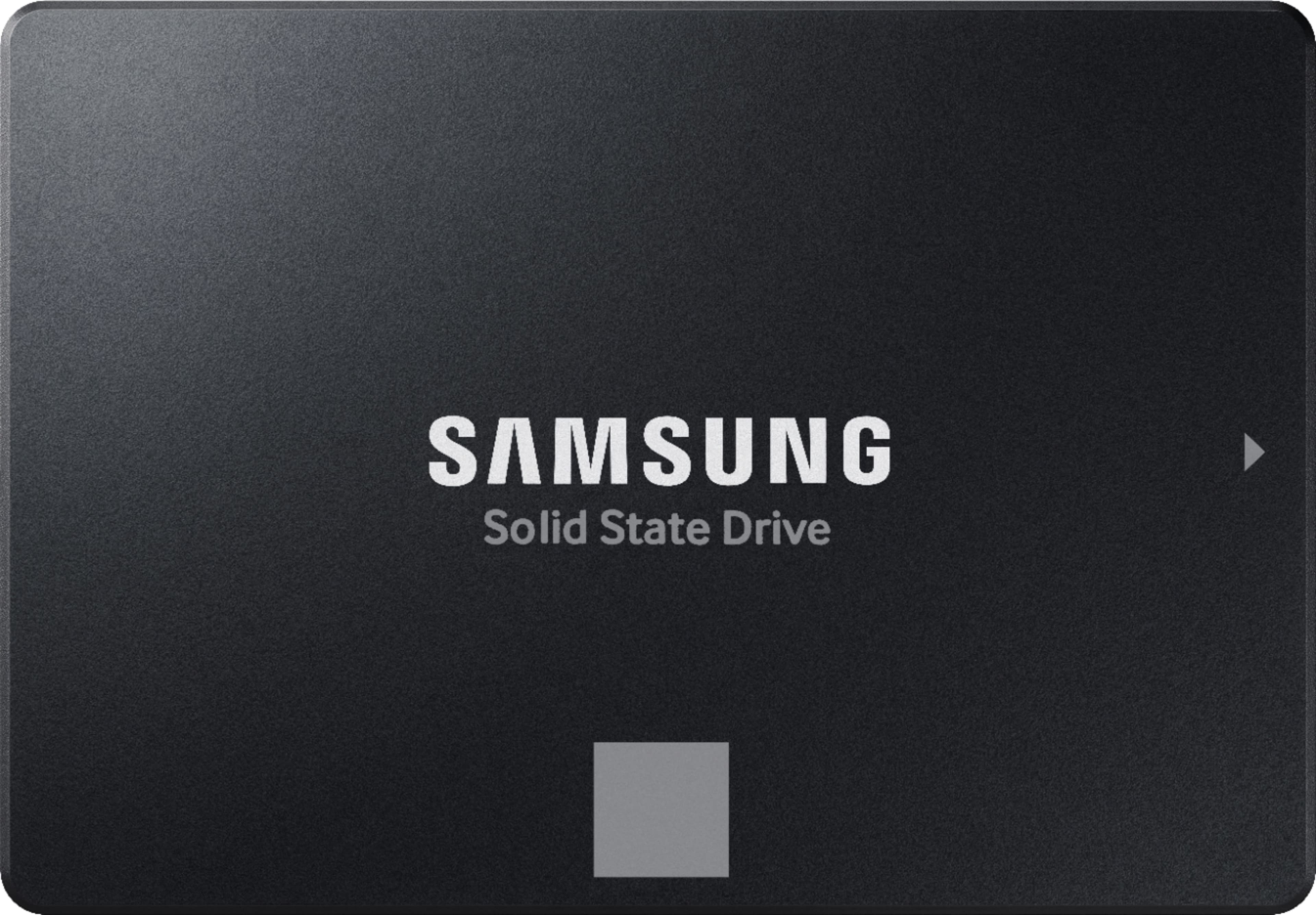
Samsung - 870 EVO 2TB Internal SSD SATA
SKU: J3ZYGCHH26best internal...Best internal drive for older iMacs, Great performance, Great quality...Samsung is the best this is no exception got it had a great price too thanks Best buy
See all Internal SSDsProduct Description
A high-performance black internal SSD offering fast speeds, reliable storage, and built-in data encryption.Your price for this item is $499.99Save $380The previous price was $879.99 -
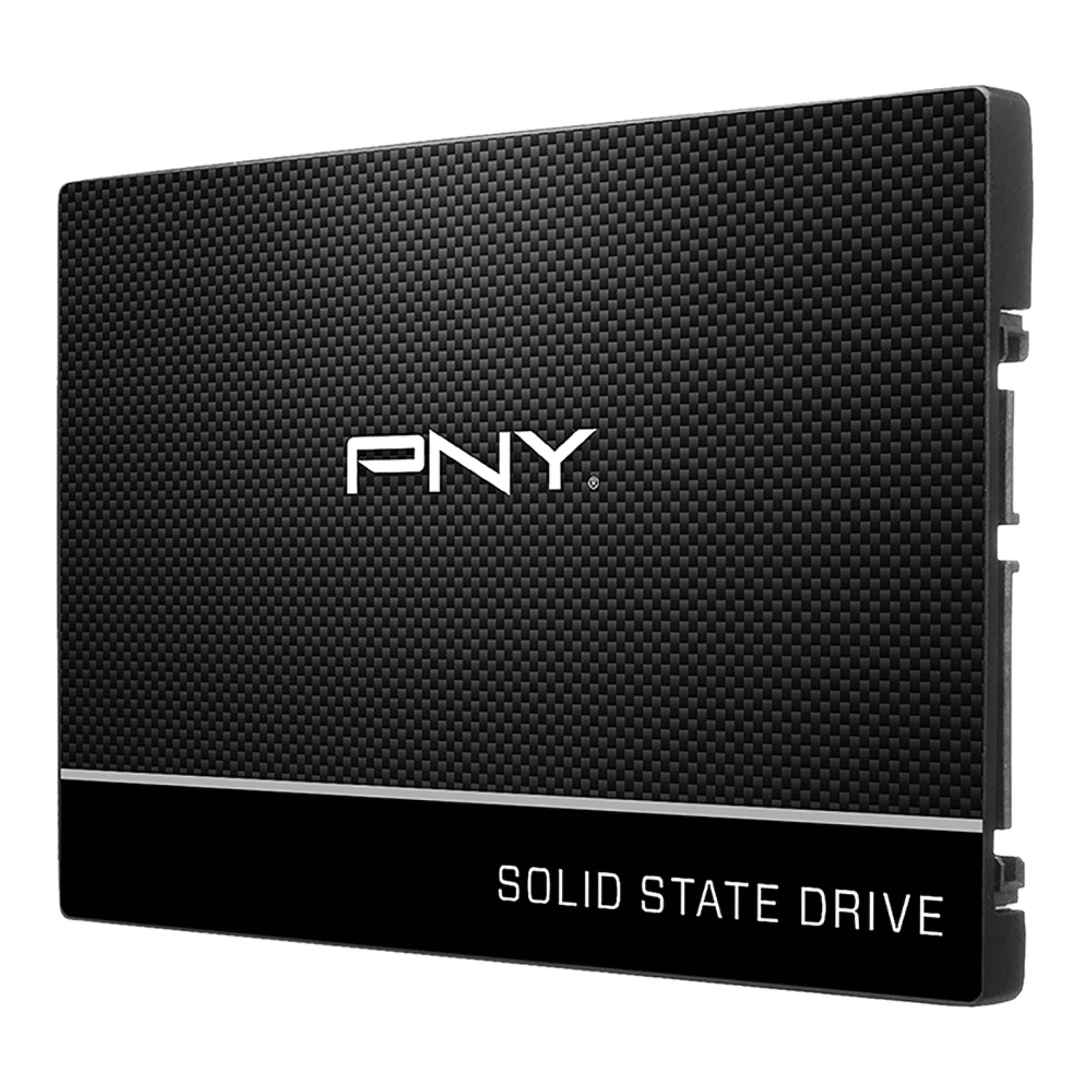
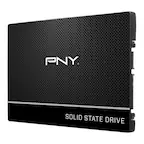
PNY - CS900 2TB Internal SSD SATA
SKU: JXF2C42TQFGreat, affordable, SSD...Very simple install process and works great, fast, inexpensive and easy to use....Was delivered by best buy in about a day. I love how easy the overall process is....Great deal...
See all Internal SSDsProduct Description
A durable black internal SSD offering fast boot times, quick application launches, and reliable 2TB storage.Your price for this item is $234.99Save $85The previous price was $319.99 -
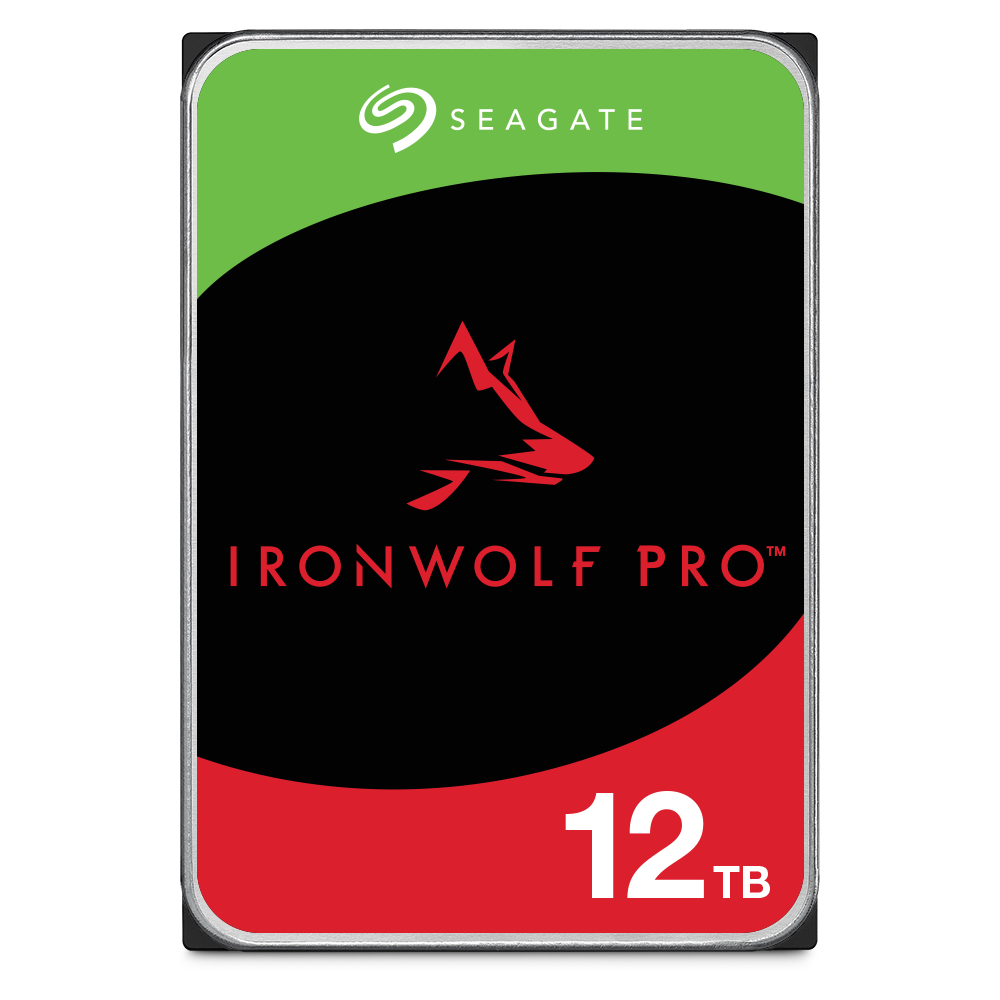
Seagate - IronWolf Pro ST12000NT001 12TB 7200 RPM 256MB Cache SATA 3.5 inch Internal Hard Drive
SKU: J37C5H5GJQSee all Internal Hard DrivesProduct Description
An internal 12TB 7200 RPM hard drive with 256MB cache, ideal for multi-bay enterprise RAID systems.Your price for this item is $535.34Save $0The previous price was $535.82 -
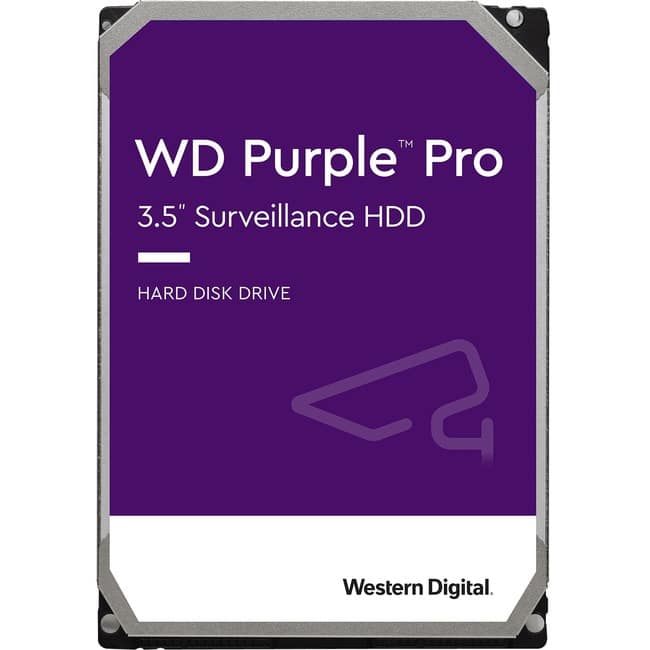
Western Digital - Purple Pro WD181PURP 18 TB Hard Drive - 3.5" Internal - SATA (SATA/600) - Conventional Magnetic
SKU: JXTHCJVFX8See all Internal Hard DrivesProduct Description
A high-capacity 18TB internal hard drive with 7200 RPM, 512MB cache, and a purple finish.Your price for this item is $854.99 -
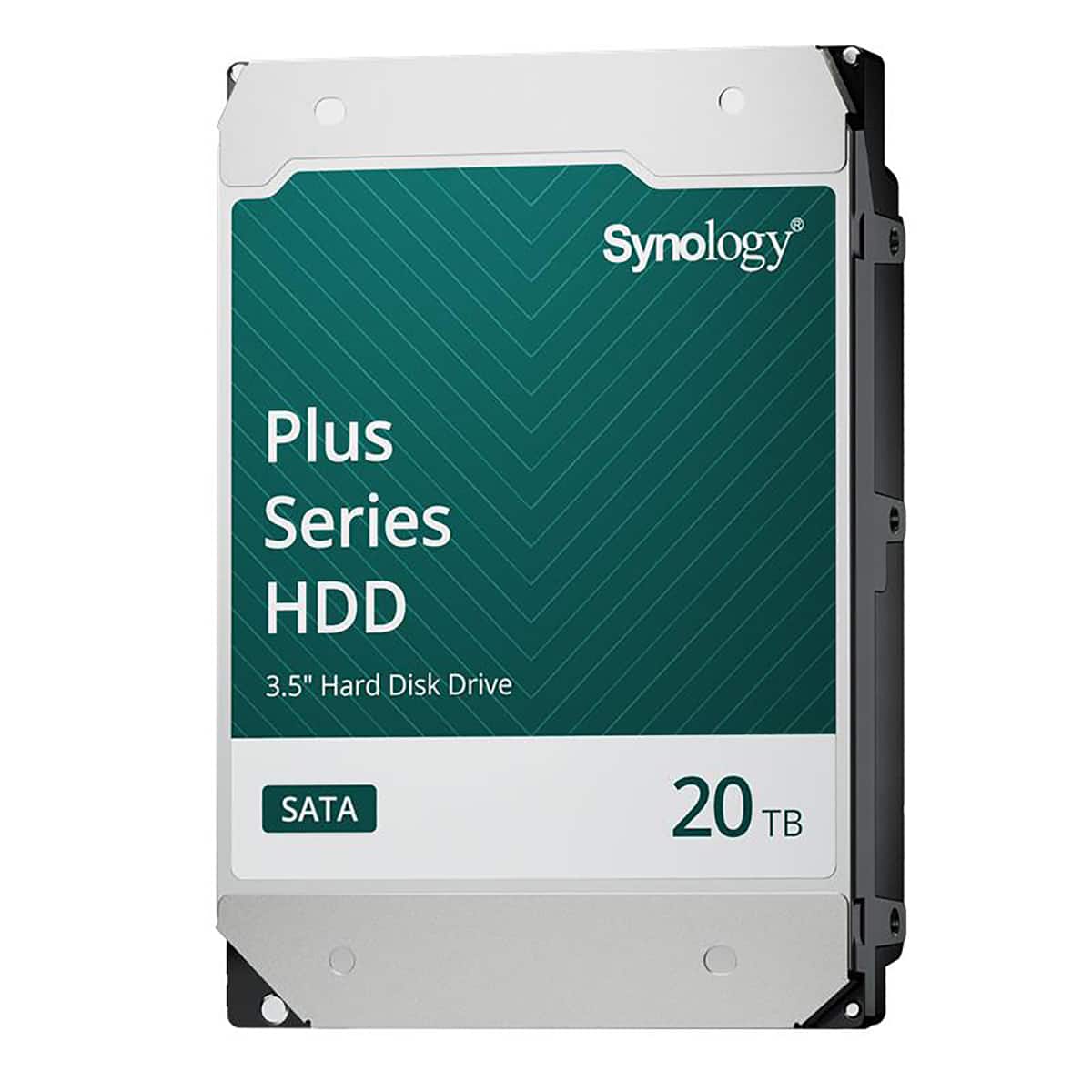
Synology - HAT3320 Plus Series 3.5" SATA III Internal Hard Drive - 20TB
SKU: J36TG78P9RSee all Internal Hard DrivesProduct Description
A high-capacity 20TB 3.5" internal SATA HDD with 7200 RPM speed and 1GB cache for reliable storage.Your price for this item is $879.99 -
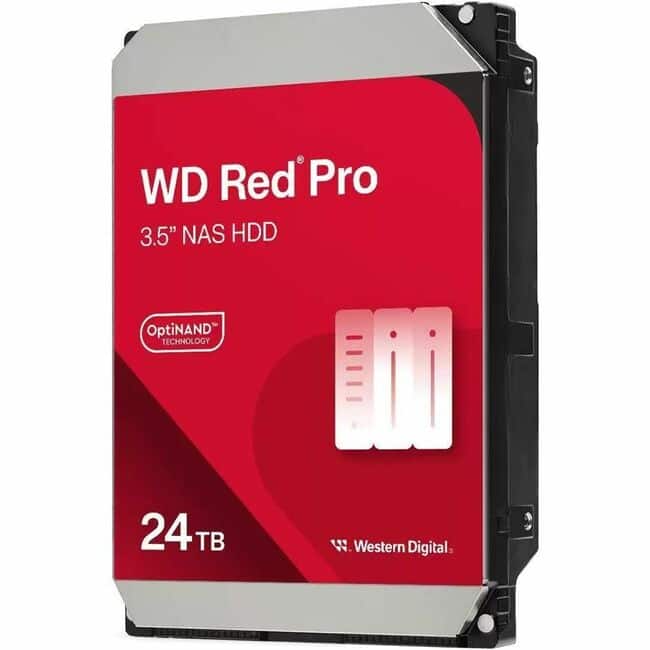
Western Digital - WD Red Pro WD241KFGX 24 TB Hard Drive - 3.5" Internal - SATA - Conventional Magnetic Recording (CMR) Method - NAS
SKU: JXTHCC7FWRSee all Internal Hard DrivesProduct Description
A high-capacity 24TB internal hard drive with 7200 RPM speed, 512MB cache, and red finish.Your price for this item is $1,319.99 -
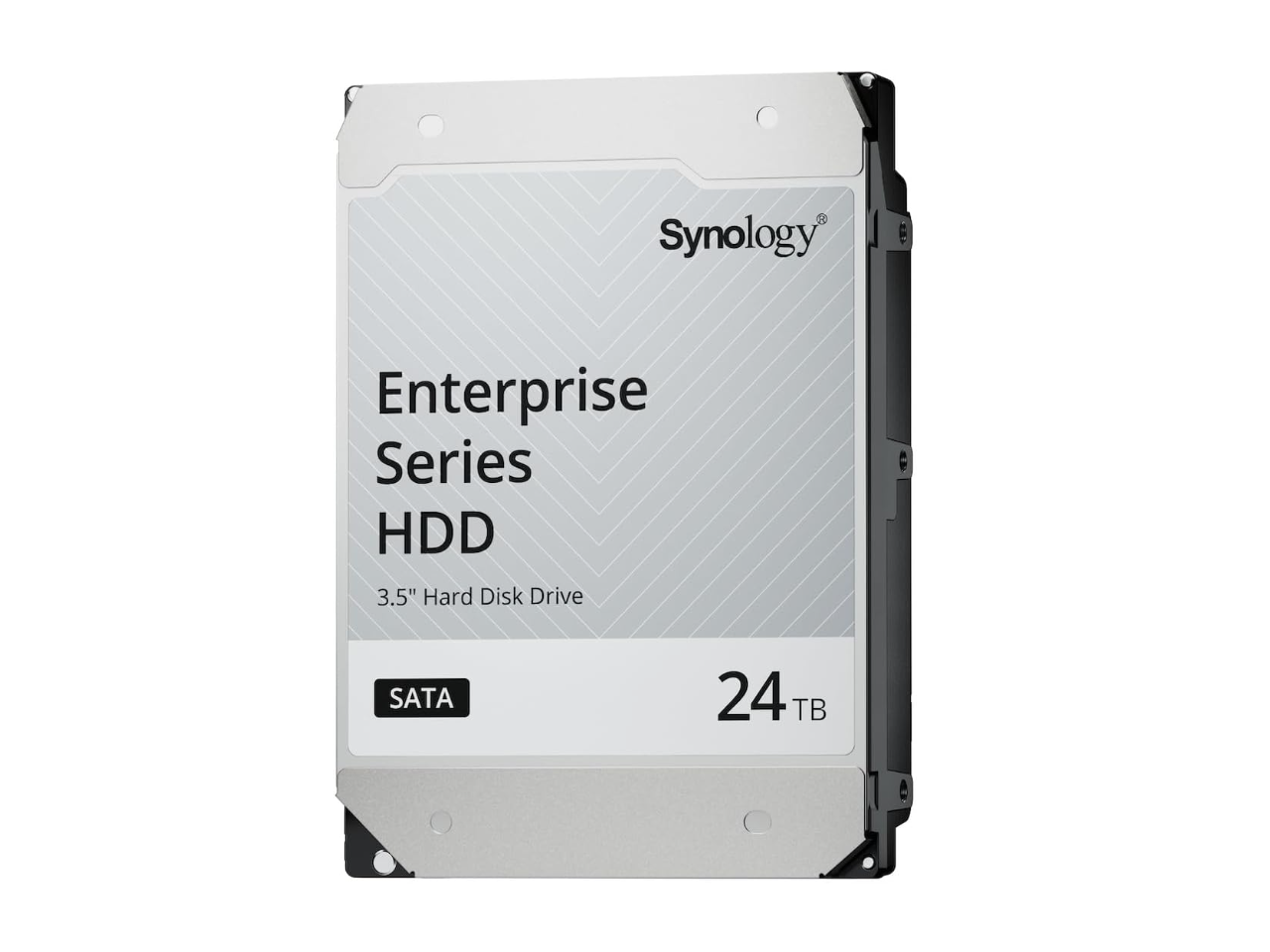
24TB 7200 RPM SAS 12Gb/s 3.5" Synology HAS5320 24TB Enterprise Series SAS HDD 3.5"
SKU: J36TG78PK8See all Internal Hard DrivesProduct Description
A high-performance 24TB internal SAS hard drive with 7200 RPM speed for enterprise data storage needs.Your price for this item is $1,319.76 -
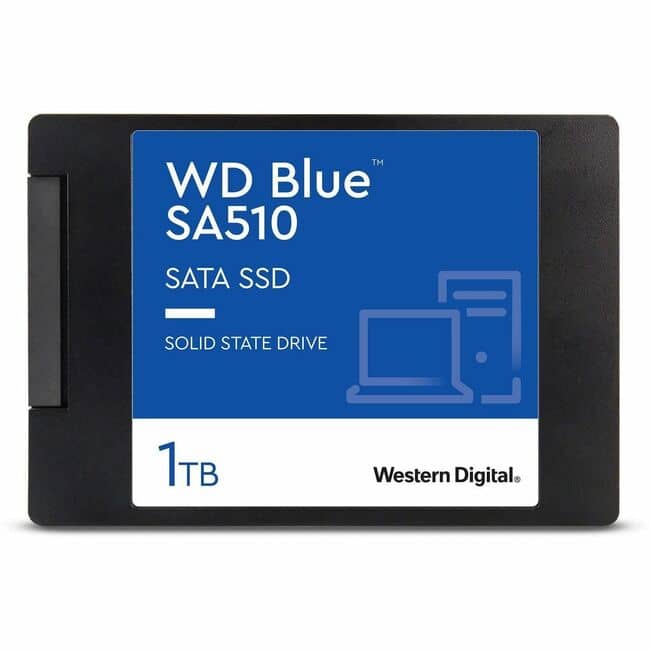
Western Digital - WD Blue WDS100T3B0A 1 TB Solid State Drive - 2.5" Internal - SATA
SKU: JXTHCJVQS2Truley the best...Love them!
See all Internal SSDsProduct Description
A reliable 1TB internal SSD in blue, offering fast data transfer and enhanced system performance.Your price for this item is $283.61 -
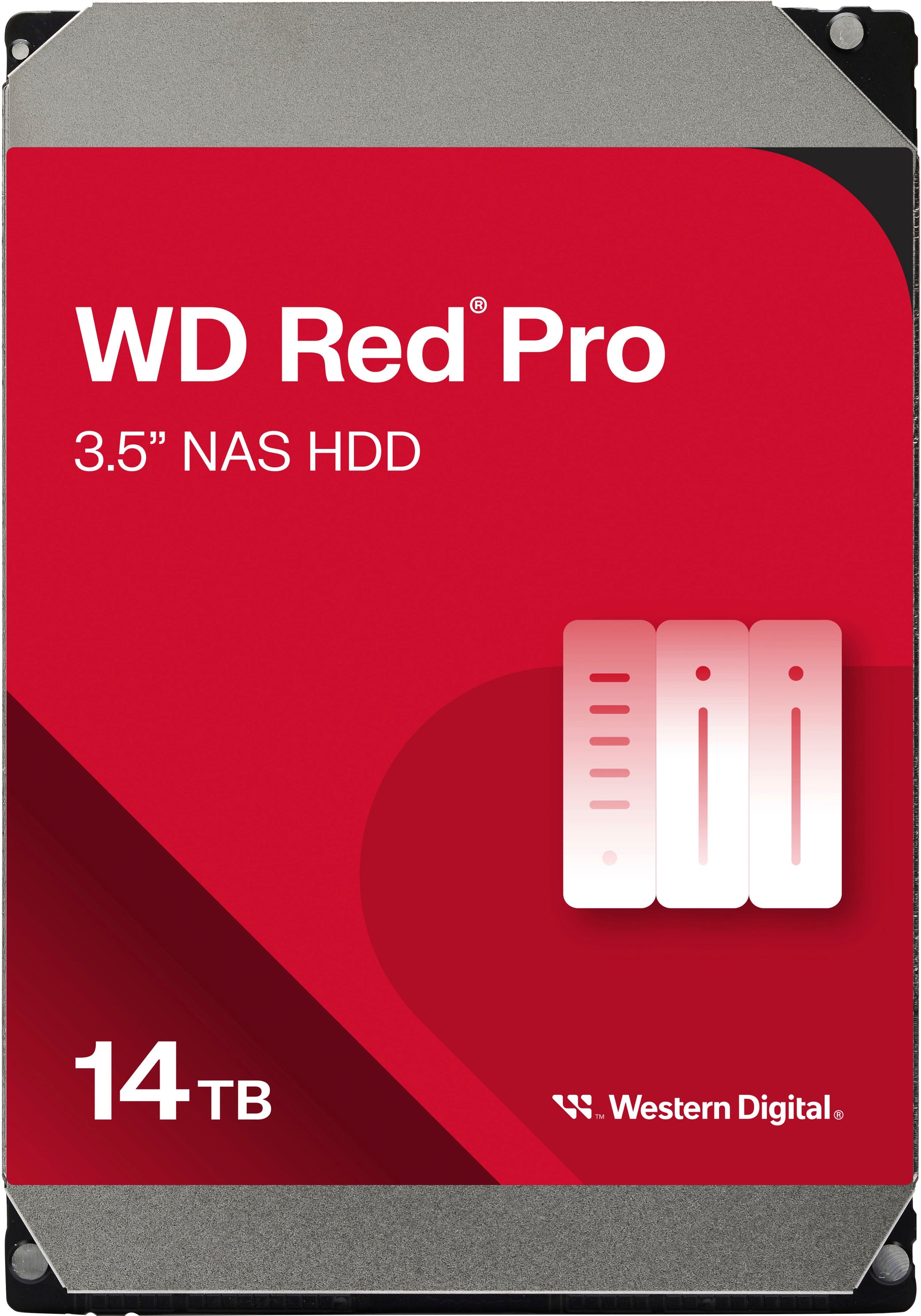
WD - Red Pro 14TB NAS Internal Hard Drive
SKU: JXTHCC7RPLSee all Internal Hard DrivesProduct Description
A high-performance red 3.5" SATA NAS drive with 7200 RPM, ideal for RAID-optimized data storage.Your price for this item is $822.00 -
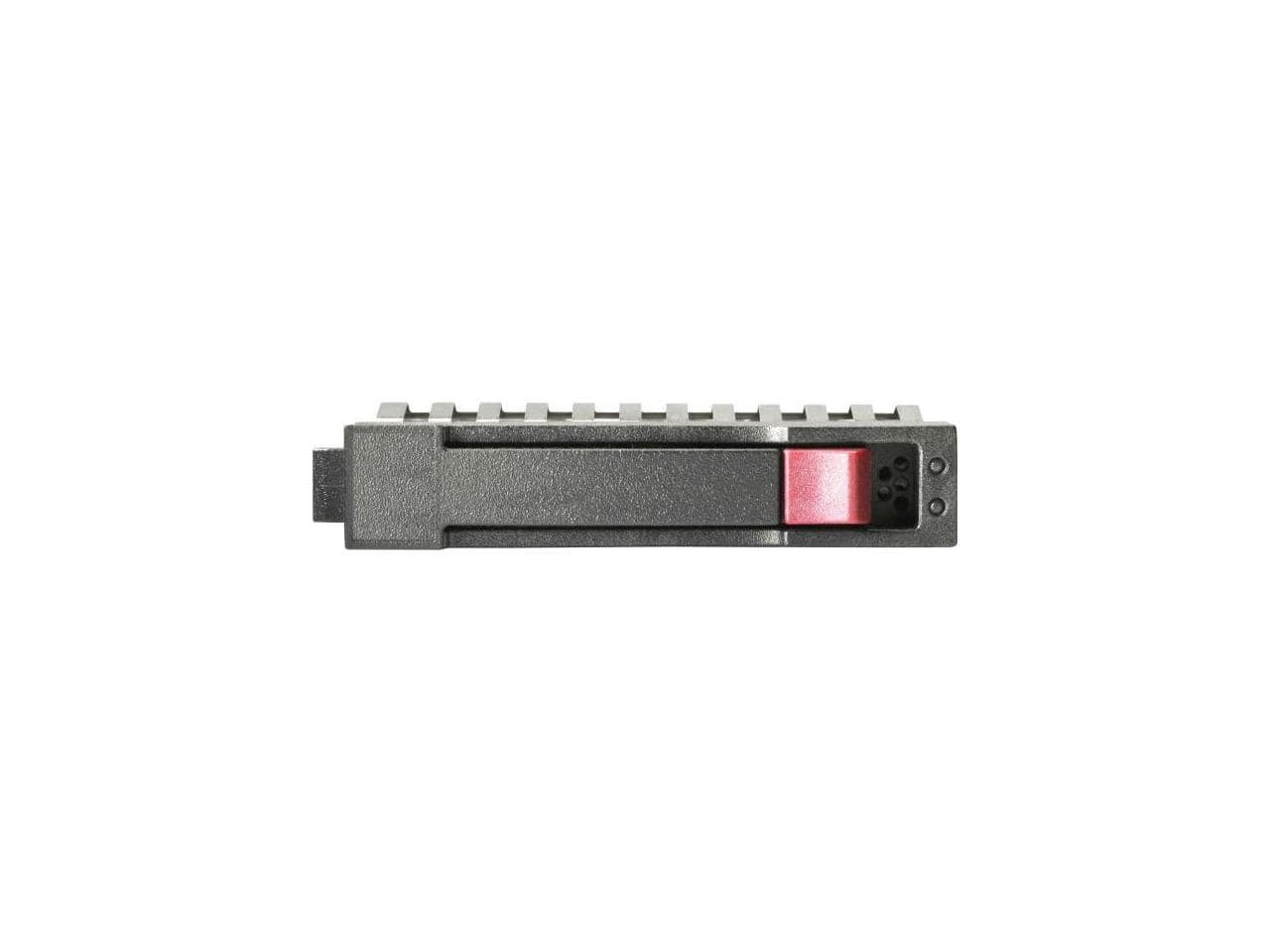
HPE Aruba - HPE 1.20 TB Hard Drive 2.5" SAS 10000rpm Internal Hard Disk Drive R0Q55A
SKU: JJ82GKP6T3See all Internal Hard DrivesProduct Description
A high-performance 1.20TB internal SAS hard drive with 10,000rpm speed for reliable data storage.Your price for this item is $483.55
Best Sellers

Related Pages



FAQ
No, MacBook Pro internal hard drives are not universally compatible with all models. Compatibility depends on the specific year and model of your MacBook Pro, as Apple has changed internal drive formats over time. Always check your MacBook Pro’s model and specifications before purchasing a replacement or upgrade.
Yes, many MacBook Pro models allow you to upgrade from a traditional hard drive to a solid-state drive (SSD). Upgrading to an SSD can significantly improve your MacBook Pro’s speed and performance. However, the upgrade process and compatibility will vary depending on your specific model.
Replacing your internal hard drive will not automatically transfer your data. It’s important to back up your files using Time Machine or another backup solution before replacing the drive. After installation, you can restore your data from the backup.
Yes, installing a new internal hard drive in a MacBook Pro typically requires precision screwdrivers and sometimes specialized tools, depending on the model. Refer to your MacBook Pro’s service manual or a reputable installation guide for the exact tools required.
Yes, you can clone your existing MacBook Pro internal hard drive to a new one using disk cloning software. This process creates an exact copy of your system, files, and settings, making the transition to the new drive seamless.