MacBook Solid State Drives
-
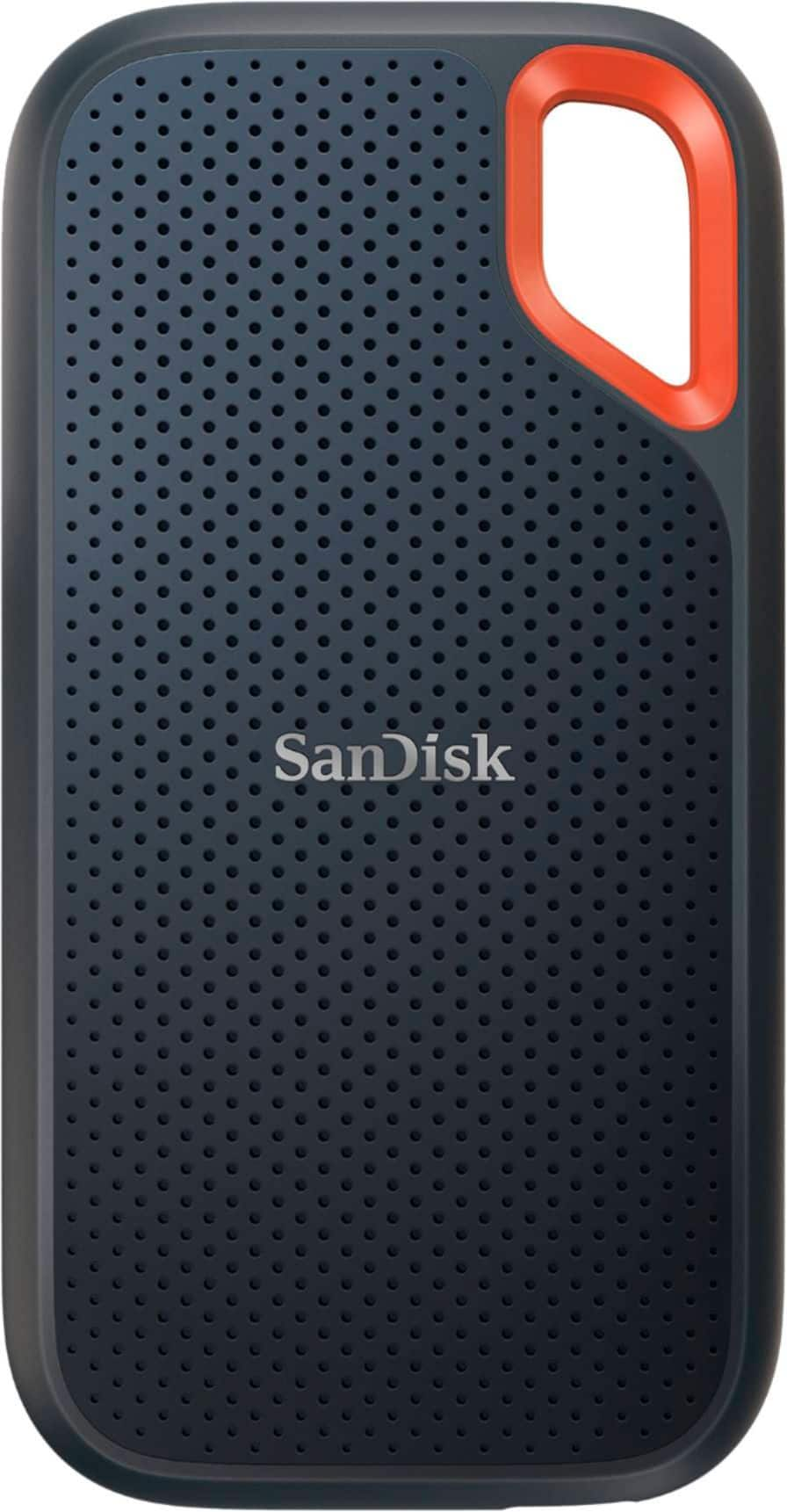
SANDISK - Extreme Portable 2TB External USB-C NVMe SSD - Black
SKU: JXJ62C9ZSVGreat compact unit really like it on the go!! Can’t say enough about this external ssd…
See all External SSDsProduct Description
A rugged black portable SSD offering 2TB NVMe storage, USB-C connectivity, and fast encrypted data transfers.Your price for this item is $299.00Save $124The previous price was $423.99 -
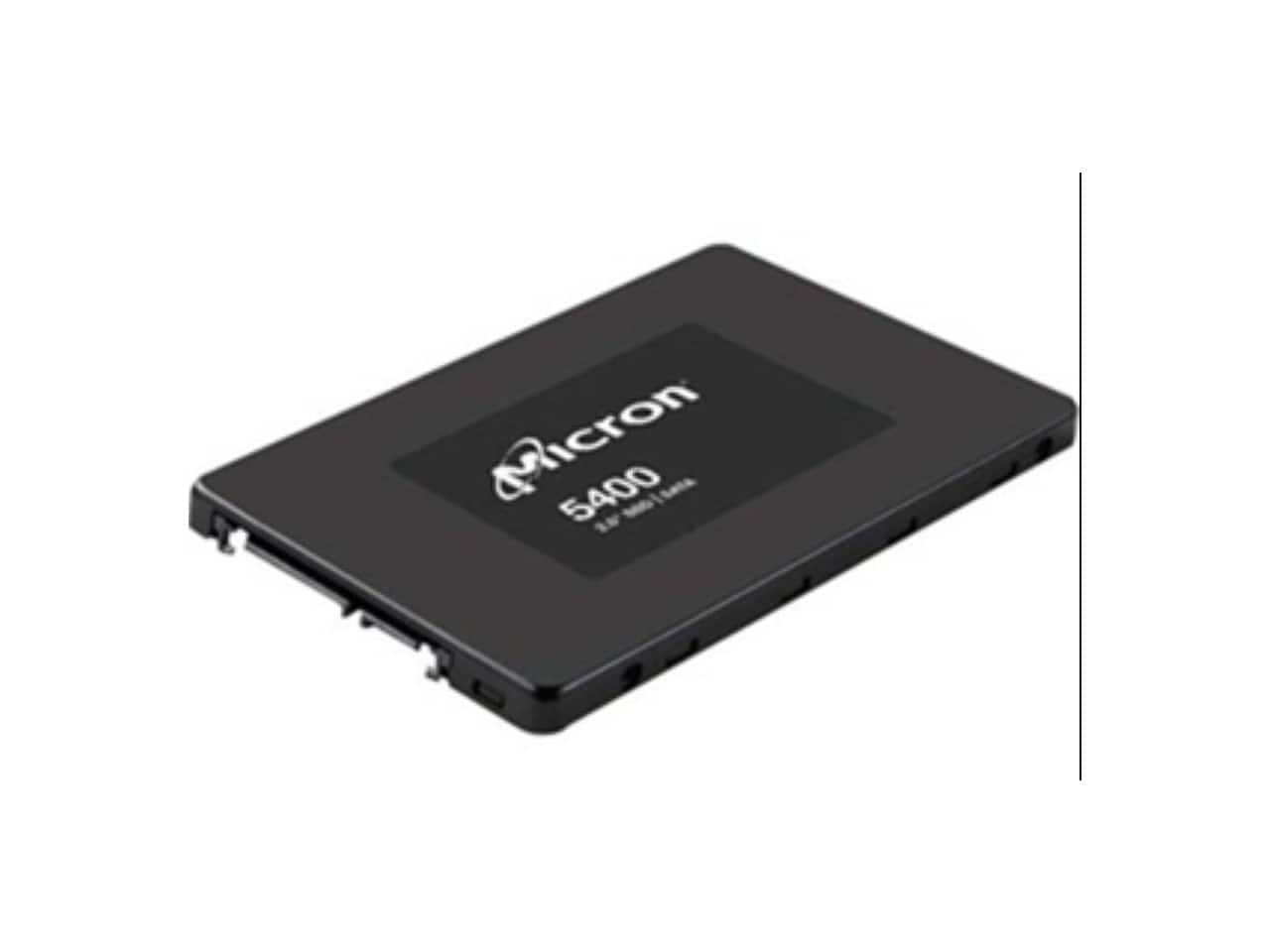
Crucial - Micron 5400 MAX 3.84 TB Solid State Drive - 2.5" Internal - SATA (SATA/600) - Mixed Use
SKU: JX8PSKJKY3See all Internal SSDsProduct Description
A mixed-use internal solid-state drive featuring SATA/600 connectivity for reliable computer storage.Your price for this item is $3,824.50Save $4265The previous price was $8,089.99 -
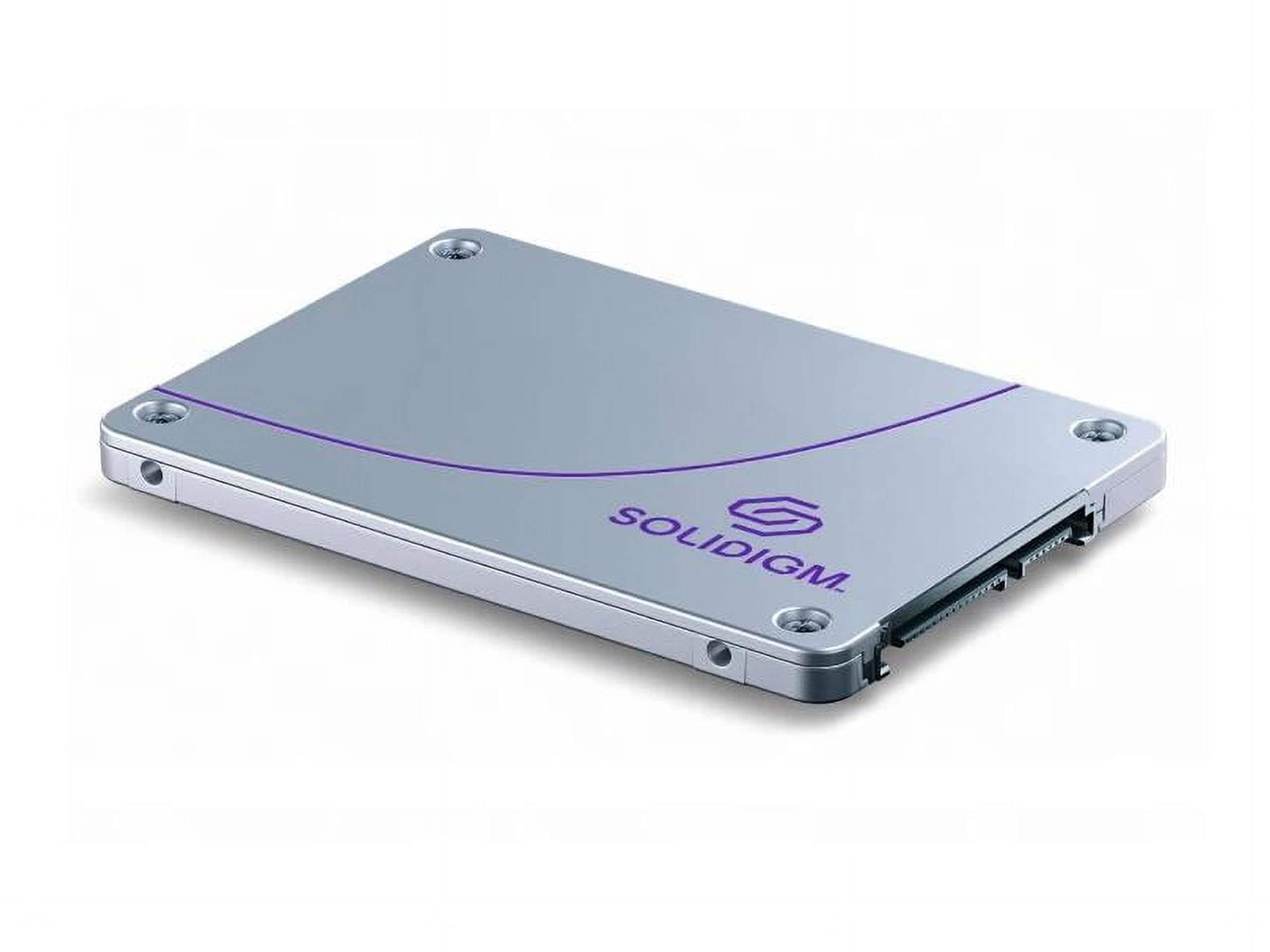
Intel - D3-S4620 3.84 TB Solid State Drive - 2.5 Internal - SATA
SKU: J39H5STPRSSee all Internal SSDsProduct Description
A high-performance 3.84TB internal SATA SSD designed for reliable, rapid data access in enterprise environments.Your price for this item is $2,694.85 -
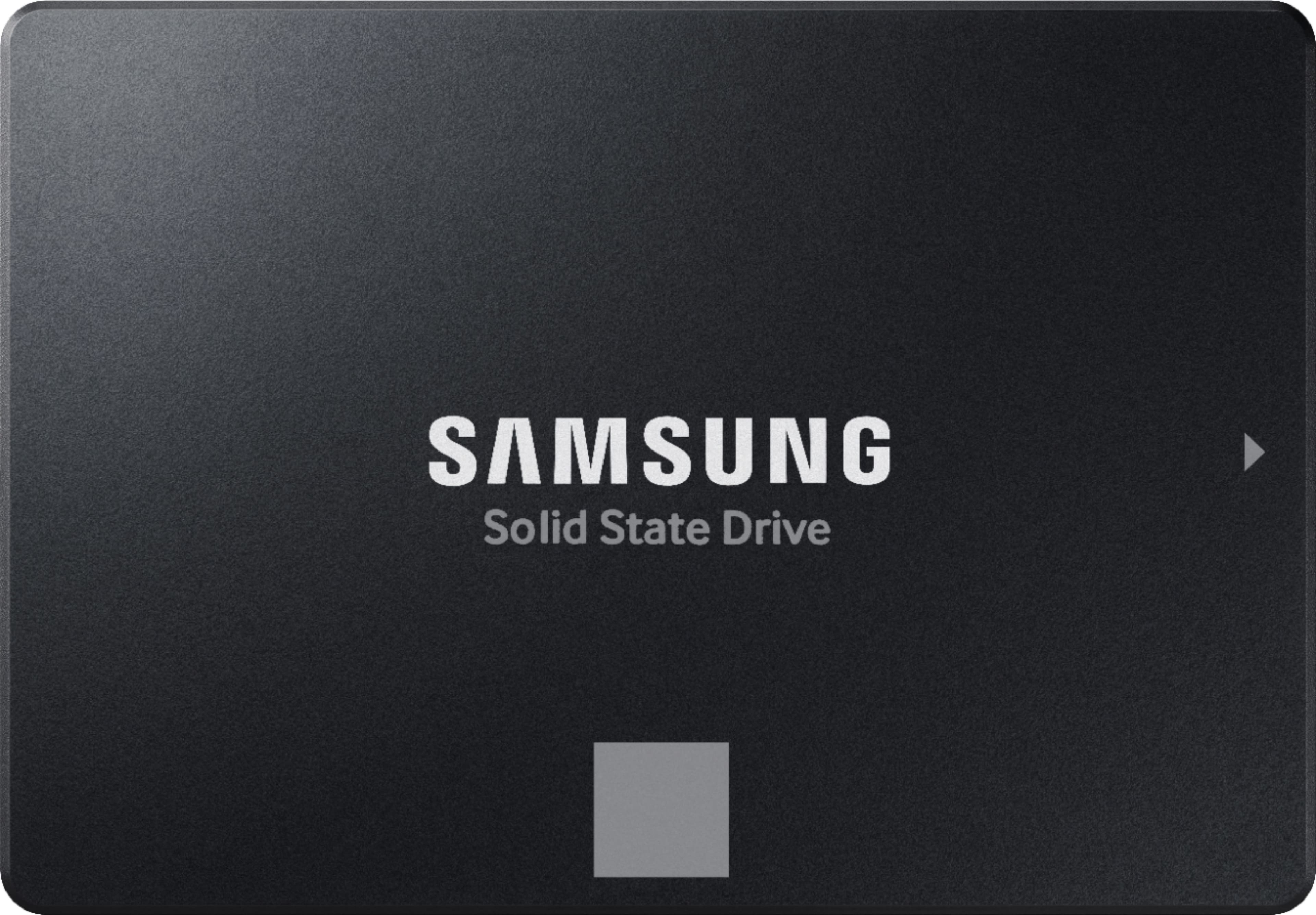
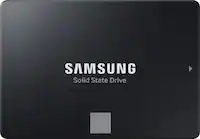
Samsung - 870 EVO 2TB Internal SSD SATA
SKU: J3ZYGCHH26The best hard disk ever, Great space and performan...I love it!! The best hard disk everr i love the space and its features...best internal...Best internal drive for older iMacs, Great performance, Great...
See all Internal SSDsProduct Description
A high-performance black internal SSD offering fast speeds, reliable storage, and built-in data encryption.Your price for this item is $499.99Save $380The previous price was $879.99 -
SANDISK - 1TB External USB 3.2 Gen 2 Type C Portable SSD - Gray
SKU: JXJ62CQPS2Great for backup for smaller older computer. Great value for a 1TB ssd....I am in love w this external drive. It is small but incredibly easy to use....Got as a gift and they love it
See all External SSDsProduct Description
A rugged grey portable SSD offering 1TB storage, USB 3.2 Gen 2 connectivity, and 800MB/s read speeds.Your price for this item is $179.99Save $11The previous price was $190.99 -
KingSpec - Z5 RGB 512GB SSD - 2100 MB/s, USB 3.2 Gen 2, Type-C, 20Gbps, External SSD for Creators & Gaming - Black
SKU: CZ6KG3PLV5See all External SSDsProduct Description
A sleek black external SSD with RGB lighting, 512GB capacity, USB 3.2 Gen 2, and 2100 MB/s speeds.Your price for this item is $88.99Save $11The previous price was $99.99 -
Synology - 1.92 TB Solid State Drive - 2.5" Internal - SATA [SATA/600] (SAT5221-1920G)
SKU: J36TG78Y4WSee all Internal SSDsProduct Description
A high-performance 1.92TB 2.5" SATA internal SSD designed for reliable and efficient data storage.Your price for this item is $2,193.88 -
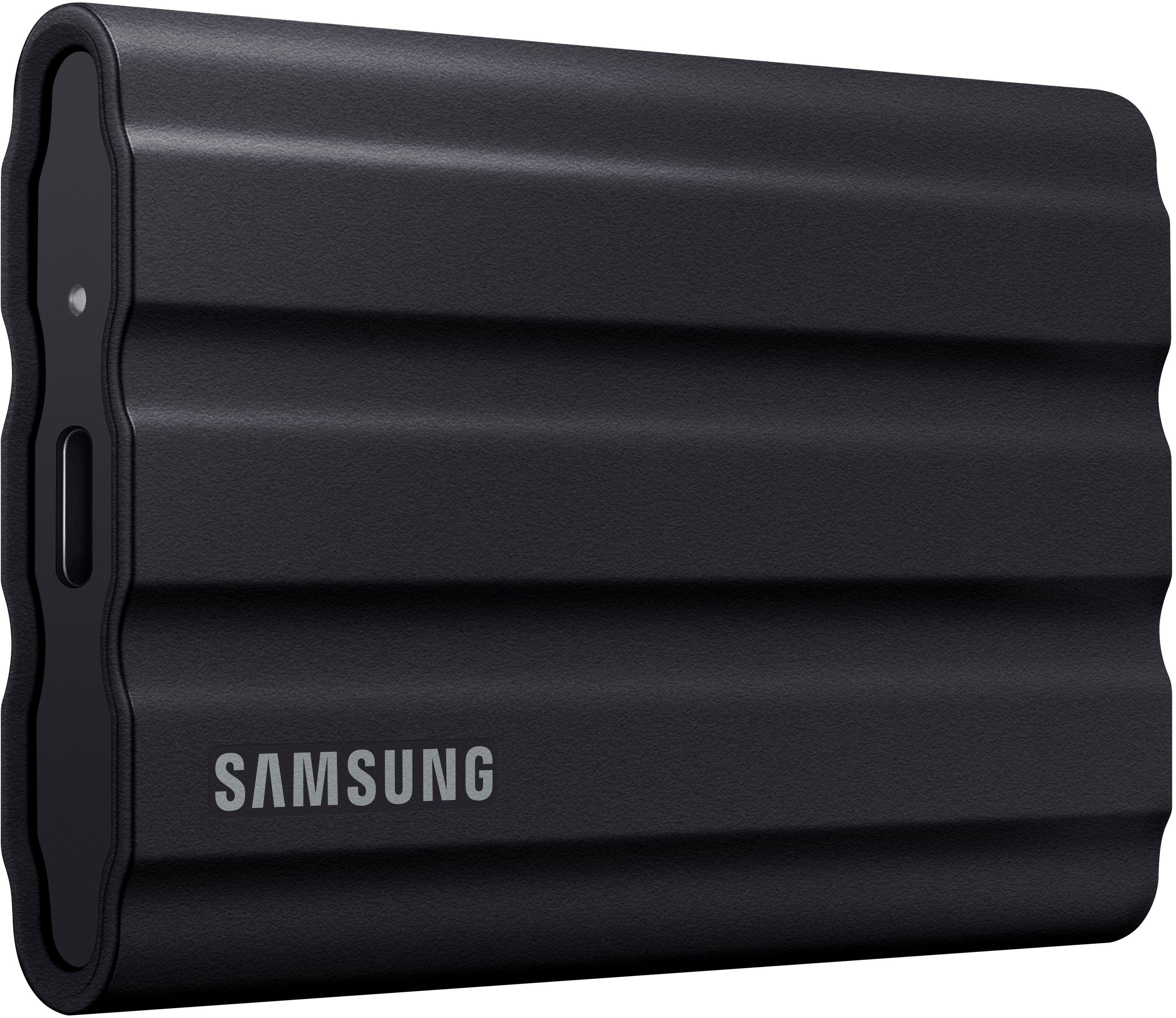
Samsung - T7 Shield 4TB External USB 3.2 Gen 2 Rugged SSD IP65 Water Resistant - Black
SKU: J3ZYGCFZ8WLove this drive...Works great...Love the compact size and smoothness
See all External SSDsProduct Description
A rugged black external SSD offering 4TB storage, USB 3.2 Gen 2 speeds, and IP65 water resistance.Your price for this item is $1,256.39


Best Sellers

Related Pages



FAQ
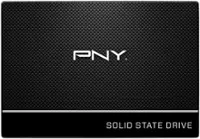
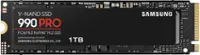
A solid state drive (SSD) for MacBook is a storage device that uses flash memory to store data, offering faster performance, quicker boot times, and greater reliability compared to traditional hard disk drives (HDDs).
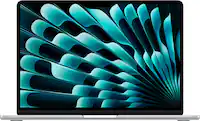
Not all SSDs are compatible with every MacBook model. It's important to check your MacBook's model and year to ensure the SSD you choose is designed for your device.
Yes, upgrading to an SSD can significantly improve your MacBook’s performance, including faster system startup, quicker file transfers, and improved application loading times.
Some MacBook models require specific screwdrivers or tools to open the case and replace the drive. Always consult your MacBook’s manual or a professional before attempting installation.
You can transfer data by cloning your existing drive using disk cloning software or by restoring from a Time Machine backup after installing the new SSD.