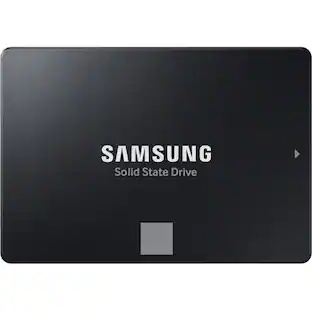
Samsung - 870 EVO 1TB Internal SSD SATA
Customers are saying
Customers consistently note that the product delivers remarkable speed and is very easy to install. Users also appreciate the ideal storage capacity, compact size, and overall value for the price. While the vast majority of feedback is positive, a small number of users reported minor issues regarding the included mounting hardware and occasional technical errors with the drive.
Storage Capacity
1000GBThe SSD All-Star
The latest 870 EVO has indisputable performance, reliability and compatibility built upon Samsung's pioneering technology
Excellence in Performance
Enjoy professional-level SSD performance with 870 EVO, which maximizes the SATA interface limit to 560/530 MB/s sequential speeds*, accelerates write speeds and maintains long-term high performance with a larger variable buffer that lets the SSD work faster, longer.
Industry-defining reliability
Meet the demands of each task. From everyday computing to 8K video processing — with up to 2,400 TBW* under a 5-year limited warranty,
More compatible than ever
The 870 EVO has been compatibility tested* for major host systems and applications, including chipsets, motherboards, NAS and video recording devices.
Upgrade with ease
Using the 870 EVO SSD is as simple as plugging it into the standard 2.5-inch SATA form factor on your desktop PC or laptop — the renewed migration software takes care of the rest.
Samsung Magician software
Make your drive work smoothly with enhanced Samsung Magician 6 software* that helps you easily manage your drive, keep up with the latest updates, monitor the drive’s health and status, or even enhance its performance.
¹Performance may vary based on SSD’s firmware version and system hardware & configuration. Sequential write performance measurements are based on Intelligent TurboWrite technology.
¹Test system configuration: Intel Core i7-7700K CPU @ 4.20GHz, DDR4 1200MHz 32GB, OS – Windows 10 Pro x64, Chipset: ASUS PRIME Z270-A. All performance data was measured with the SSD as a secondary.
²Warrantied TBW (terabytes written) for 870 EVO: 150 TBW for 250 GB model, 300 TBW for 500 GB model, 600 TBW for 1 TB model, 1,200 TBW for 2 TB model and 2,400 TBW for 4 TB model.
²5-years or TBW, whichever comes first. For more information on the warranty, please find the enclosed warranty statement in the package.
³Compatibility tests conducted with Samsung internal, AMD, MSI, Gigabyte, Synology, QNAP, BlackMagicDesign and ATMOS.
⁴Compatibility tests conducted with Samsung internal, AMD, MSI, Gigabyte, Synology, QNAP, BlackMagicDesign and ATMOS.
⁵Source: 2003-2019 IHS Markit data: NAND suppliers' revenue market share.
- Storage Capacity1000 gigabytesStorage Drive TypeSSDMaximum Read Speed560 megabytes per secondMaximum Write Speed530 megabytes per secondForm Factor2.5 in.Interface(s)SATA
Reviews
Rating 4.9 out of 5 stars with 3463 reviews
- Overall Performance (1870)
- Speed (860)
- Installation Ease (297)
- Storage Capacity (196)
- Price (70)
- Hard Drive (7)
- Mounting Hardware (5)
- SSD (4)
Customer Images
The vast majority of our reviews come from verified purchases. Reviews from customers may include My Best Buy members, employees, and Tech Insider Network members (as tagged). Select reviewers may receive discounted products, promotional considerations or entries into drawings for honest, helpful reviews.
Compare similar products

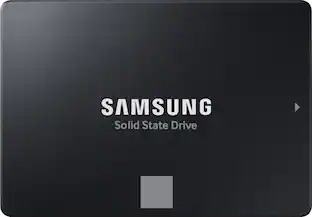
The perfect choice for creators, IT professionals or everyday users, the latest 870 EVO has indisputable performance, reliability and compatibility built upon Samsung’s pioneering technology.
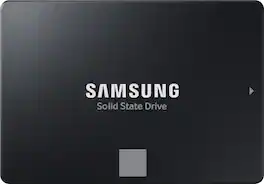
The perfect choice for creators, IT professionals or everyday users, the latest 870 EVO has indisputable performance, reliability and compatibility built upon Samsung’s pioneering technology.

The perfect choice for creators, IT professionals or everyday users, the latest 870 EVO has indisputable performance, reliability and compatibility built upon Samsung’s pioneering technology.

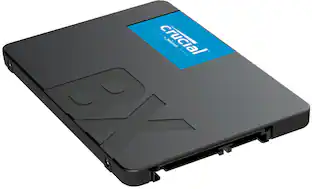
Ever wonder why your phone responds faster than your computer? It's because your phone runs on flash memory. Add flash to your laptop or desktop computer with the Crucial BX500 2TB SSD, the easiest way to get all the speed of a new computer without the price.
| Pros for Samsung - 870 EVO 1TB Internal SSD SATA | |||
|---|---|---|---|
| Overall Performance, Speed, Installation Ease, Storage Capacity, Price | Performance, Speed, Ease of use, Price, SSD | Speed, Performance, Ease of use, Price, Storage | Overall Performance, Speed, Storage Capacity, Installation Ease, Size |
| Cons for Samsung - 870 EVO 1TB Internal SSD SATA | |||
| Hard Drive, Mounting Hardware, SSD | Software | Noise, Boot Time | There were no cons for this product— |
Specs
Customers often buy these together
Computer Memory
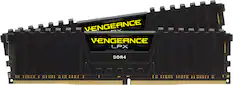
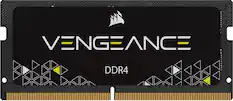
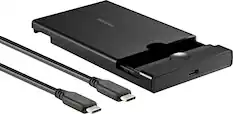
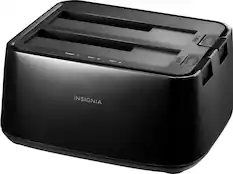
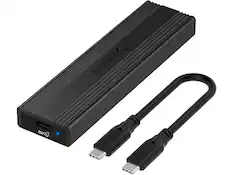
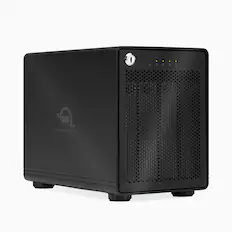
Drive Enclosures
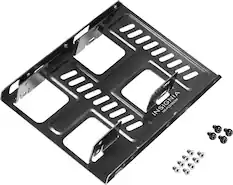
More recommended items
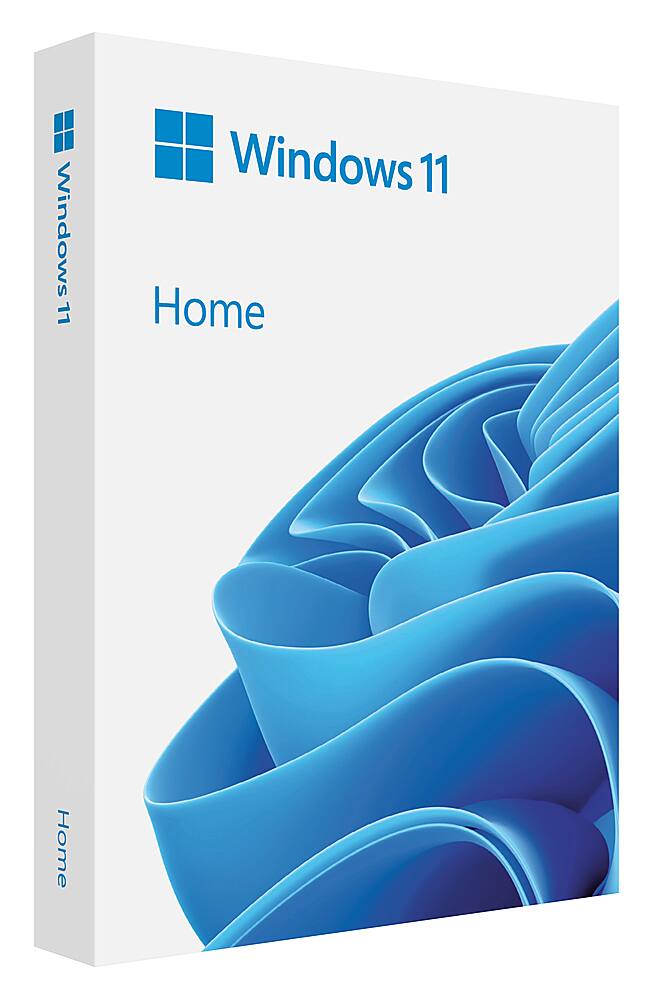 Operating Systems
 Computer Repair and Installation Tools
More to consider
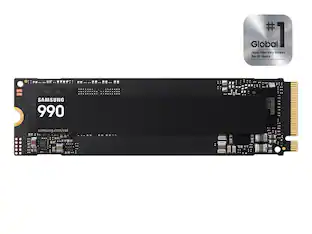 $199.99The price was $229.99
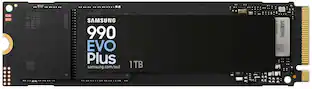 $239.99The price was $289.99
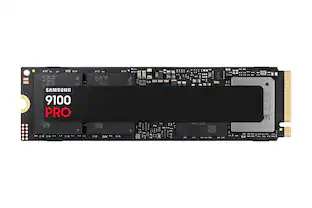 $249.99The price was $339.99
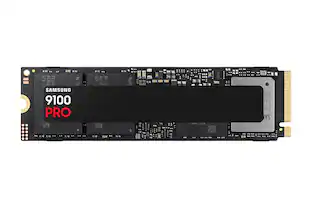 $399.99The price was $679.99
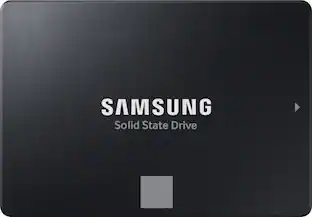
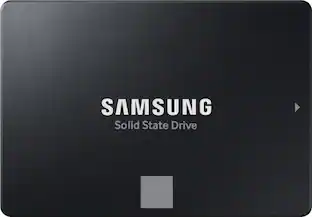
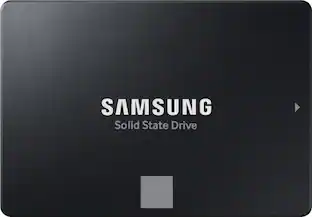
Explore tech essentials Sponsored
- $199.99The price was $229.99
 $269.99The price was $299.99
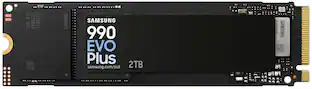 $379.99The price was $579.99
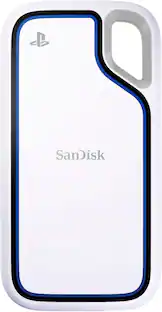 $404.99The price was $465.99
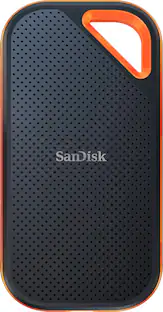

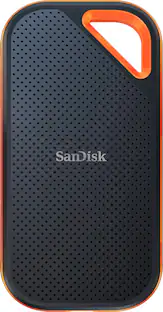
Discover related products
 $12.99The price was $13.99
 $143.99The price was $144.99





Keep exploring
 $344.99The price was $373.80
 $299.99The price was $364.99
 $614.99The price was $678.11