iMac Internal Hard Drives
-
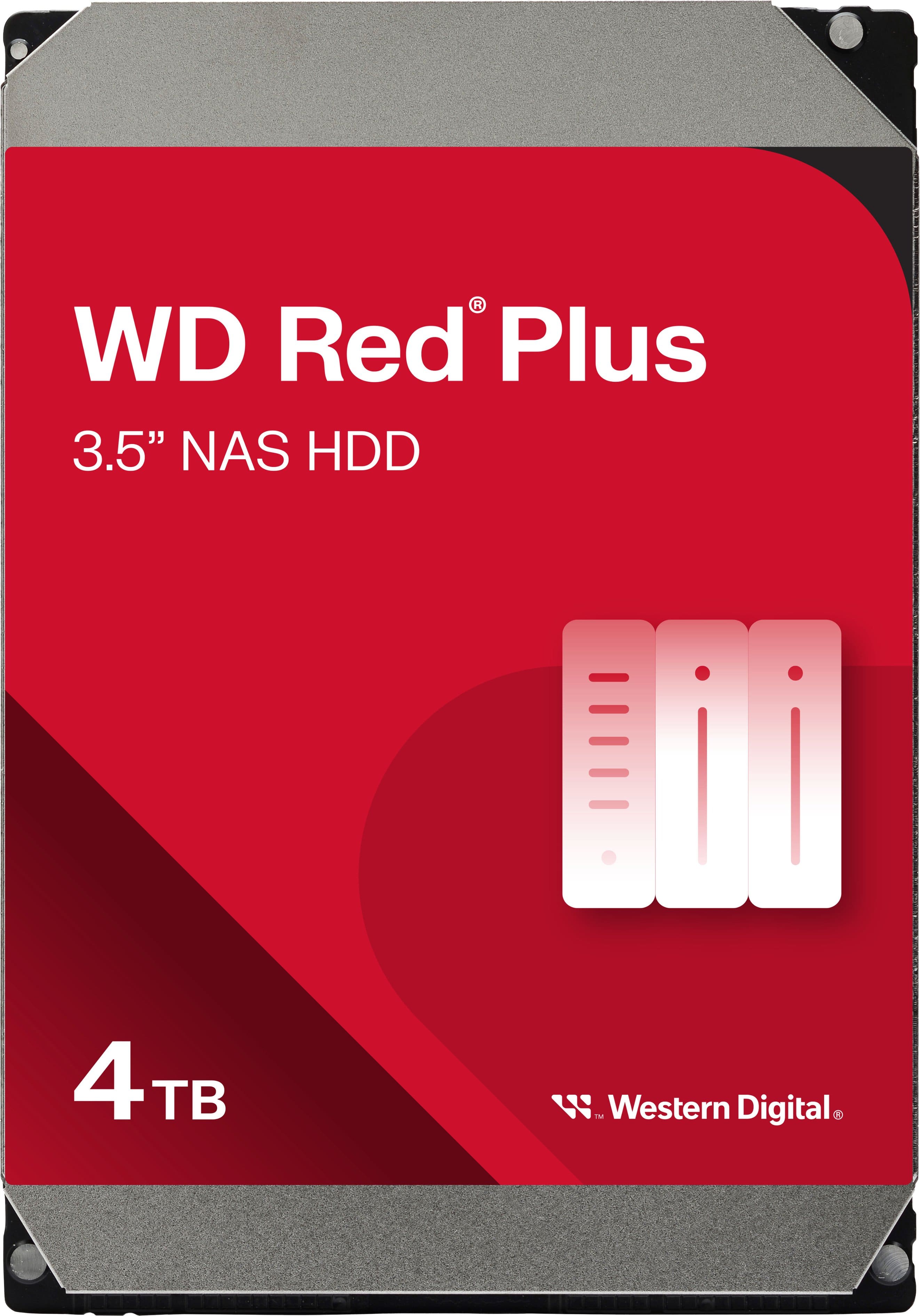
WD - Red Plus 4TB NAS Internal Hard Drive
SKU: JXTHCC7V3XSee all Internal Hard DrivesProduct Description
A reliable red internal HDD optimized for NAS systems, offering 4TB capacity and efficient data management.Your price for this item is $194.99 -
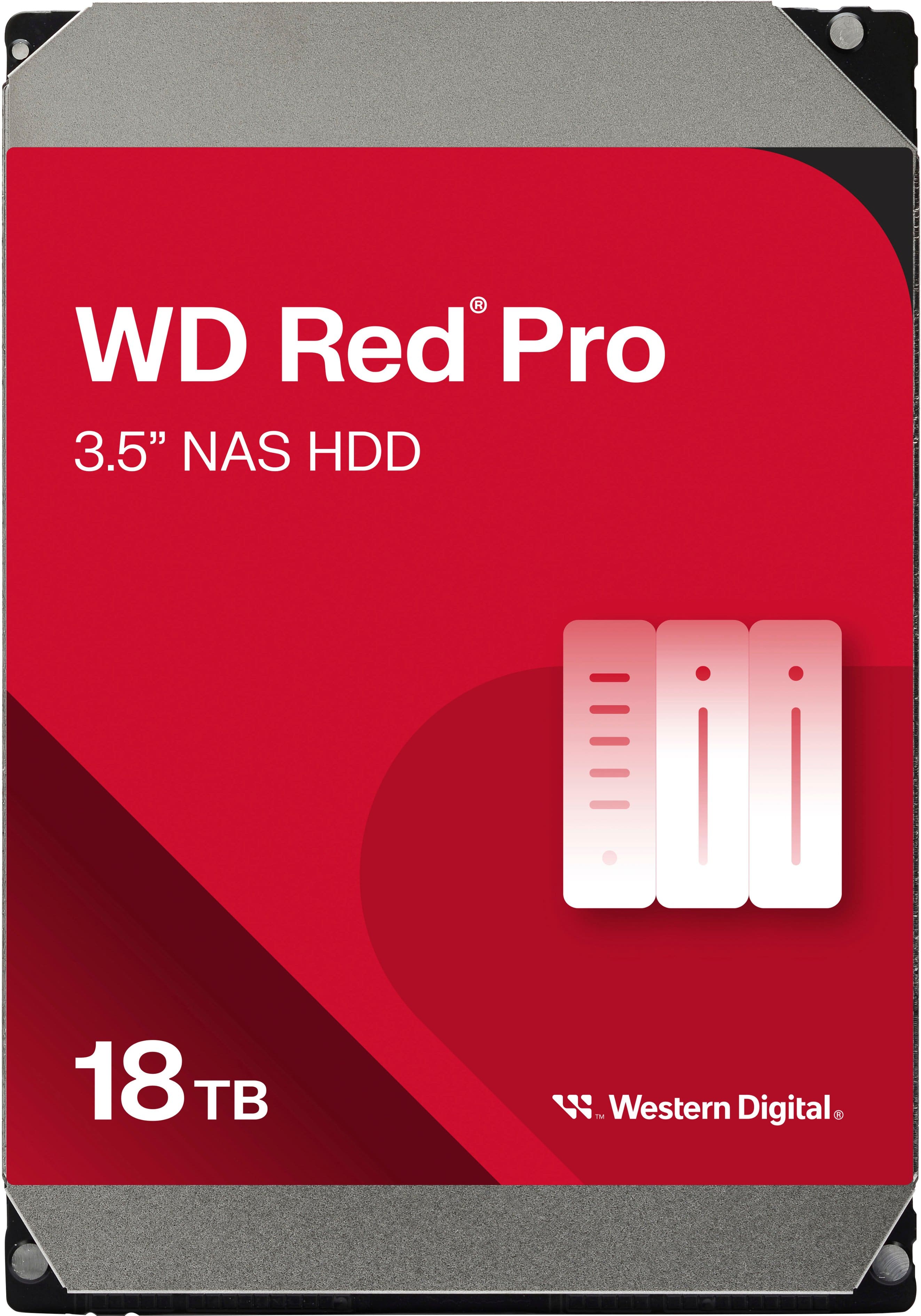
WD - Red Pro 18TB NAS Internal Hard Drive
SKU: JXTHCJVJXXSee all Internal Hard DrivesProduct Description
A high-capacity 18TB internal red HDD designed for reliable, RAID-optimized NAS data storage.Your price for this item is $779.49 -
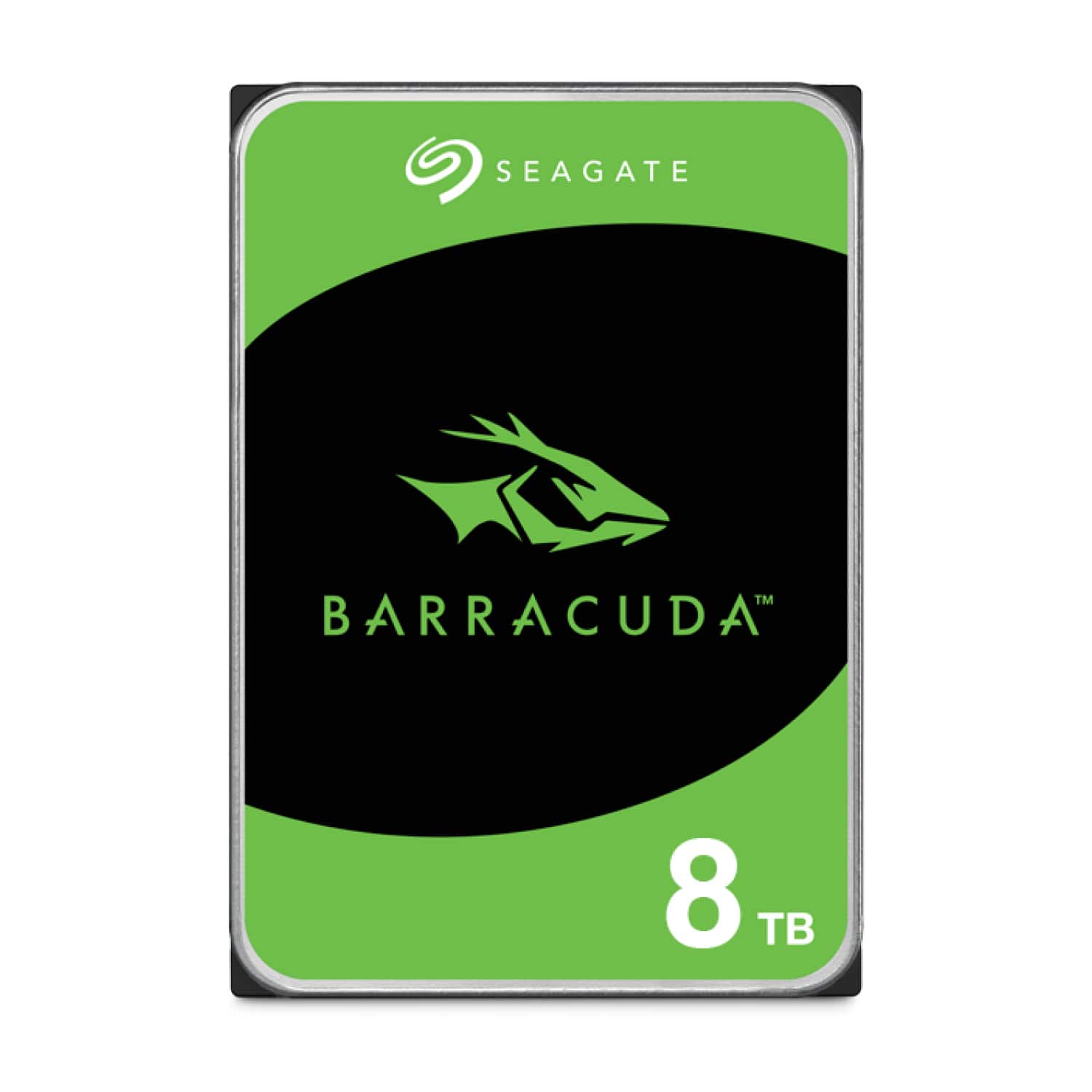
Seagate - Barracuda 8TB Internal Hard Drive for Desktops
SKU: J37C5HKG8FSee all Internal Hard DrivesProduct Description
A reliable 8TB internal 3.5-inch hard drive with 5400 RPM speed, ideal for desktop storage needs.Your price for this item is $279.99 -
Seagate - Barracuda 4TB Internal Hard Drive for Desktops
SKU: J37C5HK32ZSee all Internal Hard DrivesProduct Description
A high-capacity 4TB internal HDD with 190MB/sec transfer speed, 256MB cache, and secure erase features.Your price for this item is $149.99 -
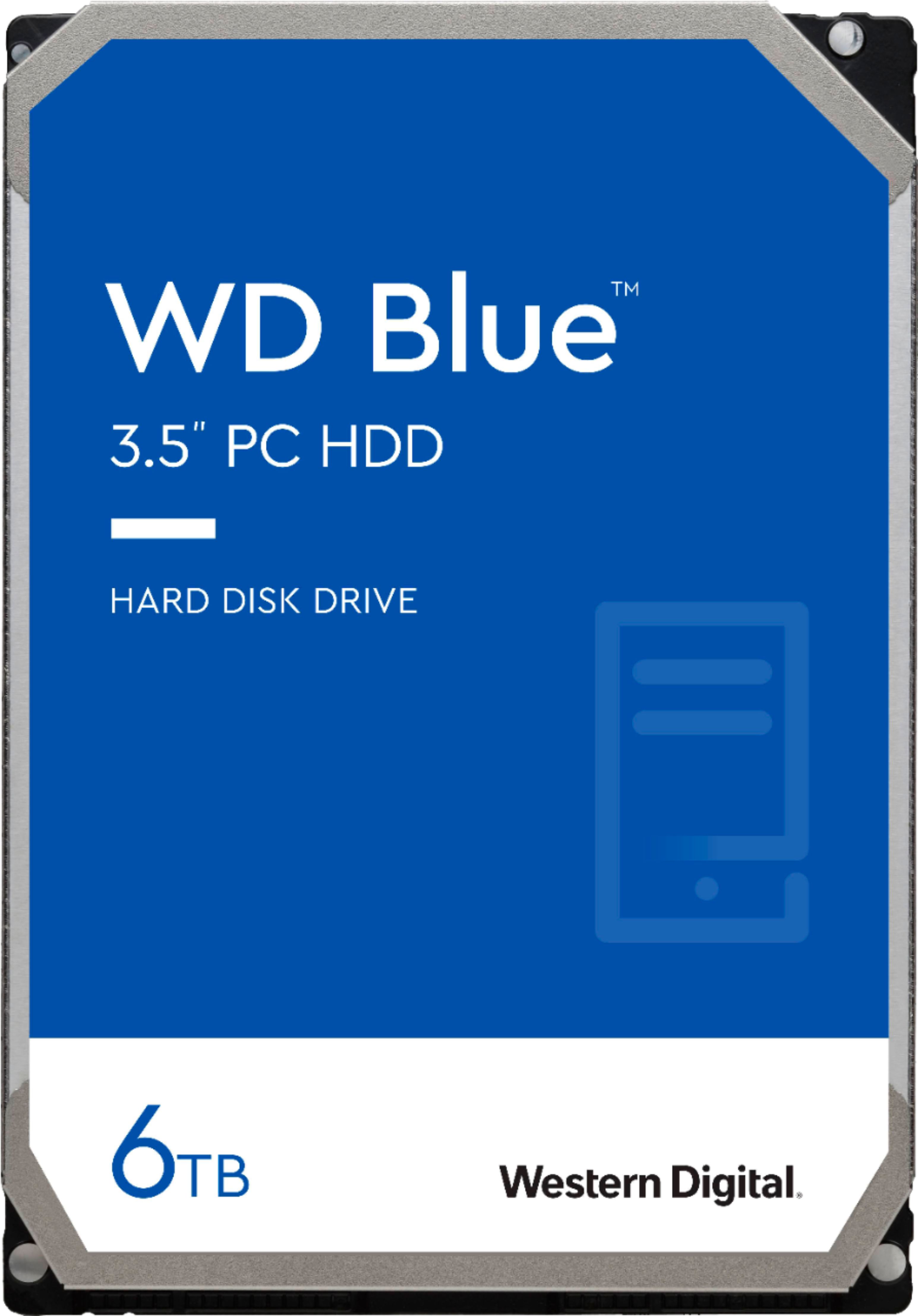
WD - Blue 6TB PC Internal Hard Drive for Desktops
SKU: JXTHCC79K9See all Internal Hard DrivesProduct Description
A reliable blue internal SATA hard drive offering 6TB storage and 6 Gbps data transfer speeds.Your price for this item is $244.99 -
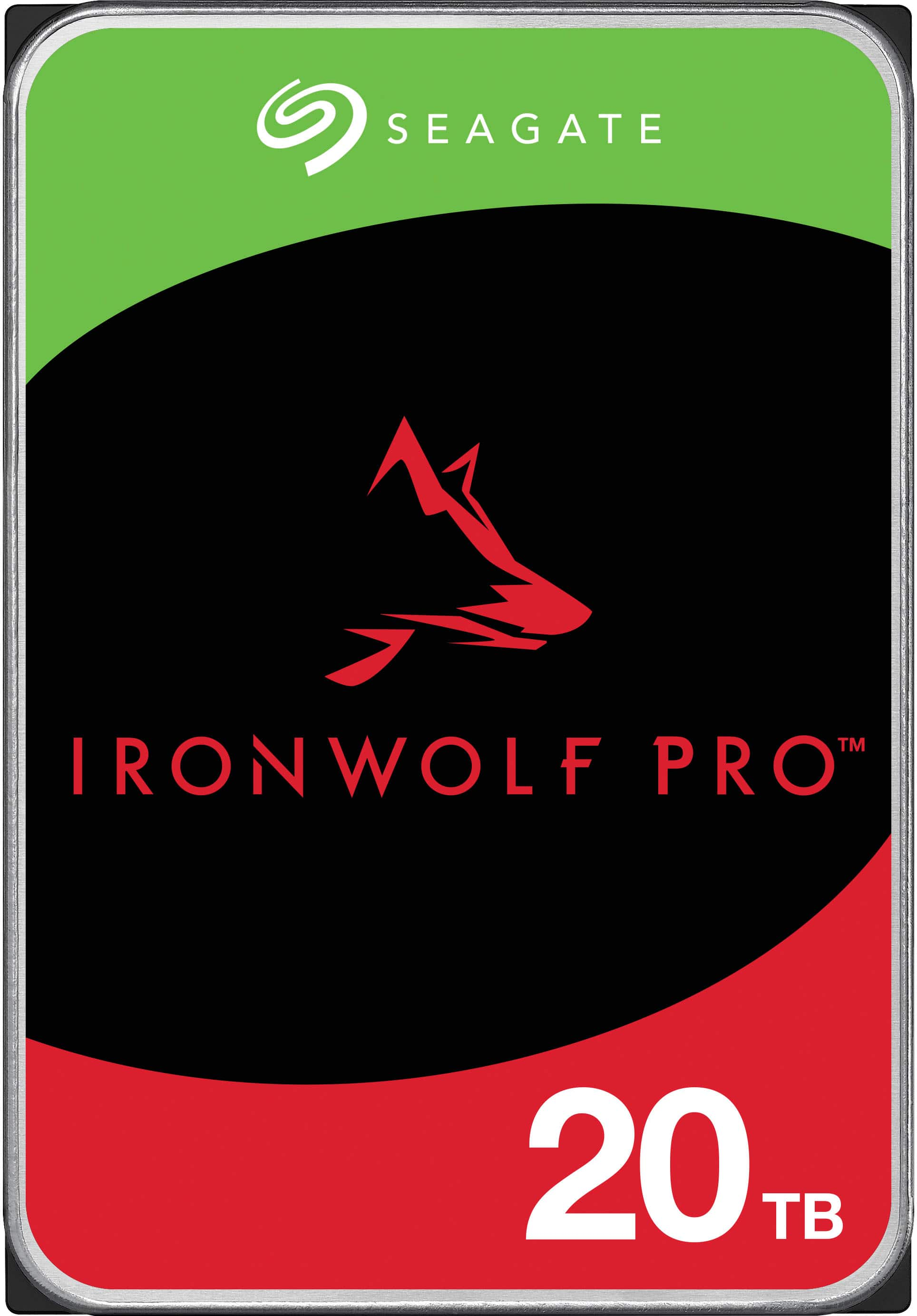
Seagate - IronWolf Pro 20TB NAS Internal Hard Drive with Rescue Data Recovery Services
SKU: J37C5H5LGWSee all Internal Hard DrivesProduct Description
An enterprise-grade red internal HDD with 20TB capacity, 7200 RPM, CMR technology, and data recovery services.Your price for this item is $719.99 -
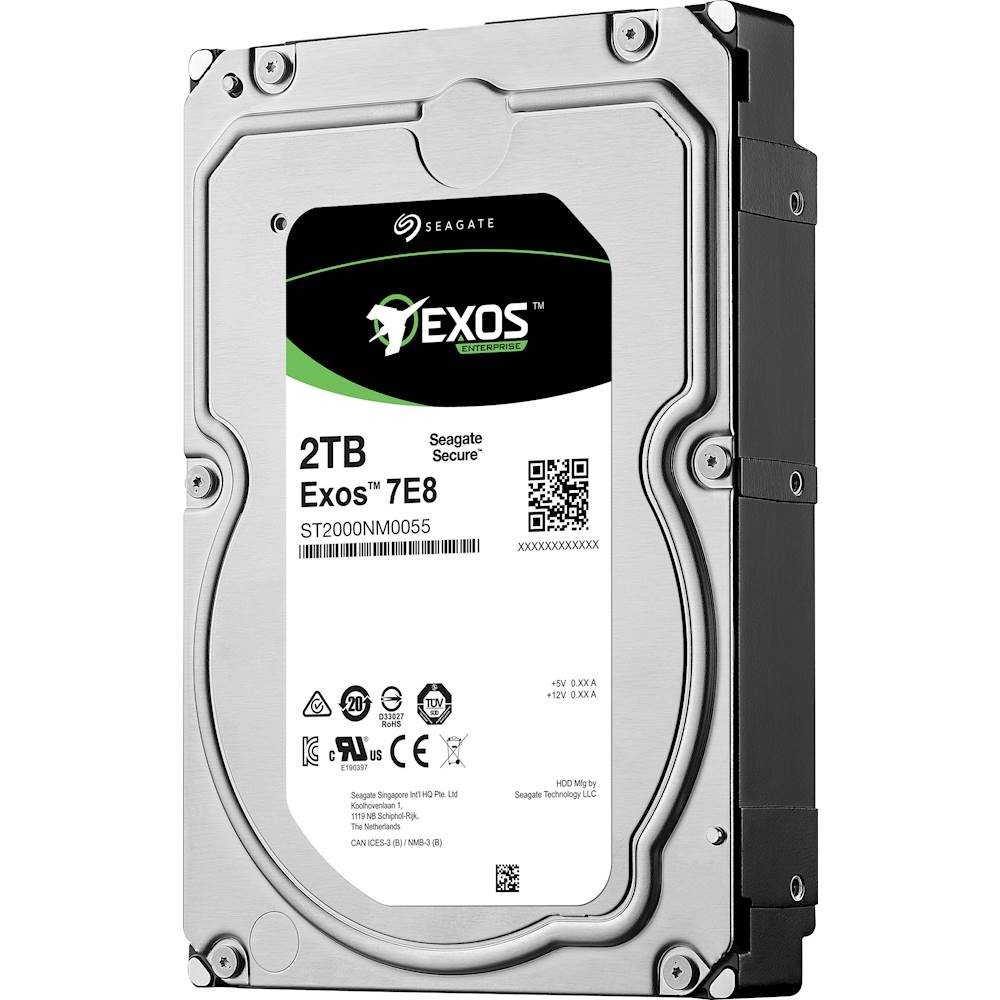
Seagate - Enterprise Capacity 3.5 HDD V.5 2TB Internal SATA Hard Drive for Desktops
SKU: J37C5HQ68RSee all Internal Hard DrivesProduct Description
A high-performance internal SATA hard drive in blue, multi, and silver with 2TB capacity and 7200 rpm speed.Your price for this item is $175.94Save $0The previous price was $175.95 -
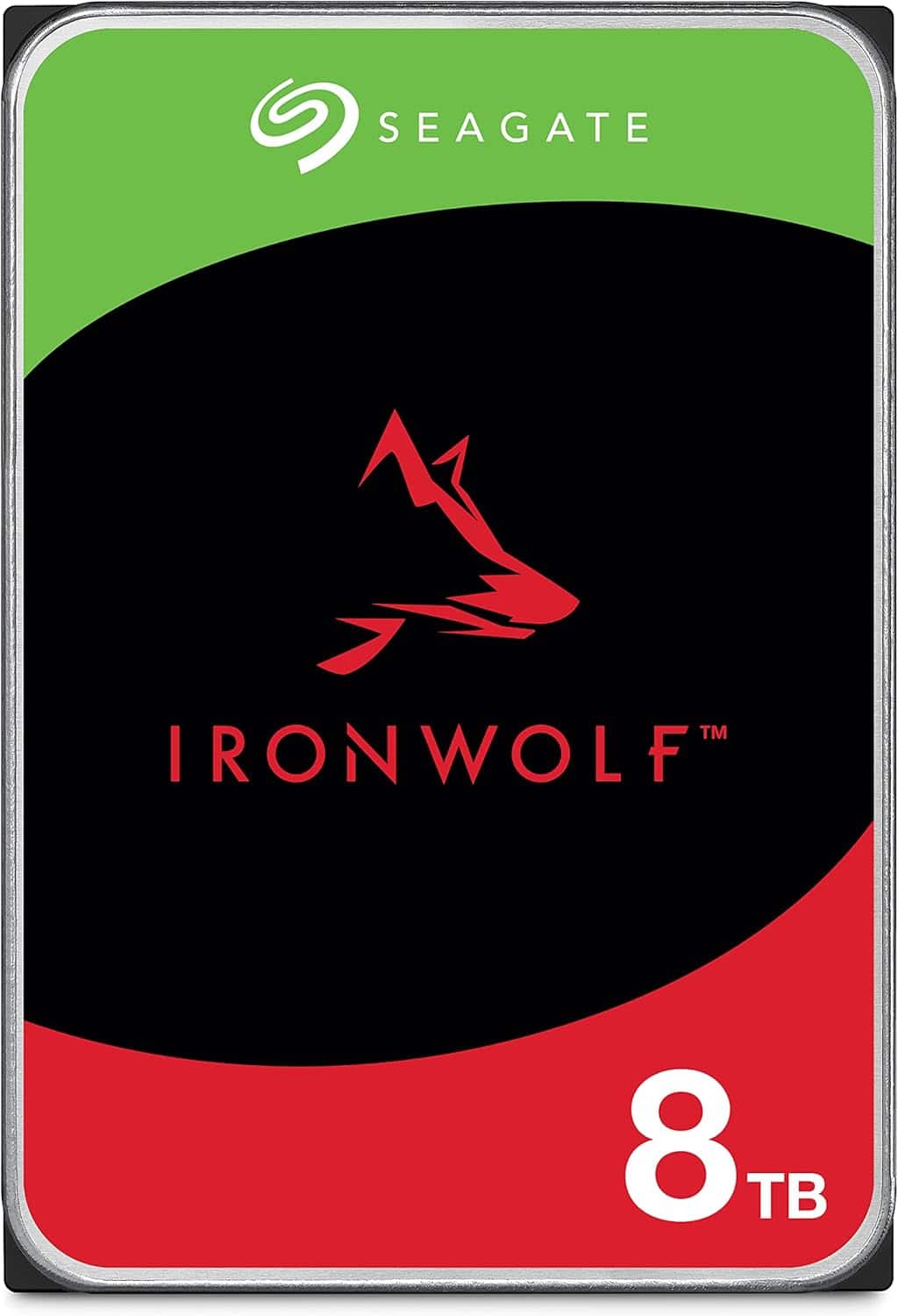
Seagate - IronWolf 8TB NAS Internal Hard Drive HDD – 3.5 Inch SATA 6Gb/s 7200 RPM 256MB Cache for RAID Network Attached Storage
SKU: J37C5HK7CKSee all Internal Hard DrivesProduct Description
An internal black 8TB HDD designed for multi-user NAS, featuring 7200 RPM, 256MB cache, and RAID support.Your price for this item is $406.34 -
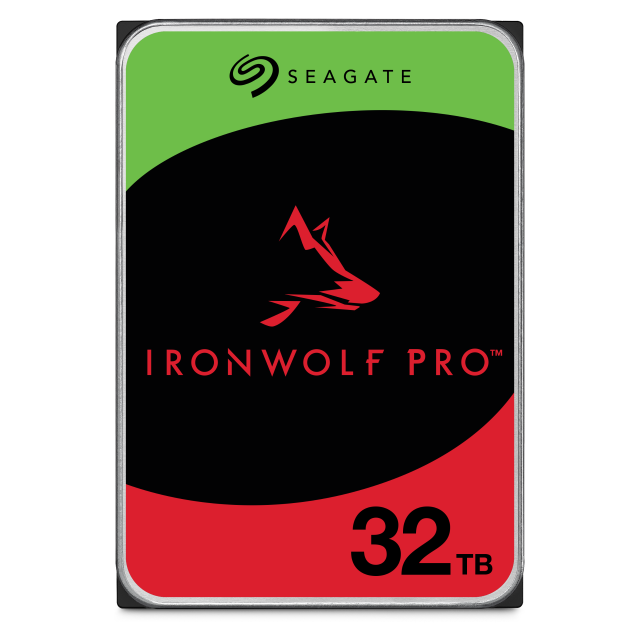
Seagate - IronWolf Pro 32TB NAS Internal Hard Drive with Rescue Data Recovery Services
SKU: J37C5H5QFWSee all Internal Hard DrivesProduct Description
A high-capacity 32TB 3.5" internal hard drive with 7200 RPM speed and built-in data recovery services.Your price for this item is $1,229.99 -
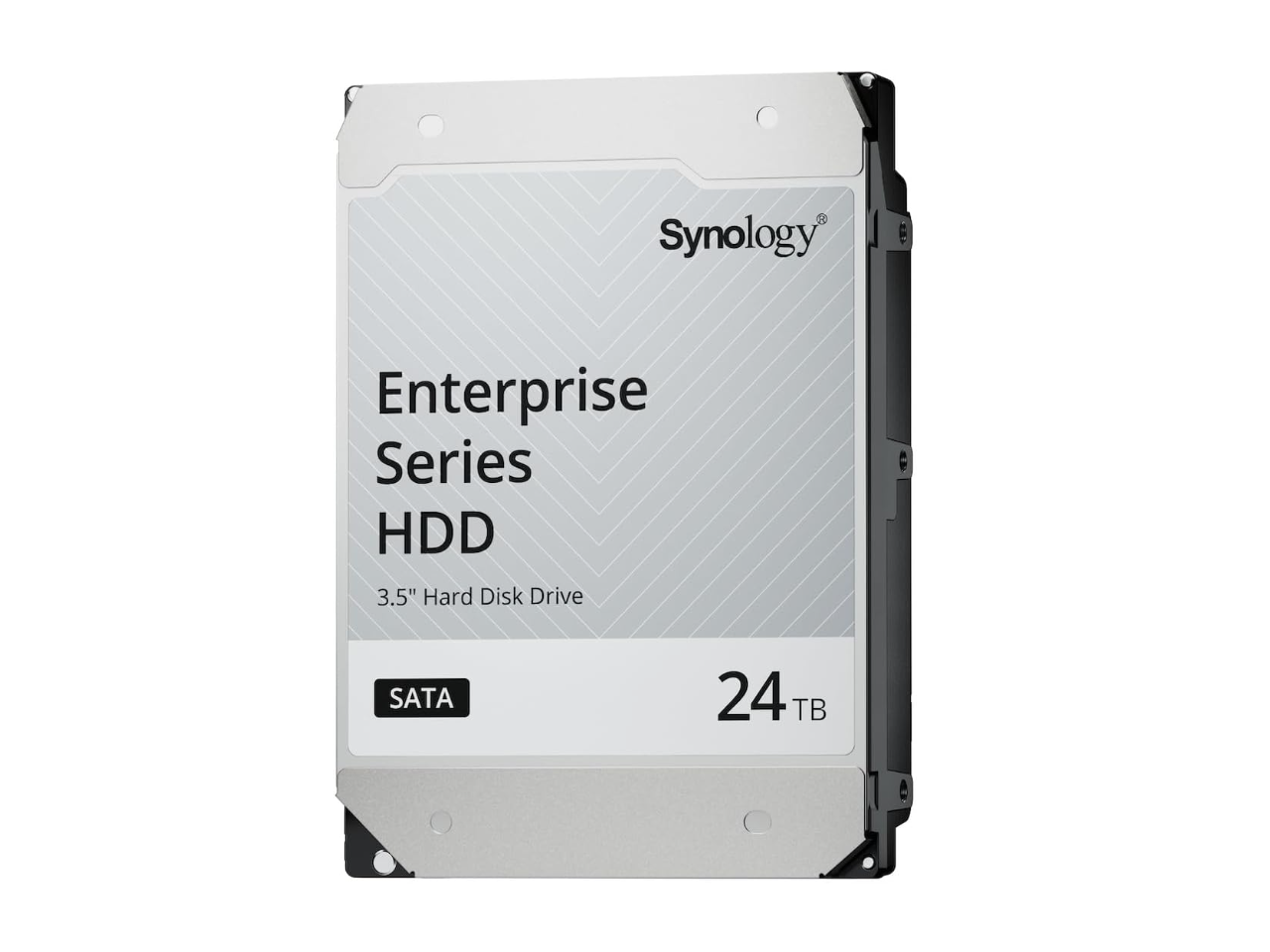
24TB 7200 RPM SAS 12Gb/s 3.5" Synology HAS5320 24TB Enterprise Series SAS HDD 3.5"
SKU: J36TG78PK8See all Internal Hard DrivesProduct Description
A high-performance 24TB internal SAS hard drive with 7200 RPM speed for enterprise data storage needs.Your price for this item is $1,356.99

Best Sellers
Related Pages


FAQ
iMac computers typically support both traditional HDDs (Hard Disk Drives) and SSDs (Solid State Drives) with SATA interfaces. Some newer iMac models may also support NVMe PCIe SSDs. It's important to check your specific iMac model's compatibility before purchasing an internal hard drive.
While it is possible to upgrade the internal hard drive in many iMac models, the process can be complex and may require special tools. Some iMacs have components that are glued or tightly secured, so professional installation is often recommended unless you are experienced with computer hardware.
Upgrading or replacing the internal hard drive in your iMac may void your warranty if not performed by an authorized technician. It's best to consult your warranty terms or contact Apple Support before attempting any upgrades.
Some internal hard drives for iMacs include basic installation kits or tools, such as screwdrivers or mounting brackets. However, not all products come with these accessories, so be sure to check the product details or consider purchasing a separate installation kit if needed.
You can transfer your data to a new internal hard drive using Apple's Migration Assistant or by creating a Time Machine backup before replacing the drive. After installing the new drive, you can restore your files and settings from the backup for a seamless transition.