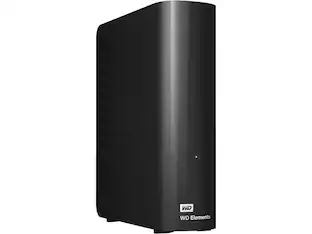
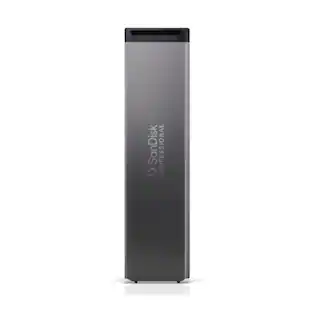
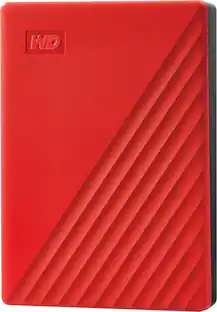
WD - My Passport 2TB External USB 3.0 Portable Hard Drive - Red
Customers are saying
Customers are delighted by the generous storage capacity and the overall ease of use provided by this device. Users frequently praise its impressive performance, compact size, and fast transfer speeds, noting that it works seamlessly with their computers. While the vast majority of feedback is positive, a small number of users have encountered minor difficulties during the initial software installation and setup process.
Color
RedStorage Capacity
2000GBFeatures
2TB storage capacity
Provides ample space for storing documents, photos, music and more.
USB 3.0 interface
Offers an easy-to-use connection to devices. Backward compatible with USB 2.0 for simple connection to your computer. USB-powered.
Backup
Make sure everything you createon your own life journey - photos, videos, music, and documents - doesn’t get lost. My Passport drive comes equipped with backup software (download required) that can be set to run automatically to your schedule, just pick the time and frequency to back up.
Locked down
The My Passport built-in 256-bit AES hardware encryption with password protection helps keep your digital life's contents secure.
2TB storage capacity
Provides ample space for storing documents, photos, music and more.
Portable design
Lets you take your data on the go.
*Reformatting is required for Mac OS.
**Features not compatible with Chromebook.
Specifications
- Storage Capacity2000 gigabytesStorage Drive TypeHDDInterface(s)Micro-USB B
Reviews
Rating 4.6 out of 5 stars with 1113 reviews
- Storage (1502)
- Ease of use (1402)
- Overall Performance (782)
- Size (591)
- Speed (381)
- Software (26)
- Setup (12)
Customer Images
The vast majority of our reviews come from verified purchases. Reviews from customers may include My Best Buy members, employees, and Tech Insider Network members (as tagged). Select reviewers may receive discounted products, promotional considerations or entries into drawings for honest, helpful reviews.

- Samsung - Internal SSD 990 1TB, Read/Write Speeds Up to 7,250/6,450 MB/s (MZ V9V1T0B/AM)$189.99The price was $229.99
- Samsung - – 9100 PRO 1TB Internal SSD PCIe Gen 5x4 NVMe, Speeds Up to 14700 MB/s$249.99The price was $339.99
- Samsung - – 9100 PRO 2TB Internal SSD PCIe Gen 5x4 NVMe, Speeds Up to 14700 MB/s$399.99The price was $679.99

Compare similar products

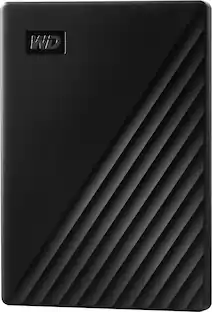
Store, share and transport files with the lightweight Western Digital My Passport Portable Hard Drive. The SuperSpeed USB port lets you transfer large files in seconds and 256-bit AES hardware encryption helps keep your files secure. The My Passport provides enough space to store thousands of files and documents. Auto backup capability allows you to select the time and frequency of file transfers.
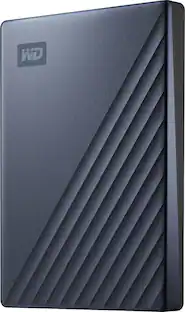
Keep valuable digital content secure with this WD My Passport portable hard drive. The 1TB storage space lets you organize treasured photos, documents and other files, while the slim design offers easy carrying. This WD My Passport portable hard drive features WD Backup and WD Discovery software for safekeeping of all the content you create.
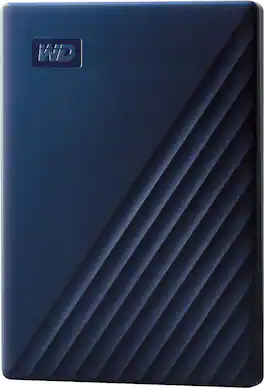
Store and access files on the go with this WD My Passport Portable Hard Drive for Mac. The backup software keeps you covered against accidental data loss, and password protection prevents unauthorized access to your content. The portable hard drive comes with USB-A and USB-C cables for flexible connectivity options.

Store, share and transport files with the lightweight Western Digital My Passport Portable Hard Drive. The SuperSpeed USB port lets you transfer large files in seconds and 256-bit AES hardware encryption helps keep your files secure. The My Passport provides enough space to store thousands of files and documents. Auto backup capability allows you to select the time and frequency of file transfers.
| Pros for WD - My Passport 2TB External USB 3.0 Portable Hard Drive - Red | |||
|---|---|---|---|
| Storage, Ease of use, Overall Performance, Size, Speed | There were no pros for this product— | Overall Performance, Size, Ease of Use, Storage Capacity, Compatibility | Storage, Ease of use, Size, Reliability, Price |
| Cons for WD - My Passport 2TB External USB 3.0 Portable Hard Drive - Red | |||
| Software, Setup | There were no cons for this product— | There were no cons for this product— | Software, USB, Cable Length |
Specs
Customers often buy these together
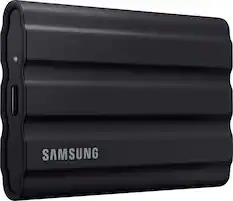
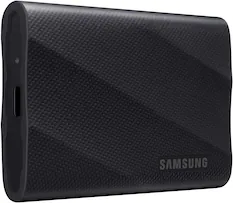
Samsung - T7 1TB External USB 3.2 Gen 2 Portable SSD with Hardware Encryption - Titan Gray
$259.99The price was $274.99
SANDISK - Extreme 1TB Portable SSD External USB Type-C SSD, up to 2000MB/s, IP65 water / dust resistance - Black
$249.99The price was $299.99
More to consider
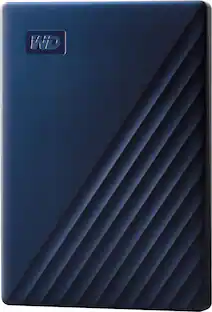
Western Digital WD 2TB My Passport Portable Storage External Hard Drive USB-C™ (WDBWML0020BGY-WESN)
$174.99The price was $209.74


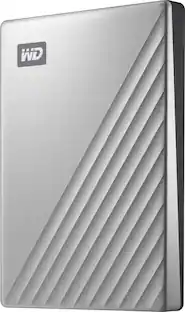
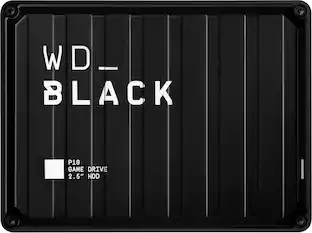
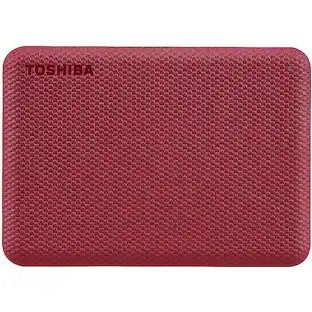

Explore tech essentials Sponsored
Discover related products
Acer USB C Docking Station With 2 HDMI, 9-IN-1 Docking Hub with USB A&C 3.0, SD/Micro SD, 100W Charging
$42.99The price was $47.99Acer USB C to HDMI Cable for Home Office 6.6FT (4K@60Hz), High-Speed Type C to HDMI 2.0 Braided Cord
$12.99The price was $19.99Logitech X56 HOTAS Microsoft Flight Simulator RGB Dual-Throttle and Joystick
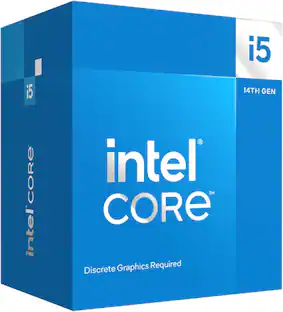
$247.00The price was $275.00Intel Core i5-14400F 14th Gen 10-Core 16-Thread - 4.7GHz Turbo Socket LGA1700 Unlocked Desktop Processor
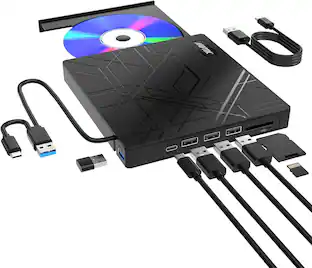
$167.54The price was $197.23AGPtek 8 in 1 External CD/DVD Drive for Laptop, USB 3.0 Ultra Slim Portable CD Burner with 4 USB Ports
$31.99The price was $32.99





Keep exploring
Western Digital WD My Book 12TB Desktop External Hard Drive for Windows/Mac/Laptop, USB 3.0 (WDBBGB0120HBK-NESN)
$614.99The price was $620.96NUSYN NSP35 1TB Portable SSD - 1050MB/s, USB-C, Durable, IP67, Shockproof, for Photos, Gaming
$94.99The price was $149.99NUSYN 1TB NSP30 Portable SSD, 1050MB/s, USB 3.2 Gen2, USB-C, Plug & Play, Multi-OS Compatible
$89.99The price was $129.99Western Digital WD Elements 20TB USB 3.0 Desktop External Hard Drive WDBWLG0200HBK-NESN
$879.99The price was $1,148.99Western Digital WD Elements 6TB USB 3.0 Desktop External Hard Drive WDBWLG0060HBK-NESN
$355.29The price was $361.58