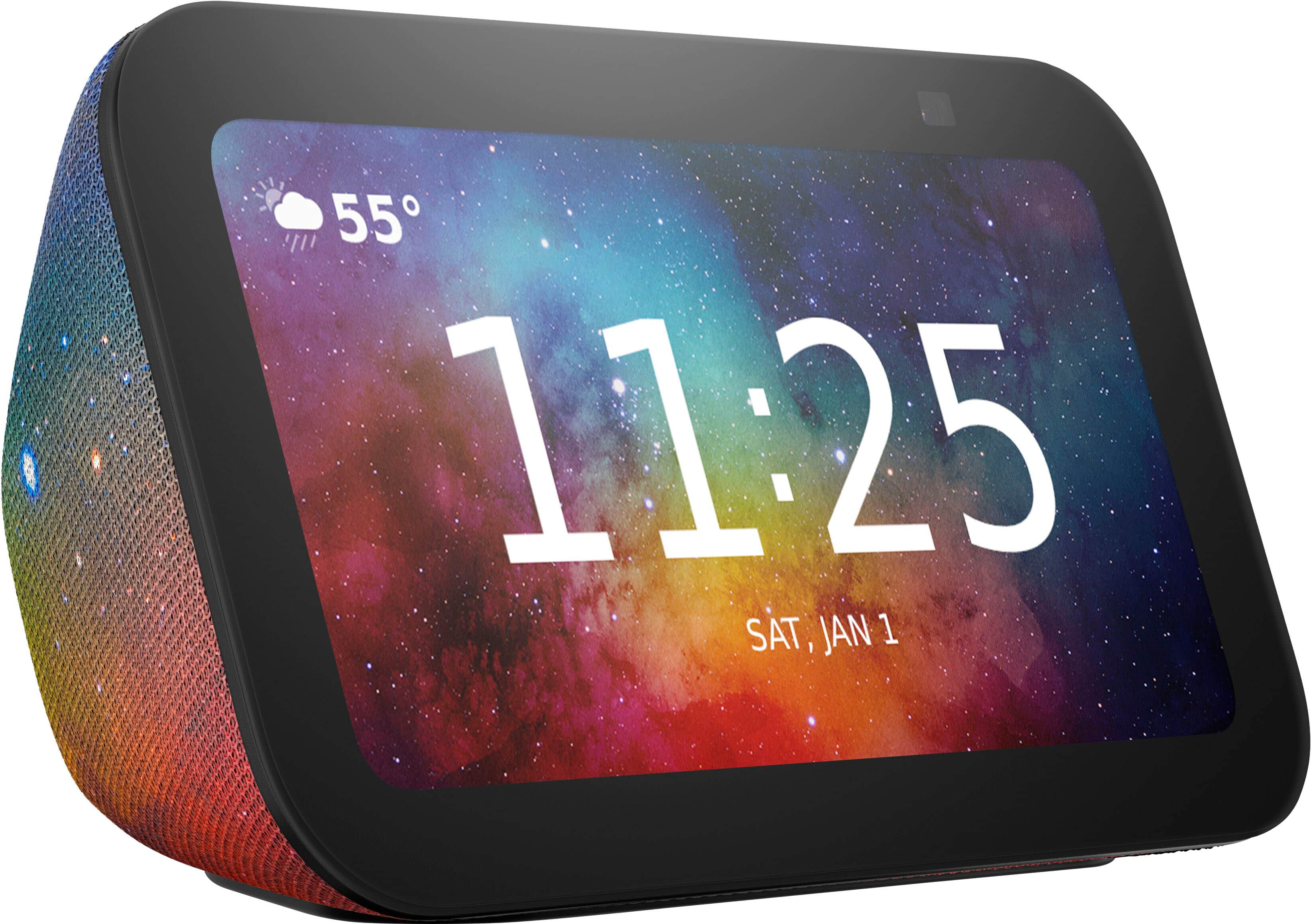
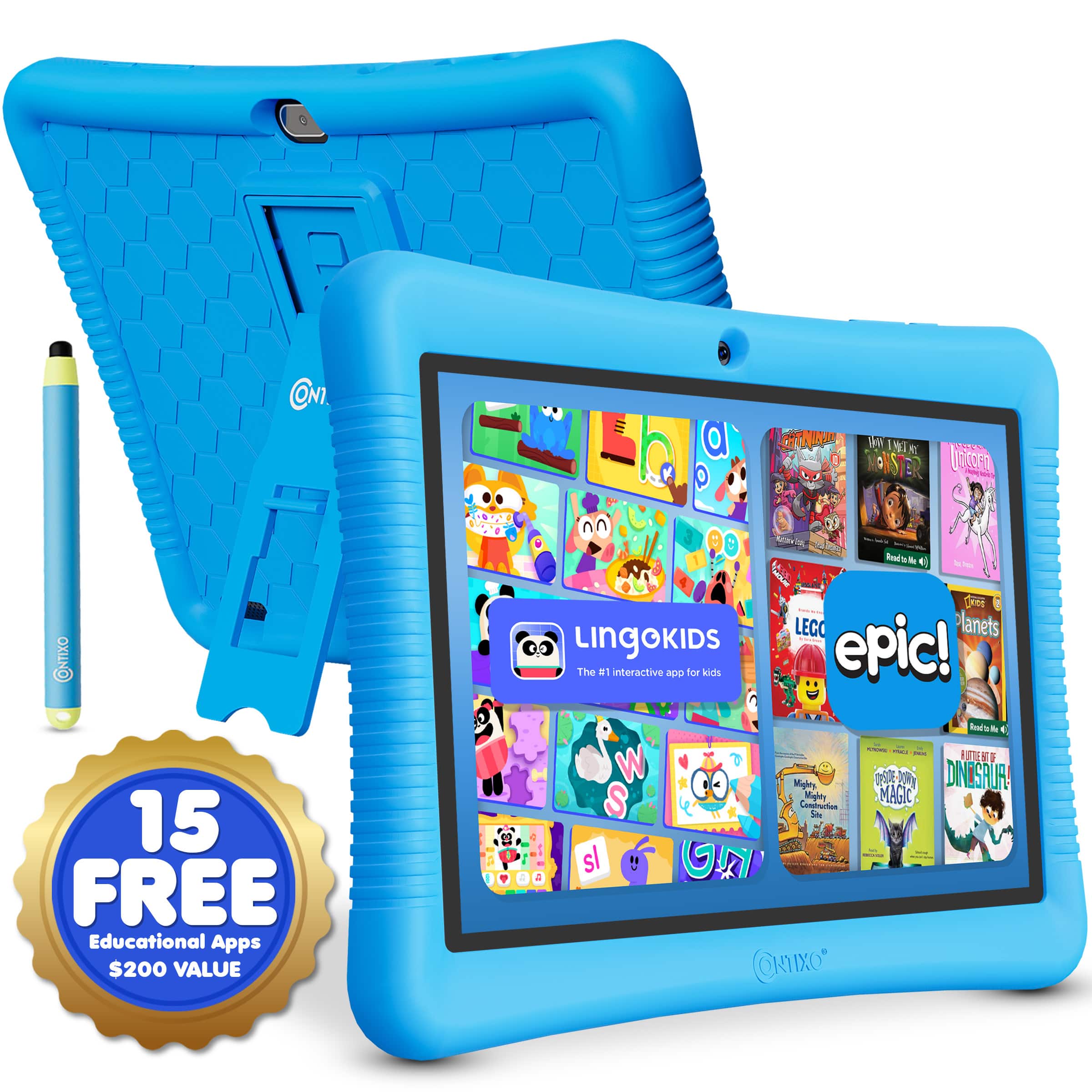
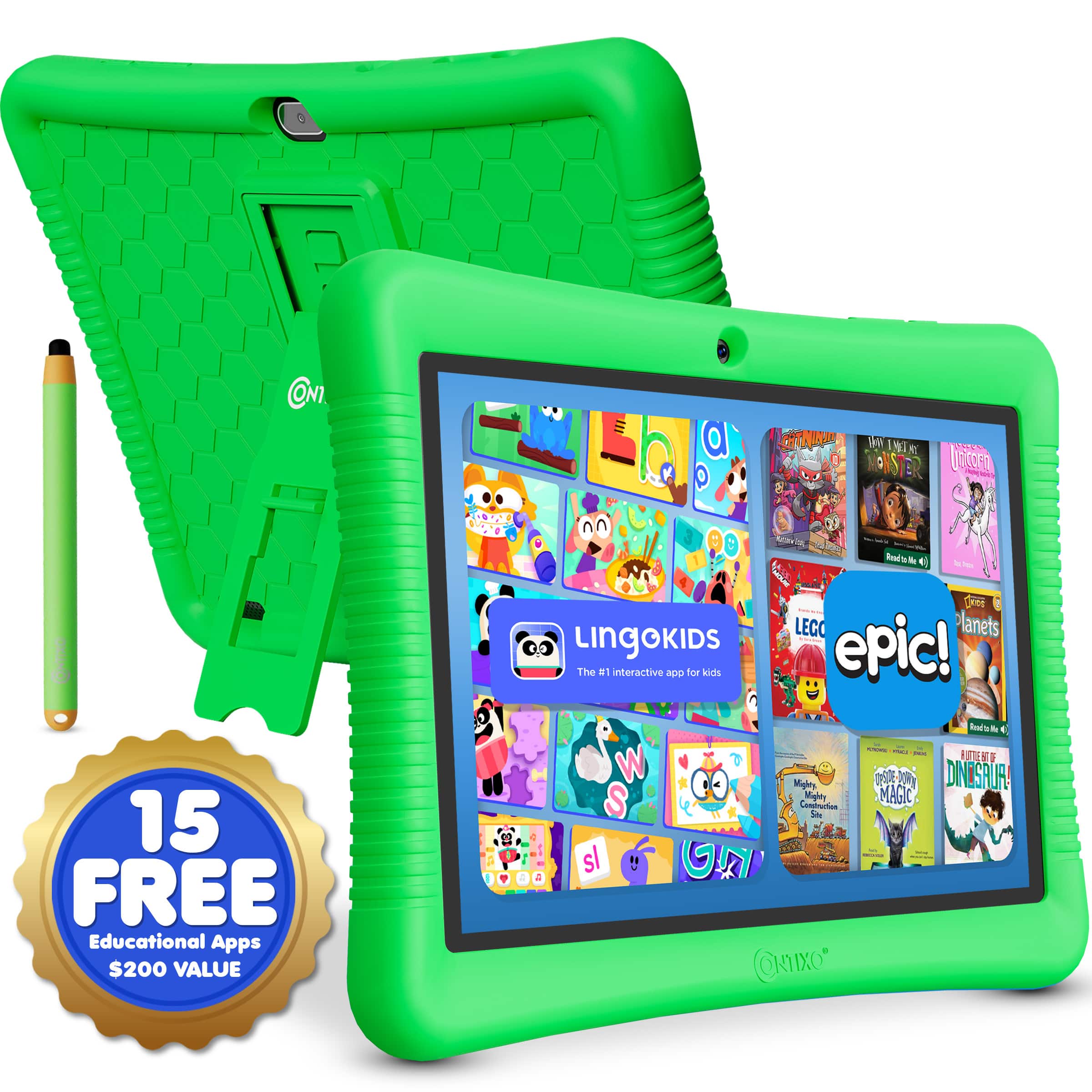
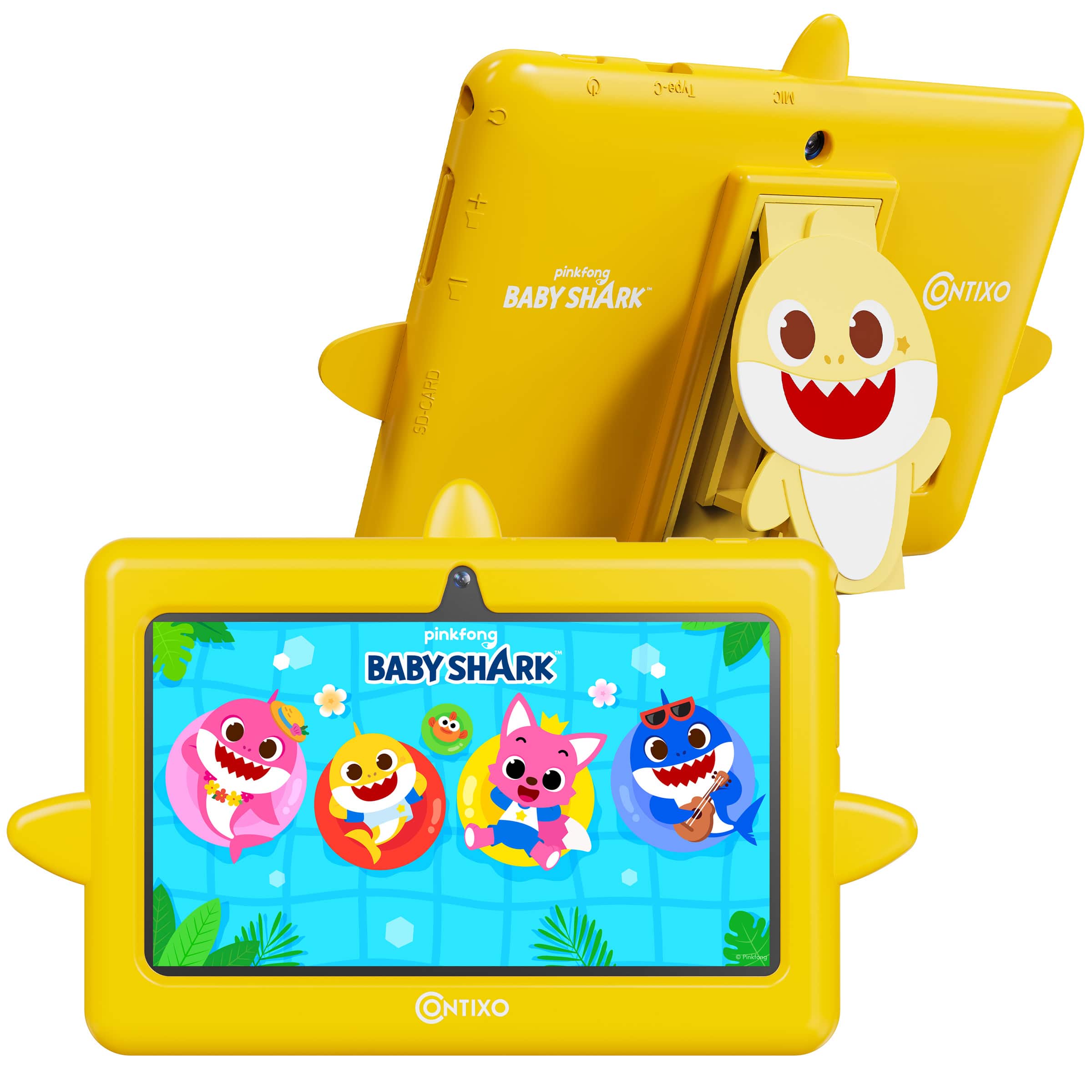
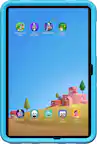
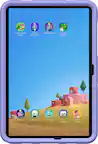
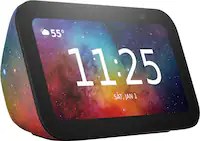
Smart devices for young students bring together everyday communication, age-appropriate learning, and manageable routines. Kid-friendly smartwatches, smart displays, smart speakers, tablets, and interactive learning tools serve different purposes, but the most useful fit is often the device that supports a clear need without adding unnecessary distractions. A student heading to an after-school activity may benefit from a compatible watch with caregiver-approved contacts, while a child practicing reading may enjoy listening to an audiobook through a speaker in the family room. For homework at the kitchen table, a tablet can provide access to school-approved apps, digital books, and creative activities such as drawing or recording a story. Smart displays can make timers and reminders easier to see, and some interactive learning tools introduce sequencing and problem-solving through hands-on play. Features vary by device, so parental controls, age recommendations, accessibility settings, and compatibility with existing household technology matter more than a long list of extras. Younger children often need straightforward navigation, large touch targets, and close adult involvement; students gaining independence may be ready for shared calendars, assignment reminders, and limited messaging. A useful setup leaves room for both learning and downtime, with entertainment settings that families can adjust as needs change. During the cooler months, when homework, indoor projects, and family activities may share the same space, a quiet timer or a personal listening option can help different routines coexist. These devices can also make thoughtful gifts from parents, grandparents, or other caregivers when the recipient’s interests and household rules are part of the decision. A child who loves building may gravitate toward interactive coding activities, while an enthusiastic reader may get more everyday use from accessible digital reading tools. The strongest match is not necessarily the device with the most features, but one a student can use comfortably, a caregiver can manage confidently, and a household can fit into its existing rhythm.
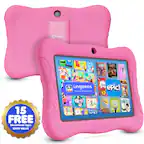
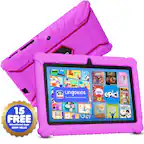
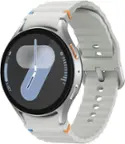
For wearable technology, fit and durability have a direct effect on daily usefulness. A student smartwatch should sit securely without pinching, with an adjustable band sized for the child’s wrist rather than simply the smallest adult setting. Smooth edges, a manageable weight, and band materials that feel comfortable during writing or play can make a difference over a full school day. Silicone bands are often easy to wipe clean, while fabric bands may have different washing and drying requirements; care should follow the manufacturer’s directions. Sweat and trapped moisture can irritate skin, so a clean, dry band and occasional breaks from wear are sensible parts of the routine. Water resistance also needs a close look: a rating for splashes does not automatically mean a device is suitable for swimming, and drops or wear can affect protection over time. For tablets and other handheld learning devices, a well-fitting protective case, reinforced corners, and a stable stand can help accommodate the trip from a backpack to a desk. Protection adds weight, though, which matters when small hands are holding a screen for reading. Screen size, brightness adjustment, readable text, and accessibility features can be just as important as processing power for everyday assignments. Headphones used for lessons or audiobooks need a comfortable fit, clear speech playback, and appropriate volume settings, with listening breaks built into longer sessions. Battery life should be considered against the actual schedule: a brief reading session at home makes different demands than a day that includes classes, transportation, and an afternoon activity. Manufacturer battery estimates depend on use, and location updates, video, and wireless connections may shorten time between charges. A consistent charging spot outside a packed school bag helps keep devices ready and cables organized. Keeping charging equipment in good condition and following care instructions supports safer use, while gentle cleaning with approved materials helps protect screens, ports, and finishes from unnecessary wear.
Connected features deserve the same attention as physical design, especially when a device will travel between home, school, and a caregiver’s house. Some children’s smartwatches support calling, messaging, or location sharing, but these functions may require a compatible phone, a separate service plan, and adequate network coverage. Location information can be delayed or less precise indoors, so it should support family communication rather than replace supervision or an agreed pickup plan. School modes may limit notifications or selected functions during class, although their behavior varies and school device policies still apply. On tablets, smart speakers, and smart displays, useful parental controls can include content filters, purchase restrictions, approved contacts, and schedules for access. Those controls work best alongside regular conversations about privacy, respectful communication, and what to do when unfamiliar content appears. Devices with microphones or cameras also call for thoughtful placement and a review of recording, storage, and account settings. Voice assistance can be convenient for setting a timer or hearing a definition, but responses are not always accurate and are not a substitute for teacher-approved learning resources. For hands-on activities, interactive learning tools can offer a different pace: arranging a sequence of commands, testing a solution, and adjusting after an unexpected result makes the process visible. Age ratings and small-parts warnings are especially important in homes with younger siblings. Families considering technology that can handle a broader mix of assignments, creative projects, and daily routines can explore Reliable Devices for Everyday Student Life for related options. Long-term usefulness also depends on software support, access to compatible learning apps, and enough storage for the student’s intended activities. A device that receives security updates and offers understandable account controls is easier to manage as responsibilities grow. Whether the goal is a calmer morning routine, a dependable way to check in, or a focused space for reading and discovery, student-friendly smart technology works best when its features have a practical role and leave plenty of room for offline learning, movement, and rest.